

Turn recordings into transcripts and summaries in minutes
Upload audio or video for multilingual transcription, AI notes, and action items
Recording Is No Longer Just Recording: Turn Sound into Efficient Productivity with SecTing Recording
In today's workplace, a flood of audio content—meetings, interviews, lectures—pours in constantly. Yet many face a common dilemma: you simply don't have time to relisten after recording. The more meetings you have, the messier the information; audio files pile up, and you can never catch up with organizing them—this is the real reason productivity gets crushed.
Why Do We Always "Record and Forget"?
Have you ever had this experience?
After a meeting ends, the audio file sits on your phone, never opened. You want to recall key points but give up due to lack of time. When you need to organize meeting minutes, you rely on scattered memories. This "recorded but useless" state turns audio resources into a burden, not an asset. Worse, when you need to submit reports or execute tasks, critical information has already slipped away.
Stop organizing recordings by hand
Upload audio or video and automatically get a transcript, summary, and action items
SecTing Recording: The Shortest Path from Recording to Output
Today, we officially launch a tool designed to solve this pain point: SecTing Recording. It's not just a transcription tool—it redefines the workflow of "sound processing":
✅ Real-time transcription: The moment you start recording, speech is automatically converted to text—no waiting.
✅ Instant meeting minutes: As soon as recording ends, the system extracts key points, summarizes conclusions, and generates reusable meeting minutes.
✅ Automatic to-do lists: Identifies action items and assignees, creating a clear task list.
✅ One-click PDF export: Whether sharing with your team or archiving, just click to produce a professional document.
"From recording to deliverable, there is only one shortest path."
New User Offer: 300 Minutes Free Trial
Sign up now and get 300 minutes of transcription service for free. Turn every recording into immediate action.
Don't Let Sound Become a Burden
Sound is a container of knowledge, not a consumer of time.
Choose SecTing Recording, and turn recordings from a liability into a productivity tool.
👉 Experience now: Click here to register — make every conversation generate real value.
This article was written by the official SecTing Recording team, dedicated to improving audio processing efficiency for individuals and teams.
Turn every recording into actionable outcomes
Get 60 free transcription minutes when you sign in. No credit card required.
Related Reading
You might also like

Instant Listening Web Version
Web Version Introduction

for mac google meet: Audio Permissions, Recording, and Transcript Handoff for Google Meet on Mac
Recording Google Meet on a Mac usually gets stuck not because you cannot find the record button, but because macOS separates 'capture system audio' and 'use microphone' into two independent authorizations. This article proceeds in three parts—permission setup, recording, and post-meeting organization—explaining how to determine which layer is causing meeting audio not to be recorded, and how to organize the recording into a transcript, summary, and to-dos and hand it off to a colleague.

How to Change Your Google Meet Background on Mobile: Check Account and Version Requirements First, Then Follow the Pre-Meeting or In-Meeting Path
When you're told to join a client-facing meeting and only have your phone on hand, the last thing you want is to discover five minutes before the call that you can't find the background option. This article first explains what's required to use backgrounds on mobile (account type, app version, device permissions), then walks through two paths step by step—one before you join the meeting and one during it—and closes with a pre-meeting checklist and alternatives if you can't find the option.

Google Meet 2026 APK Installed: Choosing a Meeting Notes Tool on Android — First Look at the Mobile vs. Desktop Organization Gap
Installing the Google Meet 2026 APK is just the first step. This article uses four dimensions to narrow down meeting notes tools that claim to 'support Google Meet' to two or three options, focusing on the real-world gap between Android mobile and desktop post-meeting organization. Each dimension includes specific questions you should confirm with the product page or vendor.

Google Meet 2026 Meeting Notes Capability Review: Where Built-in Transcription Ends and How to Split Post-Meeting Action Items and Deliverables
A practical mid-level manager's review of Google Meet 2026 recording and transcription coverage, explaining the responsibility boundaries for post-meeting summaries, action items, and deliverables, with recommendations for Chinese and mixed Chinese-English meetings, data storage, and team handoffs.

Which Google Meet 2026 APK Should You Install? Android Install Source Guide, Meeting Prerequisites, and Backup Recording Handoff Order When Nothing Was Recorded
When you're assigned to join a Google Meet on an Android phone and handle post-meeting notes, first clarify whether you're attending, hosting, or responsible for organizing. Then decide whether to install from the official app store or a third-party APK source, what prerequisites are needed to sign in, and how to use audio recording and transcription in order to fill in the transcript and action items and hand them off when the meeting wasn't recorded.

Google Meet 2026 Meeting Notes Capabilities: Where Built-In Transcription Ends and How to Split Post-Meeting To-Dos and Deliverables
Google Meet 2026 recording and transcription are not automatically enabled by default, and post-meeting summaries, to-dos, and deliverables still have coverage boundaries. This article walks through the actual workflow to assess built-in platform capabilities, explains the differences in organizing Chinese and mixed Chinese-English meetings, the distinction between data storage and team spaces, and offers recommendations for dividing post-meeting to-dos, deliverables, and data storage.
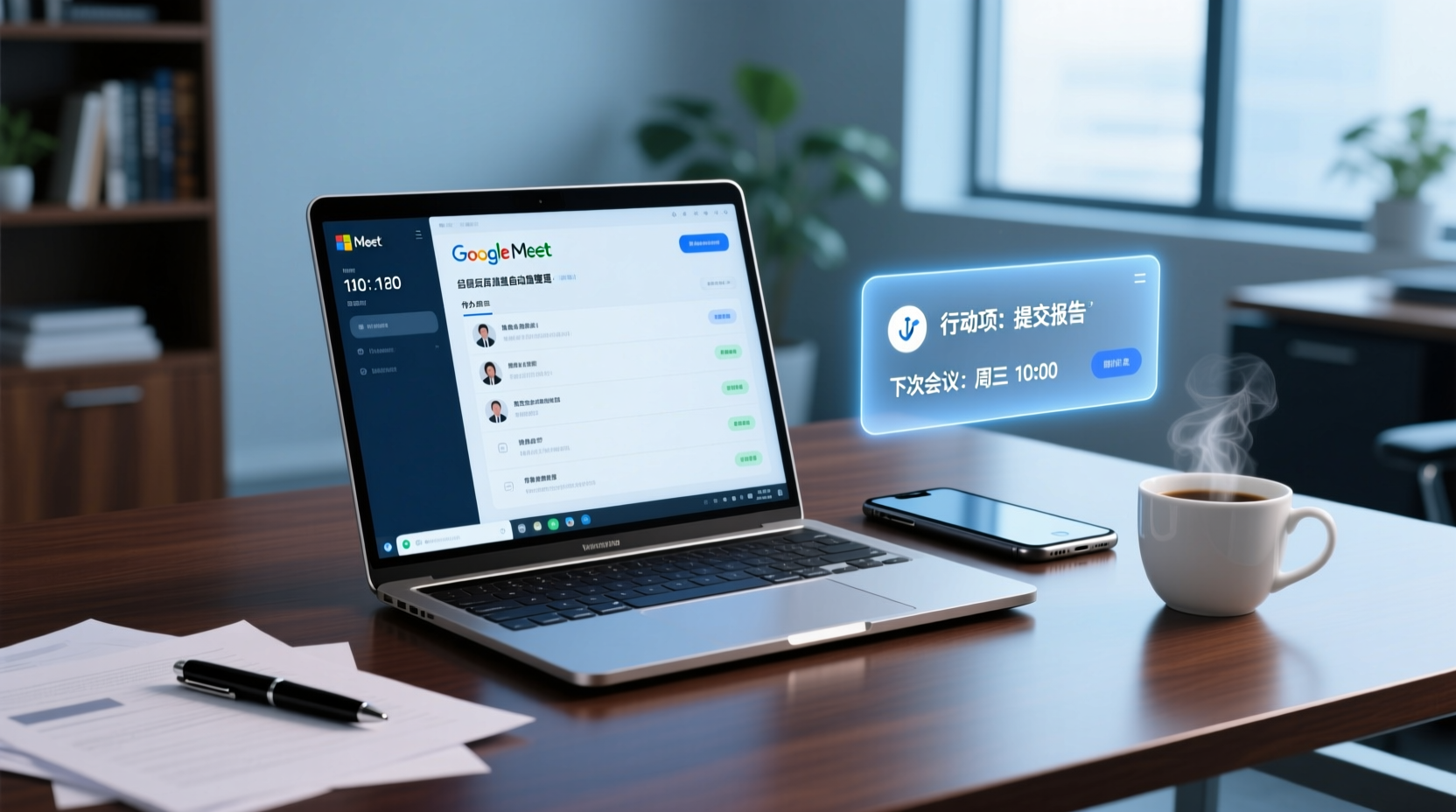
How to Choose a Google Meet Note-Taking Tool for Windows: Four Dimensions to Narrow Down from Cross-Device Gaps to Two or Three Options
Meetings happen on Google Meet on a Windows PC, but organizing often gets picked up on a phone or another device. This article uses four dimensions (how audio gets in, how far post-meeting output goes, the organizing gap between Windows and phone, and whether data stays in a personal or team space) to narrow down candidate tools to two or three, with specific questions to ask product pages or vendors for each dimension.
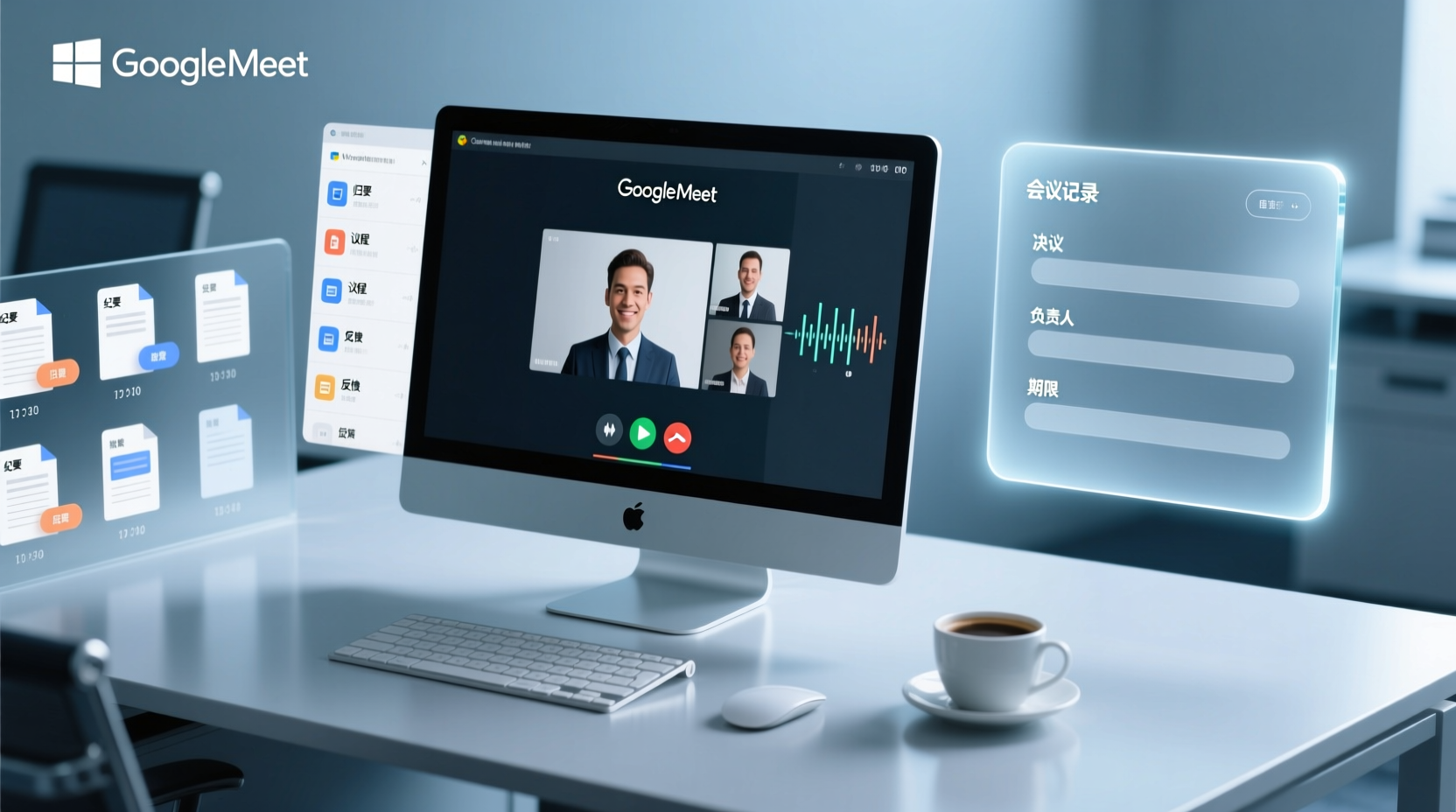
How to Choose a Google Meet Meeting Notes Tool for PC: Narrow a Dozen Options to Two or Three with Four Dimensions, and What to Confirm with Vendors for Each
After a Google Meet call on a Windows PC, what you actually need to deliver is decisions, owners, deadlines, and an archivable record. This article uses four dimensions to help you narrow a dozen tools that claim Google Meet support down to two or three, with specific questions to confirm on product pages or with vendors for each dimension.