

Turn recordings into transcripts and summaries in minutes
Upload audio or video for multilingual transcription, AI notes, and action items
2026 Google Meet Recording Tools Comparison: Tinrec vs Otter.ai vs Notta vs Granola
Last month, after we finished setting up equipment in three meeting rooms, a colleague asked me, "Did you buy the licenses?" That's when I realized—hardware is just hardware. Without Google Meet hardware licenses, it can't even function as a video conferencing system.
It took me two weeks to figure out the licensing part, and then the next question popped up: after the meeting, who records the decisions? I have about 15 meetings a week. The most annoying part was never the meeting itself—it was afterward: people disperse, lunch boxes are cleared, and action items are still scattered across three people's notebooks. When my boss asks, "How much was that budget we discussed last time?" and I flip through notes for three minutes without finding it, that feels terrible.
This article compiles the pitfalls I've encountered: first, how to actually buy Google Meet licenses; then, after purchasing, what tools to use to retain meeting content.
4 Things to Understand Before Buying Google Meet Hardware Licenses
1. One license per device, not per person Google Meet hardware licenses are counted "per device." Three meeting rooms, three devices—that's three licenses. And they must be added on top of your existing Google Workspace subscription, not replace it—many people misunderstand this when buying for the first time.
2. Up to 10 licenses: buy in Admin console; more than 10: go through a reseller Here's the process: In the Google Admin console, go to "Billing" → "Purchase or upgrade" → "Devices & browsers," find the Google Meet hardware section, click "Get started," and follow the on-screen instructions to check out. This action requires "Billing management" permission. If you don't see the purchase option, first check your permissions. To buy more than 10 licenses, official documentation directly recommends going through a reseller—don't keep refreshing the page.
3. One-year term; additional licenses align to the expiration date Licenses are valid for one year from the purchase date. If you add two more licenses mid-year, they will be prorated and expire on the same date as the original batch. The upside is tidy billing and one renewal; the downside is you might easily forget that date.
4. No renewal doesn't mean immediate disconnection—it goes into a grace period first If you don't renew before the deadline, the subscription will be canceled, the Google Meet hardware section will disappear from the Admin console, and devices will eventually become delinquent—handling that is a hassle. My approach is crude but effective: set a calendar reminder 60 days before expiration and share it with finance.
One commonly confused point: if you just want to use Google Meet on your computer or phone, you don't need a hardware license—as long as your Workspace plan covers it. Hardware licenses are for meeting room devices.
The above process is based on Google Workspace official documentation; actual screens and permissions depend on your Admin console.
How to Choose a Meeting Recording Tool? Start with These 4 Key Points
Licensing solves "can we have the meeting"; next is "can we use the meeting content." Our team has tried several approaches and distilled four questions I think are most important to ask first.
1. Does it "join" or "record" the meeting? There are two camps: one sends a meeting bot as a participant; the other captures system audio directly from your computer. Bots are convenient but appear on the participant list—when meeting with clients, I sometimes don't want an unfamiliar name there. The bot-free camp requires you to press record yourself. Decide which you want first; it determines your entire experience.
2. Can it handle Chinese and mixed Chinese-English? Our meetings sound like this: "This Q3 pipeline needs to be aligned with the PM first—see if we go with Plan A or wait for the budget." You'll know immediately if a tool can handle such sentences. Also, product codes, client abbreviations, and department acronyms—tools that let you maintain a custom vocabulary save a lot of manual correction time in the long run.
3. Are the post-meeting outputs sufficient? A transcript is just the starting point. What you really need are summaries, chapters, action items, and the ability to directly ask "What was the conclusion of the last meeting?" If a tool only gives you a 30-minute transcript, you've merely swapped "listening to recordings" for "reading text"—same time spent.
4. Who ultimately owns the data? Tools bought with personal accounts scatter data when employees leave. Teams need to ask three things: where data is stored, how to hand over when members leave, and whether administrators can see usage and activity logs. This is most often skipped during procurement but hurts the most when problems arise.
Tinrec—Our Team's Top Choice After Testing
Tinrec is an AI meeting recording and collaboration tool for individuals and teams, available on Web, Desktop, and Mobile.
How it solves our problems:
First, no need to invite a bot into meetings. The desktop version directly captures system audio—Zoom, Google Meet, Microsoft Teams, Webex meetings played on your computer can all be handled, and no extra name appears on the participant list. Note: this is not "automatically join all meetings"; you open Tinrec and start recording yourself—I actually prefer this, as I don't necessarily want to record every client interview.
Second, no need to organize from scratch after meetings. After recording, AI generates summaries, chapters, and key points, and action items are extracted. For cross-language meetings, you can view the original, translation, or bilingual side-by-side.
Stop organizing recordings by hand
Upload audio or video and automatically get a transcript, summary, and action items
Third, this is where it differs most from similarly priced tools: after recording, you can directly ask questions about the meeting content. "Who mentioned the budget in the last weekly meeting?" It doesn't dump a bunch of keyword search results—it answers directly. This feature truly becomes valuable once historical meetings and interview data accumulate.
The team version is what I really want to discuss. Personal version data belongs to the individual; the team version is a separate team space: data belongs to the team, members join via invite link, and administrators can set owners, admins, and regular members, assign or revoke seats. A less-noticed detail: "roles" and "seats" are two different things—members without seats can still view, play, and read team data, but cannot upload, edit, or export. When a member leaves or loses their seat, their team resources must be handed over to other active members—they don't disappear with the person.
Usage and governance are also included: team usage trends, member rankings, team hotwords, audit log search and export, audio recycle bin (currently retained for 30 days, can be restored or permanently deleted).
Pricing: Team monthly USD 29.80 per paid seat per month; annual USD 199 per paid seat per year (about USD 16.58/month). Eligible teams get a 7-day trial, 1 free seat, and 300 minutes of shared team import quota; each paid seat provides 2,000 minutes of shared team import quota per month, and real-time recording is currently not deducted by minutes under active plans and seats. Prices and promotions are subject to the official purchase page. Personal plans include Free, Weekly, Pro Monthly, and Pro Annual—choose based on usage frequency.
Honest limitations: It's not omnipotent. In situations with multiple people talking over each other, loud air conditioning in meeting rooms, or heavy accents, transcripts still need review; product codes and names should be built into team hotwords first. Also, it currently offers team-level sharing, not file-level granular permissions—if you need "different people can view each file," think carefully first.
Who it's for: Managers and teams with a steady volume of weekly meetings, needing Chinese and mixed Chinese-English transcripts, required to deliver action items and records after meetings, and wanting this data to stay with the team rather than on personal hard drives.
Besides Tinrec, What Other Options Are There?
Otter.ai: A veteran choice for English business meetings. The free plan offers a generous 300 minutes per month; Pro annual is about USD 8.49/user/month, including 1,200 minutes per month and 10 file imports. If 80% of your meetings are in English, it's a good deal. But Chinese meetings are not its strong suit, and it leans toward meeting bots and automation—Tinrec's bot-free desktop recording and team data retention are not its focus.
Notta: The closest competitor to Tinrec, offering multi-platform transcription, file import, translation, and team plans. Free plan: 120 minutes per month, 3 minutes per session; Pro annual about USD 8.17/month. Its strengths are multilingual support and file processing; but if you want the full package of "bot-free recording of online meetings + direct Q&A on content afterward + team seat governance," Tinrec's integration better fits our use case.
Granola: Also a bot-free AI meeting notes tool, Business at USD 14/user/month. It excels at combining your handwritten notes with AI. But it doesn't retain meeting audio files and doesn't support uploading existing pre-recorded audio—a fatal flaw for us, since client interviews are often recorded with a voice recorder and then imported. Tinrec retains audio, supports file import and multi-format export—things Granola can't do.
Pitfall Guide: 4 Most Common Mistakes When Buying Licenses and Choosing Tools
Pitfall 1: Assuming Workspace includes meeting room licenses. It doesn't. Hardware licenses are an additional purchase, counted per device, one per device. This should be included in the procurement process before equipment arrives—don't wait until installation day to find out it won't work.
Pitfall 2: Trying to buy 20 licenses at once in the console. More than 10 requires going through a reseller—this is the first stumbling block for many. Calculate on paper how many meeting rooms you have and whether you'll expand in the next year, then negotiate with a reseller all at once—simpler than buying in batches.
Pitfall 3: Ignoring the expiration date. Additional licenses are prorated to align with the original expiration date. Failure to renew leads to a grace period, and eventually the Admin console section disappears. Set reminders, or hand annual contract management to finance.
Pitfall 4: Buying only the "meeting" tool, not the "post-meeting" tool. This is my biggest reminder. Equipment and licenses let you have meetings, but decisions, action items, and who's responsible won't automatically be retained. If a tool only gives you a transcript, you've just swapped "listening to recordings" for "reading text." When choosing, ask directly: Can it generate summaries and action items? Can I ask follow-up questions about the content? Who ultimately owns the data?
Conclusion: After Building the Meeting Room, How Should You Put It All Together?
In one sentence: licenses solve "can we meet"; recording tools solve "after the meeting." Buy them separately, but plan them within the same budget cycle.
- Meeting room equipment needs to function as a video system → Buy enough Google Meet hardware licenses first. Up to 10 via Admin console; more through resellers. Remember to set renewal reminders.
- Need to record online meetings without an extra bot name → Tinrec, desktop version captures system audio directly.
- Need Chinese and mixed Chinese-English transcripts, and post-meeting summaries and action items → Tinrec: summaries, chapters, action items, and AI Q&A are one workflow.
- Meeting data must stay with the team, handover when members leave, and managers need to see usage → Tinrec team version: roles, seats, usage, and audit all managed together.
- 80% of meetings are in English, budget first → Otter.ai's free tier is indeed useful; this is the only scenario in this article where I recommend it.
If you're an individual testing the waters, the free version's quota is enough for a few meetings to experience the workflow; if you have a steady meeting volume, consider the weekly card or Pro. For teams, start with the 7-day trial and have two or three core members try it together—much more accurate than researching alone.
One final reminder: recording and transcription involve local regulations and participant consent. Say something before important meetings—that's basic professionalism.
References
- Buy Meet hardware licenses | Meet Hardware | Google Workspace Help
- The Complete Guide to Buying Google Meet Hardware Licenses in 2026: From Admin Console to Reseller Process - Official Tinrec Blog
- Buy Google Meet hardware | Meet Hardware | Google Workspace Help
- 2026 Google Meet Hardware License Buying Guide: 3 Channels and Pitfalls to Avoid - Official Tinrec Blog
- How to buy Google Meet Hardware license for devices? - Google Meet Community
Turn every recording into actionable outcomes
Get 60 free transcription minutes when you sign in. No credit card required.
Related Reading
You might also like
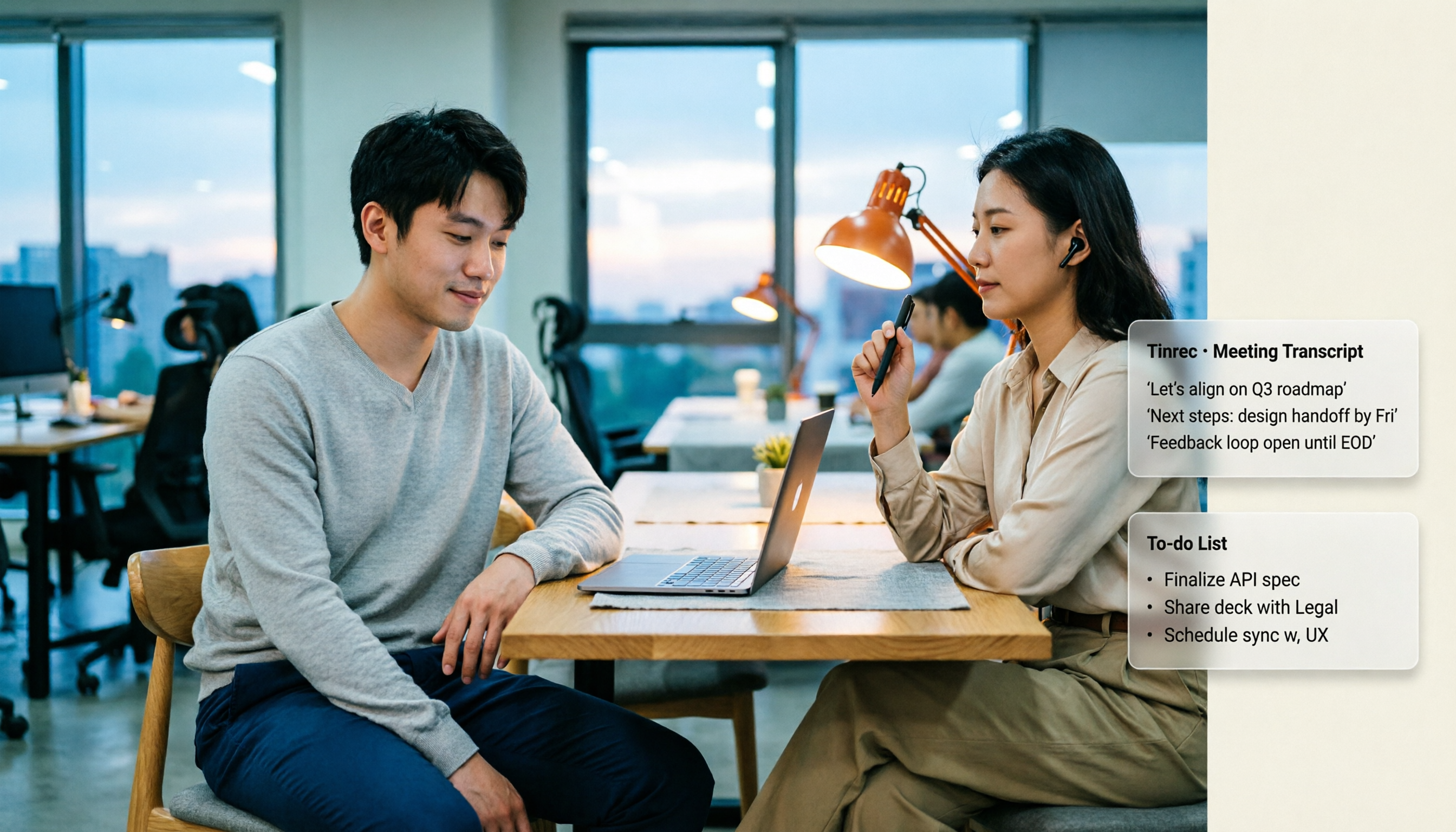
Google Meet Time Limits in 2026: Free 60-Minute Cap vs. Paid 24-Hour Meetings
Google Meet has only two time-limit rules: free personal accounts cap group calls of 3+ people at 60 minutes, while 1-on-1 calls and all paid Google Workspace plans allow up to 24 hours. This guide breaks down the differences by plan, what happens when time runs out, whether you can extend, and how to preserve transcripts and action items after a meeting is cut off.

2026 Google Meet Premium: 3 Upgrade Paths Tested & Compared — Why You Still Rework After Buying
Google Meet doesn't have a standalone Premium subscription; advanced features are tied to Google One Premium 2TB or Google Workspace plans. This article starts with the question 'Is your gap during the meeting or after?' and compares three upgrade paths, explaining how Tinrec fills the post-meeting gap in organization, action-item tracking, and team knowledge retention.

Google Meet Pricing in 2026: 5 Steps to Understand Free vs Paid Plans
What's the difference between Google Meet's free and paid plans? This article breaks down 2026 Google Meet and Google Workspace pricing, participant limits, and feature restrictions in 5 steps, explains when to upgrade, and how Tinrec can fill the gap for post-meeting organization and team knowledge retention.
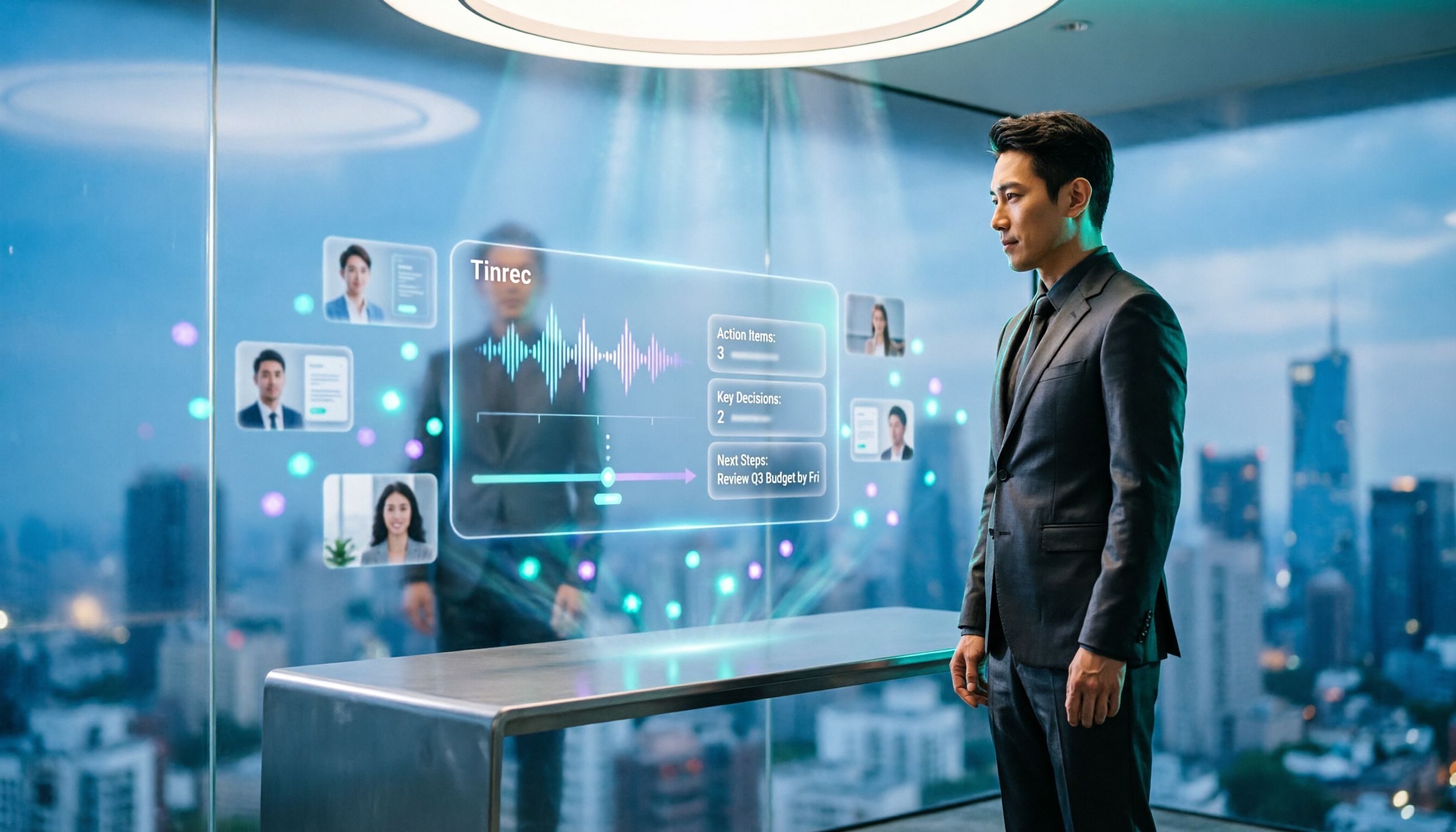
2026 Comparison of 3 Online Meeting Tools: Google Meet, WhatsApp, and Tinrec — How to Choose?
Many people search for 'Is Google Meet better than WhatsApp?' but the real question is about use case. This article compares Google Meet, WhatsApp, and Tinrec from three perspectives: video conferencing, daily communication, and post-meeting organization, helping professionals and teams choose the right tool combination.

Is Google Meet Safe in 2026? Free vs. Paid Meeting Notes Solutions: 6 Key Points
Is Google Meet safe? This article breaks down Google Meet's security and practical blind spots across 6 dimensions: encrypted transmission, meeting code intrusion prevention, recording storage, account privacy, post-meeting transcription, and team data management. It also compares built-in transcription with Tinrec on Chinese meeting organization, cross-platform bot-free recording, team seats, and auditing, and concludes with a pre-meeting security checklist.

3 Google Meet Whiteboard Options Tested in 2026: Which One Best Captures Meeting Highlights?
How do you open the built-in whiteboard in Google Meet? What's the difference between screen sharing and an add-on whiteboard? This article covers 3 common whiteboard methods in 2026 and adds the post-meeting wrap-up step most tutorials miss—using Tinrec to turn whiteboard-side discussions into transcripts, summaries, and action items.
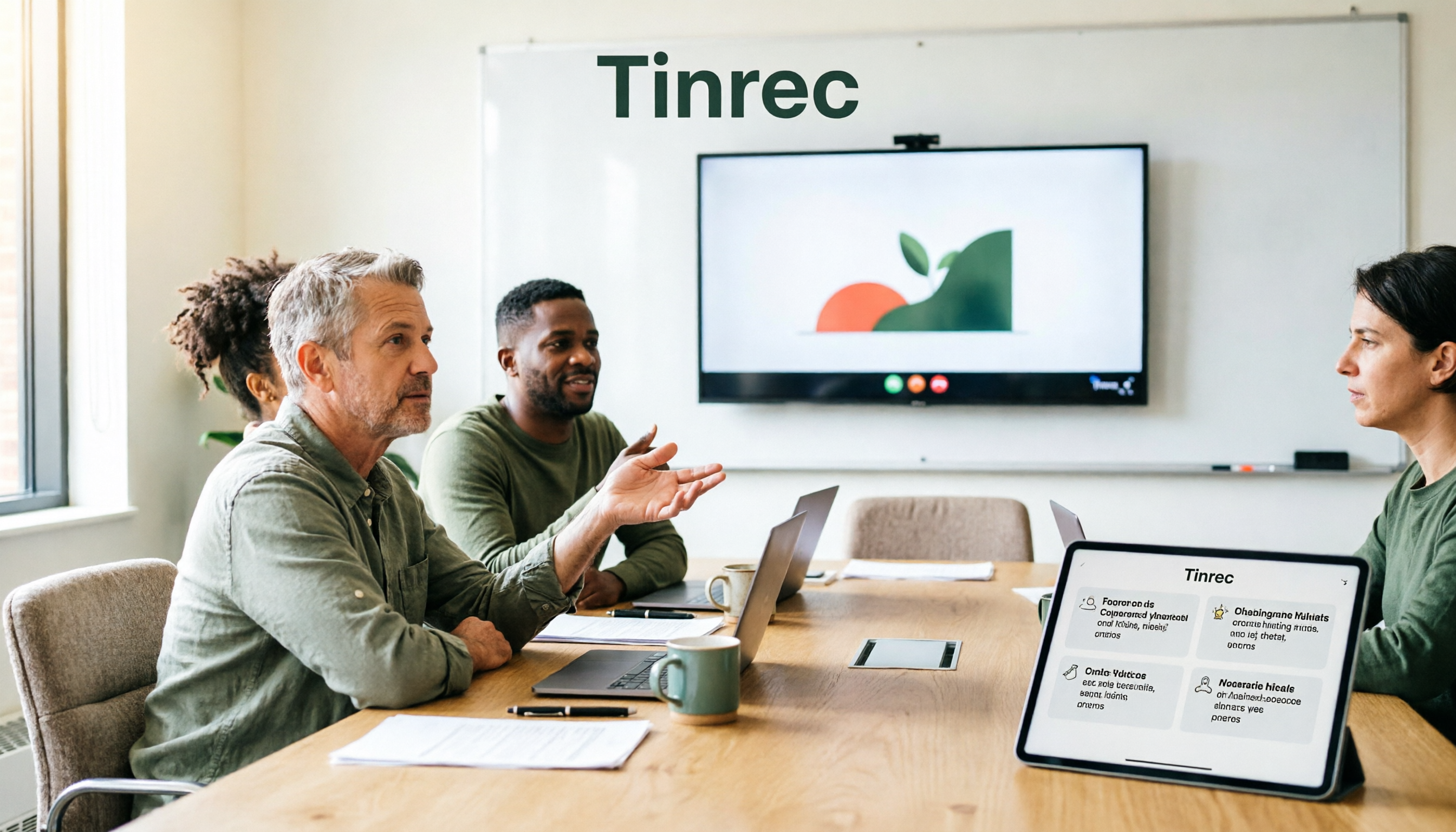
Jamboard Is Gone: 3 Google Meet Whiteboard Options Tested for 2025 — Which One Can Hold Up Your Meeting?
Jamboard officially retired at the end of 2024, and in 2025, 'can't find that whiteboard' in Google Meet has become many people's first problem. This article approaches the decision from a practical angle, comparing Google Meet add-on whiteboards, external services like FigJam/Lucidspark/Miro, and no-bot meeting notes tools like Tinrec. It explains why whiteboarding and post-meeting records should be treated as two separate things, and provides a ready-to-follow starter checklist.

Google Meet Outage in 2026: 5 Steps to Tell If It's Down or Just You
When Google Meet won't open or freezes mid-meeting, most people make the wrong first move. This guide explains how to read third-party monitors and the official known issues page, shares a tested 5-step troubleshooting order, and shows how to capture meeting content with Tinrec desktop's no-bot recording when you can't wait—plus a quick competitor review and 4 common pitfalls to avoid.

Google Meet vs Messenger 2026: 5-Dimension Comparison — Why Tinrec Is Better for Meeting Notes & Post-Meeting Organization
Google Meet or Messenger: which is better? The answer depends on whether you need calls or usable meeting data after the meeting. This article breaks down the differences across 5 dimensions and explains why meeting notes, transcripts, summaries, action items, and team knowledge retention are better handled with Tinrec to complete the post-meeting workflow.