
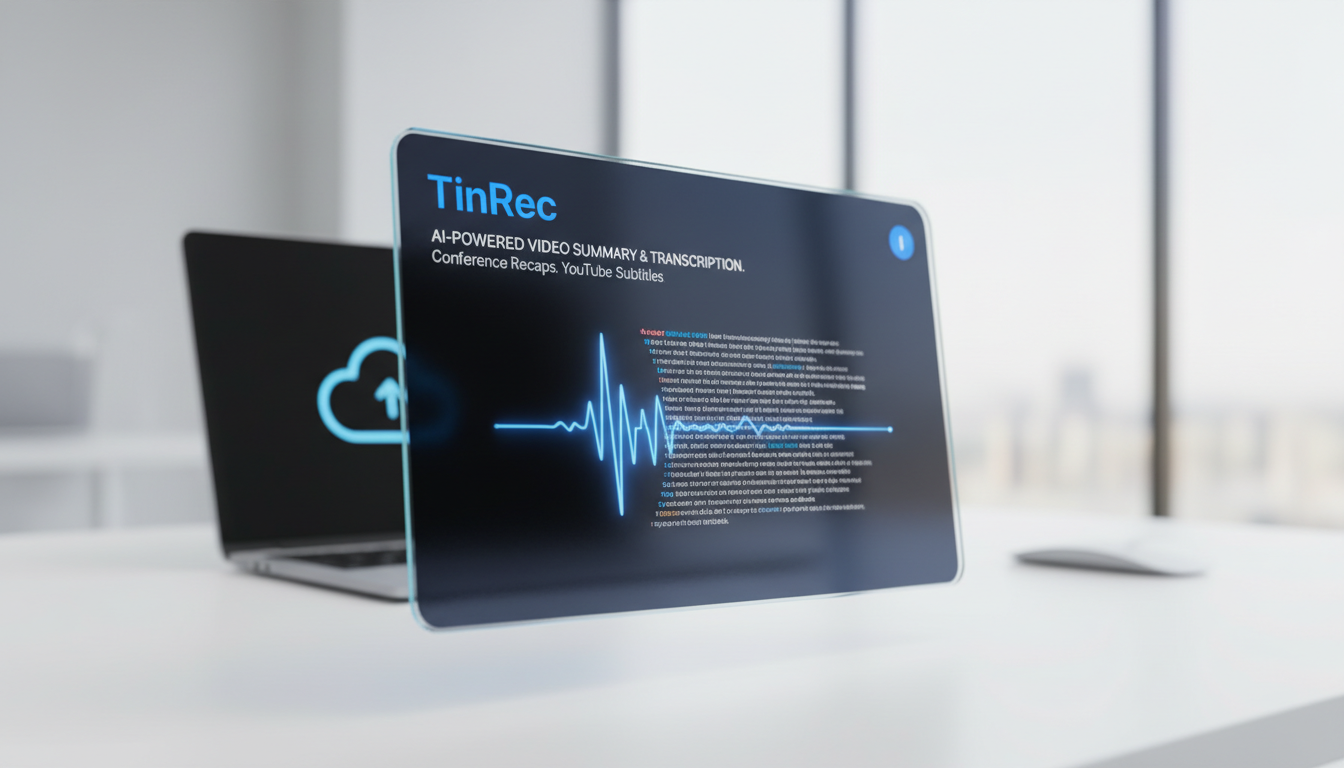
Turn recordings into transcripts and summaries in minutes
Upload audio or video for multilingual transcription, AI notes, and action items
Every day, we face a massive amount of video content, whether it's hours-long online courses, lengthy Zoom meeting recordings, or endless YouTube videos. "Video summary tools" have thus emerged as essential productivity boosters for modern professionals and students. This article will help you understand how such tools work and recommend an AI tool that integrates multiple powerful features—TinRec (Instant Voice Recorder).
Why Do You Need a Video Summary Tool?
Videos are engaging, but the density of information they provide is often lower than text. Watching a 60-minute video might only require 5 minutes to read its core summary. The main advantages of using a video summary tool include:
- Save Time: AI quickly analyzes and condenses lengthy video content into key points, allowing you to grasp the full picture in a short time.
- Overcome Language Barriers: Many tools support multilingual translation, converting foreign language video content into a summary in your preferred language.
- Easy Search and Review: Once audio is converted to text, you can use keyword search to quickly locate specific sections of the video, no more scrubbing through the timeline.
- Improve Learning Efficiency: For students or self-learners, automatically generated notes and mind maps significantly reduce the burden of organizing information.
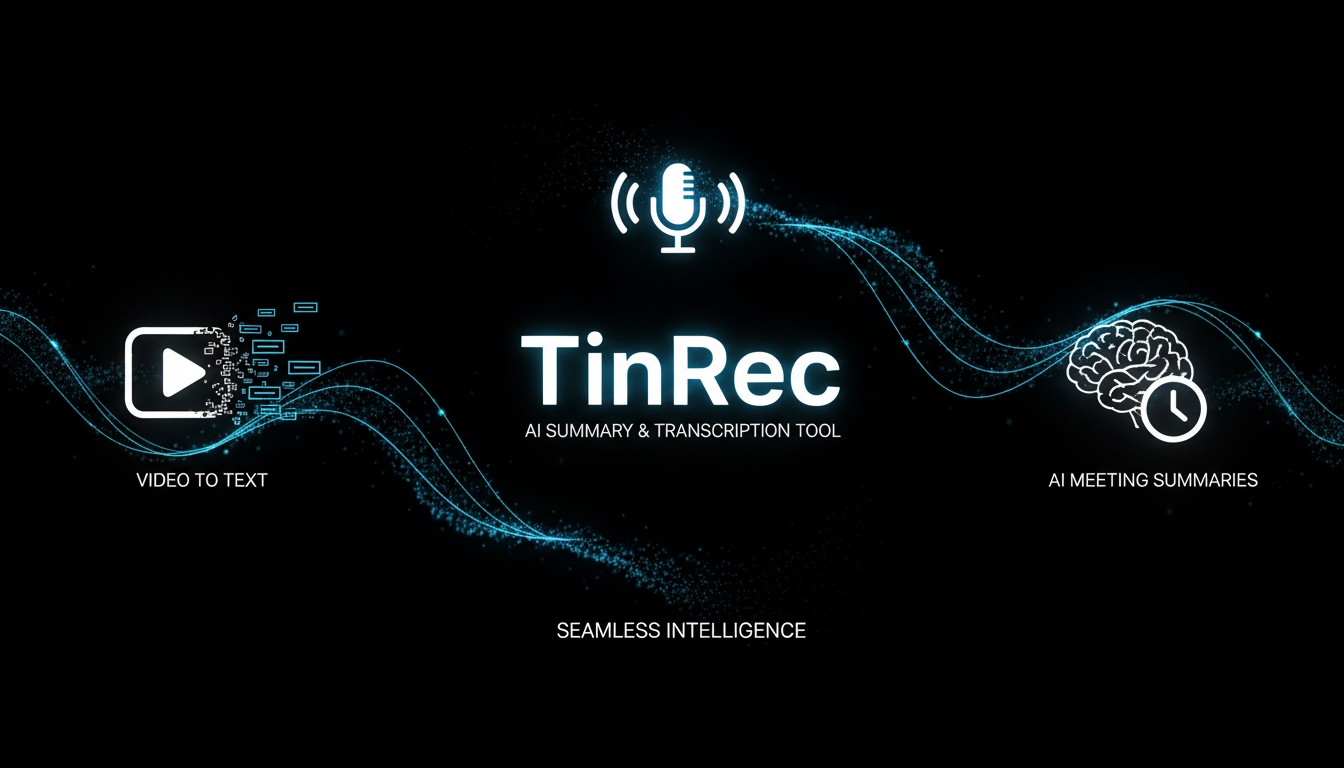
What Are the Core Features of a Video Summary Tool?
There are many AI summary tools on the market, but a good one typically includes the following core technologies:
- High-Accuracy Speech-to-Text (ASR): This is the foundation; accurate transcripts are the prerequisite for generating high-quality summaries.
- AI Semantic Understanding and Summarization: Uses large language models (LLMs) to understand context and automatically extract key topics and action items.
- Multi-Format Support: Should handle not only video files like MP4 and MOV but also audio files like MP3, and even directly support YouTube links.
- Timestamp Alignment: The summary should correspond to specific time points in the original video for easy fact-checking.
Stop organizing recordings by hand
Upload audio or video and automatically get a transcript, summary, and action items
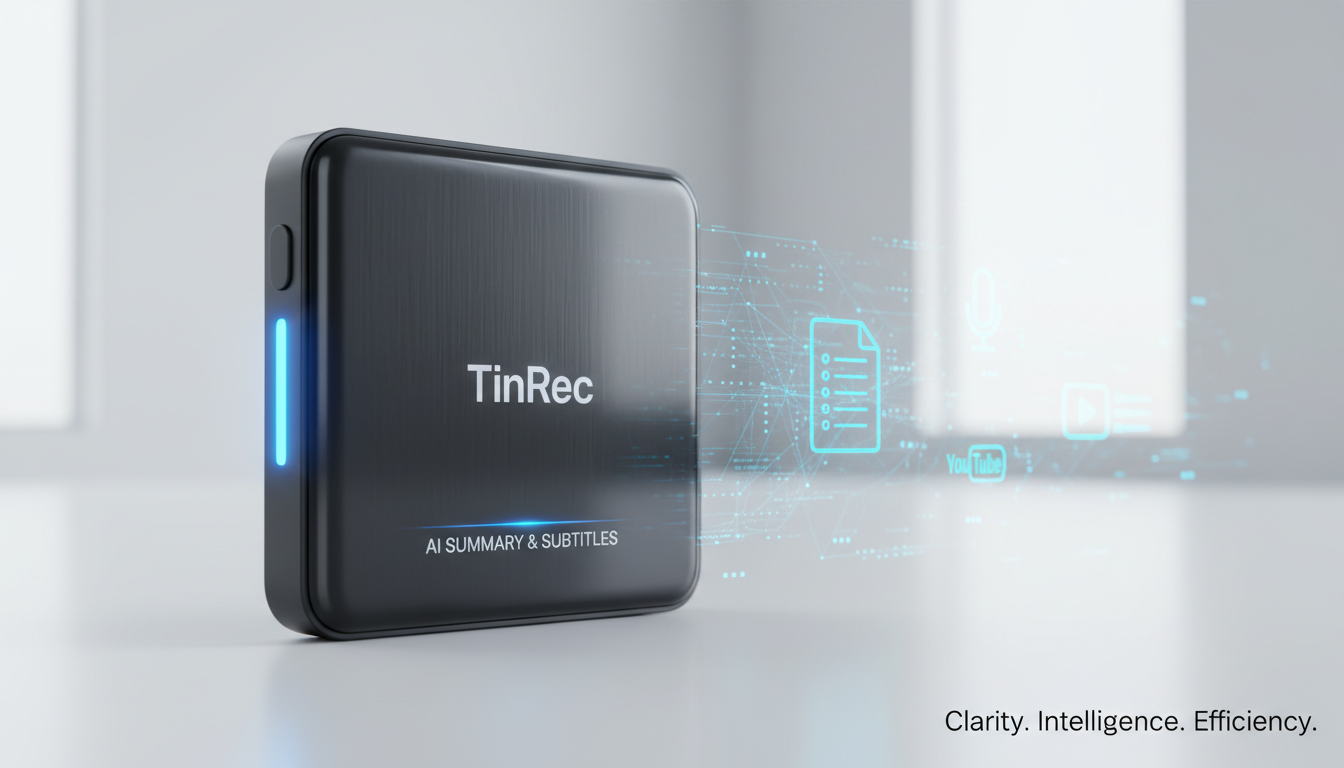
2026 Top Pick: TinRec (Instant Voice Recorder) – All-in-One Speech-to-Text Assistant
Among many tools, TinRec (Instant Voice Recorder) stands out as a versatile AI assistant. Although its name emphasizes "recording," its core functions go far beyond simple recording, perfectly covering the needs of video summary users.
Key Advantages of TinRec:
- AI Meeting Summary and Minutes: TinRec not only transcribes meeting recordings but also uses AI to automatically generate structured meeting minutes, organizing discussion points and to-do items—a lifesaver for project managers and secretaries.
- MP3/Video to Text: Whether you have an interview audio file or a course video, upload it to TinRec to quickly get high-accuracy transcripts.
- YouTube Subtitle Generation: This is one of content creators' favorite features. TinRec helps quickly generate YouTube video subtitles, saving the pain of manual dictation and allowing you to export subtitle files for SEO optimization.
- Call Recording to Text: For users who need to record phone interviews or business calls, TinRec provides a seamless transcription experience, ensuring no important information is missed.
Practical Scenarios: How TinRec Boosts Your Efficiency
1. Workplace Meetings and Business Negotiations
After a marathon video conference, simply import the recording into TinRec. Within minutes, you'll have a meeting record containing both a "transcript" and an "AI smart summary," which you can send directly to attendees for confirmation, demonstrating ultimate professionalism and efficiency.
2. Content Creation and Self-Media Management
YouTubers often spend hours on the tedious task of adding subtitles. Using TinRec's YouTube subtitle generation feature, you can quickly produce subtitle files (SRT/VTT) and use its summary function to write video descriptions, getting your videos published faster.
3. Online Learning and Course Notes
For online lectures you don't have time to watch in full, use TinRec to convert the video to text and generate a summary. You can quickly browse the lecturer's key structure and use it as review notes, doubling your learning efficiency.
Conclusion
Using tools wisely is a survival skill in the digital age. "Video summary tools" not only save us precious time but also change the way we absorb information. If you're looking for an AI tool that is accurate, comprehensive, and intuitive to use, TinRec (Instant Voice Recorder) is definitely worth a try. It leaves the tedious work of transcription and organization to AI, allowing you to focus on more creative and valuable thinking.
Experience efficient work mode now: 👉 Click to visit TinRec official website (https://tinrec.com/)
Turn every recording into actionable outcomes
Get 60 free transcription minutes when you sign in. No credit card required.
Related Reading
You might also like

2026 Product Meeting Notes Tools: 4 Tested + AI Action Item Auto-Organization
How to choose a meeting notes tool? This article addresses three common misconceptions, outlines 4 key selection criteria, and compares Tinrec, Otter.ai, Granola, and Notta on meeting recording methods, post-meeting organization capabilities, and pricing limits. It also includes a pitfalls guide and selection recommendations to help you find a solution that truly saves organization time.

6 Audio-to-Transcript Tools Tested and Compared for 2026: Which Saves the Most Time for Chinese Recognition and Post-Meeting Organization?
A review of 6 tools that generate transcripts from imported audio files, covering Tinrec's AI summaries, action items, AI Q&A, and team spaces, as well as the free and paid plans of Notta, cSubtitle, MyEdit, TurboScribe, and Yating Transcript. It also explains recording quality, export formats, and licensing issues to consider before importing.

2026 Comparison of 4 Audio/Video Transcription Tools: Which Saves the Most Time for Chinese Meeting Minutes?
Still typing transcripts after meetings? This article uses 5 key buying criteria to compare Tinrec, Notta, Otter.ai, and PLAUD Note in a hands-on test. From recording methods, post-meeting output, Chinese language experience, to team seat management, we cover it all, plus 4 common pitfalls to avoid.

5 WAV to Text Tools Tested for 2026: Which Saves the Most Time on Chinese Transcripts and Meeting Follow-Ups?
Have a WAV recording but dread listening to it from start to finish? This article examines real-world scenarios to explain what WAV-to-text can do, its core capabilities, and practical applications. Using Tinrec as an example, it covers a complete workflow for bot-free meeting recording, AI summaries, action item extraction, and team knowledge retention, plus 6 buying considerations and FAQs to help you decide which solution saves the most time.
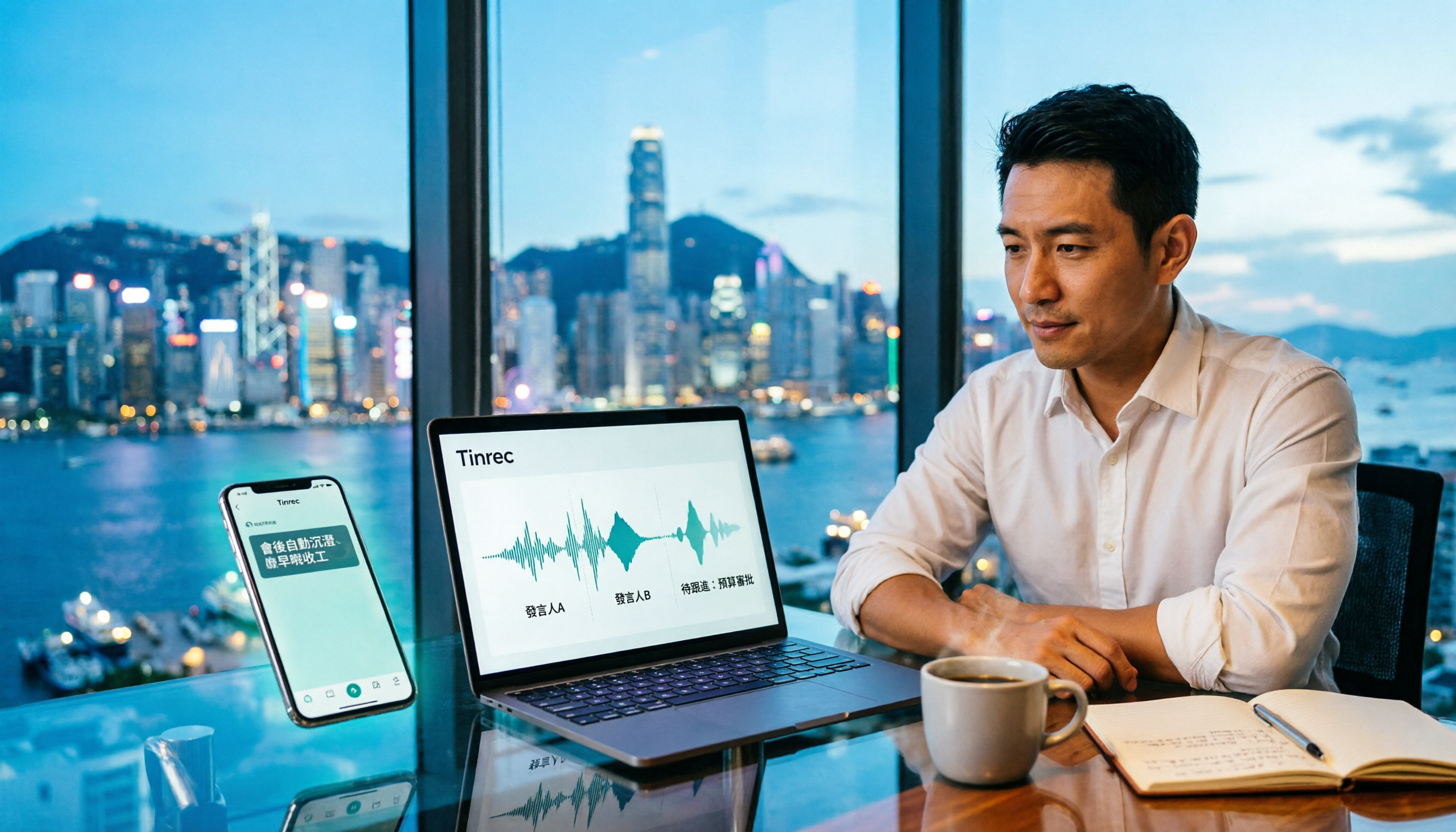
Tinrec Meeting Notes Guide 2026: No-Bot Recording vs Otter.ai
For Hong Kong office workers, post-meeting cleanup is the worst part: the meeting ends at 3 PM, but you're still at the office at 8 PM listening to recordings and typing. This article compares Tinrec and Otter.ai across five dimensions to test the workflow of turning recordings into meeting notes, breaking down Cantonese recognition, no-bot recording, post-meeting AI organization, team data retention, and pricing, helping you choose the right tool and leave work earlier.

4 AI Meeting Note Tools Tested in 2026: Which One Saves the Most Time on Auto-Organizing Transcripts?
The pain of meeting notes isn't slow typing—it's time-consuming organization. This article addresses common misconceptions, tests 4 AI meeting note tools, breaks down key buying factors, Tinrec's bot-free recording and AI Q&A workflow, team plan seats and data ownership, plus a pitfalls guide and selection advice.

2026 Teams Meeting Transcription Comparison: 4 Methods Tested — Is Avoiding a Meeting Bot Really Easier?
Teams built-in transcription requires both the organizer and each user to enable the policy, and live captions are not saved—so many people only discover after the meeting that there is no transcript at all. This article reviews four ways to transcribe Teams meeting recordings, from Teams built-in, Otter.ai, and Notta to Tinrec, comparing bot-free desktop recording, AI Q&A, action item extraction, and team seat management, with a pitfalls guide and scenario-based recommendations.

4 Video-to-Transcript Tools Tested and Compared in 2026: 3 Pitfalls to Understand Before Importing Video
Importing a video to generate a transcript looks simple, but the real bottlenecks are usually format support, time codes, and how usage limits are calculated. This article starts with common misconceptions, outlines 4 key points for choosing a tool, then shares a hands-on test of Tinrec from video import to AI summaries, action items, and team knowledge retention, and compares TurboScribe, Notta, and Granola for use cases and pitfalls to avoid.

How to Transcribe Classroom Recordings in 2026: A Complete 5-Step Guide
When it comes to transcribing classroom recordings, most people only ask which tool is the most accurate. But what really determines whether you'll be overwhelmed all semester is the audio source, the classroom language, and the total number of hours. This article uses university and graduate school classroom scenarios to compare Tinrec and Otter.ai across 5 dimensions, and provides a 5-step process you can follow directly, along with purchasing advice.