
![Best YouTube Video to Text Tools [2025/2026]: AI Auto-Generate Subtitles, Transcripts & Meeting Summaries](https://record-img.tos-accelerate.volces.com/images/2026/01/16/1768494392443923563.jpg)
Turn recordings into transcripts and summaries in minutes
Upload audio or video for multilingual transcription, AI notes, and action items
In the wave of digital content creation and remote work in 2025, "YouTube video to text" has evolved beyond simple subtitle needs into a core technology for content repurposing, SEO optimization, and knowledge management. With breakthroughs in AI speech recognition, quickly and accurately converting audio/video content into editable text has become a must-have skill for creators and professionals.
This article will walk you through the latest market trends for 2025-2026 and recommend a powerful all-in-one AI tool—TinRec—to help you stay ahead in the age of information overload.
2025/2026 Audio/Video to Text Market Trends
According to the latest search trends and user behavior analysis, the demand for "video to text" has shifted from simple transcription to "AI-powered understanding." Users are no longer satisfied with 90% accuracy; they value the following three features:
- Multifunction Integration: Users want one tool that handles YouTube videos, Zoom meeting recordings, and even phone call recordings.
- Deep Content Summarization: Beyond transcripts, can AI automatically generate meeting minutes or video key point summaries? This is critical.
- Multilingual Support & Translation: With global content proliferation, real-time translation and multi-language recognition are essential.
The current market is flooded with browser extensions and online tools, but most are single-purpose. This is why comprehensive AI solutions are on the rise.
Why You Need a YouTube Video to Text Tool
Whether you're a YouTuber, marketer, or researcher, converting videos to text brings huge benefits:
- SEO Traffic Boost: Google search engines cannot directly "read" video content but can perfectly index text. Turning video content into blog posts significantly increases search visibility.
- Rapid Content Repurposing: A 10-minute YouTube video, once transcribed by AI, can be quickly broken into 5-10 social media posts, newsletters, or LinkedIn articles.
- Efficient Learning & Note-Taking: For hours-long online courses or lectures, convert to text and use keyword search (Ctrl+F) to instantly find key points, without scrubbing through the timeline.
Stop organizing recordings by hand
Upload audio or video and automatically get a transcript, summary, and action items
Product Recommendation: TinRec – Your All-in-One AI Voice Assistant
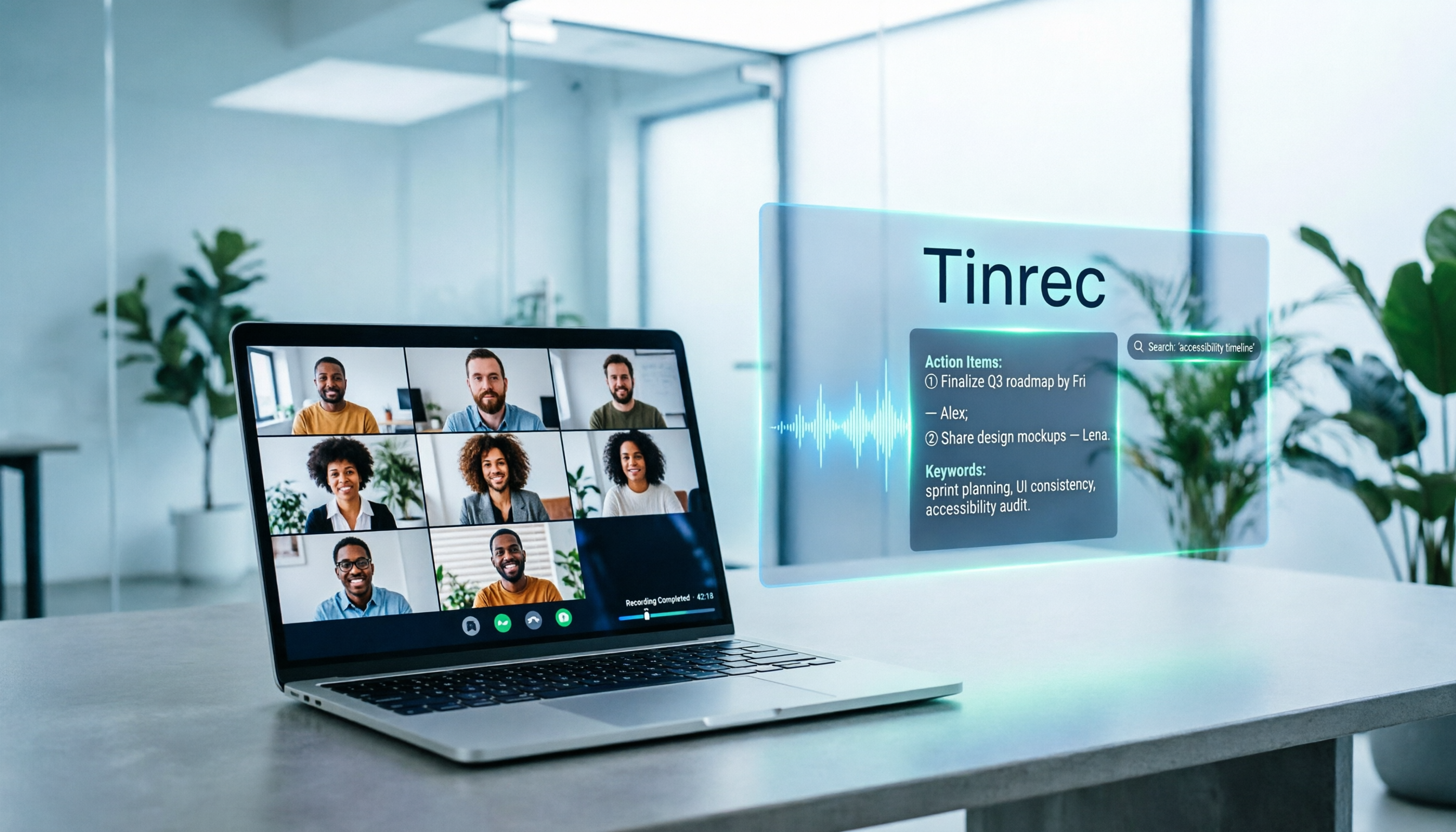
Among many tools, TinRec stands out in 2025 reviews thanks to its powerful core features and intuitive interface. It's more than a transcription tool; it's your personal AI secretary.
Key Feature Highlights
1. Professional YouTube Subtitle Generation TinRec accurately recognizes speech in YouTube videos and quickly generates subtitles with timestamps. For creators needing CC subtitles, this saves over 90% of manual transcription time.
2. MP3 & Call Recording to Text Unlike tools that only support video links, TinRec excels at handling audio files. Whether it's an interview MP3 from a recorder or an important phone call recording, upload it and get highly accurate transcripts in no time.
3. AI Meeting Summaries & Minutes This is TinRec's most praised feature among professionals. After uploading lengthy meeting recordings or lecture audio, TinRec's AI not only restores the conversation but also automatically extracts "meeting summaries" and "action items." It acts like a professional meeting scribe, filtering an hour of chatter into five minutes of essence.
Who Is TinRec For?
- Content Creators: Quickly turn video scripts into articles for "one source, multiple uses."
- Business Professionals: Convert lengthy cross-border meeting recordings into text minutes, ensuring no decision details are missed.
- Journalists & Researchers: Automate interview transcription to focus on content analysis instead of typing.
How to Choose the Best Transcription Solution for You
When selecting a tool, consider these dimensions:
- Accuracy: Does it support context recognition for Traditional Chinese? TinRec has deep optimizations for Chinese semantics.
- Security: Are your recordings and meeting content protected? Paid professional software typically offers better security than free online converters.
- Integration (All-in-One): Do you need to switch between different apps frequently? Choosing a platform like TinRec, which integrates recording, transcription, and summarization, greatly reduces workflow friction.
Conclusion: Unleash Your Productivity with AI
2025 is the year AI tools go mainstream. No more spending hours manually transcribing subtitles or worrying about missing meeting key points. Embrace advanced YouTube video to text technology, delegate repetitive tasks to AI, and spend your time on more valuable creation and decision-making.
Ready to experience the thrill of instant transcription?
Go experience the most powerful AI voice-to-text tool now: 👉 Visit TinRec Official Website
Turn every recording into actionable outcomes
Get 60 free transcription minutes when you sign in. No credit card required.
Related Reading
You might also like
Notta vs Fireflies: How to Choose — From Meeting Capture Architecture and Chinese Bilingual Limits to Team Data Ownership, a Selection Conclusion for 5–20 Person Teams
The difference between Notta and Fireflies isn't just price and minutes — it's how a meeting actually gets recorded. This article compares the two in order: their meeting capture methods, the limits of their Chinese and bilingual experience, what you get after the transcript, and team data ownership and member handover. It then narrows the conclusion into three team selection scenarios, explaining under what conditions you should evaluate a bot-free approach like Tinrec.

How to Choose a Budget Voice Recorder: Check 4 Specs, Avoid 3 Pitfalls, and Calculate the Real Transcription Cost After Recording
Shopping for a voice recorder on a budget of a few hundred to NT$2,000? First understand where cheaper models cut corners, how to evaluate 4 key specs, how 3 common setups compare, and the practical workflow for turning recordings into transcripts, key points, and action items using free quotas.

What Is 'good tape vs hockey tape' Comparing? First Distinguish AI Speech-to-Text Services from Sports Tape, Then Use Four Criteria to Determine if a Meeting Transcription Tool Is Suitable
good tape and hockey tape belong to different categories, so this comparison itself does not hold. This article first clarifies the product positioning of the two, then uses four criteria—input source, language context, post-meeting deliverables, and data retention and sharing—to explain how to choose a meeting and interview transcription tool, and how Tinrec turns transcripts and action items into deliverable materials, and how team spaces share and hand over meeting records.

5 Online Meeting Transcription Solutions Compared for 2026: What to Know Before Buying Google Meet
Before you buy Google Meet, do you understand the difference between the free version and paid Workspace? This article compares 5 online meeting transcription solutions, including Google Meet, Tinrec, Otter.ai, Notta, Granola, and PLAUD, breaking down pricing, Chinese language support, post-meeting organization, and team collaboration to help you choose the right solution without paying for features you won't use.
How to Use Google Meet On-the-Go in 2026: A 5-Step Guide
Complete guide to Google Meet On-the-Go mode: learn how to join meetings on the move in 5 steps, and how Tinrec fills the gap in meeting notes and organization so you never miss important to-dos.
5 Google Meet Note-Taking Tools Tested and Compared for 2026: How to Keep Meeting Records After Downloading
Downloading Google Meet takes only 30 seconds, but the real challenge is keeping meeting content after the download. This article covers three ways to download Google Meet on Android, iOS, and computer, then compares 5 tools that turn meetings into usable data, including Tinrec with bot-free recording and AI chat queries, Google Meet built-in transcription, Otter.ai, Notta, Granola, and TurboScribe. Finally, it provides clear recommendations based on budget and use cases.

Google Meet India Pricing in 2026: 4 Plans Compared — Costs, Limits, and How to Choose Meeting Notes
Google Meet in India isn't a standalone subscription — it comes with Google Workspace plans. This article breaks down the price differences, participant limits, and meeting notes restrictions across Free, Base, Starter, Standard, and Enterprise, and explains how Tinrec fills the gap for post-meeting transcripts, summaries, action items, and team knowledge retention.

Tinrec Download Review 2026: 3 AI Meeting Recorders Compared — Which One Is Worth Installing?
Many people search for "tenrec download" but end up finding recommendation system datasets and animation models. This article first clarifies the difference between Tenrec and Tinrec, then compares Tinrec, Otter.ai, Notta, and Granola in terms of recording methods, post-meeting organization, Chinese language support, and team collaboration, with a guide to avoiding pitfalls and purchasing advice.

2026 Google Meet Note-Taking Tools Compared: Is the Free Version Enough?
Google Meet's free version and Google Workspace paid plans each have trade-offs, but what most people really lack is post-meeting organization. This article first breaks down 4 key points to understand before buying a Google Meet plan, then compares four note-taking tools: Tinrec, Otter.ai, Granola, and Notta, to help you decide whether to pay and who to pay.