

Turn recordings into transcripts and summaries in minutes
Upload audio or video for multilingual transcription, AI notes, and action items
In the digital office of 2025, "efficiency" is no longer just a slogan but a key to survival. Have you ever experienced this: after a marathon two-hour meeting, exhausted, you still have to spend twice the meeting time wearing headphones, repeatedly pausing and replaying, just to compile a complete meeting record?
With the explosive growth of generative AI, "audio-to-document" has evolved far beyond simple "speech-to-text" into an "AI smart assistant" that understands semantics, automatically summarizes, and extracts action items. This article analyzes the latest 2026 speech transcription trends and recommends a highly integrated productivity tool.
2025-2026 Three Major Technology Trends in Audio-to-Document
According to the latest market analysis, today's speech transcription tools have the following three standardized features, which are also essential criteria when choosing a tool:
Over 98% Accuracy and Multilingual Recognition Traditional speech recognition often struggles with accents and ambient noise. But by 2025, mainstream ASR (Automatic Speech Recognition) models can accurately handle mixed Chinese-English conversations and even filter background noise. Support for high-accuracy Traditional Chinese recognition is a key concern for users in Taiwan.
AI Meeting Summarization and Action Item Extraction While verbatim transcripts are complete, they are time-consuming to read. The core value of modern tools lies in "understanding." AI instantly generates structured "meeting minutes" that list key decisions and to-do items, saving manual sorting time.
Full-Scene Coverage: From Calls to Video Platforms User needs are no longer limited to face-to-face voice recorders, but also include online Zoom/Teams meetings, phone call recordings, and even YouTube video content organization. Tool compatibility determines its practicality.

Why Did TinRec (Instant Transcription) Become the New Favorite in the Workplace?
Among many competitors, TinRec (Instant Transcription) stands out in 2025 with its "all-in-one" positioning. It is not just a transcription tool but more like a 24/7 personal secretary.
Stop organizing recordings by hand
Upload audio or video and automatically get a transcript, summary, and action items
Key Feature Highlights:
- Call Recording to Text: This is a feature rarely supported by similar software. TinRec can handle two-way call recordings and accurately convert them to text, which is especially suitable for business call interviews or customer service quality checks.
- MP3 to Text and Multi-Format Support: Whether it's an M4A file from a phone recorder or an MP3 from a professional voice recorder, upload it and get a quick transcription. According to real-world tests, a one-hour audio file usually takes only 3–5 minutes to process.
- AI Meeting Summaries and Minutes: TinRec's built-in AI engine automatically distinguishes different speakers (Speaker Diarization) and generates a concise summary after transcription. You can even use the "AI Chat Assistant" feature to directly ask AI: "What was the conclusion about the marketing budget in this meeting?" and it will extract the answer from the recording content.
- YouTube Subtitle Generation: For content creators, this is a huge boon. Just paste the video link, and TinRec can generate subtitle files (SRT) with timestamps, greatly shortening post-production time.
Practical Applications: From Conference Room to Self-Media
Scenario 1: Efficient Meeting Recording
Traditional methods require a dedicated note-taker, which is labor-intensive and prone to missing details. With TinRec, participants can focus on the discussion itself. Right after the meeting, a document containing the "verbatim transcript + key summary + to-do items" is already generated and ready to share with the team.
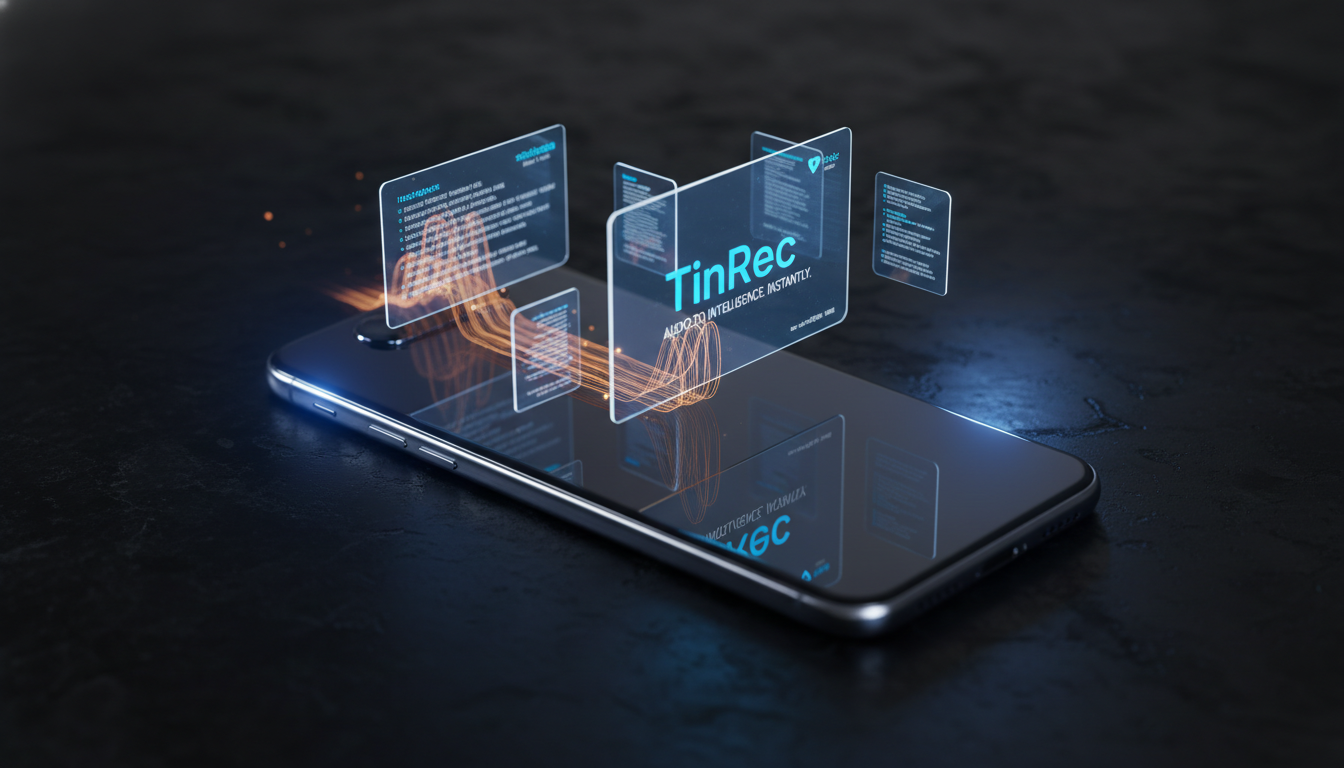
Scenario 2: Interviews and Course Learning
For journalists, researchers, or students, organizing interview recordings or professor lectures is often the most painful process. With TinRec (Instant Transcription), you can convert hours of recordings into searchable text. Want to revisit a certain point? Simply search for a keyword, click the text, and jump to the corresponding audio segment—boosting learning efficiency tenfold.
Scenario 3: Monetizing Audio-Visual Content
Self-media creators need large amounts of short or long video material. Using TinRec to transcribe existing podcasts or YouTube videos into text allows you to quickly repurpose audio-visual content into blog posts or social media posts, achieving a "record once, distribute multiple times" content strategy.
Conclusion: Free Your Brain with AI
In this age of information overload, our brains should be used for thinking and decision-making, not for memorizing and typing. Choosing the right "audio-to-document" tool is the first step toward high-performance work.
If you are looking for an AI recording assistant with an intuitive interface, powerful features, and optimized Traditional Chinese support, TinRec (Instant Transcription) is definitely a productivity tool worth investing in for 2026. Don't let your audio files clog your hard drive and time—experience the joy of "instant transcription" now!
👉 Try it for free now: https://tinrec.com/
Turn every recording into actionable outcomes
Get 60 free transcription minutes when you sign in. No credit card required.
Related Reading
You might also like
Notta vs Fireflies: How to Choose — From Meeting Capture Architecture and Chinese Bilingual Limits to Team Data Ownership, a Selection Conclusion for 5–20 Person Teams
The difference between Notta and Fireflies isn't just price and minutes — it's how a meeting actually gets recorded. This article compares the two in order: their meeting capture methods, the limits of their Chinese and bilingual experience, what you get after the transcript, and team data ownership and member handover. It then narrows the conclusion into three team selection scenarios, explaining under what conditions you should evaluate a bot-free approach like Tinrec.

How to Choose a Budget Voice Recorder: Check 4 Specs, Avoid 3 Pitfalls, and Calculate the Real Transcription Cost After Recording
Shopping for a voice recorder on a budget of a few hundred to NT$2,000? First understand where cheaper models cut corners, how to evaluate 4 key specs, how 3 common setups compare, and the practical workflow for turning recordings into transcripts, key points, and action items using free quotas.

What Is 'good tape vs hockey tape' Comparing? First Distinguish AI Speech-to-Text Services from Sports Tape, Then Use Four Criteria to Determine if a Meeting Transcription Tool Is Suitable
good tape and hockey tape belong to different categories, so this comparison itself does not hold. This article first clarifies the product positioning of the two, then uses four criteria—input source, language context, post-meeting deliverables, and data retention and sharing—to explain how to choose a meeting and interview transcription tool, and how Tinrec turns transcripts and action items into deliverable materials, and how team spaces share and hand over meeting records.

5 Online Meeting Transcription Solutions Compared for 2026: What to Know Before Buying Google Meet
Before you buy Google Meet, do you understand the difference between the free version and paid Workspace? This article compares 5 online meeting transcription solutions, including Google Meet, Tinrec, Otter.ai, Notta, Granola, and PLAUD, breaking down pricing, Chinese language support, post-meeting organization, and team collaboration to help you choose the right solution without paying for features you won't use.
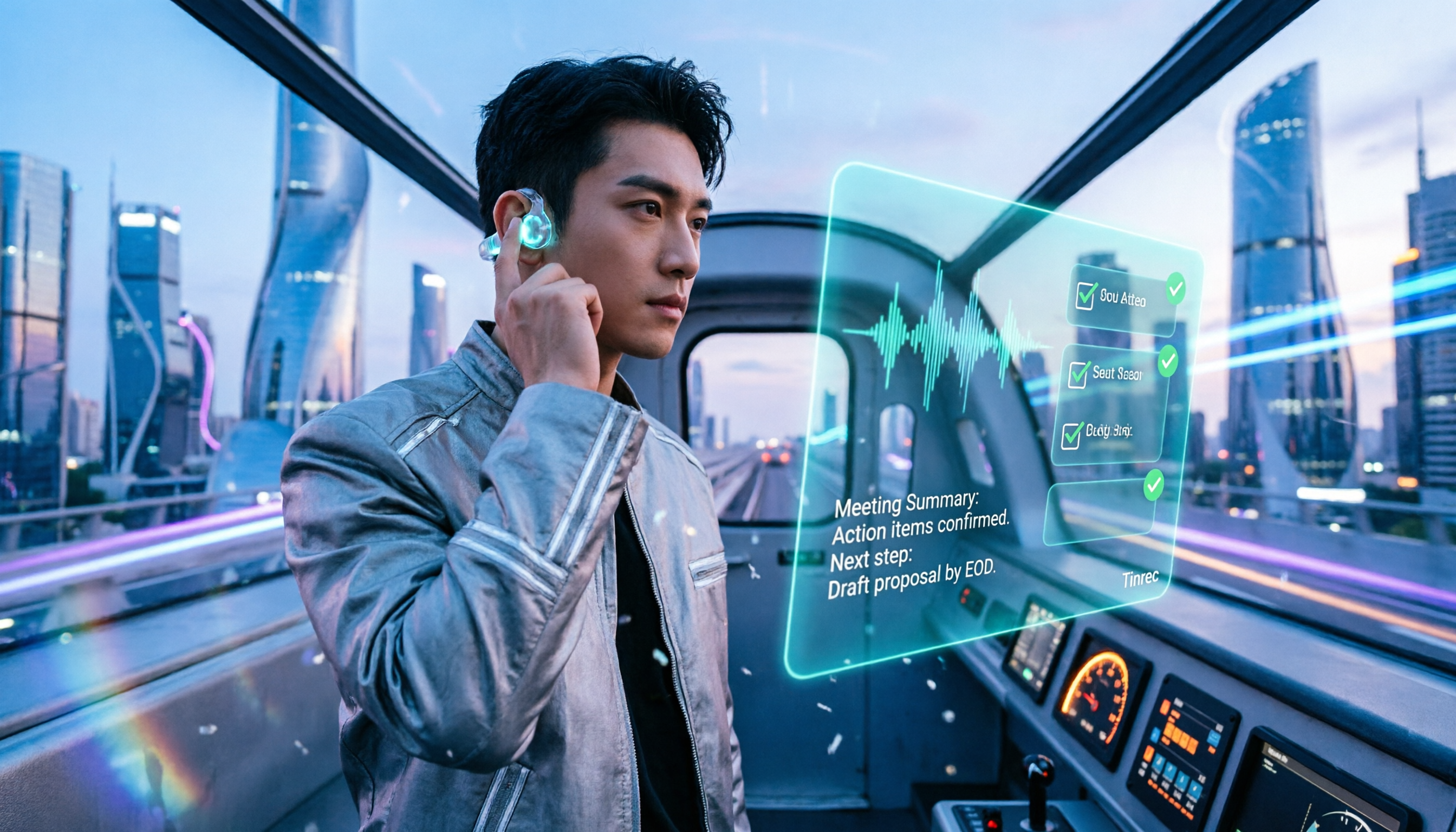
How to Use Google Meet On-the-Go in 2026: A 5-Step Guide
Complete guide to Google Meet On-the-Go mode: learn how to join meetings on the move in 5 steps, and how Tinrec fills the gap in meeting notes and organization so you never miss important to-dos.
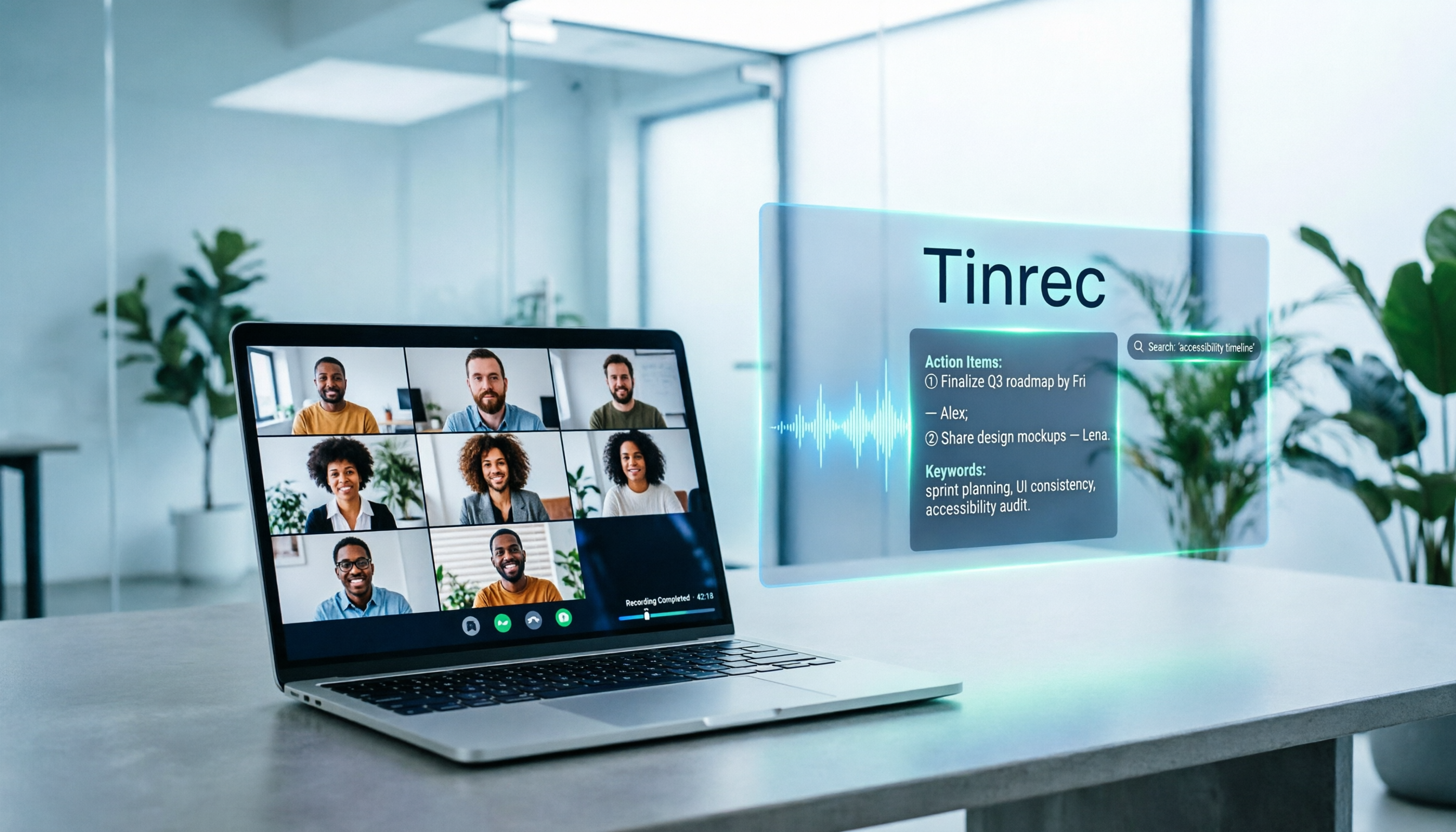
5 Google Meet Note-Taking Tools Tested and Compared for 2026: How to Keep Meeting Records After Downloading
Downloading Google Meet takes only 30 seconds, but the real challenge is keeping meeting content after the download. This article covers three ways to download Google Meet on Android, iOS, and computer, then compares 5 tools that turn meetings into usable data, including Tinrec with bot-free recording and AI chat queries, Google Meet built-in transcription, Otter.ai, Notta, Granola, and TurboScribe. Finally, it provides clear recommendations based on budget and use cases.

Google Meet India Pricing in 2026: 4 Plans Compared — Costs, Limits, and How to Choose Meeting Notes
Google Meet in India isn't a standalone subscription — it comes with Google Workspace plans. This article breaks down the price differences, participant limits, and meeting notes restrictions across Free, Base, Starter, Standard, and Enterprise, and explains how Tinrec fills the gap for post-meeting transcripts, summaries, action items, and team knowledge retention.

Tinrec Download Review 2026: 3 AI Meeting Recorders Compared — Which One Is Worth Installing?
Many people search for "tenrec download" but end up finding recommendation system datasets and animation models. This article first clarifies the difference between Tenrec and Tinrec, then compares Tinrec, Otter.ai, Notta, and Granola in terms of recording methods, post-meeting organization, Chinese language support, and team collaboration, with a guide to avoiding pitfalls and purchasing advice.

2026 Google Meet Note-Taking Tools Compared: Is the Free Version Enough?
Google Meet's free version and Google Workspace paid plans each have trade-offs, but what most people really lack is post-meeting organization. This article first breaks down 4 key points to understand before buying a Google Meet plan, then compares four note-taking tools: Tinrec, Otter.ai, Granola, and Notta, to help you decide whether to pay and who to pay.