
Turn recordings into transcripts and summaries in minutes
Upload audio or video for multilingual transcription, AI notes, and action items
In today's digital content and remote work era, "efficiency" has become the most critical competitive advantage. Recently, discussions about "Cantonese speech to text" and "automatic written Chinese generation" have been heating up in the YouTube tech community. For users in Hong Kong and Cantonese-speaking regions, quickly and accurately converting colloquial Cantonese (Canto-speak) into formal written Chinese has always been a major pain point. Whether it's organizing meeting minutes or creating video subtitles, traditional manual transcription is not only time-consuming but also full of repetitive labor.
This article will reference recent hot AI technology trends, deeply analyze how to use new-generation AI tools to solve this problem, and focus on reviewing a highly integrated tool—TinRec (秒聽錄音)—to see how it redefines the speech-to-text workflow.
![[Cantonese to Written Chinese AI Test] Deconstructing YouTube Hot Topics: How to Use AI to Instantly Generate Precise Meeting Minutes and Subtitles?](https://record-img.tos-accelerate.volces.com/images/2026/01/26/1769407464023923369.jpg)
Why Is "Cantonese to Written Chinese" the Ultimate Challenge for AI?
There is a natural "diglossia" phenomenon between Cantonese and written Chinese. In our daily speech, we say things like "傾偈" (chat), "搞掂" (get it done), "依家" (now), which must be converted into corresponding written Chinese vocabulary in formal documents. Traditional speech recognition software often only does "sound to text," outputting all colloquial words, which still requires massive post-editing for those who need to write formal meeting minutes or produce professional subtitles.
New-generation AI models not only have automatic speech recognition (ASR) capabilities but also combine natural language processing (NLP) technology. They can understand semantics while transcribing, and even directly help organize spoken language into smooth written Chinese summaries. This is exactly the solution most urgently sought by YouTube creators and professionals today.
Hands-on Review: Core Breakthroughs of TinRec (秒聽錄音)
Among many tools, TinRec (秒聽錄音) stands out with its "all-scenario coverage." Unlike simple recording apps or web-based transcription tools, TinRec integrates call recording, file conversion, and AI summaries into one platform, perfectly meeting both business and creative needs.
Stop organizing recordings by hand
Upload audio or video and automatically get a transcript, summary, and action items
1. Call Recording to Text: A Lifesaver for Business Professionals
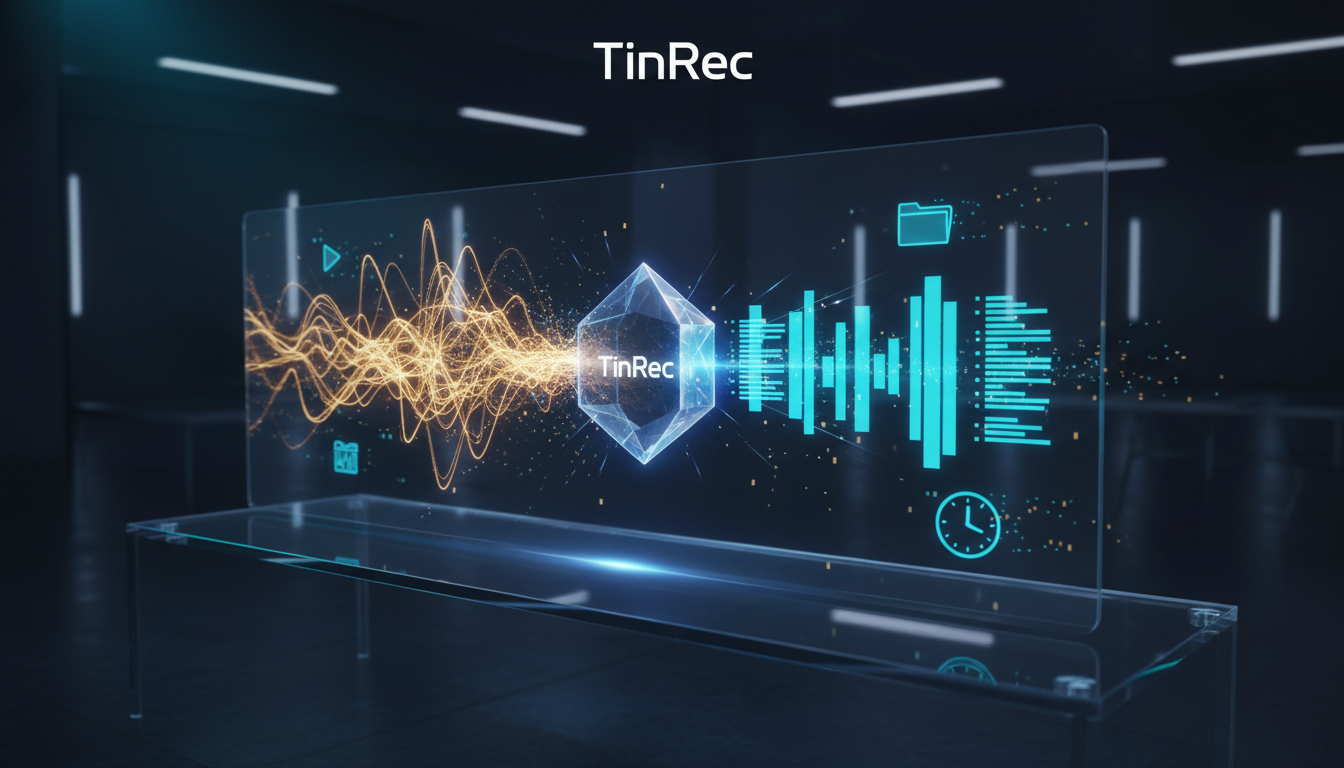
Often, important decisions happen during phone conferences or client calls. One of TinRec's core features is call recording to text. It can record during a call (subject to local laws) and quickly convert the conversation into a transcript afterward. This is a huge help for salespeople or journalists who need to review negotiation details, saving the time of replaying recordings and allowing keyword search to quickly locate key points.
2. MP3 to Text and Multi-format Support
For pre-recorded interview audio or meeting recordings, TinRec supports MP3 to text and importing various common audio formats. Its powerful recognition engine handles scenarios with Cantonese mixed with English (code-switching) quite well, effectively reducing recognition errors and producing high-quality drafts.
AI Meeting Minutes: From "Verbatim" to "Understand You"
Simple verbatim transcripts are often lengthy and hard to read. That's where AI meeting summaries and AI meeting minutes features shine. TinRec not only turns sound into text but also uses built-in AI to analyze the entire conversation's logic, automatically extracting:
- Core Topics: The main direction of the meeting.
- Action Items: Who is responsible for what and deadlines.
- Decisions: Final consensus reached.
This feature reduces the time needed to organize meeting records from hours to just a few minutes, directly outputting a clearly structured written Chinese report, greatly improving administrative efficiency.
For Creators: YouTube Subtitle Generation and Content Repurposing
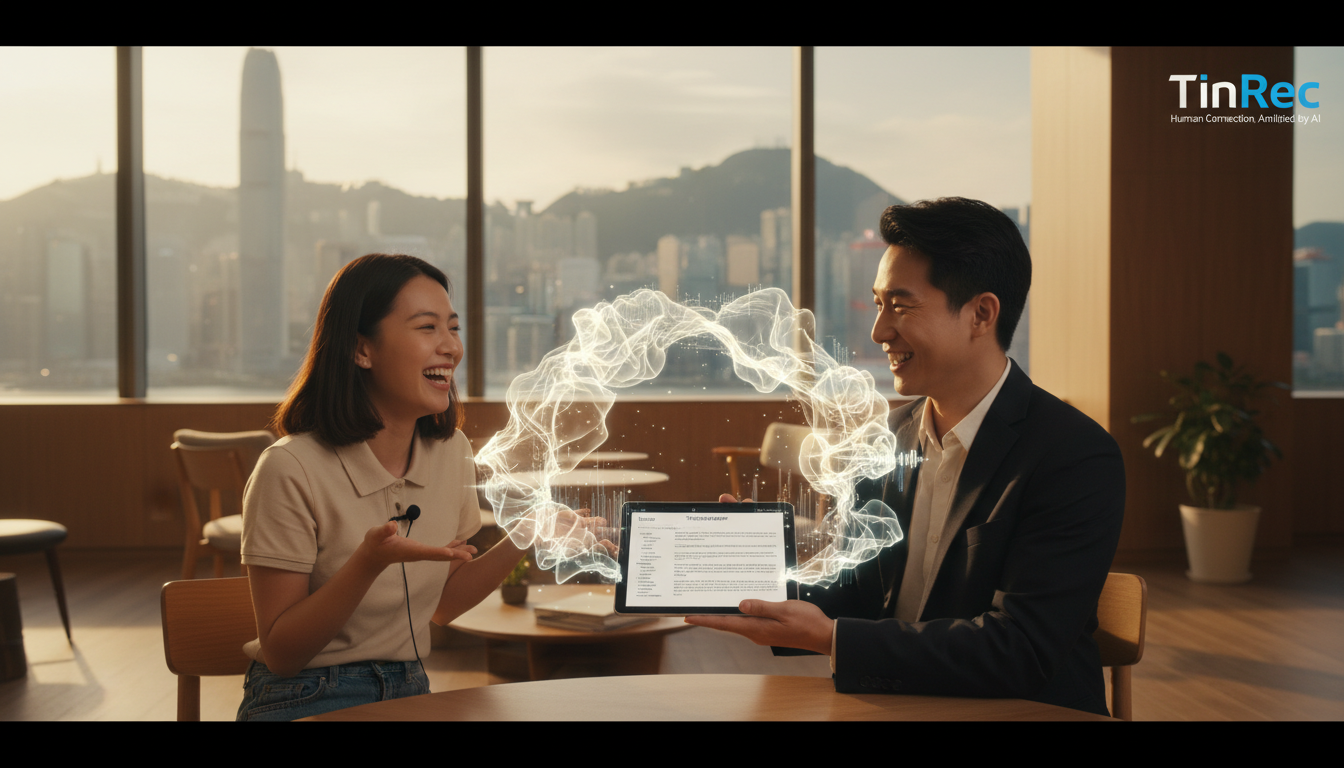
Beyond business applications, TinRec's YouTube subtitle generation is equally powerful for content creators. Users simply input a YouTube video link, and the system quickly parses the video audio and generates accurate subtitle files. This is extremely convenient for creators who want to promote Cantonese videos to Mandarin or even global audiences.
With AI assistance, creators can quickly obtain written Chinese subtitles, polish them slightly, and use them directly, solving the long-standing problem of "hard to subtitle" Cantonese videos. At the same time, it also helps users quickly get key summaries of long videos without watching the entire clip.
Tips to Improve Cantonese AI Recognition Accuracy
Although tools like TinRec are already very powerful, mastering the following techniques can further improve transcription quality:
- Audio quality is key: Use an external microphone or record in a quiet environment. Clear audio significantly reduces AI misrecognition.
- Moderate speech speed: Although AI processes fast, overly rapid speech or overlapping speech can still affect recognition. Establishing good speaking order in meetings is crucial.
- Use post-editing wisely: AI-generated written Chinese is accurate, but for specific industry jargon or names, it's recommended to do a final manual proofread after export to ensure everything is correct.
As AI technology iterates, the barrier for Cantonese to written Chinese is rapidly lowering. Making good use of all-in-one tools like TinRec that integrate recording, transcription, and summarization can not only free our hands but also leave precious time for more valuable thinking and decision-making.
Turn every recording into actionable outcomes
Get 60 free transcription minutes when you sign in. No credit card required.
Related Reading
You might also like

4 AI Meeting Note Tools Tested for 2026: Which Saves the Most Time for Chinese Meetings?
Still spending two hours writing meeting notes after the meeting? This article compares four AI meeting note tools, breaking down Chinese and mixed Chinese-English recognition, meeting recording methods, post-meeting summaries and action items, cross-platform export, and team member management. It also lists four key pitfalls to avoid when choosing a tool, helping you find a solution that truly saves time.

2026 Guide: Convert Audio to Transcripts — Stop Typing Manually & Auto-Generate Meeting Minutes with AI
Don't want to type transcripts by hand? This guide covers two scenarios—live meetings and pre-recorded files—and outlines 4 key buying factors. We tested Tinrec's bot-free meeting recording, AI summaries, and Q&A workflow, compared Notta, Granola, and PLAUD, and included the most common pitfalls to avoid.

4 AI Recording Tools Tested for 2026: Which Saves the Most Time on Chinese Meeting Notes?
Recorded a meeting but never have time to organize it? This hands-on comparison looks at four common approaches—built-in phone features, free online tools, AI recording hardware, and dedicated AI meeting note tools—and tests Tinrec on Chinese meeting transcription, summaries, and action items. Includes 6 buying considerations and FAQs.

2026 Medical Meeting Transcription Tools Compared: Which AI Saves You the Most Time with Chinese Transcripts and Summaries?
For professionals juggling over a dozen meetings a week and still stuck with post-meeting notes, which tool should you use? This article dives into practical decision points, covering 5 key factors for choosing a medical meeting transcription tool. We tested Tinrec's bot-free recording, AI summaries, action item extraction, and AI Q&A, and briefly review alternatives like Notta, Otter.ai, and PLAUD. We also provide a guide to avoid common pitfalls and final recommendations.
How to Choose an Automatic Transcription Tool in 2026: 5 Steps to Compare Yating Transcription and Tinrec
How do you choose an automatic transcription tool? Starting from the actual checklist I use when picking tools, I compare Yating Transcription and Tinrec across five dimensions, covering online meeting recording methods, post-meeting organization depth, AI Q&A, cross-platform team collaboration, and quota pricing, to help you determine which one better fits your workflow.

4 Best Audio-to-Text Apps in 2026: Which One Actually Saves You Post-Meeting Time?
A mid-level manager who attends 15 meetings a week shares hands-on experience. From online meeting recording methods and transcription performance for Chinese and mixed Chinese-English to post-meeting summaries and action item organization, this breaks down the differences among four types of audio-to-text apps and explains how Tinrec uses bot-free recording, AI summaries, action item extraction, and team spaces to turn meetings into searchable, collaborative, actionable data.

4 Interview Transcription Tools Compared in 2026: From Recording to Citable Text
After an interview, organizing the transcript often feels more exhausting than the interview itself. This article starts from 'recording to citable text' and compares 4 interview transcription tools, covering speaker labeling, AI Q&A, audio retention, and team sharing, plus common pitfalls and selection advice.

Tinrec vs Notta 2026: 5-Dimension Comparison for Chinese Meeting Transcription Tools
Starting from the decision focus of 'Do you want transcription, or usable meeting data?', this article compares Tinrec and Notta across 5 dimensions, covering selection criteria, a full breakdown of Tinrec, other options, and pitfalls to avoid, helping Chinese meeting users make a quick choice.

5 Transcription Tools Tested and Compared in 2026: Transcription Takes Too Long—Which One Actually Saves Time?
Transcription takes too long, and the problem is often not typing speed but the "listen, type, re-read" workflow. This article tests 5 transcription and AI meeting note tools, covering how to judge accuracy, post-meeting organization, audio retention and export, free quotas, and team seat licensing. It provides criteria you can follow directly and analyzes Tinrec's actual performance in bot-free recording, AI Q&A, and team knowledge retention.