
Turn recordings into transcripts and summaries in minutes
Upload audio or video for multilingual transcription, AI notes, and action items
In the era of digital content explosion, video subtitles have become a key element for enhancing viewing experience and SEO search weight. Many creators and learners are looking for tools that can auto-generate SRT subtitles from YouTube. This article references the core concepts of the well-known tool NoteGPT and further explores a more comprehensive, professional-grade solution: TinRec (MiaoTing Recorder).
Why Are YouTube Subtitles and the SRT Format So Important?
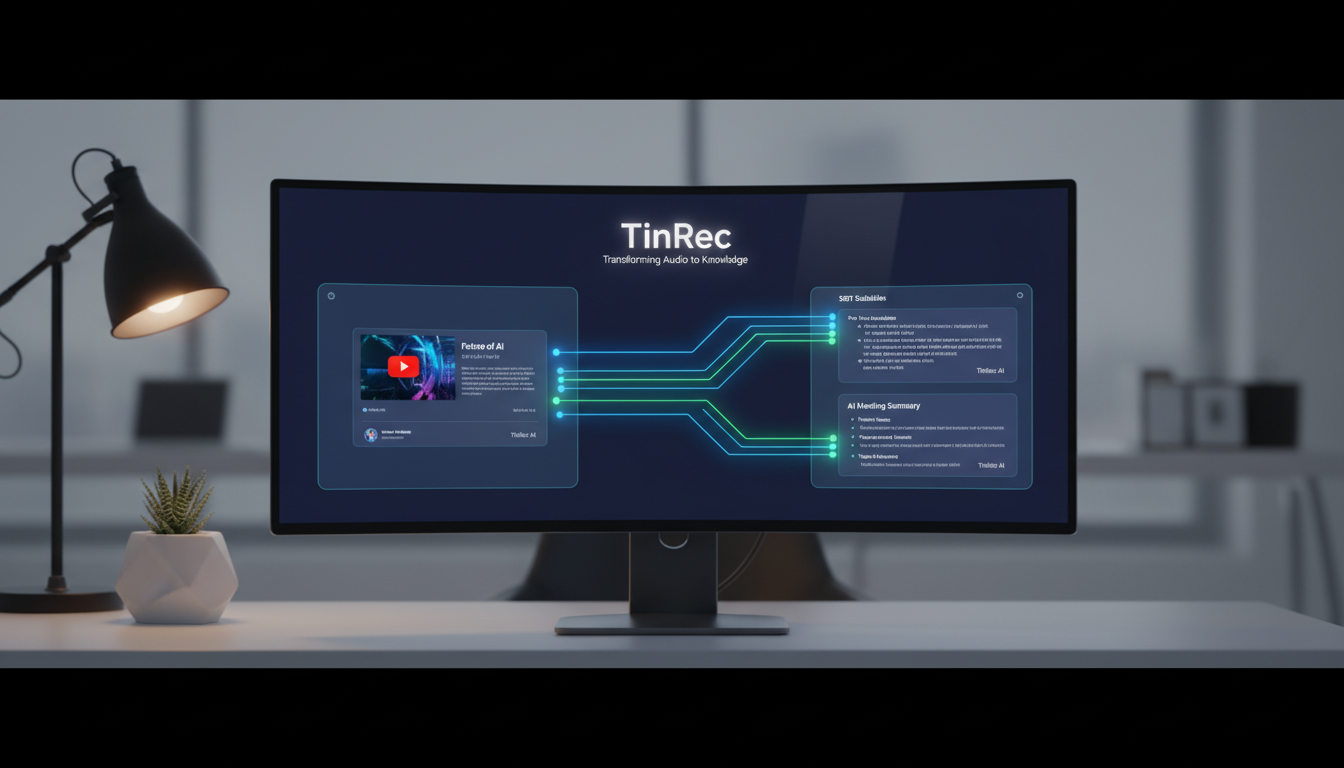
SRT (SubRip Subtitle) is currently the most common subtitle file format. It not only contains the text but also accurately records the "start time" and "end time" for each line of dialogue. With an SRT file, creators can easily attach subtitles to different platforms (e.g., Facebook, Instagram) or perform translations and secondary edits.
For viewers, subtitles aid comprehension; for creators, SRT files are a goldmine for SEO, allowing search engines to read the specific content of the video.
Basic Tool Analysis: Summary Generation Using NoteGPT as an Example
Before exploring advanced tools, let's look at common lightweight solutions on the market, such as NoteGPT. These tools are primarily designed for "quick information retrieval."
Core Workflow Logic
These platforms typically use YouTube's built-in captions (CC) or AI models to quickly extract the video transcript and then use language models like ChatGPT to generate summaries. Their advantage is "speed"—paste a link and know what the video is about in seconds.
Functional Limitations
However, simple summary tools often fall short in "subtitle creation." While they can extract text, they may lack the ability to export the precise timecode-based SRT format or handle original audio files (MP3) for transcription. That's why professional users need more powerful AI dictation tools.
Advanced Solution: All-in-One Application of TinRec (MiaoTing Recorder)
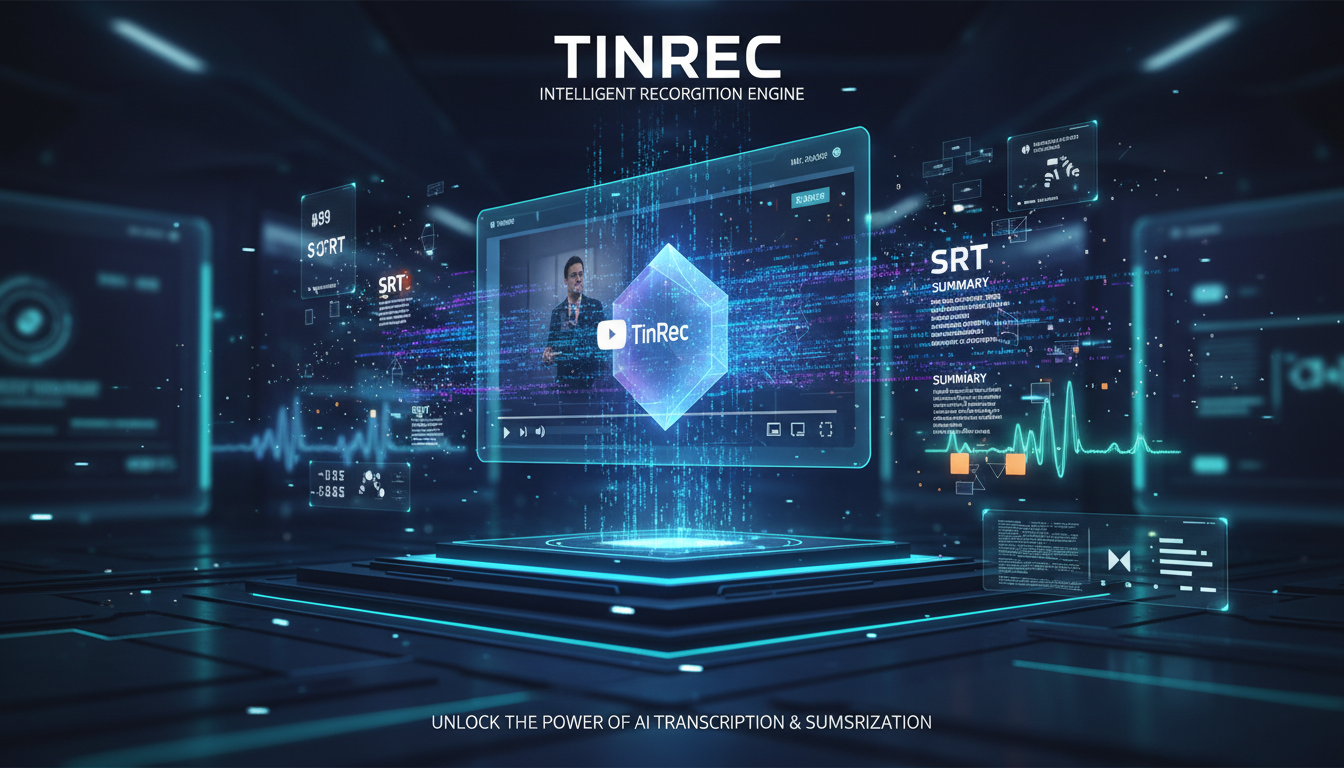
If you need not just to "watch" videos but to "create" subtitles, or even to convert various audio recordings into text, then TinRec (MiaoTing Recorder) is a more professional choice. It integrates advanced speech recognition technology, elevating the efficiency of "listening" and "writing" to new heights.
Stop organizing recordings by hand
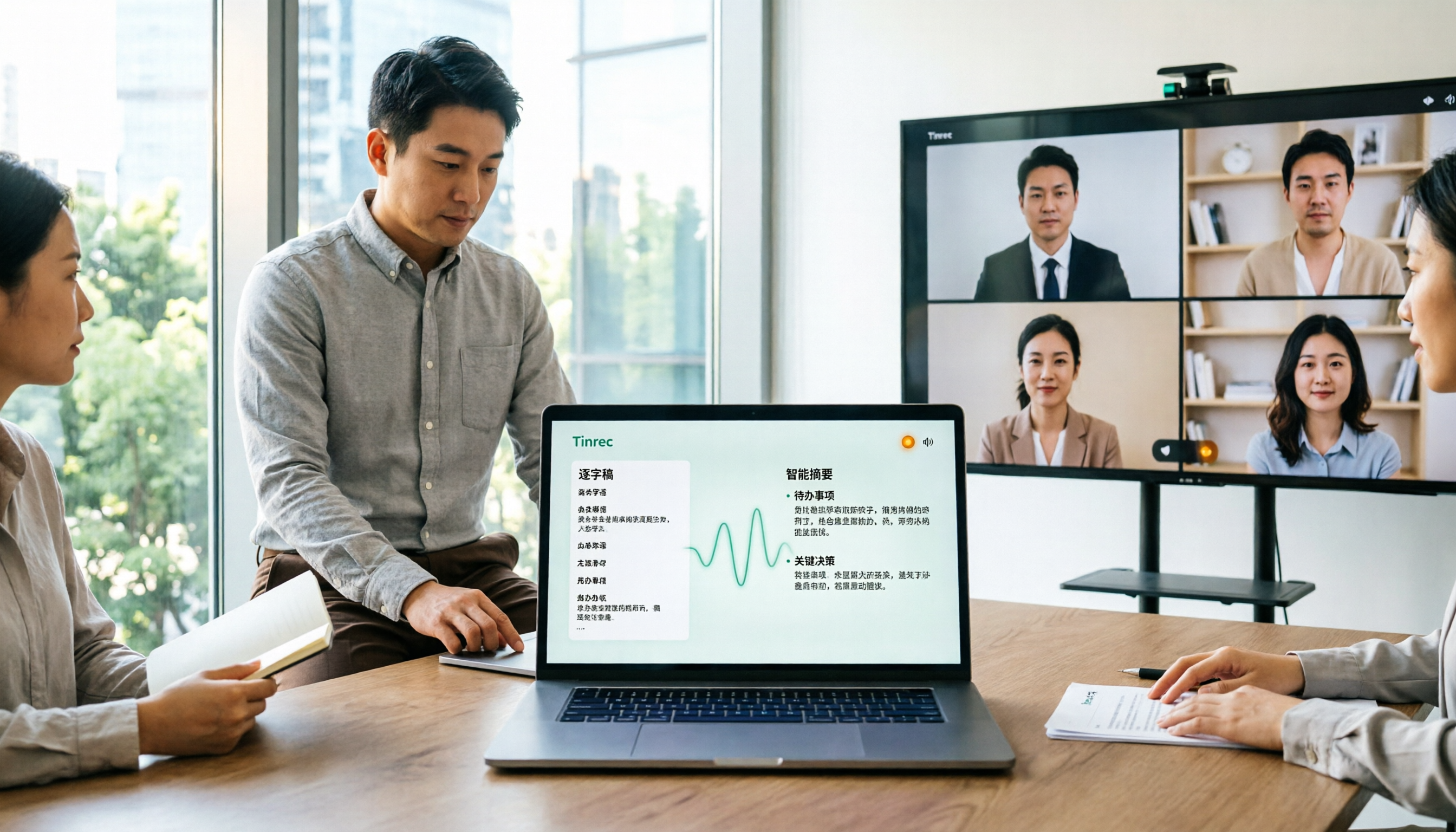
Upload audio or video and automatically get a transcript, summary, and action items
1. YouTube Link Parsing and Subtitle Generation
Similar to NoteGPT, TinRec supports pasting YouTube video links directly. However, its strength lies in its AI transcription engine, which generates high-accuracy transcripts and supports exporting standard SRT subtitle format. For creators who need to create bilingual subtitles for foreign language videos or quickly convert live stream archives into subtitled versions, this saves hours of manual transcribing.
2. Multi-Format Support: From MP3 to Call Recordings
TinRec is not limited to online videos. Its core features include:
- MP3 to Text: Convert podcast or interview audio files directly into transcripts.
- Call Recording to Text: Business professionals can transcribe and archive phone conference content. This makes TinRec a cross-scenario productivity hub, not just a YouTube tool.
Hands-On Tutorial: How to Efficiently Auto-Generate Subtitles
The process of using AI to generate SRT subtitles is actually very simple. Here are the standard steps, using TinRec's logic as an example:
- Import Source: You can choose to upload local audio/video files or paste a YouTube video URL directly.
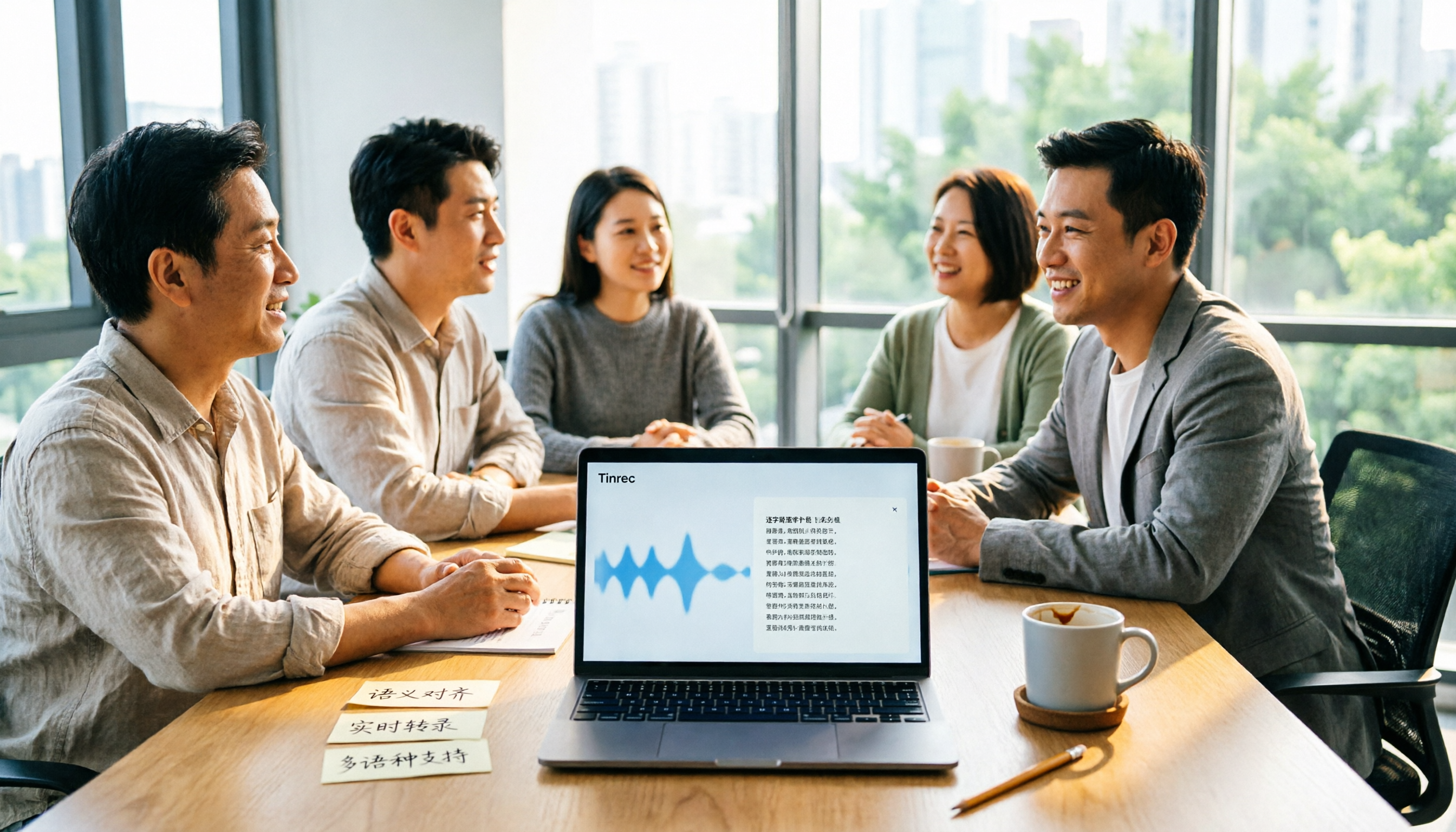
- AI Recognition and Transcription: The system automatically separates speech from background noise and performs high-accuracy speech-to-text processing. TinRec can also distinguish different speakers (Speaker Diarization) at this stage.
- Review and Edit: Although AI accuracy is high, it's recommended to quickly scan for proper nouns. The interface usually aligns text with the audio waveform for easy click-to-edit.
- Export SRT: After confirming accuracy, select "Export" and choose the SRT format. This file can then be used directly in YouTube's backend or in editing software like Premiere or Final Cut.
Beyond Subtitles: AI Meeting Summarization and Content Repurposing
A great tool should not stop at "transcription" but should also "understand." This is the biggest differentiator between TinRec and traditional subtitle tools.
AI Meeting Minutes and Smart Summaries
Using AI analysis technology similar to NoteGPT but more advanced, TinRec can automatically generate from hours-long audio or video content:
- Key Summaries: Bullet-point key insights.
- Action Items: Automatically extract tasks and responsible persons mentioned in the conversation.
- Mind Maps: Convert linear dialogue into structured knowledge.
What does this mean for content creators? It means you can take the audio from a YouTube video, transcribe and summarize it with TinRec, and then rewrite it into a high-quality blog post—achieving a "create once, publish everywhere" content marketing strategy.
Conclusion: Choose the Right AI Assistant for You
From NoteGPT's quick summaries to TinRec (MiaoTing Recorder)'s deep transcription and subtitle creation, AI tools have made tedious manual transcription a thing of the past. If you only need to quickly grasp the gist of a video, a summary tool may suffice. But if you are a professional who needs to create subtitles, organize meeting notes, or produce content, TinRec's comprehensive speech-to-text and AI analysis features will free up more of your valuable creativity.
In this efficiency-driven era, make good use of tools—let AI do 90% of the groundwork, and you focus on the final 10% of polish.
Turn every recording into actionable outcomes
Get 60 free transcription minutes when you sign in. No credit card required.
Related Reading
You might also like
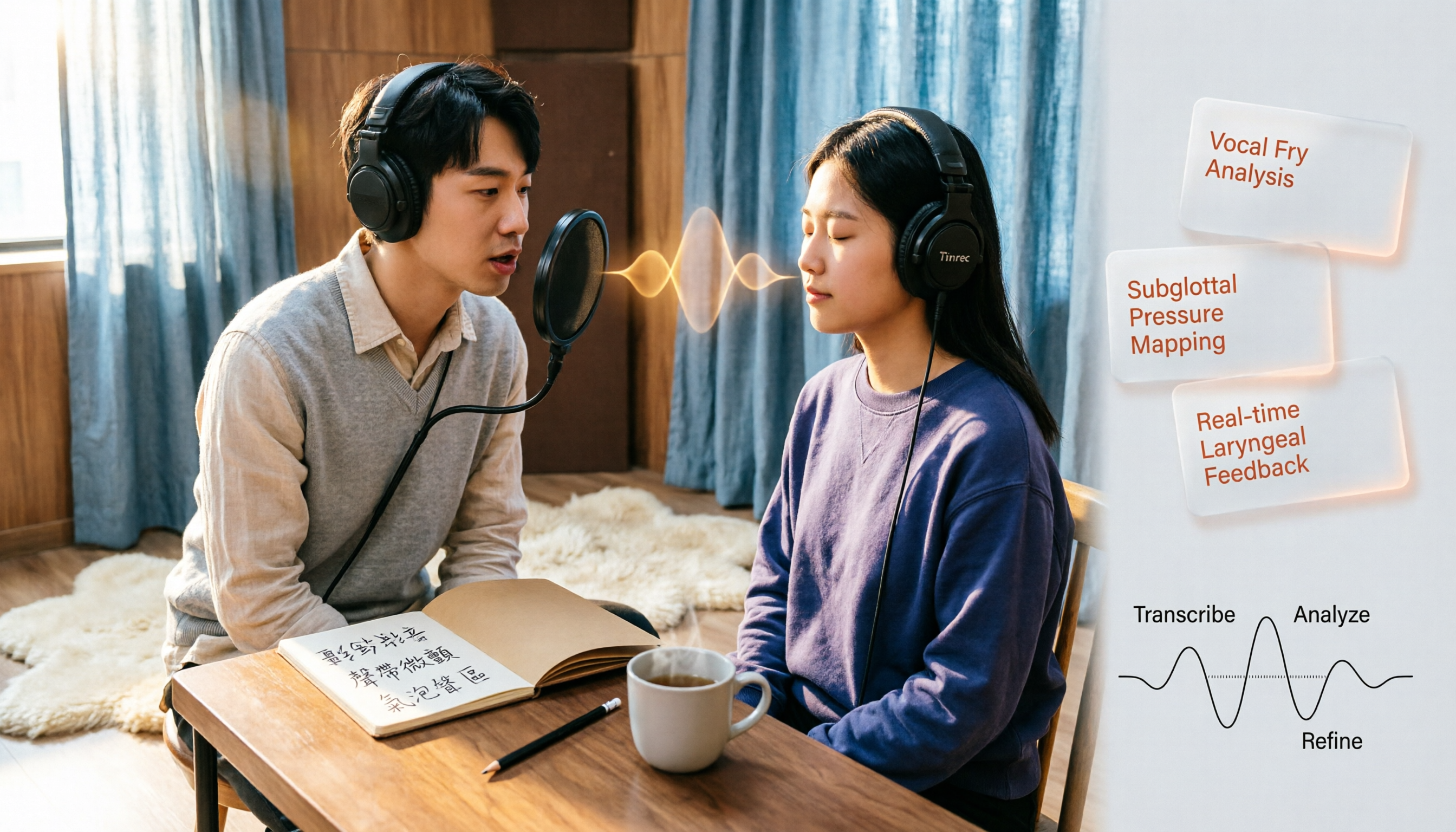
Vocal Fry in Chinese: 3 Translations Compared — Which Is Most Accurate?
The most common Chinese translation of vocal fry is "氣泡音" (qìpàoyīn), while some also call it "聲帶微顫" or "氣泡音聲區." This article compares common definitions from Cambridge Dictionary, Wikipedia, and singing tutorials, and explains the vocal mechanism, common misconceptions, and safe practice tips.

2026 Zoom Meeting Notes Tools Compared: Which AI Summarizer Works Best Without a Meeting Bot?
The pain starts after the Zoom call ends—notes are incomplete, you don't want to rewatch the recording, and records are scattered everywhere. This article tests three approaches: Tinrec, Zoom's built-in AI, and Otter.ai, comparing bot-free recording, Chinese recognition, post-meeting summaries, and team data ownership. It also highlights three common pitfalls to avoid before buying.
How to Use Microsoft Teams Meetings: 3 Meeting Note Methods Tested in 2026 — The One Without a Bot Is Easiest
Stuck in the lobby after clicking a Teams meeting invite? Can't find the meeting ID? This article first explains the 4 basic actions for using Teams meetings (joining a meeting, instant vs. scheduled meetings, in-meeting controls, cross-device access), then from the real needs of mid-level managers, tests and compares 3 meeting note methods, explaining why Tinrec — which doesn't use a meeting bot — is best suited for Chinese Teams meetings and team knowledge retention.

How to Use Zoom Meetings in 2026: 2 Recording Methods Compared — Which One Auto-Generates Meeting Notes?
Starting from the actual process of joining a Zoom meeting, this comparison examines Zoom's built-in transcription versus Tinrec across 5 dimensions: starting a recording, post-meeting organization, Chinese language experience, cross-platform data retention, and team collaboration — helping you decide which method to use for meeting records.

4 Teams Meeting Recorder Tools Tested in 2026: Where's the Meeting ID and How to Organize After Recording?
First, learn how to find your Teams meeting ID from the meeting invite, Outlook scheduling, and the Teams join screen. Then, we test and compare four meeting recorder tools—Tinrec, Otter.ai, Notta, and Granola—to see which is best for Chinese meetings, bot-free recording, and team data retention.
2026 Vocol.ai Review: How to Choose the Right AI Meeting Notes Tool in 5 Steps
How should you evaluate Vocol.ai? This article walks you through 5 steps to decide which AI meeting notes tool to choose. We compare Vocol.ai, Notta, and Tinrec (秒聽錄音) in terms of meeting capture methods, transcript post-processing, Chinese language performance, team governance, and free tiers. We also highlight the 3 most common purchasing mistakes to help you make a decision based on your own meeting scenarios.

4 Teams Meeting Link and Note-Taking Tools Compared: Where to Find Links and How to Organize After Meetings
Where exactly is the Teams meeting link? This article first guides you to find the link and meeting ID in the calendar, chat, and meeting details, then compares four meeting note-taking tools: Tinrec, Otter.ai, Notta, and Granola, explaining how to turn transcripts into searchable, actionable meeting data after the meeting.

2026 AI Recorder Comparison: Plaud Note Review & Tinrec Alternative
Plaud Note reviews often focus on hardware recording, but if you deal with online meetings and post-meeting organization, an AI meeting tool like Tinrec may be a better fit. This article compares Plaud Note and Tinrec based on use cases, core features, buying considerations, and FAQs.

Zoom Free Meeting Time Limits in 2026: 6 Plans Tested and Compared — How to Choose Between the 40-Minute Cap and Alternatives
A breakdown of Zoom free meeting time limits: group meetings with 3+ people cap at 40 minutes, one-on-one calls have no time limit, and up to 100 participants can join. We compare six options — Tinrec, Zoom, Otter, Notta, Granola, and TurboScribe — to help you choose based on budget and post-meeting organization needs.