
Turn recordings into transcripts and summaries in minutes
Upload audio or video for multilingual transcription, AI notes, and action items
Struggling with all-English lectures, international meetings, or overseas courses without Chinese subtitles, do you often fall into the anxious cycle of "can't understand, can't take notes, and too lazy to relisten"? Traditional voice recorders can only record, and relistening to a one-hour file often takes twice the time to organize.
The good news is that by 2026, AI speech-to-text technology has perfectly solved this problem. This article tests five popular "English recording translation to Traditional Chinese" tools, comprehensively evaluating recognition accuracy, real-time performance, and AI summary features to help you find the best study companion.
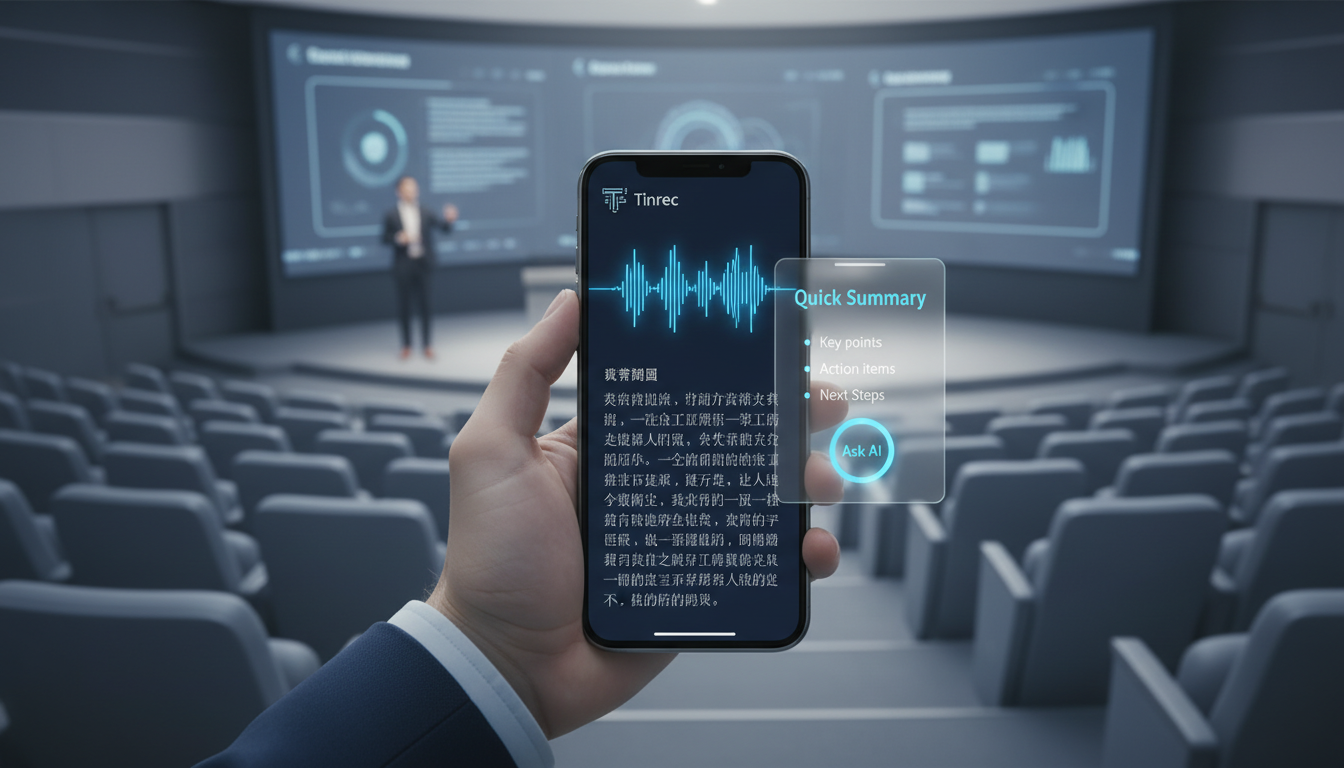
Quick Conclusion:
- If you need a free and simple solution: Google Translate or the built-in voice recorder on your phone (suitable for short phrases).
- If you need complete meeting minutes and action items: Prioritize Tinrec (Instant Recording) or Notta, which handle recording → understanding → action in one streamlined process.
- If you only focus on English transcripts without translation: Otter.ai is still a great choice.
Why Is Organizing English Lecture Recordings So Hard?
Most people face three main pain points when dealing with English speeches or all-English meetings:
- High information density, brain overload: Fast speech plus technical jargon consumes all your brainpower just to understand, leaving no room for taking notes.
- Recordings are "information black boxes": A two-hour audio file is like a black box if not transcribed. Finding "which minute and second a key point was said" is nearly impossible.
- Time-consuming translation: If you use a pure English transcription tool, you still need to manually feed the English transcript into a translation app, which is tedious and often messes up the formatting.
Therefore, choosing a tool that supports "real-time recording translation to Traditional Chinese" and has "AI summary capabilities" is key to improving efficiency.
Comparison of Popular English Recording Translation Tools in 2026
To save you the trial and error, we selected five mainstream tools for a side-by-side comparison, focusing on the needs of Chinese users.
| Category | Tinrec (Instant Recording) | Notta | Otter.ai | Google Recorder | Good Tape |
|---|---|---|---|---|---|
| Core Strength | Real-time recording translation + AI chat query | Multi-language real-time transcription | English meeting collaboration | Free basic transcription | Audio file to text (no real-time) |
| English to Traditional Chinese | Excellent (supports real-time translation) | Excellent | Requires extra steps/plugins | Limited support | Excellent (good for files) |
| AI Key Summary | Yes (meeting minutes/action items) | Yes | Yes (English mainly) | No | No |
| AI Chat Query | Yes (can ask about recording content) | Yes | Yes (English mainly) | No | No |
| Free Tier | 100 minutes/month | 120 minutes/month | 300 minutes/month | Completely free | 3 files/month |
| Best Use Case | Lectures/meetings/learning all scenarios | Meetings/interviews | English-only work | Quick life recordings | Media post-production/interviews |
Stop organizing recordings by hand
Upload audio or video and automatically get a transcript, summary, and action items
Review Insight: If your core need is to turn "English content" into "Traditional Chinese knowledge", Tinrec and Notta are currently the most Chinese-friendly options. Tinrec's "AI Chat Query" is especially useful for reviewing long lectures—you can directly ask the AI: "What is the speaker's conclusion about AI trends?" without having to read everything from start to finish.
Deep Dive: How Tinrec Solves the "Can't Understand" Problem
Among many tools, Tinrec (Instant Recording) shows the most obvious optimization for Chinese users. It's not just a recording tool; it's more like a "real-time interpreter + note-taking secretary."
1. Real-Time Transcription with Bilingual Display
Unlike traditional voice recorders that require post-event processing, Tinrec supports real-time speech-to-text during recording. This means that while the speaker is talking in English, text appears on your phone or computer screen instantly, allowing you to "see" to aid "hearing," significantly lowering the comprehension barrier.
2. From "Transcript" to "Decision Summary"
Lectures are often filled with filler words and redundancies. Tinrec's AI engine automatically filters out this noise and generates structured "meeting minutes" and "to-do action items." For students, this is ready-made class notes; for professionals, it's meeting minutes ready to send.
3. AI Chat Query: Retrieve Information Like Asking a Person
This is the biggest difference between Tinrec and traditional tools. Instead of using Ctrl+F to search for keywords in a 2-hour lecture recording, you can directly ask the AI in Chinese:
- "What are the three core marketing strategies mentioned in this lecture?"
- "Did the speaker mention any budget constraints?"
The AI answers precisely based on the recording content, turning the recording into a searchable knowledge database.
Step-by-Step Tutorial: How to Use Tinrec to Turn an English Lecture into Traditional Chinese Notes
Follow these steps to quickly transform an English lecture into high-quality Chinese notes:
Step 1: Start Real-Time Recording Go to the Tinrec Recording Portal, log in, and click "Start Recording." The system will automatically detect speech; we recommend checking the language recognition mode in settings. Tinrec supports iOS, Android, and web versions—for lectures, using the mobile app provides clearer audio.
Step 2: View Real-Time Transcription During recording, you can check the transcript on your screen at any time. If you encounter a part you don't understand, reading the text helps you catch up. You can also tap "Mark" to highlight important moments while recording.

Step 3: Generate AI Summary and Notes After recording, tap stop. The system will automatically process the audio and produce a full transcript within a few minutes (depending on length). Then click the "AI Summary" feature; Tinrec will automatically list lecture highlights, conclusions, and any follow-up action items.
Step 4: Use AI Chat for Deeper Learning If the summary isn't detailed enough, use the "AI Chat" window on the right. For example, type: "Please summarize the speaker's views on 2026 market trends," and the AI will extract key insights from the lengthy transcript.
Step 5: Export and Share Finally, export your organized notes as Word, PDF, or Markdown, and save them directly to Notion or your note-taking app for knowledge archiving.
Frequently Asked Questions (FAQ)
Q1: Can iPhone users use these recording-to-text apps? Yes, of course. Tinrec, Otter, and Notta all offer iOS apps. However, if you want to record "internal phone audio" (e.g., joining a Zoom meeting via phone), due to iOS system limitations, it's generally recommended to use a web version or computer side for more stable recording.
Q2: Will heavy background noise in a lecture affect translation accuracy? Yes. Although AI has noise reduction capabilities, physical audio quality is still key. Try to sit close to the speaker or use a directional microphone. Tinrec also supports "Import Audio Files," so you can record with a professional recorder and then upload to the audio file to text feature for processing.
Q3: Is Tinrec's free version sufficient? Tinrec offers 100 minutes of free recording per month, which is usually enough for occasional lectures or weekly meetings. If you are a heavy user (e.g., graduate student, journalist), upgrading to the Basic plan (600 minutes/month) is more cost-effective.
Q4: Can I directly translate English YouTube lecture videos? Yes. Tinrec supports the podcast/web video to text feature. Just paste a YouTube URL, and the system will extract the audio track and convert it into Traditional Chinese transcripts and summaries—perfect for learning TED Talks or overseas educational videos.
Q5: Will my data be leaked? When choosing a tool, always check the privacy policy. Tinrec uses encrypted transmission technology, and your recordings are only accessible to your account—they are never shared publicly. For enterprise-level meetings, consider paid tools with clear privacy commitments.
Turn every recording into actionable outcomes
Get 60 free transcription minutes when you sign in. No credit card required.
Related Reading
You might also like

What Is Real-Time Transcription in 2026: Definition, 4 Key Factors, and Tool Comparison
What is real-time transcription and how does it differ from transcribing recordings? This article explains the definition and how it works in plain language, outlines 4 key factors to consider, and compares Google Live Transcribe, Yating, Notta, and Tinrec in Chinese meetings, post-meeting organization, and team collaboration, with scenario-based recommendations.

4 Meeting Transcription Tools Tested: Which AI Saves the Most Time on Chinese Transcripts and Summaries?
After a meeting, do you spend another two hours organizing the audio recording? This article compares four meeting transcription tools—Tinrec, Notta, Otter.ai, and Granola—on Chinese transcription, AI summaries and action items, bot-free recording, team collaboration, and pricing to help you find the most time-saving solution.

3 iPhone Audio-to-Text Apps Tested in 2026: How Long Can You Record and Which Saves the Most Time After Meetings?
How long can an iPhone actually record? This article first breaks down the storage, battery, and file interruption risks of the built-in Voice Memos app, then compares 3 audio-to-text tools from a student's perspective—covering free quotas, single-recording limits, post-meeting organization, and AI Q&A capabilities—to help you decide whether the built-in recorder is enough or if you need an AI recording assistant that delivers key points right after recording.

Google Live Transcribe vs Tinrec in 2026: 5-Dimension Comparison — Which Is Better for Meeting Notes?
Google Live Transcribe & Sound Notifications is an Android accessibility tool known for being free, providing real-time transcripts, and sending environmental sound alerts. Tinrec focuses on meeting notes and team collaboration. This article compares them across 5 dimensions—transcription and organization, online meeting recording, AI Q&A, audio file import, and team management—to help you decide which one to use for meeting notes.

3 iPhone Call Recording Solutions Compared: iOS 18 Built-in vs Tinrec in 2026
iPhone call recording finally has a built-in solution with iOS 18, but regional restrictions, legal issues, and post-call organization are the real pain points. This article compares 3 solutions: iOS 18 built-in call recording, Tinrec, and PLAUD Note with Otter.ai, helping you understand how to record calls and quickly turn them into transcripts, summaries, and action items.

2026 Real-Time Recording Tools Compared: Which Can Transcribe While Recording?
How do you choose a real-time recording tool? This article tests and compares Tinrec, free online voice recorders, Bandicam, and Granola in real meeting scenarios, explaining why what happens after recording is key, plus 4 buying tips, pitfalls to avoid, and scenario-based recommendations.

5 Meeting Recording Apps Compared in 2026: From Transcripts to Team Collaboration
Meeting recording apps aren't just about audio quality—they're about what happens after the meeting. This guide breaks down five common tool approaches, covering live transcription, AI summaries, action item extraction, AI Q&A, team spaces, and seat management. Using Tinrec as an example, we walk through bot-free online meeting recording, Chinese transcription, summaries, and exports, and compare the free, Pro, and Team plans to help you decide which solution fits your meeting needs.

What Is Instant Messaging in 2026? 5 Steps to Understand the Definition and Choose Tools
What does instant messaging (IM) mean? This article starts with the definition, history, and message storage methods to help you understand the essence of synchronous communication, 4 key points for choosing tools, and compares meeting and communication organization tools like Tinrec, Otter.ai, Notta, and Granola. Finally, a pitfall guide helps you choose the right tool.

Can You Share a Recording with Others in 2026? 5 Key Legal Points and How Tinrec Helps You Organize
Whether you can share a recording with others depends on your role, purpose, and content. This article summarizes key legal points on invasion of privacy and personal data protection, and explains how to use Tinrec to turn recordings into transcripts or summaries so you only share necessary information, reducing privacy and legal risks.