

Turn recordings into transcripts and summaries in minutes
Upload audio or video for multilingual transcription, AI notes, and action items
I recently hosted a two-hour online brainstorming session. With Google Meet's breakout rooms, each group had a lively discussion.
But as soon as the meeting ended, I realized the real challenge was just beginning—

How could I quickly pull out the conclusions and action items from each group?
Google Meet offers recording and automatic transcription, but all it gives me is a raw transcript.
No summary, no highlights, and definitely no action list.
I have to listen through the entire recording and manually extract the key points.
For someone with at least three meetings a week, this is way too time-consuming.
So I started looking for a more complete meeting organization tool—one that doesn't just turn speech into text, but helps me truly understand the meeting content and produce usable deliverables.
That's when I discovered Tinrec, which changed how I handle meeting recordings.
Why Are People Looking for an Alternative to Google Meet?
Google Meet's breakout rooms make online meetings more flexible, and its built-in recording and live captions are convenient.
But for those who need to accumulate meeting knowledge over time, these features are not enough.
You might run into common frustrations:
- The transcription is just plain text with no structured summary or chapters, making long meetings hard to review quickly.
- To track action items mentioned during the meeting, you have to scan the text line by line.
- Meeting recordings are scattered across different platforms with no unified search or management.
- To export meeting conclusions as a report or sync to another note-taking tool, you have to copy and paste manually.
If you have similar needs and want your meeting recordings to become reusable knowledge rather than just archive files, Tinrec is worth a look.
Tinrec vs Google Meet: What's Different in Core Experience?
After using it for a while, I found that Tinrec provides a much more complete meeting organization workflow in several key dimensions.
Depth of Recording Organization
Google Meet gives you a raw transcript, but Tinrec automatically generates an AI summary, chapters, and key points after transcription.
It's like having an assistant read the meeting notes and tell you directly: "Here are the three conclusions from this meeting, and here are the follow-up items."
Now after a meeting, I don't need to re-listen to the recording. I just check Tinrec's summary and chapters and grasp the full picture in 5 minutes.
(Screenshot: Tinrec meeting summary interface, arrow pointing to auto-generated summary and chapter titles)
Automatic Extraction of Action Items
This is something Google Meet's built-in transcription completely lacks.
Tinrec automatically extracts action items from the meeting discussion and organizes them into a list.
I no longer have to listen to the recording or scroll through the transcript, afraid of missing a colleague saying, "I'll send you the data."
(Screenshot: Tinrec action item list, arrow pointing to auto-extracted tasks)
Cross-Platform and Historical Database
Google Meet recordings are usually stored in Google Drive, but each meeting is in a different folder, making cross-meeting search difficult.
Tinrec centralizes all recordings—whether from live recording, uploaded files, or pasted online video links—into one workspace.
I can search past meeting content anytime, or even use AI chat to ask questions like: "What was the budget discussed with the client last time?"
This ability to turn meetings into a searchable knowledge base means I never lose important information.
(Screenshot: Tinrec AI chat query interface, arrow pointing to the question box and reply)
Stop organizing recordings by hand
Upload audio or video and automatically get a transcript, summary, and action items
Multi-Format Export and Integration
Google Meet's transcription results can usually only be copied and pasted or downloaded as plain text.
Tinrec supports exporting in multiple formats and can sync directly to tools like Notion and Google Docs.
I often export the meeting summary and action items as a well-structured report and send it to the team.
This saves a lot of time formatting and organizing manually.
(Screenshot: Tinrec export options, arrow pointing to supported formats and third-party services)
Tinrec's Core Features at a Glance
Beyond meeting organization, I found Tinrec is actually a comprehensive workspace for processing various audio and video materials.
Live Recording to Text + AI Summary

Open Tinrec, and the text appears in sync with the recording, with a delay of less than 1 second.
By the time the meeting ends, the transcript and summary are already ready.
This is especially useful for someone like me who needs to send out conclusions immediately after a meeting.
(Screenshot: Tinrec live recording interface, showing real-time transcription and summary generation)
AI Chat Query: Find Key Points by Asking
This is my most-used feature.
After recording a one-hour meeting, I simply ask Tinrec: "What risks were discussed in this meeting?" "Who is responsible for which project?"
It uses semantic understanding to give me the answer directly, without manually flipping through 30 pages of transcript.
(Screenshot: Tinrec AI Q&A example, asking for meeting conclusions and receiving a summarized reply)
Action Item Extraction: Never Miss a Promise
During meetings, people often say "I'll upload the file" or "I'll confirm the time," and these verbal commitments are easily forgotten.
Tinrec automatically tags these action items and organizes them into a list for follow-up.
(Screenshot: Tinrec action item list, with several tasks clearly listed)
Beyond Meetings: Classes, Interviews, and Online Videos
I later started using Tinrec for class recordings and YouTube video summaries.
Just paste a public video link, and Tinrec will generate the transcript, summary, and chapters.
This saves a huge amount of manual listening and typing when preparing teaching materials or research data.
(Screenshot: Tinrec online video link parsing, arrow pointing to summary and chapters)
Real-World Use Cases
Regular Meetings and Project Meetings
I use Tinrec to record live, watching the real-time text during the meeting to ensure I don't miss key points.
Afterward, I get the summary and action items right away, and with a little editing, I can send them to the team—cutting time by at least half compared to before.
Online Courses and Lectures
During class, I focus on listening while recording with Tinrec.
After class, I use the AI chat to ask: "What are the core concepts of this lecture?" to quickly review key points.
The chapter feature lets me jump directly to the part I want to re-listen, instead of scrubbing the timeline from the start.
Interviews and Qualitative Research
When conducting user interviews, Tinrec produces the transcript and key summary.
I then use the Q&A feature to pull out responses to specific questions and compile research report material.
This is far more efficient than manual coding.
Key Considerations When Choosing a Speech-to-Text Tool
Not every tool can fully meet post-meeting organization needs.
When selecting a tool, I focus on these aspects:
- Summarization and structuring capabilities: Can it automatically segment long recordings and extract key points instead of just providing plain text? Tinrec's chapter and summary features satisfy this.
- Action item extraction: The value of a meeting lies in follow-up actions. Tinrec automatically identifies who needs to do what, making meetings truly productive.
- Cross-meeting search and Q&A: As you accumulate recordings, being able to query them like a database is critical. Tinrec's AI chat turns historical recordings into a searchable asset rather than just space-consuming files.
- Support for Chinese content: If you mainly handle Chinese meetings, the tool's performance in Chinese summarization and Q&A matters. Tinrec's quality with Chinese content feels very natural.
- Export and integration: Can the results seamlessly fit into your existing workflow? Tinrec's multi-format export and third-party sync make it easier to adopt.
Conclusion: Is Tinrec Worth Trying?
If you only occasionally have meetings and can manually organize the transcript yourself, Google Meet's built-in features might suffice.
But if you want your meeting recordings to become more than just archives—turning into quick-reviewable, searchable, report-generating knowledge assets—then Tinrec is the more complete choice.
It doesn't just solve "speech-to-text"; it further auto-summarizes, extracts action items, and builds a Q&A-able database.
Now I funnel almost all my meetings, classes, and interview recordings into Tinrec. It has become my audio/video organization hub.
I suggest you try Tinrec's free plan first—it comes with a basic monthly transcription allowance. Record a few meetings and experience the convenience of auto-summaries and Q&A for yourself.
Testing with your own material will give you a better feel than any review.
Turn every recording into actionable outcomes
Get 60 free transcription minutes when you sign in. No credit card required.
Related Reading
You might also like
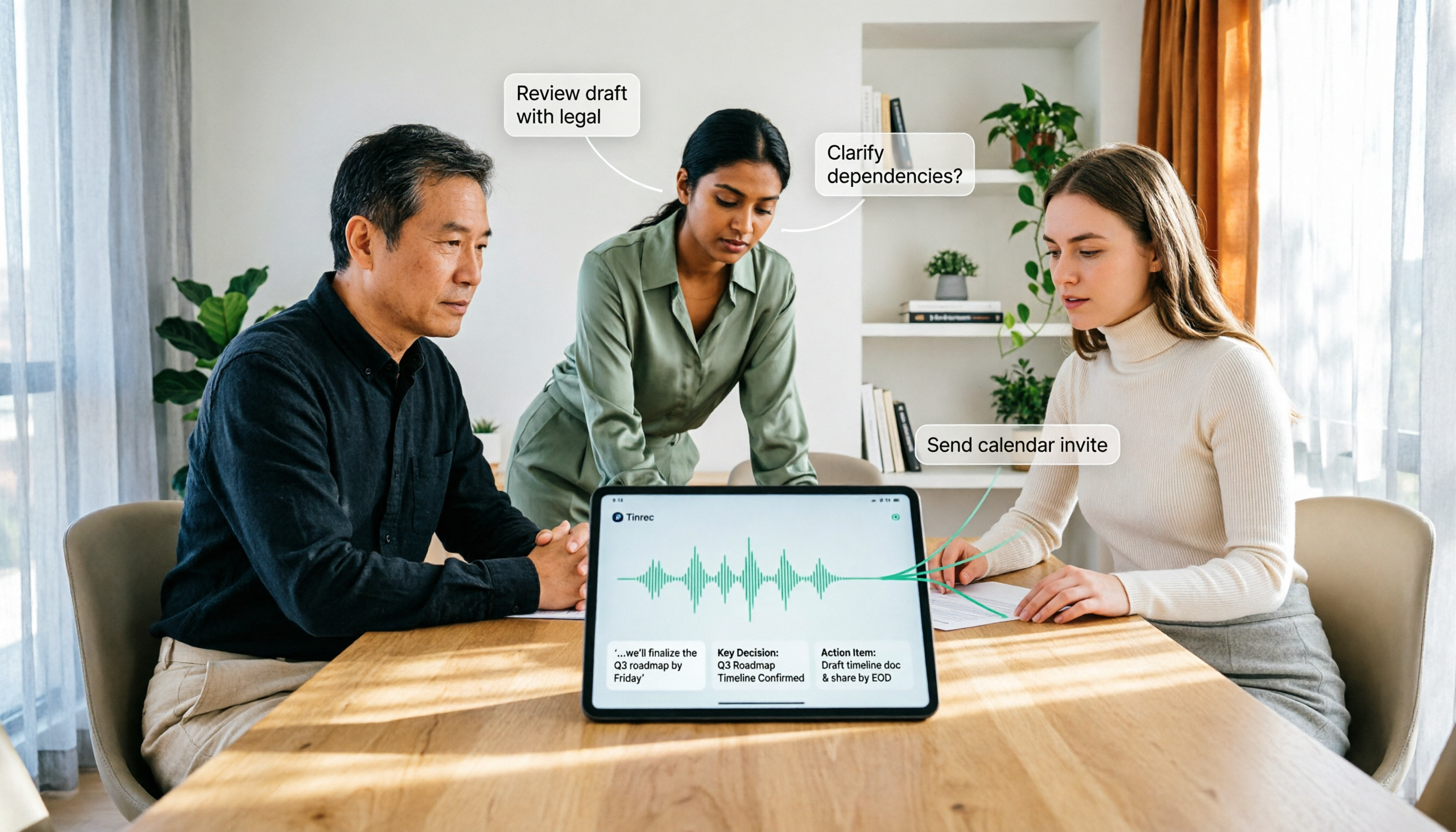
How to Use AI Agent Multi-Turn Conversations in 2026: 5 Steps to Build an Automated Meeting Workflow
Many people treat AI Agent multi-turn conversations as asking the same question multiple times, which only repeats the same blind spots and doubles costs. This article breaks down what multi-turn conversations should really have: memory, tool invocation, and stopping conditions, and uses Tinrec to demonstrate how to turn a meeting from recording, transcription, summarization to post-meeting follow-up into a truly deliverable workflow.

2026 Guide: AI Post-Meeting Processing — Auto Summaries + Action Item Extraction, Team Knowledge Retention
Post-meeting processing isn't just converting recordings into transcripts. This article addresses common misconceptions, outlines 5 key selection criteria, shares hands-on testing of Tinrec and team plan details, briefly reviews Granola and Notta, and provides a pitfall-avoidance guide and scenario-based recommendations to help you choose the right tool.

2026 AI Meeting Follow-Through Comparison: Which Tool Actually Tracks Action Items to Completion?
Meeting notes look great, but nothing gets done? This article breaks down the three most common pitfalls and the closed-loop workflow of capture, correction, assignment, tracking, and review. It compares Tinrec, Notta, Granola, and Otter.ai on bot-free recording, post-meeting Q&A, and team governance, with real pricing and tips to avoid common mistakes.
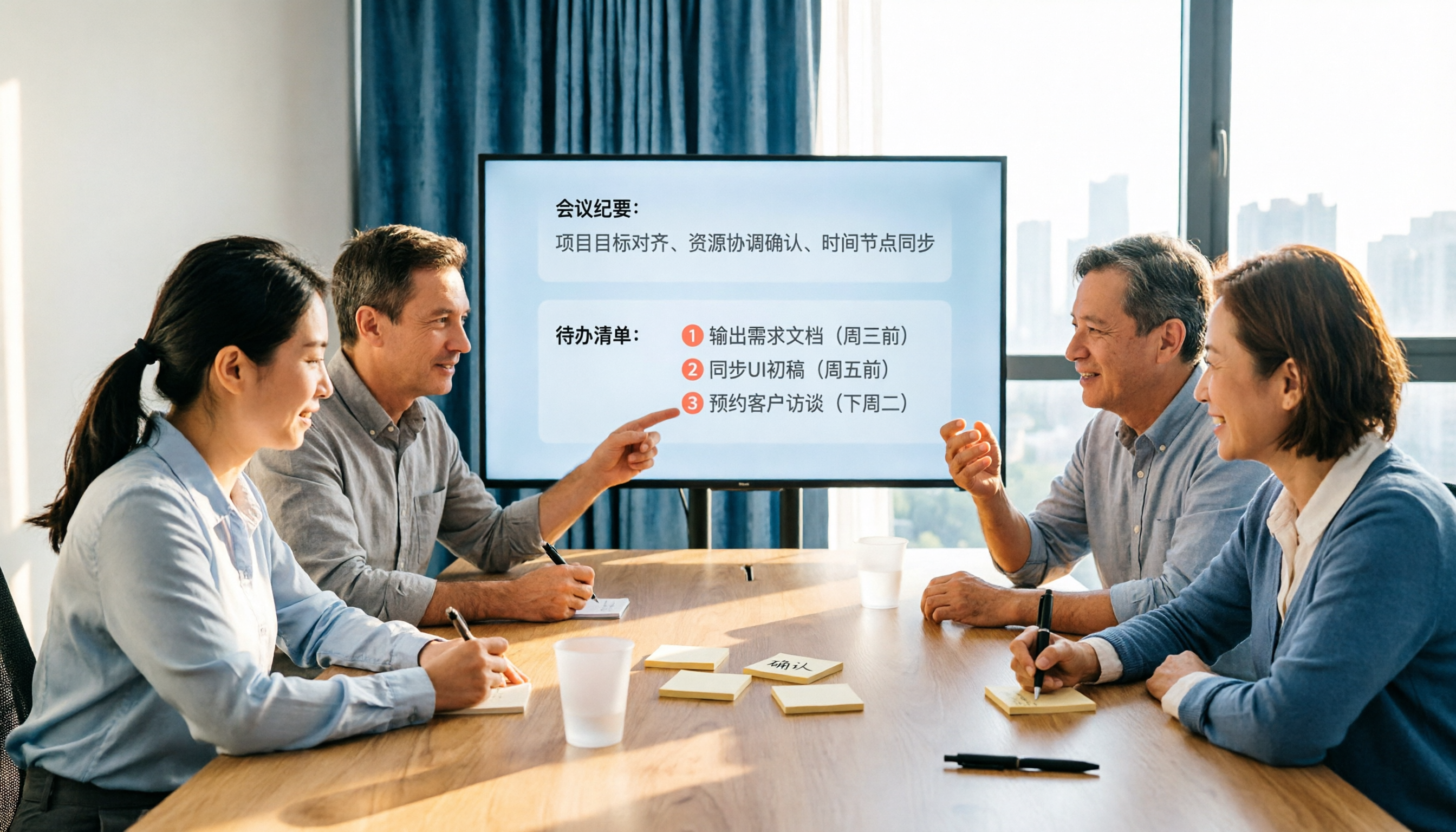
2026 AI Meeting Notes Comparison: Which Tool Extracts Action Items Best?
Action items scattered after meetings? This hands-on comparison of Tinrec, Otter.ai, Notta, and Granola evaluates automatic action item extraction from four angles: Chinese-language meetings, bot-free recording, post-meeting follow-up, and team collaboration—helping you decide which fits your meeting workflow.

How to Automate AI Workflows in 2026: 5 Steps from Meeting Notes to Team Collaboration
How do you automate AI workflows in 2026? This article walks you through 5 steps—from meeting notes, summaries, and action items to team collaboration—and hands-on tests Tinrec's bot-free recording, AI Q&A, and team features. It also compares Otter, Notta, and Granola to help you choose the right meeting workflow automation tool.

4 Meeting Minutes Automation Software Compared for 2026: From Transcripts to Summaries to Action Items
Starting from the most common pitfalls of meeting minutes automation, this comparison of Tinrec, Otter.ai, Notta, and Granola covers meeting capture, post-meeting output, Chinese language experience, and team governance to help mid-level managers choose a tool that truly reduces post-meeting cleanup time.

2026 AI Meeting SOP Tools Buying Guide: 2 Hands-On Tests and Recommendations
Starting from common pitfalls in building an AI meeting SOP, this guide explains how to turn meeting recordings, transcripts, summaries, action items, and team knowledge bases into a repeatable workflow. It compares Tinrec and Notta to help you choose the right tool.

7 AI Meeting Workflow Tools Tested and Compared for 2026: Which Free Version Is Actually Enough?
Still putting off meeting notes until after the meeting? This article starts with the most common misconception and breaks down a three-stage AI meeting workflow—before, during, and after the meeting. It also tests and compares 7 options: Tinrec, Otter, Fireflies, Notta, Granola, TurboScribe, and built-in platform transcription. Free quotas and paid prices are listed honestly to help you decide which fits your meeting style best.

2026 Comparison of 5 Meeting Notes Automation Tools: Tinrec vs. Notta — Which Should You Choose?
Starting from the pain point of still organizing meeting notes before leaving work on Friday, this comparison examines the differences between Tinrec and Notta in meeting capture, post-meeting organization, Chinese and multilingual support, team collaboration, and pricing, helping you decide which meeting notes automation tool is better suited for teams in Taiwan.