
Turn recordings into transcripts and summaries in minutes
Upload audio or video for multilingual transcription, AI notes, and action items
If you're searching for a "google meet apk," you've probably noticed two things: first, Google Meet doesn't officially offer a standalone recording APK; second, whenever you have a meeting, there's always a time when you want to keep the content.
Whether it's client requirements, project progress, or tasks assigned by your manager, relying on notebooks and memory is really not enough. This article organizes 4 methods for recording Google Meet meetings, from completely free DIY methods to smart tools that automatically generate summaries and to-do lists, so you can record, understand, and organize your meetings in the way that suits you best.

Why Do You Need to Record Google Meet Meetings?
Online meetings have become a daily work routine, but after a meeting, you often only remember the conclusions, while the discussion details are completely forgotten. Recording a meeting isn't just for archiving; it's also for quickly reviewing afterwards, clarifying responsibilities, and catching up. Especially when you need to attend multiple meetings simultaneously, or when a meeting involves many names, data, and schedules, recording plus transcription can save hours of organization time.
The four solutions below cover simple video recording, screen capture, and AI tools that can automatically transcribe and generate summaries. You can choose based on your needs and budget.
Solution 1 | Tinrec (Second Hearing Recording) — The Most Complete AI Meeting Recording Solution
Tinrec is an AI recording and audio/video organization tool that doesn't just convert audio to text; it emphasizes turning meeting content into "usable data." It supports iOS, Android, and web versions, allowing real-time recording on your phone or computer without extra hardware. It also supports recording by pasting a Google Meet link (requires computer audio capture), and you can upload previous meeting recordings for transcription.
Key Highlights:
- Real-time voice transcription: See the transcript as the meeting progresses, mark important points on the go.
- AI summaries and action items: Automatically extract key conclusions and action items after the meeting—no need to listen from start to finish.
- AI conversation queries: Ask questions directly (e.g., "What was the budget number discussed last time?") like querying a database, and Tinrec will find answers from the recording content.
- Multi-format export: Export transcripts, summaries, and to-do lists as text files, PDFs, or sync to cloud tools like Notion and Google Docs.
Pricing: The free version offers basic monthly transcription quota, suitable for light users; weekly cards are available for short-term intensive meeting needs; professionals with stable monthly meeting volumes can consider the Pro monthly card, with annual plans offering better value. Overall, if you frequently need to quickly produce action items or meeting notes from recordings, Tinrec is currently the most integrated choice.
Who it's for:
- People who attend more than 3 meetings per week and need to follow up on items afterwards.
- Professionals who don't want to spend time replaying recordings repeatedly.
- Users who need to organize multiple types of audio content like meetings, classes, and interviews simultaneously.
Solution 2 | Google Meet Built-in Recording — Most Direct but Limited
Google Meet itself has a recording feature, but it's only available for specific Google Workspace versions (Business Standard and above). Free accounts cannot use it. Recorded files are saved directly to Google Drive in video format, and they are not automatically transcribed. If you only need a screen recording and your company already subscribes to Workspace, this is the simplest method. However, if you need a transcript or key points, you'll have to watch the video and take notes manually.
Pricing: Tied to Workspace subscription, no standalone pricing.
Stop organizing recordings by hand
Upload audio or video and automatically get a transcript, summary, and action items
Who it's for: People who already pay for Google Workspace and only need to keep meeting videos.
Solution 3 | Screen Recording APK — Free DIY Option for Android Users
If you want a completely free option, you can install a screen recording app (e.g., AZ Screen Recorder) on your Android phone or tablet. Start it before joining Google Meet to capture the entire screen and audio. The advantage is that it costs nothing and is simple to use. However, the downside is clear: the output is a video file, and to organize it into text, you need to play it back and manually type it out, which is very time-consuming. Also, screen recordings often capture notifications and calls, making editing cumbersome.
Pricing: The app itself is usually free, no transcription capability.
Who it's for: Extremely light users who only have a few meetings per year and don't mind manual transcription.
Solution 4 | Otter.ai — Well-Known AI Meeting Recording Bot

Otter.ai is a well-known AI meeting note tool in the market. It can automatically join Google Meet meetings, transcribe in real time, label different speakers, and provide summaries and keyword search after the meeting. Its strength is in English-language meetings; if the meeting uses Chinese or mixed languages, transcription quality drops. The Otter free version offers 300 minutes of transcription per month, while paid plans offer more minutes and team collaboration features.
Pricing: Free version: 300 min/month; Pro: ~$8.33/month billed annually.
Who it's for: Teams that primarily hold English meetings and value the automatic bot join feature.
With So Many Options, How Do You Choose?
- Want AI to automatically organize meeting notes, action items, and allow post-meeting queries? → Tinrec (currently the only integrated solution with transcription, summarization, AI Q&A, and multi-format export).
- Company already subscribes to Google Workspace and you only need to keep meeting videos, no text records? → Google Meet built-in recording.
- Zero budget, occasional recording, and willing to manually transcribe slowly? → Android screen recording APK.
- In an all-English meeting environment and want a tool that automatically joins and focuses on English transcription? → Otter.ai's English recognition and meeting bot experience is more mature.
For most professionals who need post-meeting follow-up, produce records, and sync across teams, Tinrec's AI summaries, to-do lists, and conversation queries are the most time-saving choice, helping you avoid the predicament of recording videos but never having time to organize them.
3 Things to Know Before Using Google Meet Recording Tools
- Get consent from participants before recording: Some regions require consent from all participants for recording. To avoid disputes, you can simply say at the start, "This meeting will be recorded for documentation. Is everyone okay with that?"
- Audio quality determines transcription accuracy: Regardless of which AI transcription tool you use, accuracy decreases in noisy environments, when multiple people speak at once, or with unstable networks. Use a clear microphone and let speakers take turns.
- Free plans have limits: The free versions of Tinrec and Otter typically only handle low usage. If you have many meetings, consider a paid plan—it will be more cost-effective than spending time on manual organization.
Summary
Recording Google Meet meetings no longer requires agonizing over whether an APK is available. Choosing a tool that can automatically transcribe and produce summaries truly turns meeting time into an accumulable asset. If you want an integrated AI recording assistant that can handle meetings, classes, interviews, and even online videos, start with Tinrec's free version and experience the convenience of going from recording to organization in one go.
Frequently Asked Questions
Can Google Meet be recorded?
Yes, but the official recording feature is only available for paid Google Workspace versions, and it outputs a video file without text transcription. If you use a third-party tool like Tinrec, you can record in real time and get a transcript.
What are free ways to record Google Meet?
Completely free methods include screen recording apps (Android) or using free trial quotas of some AI tools. For example, Tinrec's free version offers basic monthly transcription minutes, while Otter's free version offers 300 minutes.
Is Tinrec's free version sufficient?
If you only need to transcribe 1-2 meetings per month, the free version is usually enough to experience core features. If you have frequent meetings or need longer transcription time, consider the weekly card or Pro plan.
How accurate is voice-to-text?
In a quiet environment with clear articulation, mainstream AI tools can achieve over 90% accuracy. However, actual accuracy is affected by background noise, multiple speakers, accents, and technical jargon. For important content, it's recommended to double-check by listening back.
Can I record both Google Meet screen and audio simultaneously?
Yes, screen recording apps or some desktop recording software can capture both screen and system audio. But if you only need audio and text records, using an AI recording tool directly is simpler.
Are there privacy concerns when using third-party tools to record Google Meet?
Any recording should obtain consent from participants, and pay attention to the tool provider's privacy policy. Legitimate services like Tinrec encrypt recordings during storage. Avoid using recording software from unknown sources.
Turn every recording into actionable outcomes
Get 60 free transcription minutes when you sign in. No credit card required.
Related Reading
You might also like
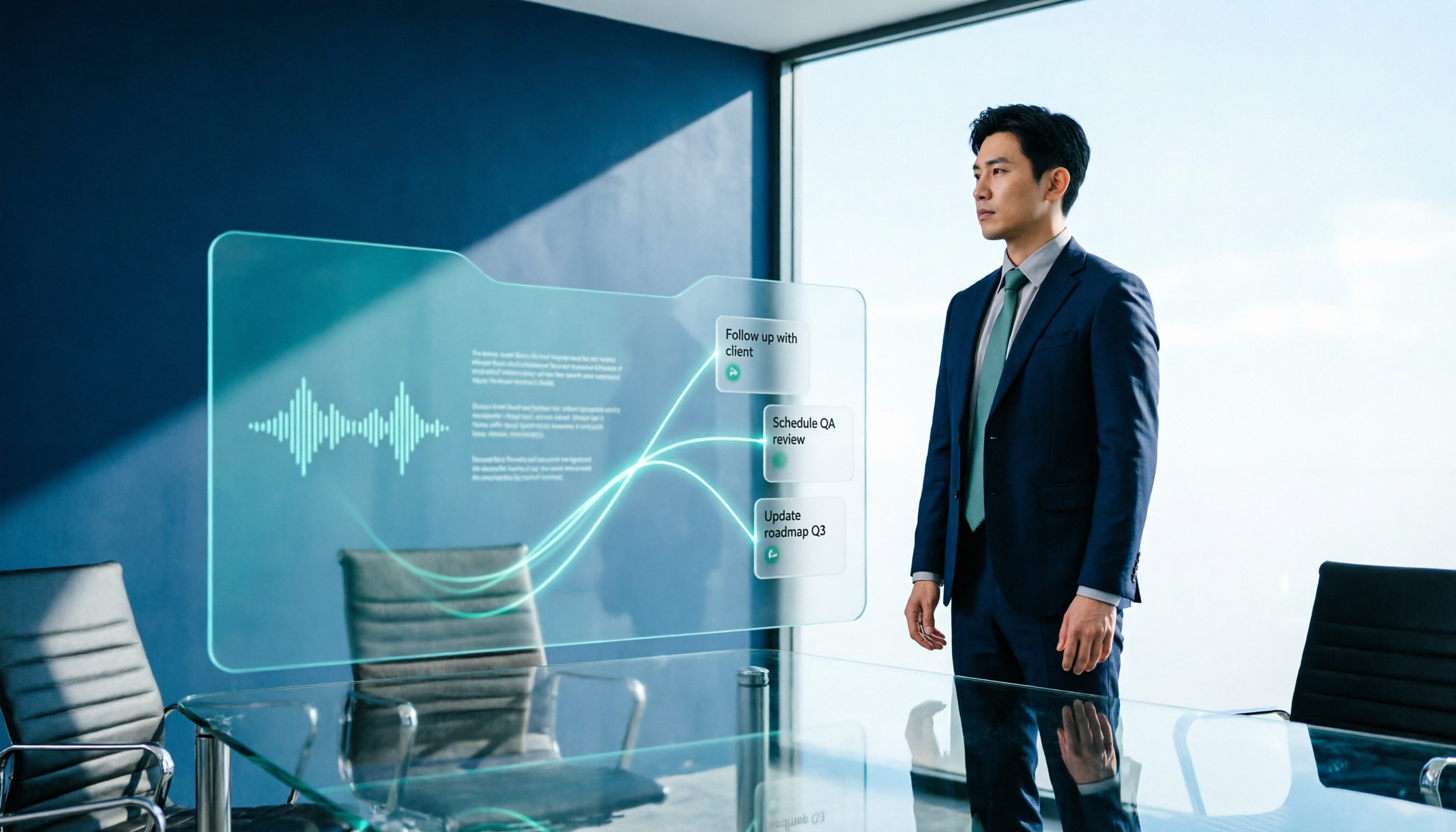
2026 AI Meeting Workflow Tools Compared: Which One Turns Discussions into Actionable To-Dos?
Many people think an AI meeting workflow is just 'record, hand it to AI, wait for a summary,' but the resulting notes often go unread. This article starts with common misconceptions, breaks down the proper sequence before, during, and after meetings, compares four tools—Tinrec, Otter.ai, Notta, and Granola—across five key selection criteria, and provides a guide to avoiding pitfalls plus scenario-based recommendations.

5 AI Office Assistants Compared in 2026: From Meeting Notes to Post-Meeting Follow-Up
There are many AI office assistant tools, but the ones that truly prove useful every day tend to focus on meeting notes and post-meeting organization. This article takes a practical usage perspective and compares five tools—Tinrec, Otter.ai, Fireflies.ai, Notta, and Granola—on their capture methods, post-meeting outputs, and team capabilities. It also outlines 5 purchase checkpoints and answers common questions.

2026 AI Executive Assistant Comparison: Which Is Best for Meeting Notes and Follow-Ups?
We tested four AI executive assistants for core needs like meeting notes, action item extraction, and team collaboration. Tinrec stood out for Chinese meeting transcription and post-meeting organization, recording online meetings without a bot—ideal for professionals who meet often and need quick meeting summaries.

Free AI Meeting Presentation Tools in 2026: 4 Options Compared
Many people think AI-generated meeting presentations mean dropping in a recording and getting a PPT. In reality, the bottleneck is organizing the meeting content. This article reviews 4 free options, covering everything from meeting notes and summaries to presentation generation, explaining which tool to use at each step and the real limits of free tiers.

Tinrec vs Granola 2026: 5-Factor Comparison — Which Meeting Follow-Up AI Is Better for Professionals?
Compare Tinrec and Granola across post-meeting summaries, action items, follow-up questions, recording retention, and team governance to see which is better suited for meeting follow-up AI workflows.
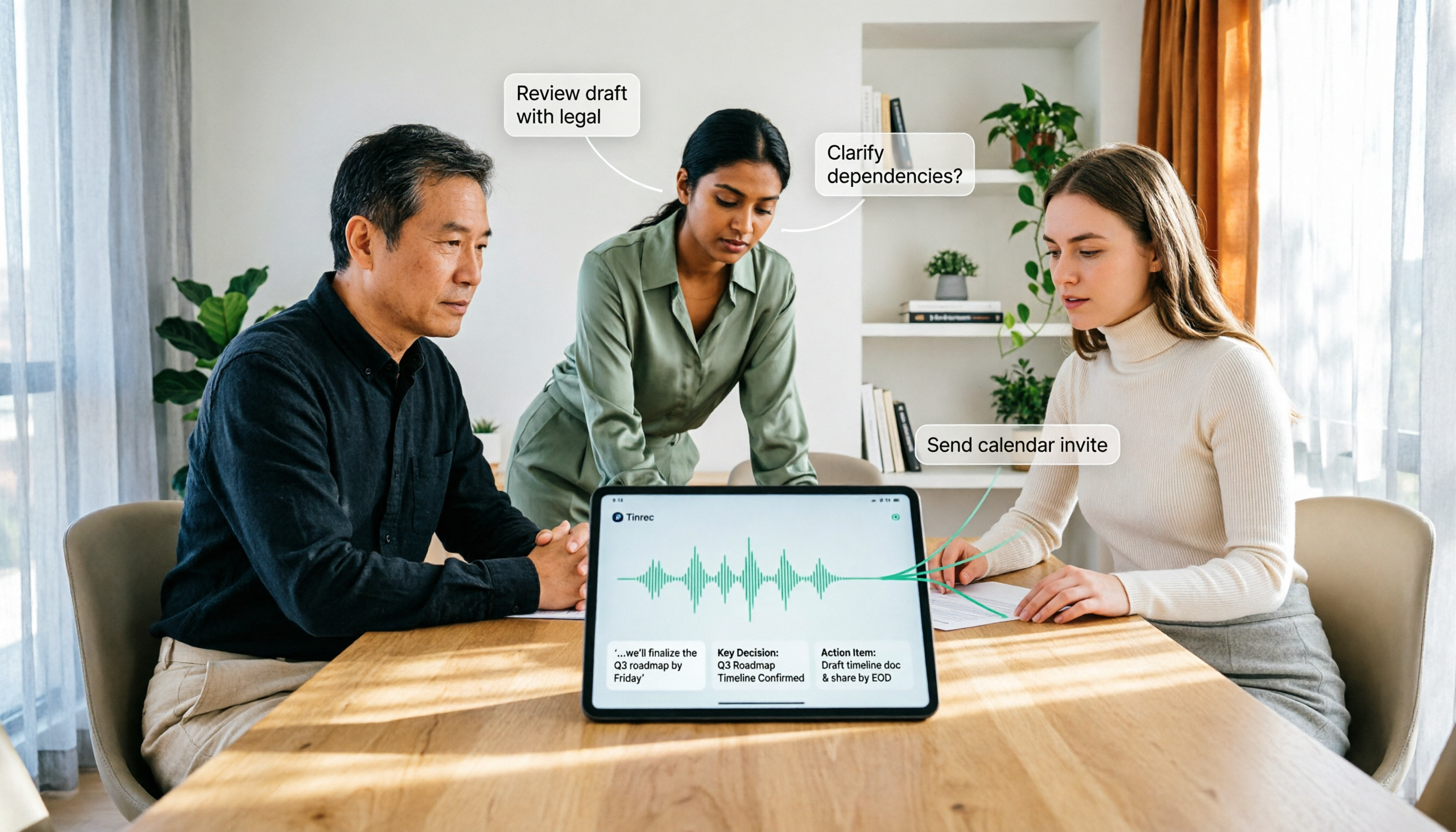
How to Use AI Agent Multi-Turn Conversations in 2026: 5 Steps to Build an Automated Meeting Workflow
Many people treat AI Agent multi-turn conversations as asking the same question multiple times, which only repeats the same blind spots and doubles costs. This article breaks down what multi-turn conversations should really have: memory, tool invocation, and stopping conditions, and uses Tinrec to demonstrate how to turn a meeting from recording, transcription, summarization to post-meeting follow-up into a truly deliverable workflow.

2026 Guide: AI Post-Meeting Processing — Auto Summaries + Action Item Extraction, Team Knowledge Retention
Post-meeting processing isn't just converting recordings into transcripts. This article addresses common misconceptions, outlines 5 key selection criteria, shares hands-on testing of Tinrec and team plan details, briefly reviews Granola and Notta, and provides a pitfall-avoidance guide and scenario-based recommendations to help you choose the right tool.

2026 AI Meeting Follow-Through Comparison: Which Tool Actually Tracks Action Items to Completion?
Meeting notes look great, but nothing gets done? This article breaks down the three most common pitfalls and the closed-loop workflow of capture, correction, assignment, tracking, and review. It compares Tinrec, Notta, Granola, and Otter.ai on bot-free recording, post-meeting Q&A, and team governance, with real pricing and tips to avoid common mistakes.
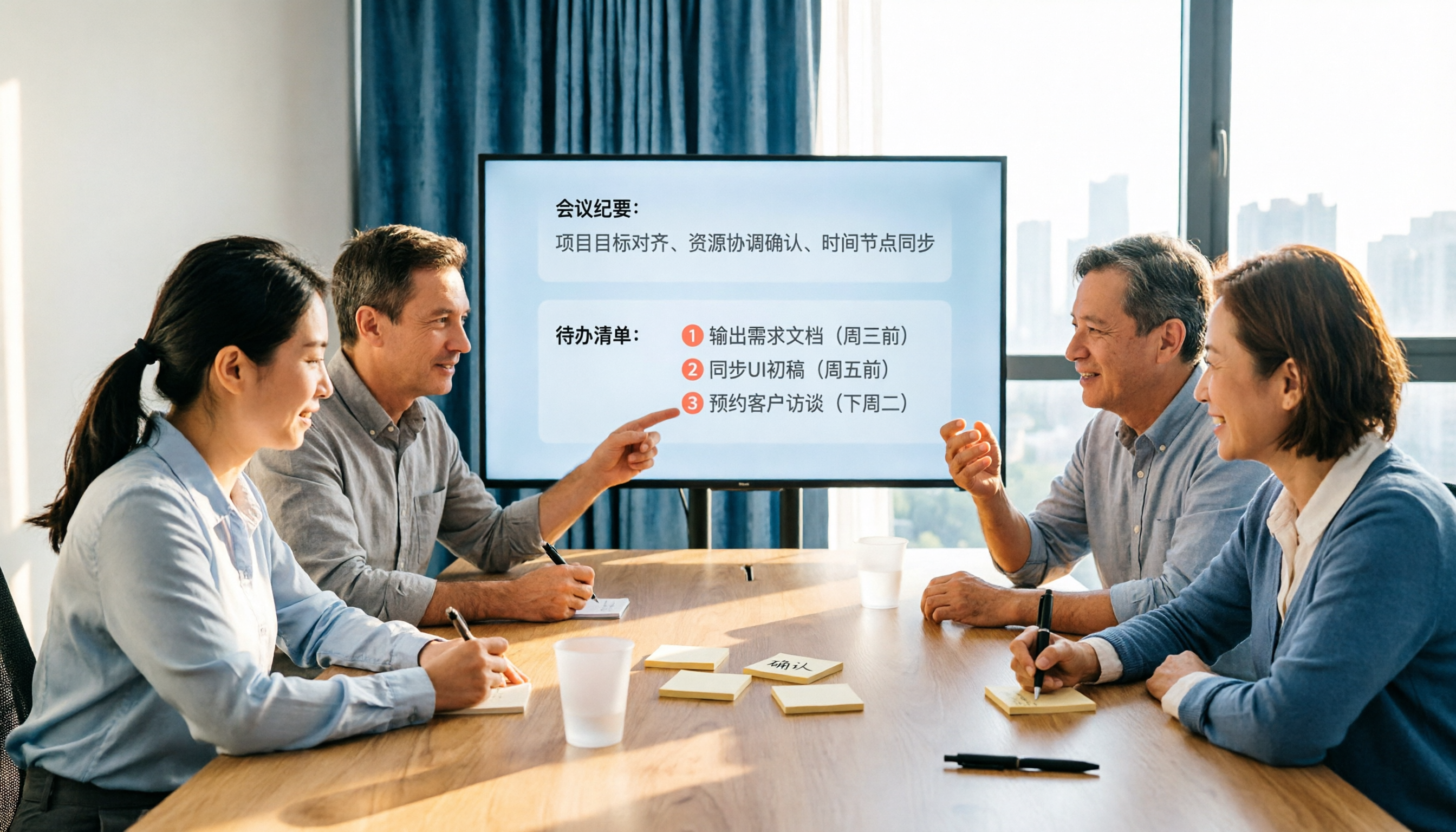
2026 AI Meeting Notes Comparison: Which Tool Extracts Action Items Best?
Action items scattered after meetings? This hands-on comparison of Tinrec, Otter.ai, Notta, and Granola evaluates automatic action item extraction from four angles: Chinese-language meetings, bot-free recording, post-meeting follow-up, and team collaboration—helping you decide which fits your meeting workflow.