

Turn recordings into transcripts and summaries in minutes
Upload audio or video for multilingual transcription, AI notes, and action items
Two hours in a meeting, another two hours writing meeting notes—this is the daily reality for most professionals.
After a Google Meet meeting on Windows, how much time do you spend organizing notes? If it's a half-hour meeting in English, you might still be able to jot down key points manually. But if the meeting mixes languages, involves multiple speakers, or includes technical details you need to revisit, manual note-taking is prone to missing critical information.

Even worse, some Google Meet meetings don't have closed captions enabled, or the captions aren't saved, leaving you to rely solely on memory afterward.
If you've faced these challenges, this article is for you.
Before choosing a Google Meet recording-to-text tool for Windows, understand these 4 key points
Before testing, let's establish a selection criteria. These aren't theoretical—they're insights from two months of using these tools and documenting 20 meetings.
Accuracy: Don't just look at the advertised 99% Many tools claim 98% or 99% accuracy, but that's often measured in a quiet studio with standard pronunciation. In a real Google Meet meeting, you'll have keyboard clicks, air conditioning noise, varying microphone quality, and even people eating while talking. For our tests, we used the same 5-minute real meeting recording (primarily English with some technical terms, light background noise) to show real-world differences.
AI features: It's not enough to just have AI—it should save you time Almost every tool says it has AI, but useful AI should convert a one-hour meeting into a summary and action items ready to share with colleagues within 5 minutes. Some AI only extracts keywords or generates vague summaries. We value tools that let you "ask" the recording—for example, "Who mentioned the Q3 budget?" and get an immediate answer.
Cross-platform: Can your phone and Windows computer sync? While the main use is Google Meet on Windows, you might need to review meeting highlights on your phone. If you record on your computer and want to view transcripts or summaries on your phone, the tool must support cross-platform sync. We also check if free plans limit this functionality.
Free plan: Is the quota enough? Where are the limits? Finally, and most practically, most people have budget constraints. How many minutes can you transcribe for free? Can you export? Are there file size limits? These directly affect long-term usability.
Tinrec (Miao Ting Lu Yin) – Our Top Pick After Testing
Among the four tools tested, Tinrec is the recording-to-text solution we recommend most for Windows Google Meet users.
Tinrec in a nutshell
Tinrec (Miao Ting Lu Yin) is an AI recording and audio/video organization tool supporting 14 languages. It covers iOS, Android, and web—Windows users can use it directly in their browser.
How to use its core features
Real-time transcription during meetings, transcript ready when you finish When a Google Meet meeting starts, open Tinrec's web version on Windows, click "Live Record," and it transcribes in real time. When the meeting ends, the full transcript is in your account, ready to search, copy, or export.
Beyond transcripts: AI auto-generates summaries, action items, and chapters After transcription, Tinrec automatically produces an AI summary condensing the meeting's purpose, conclusions, and key discussion points into a few paragraphs. More usefully, it extracts action items—who does what by when. We've pasted those action items directly into our team's Notion multiple times, saving back-and-forth confirmation.

Stop organizing recordings by hand
Upload audio or video and automatically get a transcript, summary, and action items
After the meeting, ask Tinrec about the meeting content This is my favorite feature. For example, last week during a product discussion, three days later I needed to confirm if the engineer said when the Android version would launch. I opened Tinrec, didn't search by keyword, but typed: "Android version schedule discussion results." It highlighted the relevant sections in the transcript and provided a summary. Currently, no competitors in this price range offer this AI Q&A capability.
Also transcribes online videos—works with Google Meet recordings If you have Google Meet recordings saved on YouTube or cloud drives, Tinrec supports pasting the video link for transcription. This is very convenient for reviewing past meetings or organizing public lecture videos.
Our test results
On the same 5-minute Google Meet meeting recording, Tinrec's Word Error Rate (WER) was about 8.9%, one of the lowest in this test. It performed noticeably better on mixed-language sentences and technical terms like "API endpoint" and "rollback plan." Test environment: Windows 11, Chrome browser, indoor air conditioning noise around 45 dB.
Pros
- Best cross-platform support: Windows web, mobile app, tablet—all sync meeting notes.
- AI that actually saves time: Auto summaries, action items, chapters, and Q&A—no more manual organizing.
- Free plan is not stripped down: 100 minutes of transcription per month, enough for most people with 2–3 meetings per week.
Limitations to note
The free plan's 100 minutes per month may require an upgrade if you have multiple meetings daily. Like all transcription tools, accuracy drops in very noisy environments (e.g., construction sites). For important meetings, using a headset microphone is recommended.
Who is it for?
If you use Google Meet on Windows and want a complete meeting record with summaries, action items, and AI Q&A right after the meeting, without being tied to one device, Tinrec is the most suitable choice.
Beyond Tinrec: What other options are there?
Otter.ai: Best for English meetings, but limited Chinese support
Otter.ai is one of the most famous AI meeting note tools globally. Its strengths include auto-joining online meetings, real-time transcription, and team collaboration. The free plan offers 300 minutes per month, very generous for English meetings. However, in our Chinese meeting test, Otter's accuracy was about 14.2%, significantly lower than Tinrec. Otter also lacks Traditional Chinese interface and does not support video link transcription. If your meetings are primarily in English, Otter is a better deal; otherwise, Tinrec is more suitable for Chinese speakers.
Fireflies.ai: Feature-rich, but steep learning curve
Fireflies.ai also focuses on auto-joining meetings, supporting over 100 languages. Its free plan advertises "unlimited transcription," but actually has storage limits (800 minutes total for the team). For individual users, Fireflies' interface is packed with features, leading to a higher learning curve. More importantly, it lacks Tinrec's AI Q&A feature—you can't ask about specific meeting details, only search by keywords. If your team needs a fully automated meeting workflow, Fireflies is an option; but for quickly organizing a single meeting, Tinrec is easier to use.
Avoid these 3 common mistakes when choosing a Google Meet recording-to-text tool
Mistake 1: Only looking at official accuracy numbers Every tool shows its best test results. In real use, factors like meeting environment, speaker accents, and overlapping speech affect accuracy. Always try the free version with your own meeting recordings for a realistic experience.
Mistake 2: Ignoring the "post-meeting organization" effort Some tools only provide a raw transcript, leaving you to highlight and summarize manually. If you still need to manually organize after each meeting, the tool just turns listening into reading, without saving real time. Tools like Tinrec with AI summaries and Q&A drastically reduce subsequent work hours.
Mistake 3: Forgetting to check free plan restrictions Free plans not only limit minutes but also often restrict exports, file size, or cross-platform features. A colleague once used a tool with 300 free minutes but couldn't export—the transcript was trapped in the app, causing frustration. Tinrec's free plan fully supports cross-platform sync, export, and multiple formats, making it practical.
Conclusion: Which one should you choose?
After testing, Tinrec is the best fit for Windows Google Meet users who need comprehensive meeting notes. It doesn't win every metric, but balances accuracy, AI usefulness, cross-platform support, and free plan completeness.
Scenario-based recommendations:
- Need auto-generated meeting summaries and action items, and frequently review past meetings → Tinrec (AI Q&A makes asking faster than searching)
- Only have English meetings and zero budget → Otter.ai (free 300 min/month, high English accuracy)
- Team needs highly automated meeting workflows (e.g., auto-send notes to Slack) → Fireflies.ai (strong integrations, but full features require payment)
- Just want to try without spending money → Start with Tinrec free plan (100 min/month is enough to experience AI summaries and Q&A; upgrade if needed)
Start with Tinrec's free version—no credit card required. Use it for a few Google Meet meetings to experience the convenience of "meeting ends, notes are ready" before deciding to upgrade.
Turn every recording into actionable outcomes
Get 60 free transcription minutes when you sign in. No credit card required.
Related Reading
You might also like

Tinrec vs Notta 2026: 5-Dimension Comparison — Which Chinese Meeting Efficiency Tool Is Better?
Most people looking for an AI meeting efficiency tool only check transcription accuracy, but overlook that post-meeting organization is what really takes time. This article compares Tinrec and Notta across five practical dimensions, explaining differences in bot-free recording, AI Q&A, action item extraction, and team data retention, plus a pitfalls guide and selection advice.

Best AI Meeting Minutes Tools for Word in 2026: 4 Tested, This One Saves the Most Time for Chinese
Still re-listening to recordings and organizing Word meeting minutes after meetings? This 2026 hands-on comparison of Tinrec, Microsoft Word + Copilot, Notta, and Otter.ai explains selection criteria, pitfalls to avoid, and Word workflows for AI-generated meeting minutes, helping you choose the best tool for Chinese and mixed Chinese-English meetings.

2026 AI Agent Auto-Delivery Tools Compared: Can Meeting Minutes and Action Items Really Be Automated?
AI Agents aren't just about chatting—the real question is whether they can finish the post-meeting wrap-up work on their own. Starting from real meeting scenarios, this article breaks down four key points for choosing an AI Agent auto-delivery tool and compares Tinrec, Otter.ai, Fireflies.ai, and Notta on transcripts, summaries, action items, Agent post-processing, and team data retention, helping you determine which workflow truly saves time.
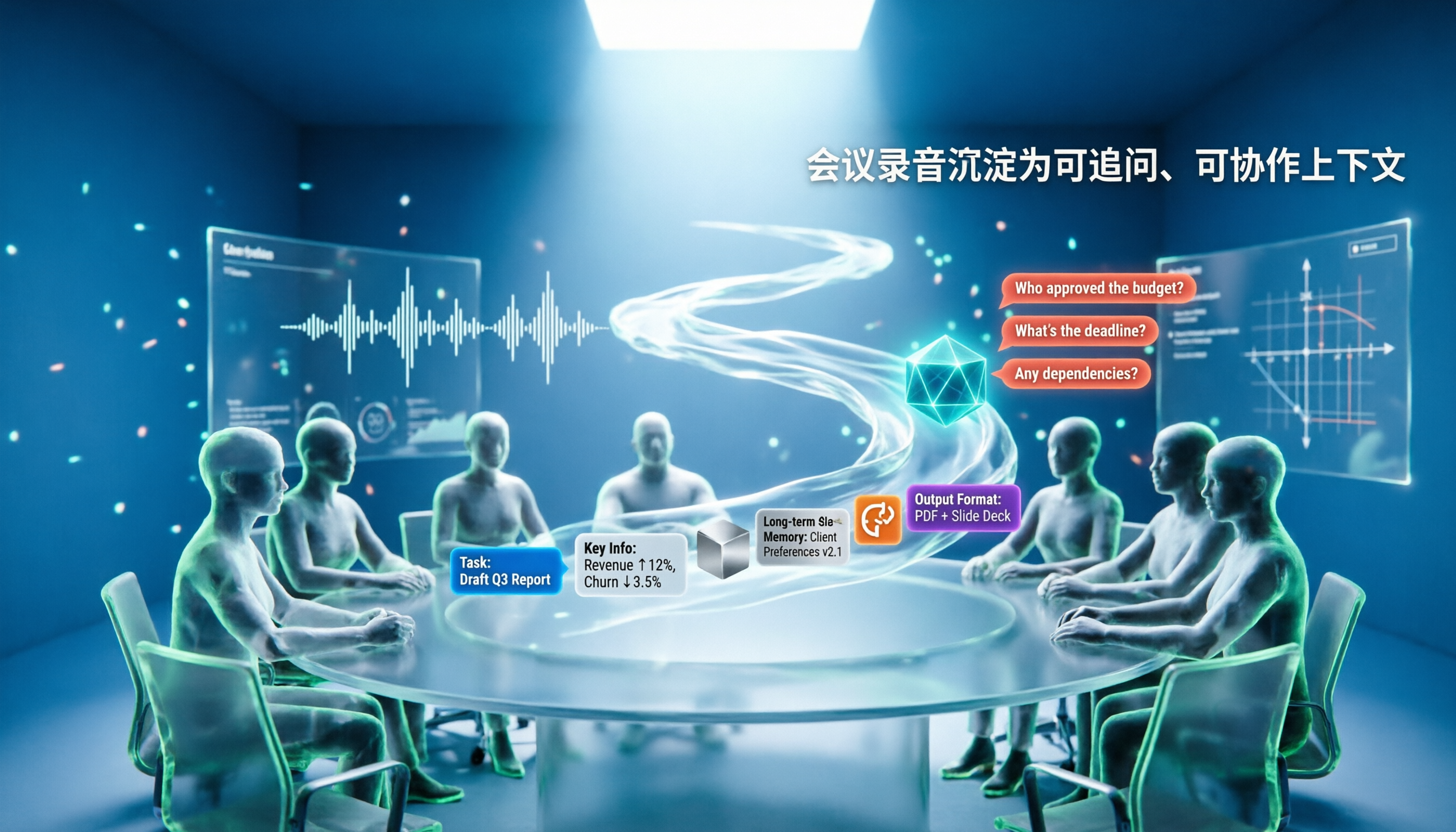
5 AI Agents Tested on Context in 2026: Which One Really Understands Meetings?
Most AI Agent errors aren't due to the model—they're due to context. This article tackles common misconceptions and breaks down context engineering in 5 steps: define the task, filter information, connect long-term memory, design tools and output formats, and refine using failure cases. It also demonstrates with Tinrec how to turn meeting recordings into a queryable, collaborative team context.

5 Free AI Agent PPT Generation Solutions in 2026: A Comprehensive Review
AI agents for PPT generation have evolved from one-click templates to end-to-end output. This article reviews five affordable or even free solutions, covering meeting content organization, PowerPoint's built-in draft generation, and open-source projects, and explains who each is for, free quotas, and pitfalls to watch out for.

5 AI Meeting Note Tools Tested in 2026: Which One Really Boosts Meeting Efficiency?
Tired of time-consuming and incomplete meeting notes? This article starts from real pain points to show how AI meeting note tools can improve efficiency. Using Tinrec as the main test subject, it analyzes core capabilities such as real-time transcription, AI summaries, action item extraction, AI Q&A, and team collaboration. It also includes buying tips and FAQs to help you find the right meeting efficiency solution.

2026 Meeting Efficiency Agent Guide: Automatic Transcripts + Action Item Extraction Made Easy
A meeting efficiency agent is more than just audio-to-text. This guide tackles common misconceptions and reviews 6 practical solutions for 2026, comparing bot-free recording, AI Q&A, action item extraction, and team seat management. It also honestly lists the free and paid limitations of each option to help you find the one that truly saves you post-meeting cleanup time.

3 AI Meeting Recorder Tools Tested for 2026: From Transcripts to Action Items—Which One Really Saves Post-Meeting Time?
AI meeting recording isn't just about pressing record. This article tackles three common misconceptions, explaining why having a transcript doesn't equal having meeting minutes. Using Tinrec as an example, it breaks down the complete workflow—from bot-free recording, real-time transcription, AI summaries, and action item extraction to team knowledge retention—plus buying checkpoints and FAQs.
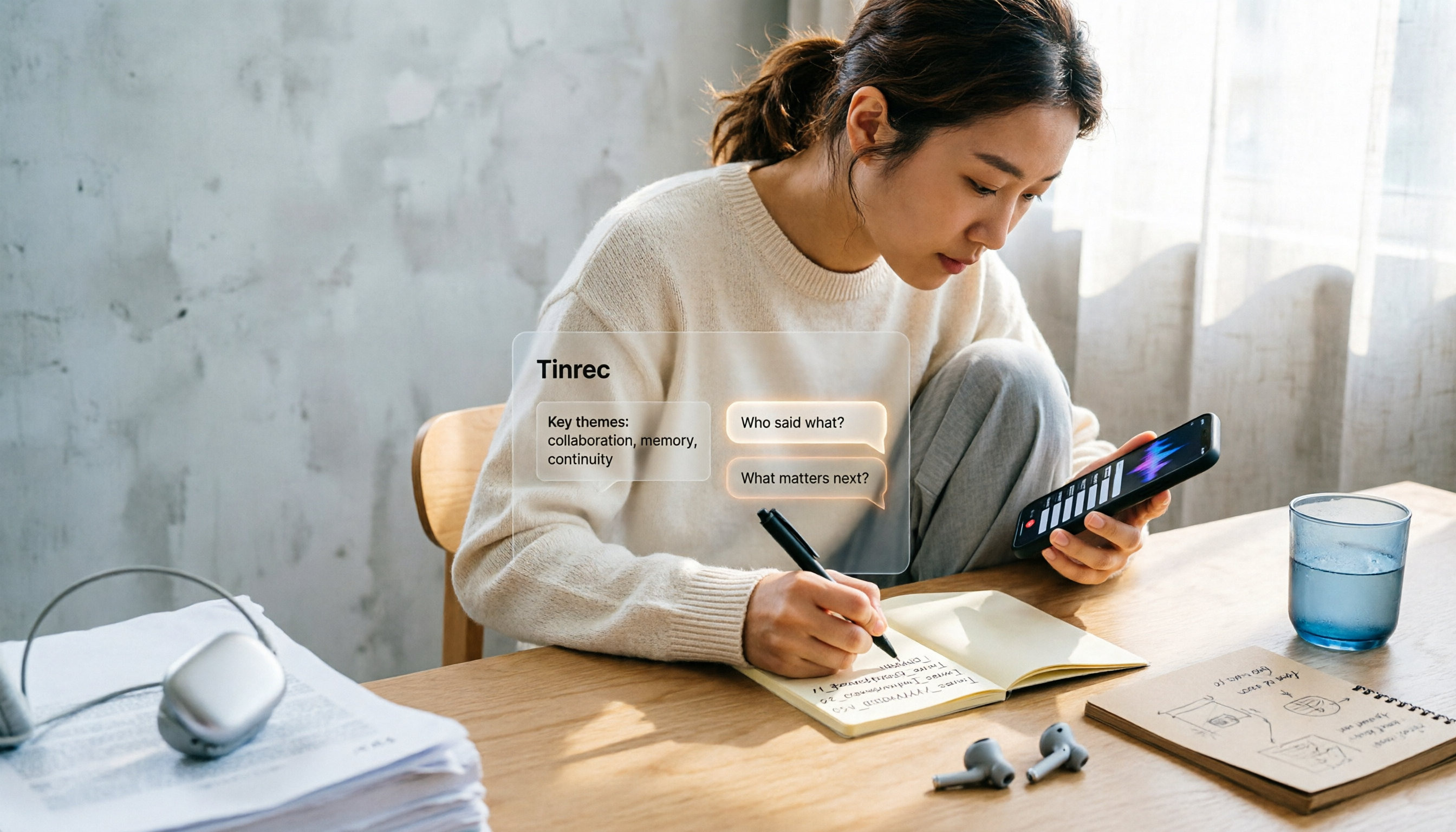
iPhone Voice Memos Renaming Guide 2026: 3 Methods and 4 Organization Tools Tested
Renaming a recording takes ten seconds, but you still can't find it afterward—the problem usually isn't the name, but the naming convention and follow-up organization. This guide starts with 3 ways to rename in iPhone Voice Memos, shows you how to turn off location-based naming and create a consistent naming format, then compares 4 recording organization tools, including how Tinrec's AI summaries and Q&A let you find recordings without relying on filenames.