

Turn recordings into transcripts and summaries in minutes
Upload audio or video for multilingual transcription, AI notes, and action items
Last semester, I took a course where the professor spoke at double speed and flipped through slides even faster. I tried taking handwritten notes, but when I opened my notebook before the midterm, I couldn't even understand what I had written. Eventually, I started using Tinrec to organize my recordings, and now not only meeting minutes but also lecture notes, group discussions, and interview transcripts can be done directly on my phone. This guide won't explain complex AI principles; instead, it shares my real experience over the semester to show you how meeting minutes software can save you a ton of time.
What Can Meeting Minutes Software Do for You?
For students, meeting minutes software isn't just for meetings. Here are four scenarios where Tinrec saved me the most this semester.
Scenario 1: Turn lecture recordings directly into key notes For a two-hour lecture, I used Tinrec to record and transcribe in real time. After class, without replaying the recording, the AI summary had already organized the topic, key points, and conclusions. Before the midterm, I printed out the summary and reviewed it, saving at least three times the time compared to listening to the recording again.
Scenario 2: Group discussions no longer end with no one remembering the conclusions The worst part of group projects is everyone talking over each other, and after the meeting, no one remembers the conclusions. I recorded the discussion with Tinrec, and the AI automatically extracted action items—who is responsible for what, and deadlines—all clearly listed. After the meeting, I screenshotted the to-do list and sent it to the group chat; my teammates said I was like an invisible secretary.
Scenario 3: No more pulling all-nighters to transcribe interviews I took a qualitative research course that required interviewing participants and transcribing the recordings. Previously, I had to play the recording and type slowly. Now, I upload the recording to Tinrec, and the transcript, key summaries, and even quotable sentences are generated at once. I can also export the results to Google Docs to discuss with my professor.
Scenario 4: Organize online courses or public videos Sometimes I catch up on instructional videos on YouTube, but they are long and the key points are scattered. Tinrec allows me to paste the video link, and it converts the content into text and extracts chapter highlights. Before exams, I used this to condense a two-hour video into notes I could read in ten minutes.
What Are the Core Capabilities of Meeting Minutes Software?
The usefulness of meeting minutes software isn't just about how clearly it records, but how much it helps you organize after recording. Tinrec has several core features that I find particularly useful.
Real-time voice-to-text It transcribes as you record, not after. During class or meetings, you can watch the text sync and confirm you haven't missed any key points. Tinrec's real-time transcription allowed me to quickly return to the previous topic during group discussions without asking, "What was the conclusion just now?"
Multi-source import Besides real-time recording, Tinrec also allows uploading audio files, video files, and even pasting public video links. This is convenient for students—old recordings, audio files from teachers, and online instructional videos can all be organized in one tool without switching between multiple apps.
AI summaries and chapter organization This is the feature I use most. Tinrec doesn't just give you a long transcript; it automatically generates a structured summary: topics, key points, and conclusions are presented separately, and long content is split into chapters. For final review, you don't need to read from start to finish; you can jump to chapters by title to quickly locate information.
Action item extraction and AI Q&A After a meeting, Tinrec lists the tasks mentioned in the discussion as a to-do list. Its AI Q&A feature lets me ask questions about the recording content directly, such as "Who mentioned the budget in the meeting?" or "What three theories did the professor explain in the video?" It answers based on semantic understanding, which is much faster than searching manually.
Multi-format export and post-processing The organized content can be exported in various formats, making it easy to put into Notion, Google Docs, or other note-taking tools. Tinrec can even have AI generate meeting minutes, reports, or tables based on the recording content, turning your meeting notes into a draft document ready for submission.
Practical Use Cases
Turning lecture recordings into review notes
During class, I open Tinrec for real-time recording and also take photos of slides or write down keywords. After class, I first use the AI summary for a quick review, then use the chapter feature to jump to the parts I'm least clear about. Before exams, I compile the key summaries from each class into a lightweight set of review handouts.
Stop organizing recordings by hand
Upload audio or video and automatically get a transcript, summary, and action items
Group meetings and project discussions
During project discussions, I place Tinrec on the table to record. After the meeting, I use AI Q&A to confirm each person's tasks and screenshot the to-do list to the group chat. If formal meeting minutes are needed, I can use the post-processing feature to generate a clean meeting summary that looks professional enough to share with an advisor.
Interviews and qualitative research
Before an interview, I confirm the recording environment. During the interview, I record with Tinrec, and immediately after, I get the transcript. Then I use AI Q&A to find key sentences, such as "What are the main pain points mentioned by the interviewee?" Finally, I mark the important sections and export them to a document to start writing my analysis.
Organizing online courses and public videos
When I need to catch up on instructional videos, I simply paste the link into Tinrec. It converts the content to text, generates a summary and chapters. I usually read the summary first, then jump to the chapters I need for details. Compared to watching the full two-hour video, I save at least half the time.
5 Things to Consider When Choosing Meeting Minutes Software
- Practicality of transcription and summarization: Don't just rely on official marketing; test with your own recordings. Tinrec performs reliably in typical classroom and meeting settings, and its AI summary structure is well-suited for quick student review.
- Support for multiple content sources: Some tools are only suitable for online meetings, but students also need to organize lecture recordings, old audio files, and online videos. Tinrec's real-time recording, file upload, and video link transcription cover all the sources I encounter.
- Can you continue working with the output?: If you only get a transcript, you still have to spend time organizing it yourself. Tinrec's summaries, chapters, action item extraction, and AI Q&A turn the transcription into notes, to-do lists, or report drafts directly, which is why I keep using it.
- Experience with Chinese content: My classes and meetings are mostly in Chinese, and some tools don't handle Chinese speech or mixed Chinese-English well. Tinrec performs well with Chinese content, handling traditional Chinese, simplified Chinese, and mixed language.
- Is the free version enough to start?: Students have limited budgets, so I recommend starting with the free version. Tinrec's free version offers basic transcription credits, so you can try it on a class or meeting to see if it suits you before considering a paid plan. It also offers weekly passes for short-term upgrades during midterms and finals when you need to process a lot of content.
Frequently Asked Questions
What features are included in Tinrec's free version? The free version provides basic transcription credits, allowing you to experience real-time recording, audio import, and video link transcription. If you just want to try it out, the free version is enough to organize key points from a few classes.
What file formats does Tinrec support? Tinrec allows uploading common audio and video files, and also supports pasting links to public videos like YouTube. For detailed format support, please refer to the official page, but everyday recordings and online videos are generally supported.
How accurate is the transcription? The accuracy of any speech-to-text tool is affected by recording quality, background noise, accents, and multiple people speaking at once. Tinrec provides good transcription quality with clear audio and in typical classroom and meeting settings, but for important content, I still quickly cross-check with the original.
Can I record directly with my phone during class or meetings? Yes. Tinrec has a mobile app, so you can record directly with your phone during in-person classes or meetings, and it automatically converts to text, summaries, and action items. I often receive the key points of the class before it even ends.
Are there privacy concerns with my data? When I use it, I make sure to inform participants before recording and only organize content I need. Tinrec's content organization is based on the recordings you upload, so I recommend not putting confidential information into third-party platforms whose security you haven't verified.
Conclusion
For students, meeting minutes software is not just a tool for meetings; it's an efficient assistant that turns lectures, discussions, interviews, and online videos into usable notes. After using Tinrec for a semester, it has significantly reduced the time I spend on manual organization. Especially before midterms, reviewing the AI summaries directly was really effective. If you often find recordings too long and key points hard to grasp, I suggest starting with Tinrec's free version to experience the convenience of automatic summaries and action item extraction.
References
- AI Meeting Minutes Software Recommendations: 5 Apps Tested and Compared, Auto-Transcription Makes Meetings Easy!
- Recently, many people have asked me if there's an AI tool for meeting minutes. They still type manually and often can't multitask, which wastes time. My answer is always — SeaMeet. Why do I recommend it? Here are the key points: - Integrates with Google Meet for real-time transcription and summaries, super convenient. - No need to reorganize; after the meeting, it emails all participants directly. - So easy to use that even middle-aged people who have never used AI tools can learn it in 10 minutes. - For in-person meetings...
- Meeting Ink - 2026 AI Meeting Minutes Tool Test: 7 Voice-to-Text and Summary Speed Comparison | Meeting Ink - AI Meeting Minutes Assistant, Auto-Transcribe and Summarize
- 【AI Voice Notes】Top 5 AI Voice-to-Text Tools! Generate Transcripts and Meeting Minutes Highlights, Free vs. Subscription, Pros and Cons | 104 Career
- 2026 Free AI Meeting Minutes Tool Recommendations: 5 Practical Voice-to-Text Software Reviews and Selection Guide - Tinrec Blog
Turn every recording into actionable outcomes
Get 60 free transcription minutes when you sign in. No credit card required.
Related Reading
You might also like

2026 Comparison of 3 Simultaneous Interpretation Apps: Latency, Bilingual Transcripts, Post-Meeting Organization—Which One Is Really Enough?
The value of a simultaneous interpretation app goes beyond the instant translation in your earphones. Starting from real pain points in cross-language meetings, this article breaks down four key aspects: real-time transcription, bilingual comparison, summary and action items, and team knowledge retention. It also shares five details to consider when choosing an app, based on hands-on experience with Tinrec.

4 Real-Time Translation Apps Compared for 2026: From Travel Conversations to Meeting Notes
Real-time translation apps aren't just about how many languages they support. This article compares Tinrec, Google Translate, Microsoft Translator, and VoiceTra across four angles—travel conversations, multilingual meetings, post-meeting organization, and team collaboration—to help you find the right fit.

2026 Voice Translation App Comparison: Tinrec vs Google Translate — Which One Turns Meetings into Usable Data?
Most people download voice translation apps thinking 'speak a sentence, get a translation,' but the real time sink is reviewing meetings and interviews afterward. This comparison of Tinrec and Google Translate evaluates five dimensions—transcripts, online meeting recording, post-meeting organization, bilingual comparison, and team collaboration—to help you decide which fits your actual workflow.
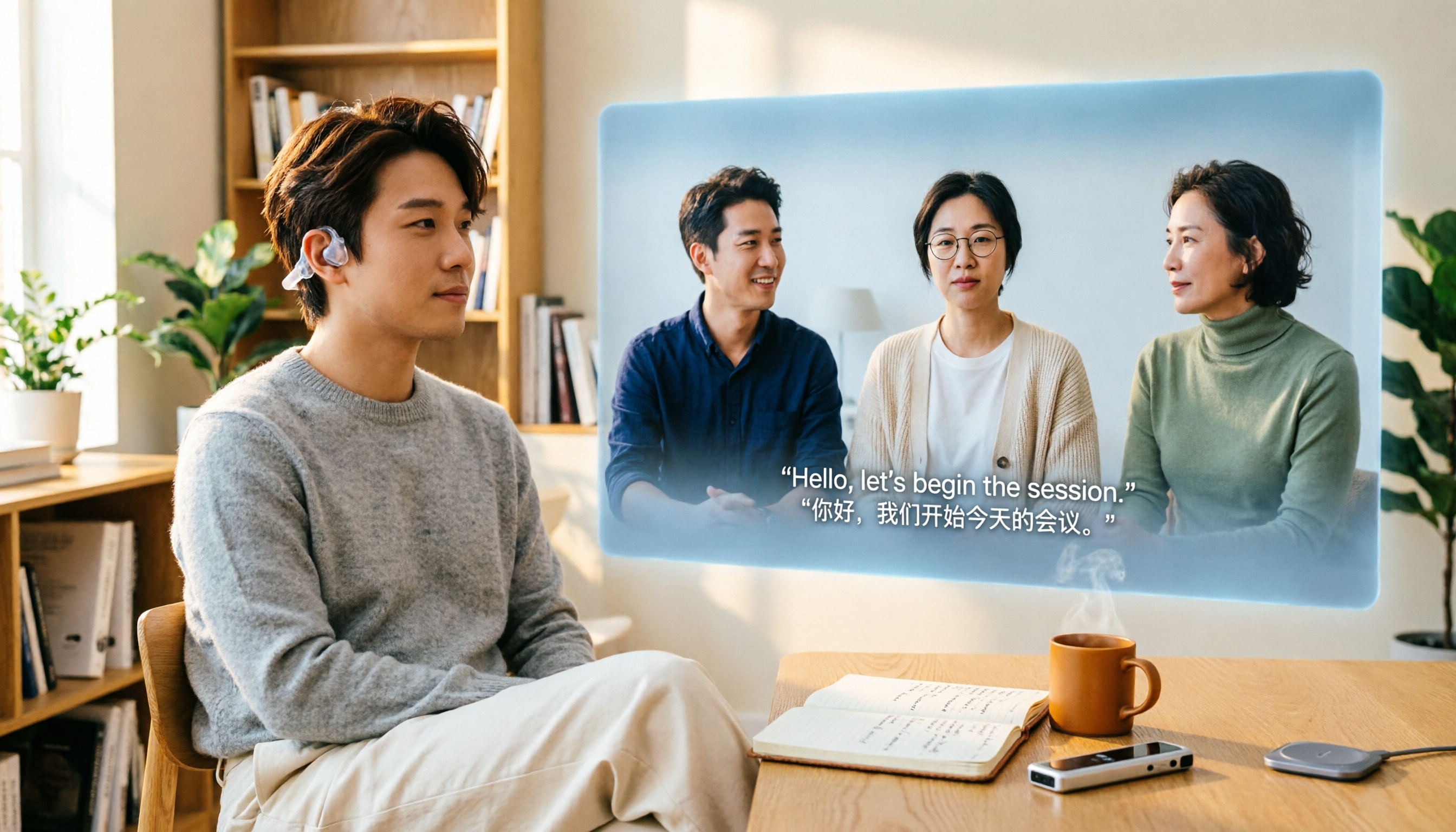
5 Real-World Online Translation Scenarios Compared in 2026: Which Needs Bilingual Subtitles Most—Meetings, Classes, or Videos?
Online real-time translation isn't just pasting text into a translation box. This article breaks down five scenarios—international meetings, online courses, foreign-language videos, client interviews, and team collaboration—and uses Tinrec to compare original text, translated text, and bilingual views. It also covers six buying checkpoints and FAQs to help you choose the right tool, not just the cheapest one.
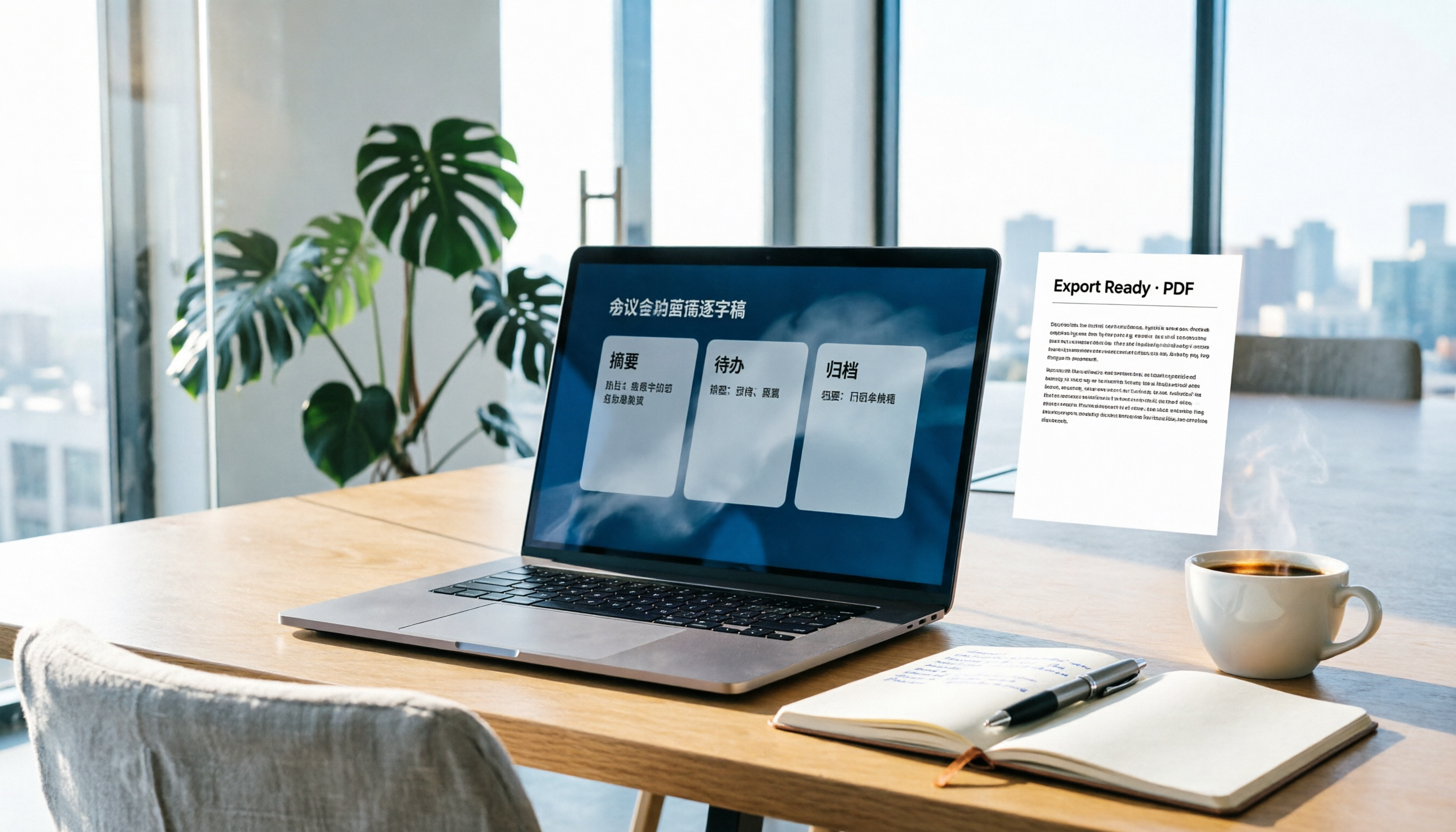
How to Write Meeting Minutes in Word (2026 Workflow): 3-Section Structure + AI-Generated Transcripts
Writing meeting minutes in Word isn't hard—the hard part is where the content comes from. This guide breaks down a three-section Word meeting minutes structure you can hand off directly, and shows how to use Tinrec to generate transcripts, summaries, and action items during the meeting, then export to Word for formatting and archiving—cutting documentation time from two hours to ten minutes.

Tinrec vs Otter.ai: Real-Time Translation Software Comparison for Chinese Meetings (2026)
Based on a student's hands-on experience, this comparison evaluates Tinrec and Otter.ai across five dimensions: real-time translation, Chinese-English mixed speech recognition, free tier limits, post-meeting organization, and recording sources. It verifies pricing and restrictions for each plan and explains which real-time translation software better suits classroom, group project, and international meeting scenarios for Taiwanese university students.

2026 Comparison of 5 Speech-to-Text Tools: Is the Free Version Enough, and Which Handles Chinese Meetings Better?
Speech-to-text isn't just about turning audio into words. This article addresses three common misconceptions, breaks down the real differences between speech-to-text tools, and uses Tinrec to demonstrate a complete workflow from recording, transcription, summarization, to-dos, to team knowledge retention. It also includes 5 purchasing checkpoints and FAQs.

2026 Comparison of 4 Free Transcription Tools: Which One Has the Best Free Quota and Post-Meeting Organization?
Based on real scenarios of meetings, classes, and interviews, this article compares the free transcription capabilities of Tinrec, Google AI Studio, Good Tape, and oTranscribe, and summarizes free quotas, Chinese recognition, post-meeting summaries, and export limitations to help you decide which one to try first.

Free Transcription in 2026: Tinrec's 3-Step Audio-to-Text with AI Summary & Action Items
Turn class, meeting, and interview recordings into searchable transcripts even on a tight budget. This guide covers 4 key factors for choosing a free transcription tool, tests Tinrec's audio-to-text, AI Q&A, and action item extraction workflow, and honestly compares the free limits and use cases of Google AI Studio, Yating Transcription, and MyEdit.