

Turn recordings into transcripts and summaries in minutes
Upload audio or video for multilingual transcription, AI notes, and action items
Stop Looking for Just a "Transcriber"—You Need an All-in-One from Recording to Organizing
Have you ever seen a recommendation for a speech-to-text tool on Dcard, eagerly downloaded it, only to upload your recording and get a transcript full of errors that took an afternoon to fix? Or maybe you thought transcription was the end, but found yourself re-listening to the audio and manually organizing key points and action items.
In reality, most people pick the wrong tool because they treat "transcription" as the finish line, ignoring the need for organization, search, and collaboration. In this article, we tested four speech-to-text tools that are highly discussed on Dcard and PTT, from free to paid, to help you find the truly time-saving choice.
5 Key Points to Understand Before Choosing a Speech-to-Text Tool
Accuracy Isn't About Official Numbers: Many tools claim 98% accuracy, but that's in a quiet recording studio. Real meetings have background noise and overlapping speech, which significantly reduces accuracy. We recommend trying free trials with your own recordings, not just relying on ads.
Transcription Is Just the First Step; Organization Is Key: If you only need a verbatim transcript, many free tools suffice. But if you need meeting summaries, action items, or AI Q&A, you'll need a tool with post-processing features, like Tinrec, an AI meeting notes tool.
Cross-Platform Is Important: You might record on your phone but organize on your computer. If the tool only has a mobile app, it'll be painful later. Choose a tool with desktop and web versions for a smoother workflow.
Recording Without Meeting Bots: If you frequently have online meetings on Zoom or Google Meet, find a tool that doesn't require inviting a bot into your meetings to avoid interference and privacy concerns. Tinrec's desktop version can directly capture system audio, which is a big plus.
Team Collaboration and Knowledge Management: If you're using it as a team, consider whether meeting data belongs to the team, member permission management, and usage analytics. Personal tools evolving into team collaboration is a new trend.
Tinrec (Instant Recording) — Our Top Pick After Testing
Tinrec is an AI meeting notes and collaboration tool for individuals and teams, supporting iOS, Android, desktop, and web. It doesn't just convert speech to text; it turns meeting content into searchable, summarizable, queryable, and exportable data.
We love Tinrec's bot-free online meeting recording: open the desktop version, and it directly captures your computer's system audio, so no extra meeting bot is needed. It can transcribe Zoom, Google Meet, and Microsoft Teams meetings in real time, which is very considerate for users who don't want a stranger bot in their meetings.
After transcription, Tinrec automatically generates summaries, chapters, key points, and action items, saving you the hassle of manual organization. Even better is its AI Q&A feature—you can ask, "Who mentioned the budget in the last meeting?" and Tinrec gives you the answer based on semantic understanding, not just a list of keywords. Currently, few competitors at this price point offer this feature.
We tested a 10-minute Chinese meeting recording (including two-person dialogue and slight background noise). Tinrec's transcript accuracy was quite high, correctly recognizing common Taiwanese terms and mixed Chinese-English content. The transcription speed was fast, with the full transcript available shortly after the meeting ended.
Stop organizing recordings by hand
Upload audio or video and automatically get a transcript, summary, and action items
Of course, Tinrec isn't perfect: its free version has limited credits, and heavy users need to pay. However, for those who have 2-3 meetings a week, the paid plan offers good cost-effectiveness. Additionally, its team version has more features, while the personal version is more streamlined, but it's already sufficient as a personal meeting notes tool.
If you need a recording tool that "does more than transcribe," one that automatically organizes key points, allows Q&A, and exports to Notion or Google Docs, Tinrec is currently the most comprehensive choice. It's especially suitable for professionals who handle Chinese meetings, mixed Chinese-English content, and switch between phone and computer.
Beyond Tinrec: What Other Options Are There?
Yating: A well-established Taiwanese tool, widely recommended on Dcard. It has good recognition for Taiwanese accents, Taiwanese Hokkien, and mixed Chinese-English speech, priced at NT$96 per hour of transcription. However, its features are relatively limited, focusing mainly on speech-to-text, lacking AI Q&A, action item extraction, and team collaboration. It also lacks a desktop version for bot-free recording. If you only need simple transcription, it's worth considering.
Otter.ai: The top choice for English meetings. Its free plan offers 300 minutes per month, which is generous, and its AI summaries and Q&A are mature. However, its Chinese support isn't as strong as English, and it's primarily positioned for English business meetings. If you mainly record English content, Otter might be more cost-effective than Tinrec. Note that Otter's meeting bot may need to be added, while Tinrec's direct system audio capture is more convenient.
Notta: Features are similar to Tinrec, supporting multi-device transcription, translation, and team plans. However, Notta's free version has more restrictions (e.g., a maximum of 3 minutes per transcription), and its paid plans are pricey. Notta's strength lies in multilingual transcription, but Tinrec excels in bot-free recording, AI Q&A, and team space management, with a more refined Chinese experience.
Pitfall Guide: 4 Common Mistakes When Choosing a Speech-to-Text Tool
Pitfall 1: Only Looking at Official Accuracy Claims. Many tools claim 98%, but you'll find discrepancies in real use. We recommend trying with your own recordings for the most accurate experience.
Pitfall 2: Ignoring Post-Processing Features. Using a tool only for "speech-to-text" means using only a third of its capabilities. Features like Tinrec's AI Q&A and action item extraction can save you tons of organizing time—don't waste them.
Pitfall 3: Not Considering Cross-Platform Needs. If you record on your phone and organize on your computer, but the tool lacks a desktop or web version, it'll be painful. Check supported platforms before choosing.
Pitfall 4: Not Understanding Free Plan Limits. Some tools seem generous with free plans but restrict session length or file size (e.g., Notta's free plan allows only 3 minutes per session), making them cumbersome. Understand the limits before deciding.
Summary: Which One Should You Choose?
If your needs are "Chinese meeting recording, automatic organization, cross-platform, and potential team collaboration," Tinrec is our top recommendation after testing. Especially its bot-free recording and AI Q&A are rare highlights among competitors.
Scenario-based recommendations:
- Need Chinese meeting transcription + automatic key point organization → Tinrec
- Need bot-free online meeting recording → Tinrec
- Need AI Q&A to find answers after recording → Tinrec
- Need team collaboration and knowledge management → Tinrec (Team plan)
- Only record English meetings with zero budget → Otter.ai (the only exception)
We suggest downloading Tinrec's free version first to experience its AI organization and Q&A features. Upgrade if you find it useful—no need to pay upfront.
References
- Expert-Monitored Top 10 Audio-to-Text Recommendations | mybest
- "Speech to Text: AI Transcript, Recording to Text, Voice Memo Instant Translator" App - App Store
- Online AI Voice, Video, Recording Auto-Transcription - Free Trial - cSubtitle
- "Yating Transcript" App - App Store
- Tested 4 Best "Speech-to-Text" Online Tools Recommended, Free Instant Recording-to-Transcript
Turn every recording into actionable outcomes
Get 60 free transcription minutes when you sign in. No credit card required.
Related Reading
You might also like

3 iPhone Recording Methods Compared: Built-in Voice Memos, One-Tap Shortcuts, and AI Transcription—Which Is Most Practical?
There are actually three ways to record on an iPhone: Voice Memos, Shortcuts with Back Tap, and the Action button—most people can't find them at first. This guide walks through the steps, recording quality, and iCloud settings for each method, then compares Voice Memos, PLAUD, Notta, and Tinrec on how well they let you use recordings right after you finish, so you can pick the approach that fits you.
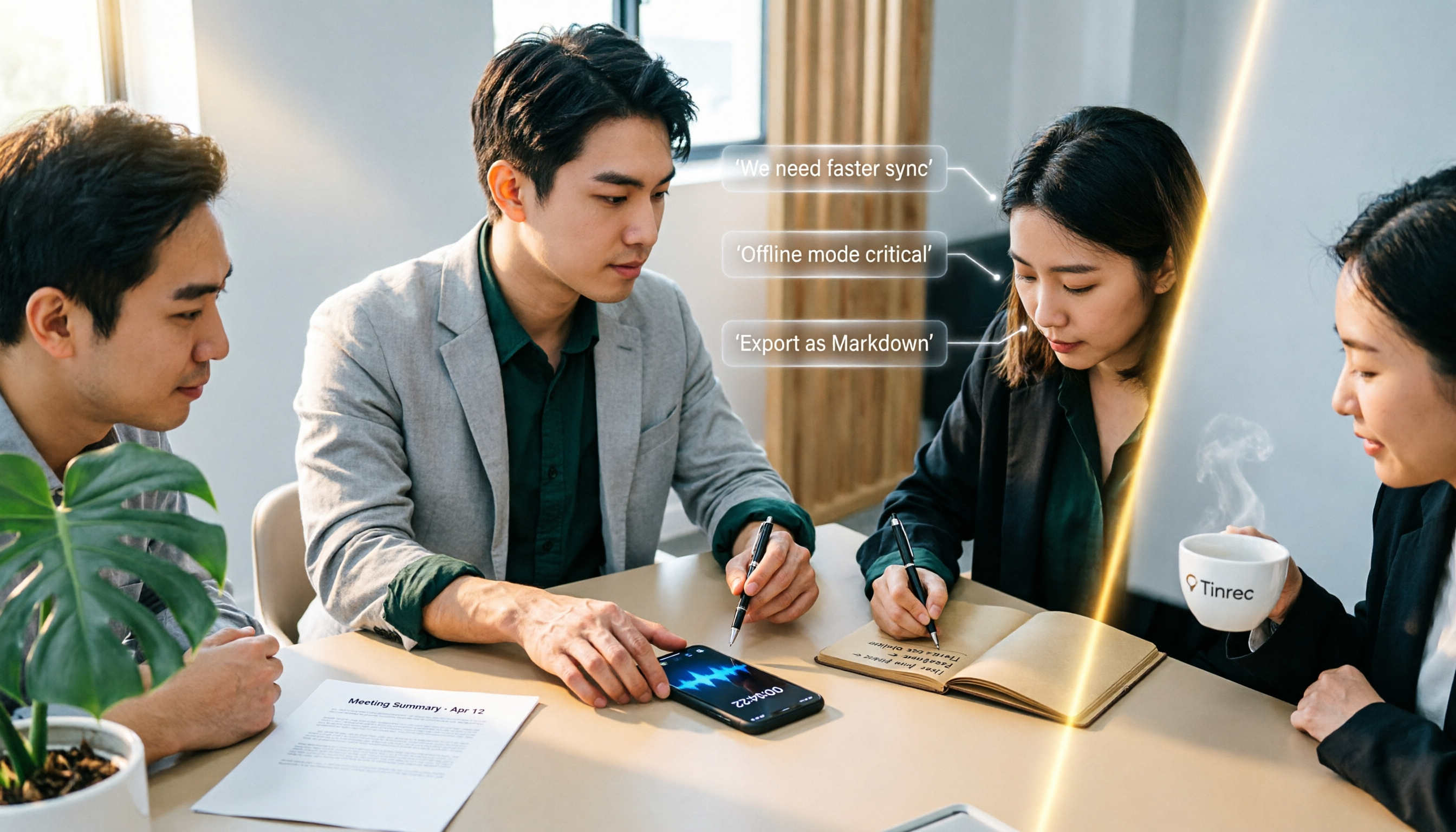
4 iPhone Recording Solutions Compared in 2026: Where to Find Recording Features and Which Saves the Most Time on Transcription
Can't find the iPhone recording feature? This guide covers where to find Voice Memos, call recording, and one-tap recording via Shortcuts, plus compares post-meeting transcription, AI summaries, and team collaboration options to help you choose the right recording workflow.
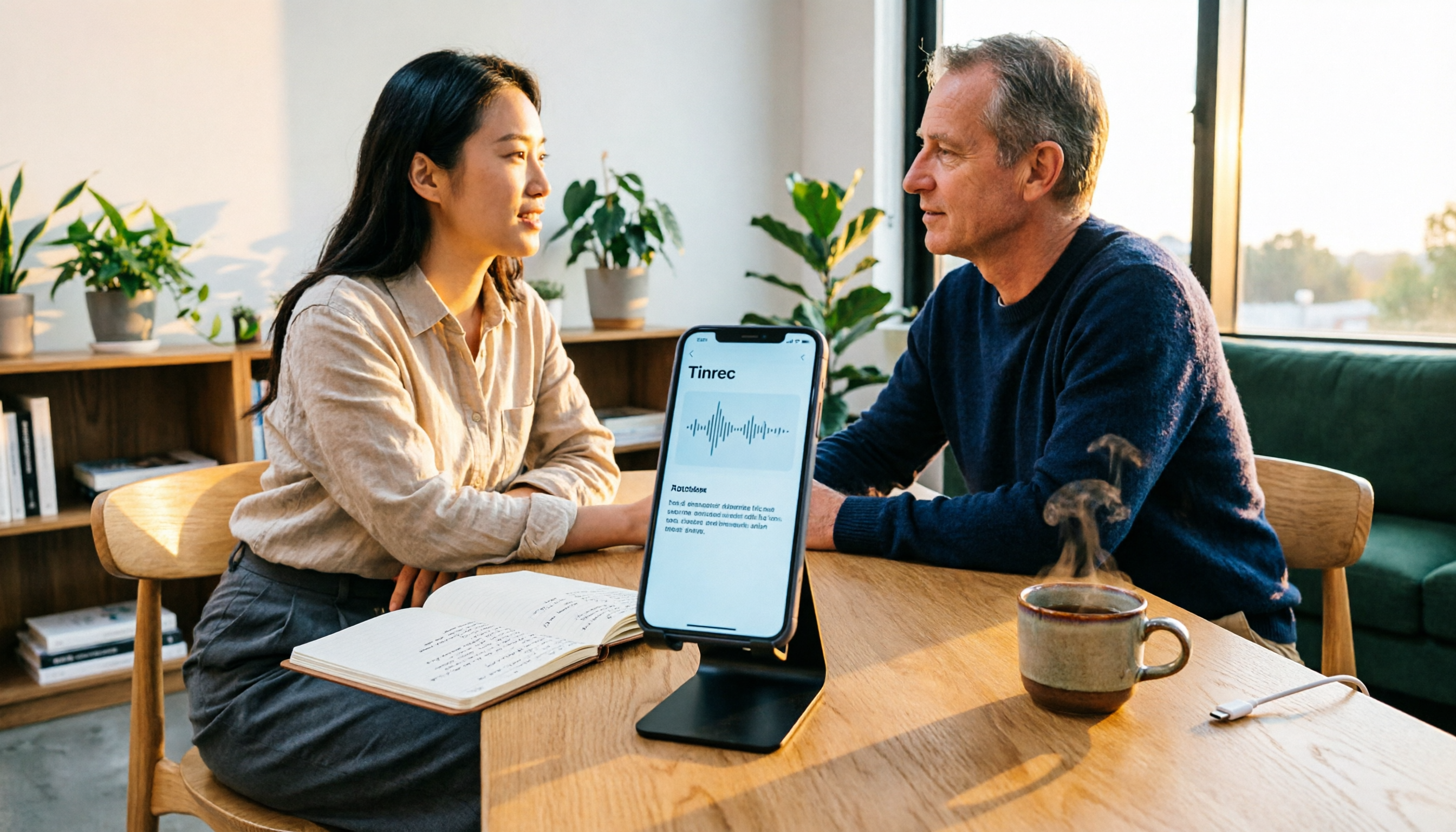
5 iPhone Recording Solutions Tested for 2026: Does Recording Drain Battery? How to Choose for Long Sessions
Does iPhone recording drain battery? Long recordings do use power and generate heat, and files can be corrupted if interrupted or the battery dies. This article compares 5 iPhone recording and post-meeting solutions—built-in Voice Memos, Tinrec, Otter.ai, Notta, and PLAUD—to help you choose the right tool for your situation.

3 iPhone Call Recording Methods Compared in 2026: Built-in, Hardware, or AI — Which Saves the Most Time?
A hands-on comparison of three iPhone call recording methods in 2026, breaking down the differences between iOS built-in call recording, Plaud recording hardware, and Tinrec AI organization, plus regional restrictions, notification sounds, legal consent, and key buying pitfalls.

3 iPhone Call Recording Methods Tested and Compared in 2026: What to Do With the Recordings?
Starting with iOS 18.1, iPhone finally has built-in call recording, but the other party hears a prompt when you start recording, and the recording is just an audio file. This article covers 3 practical methods, regional and version limitations, legal risks, and tests the complete workflow of turning call audio into transcripts, summaries, and action items to help you decide if the built-in feature is enough.

3 iPhone Call Recording Methods Tested for 2026: Recording Is Easy, Organizing Is the Hard Part
How do you record calls on iPhone? This article compares three common approaches: iOS 18.1 built-in call recording, local capture with Voice Memos, and using Tinrec to turn recordings into searchable, queryable transcripts and action items. It covers version and region restrictions, notification and legal risks, four common pitfalls, and selection advice.
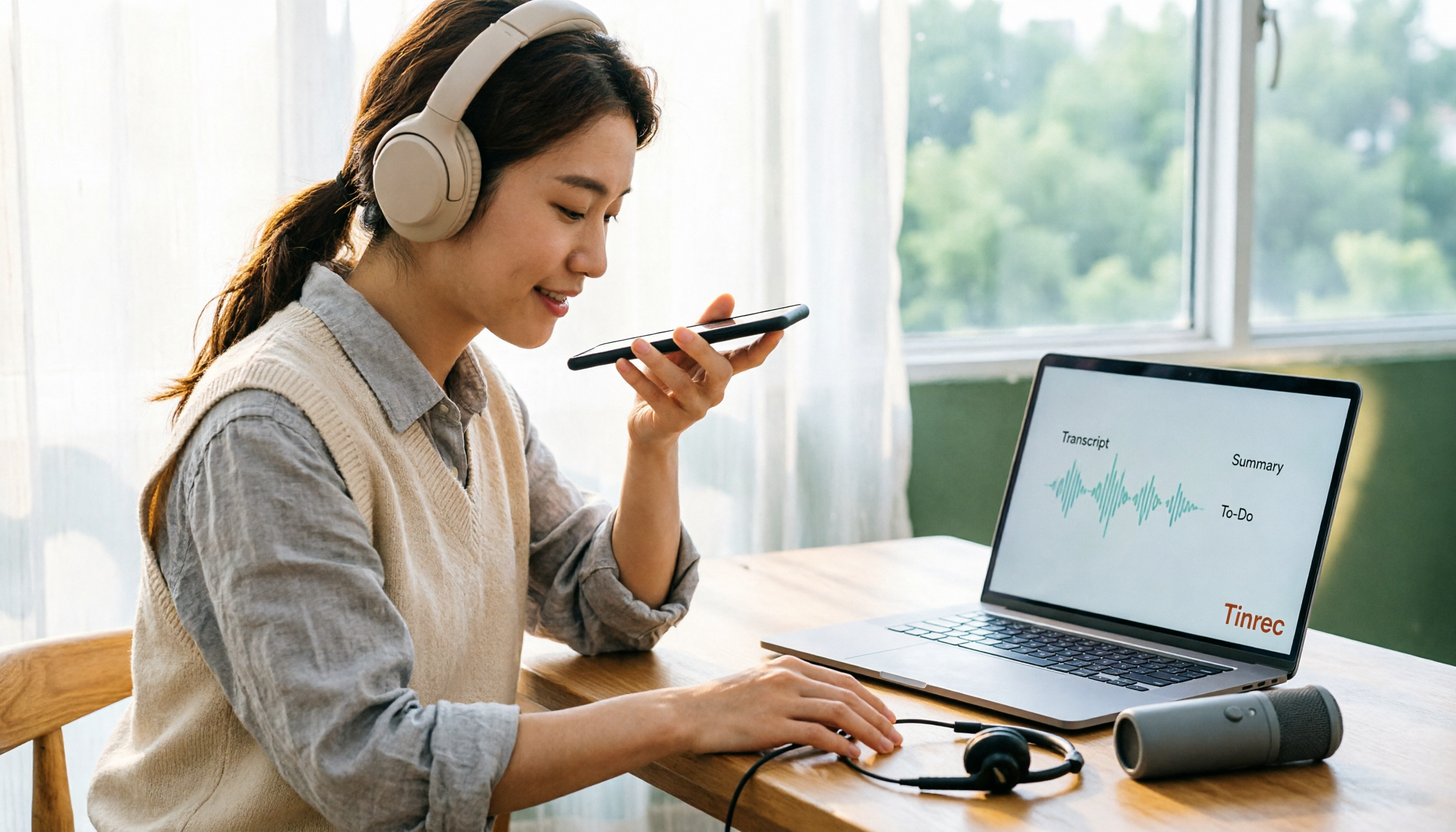
4 Ways to Record Audio on iPhone with Headphones in 2026: AirPods, Wired Headsets, and External Mics Compared
Can you record audio while wearing headphones? This article addresses common misconceptions and breaks down the differences, compatibility pitfalls, and key considerations of four headphone recording methods on iPhone. It also explains how to use Tinrec to organize transcripts, summaries, and action items after recording.

6 iPhone Recording Alternatives Tested for 2026: What to Choose When Built-in Features Fail
When iPhone recording doesn't work, the problem is often not the phone itself. This guide first helps you distinguish three situations: call recording limited by region and model, dictation not working, and Voice Memos cutting off mid-recording. Then it tests and compares 6 alternatives—Tinrec, Notta, Otter.ai, Granola, TurboScribe, and PLAUD—listing costs, limitations, and best-use scenarios so you can pick the right tool in 10 minutes.
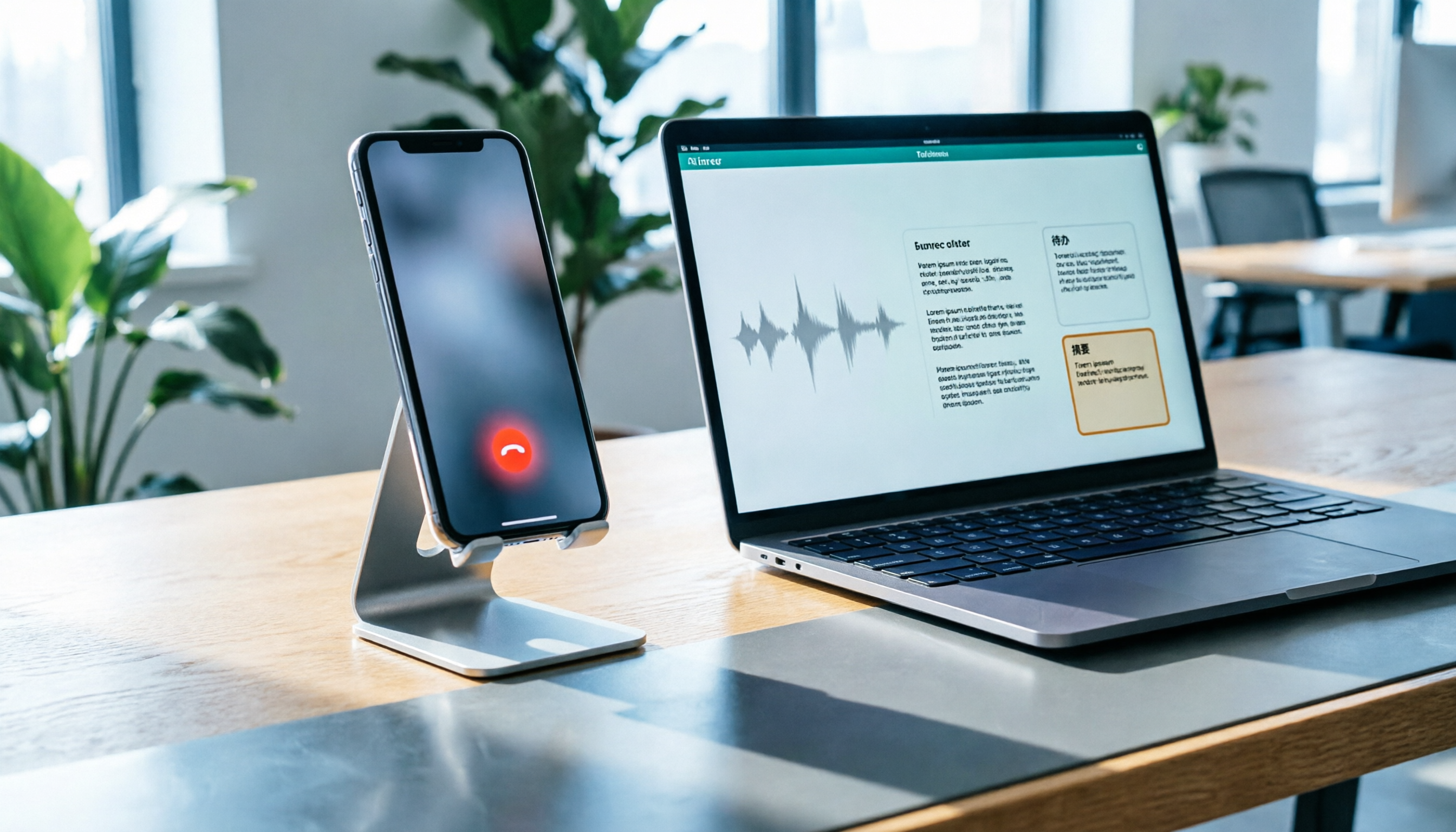
How to Record LINE Calls on iPhone in 2026: Built-in Steps + Auto Transcription
Can iPhone record LINE calls? LINE has no built-in recording button, but iPhone can capture calls as audio files via system-level recording. This guide walks through the steps, speakerphone requirements, and version differences, then shows how to use Tinrec to turn recordings into transcripts, summaries, and action items—so your recordings are actually useful.