

Turn recordings into transcripts and summaries in minutes
Upload audio or video for multilingual transcription, AI notes, and action items
What Is Notta Bot?
Notta Bot is an AI meeting assistant from Notta that automatically joins your scheduled online meetings to record, transcribe, and summarize them.
Its standout feature is integration with Google Calendar and Microsoft Outlook, allowing it to see your upcoming meetings and automatically enter the meeting room when it's time to start recording.
If you often miss key points due to overlapping meetings, unexpected interruptions, or the need to focus on discussions, Notta Bot is designed to solve that problem.
Note that Notta Bot joins meetings as an additional "bot participant" rather than recording directly from your computer's background.
What Can Notta Bot Do for You?
1. Automatically Join Online Meetings
Notta Bot can connect to your Google Calendar or Microsoft Outlook to read your upcoming meeting schedule.
When it's time for a meeting, Notta Bot automatically enters Zoom, Google Meet, Microsoft Teams, or Webex rooms—no need to manually start recording.
This is especially convenient for back-to-back meetings, ensuring you never miss a recording even if you're running late or away from your desk.
2. Automatic Recording and Transcription
Once inside a meeting, Notta Bot starts recording and converts the conversation into a transcript.
According to Notta's official data, Notta supports transcription and translation in 58 languages, including common ones like Chinese, English, and Japanese.
After transcription, you can view, search, and edit the transcript directly on the Notta platform.
3. Generate Meeting Summaries
In addition to transcripts, Notta uses AI to create meeting summaries, helping you quickly grasp key discussion points.
This can save time for those who don't want to re-listen to a two-hour meeting.
However, since summaries are AI-generated, it's best to double-check important decisions or figures against the transcript and recording.
What Are the Core Features of Notta Bot?
1. Calendar Integration
Notta Bot connects to Google Calendar and Microsoft Outlook to automatically identify your scheduled meetings.
You only need to grant Notta calendar read access, and Notta Bot will join meetings according to your schedule.
2. Cross-Platform Meeting Support
Notta Bot supports Zoom, Google Meet, Microsoft Teams, and Webex.
This means you don't need to switch recording tools when using different meeting software.
3. Transcript Search and Sharing
Notta-generated transcripts are searchable, allowing you to quickly find content by keyword, speaker, or date.
Meeting summaries and transcripts can also be shared with team members for easy post-meeting information sync.
4. Multilingual Transcription and Translation
Notta supports transcription and translation in 58 languages, a plus for international meetings or foreign-language classes.
Actual accuracy may still be affected by audio quality, accents, overlapping speech, and background noise.
How to Use Notta Bot
Step 1: Create a Notta Account
Start by registering for an account on the Notta website. The free plan includes 120 minutes of transcription per month, with a maximum of 3 minutes per session.
If you're just trying it out, you can start with the free version.
Step 2: Connect Your Calendar
In Notta settings, connect Google Calendar or Microsoft Outlook.
Stop organizing recordings by hand
Upload audio or video and automatically get a transcript, summary, and action items
After authorization, Notta will read your meeting schedule so Notta Bot knows when to join meetings.
Step 3: Set Auto-Join Rules
You can configure Notta Bot to automatically join all meetings or only specific ones.
If you don't want certain internal discussions recorded, it's recommended to set exclusion rules to prevent the bot from accidentally entering sensitive meetings.
Step 4: Let Notta Bot Join the Meeting
When a meeting starts, Notta Bot joins the room as a bot participant.
Participants will see an additional attendee name, which is normal and requires no manual approval.
Step 5: View Transcripts and Summaries
After the meeting, go to the Notta platform to access the recording, transcript, and AI summary.
You can edit the transcript, search for keywords, or share the summary with other team members.
4 Things to Consider When Choosing an AI Meeting Recorder
1. Whether a Bot Joining Meetings Is Acceptable
Notta Bot joins meetings as an additional bot participant.
If you prefer not to have an unfamiliar participant in meetings, or if your company's security policy prohibits external bots, consider using desktop recording tools that capture system audio directly.
2. Post-Transcription Capabilities
Transcription is just the first step; what matters more is whether you can quickly find key points afterward.
Notta offers summaries and search, but if you need advanced AI Q&A, action item extraction, or team space management, it's best to test it out before deciding.
3. Language Support Meets Your Needs
Notta supports multilingual transcription, but if you primarily handle Chinese or mixed Chinese-English meetings, test it with your actual meeting recordings.
Accents and meeting environments vary, so the official language list should only be used as a reference.
4. Free Tier Sufficiency
Notta's free plan offers 120 minutes per month, with a maximum of 3 minutes per session.
If you have more than two meetings per week, the free tier will run out quickly, and you may need to consider Pro or Business plans.
Frequently Asked Questions
Does Notta Bot need to be manually activated?
No. Once you connect your calendar and set auto-join rules in Notta, Notta Bot will automatically enter meetings according to your schedule.
Which meeting platforms does Notta Bot support?
Notta Bot supports Zoom, Google Meet, Microsoft Teams, and Webex. Specific features may vary slightly depending on platform settings.
How does Notta Bot join a meeting?
Notta Bot joins as an additional bot participant, and other attendees will see its name.
Can I use Notta Bot with the free plan?
Yes, but the free plan only includes 120 minutes of transcription per month, with a maximum of 3 minutes per session. If you need long meeting recordings, the free plan may not be sufficient.
How accurate is Notta Bot's transcription?
Notta supports transcription in 58 languages, but actual accuracy depends on audio quality, accents, background noise, and overlapping speech. We recommend testing with your own meeting recordings.
What's the difference between Notta Bot and desktop recording tools?
Notta Bot joins meetings as a bot, while desktop recording tools capture system audio directly. The former is ideal for automated scheduled recording, while the latter suits scenarios where you don't want an extra participant.
Conclusion
Notta Bot is an AI meeting assistant that automatically joins online meetings and generates transcripts and summaries.
If you frequently use Zoom, Google Meet, Teams, or Webex and want to avoid manual recording and note-taking, Notta Bot can save you significant time.
We recommend starting with the free plan to see if the bot-based meeting approach fits your workflow before upgrading to a paid plan.
References
Turn every recording into actionable outcomes
Get 60 free transcription minutes when you sign in. No credit card required.
Related Reading
You might also like
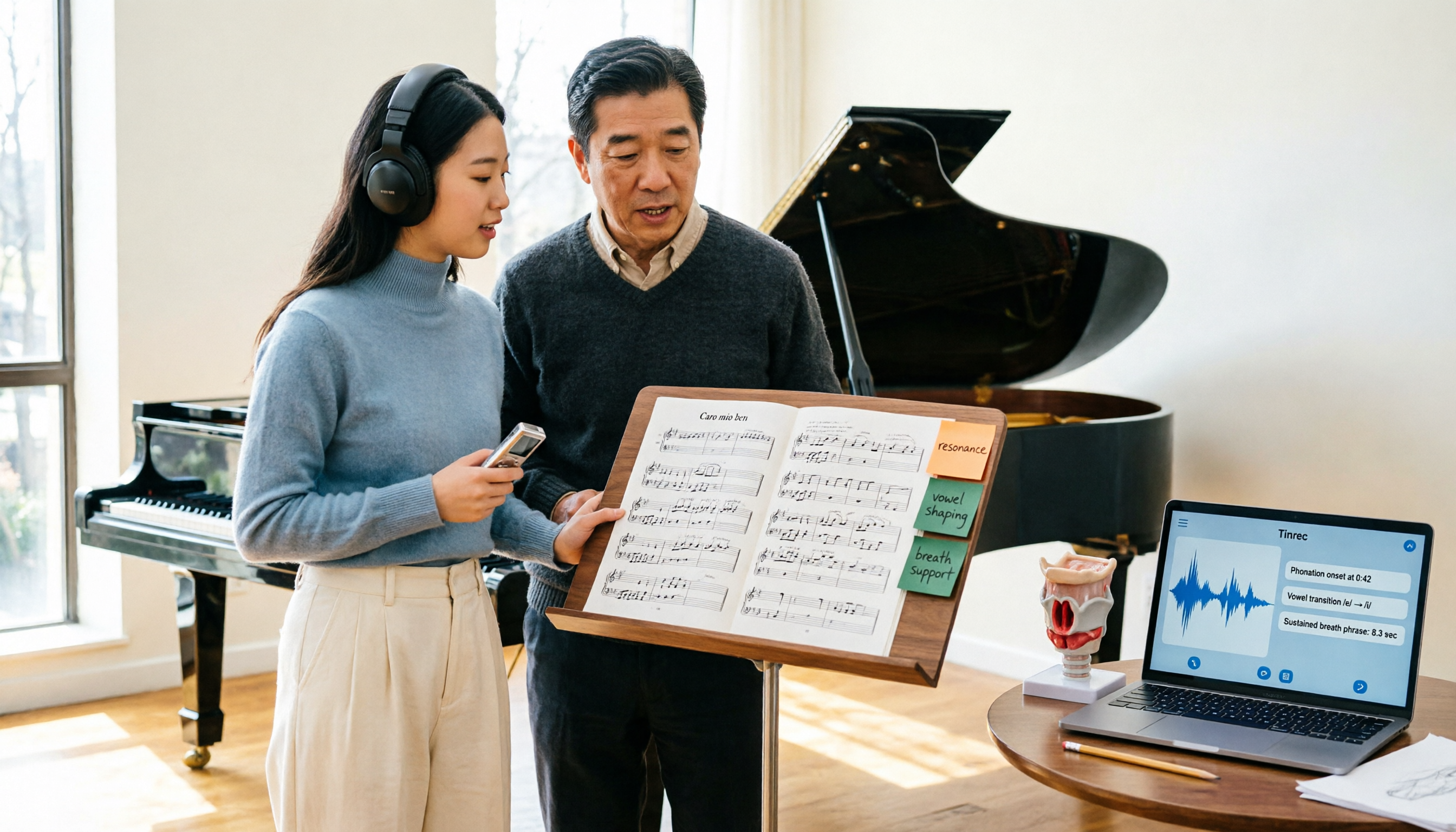
2026 Vocologia Master's Degree Complete Guide: 5 Real-World Learning Scenarios Tested, How to Organize Class Recordings Most Efficiently
Admissions for the 2025-2026 academic year in Vocologia Artistica (vocalogy) master's programs are gradually opening, but the courses are entirely in Italian and span voice medicine and singing pedagogy—handwritten notes alone won't capture it. This article breaks down what the master's covers, who it suits, and tests 5 real learning scenarios, demonstrating how to use Tinrec to turn lectures, clinical discussions, and thesis interviews into searchable, queryable data.

VOCOlinc vs Atuvos: Price Comparison Logic and Why Tinrec Is Better for Meeting Notes
VOCOlinc and Atuvos are Apple Find My-compatible trackers with nearly identical specs, so comparing them is straightforward. But for mid-level managers, the real time drain is post-meeting organization and follow-up. This article explains in 3 minutes how to compare VOCOlinc vs Atuvos, then applies the same 'specs don't equal experience' logic to show how Tinrec turns meetings into searchable, actionable team data.

Vocol vs Tinrec 2026: 5-Dimension Comparison for Chinese Meeting Notes and Team Collaboration
Vocol and Tinrec are both practical tools for Chinese meeting notes, but one focuses on recording organization and the other on team meeting assets. This article compares them across 5 dimensions: capture method, Chinese performance, post-meeting outputs, team governance, and quota billing, to help you decide which suits your team.

2026 AI Voice Collaboration Tools Comparison: Vocol.ai, Tinrec, and Otter.ai Features and Team Collaboration
This article starts with common misconceptions and compares three AI voice collaboration tools: Vocol.ai, Tinrec, and Otter.ai. It explains selection criteria, feature differences, team collaboration, and pricing limitations to help you decide which one suits Chinese meetings and team knowledge retention.

2026 AI Meeting Transcription Tools Cost Comparison: How Does Vocol Pricing Work?
How does Vocol pricing work? The official stance is billing by transcript minutes and file storage, with v-point redemption also available in the market. This article breaks down Vocol's three payment methods, the hidden costs of usage-based pricing, and compares the billing logic and use cases of Tinrec, Otter.ai, Notta, and TurboScribe, plus 4 common budgeting mistakes.
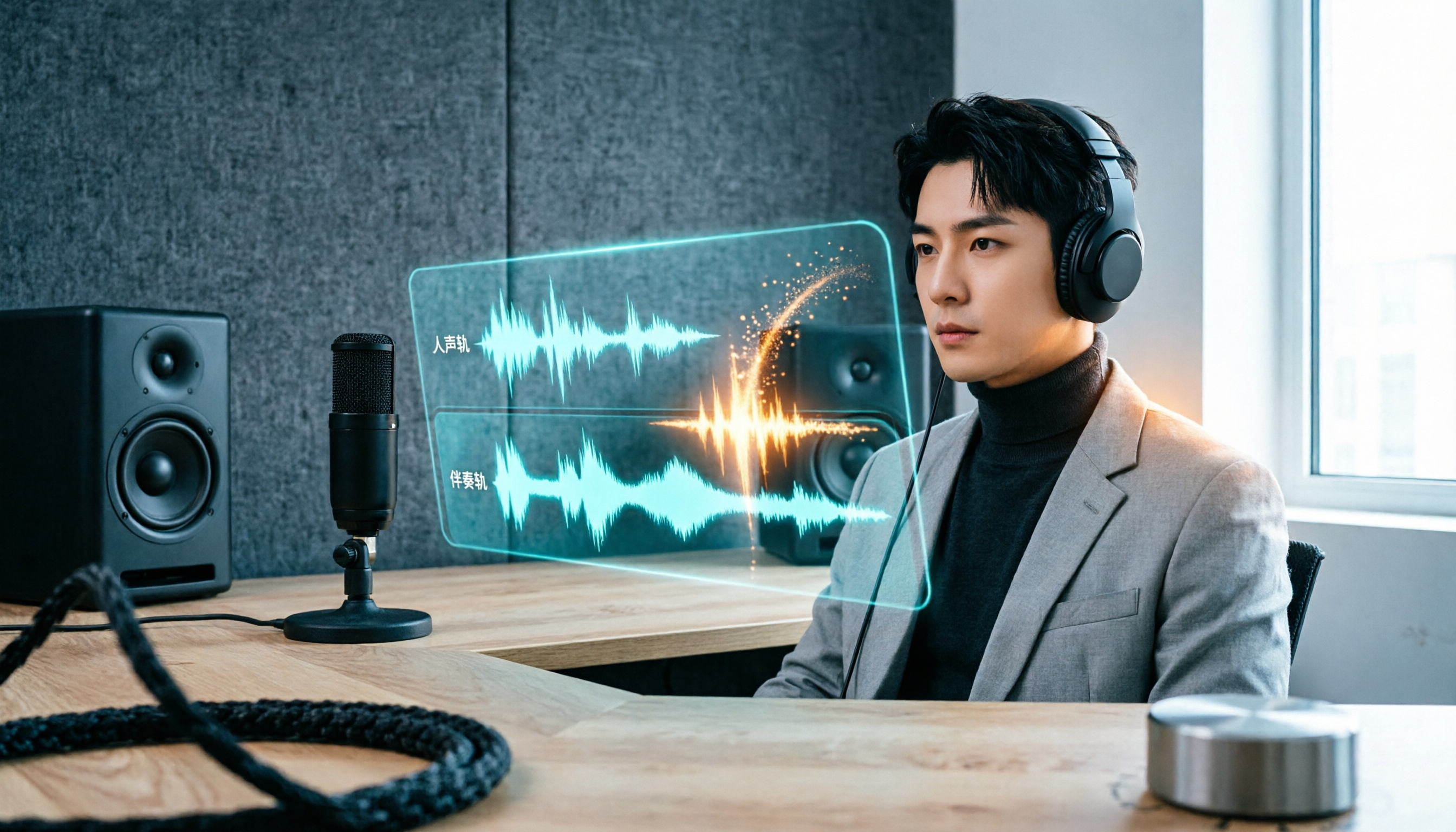
vocal-remover.ai vs LALAL.AI 2026: 5-Factor Comparison — Free & Fast vs. Pro Stem Splitting
Most people searching for a vocal AI remover just want a clean backing track fast. This guide compares vocal-remover.ai and LALAL.AI across 5 practical factors, adds 3 free alternatives and 4 common pitfalls, and ends with scenario-based recommendations so you can decide in 5 minutes.

4 VS Code Voice Tools Compared in 2026: How to Choose Between Tinrec and Editor Extensions
If you want voice input in VS Code, VS Code Speech, VoiceMode, and VoxPilot each take different approaches. But for long-form audio like meetings and interviews, you need a different kind of tool. This article first clarifies the two meanings of "vocol," then compares Tinrec with editor voice extensions in terms of input sources, post-meeting organization, AI Q&A, and team collaboration.

Vocol vs Google in 2026: Which of These 3 Meeting Transcription Tools Saves the Most Time?
What's the real difference between Vocol and Google's built-in transcription? This article breaks down the comparison across four dimensions: recording methods, post-meeting organization, Chinese recognition, and team data storage and management. It also explains when Tinrec is a better fit for teams in Taiwan, helping you choose the right tool within your budget.

2026 AI Meeting Recorder Comparison: Vocol Toolbar Missing? How to Choose an Intuitive Interface
What to do when the Vocol toolbar disappears? This article first outlines 6 troubleshooting steps you can try yourself, then compares four AI meeting recorder tools—Tinrec, Vocol, Notta, and Otter.ai—across four aspects: interface intuitiveness, input sources, post-meeting output, and team authorization, helping you find a workflow that doesn't require hunting for buttons every meeting.