
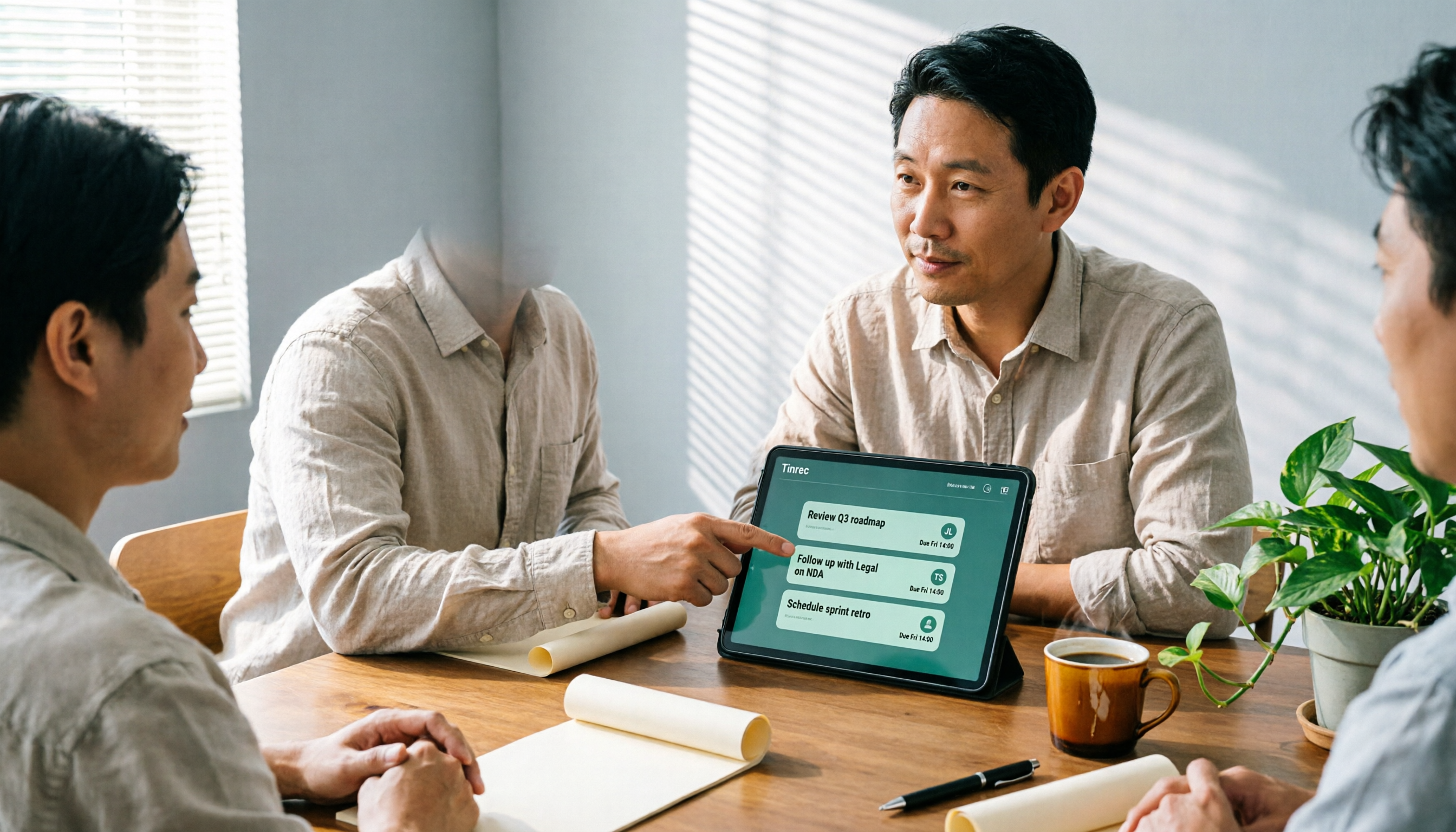
Turn recordings into transcripts and summaries in minutes
Upload audio or video for multilingual transcription, AI notes, and action items
What Can an AI Meeting Agent Do for You?
Let me ask you a question: How many action items came out of that two-hour project meeting last week? If you can't answer, don't blame your memory just yet—it usually means your team doesn't need better note-taking, but rather an AI meeting agent that can automatically pull out action items.
I'm a mid-level manager leading a team of 10, and I attend about 15 meetings a week. What used to bother me most wasn't the meetings themselves, but the aftermath—every meeting generated a pile of decisions and action items to organize, so my work was just beginning after the meeting ended. I tried handwriting notes, recording and listening back, and asking subordinates to take notes, but none worked well. Then I started using AI meeting tools and realized that "AI meeting agent generating action items" really saves you from the most mechanical part.
This article won't talk about vague definitions. Instead, I'll directly cover: what this feature can do for you, where the core capabilities lie, how to use it in practice, and why I ultimately chose Tinrec.
Bottom line: It doesn't solve the "recording" problem—it solves the "post-meeting execution" problem.
Scenario 1: Action items ready 5 minutes after the meeting After a two-hour meeting, I used to spend another 40 minutes recalling what was decided. With Tinrec, for example, as soon as the meeting ends, it turns the transcript into a summary, chapters, and action items—who does what and by when, listed one by one.
Scenario 2: Clear accountability after cross-departmental meetings The biggest hassle in cross-departmental meetings is "everyone nods during the meeting, but no one acts afterward." Tinrec extracts action items from the discussion, so you can directly see who committed to what without relying on memory or piecing together group messages.
Scenario 3: Quickly pull up last meeting's conclusions when reporting upward When your boss asks "What was the conclusion of that project last time?" you don't have to flip through three notebooks. Tinrec stores every meeting's transcript, summary, and action items in one place, and you can query them directly with AI Q&A.
Scenario 4: Historical meetings become a searchable database What was discussed in that client meeting three months ago? Tinrec supports AI conversational queries—you can directly ask "What was the client's opinion on the pricing last time?" and it will find the answer from the meeting content.
What Are the Core Capabilities of an AI Meeting Agent?
Real-time transcription: Text appears as the meeting happens It's not transcribed after recording. Tinrec's real-time transcription lets you see the text synchronously during the meeting, so you know immediately if any key points are missed.
AI semantic summaries and chapters: Not just condensed, but structured It doesn't just give you a long paragraph of summary; it separates meeting topics, discussion conclusions, action items, and owners. Long meetings are automatically divided into chapters, so you don't have to listen from the beginning when reviewing.
Action item extraction: Pulling real actions from "follow up on this case" Instructions in meetings are often vague. Tinrec converts such phrases into specific action items, listing the task content and corresponding discussion context, so you can assign them directly after the meeting.
AI conversational query: Keep asking after transcription The transcript isn't the end. Tinrec supports asking questions about the meeting content—"What was the final budget?" "Who's responsible for contacting the supplier?"—and the AI answers directly based on semantic understanding.
Multi-format export and post-processing Organized content can be exported to workflows like Notion, Google Docs, OneNote, Dropbox, or further processed with an Agent to generate reports, tables, and meeting minutes.
Practical Use Cases
Weekly and project progress meetings Regular weekly progress meetings are perfect for Tinrec to automatically generate action items. After the meeting, the action item list is ready—just paste it into the project group, and no one has to retype it.
Stop organizing recordings by hand
Upload audio or video and automatically get a transcript, summary, and action items
Client interviews and requirement discussions Requirements, concerns, and commitments mentioned casually by clients often flash by. Use Tinrec to record and transcribe simultaneously, then pull out client needs and follow-up actions directly from the transcript.
Cross-departmental coordination meetings The most time-consuming part between departments isn't the meeting itself, but the follow-up. Tinrec keeps decisions and action items in the same record, providing evidence when disputes arise.
Courses and research interviews Beyond meetings, recordings of classes and interviews can also be organized with Tinrec. After transcription, the transcript, summary, and key points are all in place.
5 Things to Consider When Choosing an AI Meeting Agent Tool
1. How accurately does it capture action items? Don't just look at advertising claims. Try it with a recording of one of your own real meetings. Tinrec's handling of Chinese meetings and mixed Chinese-English is a design focus; actual performance can be affected by recording quality, accents, and overlapping speakers—no tool can guarantee 100%.
2. Chinese and multilingual support If your meetings often involve mixed Chinese-English or foreign clients, check if the tool supports it. Tinrec covers Chinese, Traditional Chinese, and multilingual meeting scenarios, and offers real-time translation and bilingual viewing.
3. Recording method: Do you need a meeting bot? Some tools require a bot to join the meeting as a participant. Tinrec's desktop version directly captures computer system audio, so when handling Zoom, Google Meet, Microsoft Teams, Webex, etc., no extra bot is needed. This is especially noticeable in external meetings—having one less unfamiliar account in a client meeting makes a big difference in perception.
4. Can you follow up and export after the meeting? Transcription is just the first step. Tinrec offers AI Q&A, summaries, action item extraction, and export to common formats and third-party tools, so meeting results can connect to your existing workflow.
5. Team space and permission governance If you need it for team use, check if the tool provides team spaces, member and seat management, usage analytics, and audit logs. Tinrec's team version makes meeting data owned by the team; even if members leave, data can be handed over and retained, not taken away by personal accounts.
Frequently Asked Questions
Q1: Can an AI meeting agent really generate action items automatically? Yes, but only if the tool has semantic understanding capabilities, not just transcription. Tinrec extracts action items from meeting discussions and organizes them into a trackable to-do list.
Q2: Will generated action items be missed or wrong? AI isn't 100% perfect. For important information, it's recommended to cross-check with transcript timestamps and recording playback. Tinrec is designed to reduce manual organization costs, not completely replace human judgment.
Q3: Which meeting platforms does Tinrec support? Through the desktop version capturing system audio, it can handle Zoom, Google Meet, Microsoft Teams, Webex, etc., played on your computer; this supports recording audio from these platforms, not an official partnership with them.
Q4: Is the free version enough? When should I upgrade? If you only occasionally organize a recording, the free version is a good start. If you have regular weekly meetings, the Pro monthly or annual plan is more suitable. Tinrec's real-time recording doesn't deduct by the minute under an active plan, while document and web imports use shared quotas.
Q5: What's the difference between the team version and the personal version? Personal version data belongs to the individual account. The team version provides an independent team space, data owned by the team, and adds member invitations, role and seat management, shared benefits, usage analytics, audit logs, and an audio recycle bin. The team version offers a 7-day trial for first-time eligible users, 1 free seat, and 300 minutes of team shared import quota; paid seats provide 2,000 minutes of team shared import quota per month. Actual prices and benefits are subject to the official purchase page.
Conclusion
AI meeting agent generating action items doesn't solve "how to record," but "how to make things actually get done after the meeting."
My own approach: Treat Tinrec as the first stop after the meeting—after the meeting, first check the action items and summary it has organized, confirm owners and deadlines, then assign them. If your team meets more than 3 times a week, this kind of tool saves not just typing time, but those back-and-forth confirmations of "we talked about it but no one did it."
Tinrec has a free version to try, and the team version is suitable for departments that need centralized management of meeting data and member seats. Try it with one real meeting, and you'll quickly know if it's worth adding to your workflow.
References
Turn every recording into actionable outcomes
Get 60 free transcription minutes when you sign in. No credit card required.
Related Reading
You might also like

2026年4款会后报告自动生成工具实测对比:哪款真的省时间?
会议开完才是苦工的开始。本文从「会后报告自动生成」这个需求出发,先带你判断自己到底要逐字稿、摘要还是能直接交出去的报告,再实测比较 Tinrec、Otter.ai、Granola、Notta 四款工具在会议采集方式、中文表现、会后产物与团队共用上的差异,并整理 3 个最常见的选购误区。

2026年4款会后行动计划工具实测对比:AI待办谁真的不漏接?
会议开完才是工作开始。本文从会后整理最常见的误区切入,说明会后行动计划工具该看哪4个关键点,并以中层主管实测角度深拆 Tinrec 的无机器人录制、AI 待办提取与对话追问,再简评 Otter.ai、Granola、Notta 的适用场景与限制,最后给出依需求分流的选型建议。

2026 Comparison of 4 Meeting Minutes Tools: From Transcripts to Action Plans, Which One Actually Drives Progress?
The key to turning meeting minutes into action plans isn't typing out every word spoken, but breaking decisions into to-dos with owners and deadlines. This article first highlights the most common inefficient practices, then compares Tinrec, Otter.ai, Notta, and Granola across five dimensions: capture method, post-meeting output, Chinese language experience, data ownership, and pricing structure, and summarizes four common pitfalls to watch out for.

Tinrec vs Otter.ai 2026: 5-Dimension Comparison — Which Auto-Generates Post-Meeting Documents Better?
A mid-level manager who attends 15 meetings a week compares Tinrec and Otter.ai across 5 dimensions: Chinese meeting transcription, automatic post-meeting document generation, meeting capture methods, team data governance, and pricing/quotas. If you want a tool that lets you hand over minutes, reports, and action items right after a meeting — not just a transcript — this is a full breakdown.

4 Post-Meeting Delivery Tools Tested: Which One Really Helps You Finish on Time?
Tired of overtime after meetings writing up notes? We tested and compared four post-meeting delivery tools—Tinrec, Otter.ai, Granola, and Notta—breaking down transcription, AI summaries, action item extraction, export options, and team data retention to tell you which one truly delivers and helps you finish on time.

2026 Complete Guide to Turning Meeting Decisions into Action Plans: Using Tinrec to Convert Meeting Conclusions into To-Dos
Two-hour meetings, piles of conclusions, but a week later no one remembers who's responsible for what? Starting from the real pain points of student group projects, this article breaks down the four most common misconceptions about 'turning meeting decisions into action plans,' and uses Tinrec alongside common tools like Notta to explain how to turn decisions into to-do lists with owners, deadlines, and trackability.

2026 AI Meeting Action Plan Free Options: 4 Tools Compared
2026 AI meeting action plan free options compared: hands-on testing of Tinrec, Otter.ai, Notta, and Granola, covering Chinese meeting recognition, bot-free recording, to-do extraction, and team collaboration to help you find the best meeting action plan solution.
2026 Meeting AI Agents Compared: Which One Actually Saves You from Overtime?
How to choose a meeting AI agent in 2026? This article starts with common pitfalls, breaks down core capabilities like live transcription, AI summaries, action item extraction, AI Q&A, and team spaces, and demonstrates a real workflow using Tinrec for bot-free recording of Zoom, Meet, and Teams meetings, plus 5 buying tips and FAQs.

2026 AI Meeting Agent Comparison: 4 Tools Tested for Post-Meeting Workflows — Which One Turns Meetings into Actionable To-Dos?
The real pain point of meeting notes isn't recording — it's post-meeting organization and follow-up. This article approaches the problem from the post-meeting processing angle, explains 5 key criteria for choosing an AI meeting agent, tests Tinrec's full workflow from transcript to summary to action items to AI Q&A and export, and briefly reviews Granola, Otter.ai, and Notta for use cases, pricing limits, and pitfalls to avoid.