
Turn recordings into transcripts and summaries in minutes
Upload audio or video for multilingual transcription, AI notes, and action items
2026 Meeting AI Agents Compared: Which One Actually Saves You from Overtime?
In 2026, AI has moved from the cloud into devices and scenarios—one of the highlights of CES 2026 is Physical AI and sensor fusion, with cross-device, cross-domain collaboration becoming a major trend. But for office workers, the most pressing question is: when can I get the meeting minutes done after today's meeting?
The most common trap is thinking that a "recording app" equals a "meeting AI agent." The result is a pile of audio files, no one reads the transcript, no one captures the key points, no one follows up on action items, and you end up working overtime until 8 PM, still having to listen to the recording and type out the transcript yourself.
A more reasonable approach is to treat "recording → transcription → organization → follow-up questions → follow-up actions" as a complete workflow when choosing tools, rather than just buying a recording feature. Below, using Tinrec as an example, we explain what a meeting AI agent can actually do in 2026.
What Can a Meeting AI Agent Do for You?
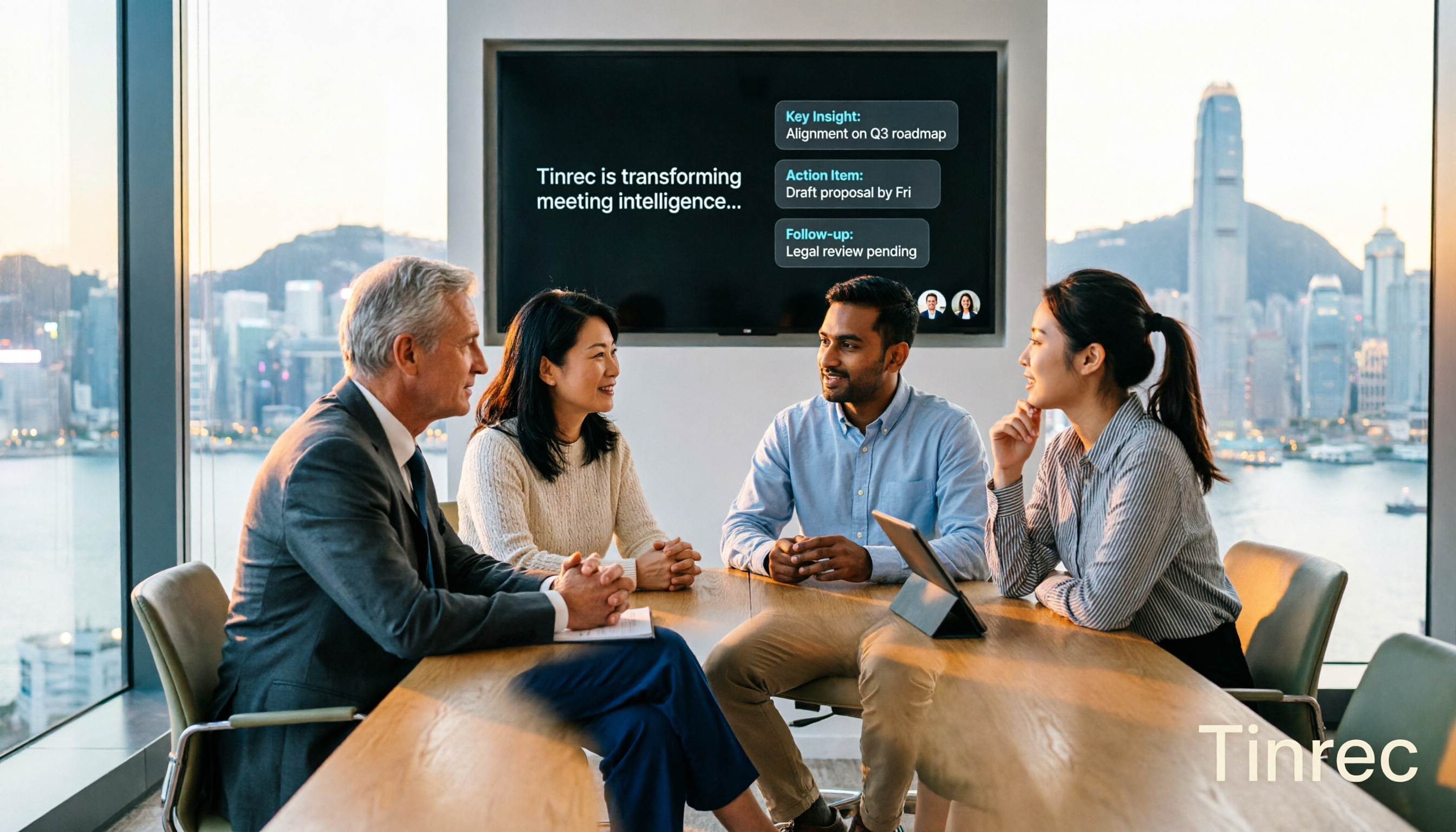
Scenario 1: After the meeting, the first draft is ready Previously, after a two-hour meeting, you'd spend another hour organizing. With Tinrec, for example, as the meeting ends, AI has already generated a summary, chapter highlights, and action items—who's responsible, when it's due, all clear. Your job is to review, not start from scratch.
Scenario 2: No need to add a "bot" to online meetings Some solutions send a bot to join the meeting as a participant, adding a stranger's name to the screen, and clients sometimes ask "who is this?" Tinrec's desktop version directly captures the computer's system audio, handling Zoom, Google Meet, Microsoft Teams, Webex, and other meetings without needing an extra participant. Note: you start the recording yourself in Tinrec; it won't automatically join all meetings on your calendar.
Scenario 3: Old meetings become queryable data Tinrec supports AI Q&A around meeting content. You can directly ask "Who mentioned the budget last time?" or "What was the client's reaction to the price?" without digging through a 40-minute recording.
Scenario 4: Real-time bilingual view for cross-language meetings When meeting with foreign colleagues or clients, Tinrec supports real-time translation, viewable as original text, translation, or bilingual. Teams can also maintain hotwords to improve recognition of technical terms.
What Are the Core Capabilities of a Meeting AI Agent?
Live transcription Text appears as you record, not after. During the meeting, you can watch the text to confirm key points are captured, without waiting until it's over.
AI summary, chapters, and highlights Not just condensing the transcript into a useless paragraph, but structured organization: meeting topic, discussion conclusions, action items, and responsible parties listed separately, with long meetings split into chapters for easy skimming.
Automatic action item extraction Extracts follow-up actions from discussions, most useful for project and client meetings—no need to rely on memory after the meeting to recall "who promised what."
AI conversational query After transcription, you can directly ask follow-up questions based on semantic understanding, without keyword searching until your eyes hurt.
Export and Agent post-processing Tinrec supports export to Notion, Google Docs, OneNote, Dropbox, and other tools for further processing, and can also generate reports, tables, and documents, suitable for reporting, retrospectives, and deliverables.
Team space and governance Meeting data is centrally stored in the team space, and new members can view historical data. Note that in Tinrec, roles and seats are two different things: roles determine who can manage the team, members, audit, and settings; seats determine whether a member can record, upload, edit, import/export. Members who are active but have no seat can still view, play, and read team data, but cannot edit.
Practical Application Scenarios
Weekly meetings and project reviews The biggest fear in cross-department meetings is "what was said last time." Tinrec captures each meeting in the team space, so decision basis and action items can be continuously followed up, and won't disappear when a colleague leaves—team resources belong to the team, and when a member exits or loses their seat, they can hand over their responsible resources to other active members.
Stop organizing recordings by hand
Upload audio or video and automatically get a transcript, summary, and action items
Client interviews and sales follow-up Client needs, objections, and commitments are organized right after the meeting, exported as materials for the team to take over, without writing them again yourself.
Classes, lectures, and training Record and get transcripts and summaries directly, then use AI Q&A to find which section covered a concept, much faster than replaying the recording.
Content creation and personal knowledge management Interviews, inspirations, and meeting recordings all become searchable, queryable data for future writing or research.
5 Things to Note When Choosing a Meeting AI Agent Tool
1. Test accuracy yourself, don't just trust marketing The most practical approach is to try it with your own recording (Cantonese, mixed Chinese-English, with air conditioning noise). Tinrec does not promise a fixed accuracy rate publicly, because actual performance is affected by recording quality, environmental noise, accents, multiple simultaneous speakers, and technical terms.
2. Meeting capture method Ask clearly whether it sends a bot to join the meeting or captures system audio locally. Tinrec is the latter, doesn't add an extra participant to the meeting, and should not be understood as having official partnerships with Zoom, Meet, Teams, etc.
3. What else after transcription Tools that only produce transcripts leave the follow-up work to you. Tinrec focuses on summaries, chapters, action items, Q&A, translation, and export, and can even use an Agent to generate reports and tables.
4. Language support If you frequently handle Chinese meetings or mixed Chinese-English content, pay attention to the tool's language coverage. Tinrec supports Chinese, Traditional Chinese, and multilingual meetings, and provides real-time translation and team hotword management.
5. Team governance and data lifecycle Ask clearly about seat count, permissions, and data retention. Tinrec's team version provides usage analytics, audit logs, and an audio recycle bin; deleted audio can be restored before permanent cleanup begins, currently the recycle bin retention period is 30 days, and TODOs are not covered by the recycle bin.
Frequently Asked Questions
Q1: What's the difference between a meeting AI agent and a regular recording app? A regular recording app only records; a meeting AI agent converts the recording to text, organizes summaries, chapters, highlights, and action items, and also supports AI Q&A, translation, and export. Tinrec follows this path.
Q2: Do I need to add a bot to the meeting? No. Tinrec's desktop version directly captures computer system audio, and the user initiates recording, suitable for situations where you don't want an unfamiliar participant in the meeting.
Q3: What's the difference between the team version and the personal version? Personal version data belongs to the individual account; the team version is an independent team space, data belongs to the team, and adds capabilities like members, roles, seats, sharing benefits, usage analytics, audit logs, and recycle bin. The first eligible team trial is 7 days, 1 free seat, 300 minutes of team shared import quota; team monthly payment is USD 29.80 per paid seat per month, annual payment is USD 199 per paid seat per year (about USD 16.58 per month), each paid seat provides 2,000 minutes of team shared import quota per month, real-time recording is currently not deducted by minutes. Prices and benefits are subject to the official purchase page.
Q4: Is accuracy 100%? It's not recommended to understand it that way. Tinrec can significantly reduce manual recording and organizing costs, but important content should be verified with transcript timestamps and audio playback.
Q5: What should I note about recording? Recording and transcription must comply with local laws, and participant consent should be obtained when necessary. This is not about the tool, but a bottom line you must uphold yourself.
Conclusion
In 2026, a meeting AI agent's selling point shouldn't be "how clearly it records," but "how much time it saves you after the meeting." Live transcription, AI summaries, action item extraction, AI Q&A, export, and team space connect a workflow from meeting to action.
If you have more than three meetings a week and often work overtime on meeting minutes, you can try Tinrec's free version with basic quota to feel what it's like to have AI organize your meetings; if you want to unify meeting data at the team level, first understand the difference between roles and seats, then choose a plan based on headcount and usage. Whether it's worth it, you'll know best after trying.
References
- 【DIGITIMES 2026 Smart Living Forum】Global Smart Living, Collaborative Future
- IEK Industry Intelligence Network | CES 2026 Key Trends Seminar
- Ministry of Economic Affairs Joins Global Partners to Build New Semiconductor Landscape in AI Era
- 【2026 Future Managers Annual Conference】AI for Impact | Choose the Right Track x Restructure Processes x New Talent Competencies | Event Go
- Striving for Semiconductor Ecosystem to Break 8 Trillion This Year: Industrial Development Bureau Assists 84 IC Design and Semiconductor Equipment Companies
Turn every recording into actionable outcomes
Get 60 free transcription minutes when you sign in. No credit card required.
Related Reading
You might also like

2026 Complete Guide to Turning Meeting Decisions into Action Plans: Using Tinrec to Convert Meeting Conclusions into To-Dos
Two-hour meetings, piles of conclusions, but a week later no one remembers who's responsible for what? Starting from the real pain points of student group projects, this article breaks down the four most common misconceptions about 'turning meeting decisions into action plans,' and uses Tinrec alongside common tools like Notta to explain how to turn decisions into to-do lists with owners, deadlines, and trackability.

2026 AI Meeting Action Plan Free Options: 4 Tools Compared
2026 AI meeting action plan free options compared: hands-on testing of Tinrec, Otter.ai, Notta, and Granola, covering Chinese meeting recognition, bot-free recording, to-do extraction, and team collaboration to help you find the best meeting action plan solution.
How Tinrec's AI Meeting Agent Auto-Generates Action Items in 2026: Summaries + Task Tracking in One Go
Meeting's over, but nobody remembers the action items? Drawing from a mid-level manager's real-world experience, this article explains how an AI meeting agent automatically generates action items, summaries, and meeting minutes. Using Tinrec as an example, it breaks down core capabilities, practical use cases, and 5 key purchasing considerations.

2026 AI Meeting Agent Comparison: 4 Tools Tested for Post-Meeting Workflows — Which One Turns Meetings into Actionable To-Dos?
The real pain point of meeting notes isn't recording — it's post-meeting organization and follow-up. This article approaches the problem from the post-meeting processing angle, explains 5 key criteria for choosing an AI meeting agent, tests Tinrec's full workflow from transcript to summary to action items to AI Q&A and export, and briefly reviews Granola, Otter.ai, and Notta for use cases, pricing limits, and pitfalls to avoid.

6 AI Meeting Assistants Tested for 2026: Which Saves the Most Time on Chinese Meeting Minutes?
How do you use AI meeting assistants? This article reviews the practical usage and pricing of 6 tools, from Tinrec, Granola, Otter.ai to TurboScribe, explaining their suitable scenarios, free quotas, and team plan differences to help you pick the best one for your needs.

5 Client Meeting Follow-Up Tools Compared for 2026: Templates, AI Q&A, and Team Knowledge
Starting from common client meeting follow-up mistakes, we cover 4 key template selection criteria, test Tinrec's AI summaries, action items, and Q&A, compare Notta, Granola, Otter.ai, and TurboScribe, and provide a guide to avoid pitfalls and choose the right tool.

2026 Best Meeting Software for Sales Teams: 4 Tools Tested Without a Bot
Can't find that one client comment after your weekly sales meeting? We tested Tinrec for bot-free recording, post-meeting organization, and team knowledge retention, and reviewed Otter.ai, Fireflies.ai, and Granola for different use cases. Includes 3 common pitfalls to avoid.

2026 Client Visit Record Template Comparison: Tinrec vs Granola on 5 Key Dimensions — Which Is Better for Sales Follow-Up?
What should you keep after a client visit? This article uses a client visit record template as the framework to compare Tinrec and Granola across 5 dimensions: audio retention, Chinese recognition, to-do follow-up, team knowledge retention, and pricing — helping sales and customer success teams choose the right recording method.

3 Sales Meeting Review Tools Tested for 2026: How AI Meeting Notes Help You Find Lost Deals
Sales meeting done but not sure why the deal didn't close? This article covers review methods and tool selection, testing Tinrec, Otter.ai, Fireflies.ai, and Notta. It outlines key steps for sales meeting reviews, selection criteria, and pitfalls to avoid, helping you turn every customer conversation into searchable, actionable team data.