
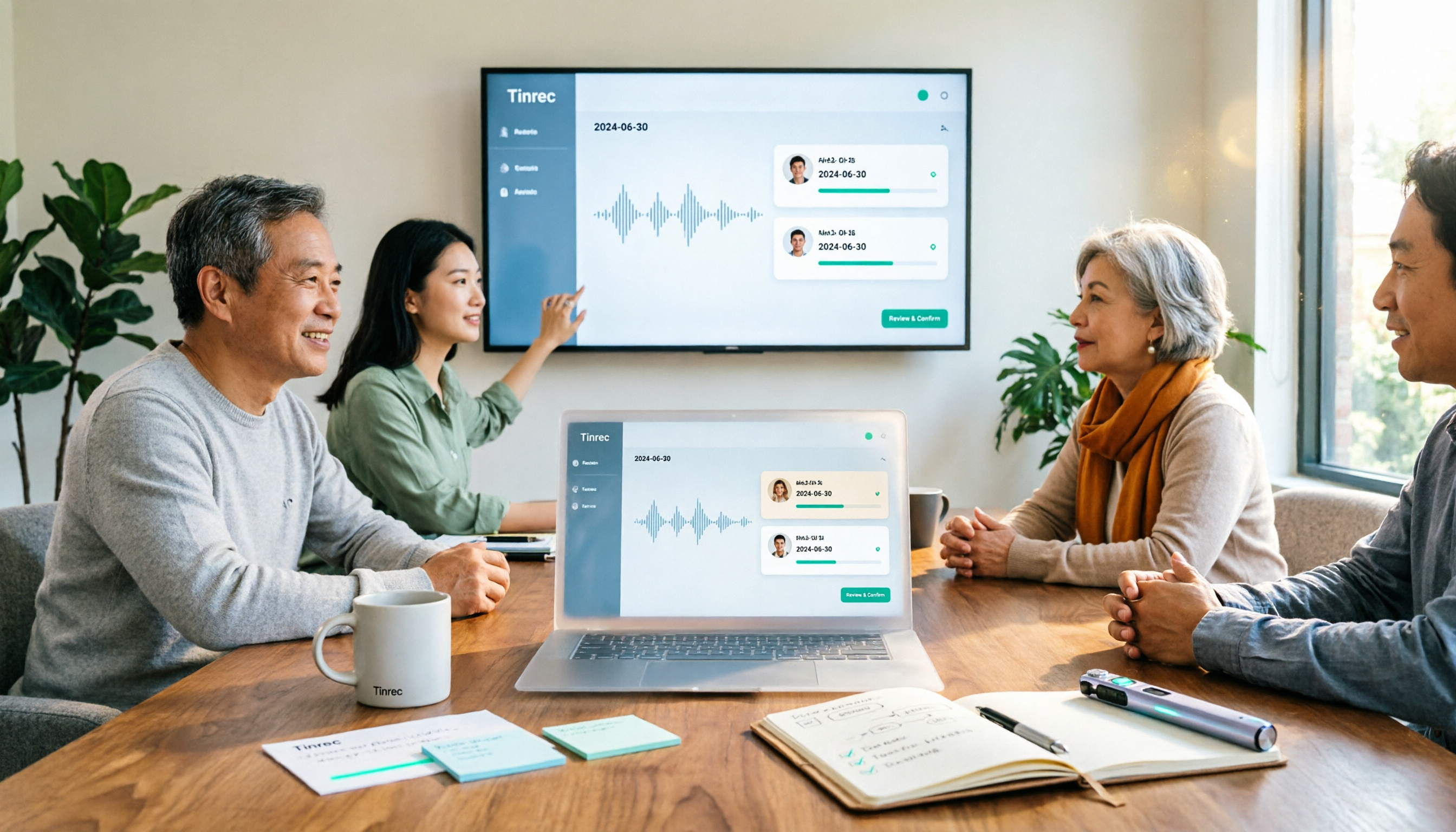
Turn recordings into transcripts and summaries in minutes
Upload audio or video for multilingual transcription, AI notes, and action items
How to Create a Meeting Action Plan in 2026 with Tinrec: Auto-Extract To-Dos + One-Click Export Tracking Sheet
After the Meeting, No One Remembers the Action Plan—That's Where the Most Time Is Wasted
"The conclusion of this meeting is—let's all think about it more."
If you often hear this, you've probably encountered these situations: a two-hour meeting with only three lines of notes; lively discussion, but after everyone leaves, no one knows who should do what or when it's due.
Even more troublesome: when it's time to follow up next week, you discover action items scattered across chat rooms, sticky notes, and someone's notebook.
The consensus reached during the meeting is often verbal. Turning it into a trackable action plan requires someone to spend time replaying recordings, flipping through transcripts, and manually organizing everything.
This article will first show you a practical meeting action plan example, then share my experience after testing several tools—especially whether they can automatically turn discussions into to-dos.
Before Writing a Meeting Action Plan, Understand These 4 Key Points
1. An action plan must be tied to goals, not just a random to-do list. Asana's template description notes that a to-do list can be a disconnected list of tasks, while an action plan template always links back to the ultimate goal. The difference: the former ends when done; the latter can be completed and verified.
2. Every item must have a "task + owner + deadline." A common meeting note like "discuss marketing campaign" has no action power. Writing "Contact partner KOL, confirm collaboration details (Tracy, due 9/30)" makes it trackable.
3. The goal itself must be verifiable. Before setting an action plan, it's recommended to check it against the SMART criteria: specific, measurable, achievable, relevant, and time-bound. Otherwise, even after completing action items, you won't know if it's a success.
4. Can the tool turn transcripts into an action plan? This is what I care about most. Most transcription tools only give you a transcript; you still have to copy action items yourself. A few tools can directly extract to-dos from conversations, and even let you ask, "Who promised to send the quote in this meeting?"—this kind of AI Q&A capability is where real time savings happen.
What Does a Meeting Action Plan Example Look Like?
The table below is a format I often use. It has few columns, but each is essential:
| Task | Owner | Deadline | Corresponding Goal | Status |
|---|---|---|---|---|
| Organize key points from customer interviews | Tracy | 9/30 | Q4 product pricing | In progress |
| Send partnership quote | Ben | 10/3 | Channel expansion | Not started |
| Confirm event venue | Ivy | 10/7 | New product launch | In progress |
Note that the "Corresponding Goal" column is most often omitted, but it determines whether this plan becomes a list that you complete without knowing why.
Tinrec—Our Top Pick After Testing
Tinrec is an AI meeting notes and collaboration tool for individuals and teams, supporting iOS, Android, and web; the desktop version can directly capture computer system audio to record online meetings on Zoom, Google Meet, Microsoft Teams, Webex, etc., without inviting a meeting bot into the room.
What impressed me most is that it doesn't just give you a transcript.
When you open Tinrec during a meeting, it transcribes as it records. After the meeting, the AI has already automatically generated a summary, chapters, and to-dos—who is responsible for what and what the deadlines are, all organized for you. You just need to add the "Corresponding Goal" according to the table format above. This step saves the time you used to spend re-listening to recordings.
Stop organizing recordings by hand
Upload audio or video and automatically get a transcript, summary, and action items
Even better is the AI Q&A. After recording, you can directly ask it: "What was the budget conclusion of this meeting?" It will give you an answer based on semantic understanding, rather than throwing a string of keyword search results. Most transcription tools at the same price point don't have this feature yet.
In testing, I used a Chinese meeting recording with background noise. When multiple people talked over each other, proper nouns still had errors; but because of the team hotwords feature, after adding internal company terms, recognition improved noticeably. Actual accuracy will be affected by recording quality, accent, overlapping speech, and specialized terminology—I won't sugarcoat this.
Three main advantages:
- Bot-free recording: The desktop version directly captures system audio, so no unfamiliar participant appears in the meeting.
- Output is ready to use: Summaries, chapters, to-dos, mind maps, and export to Notion, Google Docs, OneNote, Dropbox for further processing.
- Team version keeps data: Meeting data belongs to the team; when members leave, they don't take data with them. Admins can manage roles, seats, usage, and audit logs, plus team hotwords and audio recycle bin.
Limitations: The free version has a basic quota, suitable for occasional recording organization; those with weekly meetings will need Pro. The team version offers a 7-day trial for first-time eligible teams, including 1 free seat and 300 minutes of team shared import quota; paid plans are USD 29.80/month per paid seat, or USD 199/year per paid seat (about USD 16.58/month), with each paid seat providing 2,000 minutes of team shared import quota per month. Prices and benefits are subject to the official purchase page.
Who it's for: If your meetings are mainly in Chinese, you often need to turn discussions into trackable action items, and you want recordings and transcripts to stay in a team space for reuse—Tinrec is currently the most convenient option.
Besides Tinrec, What Other Options Are There?
Otter.ai: A mature choice for English meetings. Free version offers 300 minutes per month; Pro annual billing is about USD 8.49/user/month (including 1,200 minutes of in-app recording per month). Its English business meeting experience is indeed good, but it lacks Tinrec's team hotwords and audio recycle bin design, and Chinese meetings are not its strong suit.
Notta: Good multilingual transcription. Free version offers 120 minutes per month, max 3 minutes per session; Pro annual billing is about USD 8.17/month. Its positioning is closer to a "transcription and translation tool," and the AI Q&A experience for follow-up questions after meetings is less complete than Tinrec's.
Granola: Also records meetings without a bot. Business plan is USD 14/user/month. Note that it does not save meeting audio and does not support uploading pre-recorded audio files—if you need to keep recordings or organize existing meeting files, this is a hard limitation.
Pitfall Guide: The 3 Most Common Mistakes When Organizing Meeting Action Plans
Pitfall 1: Only writing "conclusions" in notes, without owners and deadlines. An action item without an owner is as good as no action item. Always use the "task + owner + deadline" format. Columns can be few, but not missing.
Pitfall 2: Keeping action plans and goals separate. If the plan is in one document and the goals in another presentation, tracking breaks down. Like the table above, write the "Corresponding Goal" in the same row so you can see at a glance which goal this serves.
Pitfall 3: Buying a tool but only using it as a voice recorder. If you only use an AI meeting tool as "audio-to-text," you're using only a small part of its capabilities. Features like Tinrec's to-do extraction and AI Q&A—after recording, directly ask "Who mentioned the budget in the last meeting?"—are much faster than manually flipping through a 30-minute transcript.
Conclusion: Which One Should You Choose?
- Need automatic to-dos and summaries for Chinese meetings → Tinrec (bot-free recording, post-meeting output ready to use)
- Want to accumulate meeting data in a team space and manage members and seats → Tinrec Team version
- Want to use AI to follow up on meeting details after recording → Tinrec (AI Q&A is its standout feature)
- Zero budget, English meetings → Otter.ai free version (300 minutes per month, a reasonable entry choice)
- Only need bulk file transcription, no post-meeting tracking → Notta-type transcription tools are more suitable
The value of an action plan is not in how nicely it's written, but in whether someone still remembers it next week. I suggest trying Tinrec's free version for two or three meetings to experience the difference of "having a to-do list right after the meeting," then decide whether to upgrade.
References

Turn every recording into actionable outcomes
Get 60 free transcription minutes when you sign in. No credit card required.
Related Reading
You might also like

Best AI Meeting Assistants for Business in 2026: 5 Solutions Compared, AI Note-Taking and Integration Are the Deciding Factors
How to choose an AI meeting assistant for your business in 2026? This article compares 5 common solutions—Google Workspace, Microsoft Teams, Virsical, Manus, and hardware integrators—across 5 dimensions: automated meeting notes, multilingual support, room booking, hardware integration, and security management. It also includes a must-ask checklist before purchase to help you find the best fit for your team.

4 Post-Meeting Deliverable Templates Tested and Compared in 2026: Which Saves the Most Time from Transcript to To-Do List?
The biggest fear after a meeting isn't missing a recording—it's that no one remembers who promised what. This article covers the 3 most common mistakes in post-meeting deliverables, the fields a practical template should have, and demonstrates how Tinrec automatically goes from transcript to summary, to-dos, and team knowledge retention, plus purchasing considerations and FAQs.

2026 AI Meeting Assistant Comparison: 4 Tools Tested — How Meeting Agents Differ from AI Assistants
What's the difference between a meeting agent and an AI meeting assistant? Starting from real meeting scenarios, this article breaks down 4 key buying factors and compares Tinrec, Otter.ai, Granola, and Notta on recording methods, post-meeting output, Chinese language support, and team collaboration — plus 3 common pitfalls to avoid when choosing a tool.

2026 Post-Meeting Deliverables Tools Free Plans Compared: 4 Options at a Glance
Compare the free plans of post-meeting deliverables tools including Tinrec, Notta, Otter, and Granola, with a focus on how Tinrec turns meeting content into actionable deliverables through bot-free recording, AI summaries, action item extraction, and team spaces.

2026 AI Meeting Notes Comparison: Tinrec vs Otter.ai — Which Turns Minutes into Action Plans?
Meetings end, notes are written, but action items still sit at 'to be confirmed'? This article compares Tinrec and Otter.ai across six dimensions, focusing on how meeting minutes become executable action plans. It covers bot-free recording, to-do extraction, AI follow-up, Chinese meeting experience, team seat governance, and export workflows, with FAQs and pricing.
Tinrec vs Otter.ai 2026: 5-Dimension Comparison — Which Saves More Time on Post-Sales Delivery?
After a sales meeting, transcripts, client commitments, quotes, and action items often end up scattered. This article compares Tinrec and Otter.ai across 5 dimensions, and uses Tinrec to demonstrate how to turn post-sales delivery into a searchable, collaborative, and trackable process.

Tinrec vs Otter.ai 2026: 5-Dimension Comparison for Post-Meeting Deliverables in Chinese Consulting
For consultants, the real work begins after the meeting. This article compares Tinrec and Otter.ai across five dimensions to help you choose the right post-meeting delivery tool: bot-free recording, AI Q&A, report generation, team data ownership, and includes pitfalls and selection advice.
2026 Comparison of 4 AI Meeting Note-Takers: Which Free Version Is Good Enough?
Automating meeting notes isn't just feeding a recording to AI for transcription. This article addresses common misconceptions and tests four tools—Tinrec, Notta, Granola, and Otter.ai—comparing recording methods, post-meeting outputs, team management, and free tiers. It also highlights four common pitfalls when choosing a tool to help you find a free option that works or a paid plan worth the investment.

4 Meeting Notes Tools Tested for 2026: Which One Actually Generates an Action Plan?
The worst part of a meeting isn't the meeting itself—it's the cleanup afterward. This article puts 4 meeting notes tools to the test, focusing on which ones can automatically turn a transcript into an action plan with owners and deadlines. Includes buying criteria, pitfalls to avoid, and scenario-based recommendations.