

Turn recordings into transcripts and summaries in minutes
Upload audio or video for multilingual transcription, AI notes, and action items
Free Interview Transcription Solutions in 2026: 4 Options Compared
The Biggest Pain of Interview Recording Isn't Recording—It's That 4-Hour Audio File
During my graduation project year, I scheduled in-depth interviews with 6 participants, each lasting about 40 minutes. The interviews went smoothly, but when I got back to my dorm and opened the audio files, I realized: nearly 4 hours of audio, and I hadn't typed a single word.
The first time, I used the dumbest method—listen for 5 seconds, pause, type, play again. In one evening, I only produced 3 pages of incomplete transcript, missing even the third key point the interviewee made. The same with group discussions: everyone talked over each other for 50 minutes, and after the meeting, no one could clearly state the conclusion.
The problem isn't your recording quality—it's that audio files can't be searched, cited, or written into a thesis. This article reviews 4 interview transcription solutions I've tested and compared, including completely free and free-tier options, and tells you which one is best for student interviews and classroom scenarios.
Before Choosing an Interview Transcription Tool, Understand These 4 Key Points
1. Recognition Ability for Chinese and Mixed Chinese-English Many tools perform well on English presentations, but when they encounter the mixed Chinese-English common in Taiwanese interviews—"He was talking about user journey then"—they start breaking sentences incorrectly. You need to look at its performance in Chinese contexts, not English demo videos.
2. After Transcription, Can You Use It Directly? If it only gives you a transcript, you still have to read it from beginning to end. What really saves time is the summary, chapters, and to-dos after transcription, and ideally, the ability to ask questions directly about the content.
3. Can the Free Quota Last Through a Project? The reality for students is limited budget. First calculate how many hours you'll record in a semester, then check whether the free quota is for "trial" or "actually sufficient."
4. Cross-Platform and File Export Record on your phone, then organize on your computer; the transcript might end up in Notion or Google Docs. Whether you can smoothly bring content into your existing workflow makes a big difference.
Tinrec has corresponding designs for these four points; let's break it down below.
Tinrec (秒聽錄音) — The One I Kept After Using It for a Whole Semester
Tinrec (秒聽錄音) is an AI meeting notes and collaboration tool for individuals and teams, available on mobile app and desktop, not just a regular audio-to-text program.
Transcribe While Interviewing, No Bot Needed for Online Meetings During in-person interviews or group discussions, open Tinrec and start recording; it generates a transcript while recording, so you can focus on listening without taking notes. For online interviews, the desktop version can directly capture system audio, recording meetings on Zoom, Google Meet, Microsoft Teams, Webex, etc., without inviting a meeting bot as a participant—interviewees won't see an extra strange account, which is better for research ethics.
Ask AI Directly After the Meeting, No Ctrl+F for Keywords After transcription, AI automatically generates summaries, chapters, and to-dos. The most useful is AI Q&A: I once asked directly "What are the three things the interviewee was most dissatisfied with?" and it organized the answer semantically, rather than giving me a bunch of keyword search results. The recorded content can also be viewed as a mind map to understand the structure of issues, which greatly helps with writing the analysis chapter of a thesis.
Use It as a Database, Not a One-Time Tool These are the features I find most time-saving: first, it retains the transcript and recording throughout, so you can review and verify at any time; second, it supports real-time translation and bilingual viewing, convenient for English literature interviews or foreign interviewees; third, it can export to Notion, Google Docs, OneNote, Dropbox, and other common tools, and can use Agent post-processing to generate reports, tables, and documents, turning interview materials directly into deliverable results. For group projects needing shared data, the team version provides independent team spaces, separate management of members, roles, and seats, plus usage analysis and audit logs; deleted team audio can be restored from the recycle bin according to the process; for seat counts and pricing, please refer to the official purchase page.
Stop organizing recordings by hand
Upload audio or video and automatically get a transcript, summary, and action items
Honest Limitations Tinrec does not promise a fixed accuracy rate; actual performance is affected by recording quality, ambient noise, accents, and multiple people talking over each other. For important sections, it's recommended to verify with playback. The free version provides a basic quota, suitable for light use; if you have interviews or meetings every week, the quota will run out quickly, and you'll need to consider upgrading.
Who It's For If you conduct Chinese interviews, want to use AI to find key points directly after recording, and switch between phone and computer, Tinrec is currently the closest choice to these needs.
Besides Tinrec, What Other Options Are There?
雅婷逐字稿 (Yating Transcript) A veteran transcript service in Taiwan, officially promoting "You talk, we type." It's an old friend for many graduate students doing interviews in Taiwanese Hokkien and local Taiwanese accents. If your interviewees use a lot of Taiwanese Hokkien and you only need a pure transcript, you can try it first. But based on the feature range shown on its official page, it doesn't emphasize AI Q&A and team collaboration spaces—if you want to directly follow up on content after recording and organize interviews into summaries and to-dos, tools like Tinrec are more convenient.
Otter.ai A mature choice for English meetings. Free version: 300 minutes per month; Pro annual billing is about USD 8.49/user/month, including 1,200 minutes of in-app recording per month and 10 file imports. Its strength is English business meetings; Chinese interviews are not its main focus. If your interviewees mainly speak English and you record a lot of English, Otter is more cost-effective than Tinrec; for students with mostly Chinese interviews, prioritize the Chinese experience.
TurboScribe A high-value file transcription tool: free version allows 3 files per day, up to 30 minutes per file; Unlimited annual plan is USD 120, paid version supports up to 10 hours or 5 GB per file, and can upload 50 files at once. Suitable for those who already have a pile of long audio files to process at once. However, it follows a file transcription route, without real-time meeting recording, AI Q&A, or team data spaces. What you get in the end is a transcript, and you still have to organize it yourself.
Pitfall Guide: The 3 Most Common Mistakes When Choosing an Audio-to-Text Tool
Pitfall 1: Only Looking at Advertised Accuracy Numbers. Many tools advertise accuracy measured in a quiet recording studio. Real interview scenes have air conditioning noise, cafe background sounds, interviewees drinking water mid-sentence, and two people talking over each other. It's better to test with your own recording than to look at any promotional number.
Pitfall 2: Assuming the Free Quota Is Definitely Enough. Calculate the total first: 6 interviews per semester, 40 minutes each, that's at least 4 hours, plus class recordings and group discussions, it's easy to exceed. The free version is good for verifying effectiveness first; consider a paid plan once you're sure you'll use it long-term.
Pitfall 3: Treating the Transcription Tool as a Typewriter. If you only use it as "audio to text," you're only using one-third of its capabilities. Summaries, chapters, to-dos, and AI Q&A are where the real time savings are—after an interview, directly asking it "What were the interviewee's concerns about price?" is much faster than flipping through a 40-minute transcript yourself. Also a reminder: interview recordings involve others' personal data; remember to get interviewee consent before recording and comply with local regulations.
Conclusion: Which One Should You Choose?
Chinese interviews, want directly usable material for a thesis → Tinrec (most complete Chinese experience, AI Q&A, and multi-format export)
Online interviews without inviting a bot → Tinrec (desktop version directly captures system audio)
Taiwanese Hokkien or highly localized interviews, only need a pure transcript → 雅婷逐字稿
Mainly English interviews, large recording volume → Otter.ai (the exception among recommended competitors in this article)
Already have a pile of long audio files for batch transcription → TurboScribe
For students, I'd suggest starting with Tinrec's free version, throw one interview into it, and see if its summaries and Q&A save you time; the quota is basic, confirm the effectiveness before deciding whether to upgrade—no need to pay from the start.
References
- Online AI speech, video, audio file auto-transcription - Free trial - cSubtitle
- Must-see in 2026! 4 AI audio-to-text tool recommendations: Meeting notes, Podcast transcript神器 review - Mobile01
- How to use ChatGPT App "speech to text" for meeting notes or notes to improve output efficiency? - TNL The News Lens 關鍵評論網
- 雅婷逐字稿
- Audio to text | AI converts meeting recordings, interviews into transcripts and meeting notes | Subanana
Turn every recording into actionable outcomes
Get 60 free transcription minutes when you sign in. No credit card required.
Related Reading
You might also like
![2026 Meeting AI Agent Software: Bot-Free Recording + Post-Meeting AI Q&A [Guide]](https://record-img.tos-accelerate.volces.com/images/2026/09/25/1790342798533094573.png)
2026 Meeting AI Agent Software: Bot-Free Recording + Post-Meeting AI Q&A [Guide]
How to choose meeting AI agent software? Don't rush to look at free minutes. This article starts with the three most common misjudgments, breaks down four key points: capture method, post-meeting processing chain, Chinese performance, and team governance, then compares Tinrec, Otter.ai, Notta, and Granola in hands-on testing to help you pick the right one within budget.
2026 AI Meeting Agent Comparison: Tinrec vs Notta for Action Plan Generation
Tired of meetings without action plans? This article compares Tinrec and Notta on bot-free recording, Chinese language experience, AI to-do generation, and team data retention, and tests how Tinrec turns transcripts into trackable action lists.

2026 AI Meeting Agent Workflow Comparison: Which Tool Best Captures Meetings from Bot-Free Recording to Post-Meeting Insights?
When choosing an AI meeting agent workflow, the real differentiator isn't transcription accuracy—it's whether your meeting data survives after the call ends. This article compares Tinrec, Granola, and Notta across five dimensions: bot-free recording, audio file retrieval, Chinese and real-time translation, post-meeting outputs, and team governance, helping you decide which post-meeting workflow best fits you or your team.

2026 AI Meeting Agent Free Plans Compared: 4 Tools to Consider
Tired of taking meeting notes manually? This article reviews the free plans of four AI meeting agents in 2026, comparing them on meeting capture, post-transcription capabilities, Chinese and multilingual support, team governance, and pricing. It includes hands-on testing of Tinrec, Granola, Notta, and PLAUD, plus a pitfalls guide and selection advice to help you choose the right tool within your budget.
2026 AI Meeting Agent Comparison: Tinrec vs Otter.ai vs Built-in Meeting Notes
AI meeting agents don't just join meetings on their own. This article breaks down three common misconceptions, then compares Tinrec, Otter.ai, and Google Meet's built-in notes across six dimensions: meeting capture, Chinese language experience, post-meeting output, team governance, cross-device support, and plan flexibility. Find out which approach actually saves time on meeting notes and organization.

AI Meeting Agent vs. Assistant in 2026: No-Bot Recording + Auto-Generated Reports After Meetings
What's the real difference between an AI meeting assistant and an AI meeting agent? This article starts with common misconceptions, breaks down the three levels of recording, understanding, and action, tests Tinrec's Chinese meeting transcription, no-bot recording, and agent post-processing workflow, and compares the use cases of Otter.ai, Granola, and Notta, with a guide to avoiding pitfalls.
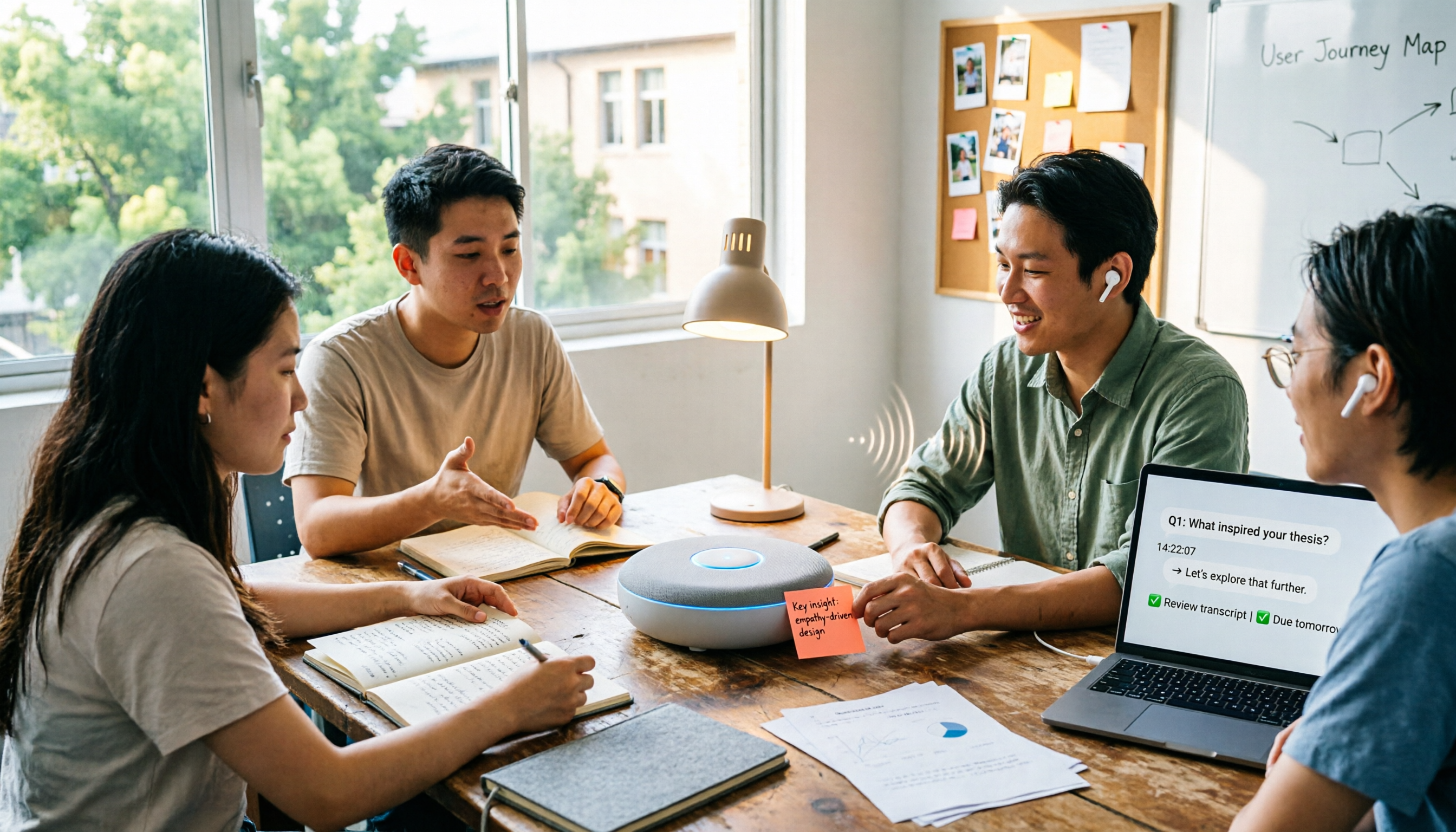
2026 Complete Guide to AI Meeting Agent Workflows: 5 Steps from Recording to Action Items
An AI meeting agent isn't just about sending a bot to your meeting. Drawing from hands-on experience with campus group projects, class notes, and thesis interviews, this guide breaks down the 5 stages of an AI meeting agent workflow, core capabilities, 5 key considerations when choosing a tool, and FAQs. It also explains how Tinrec turns recordings into searchable, queryable, and transferable meeting data.
What Is an AI Meeting Agent in 2026? 5 Steps from Recording to AI Summary
What is an AI meeting agent in 2026? Starting from the pain points of student group discussions, this article explains the core functions of AI meeting agents and reviews 5 tools worth trying, including Tinrec, Otter.ai, Fireflies.ai, Notta, and built-in platform transcription, helping you go from recording to AI summary in one go.

2026 AI Meeting Agent Comparison: 4 Types Tested — Which One Actually Saves You Post-Meeting Time?
AI meeting agents generally fall into four categories: meeting bots, platform-native transcription, desktop no-bot recording, and AI recording hardware. This hands-on comparison looks at how each approach fits different meeting scenarios, using Tinrec as the primary example to show real-world use of live transcription, AI summaries, action item extraction, AI Q&A, and team workspaces. Includes free and team plan pricing plus 5 key buying considerations.