
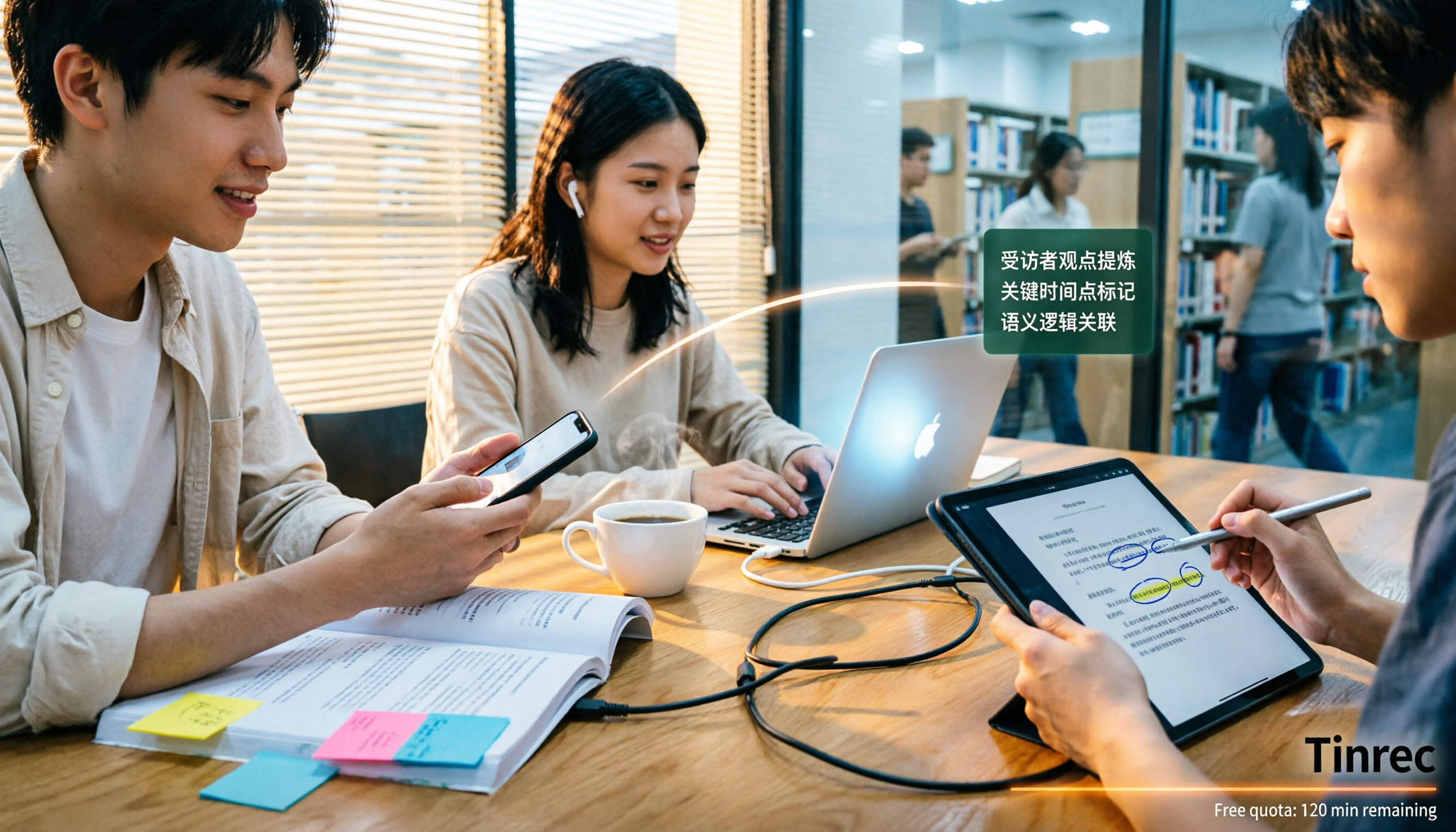
Turn recordings into transcripts and summaries in minutes
Upload audio or video for multilingual transcription, AI notes, and action items
4 Best Audio-to-Text Apps in 2026: Which Free Tier Works Best for Students?
Choosing Wrong from the Start: Most People Fall for the Word 'Free'
I learned this the hard way during my junior year. I saw an app that claimed to offer 'free speech-to-text' and thought I'd hit the jackpot. But after recording a 50-minute lecture and hitting convert, it only gave me the first 3 minutes—the rest required payment. That lecture was a total waste.
After that, I wisened up and started testing apps one by one. I noticed most people make the same mistake: they treat 'free' as a status, not a quota. Free versions are inherently trial-based. The real question is: does its free quota match your usage habits?
If you're like me—3 to 4 lectures a week that need recording, plus group project discussions—you might accumulate 600 to 800 minutes of audio per month. With that volume, you need a tool that doesn't cut off single sessions and has AI to help organize, not just the one with the prettiest free minutes.
This article isn't about telling you to buy the most expensive option, but to help you avoid the most costly mistake.
Before Choosing an Audio-to-Text App, Understand These 5 Key Points
1. Free quota is about 'per-session limit,' not total minutes. Many tools say '120 free minutes per month,' which sounds plenty, but then you find out each session can only transcribe 3 minutes. For students, a 50-minute lecture needs to be transcribed in one go—being split into a dozen segments is useless for review. When checking specs, prioritize the per-session duration.
2. Accuracy depends on 'under what conditions it was tested.' Official claims of 98% are usually measured in a quiet studio. Real classrooms have air conditioning noise, classmates flipping pages, and teachers walking around. My advice: test it yourself with a real lecture recording—that's the performance you need to know.
3. Whether you can use the transcript directly is key to saving time. If you only get a transcript, you still have to find key points in 8,000 words. Having automatic summaries, chapters, to-dos, or even the ability to ask questions about the content makes a huge difference.
4. Is cross-platform use important? I record on my phone during class and organize on my laptop back in the dorm. If a tool only works on iPhone, I have to transfer files around. Tools that work on phone, computer, and web are much more practical for students.
5. How to record online meetings? Remote project discussions with professors, online interviews with internship companies—these happen on Google Meet or Teams. Some tools require a 'meeting bot' to join the room, adding a stranger to the screen; others capture system audio directly without alerting anyone. The latter is much friendlier for formal occasions.
Tinrec (秒聽錄音) — My Top Choice After a Semester of Use
Tinrec (秒聽錄音) is an AI meeting notes and collaboration tool for individuals and teams, supporting iOS, Android, web, and desktop. I initially used it to organize interview recordings for my graduation project, and later for lectures and group meetings.
Lectures and group discussions: live transcription while recording. When you start recording on Tinrec, text appears in sync. The worst thing in group discussions is that no one remembers the conclusions. Now we record the entire meeting, and afterward, AI automatically generates summaries, chapters, and to-dos—who's responsible for the literature review, who's running the data, what's due before the next meeting—all listed out. I no longer have to be the one typing furiously and missing the discussion.
Online discussions: no need to invite a bot into the meeting. When meeting with my advisor on Google Meet, Tinrec's desktop version captures system audio directly, so no strange account appears in the participant list. It also handles audio from Zoom, Microsoft Teams, and Webex. This is crucial for me—after all, a clean screen is basic etiquette for interviews or meetings with professors.
AI Q&A: This is the most impressive feature. After recording, you can ask questions directly about the content. I asked, 'In the last interview, what complaints did the interviewee have about the system interface?' It gave me a organized answer, not just keyword search results. I also use it for exam review: throw in all lecture recordings from the semester and ask, 'What are the three key points the professor said would be on the exam?' This is much faster than re-listening to two hours of audio.
Other features I actually use:
- Audio and video files can be imported directly—I use this for organizing interviews and lecture videos
- Supports real-time translation, with options to view original, translated, or bilingual side-by-side
- Generates mind maps after meetings, great for grasping chapter structure
- Exports to Notion, Google Docs, OneNote, Dropbox—I drop them straight into Notion for project notes
- Can generate reports, tables, and documents based on meeting content, saving time on weekly project reports
Stop organizing recordings by hand
Upload audio or video and automatically get a transcript, summary, and action items
Honestly, there are limitations: The free version offers a basic quota, suitable for trying out. If you're a heavy user recording every lecture, you'll need to upgrade. Also, accuracy depends on recording quality—sitting too far back or loud air conditioning means you'll have to edit the results. And you have to manually press record; it doesn't automatically join every meeting on your calendar.
Who it's for: If you need to handle Chinese or mixed Chinese-English lecture content, want to use AI to find key points right after recording, and want to use it on both phone and computer, Tinrec is currently the smoothest choice for me.
By the way, for group use, there's a team version: a dedicated team space stores meeting recordings, transcripts, summaries, and to-dos together. You can invite members, assign roles and seats, and view usage and activity logs. The current official setup: eligible teams can try 7 days free with 1 free seat and 300 shared import minutes; monthly team plan is USD 29.80 per paid seat per month, annual is USD 199 per paid seat per year (about USD 16.58 per month), each paid seat provides 2,000 shared import minutes per month, and real-time recording within the team is currently not deducted by minutes. Actual prices and benefits are subject to the official purchase page.
Besides Tinrec, What Other Options Are There?
**Notta:** A multi-platform transcription tool, with the most overlap with Tinrec. Free version offers 120 minutes per month but max 3 minutes per session—not enough for a 50-minute class. Pro annual is about USD 8.17 per month with 1,800 minutes per month; Business annual is about USD 16.67 per seat per month. Its strengths are subtitles, translation, and summaries. However, it lacks Tinrec's AI Q&A and Agent post-processing—you can't just ask 'What's the conclusion?' after recording.
**Otter.ai:** A veteran choice for English meetings. Basic free offers 300 minutes per month, the most generous among these. Pro annual is about USD 8.49 per user per month, including 1,200 minutes of in-app recording and 10 file imports per month. If you're recording mostly English lectures or meetings, it's a great deal. But its mindset is English business scenarios; Chinese lectures and group discussions aren't its strong suit. Also, it lacks Tinrec's team hotwords and post-processing for reports and tables.
**PLAUD Note / NotePin:** AI recording hardware, with the advantage of portability and standalone recording. US official site currently lists NotePin at USD 159, Note Pro at USD 189. Membership: Starter 300 minutes per month, Pro USD 99.99 per year (1,200 minutes per month), Unlimited USD 239.99 per year. For budget-conscious students, this means paying for hardware first. Tinrec requires no extra device, works on phone, computer, and web, and handles online meetings—a clear advantage.
Pitfall Guide: 4 Most Common Mistakes When Choosing an Audio-to-Text App for the First Time
Pitfall 1: Downloading just because it says 'free,' without checking per-session duration. Many free versions only allow 3 to 10 minutes per session. If you record a 50-minute lecture, you won't get a full transcript. Before choosing, confirm 'what's the max per session'—this is more important than total monthly minutes.
Pitfall 2: Trusting official accuracy numbers. Numbers like 98% or 99% should be taken with a grain of salt; test conditions are usually in fine print. What you should really do is test with your own lecture recording to see if it recognizes your professor's accent and your department's jargon.
Pitfall 3: Buying a tool but only using it as a voice recorder. This is the most wasteful. If you only use a transcription tool to turn audio into text, you're only using a third of its value. For example, Tinrec's AI Q&A lets you ask 'What are the three main pain points from this interview?' right after recording—much faster than manually scanning a 30-minute transcript.
Pitfall 4: Ignoring group collaboration, ending up with data scattered on everyone's phones. Projects are done by four people. If everyone's recordings are on their own phones, integrating them at the end of the semester is a nightmare. Either use a tool with team space to centralize storage, or agree from the start to upload to the same place. Decide this as early as possible.
Conclusion: Which One Should You Choose?
Bottom line: For the most common student scenarios—lectures, group discussions, and interviews—Tinrec is the one I kept after testing.
Here's a practical breakdown:
- Need to record Chinese lectures or mixed Chinese-English content → Tinrec (Chinese and multilingual meeting scenarios are its focus)
- Want to use AI to find key points and ask questions right after recording → Tinrec (AI Q&A is key to turning transcripts into usable data)
- Record on phone, organize on computer, need both → Tinrec (iOS, Android, web, desktop all available)
- Online meetings with professors or internship companies, no bot wanted → Tinrec (desktop version captures system audio directly)
- Group projects need shared meeting notes → Tinrec team version (team space, seat and usage management)
- Mostly English meetings, zero budget → Otter.ai (300 free minutes, cost-effective for English scenarios)
- Often on the go, need a physical recording device → PLAUD Note (check hardware budget first)
- Only occasionally transcribe a short file → Notta free version (3 minutes per session, enough if that's all you need)
My approach is to start with the free version, record one or two lectures you really didn't understand, and see if it captures your professor's speed and accent. If it works well, consider upgrading. Students' money should be spent wisely—no need to pay from the start.
One last reminder: Before recording, inform your professor and classmates and get consent. It's not just polite—it's safer.
References
Turn every recording into actionable outcomes
Get 60 free transcription minutes when you sign in. No credit card required.
Related Reading
You might also like

2026 Comparison of 4 Audio-to-Text Tools: Which Transcripts Are Actually Ready to Use?
A hands-on comparison of 4 audio-to-text tools, covering how they capture online meetings, their performance with Chinese and mixed Chinese-English speech, post-transcription summaries and AI Q&A, and team seat management and handover. We explain how to choose based on different budgets and use cases, and highlight the 4 most common pitfalls before purchasing.

2026 Comparison of 4 Audio-to-Text Apps: Are Free Tiers Enough for Students?
Starting from questions in PTT discussion threads, I tested 4 audio-to-text apps over a full semester using class recordings and group meetings. I compared real-time transcription, free tiers, post-meeting AI summaries, and cross-platform export, explaining why Tinrec was the one I kept, and who Notta, PLAUD, and Otter.ai are best for.
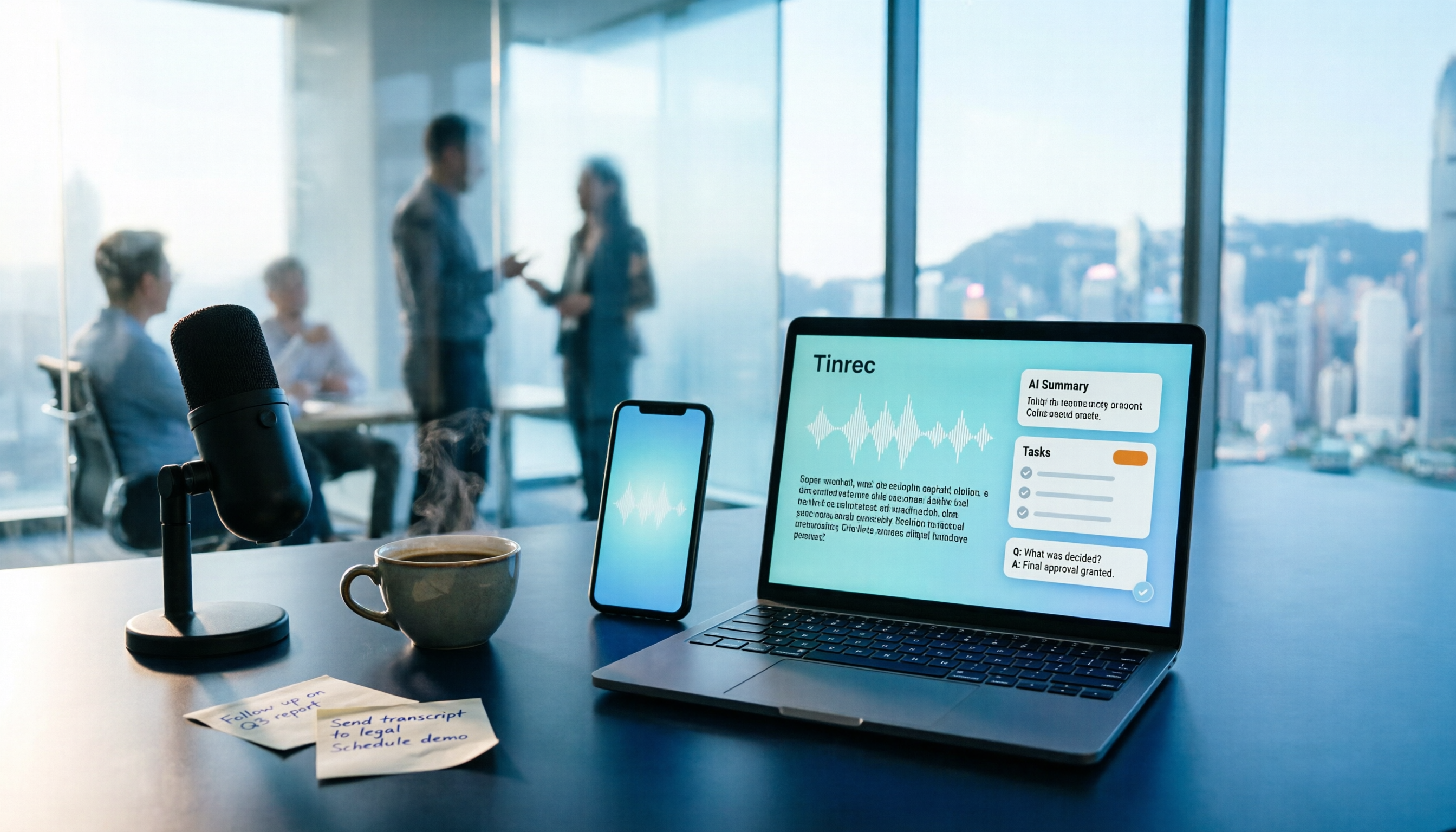
Free Audio-to-Text Solutions in 2026: 5 Options Compared
Transcribing recordings is a lifesaver for busy professionals, but free tools often disappoint. This article uses Tinrec as a primary example to outline free ways to get started with audio-to-text in 2026, compares 5 plans from free to team versions, and breaks down core capabilities like real-time transcription, bot-free meeting recording, AI summaries and action items, and AI Q&A, so you know which one is worth using.

5 Best Audio-to-Text Apps in 2026: Free Tiers and AI Summaries Compared
We tested audio-to-text apps on free tier limits, Chinese and mixed Chinese-English recognition, and post-meeting organization. We break down 5 key buying factors and 4 common pitfalls, then take a deep dive into Tinrec's bot-free online meeting recording, AI summaries, action item extraction, AI Q&A, and team workspace. Finally, we give clear recommendations based on budget and use case.

4 Free Audio-to-Text Tools Compared in 2026: Is Tinrec, cSubtitle, or MyEdit's Free Version Enough?
How do you choose a free audio-to-text tool? This article compares the free quotas and limitations of Tinrec, cSubtitle, MyEdit, and Monica, explains Tinrec's real-time recording, bot-free online meeting recording, AI summaries and action items, AI Q&A, multi-format export, and team workspace, and breaks down the differences between free, personal, and team plans to help you decide which free option is truly sufficient.

How to Transcribe Audio to Text in 2026: 5-Step Mobile Tutorial
Transcribing audio to text on your phone doesn't mean typing every word. This article covers the top 3 mistakes people make, 4 key factors for choosing a tool, and 5 practical steps—from recording on your phone, live transcription, AI summaries and to-dos, AI Q&A, to exporting deliverables. It also compares Tinrec, iPhone's built-in transcription, Notta, and Otter.ai, and includes 4 common pitfalls and selection advice.

How to Transcribe iPhone Recordings in 2026: A 4-Step Hands-On Guide
You don't need third-party tools to turn iPhone recordings into text—iOS 18.4 and later include built-in transcription. This guide uses 4 key criteria to help you choose the right tool, and puts Tinrec to the test in Chinese meetings, online meetings, and team collaboration.

2026 Free Audio-to-Text AI Complete Guide: Free Tiers, Tool Comparison, and Tinrec Hands-On Review
From a student's hands-on perspective, this guide breaks down common misconceptions about free audio-to-text AI: how free quotas work, whether transcripts are directly usable, and how much time post-processing takes. It compares common free tools with Tinrec on Chinese recognition, AI summary and to-dos, bot-free online meeting recording, and team knowledge retention to help you find the one that truly saves time.

Tinrec vs Notta 2026: 5-Dimension Comparison — Which Free Audio-to-Text Tool Is Better?
How do you choose a free audio-to-text tool? This article compares them across 5 dimensions: free quota, Chinese recognition, post-meeting organization, meeting recording methods, and team permissions. Using Tinrec as an example, it explains what you can do with the free version and what you can do after transcription.