

Turn recordings into transcripts and summaries in minutes
Upload audio or video for multilingual transcription, AI notes, and action items
2026 Comparison of 4 Online Meeting Transcription Tools: Which One Turns Transcripts into Actionable Meeting Notes?
Online meeting transcription tools are everywhere, but there are really only three things you need to decide: how the meeting audio gets into the tool, what you get after transcription, and who ultimately holds the data.
Think through these three questions first before looking at tools, and you'll save yourself a lot of detours.
Still Spending Two Hours Organizing After a Meeting? What You Need Isn't a Transcript, It's Usable Meeting Data
Having a two-hour meeting and then spending another two hours organizing notes afterward is a daily routine for many office workers.
The hassle isn't just the time. Online meeting recordings often sit on someone's computer, and next time you need to check "who mentioned the budget last quarter," you can only rely on memory.
If the meeting involves mixed Chinese and English, or multiple people from different departments taking turns speaking, manually typing a transcript is nearly impossible.
This article aims to solve that. I'll use the same set of criteria to compare several common online meeting transcription tools.
Before Choosing an Online Meeting Transcription Tool, Understand These 4 Key Points
1. How does the meeting audio get in?
Some tools require you to invite a "meeting bot" into the chat as a participant, while others directly capture the computer's system audio. The former is convenient but awkward for client meetings; the latter requires you to actively open the tool but doesn't add an unfamiliar account to the participant list.
2. What do you get after transcription?
Having only a transcript versus having a summary, chapters, and a to-do list are completely different workloads. With the former, you still have to read through dozens of pages; with the latter, you can see the conclusions directly.
3. Will the recording be retained?
Few people notice this, but it matters a lot. Some tools only keep text and don't store audio, so if you later want to verify a specific sentence, you can't listen to it.
4. Who ultimately holds the data?
Data in a personal account follows the person; when they leave, the data scatters. A team space means data belongs to the team and can be handed over when members change.
Tinrec — The Top Choice After Actual Trial
Tinrec is an AI meeting notes and collaboration tool for individuals and teams, supporting iOS, Android, and web versions, with online meetings handled by the desktop version.
Its biggest difference from other transcription tools is that it handles not just "audio to text," but "meeting to data."
Record online meetings without a meeting bot
Tinrec's desktop version directly captures the computer's system audio, so you don't need to invite any bot into the meeting room. For meetings like Zoom, Google Meet, Microsoft Teams, and Webex, as long as the audio is played from this computer, it can generate a transcript while the meeting is ongoing.
Note that this is not "automatically joining all meetings on your calendar," but rather the user actively opening Tinrec to start recording. However, for those who frequently meet with external clients, not having an extra unfamiliar participant is very practical.
Transcription is not the end, but the beginning of organization
After the meeting, Tinrec automatically generates a summary, chapters, and key points, and extracts to-dos from the discussion. Long meetings are broken into easily browsable sections, so you don't have to read from start to finish.
Even better is AI Q&A. After recording, you can directly ask it "Who mentioned the budget last time?" or "What were the client's concerns about pricing?" It will give answers based on semantics, not just a list of keyword search results.
Handling mixed Chinese-English and cross-language meetings
Tinrec covers Chinese, Traditional Chinese, and multilingual meeting scenarios, supports mixed Chinese-English content organization, and provides real-time translation, allowing you to view the original text, translation, or bilingual comparison.
Actual performance is affected by recording quality, accents, background noise, and overlapping speakers—this is true for any tool. It's best to test with your own recording for a segment.
Extending from personal tool to team space
For team use, Tinrec's team version provides an independent team space where meeting data belongs to the team, and new members can view past meeting records.
Administrators can create multiple team spaces, invite members via link, set owners/admins/regular members, and assign or revoke seats. It's important to distinguish: roles determine who can manage the team, seats determine who can record, upload, edit, and export. Valid members without a seat can still view, play, and read team data.
Other team features include usage trends and member rankings, team hotwords (to improve recognition of professional terminology), audit log query and export, and an audio recycle bin. Currently, the recycle bin retention period is 30 days, but TODOs are not included in the recycle bin.
Pricing and limitations
Stop organizing recordings by hand
Upload audio or video and automatically get a transcript, summary, and action items
The personal version starts with a free version, offering basic quota to experience recording, import, summary, and transcription. If you use it more frequently, consider a weekly card or Pro monthly/yearly card, choosing based on your usage pace.
The team version offers a 7-day trial for first-time eligible users, including 1 free seat and 300 minutes of team shared import quota. After that, monthly payment is USD 29.80 per paid seat per month, and annual payment is USD 199 per paid seat per year, equivalent to about USD 16.58 per month; each paid seat provides 2,000 minutes of team shared import quota per month. Real-time recording under an active team plan and active seat is currently not deducted by minutes; only file and web imports use the team shared quota.
Actual prices, currencies, and benefits are subject to the official purchase page.
Who it's for
For those who need to handle Chinese or mixed Chinese-English meetings, don't want a bot joining the meeting, want to use AI to find key points directly after the meeting, and want meeting data to stay in the team for continuous use, Tinrec is currently one of the most hassle-free choices.
Besides Tinrec, What Other Options Are There?
Otter.ai
A mature choice for English business meetings, with a free version offering 300 minutes per month, and Pro annual payment equivalent to about USD 8.49 per user per month, including 1,200 minutes of in-app recording and 10 file imports per month. Its English meeting mindset is strong, but if you mainly hold Chinese meetings, Tinrec is more aligned with the needs for organizing Chinese and mixed Chinese-English content, plus it adds no-bot desktop recording and team data accumulation.
Granola
An AI meeting notes tool that also takes the no-bot route, combining your handwritten notes to generate content. It has a free version, and Business is USD 14 per user per month. Note that it does not support uploading pre-recorded audio files and does not save meeting audio. If you need to retain recordings, later verify a segment of speech, or organize existing meeting files, Tinrec's file import and recording retention are more practical.
Notta
A multi-platform transcription tool with a free version offering 120 minutes per month and a maximum of 3 minutes per single content. Pro annual payment is equivalent to about USD 8.17 per month, with 1,800 minutes per month. It overlaps significantly with Tinrec in features, but Tinrec adds desktop no-bot recording of online meetings, team spaces, AI Q&A, and Agent post-processing. When you need to directly generate reports or tables after the meeting, the difference becomes more apparent.
Pitfall Guide: The 3 Most Common Mistakes When Choosing a Meeting Transcription Tool
Pitfall 1: Only looking at minutes, not "what you get"
Free quota is important, but the more important question is: how much work do I still have to do after transcription? If you still have to segment, extract key points, and write to-dos yourself, the time saved is actually limited.
Pitfall 2: Ignoring whether recordings are retained
Tools that only keep text and not audio mean that if you later find a sentence odd, you can't go back and listen. Before choosing, confirm the audio storage and recovery mechanism.
Pitfall 3: Putting team data in personal accounts
Using a personal account is convenient at first, but when meeting records become a shared team asset, data scatters when a member leaves. If this matters to you, choose a solution with team spaces and seat management from the start to avoid a migration later.
Conclusion: Which One Should You Choose?
Need Chinese or mixed Chinese-English meeting records, and don't want a bot joining the meeting → Tinrec (desktop version directly captures system audio).
After recording, want to directly ask AI "Who proposed that budget last time?" → Tinrec (AI Q&A is its core differentiator).
Need to produce reports, tables, or meeting minutes after the meeting → Tinrec (Agent post-processing and multi-format export).
Meeting data should stay in the team, and member changes should allow handover → Tinrec (team space, roles and seats, usage and audit).
Mainly record English meetings, limited budget → Otter.ai's free version with 300 minutes per month is worth trying first.
It's recommended to start with Tinrec's free version, run through the process with your own meeting recording, and see how much work remains after transcription. If it feels smooth, consider upgrading—no need to pay from the start.
FAQ
Q: Is the free version enough?
The free version provides basic quota, suitable for experiencing the complete process of recording, import, summary, and transcription. If you have several meetings every week, you can evaluate a weekly card or Pro plan.
Q: Do I have to add a bot to the meeting?
No. Tinrec's desktop version directly captures the computer's system audio, and the user actively starts recording, without an extra participant joining the meeting.
Q: Which online meeting platforms are supported?
As long as the meeting audio is played from the computer, it can be processed through the desktop version, such as Zoom, Google Meet, Microsoft Teams, and Webex. This is audio capture and does not imply official partnership with these platforms.
Q: Is accuracy guaranteed?
It's not recommended to view it as a single number. Actual performance is affected by recording quality, noise, accents, overlapping speakers, and professional terminology. For important content, it's advisable to verify with transcript timestamps and recording playback.
Q: What's the difference between the team version and personal version?
Personal version data is managed by the individual account; the team version provides an independent team space where data belongs to the team, and adds capabilities such as members, roles, seats, usage analysis, audit logs, and audio recycle bin.
Q: What should I pay attention to before recording?
Please comply with local regulations and obtain consent from participants when necessary before recording and transcribing.
References
- Online AI voice, video, audio file automatic transcription - Free trial - cSubtitle
- No time limit! 3 free AI transcript tools, highly recommended! AI voice notes generate meeting records, presentations, mind maps | 104 Workplace Power
- Yating Transcript
- Meeting Ink - 2026 AI meeting notes tool test | 7 voice-to-text and summary speed comparison | Meeting Ink - AI meeting notes assistant automatic transcription and summary
- Get meeting notes done! How to do AI voice-to-transcript? Gemini Notebook, Gemini, EchoScript operation analysis | 104 Workplace Power
Turn every recording into actionable outcomes
Get 60 free transcription minutes when you sign in. No credit card required.
Related Reading
You might also like
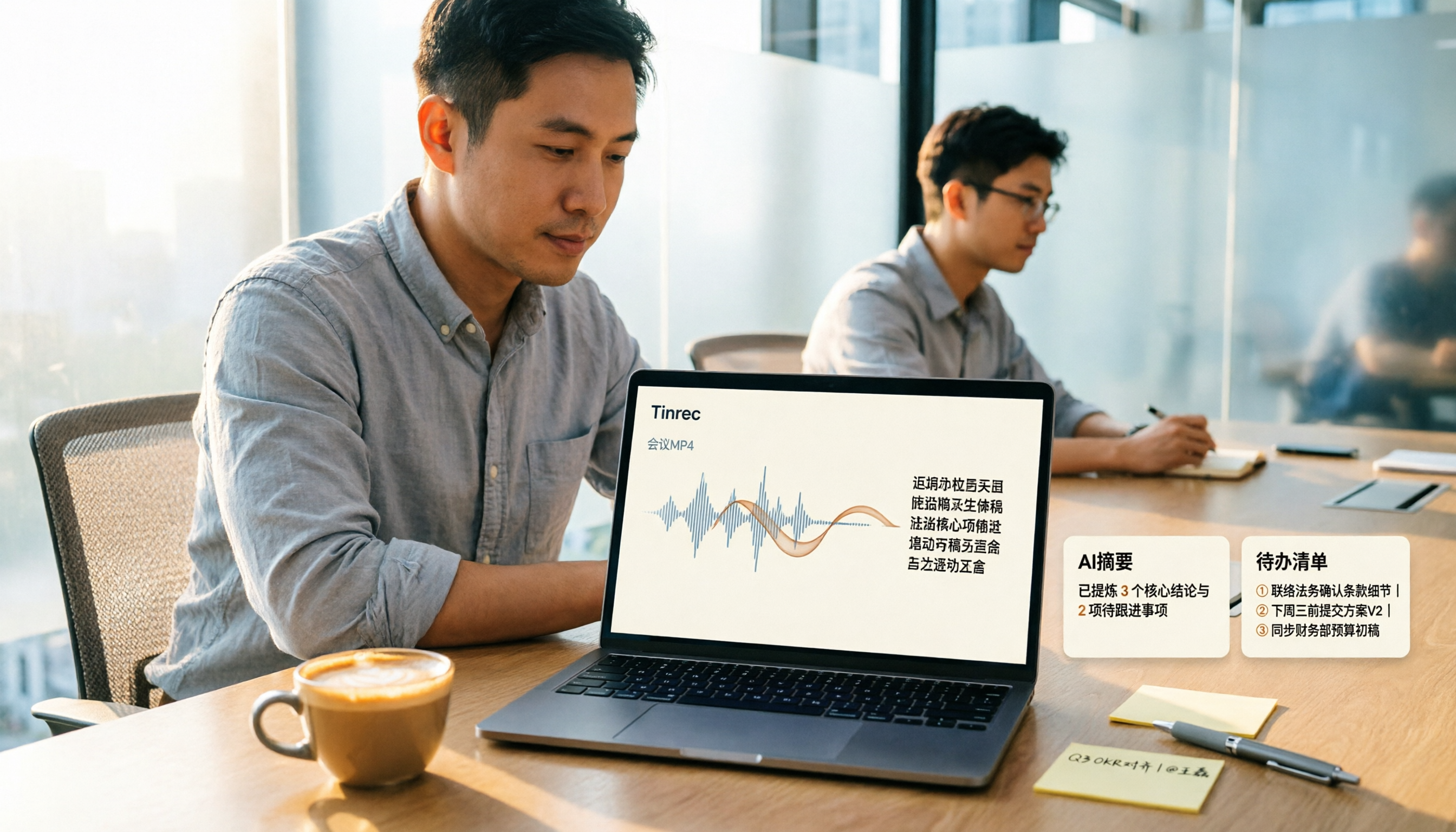
How to Convert MP4 to Text in 2026: Auto-Generate Transcripts + AI Summaries & Action Items
How do you choose an MP4-to-text tool? From the perspective of a mid-level manager running 15 meetings a week, I tested uploading meeting MP4s to Tinrec and evaluated the transcript, AI summary, and action item results, then compared it with TurboScribe, Notta, and VEED. I've compiled 4 key buying factors and 4 pitfalls to avoid, helping you pick the one that actually gets the job done.

4 Best Lecture Transcription Tools in 2026: Can a 3-Hour Lecture Really Become Usable Notes?
How do you choose a lecture transcription tool? This article covers four key factors: audio quality, file import, post-lecture organization, and team sharing. It compares Tinrec, Notta, TurboScribe, and PLAUD, with common pitfalls and selection advice to turn your lecture recordings into truly usable notes.

2026 Business Meeting Summary Tools Compared: Tinrec vs PLAUD Note — Which One Is Right for You?
Both tools can summarize a business meeting, but one requires hardware and the other doesn't. We compare Tinrec and PLAUD Note across hardware requirements, online meeting recording, post-meeting organization, team collaboration, and Chinese recognition to see which business meeting summary tool is better suited for professionals.

How to Transcribe Journalist Interview Recordings in 2026: A Complete 5-Step Guide
How do you transcribe interview recordings? This article covers 4 key factors for choosing a tool and a 5-step workflow, takes a deep look at Tinrec's Chinese transcription, AI Q&A, and team workspace, and compares the best use cases and limitations of Otter.ai, Granola, and Notta.

2026 Product Meeting Notes Tools: 4 Tested + AI Action Item Auto-Organization
How to choose a meeting notes tool? This article addresses three common misconceptions, outlines 4 key selection criteria, and compares Tinrec, Otter.ai, Granola, and Notta on meeting recording methods, post-meeting organization capabilities, and pricing limits. It also includes a pitfalls guide and selection recommendations to help you find a solution that truly saves organization time.

6 Audio-to-Transcript Tools Tested and Compared for 2026: Which Saves the Most Time for Chinese Recognition and Post-Meeting Organization?
A review of 6 tools that generate transcripts from imported audio files, covering Tinrec's AI summaries, action items, AI Q&A, and team spaces, as well as the free and paid plans of Notta, cSubtitle, MyEdit, TurboScribe, and Yating Transcript. It also explains recording quality, export formats, and licensing issues to consider before importing.

2026 Comparison of 4 Audio/Video Transcription Tools: Which Saves the Most Time for Chinese Meeting Minutes?
Still typing transcripts after meetings? This article uses 5 key buying criteria to compare Tinrec, Notta, Otter.ai, and PLAUD Note in a hands-on test. From recording methods, post-meeting output, Chinese language experience, to team seat management, we cover it all, plus 4 common pitfalls to avoid.

5 WAV to Text Tools Tested for 2026: Which Saves the Most Time on Chinese Transcripts and Meeting Follow-Ups?
Have a WAV recording but dread listening to it from start to finish? This article examines real-world scenarios to explain what WAV-to-text can do, its core capabilities, and practical applications. Using Tinrec as an example, it covers a complete workflow for bot-free meeting recording, AI summaries, action item extraction, and team knowledge retention, plus 6 buying considerations and FAQs to help you decide which solution saves the most time.
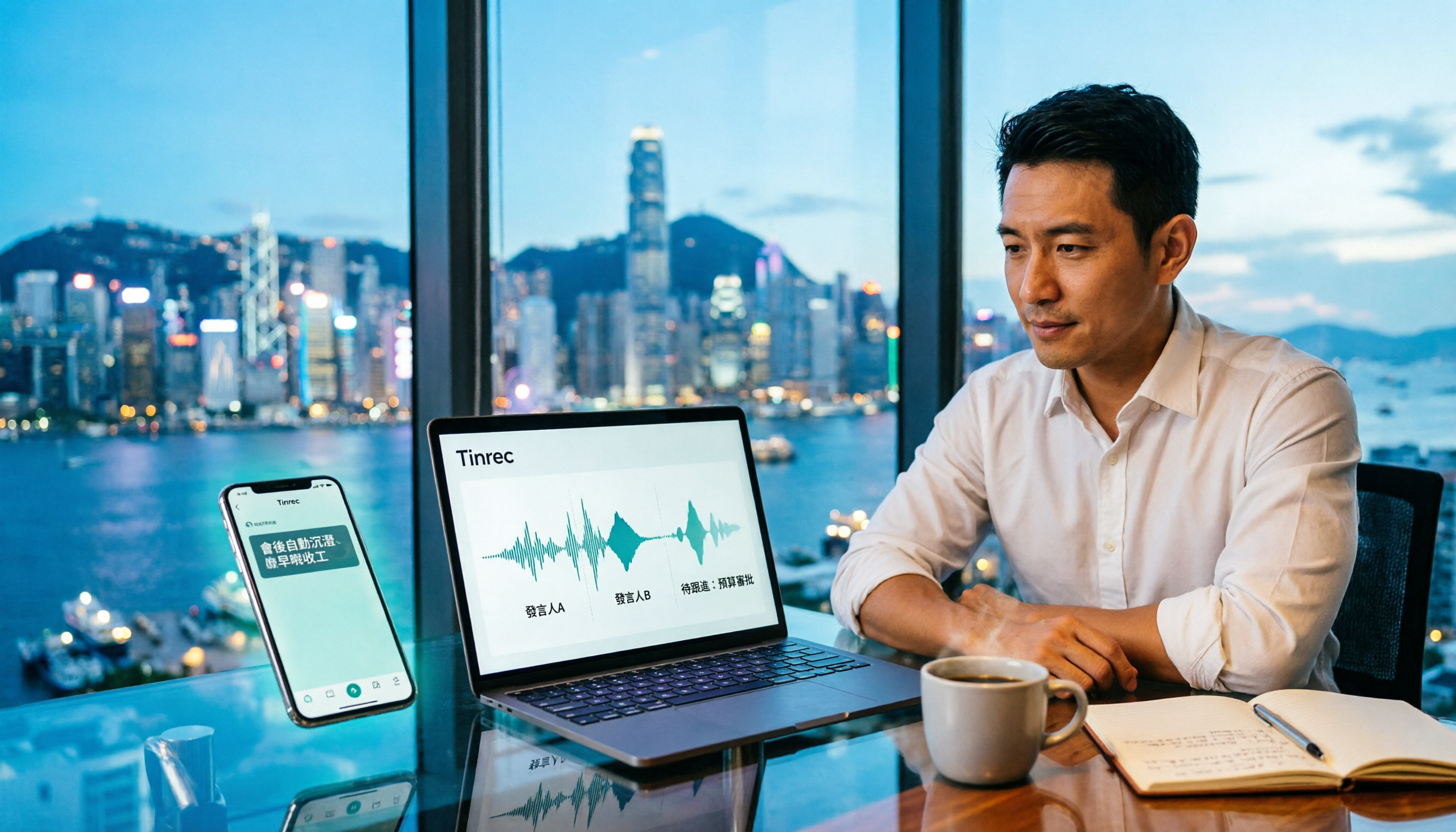
Tinrec Meeting Notes Guide 2026: No-Bot Recording vs Otter.ai
For Hong Kong office workers, post-meeting cleanup is the worst part: the meeting ends at 3 PM, but you're still at the office at 8 PM listening to recordings and typing. This article compares Tinrec and Otter.ai across five dimensions to test the workflow of turning recordings into meeting notes, breaking down Cantonese recognition, no-bot recording, post-meeting AI organization, team data retention, and pricing, helping you choose the right tool and leave work earlier.