

Turn recordings into transcripts and summaries in minutes
Upload audio or video for multilingual transcription, AI notes, and action items
How to Transcribe Journalist Interview Recordings in 2026: A Complete 5-Step Guide
Two-Hour Interview, Three Hours of Cleanup—What You Need Isn't a Recorder, It's a Workflow
After a two-hour in-depth interview, you sit down at your computer and realize the real work is just beginning. You have to pause and replay over and over, typing every sentence into a transcript. If the interviewee speaks quickly or mixes languages, you end up listening to the same segment three times.
Group interviews or phone interviews are even messier. It's often hard to tell who said what, and with loud background noise, your typing speed gets cut in half.
If you've been in these situations, this article is for you. Below, we break down "turning interview recordings into usable text and material" into a workflow you can follow step by step.
Before Choosing an Interview Transcription Tool, Understand These 4 Key Points
1. Can it handle mixed Chinese and English? In real interview settings, interviewees rarely speak standard Mandarin the whole time—mixing in English technical terms and Taiwanese expressions is the norm. A tool's ability to handle Chinese and mixed Chinese-English content is more worth verifying than the accuracy numbers in official marketing.
2. Does recording interrupt the interview? If every interview starts with asking the other person to "accept a bot joining the meeting," the atmosphere takes a hit before you even begin. Whether you can record online interviews without adding an extra participant is a critical practical point.
3. Is the output a raw transcript or usable material? A transcript is just the starting point. Whether the tool can automatically generate summaries, chapters, key points, and action items—or even let you ask questions about the content—determines how much extra time you'll spend organizing.
4. Cross-device support and data retention. Recording on a phone and organizing on a computer is daily life for many journalists. If a tool only works on a single platform, or doesn't keep the audio files, verifying and citing later becomes a nightmare.
Tinrec—Our Top Pick After Hands-On Testing
Tinrec is an AI meeting notes and collaboration tool for individuals and teams. It supports iOS, Android, and web, and its desktop version can directly capture online meeting audio playing on your computer.
Record online interviews without inviting a bot. The desktop version captures your computer's system audio directly, handling Zoom, Google Meet, Microsoft Teams, Webex, and other online meetings without an extra bot joining the room. For journalists, this is very practical—the interviewee won't see a strange account on the participant list. Note that you still need to actively open Tinrec and start recording; it's not a bot that automatically joins calendar meetings.
Live transcription while recording, plus real-time translation. For in-person interviews and phone calls, use live audio-to-text transcription, which also handles mixed Chinese-English content. For cross-language interviews, you can switch between original text, translation, or bilingual view. You can roughly confirm what the other person said right during the interview, instead of discovering missed parts back at the office.
The real value comes after recording. Tinrec automatically generates summaries, chapters, and key points, and extracts action items from the discussion. Even better is the AI Q&A: you can directly ask "How did the interviewee describe the budget dispute?" and it will organize the answer by meaning, rather than just throwing a list of keyword search results at you. For journalists who need to go back and find quotes, this saves more than just time.
Beyond that, you can further generate reports, tables, and documents, and export to Notion, Google Docs, OneNote, Dropbox, and other tools to continue working.
5 steps to complete an interview transcription:
Step 1: Decide the source first. For in-person interviews, use live recording; for online meetings, use the desktop version to capture system audio; for already-recorded files, upload audio or video.
Step 2: Before starting, confirm the microphone is picking up sound properly and the system audio source is correct. Inform the interviewee and get consent before pressing record.
Step 3: During recording, review the live transcript. If needed, turn on real-time translation, and mark key passages as you go.
Stop organizing recordings by hand
Upload audio or video and automatically get a transcript, summary, and action items
Step 4: After finishing, review the AI summary, chapters, and action items, then use AI Q&A to clarify details you want to follow up on, such as "What were the three demands he mentioned?"
Step 5: Export the transcript and organized results, or put them directly into the team workspace so other editors can view and continue using them.
Limitations to note. Actual transcription quality is affected by recording quality, background noise, accents, overlapping speakers, and technical terminology. Tinrec does not promise a fixed accuracy rate, and important quotes should be verified by replaying the corresponding timestamps. Also, the free version provides a basic quota; heavy users need to pay. The personal plan offers a weekly card, Pro monthly, and Pro annual. Actual quotas and prices are subject to the official website.
The team version is suitable for editorial teams. The team version is not multiple people sharing one personal account; it's an independent team workspace: you can create multiple teams, invite members via join links, set owners/admins/regular members, and distinguish "roles" from "seats"—roles determine who can manage the team and audit, while seats determine whether a member can record, upload, edit, and export. Members who are active but have no seat can still view, play, and read team materials. Currently, the first eligible team trial is 7 days, 1 free seat, and 300 minutes of shared team import quota; team monthly is USD 29.80 per paid seat per month, annual is USD 199 per paid seat per year (about USD 16.58 per month), each paid seat provides 2,000 minutes of shared team import quota per month, and live recording under an active team plan and seat is currently not deducted by minutes.
Who it's for. If you frequently conduct Chinese or mixed Chinese-English interviews, want to avoid disturbing interviewees during online interviews, and want to ask AI directly for key points after recording, Tinrec is currently the smoothest approach. News teams that need multiple people to share interview materials can look directly at the team version.
Besides Tinrec, What Other Options Are There?
Otter.ai: One of the top choices for English business meetings. The Basic free version offers 300 minutes per month, and annual Pro is about USD 8.49 per user per month. Its summaries, Q&A, and team management are mature, and it also offers desktop capabilities. However, Chinese and mixed Chinese-English content is not its strong suit. If you need Chinese interview transcription, bot-free desktop recording, and want to store data in a team workspace, Tinrec is a better fit.
Granola: Also bot-free, it uses your computer's system audio plus microphone for live transcription, then combines it with your handwritten notes to generate content. Basic is free, Business is USD 14 per user per month. Note that it does not support uploading pre-recorded audio files and does not save meeting audio. If you need to keep original recordings and import existing interview files, this is exactly where Tinrec can do it and Granola cannot.
Notta: The multilingual transcription tool with the most overlap with Tinrec. The free version offers 120 minutes per month, with a maximum of 3 minutes per item. Annual Pro is about USD 8.17 per month, and Business is about USD 16.67 per seat per month. It's suitable for simple document transcription and subtitle creation. However, bot-free online meeting recording, AI Q&A, and team data storage are areas where Tinrec stands out.
Pitfall Guide: The 3 Most Common Mistakes in Interview Transcription
Pitfall 1: Only looking at official accuracy claims. Real interview settings have air conditioning noise, cafe chatter, and multiple people talking over each other. We recommend taking your own hardest recording and trying a free transcription, rather than just looking at advertising numbers.
Pitfall 2: Treating the transcript as the end goal. If you only use the tool for "audio to text," you're only using one-third of its capabilities. After recording, directly asking AI "What did the interviewee say about the subsidy policy?" is much faster than manually scrolling through a 30-minute transcript.
Pitfall 3: Ignoring cross-device support, permissions, and retention. Recording on a phone and organizing on a computer is the norm, so the tool must be cross-platform. Also, don't forget two things: always inform and get consent from interviewees before recording, and comply with local regulations; when sharing with a team, clarify who can edit and who can only view.
Conclusion: Which One Should Journalists Choose?
Overall, considering Chinese interview transcription, bot-free recording, and post-interview organization, Tinrec is the most recommended tool here.
- Chinese or mixed Chinese-English profile interviews → Tinrec (Chinese and mixed content is its strength)
- Online interviews without wanting a bot in the meeting room → Tinrec (desktop version captures system audio)
- After recording, want to directly ask "What exactly did he say?" → Tinrec (AI Q&A, summaries, chapters, action items)
- Editorial teams sharing interview materials → Tinrec team version (team workspace, seats, usage, and audit)
- Mainly recording English meetings, budget is $0 → Otter.ai free version (the only exception recommended in this article)
We suggest starting with the free version and testing it on a real interview. If it works well, consider upgrading—no need to pay from the start.
References
- Online AI speech, video, and audio file automatic transcription - Free trial - cSubtitle
- Audio to text - Free speech-to-text tool
- Yating Transcription
- Transcribe your recordings - Microsoft Support
- AI speech-to-text fast online audio transcription, transcripts and video subtitles - Free trial - cSubtitle
Turn every recording into actionable outcomes
Get 60 free transcription minutes when you sign in. No credit card required.
Related Reading
You might also like
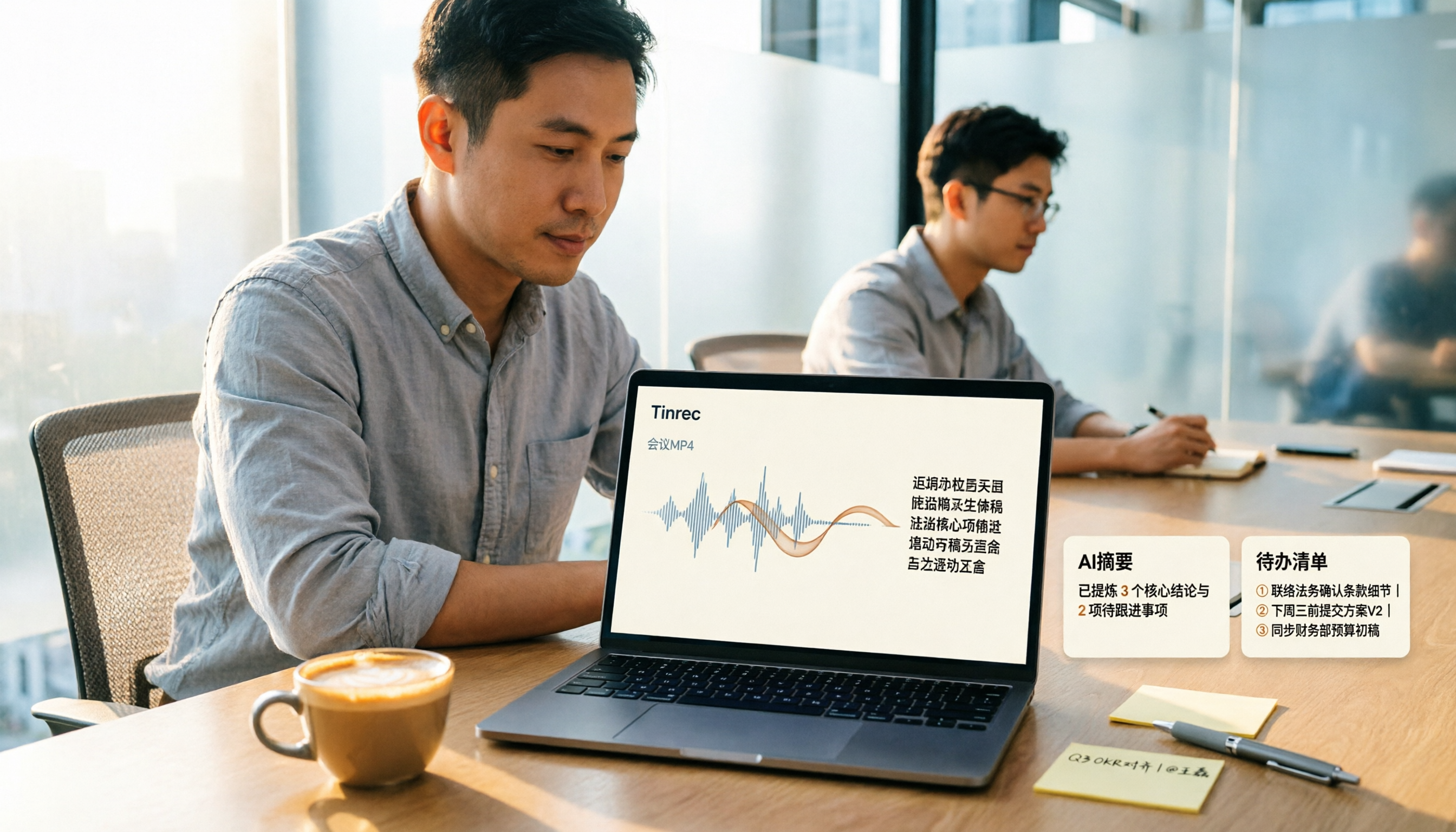
How to Convert MP4 to Text in 2026: Auto-Generate Transcripts + AI Summaries & Action Items
How do you choose an MP4-to-text tool? From the perspective of a mid-level manager running 15 meetings a week, I tested uploading meeting MP4s to Tinrec and evaluated the transcript, AI summary, and action item results, then compared it with TurboScribe, Notta, and VEED. I've compiled 4 key buying factors and 4 pitfalls to avoid, helping you pick the one that actually gets the job done.

4 Best Lecture Transcription Tools in 2026: Can a 3-Hour Lecture Really Become Usable Notes?
How do you choose a lecture transcription tool? This article covers four key factors: audio quality, file import, post-lecture organization, and team sharing. It compares Tinrec, Notta, TurboScribe, and PLAUD, with common pitfalls and selection advice to turn your lecture recordings into truly usable notes.

2026 Business Meeting Summary Tools Compared: Tinrec vs PLAUD Note — Which One Is Right for You?
Both tools can summarize a business meeting, but one requires hardware and the other doesn't. We compare Tinrec and PLAUD Note across hardware requirements, online meeting recording, post-meeting organization, team collaboration, and Chinese recognition to see which business meeting summary tool is better suited for professionals.

2026 Comparison of 4 Online Meeting Transcription Tools: Which One Turns Transcripts into Actionable Meeting Notes?
How to choose an online meeting transcription tool? This article compares Tinrec, Otter.ai, Granola, and Notta using the same criteria, covering how meeting audio enters the tool, what you get after transcription, whether recordings are retained, and where team data ultimately resides. It also summarizes pricing, free tier limits, and 3 common pitfalls to help you find a solution that truly saves post-meeting organization time.

2026 Product Meeting Notes Tools: 4 Tested + AI Action Item Auto-Organization
How to choose a meeting notes tool? This article addresses three common misconceptions, outlines 4 key selection criteria, and compares Tinrec, Otter.ai, Granola, and Notta on meeting recording methods, post-meeting organization capabilities, and pricing limits. It also includes a pitfalls guide and selection recommendations to help you find a solution that truly saves organization time.

6 Audio-to-Transcript Tools Tested and Compared for 2026: Which Saves the Most Time for Chinese Recognition and Post-Meeting Organization?
A review of 6 tools that generate transcripts from imported audio files, covering Tinrec's AI summaries, action items, AI Q&A, and team spaces, as well as the free and paid plans of Notta, cSubtitle, MyEdit, TurboScribe, and Yating Transcript. It also explains recording quality, export formats, and licensing issues to consider before importing.

2026 Comparison of 4 Audio/Video Transcription Tools: Which Saves the Most Time for Chinese Meeting Minutes?
Still typing transcripts after meetings? This article uses 5 key buying criteria to compare Tinrec, Notta, Otter.ai, and PLAUD Note in a hands-on test. From recording methods, post-meeting output, Chinese language experience, to team seat management, we cover it all, plus 4 common pitfalls to avoid.

5 WAV to Text Tools Tested for 2026: Which Saves the Most Time on Chinese Transcripts and Meeting Follow-Ups?
Have a WAV recording but dread listening to it from start to finish? This article examines real-world scenarios to explain what WAV-to-text can do, its core capabilities, and practical applications. Using Tinrec as an example, it covers a complete workflow for bot-free meeting recording, AI summaries, action item extraction, and team knowledge retention, plus 6 buying considerations and FAQs to help you decide which solution saves the most time.
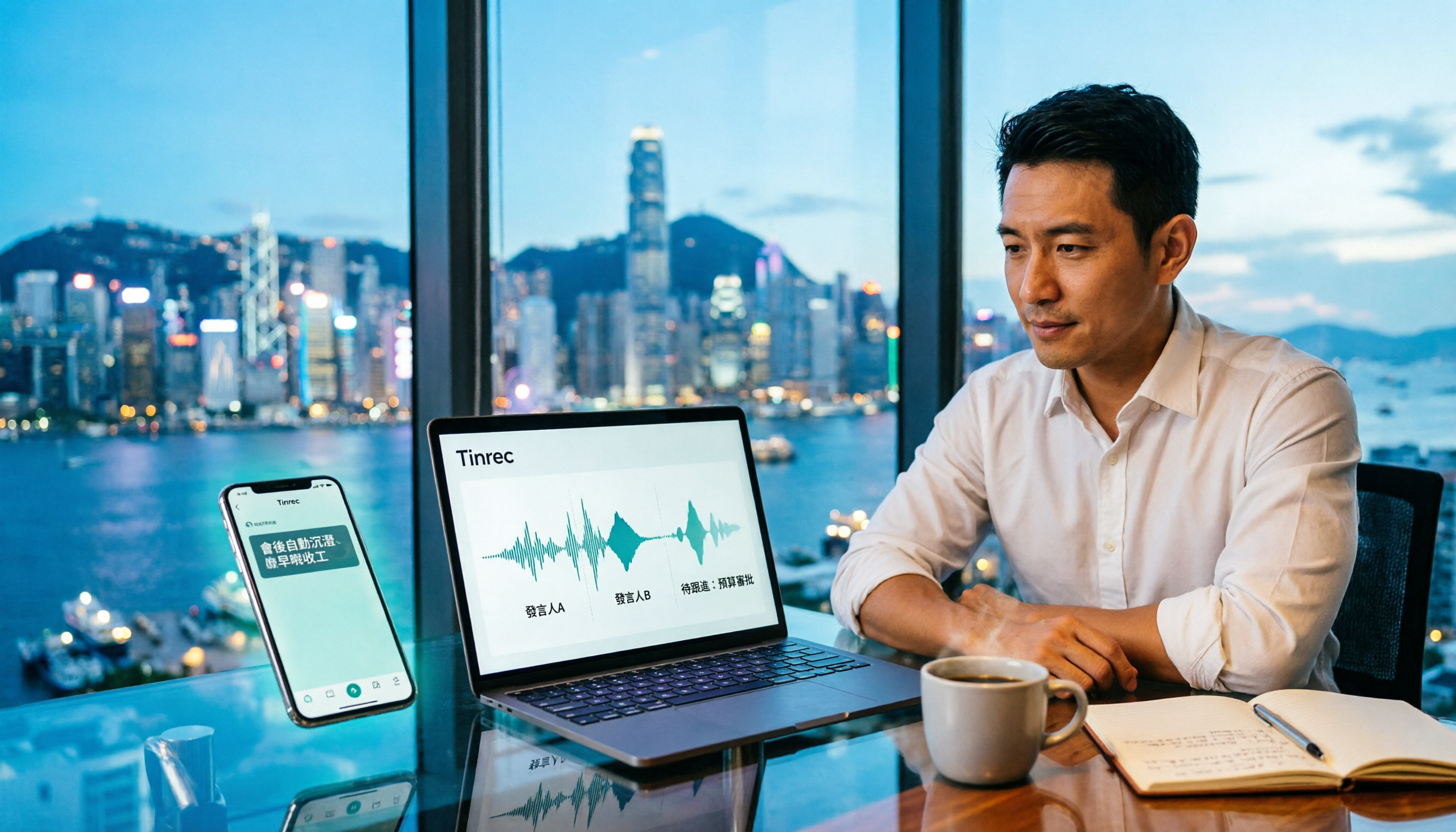
Tinrec Meeting Notes Guide 2026: No-Bot Recording vs Otter.ai
For Hong Kong office workers, post-meeting cleanup is the worst part: the meeting ends at 3 PM, but you're still at the office at 8 PM listening to recordings and typing. This article compares Tinrec and Otter.ai across five dimensions to test the workflow of turning recordings into meeting notes, breaking down Cantonese recognition, no-bot recording, post-meeting AI organization, team data retention, and pricing, helping you choose the right tool and leave work earlier.