

Turn recordings into transcripts and summaries in minutes
Upload audio or video for multilingual transcription, AI notes, and action items
You finish a cross-departmental meeting in the morning, and by 3 p.m. your boss is asking: Who's handling this case? When is the payment due? All you have on your desk is an hour-long recording and a half-finished note. If you can't produce a good business meeting summary, it's not just about working overtime — you lose credibility in front of your boss.
Tools that help with meeting summaries generally fall into two camps: AI recording hardware and software. Today we put Tinrec and PLAUD Note head-to-head, from hardware requirements to team collaboration, to see which one really helps you finish the meeting minutes before you leave work.
Tinrec vs PLAUD Note | Quick Overview
Tinrec is an AI meeting notes and collaboration tool for individuals and teams. Its focus isn't just transcription — it's what you do after recording: real-time transcription, AI summaries, chapters, action items, AI Q&A, multi-format export, and team spaces. PLAUD Note / NotePin is a representative of AI recording hardware — you're buying a portable recording device focused on on-the-go recording, phone call recording, and long battery life.
| Item | Tinrec | PLAUD Note / NotePin |
|---|---|---|
| Product form | Software: web, desktop, mobile | Physical recording hardware + app |
| Entry cost | Free version available with basic quota | NotePin USD 159, Note Pro USD 189 (US official site) |
| Subscription details | Personal plans include weekly, Pro monthly/yearly; team plan USD 29.80 per paid seat per month, USD 199 per paid seat per year | Starter 300 minutes/month; Pro USD 99.99/year, 1,200 minutes/month; Unlimited USD 239.99/year |
| Online meetings | Desktop version captures computer system audio; Zoom, Google Meet, Teams, Webex without a bot joining | Primarily hardware recording |
Prices, promotions, and final amounts are subject to the official purchase page; the numbers above are for reference only.
Below we break it down across 5 dimensions: hardware requirements, online meeting recording, post-meeting organization, team collaboration, and Chinese/multilingual support.
Dimension 1 | Hardware Requirements: Do You Need to Buy Another Device?
PLAUD's value is in the hardware itself — a standalone recording device, portable, long battery life, no need to keep a computer open during meetings. But that's also the barrier: you have to pay for the device first before you can use it, and then you still need to consider the membership plan's minute limits.
Tinrec requires no extra hardware. It works on web, desktop, and mobile. Real-time recording and importing audio/video files are all done in the same workspace. For professionals who just want a summary after the meeting, the entry barrier is much lower.
→ This dimension: If you don't want to buy an extra device for meetings, Tinrec wins.
Dimension 2 | Online Meeting Recording: Do You Need to Add a Bot?
PLAUD primarily relies on hardware recording, meaning you need the device to capture audio.
Tinrec's desktop version directly captures computer system audio, handling meetings on Zoom, Google Meet, Microsoft Teams, Webex, and other platforms without needing a meeting bot as a participant. To be clear, users must start recording themselves in Tinrec; the official stance is not "automatically join all calendar meetings," nor does it imply official partnerships with these platforms.
→ This dimension: Tinrec wins.
Dimension 3 | Post-Meeting Organization: Summaries, Action Items, and AI Q&A
PLAUD's app offers summaries, templates, and Q&A features, sufficient for general meeting notes.
Stop organizing recordings by hand
Upload audio or video and automatically get a transcript, summary, and action items
Tinrec treats "post-meeting" as its main battlefield: AI summaries and chapters help you quickly grasp the structure of long meetings, action item extraction directly lists follow-ups, mind maps clarify topic relationships, and you can ask AI questions about a single meeting or across multiple meetings. If you need to submit a report, you can use Agent post-processing to generate reports, tables, and documents, then export to Notion, Google Docs, OneNote, Dropbox for further editing.
→ This dimension: In terms of completeness of post-meeting output, Tinrec wins.
Dimension 4 | Team Collaboration: Is Meeting Data Personal or Company Property?
PLAUD's team-level features are mainly team membership and device management.
Tinrec's team plan is a standalone team space: create and switch between multiple teams, invite members via link, set roles as owner/admin/member, and assign, revoke, or transfer seats. Meeting data (Audio, Folder, TODO) is stored centrally; new members can view team history; managers can see usage trends, member rankings, and details, plus audit logs and audio recycle bin (currently 30-day retention; TODO is not included in the recycle bin).
Note that roles and seats are different: roles govern permissions, seats govern usage. Members who are active but have no seat can still view, play, and read team data, but cannot upload, edit, import, or export. Also, the team plan currently focuses on team-level sharing, not file-level granular permissions. Eligible teams get a 7-day trial with 1 free seat and 300 minutes of shared import quota; paid seats provide 2,000 minutes of shared import quota per month, and real-time recording under active plans and seats is currently not deducted by minutes.
→ This dimension: To turn meetings into team assets, Tinrec wins.
Dimension 5 | Chinese and Multilingual Meetings
PLAUD's recognition experience depends more on the device and app settings.
Tinrec covers Chinese, Traditional Chinese, and multilingual meeting scenarios, supports mixed Chinese-English content organization, real-time translation, and original/translation/bilingual viewing. Teams can also maintain custom hotwords for common professional terms to improve recognition of proper nouns. To be clear: no fixed accuracy rate is promised; actual performance depends on recording quality, background noise, accents, overlapping speakers, and technical terminology.
→ This dimension: For Chinese meeting scenarios, Tinrec has an advantage.
What Are the Unique Advantages of Each?
Tinrec's unique advantages:
- Bot-free recording: Desktop version captures system audio, so online meetings don't need an extra "participant."
- Complete post-meeting workflow: Summaries, chapters, action items, mind maps, AI Q&A, Agent-generated reports and tables, plus export to common tools.
- Team data retention: Team space, seat management, usage analytics, audit logs, audio recycle bin; resources can be handed over when members leave.
- Cross-platform: Works on web, desktop, and mobile, not tied to a single piece of hardware.
PLAUD's unique advantages:
- Portable hardware recording: Record without opening a computer; phone call recording and long battery life are experiences software struggles to match.
- Standalone device: For those often on the go, meeting clients, or doing field interviews, just pick it up and record — straightforward.
Conclusion: Which Should You Choose?
- If you want a tool that requires no hardware and gives you a summary and action items right after the meeting → Tinrec
- If you frequently record Zoom, Meet, Teams meetings and don't want a bot joining → Tinrec
- If you want to turn meeting notes into searchable, transferable team data, and manage seats and usage → Tinrec team plan
- If you're often on the go, need to record phone calls or field interviews, and a portable device is most important → PLAUD Note / NotePin is a better fit
In one sentence: For most professionals who need to handle business meeting summaries, Tinrec is the broader choice — recording, transcription, summaries, Q&A, and team collaboration all in one. If you want to try it, the free version has a basic quota; you can test it with your own meeting recordings.
One last note: Recording and transcription must comply with local laws; obtain participant consent when required.
References
- Master the Four Musts and One Must-Not to Make Business Meetings More Efficient and Effective | SmartM Talent Training Network
- How to Run a Good Business Meeting? Another Meeting — Are You Ready? | CommonWealth Magazine
- Meeting Ink - AI Meeting Notes Assistant Automatic Transcription and Summary
- What Is a Summary? The 2025 Must-Learn Guide to Meeting Summaries, Use AI Tools to Double Efficiency!
- 58. Convening Internal Business Meetings
Turn every recording into actionable outcomes
Get 60 free transcription minutes when you sign in. No credit card required.
Related Reading
You might also like
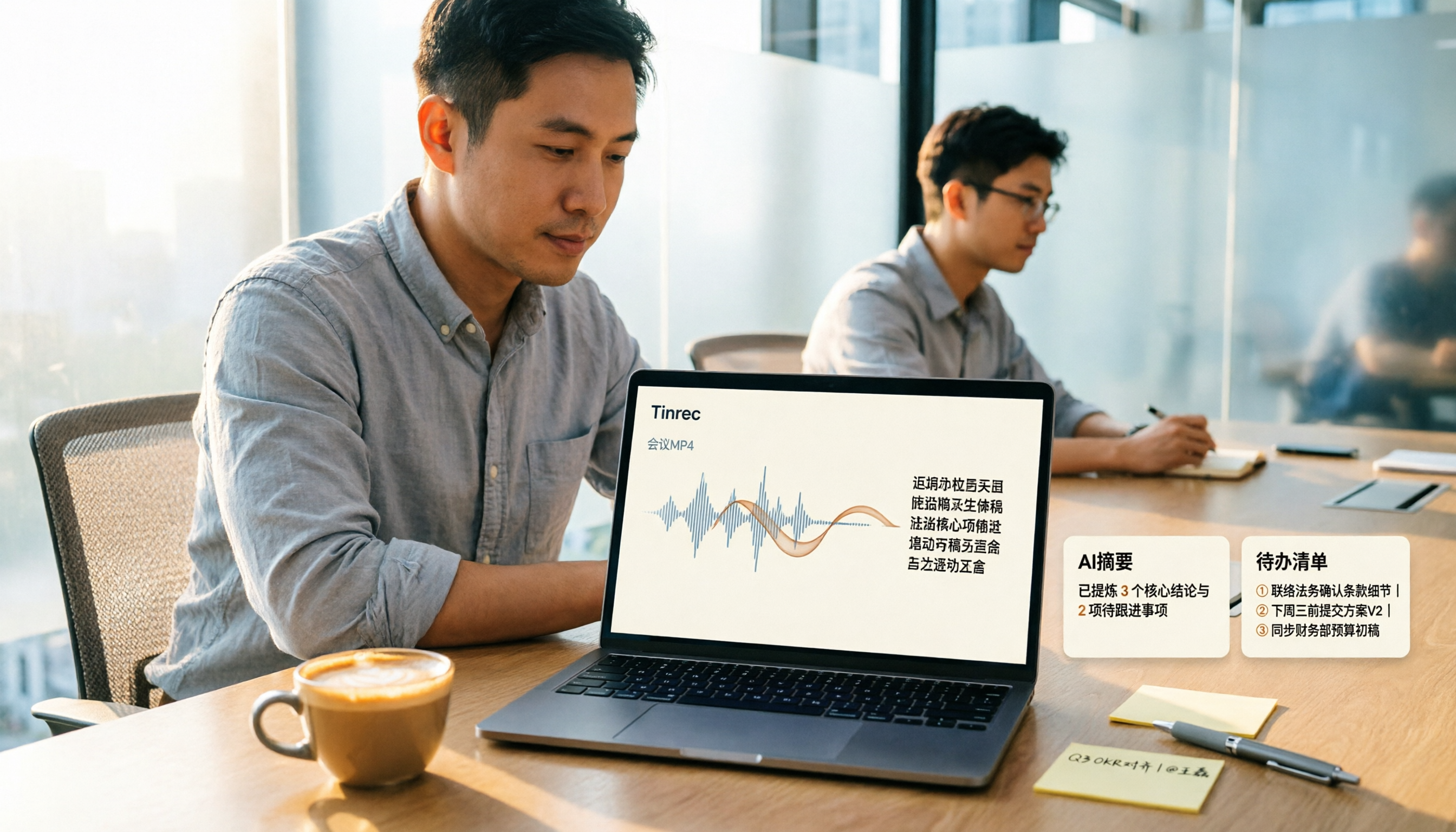
How to Convert MP4 to Text in 2026: Auto-Generate Transcripts + AI Summaries & Action Items
How do you choose an MP4-to-text tool? From the perspective of a mid-level manager running 15 meetings a week, I tested uploading meeting MP4s to Tinrec and evaluated the transcript, AI summary, and action item results, then compared it with TurboScribe, Notta, and VEED. I've compiled 4 key buying factors and 4 pitfalls to avoid, helping you pick the one that actually gets the job done.
4 Best Lecture Transcription Tools in 2026: Can a 3-Hour Lecture Really Become Usable Notes?
How do you choose a lecture transcription tool? This article covers four key factors: audio quality, file import, post-lecture organization, and team sharing. It compares Tinrec, Notta, TurboScribe, and PLAUD, with common pitfalls and selection advice to turn your lecture recordings into truly usable notes.

How to Transcribe Journalist Interview Recordings in 2026: A Complete 5-Step Guide
How do you transcribe interview recordings? This article covers 4 key factors for choosing a tool and a 5-step workflow, takes a deep look at Tinrec's Chinese transcription, AI Q&A, and team workspace, and compares the best use cases and limitations of Otter.ai, Granola, and Notta.

2026 Comparison of 4 Online Meeting Transcription Tools: Which One Turns Transcripts into Actionable Meeting Notes?
How to choose an online meeting transcription tool? This article compares Tinrec, Otter.ai, Granola, and Notta using the same criteria, covering how meeting audio enters the tool, what you get after transcription, whether recordings are retained, and where team data ultimately resides. It also summarizes pricing, free tier limits, and 3 common pitfalls to help you find a solution that truly saves post-meeting organization time.

2026 Product Meeting Notes Tools: 4 Tested + AI Action Item Auto-Organization
How to choose a meeting notes tool? This article addresses three common misconceptions, outlines 4 key selection criteria, and compares Tinrec, Otter.ai, Granola, and Notta on meeting recording methods, post-meeting organization capabilities, and pricing limits. It also includes a pitfalls guide and selection recommendations to help you find a solution that truly saves organization time.

6 Audio-to-Transcript Tools Tested and Compared for 2026: Which Saves the Most Time for Chinese Recognition and Post-Meeting Organization?
A review of 6 tools that generate transcripts from imported audio files, covering Tinrec's AI summaries, action items, AI Q&A, and team spaces, as well as the free and paid plans of Notta, cSubtitle, MyEdit, TurboScribe, and Yating Transcript. It also explains recording quality, export formats, and licensing issues to consider before importing.

2026 Comparison of 4 Audio/Video Transcription Tools: Which Saves the Most Time for Chinese Meeting Minutes?
Still typing transcripts after meetings? This article uses 5 key buying criteria to compare Tinrec, Notta, Otter.ai, and PLAUD Note in a hands-on test. From recording methods, post-meeting output, Chinese language experience, to team seat management, we cover it all, plus 4 common pitfalls to avoid.

5 WAV to Text Tools Tested for 2026: Which Saves the Most Time on Chinese Transcripts and Meeting Follow-Ups?
Have a WAV recording but dread listening to it from start to finish? This article examines real-world scenarios to explain what WAV-to-text can do, its core capabilities, and practical applications. Using Tinrec as an example, it covers a complete workflow for bot-free meeting recording, AI summaries, action item extraction, and team knowledge retention, plus 6 buying considerations and FAQs to help you decide which solution saves the most time.
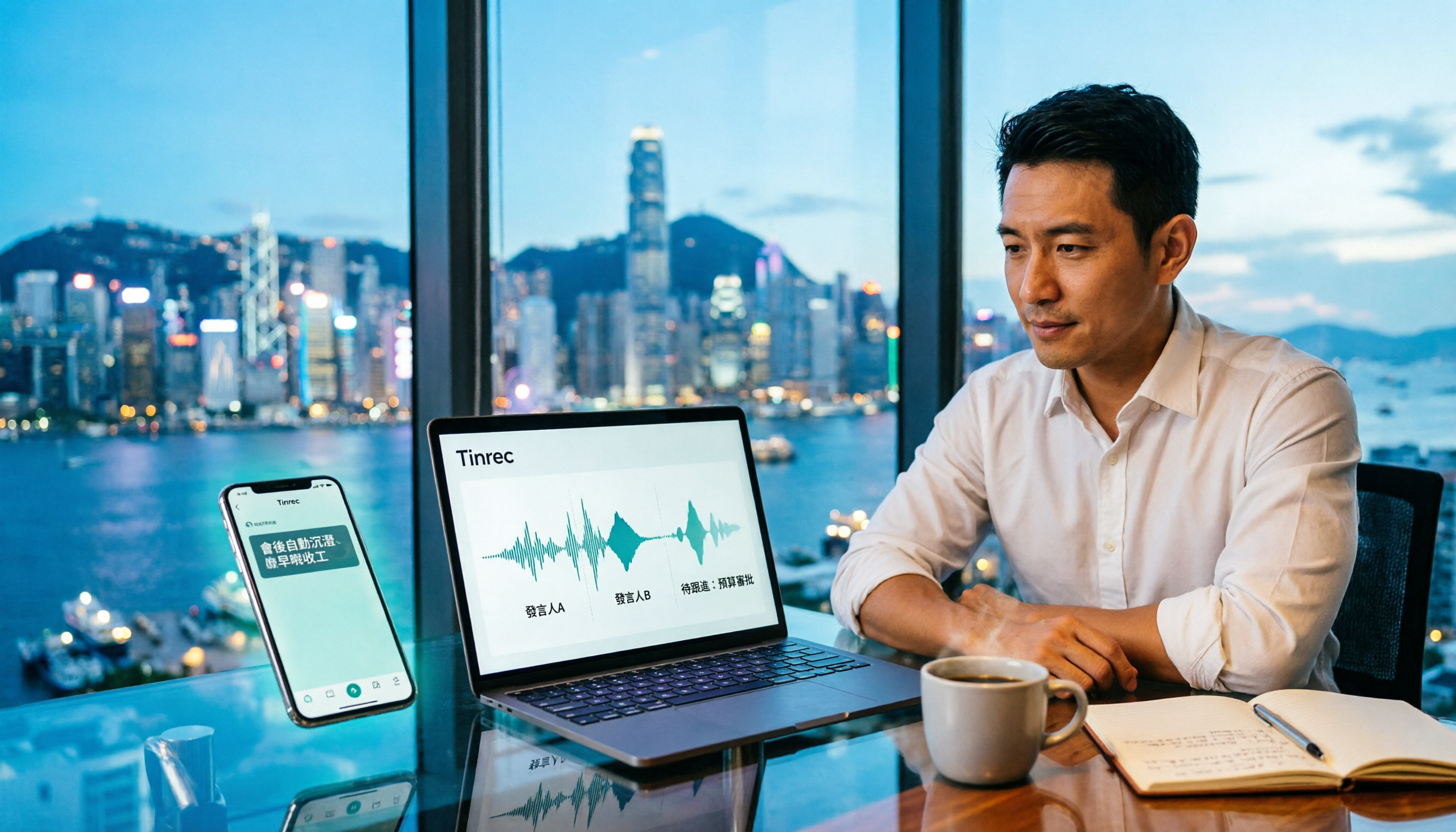
Tinrec Meeting Notes Guide 2026: No-Bot Recording vs Otter.ai
For Hong Kong office workers, post-meeting cleanup is the worst part: the meeting ends at 3 PM, but you're still at the office at 8 PM listening to recordings and typing. This article compares Tinrec and Otter.ai across five dimensions to test the workflow of turning recordings into meeting notes, breaking down Cantonese recognition, no-bot recording, post-meeting AI organization, team data retention, and pricing, helping you choose the right tool and leave work earlier.