
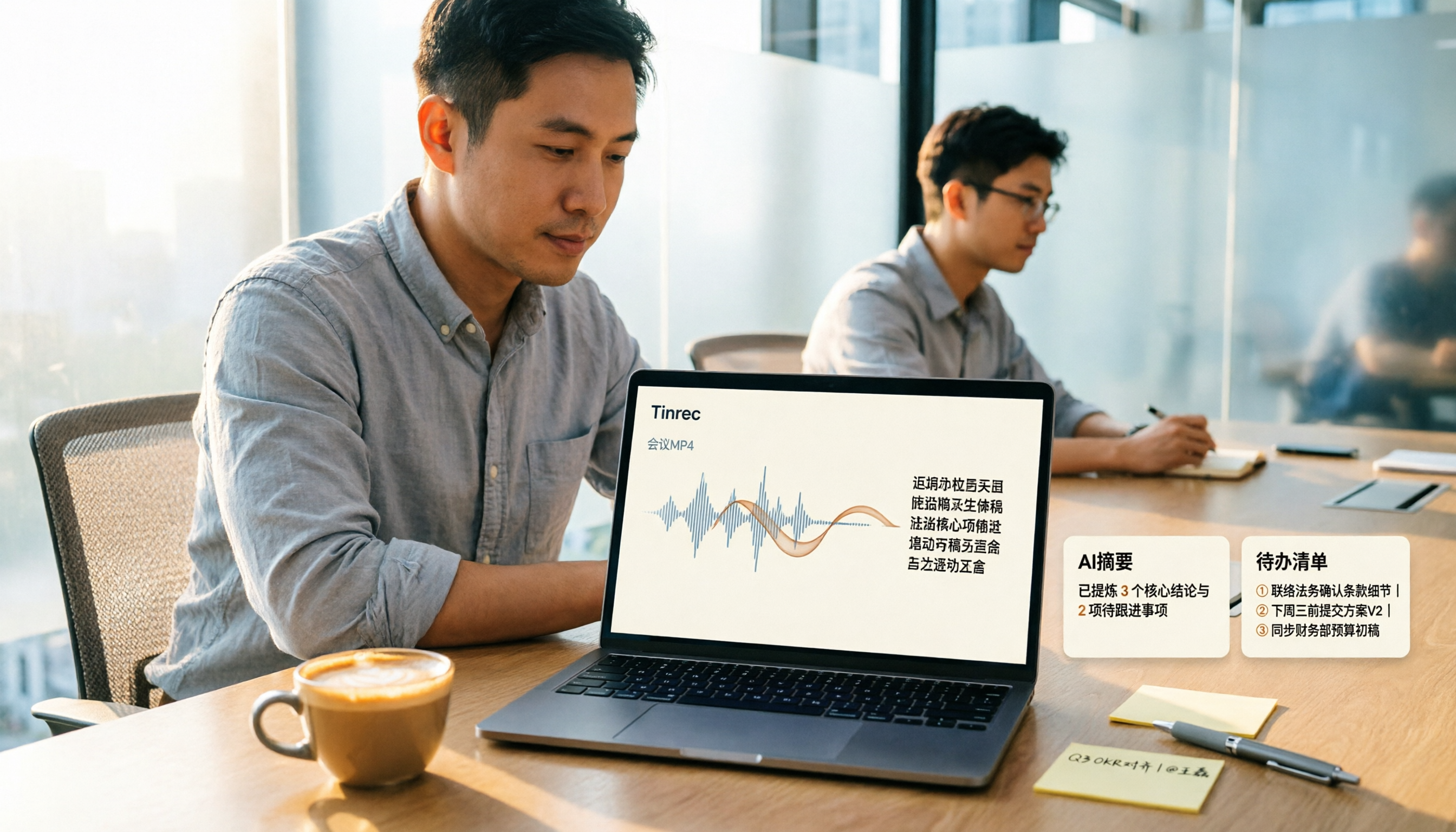
Turn recordings into transcripts and summaries in minutes
Upload audio or video for multilingual transcription, AI notes, and action items
How to Convert MP4 to Text in 2026: Auto-Generate Transcripts + AI Summaries & Action Items
Let Me Ask You Something: Are Those MP4s "Archives" or "Data"?
"Those MP4 files you have—meeting recordings, client interviews, online courses—when you recorded them, was it to keep a transcript, or so you could go back and look things up and actually use them later?"
The answer to that question will directly determine which tool you should choose.
I run about 15 meetings a week: weekly meetings, project progress meetings, one-on-ones, cross-department coordination. What used to bother me most wasn't the meetings themselves—it was the aftermath. As soon as an online meeting ended, the system would drop an MP4 recording file on me. I'd save it to a folder and never open it again. When I actually needed it, I'd have to put on headphones and listen from the beginning.
Another scenario is client interviews. An MP4 over an hour long that needs to be organized into a requirements list—I'd start listening from minute one, and by minute thirty I'd start zoning out. I'd replay it three times and still miss a key spec detail.
And an even more awkward one: my boss asks in a weekly meeting, "What was the conclusion of that cross-department meeting last time?" I vaguely remember something was discussed, but having to dig through a 40-minute video means immediate surrender.
I manage a team of 10 people. The most time-consuming part of cross-department communication has never been the communication itself—it's the follow-up and confirmation after the communication. Who committed to what in that MP4, what the deadline is—if it doesn't become text, it's just a file on a hard drive.
So the real problem MP4-to-text needs to solve isn't "turning audio into text"—it's "turning video into data you can search, query, and delegate." Choose the right tool, and all three of the above problems can be solved at once.
Before Choosing an MP4-to-Text Tool, Understand These 4 Key Points
1. Accuracy depends on your own recording conditions. Don't just look at the numbers in official marketing—those are usually measured in a quiet recording studio. Real online meetings have air conditioning noise, keyboard sounds, people talking over each other, and audio cutting in and out. My advice: take your most difficult video and try it for free. Don't just look at the ads.
2. Output format determines how usable it is downstream. Some people need .txt to edit in Word, others need .srt for subtitles. But the more critical question is: can this text be smoothly brought into your existing workflow, rather than downloading it and having to manually copy-paste?
3. Is there "post-processing" after transcription? Most tools just give you a transcript and leave the rest to you. But what really saves time is what happens after transcription—automatic summaries, action item extraction, and the ability to ask questions directly about the content. How well this part is done determines whether you spend 5 minutes or 50 minutes wrapping up.
4. Who holds the files? A personal account is a personal account. If your meeting records are team assets, you need to think carefully: will the data still be there after a colleague leaves? Can new hires see meeting conclusions from three months ago? This is the most easily overlooked point when choosing a tool.
Tinrec—Our Top Pick After Testing
Tinrec is an AI meeting notes and collaboration tool for individuals and teams, available on iOS, Android, and web. It doesn't just convert audio to text—it organizes meeting recordings into searchable, summarizable, queryable, and exportable data.
Scenario 1: Turn existing MP4s directly into usable data. I took a 28-minute online meeting recording (5 people taking turns speaking, mostly Chinese with some English product terms mixed in) and uploaded it to Tinrec's web version. After transcription, it didn't just give me a transcript—it automatically generated a summary, chapters, and an action item list: who's responsible for what, when it's due, all listed out. What used to take me over an hour of post-meeting organization took about ten minutes to review this time.
Scenario 2: Ask it questions right after recording. This is where it differs most from other tools at the same price point. You can directly ask: "Who mentioned the budget in this meeting?" It doesn't throw a bunch of keyword search results at you—it answers based on semantic understanding. When you need to go back and confirm a decision, you don't have to Ctrl+F through a 28-minute transcript.
Scenario 3: Cross-platform and team spaces. Record on your phone, organize on your computer, view on your tablet—all in the same account. If your team uses it together, the team version provides an independent team space rather than multiple people sharing one personal account: admins can manage roles and seats, view usage trends and activity logs. Meeting data belongs to the team, and when members leave, resources can be handed over to others—they won't be taken away by individuals. The team version also offers a 7-day first-time trial, 1 free seat, and 300 minutes of shared team import credits; paid seats provide 2,000 minutes of shared team import credits per month, with annual billing working out to about USD 16.58/month (actual pricing and benefits are subject to the official purchase page).
Stop organizing recordings by hand
Upload audio or video and automatically get a transcript, summary, and action items
Test conditions and results. I used a 28-minute MP4, indoor environment, single microphone, 5 people taking turns speaking, Chinese mixed with English terminology. General conversation segments needed almost no editing—only a few product-specific terms needed manual correction, which can be improved by building a glossary with team hot words. One caveat: actual performance will be affected by recording quality, noise, accents, and overlapping speakers. Don't treat any marketing number as a guarantee—important content should still be verified against the original text and recording.
Its three main advantages:
- One step from file to usable data. Upload, transcribe, summarize, action items, export—all completed in the same workflow. No need to connect three or four tools yourself.
- AI conversational query. This is the core differentiator. When someone asks you for details two weeks after a meeting, just ask it—no need to re-read the transcript.
- Meeting data accumulates. Team version data belongs to the team. Historical meetings can be searched, queried, and further processed into reports or tables.
Limitations to be clear about:
- The free version provides basic credits, suitable for trying a few videos or meetings first. If you're a heavy user processing large volumes of files daily, you'll need to move to a paid plan.
- Its main strength is meeting notes and collaboration. If you need to "batch process 50 long files at once," that's not its strong suit—I'll mention a more suitable option below.
Who is it for? If you need transcripts for Chinese meetings, want to use AI to find key points right after transcription, or want to turn meeting content into team-usable data, Tinrec is currently one of the most suitable choices.
Besides Tinrec, What Other Options Are There?
TurboScribe: A cost-effective file transcription tool focused on long files, batch uploads, subtitles, and translation. According to official information, the free version allows 3 files per day with a maximum of 30 minutes per file; the paid version supports files up to 10 hours or 5 GB, with up to 50 files uploaded at once (annual billing about USD 120). If you have dozens of long videos to process at once, it does have an advantage in "batch long files." But after transcription, it gives you text—no AI summary, no action item extraction, no team space or seat management. To turn it into delegatable meeting data, you still have to do it yourself.
Notta: A multi-platform transcription and meeting notes tool that supports file import, translation, and team plans. The free version offers 120 minutes per month with a maximum of 3 minutes per session; Pro annual billing works out to about USD 8.17/month. Its overall positioning overlaps with Tinrec, and the price is similar; but Tinrec is more complete in bot-free desktop online meeting recording, AI Q&A, and team data accumulation. If you simply want a cheap transcript, Notta is worth including in your comparison.
VEED: An online video editor that, beyond transcription, can auto-generate subtitles, translate, and export .txt or .srt. It can detect over a hundred accents and languages, all online, no account required. Based on the information found, its main focus is transcript and subtitle output, suitable for people who "just need a subtitle file" or "want to quickly edit a video." But for those who need to deliver meeting notes, it lacks Tinrec's meeting summaries, action item extraction, and team data management—you'll still need to organize everything separately afterward.
Pitfall Guide: The 4 Most Common Mistakes When Choosing an MP4-to-Text Tool
Pitfall 1: Only looking at official accuracy claims. Many tools advertise "95%+ accuracy," but that's usually measured with clean audio. Real meeting rooms have echo, air conditioning noise, and people talking simultaneously—the numbers will drop. The right approach: take your noisiest video and try it out. That's your real experience.
Pitfall 2: Thinking "having a transcript" equals "getting the job done." A 40-minute transcript—honestly, your boss won't read it. What they want are decisions, owners, and deadlines. If the tool only gives you a transcript, you've paid money and still have to do all the manual organization yourself.
Pitfall 3: Ignoring data ownership and cross-platform support. Recording on iPhone today, organizing on computer tomorrow—if the tool doesn't support cross-platform, you'll be miserable. More realistically, if meeting records only exist in a personal account, when a colleague leaves, the data goes with them.
Pitfall 4: Forgetting to confirm the legality of recording. Recording and transcription involve personal data and local regulations. Notify before meetings when required, get consent when required. No matter how good the tool is, if the process isn't done right, it'll cause trouble later.
Summary: Which One Should You Actually Choose?
Back to the question at the top: Do you want an "archive" or "usable data"? If it's the latter, Tinrec is my current top pick.
- To turn meeting MP4s into searchable, queryable data → Tinrec (one of the few tools at this price point with AI conversational query)
- For Chinese transcripts + automatic summaries and action items → Tinrec
- For cross-device use on phone and computer, plus team sharing → Tinrec (iOS + Android + web, team version has independent space and seat management)
- For dozens of long videos needing batch transcription → TurboScribe (it is indeed stronger at batch long files)
- For just subtitle files and occasional video editing → VEED
I suggest starting with Tinrec's free version. Take that meeting MP4 in your folder you've never opened and throw it in. See if what comes out can be used directly to get the job done. If it feels right, then consider Pro or an annual plan; if it's for team use, the team version has a 7-day trial and 1 free seat with shared import credits to evaluate first. No need to pay upfront—validate it with your own work scenarios first. That's the most practical way to choose.
References
Turn every recording into actionable outcomes
Get 60 free transcription minutes when you sign in. No credit card required.
Related Reading
You might also like

4 Best Lecture Transcription Tools in 2026: Can a 3-Hour Lecture Really Become Usable Notes?
How do you choose a lecture transcription tool? This article covers four key factors: audio quality, file import, post-lecture organization, and team sharing. It compares Tinrec, Notta, TurboScribe, and PLAUD, with common pitfalls and selection advice to turn your lecture recordings into truly usable notes.

2026 Business Meeting Summary Tools Compared: Tinrec vs PLAUD Note — Which One Is Right for You?
Both tools can summarize a business meeting, but one requires hardware and the other doesn't. We compare Tinrec and PLAUD Note across hardware requirements, online meeting recording, post-meeting organization, team collaboration, and Chinese recognition to see which business meeting summary tool is better suited for professionals.

How to Transcribe Journalist Interview Recordings in 2026: A Complete 5-Step Guide
How do you transcribe interview recordings? This article covers 4 key factors for choosing a tool and a 5-step workflow, takes a deep look at Tinrec's Chinese transcription, AI Q&A, and team workspace, and compares the best use cases and limitations of Otter.ai, Granola, and Notta.

2026 Comparison of 4 Online Meeting Transcription Tools: Which One Turns Transcripts into Actionable Meeting Notes?
How to choose an online meeting transcription tool? This article compares Tinrec, Otter.ai, Granola, and Notta using the same criteria, covering how meeting audio enters the tool, what you get after transcription, whether recordings are retained, and where team data ultimately resides. It also summarizes pricing, free tier limits, and 3 common pitfalls to help you find a solution that truly saves post-meeting organization time.

2026 Product Meeting Notes Tools: 4 Tested + AI Action Item Auto-Organization
How to choose a meeting notes tool? This article addresses three common misconceptions, outlines 4 key selection criteria, and compares Tinrec, Otter.ai, Granola, and Notta on meeting recording methods, post-meeting organization capabilities, and pricing limits. It also includes a pitfalls guide and selection recommendations to help you find a solution that truly saves organization time.

6 Audio-to-Transcript Tools Tested and Compared for 2026: Which Saves the Most Time for Chinese Recognition and Post-Meeting Organization?
A review of 6 tools that generate transcripts from imported audio files, covering Tinrec's AI summaries, action items, AI Q&A, and team spaces, as well as the free and paid plans of Notta, cSubtitle, MyEdit, TurboScribe, and Yating Transcript. It also explains recording quality, export formats, and licensing issues to consider before importing.

2026 Comparison of 4 Audio/Video Transcription Tools: Which Saves the Most Time for Chinese Meeting Minutes?
Still typing transcripts after meetings? This article uses 5 key buying criteria to compare Tinrec, Notta, Otter.ai, and PLAUD Note in a hands-on test. From recording methods, post-meeting output, Chinese language experience, to team seat management, we cover it all, plus 4 common pitfalls to avoid.

5 WAV to Text Tools Tested for 2026: Which Saves the Most Time on Chinese Transcripts and Meeting Follow-Ups?
Have a WAV recording but dread listening to it from start to finish? This article examines real-world scenarios to explain what WAV-to-text can do, its core capabilities, and practical applications. Using Tinrec as an example, it covers a complete workflow for bot-free meeting recording, AI summaries, action item extraction, and team knowledge retention, plus 6 buying considerations and FAQs to help you decide which solution saves the most time.
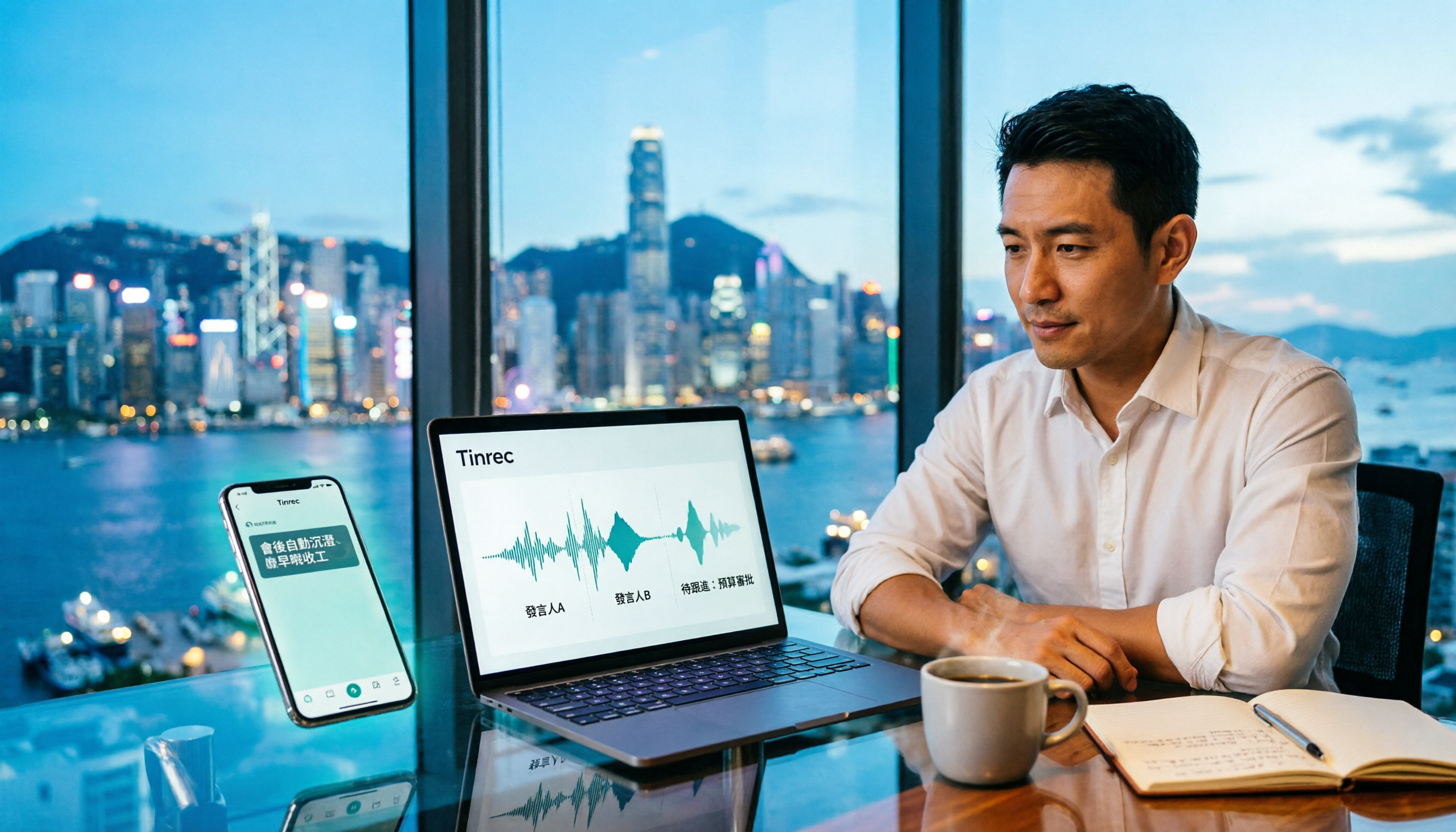
Tinrec Meeting Notes Guide 2026: No-Bot Recording vs Otter.ai
For Hong Kong office workers, post-meeting cleanup is the worst part: the meeting ends at 3 PM, but you're still at the office at 8 PM listening to recordings and typing. This article compares Tinrec and Otter.ai across five dimensions to test the workflow of turning recordings into meeting notes, breaking down Cantonese recognition, no-bot recording, post-meeting AI organization, team data retention, and pricing, helping you choose the right tool and leave work earlier.