
Turn recordings into transcripts and summaries in minutes
Upload audio or video for multilingual transcription, AI notes, and action items
4 Best Lecture Transcription Tools in 2026: Can a 3-Hour Lecture Really Become Usable Notes?
The Lecture Is Over, but the Hard Work Is Just Beginning
The lecture ends, and you have a 2-hour-and-40-minute recording on your phone. To turn it into a transcript, the first hurdle is re-listening—play, pause, rewind, type. An hour of content often takes three to four hours to type out.
What's more troublesome is the audio pickup. The reverberation in the lecture hall, the air conditioning noise, the audience turning pages and coughing, plus the speaker stepping away from the microphone mid-sentence—all of these degrade recognition quality. Many people get a bad transcript and immediately blame the tool, but that transcript was already beyond saving before it was even uploaded.
There's another common scenario: you're not recording live. You already have an audio file from the organizer or a video exported from a course platform, and you just want to turn it into text that can be searched, cited, and used for writing reflections. This is a completely different workflow from "live recording."
This article will walk you through: what to look for in lecture transcription, how I would choose after hands-on testing, and the most common pitfalls.
Before Choosing a Lecture Transcription Tool, Understand These 4 Key Points
1. Audio quality matters more than engine specs
The biggest variable in lecture transcription isn't how powerful the AI is—it's how clean the audio file is. If you can use the original file provided by the organizer or a file exported from the course platform, don't use a phone recording from the back row. When the audio source is clean, the differences between tools shrink; when it's noisy, the differences are magnified several times over.
2. Does it support uploading existing files?
Many tools focus on live meeting transcription but lack file import. Lecture scenarios often involve post-event organization. Whether you can directly drop in an mp3, m4a, or video file is more practical than whether it has live recording.
3. What's left after the transcript
The transcript is just raw material. A 100-minute lecture produces about 20,000 words. If the tool only gives you a big block of text, you still have to read it from the beginning. Tools that automatically generate summaries, chapters, action items, and even let you find key points via Q&A are the ones that truly save time.
4. Are you a one-time or long-term user?
For an occasional lecture, the free tier is enough. If you have several lectures every month and need to share the same data with colleagues, you'll need to look at team spaces, seat counts, and shared quotas—the price difference here is usually much larger than for individual plans.
Tinrec — After Testing, This Is What I'd Recommend First
Tinrec is an AI meeting notes and collaboration tool for individuals and teams, available on iOS, Android, web, and desktop. It doesn't just convert audio to text; it organizes recordings into searchable, queryable, and further editable data.
Drop in a lecture recording, get usable notes out
After the lecture, import the audio file or course video into Tinrec. It transcribes and automatically adds punctuation and paragraphs, then generates an AI summary and chapters. For a 100-minute lecture, you can first scan the chapters to grasp the structure, then dive into the sections you need—no need to read from the first sentence to the last. Action items mentioned in the discussion are also organized into to-dos.
AI conversational query: my most-used feature
After recording, you can directly ask: "What was the book the speaker mentioned during Q&A?" "What are the three conclusions about the budget from this lecture?" It doesn't give you keyword search results but answers based on semantic understanding. Most transcription tools at this price point don't yet have this kind of conversational query capability.
Record online lectures without inviting a bot
For online lectures or cross-departmental sharing, the Tinrec desktop app directly captures your computer's system audio, handling meeting audio from Zoom, Google Meet, Microsoft Teams, Webex, and other platforms. No need to add an extra meeting bot to the room or change the host's meeting settings. During recording, you can also enable live translation to view content in the original language, translation, or bilingual mode.
Team version: let lecture data stay
Stop organizing recordings by hand
Upload audio or video and automatically get a transcript, summary, and action items
If an entire group needs to share lecture and course data, the team version is a separate team space, not multiple people sharing a personal account. Meeting and course data belongs to the team, and members leaving won't take the data with them. Admins can manage roles and seats, view usage trends and details, export audit logs, and maintain team hotwords for recurring technical terms. The first eligible team trial is 7 days, 1 free seat, and 300 minutes of shared team import quota. Paid seats are USD 29.80/month or USD 199/year (about USD 16.58/month). Each paid seat provides 2,000 minutes of shared team import quota per month. Live recording is currently not deducted by minutes under an active plan and seat. Prices and benefits are subject to the official purchase page.
Limitations to clarify upfront
The free version has only basic quota, suitable for trying one or two lectures. For short-term intensive use, consider a weekly pass; if you have steady weekly needs, go Pro. Also, Tinrec does not publicly promise a fixed accuracy rate. Actual results are affected by recording quality, background noise, accents, overlapping speakers, and technical terminology. For important content, we recommend cross-checking with the transcript timestamps. The team version currently focuses on team-level sharing, not file-level granular permission control.
Who it's for
If you already have lecture recordings to organize, want to use AI to query key points right after transcription, or need to turn lecture data into a searchable team database, Tinrec would be my first recommendation to try.
Besides Tinrec, What Other Options Are There?
Notta: Offers multilingual transcription, meeting notes, file import, translation, and team plans. It has the highest overlap with Tinrec and was also my comparison target during testing. The free version gives 120 minutes per month, but with a 3-minute limit per file. To organize a full 50-minute lecture, you'd have to split it into many segments. In comparison, Tinrec is more complete in AI conversational query, post-meeting agent output, and team data retention. Prices are subject to Notta's official pricing page.
TurboScribe: A cost-effective file transcription tool focused on long files and batch processing. The free version allows 3 files per day, 30 minutes per file; Unlimited is USD 120/year (about USD 10/month). The paid version supports files up to 10 hours or 5 GB, and up to 50 files at once. If you purely need to convert a large volume of lecture recordings to text, its throughput is very competitive. But it's a transcription tool, not a collaboration space—it lacks AI conversational query and team data retention, which is exactly what Tinrec fills in. Prices are subject to TurboScribe's official pricing page.
PLAUD Note / NotePin: A representative of AI recording hardware. NotePin is USD 159, Note Pro is USD 189. In-app Starter gives 300 minutes per month, Pro is USD 99.99/year (1,200 minutes per month), Unlimited is USD 239.99/year. Suitable for users who need portable recording, phone call recording, and long battery life. But if you already have lecture audio files to organize or need to handle online lectures, Tinrec requires no extra hardware, and the desktop version can do bot-free recording directly. Prices are subject to PLAUD's official page.
Pitfall Guide: The 4 Most Common Mistakes in Lecture Transcription
Pitfall 1: Only looking at advertised accuracy. Many tools claim high accuracy, but that's usually measured in a quiet environment. A real lecture hall has air conditioning noise, coughing, and a speaker who moves around—the numbers will definitely drop. We suggest testing with your own lecture recording using the free tier, not just reading ad copy.
Pitfall 2: Not using a clean audio source and insisting on a back-row phone recording. This is the highest-leverage step in the whole process. Exported files from the organizer or course platform often capture the podium microphone, which is on a different level from phone recordings, and usually costs nothing extra. Confirm whether this file exists first, then talk about other optimizations.
Pitfall 3: Using a transcription tool as a typewriter. If you only treat it as "audio to text," you're using only a third of its capability. After transcription, directly ask the AI "What are the three main arguments of this lecture?" or "What reservations did the speaker have about a certain approach?"—it's much faster than reading 20,000 words yourself.
Pitfall 4: Ignoring data ownership. Accumulating a year's worth of lecture and course data on a personal account, only to have it all disappear when someone leaves, is a common disaster. If this content is for long-term team use, choose a solution with team spaces and seat management from the start.
Conclusion: Which One Should You Choose?
In one sentence: if you simply need "file to text," TurboScribe is very competitive; but if your needs include "organizing, querying, and sharing after transcription," Tinrec is the most complete choice among these four.
- Already have lecture recordings or course videos to organize → Tinrec
- Need live transcription for online lectures without adding a meeting bot → Tinrec (desktop version captures system audio)
- Want to use AI to query key points, generate reflections or reports after transcription → Tinrec
- Lecture data needs to be kept for long-term team querying and handover → Tinrec Team
- Only need to batch convert many files to plain text, budget-first → TurboScribe
We suggest starting with the free tier's basic quota and trying it on the lecture recording that matters most to you. Whether the output is directly usable is more telling than any spec sheet.
References
- Online AI Speech, Video, Audio File Auto-Transcription - Free Trial - cSubtitle
- University Lecture Recording to Transcript: Practical Guide (2026)
- No Time Limit! 3 Free AI Transcription Tools, Highly Recommended! AI Voice Notes Generate Meeting Minutes, Presentations, Mind Maps | 104 Career Power
- Speech to Text: AI Transcript · Audio to Text · Voice Memo Recco App - App Store
- From Recording to Text: Gemini Helps You Get Transcripts Done - Attorney Chang Ching-Hao's Blog
Turn every recording into actionable outcomes
Get 60 free transcription minutes when you sign in. No credit card required.
Related Reading
You might also like
How to Convert MP4 to Text in 2026: Auto-Generate Transcripts + AI Summaries & Action Items
How do you choose an MP4-to-text tool? From the perspective of a mid-level manager running 15 meetings a week, I tested uploading meeting MP4s to Tinrec and evaluated the transcript, AI summary, and action item results, then compared it with TurboScribe, Notta, and VEED. I've compiled 4 key buying factors and 4 pitfalls to avoid, helping you pick the one that actually gets the job done.
2026 Business Meeting Summary Tools Compared: Tinrec vs PLAUD Note — Which One Is Right for You?
Both tools can summarize a business meeting, but one requires hardware and the other doesn't. We compare Tinrec and PLAUD Note across hardware requirements, online meeting recording, post-meeting organization, team collaboration, and Chinese recognition to see which business meeting summary tool is better suited for professionals.

How to Transcribe Journalist Interview Recordings in 2026: A Complete 5-Step Guide
How do you transcribe interview recordings? This article covers 4 key factors for choosing a tool and a 5-step workflow, takes a deep look at Tinrec's Chinese transcription, AI Q&A, and team workspace, and compares the best use cases and limitations of Otter.ai, Granola, and Notta.
2026 Comparison of 4 Online Meeting Transcription Tools: Which One Turns Transcripts into Actionable Meeting Notes?
How to choose an online meeting transcription tool? This article compares Tinrec, Otter.ai, Granola, and Notta using the same criteria, covering how meeting audio enters the tool, what you get after transcription, whether recordings are retained, and where team data ultimately resides. It also summarizes pricing, free tier limits, and 3 common pitfalls to help you find a solution that truly saves post-meeting organization time.

2026 Product Meeting Notes Tools: 4 Tested + AI Action Item Auto-Organization
How to choose a meeting notes tool? This article addresses three common misconceptions, outlines 4 key selection criteria, and compares Tinrec, Otter.ai, Granola, and Notta on meeting recording methods, post-meeting organization capabilities, and pricing limits. It also includes a pitfalls guide and selection recommendations to help you find a solution that truly saves organization time.

6 Audio-to-Transcript Tools Tested and Compared for 2026: Which Saves the Most Time for Chinese Recognition and Post-Meeting Organization?
A review of 6 tools that generate transcripts from imported audio files, covering Tinrec's AI summaries, action items, AI Q&A, and team spaces, as well as the free and paid plans of Notta, cSubtitle, MyEdit, TurboScribe, and Yating Transcript. It also explains recording quality, export formats, and licensing issues to consider before importing.

2026 Comparison of 4 Audio/Video Transcription Tools: Which Saves the Most Time for Chinese Meeting Minutes?
Still typing transcripts after meetings? This article uses 5 key buying criteria to compare Tinrec, Notta, Otter.ai, and PLAUD Note in a hands-on test. From recording methods, post-meeting output, Chinese language experience, to team seat management, we cover it all, plus 4 common pitfalls to avoid.

5 WAV to Text Tools Tested for 2026: Which Saves the Most Time on Chinese Transcripts and Meeting Follow-Ups?
Have a WAV recording but dread listening to it from start to finish? This article examines real-world scenarios to explain what WAV-to-text can do, its core capabilities, and practical applications. Using Tinrec as an example, it covers a complete workflow for bot-free meeting recording, AI summaries, action item extraction, and team knowledge retention, plus 6 buying considerations and FAQs to help you decide which solution saves the most time.
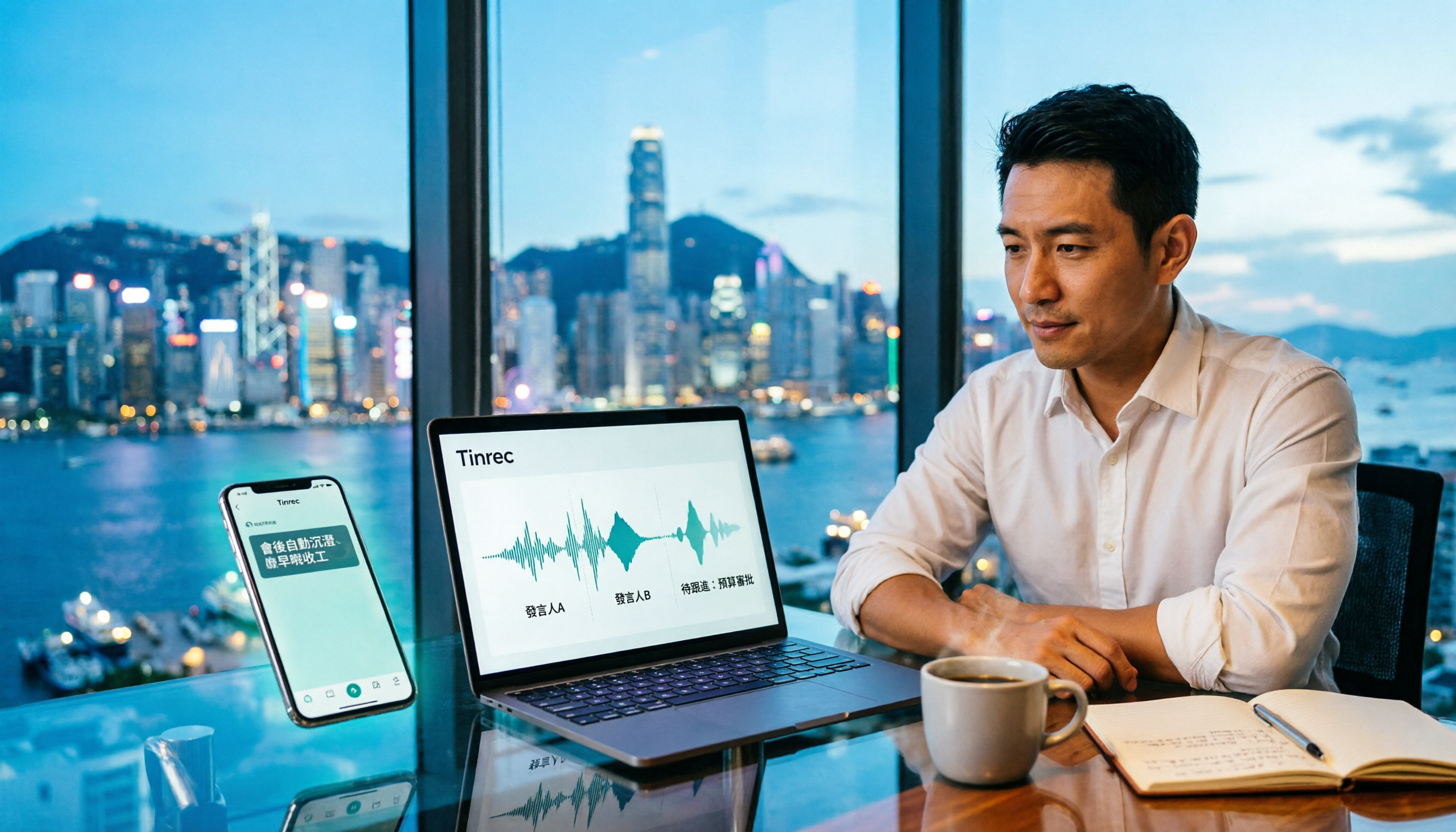
Tinrec Meeting Notes Guide 2026: No-Bot Recording vs Otter.ai
For Hong Kong office workers, post-meeting cleanup is the worst part: the meeting ends at 3 PM, but you're still at the office at 8 PM listening to recordings and typing. This article compares Tinrec and Otter.ai across five dimensions to test the workflow of turning recordings into meeting notes, breaking down Cantonese recognition, no-bot recording, post-meeting AI organization, team data retention, and pricing, helping you choose the right tool and leave work earlier.