

Turn recordings into transcripts and summaries in minutes
Upload audio or video for multilingual transcription, AI notes, and action items
When people need to convert many images to text, their first move is often to dump a batch of screenshots into a free OCR website and hit convert—only to see "daily limit reached."
I've tested many of these tools myself. Honestly, the real bottleneck in batch image-to-text conversion usually isn't the recognition engine—it's free quotas, file size limits, and the quality of the images themselves.
This article lays out practical methods, including several common image-to-text approaches and ways to avoid detours during batch processing.
How Does Image-to-Text Work? Understanding OCR First
The technology behind image-to-text is called OCR (Optical Character Recognition). It works by scanning an image, identifying patterns and shapes that resemble letters and words, and then comparing them against a database.
For example, if it sees two slanted lines connected at the bottom, it will match them against the database and recognize them as the letter V.
This also explains one thing: the closer an image is to clear printed text, the more stable the recognition results.
Conversely, skewed angles, shadows, unusual fonts, or handwriting will significantly increase error rates.
The Three Most Common Pitfalls in Batch Image-to-Text Conversion
Pitfall 1: Free tool usage limits. Online OCR services like Gaitubao explicitly state a limit of 5 uses per day because OCR consumes resources, and heavy text recognition needs require a professional version. If you have 200 images, using such a tool would take you into next week.
Pitfall 2: File size and format restrictions. The same service also limits images to 10MB and formats to jpg, gif, png, bmp. High-resolution photos taken casually with a phone often get blocked at the first hurdle.
Pitfall 3: Assuming "upload and it'll be accurate." The source websites themselves remind users that text in images must be clear for good recognition. For blurry, reflective, or too-small text, taking a screenshot and enlarging it before processing can make a big difference in success rate.
Several Practical Image-to-Text Methods
Online OCR Web Tools
No installation required—just open a browser. Suitable for people who need to process a few images occasionally.
imagetotext.info promotes itself as free, no registration required, and can convert multiple images at once. It supports JPG, JPEG, PNG, TIFF, and other formats, and can also handle handwritten notes and scanned documents.
imagetotext.me is also intuitive: upload an image, click "Convert to Text," and get results in seconds for download. It supports UNICODE multilingual recognition and can recognize numbers and symbols in mathematical formulas, which is quite useful for students and teachers.
LINE Built-in Image-to-Text
LINE has a built-in image-to-text feature available on both mobile and desktop. It automatically detects text in images and converts it, and you can directly tap "Translate" to convert the content into other languages.
It's very convenient when you have a few images to handle on the fly.
Google Drive
If you already use Google Drive to organize documents, you can upload an image and open it as a Google Doc. Google Docs will then display the detected text content.
This is suitable for users already working within the Google ecosystem, with no need to open an additional service.
Desktop OCR Tools
If your sources are PDFs, receipts, or handwritten notes and you need batch processing, consider desktop tools. There are solutions like PDNob Image Translator that focus on bulk image and PDF conversion. These types of tools are usually paid and suitable for those with a steady workload.
How I Would Handle Batch Image-to-Text Conversion
Step 1: Filter images first—don't take everything. Delete obviously blurry, duplicate, or background-only images. Converting 80 accurate images is better than converting 200.
Step 2: Standardize format and size. Convert to jpg or png first, and resize overly large images to within the tool's allowed size. This step saves a lot of time on "upload failed" errors.
Stop organizing recordings by hand
Upload audio or video and automatically get a transcript, summary, and action items
Step 3: Process in batches to avoid quota limits. Free tools often have daily usage limits. You can process in batches over several days or choose different tools based on image type to complement each other.
Step 4: Proofread immediately after conversion. Numbers, amounts, names, and proper nouns are the most error-prone fields. Check them right away while the original images are still at hand.
Step 5: Save in a searchable format. Export as TXT or DOCX so you can later find content by keyword—otherwise, the conversion was pointless.
Things to Check Before Choosing a Tool
Quotas and limits. How many times per day, maximum file size, and whether registration is required—these three directly affect whether you can handle "many" images.
Supported formats and languages. Some tools support TIFF, WebP, etc.; some support multilingual UNICODE encoding. First confirm your file types are on the supported list.
Batch capability. Whether you can upload multiple images at once determines whether you'll click hundreds of times or just dozens during bulk processing.
Data security. When uploading invoices, contracts, or personal information, check the service's privacy policy first. For example, imagetotext.me emphasizes that it does not sell or share user data—such statements are worth a minute to read.
Special content support. Handwritten notes, math formulas, and tables are not handled well by every tool. Test with one or two images before committing to bulk processing.
Extended: If What You Need to Convert Is Meeting Audio
Image-to-text relies on OCR, but if you have a large number of meeting recordings or interview audio files, you'll need a different type of tool.
Tinrec is an AI meeting notes and collaboration tool for individuals and teams. It supports real-time audio-to-text transcription. The desktop version can capture system audio to record online meetings on Zoom, Google Meet, Microsoft Teams, Webex, etc., without requiring an additional meeting bot to join. It also supports audio/video file transcription and real-time translation, and can automatically generate summaries, chapters, to-dos, and mind maps.
After transcription, you can also do AI Q&A around the meeting content and export to Notion, Google Docs, OneNote, Dropbox, and other tools for further use. The team version provides team spaces, member and seat management, usage analytics, audit logs, and an audio recycle bin.
Note that Tinrec handles audio and meeting content, not image OCR—the two are suited for different tasks. Actual transcription and organization results will be affected by recording quality, noise, accents, overlapping speakers, and technical terminology. For important content, it's recommended to cross-check with the original text and recording.
Frequently Asked Questions
Q1: Is there a truly free, unlimited image-to-text tool?
Most free online OCR services have quotas or file limits, which is reasonable because recognition itself consumes computing resources. In practice, a viable approach is to have two or three tools to rotate, or hand truly large batches to a paid plan.
Q2: What is the accuracy rate of image-to-text?
For example, Gaitubao states an accuracy rate of about 90%, but this is a rough figure mainly to illustrate the premise of "clear images." The blurrier the image and the more unusual the font, the lower the actual result. It's not recommended to treat any number as a guarantee.
Q3: Can handwritten notes be converted to text?
Yes, but it's more difficult than printed text. Tools like imagetotext.info emphasize the ability to convert handwritten notes into digital text. Actual results still depend on handwriting neatness and photo quality. It's advisable to test one image before deciding to process a whole batch.
Q4: Can I upload many images at once?
Some tools support converting multiple images at once, such as imagetotext.info. However, free plans usually have daily or total limits, so it's safer to check the rules before uploading.
Q5: How can I proofread the converted text faster?
Check numbers, amounts, dates, and names first—these are the most error-prone areas for OCR. Next are proper nouns and English abbreviations. Placing the original image and text side by side during proofreading speeds things up considerably.
Q6: Can scanned PDFs or receipts be processed?
Yes. Such content usually has many pages and fixed layouts, making it more suitable for desktop tools or services that support batch import. The single-file limits of free online tools can easily become a bottleneck.
References
- Image to Text - Scan Image Files to Text Files
- Online Image to Text | Free Online Text Recognition | Online OCR Software - Gaitubao
- 8 Fast and Simple Image-to-Text Methods! Complete Tutorial on Free and Paid PDF-to-Text Tools — Leading Age
- Image to Text - Extract Text from Images
- Image to Text in 3 Seconds⚡, 6 Image-to-Text Tools Tested, 99% Accuracy! Copying Image Text Made Easy | Supports PDF/Handwriting/Receipts - YouTube
Turn every recording into actionable outcomes
Get 60 free transcription minutes when you sign in. No credit card required.
Related Reading
You might also like

4 Audio-to-Text Tools Tested and Compared in 2026: Which Free Version Is Good Enough?
Want to turn audio recordings into text but not sure which tool to pick? Starting from the question "where do you want to end up?" this article tests and compares 4 common audio-to-text tools, breaking down Chinese and mixed Chinese-English recognition, AI post-meeting organization, recording retention and old file import, and team collaboration, plus 3 common pitfalls in choosing a tool, to help you pick the most time-saving approach for your situation.
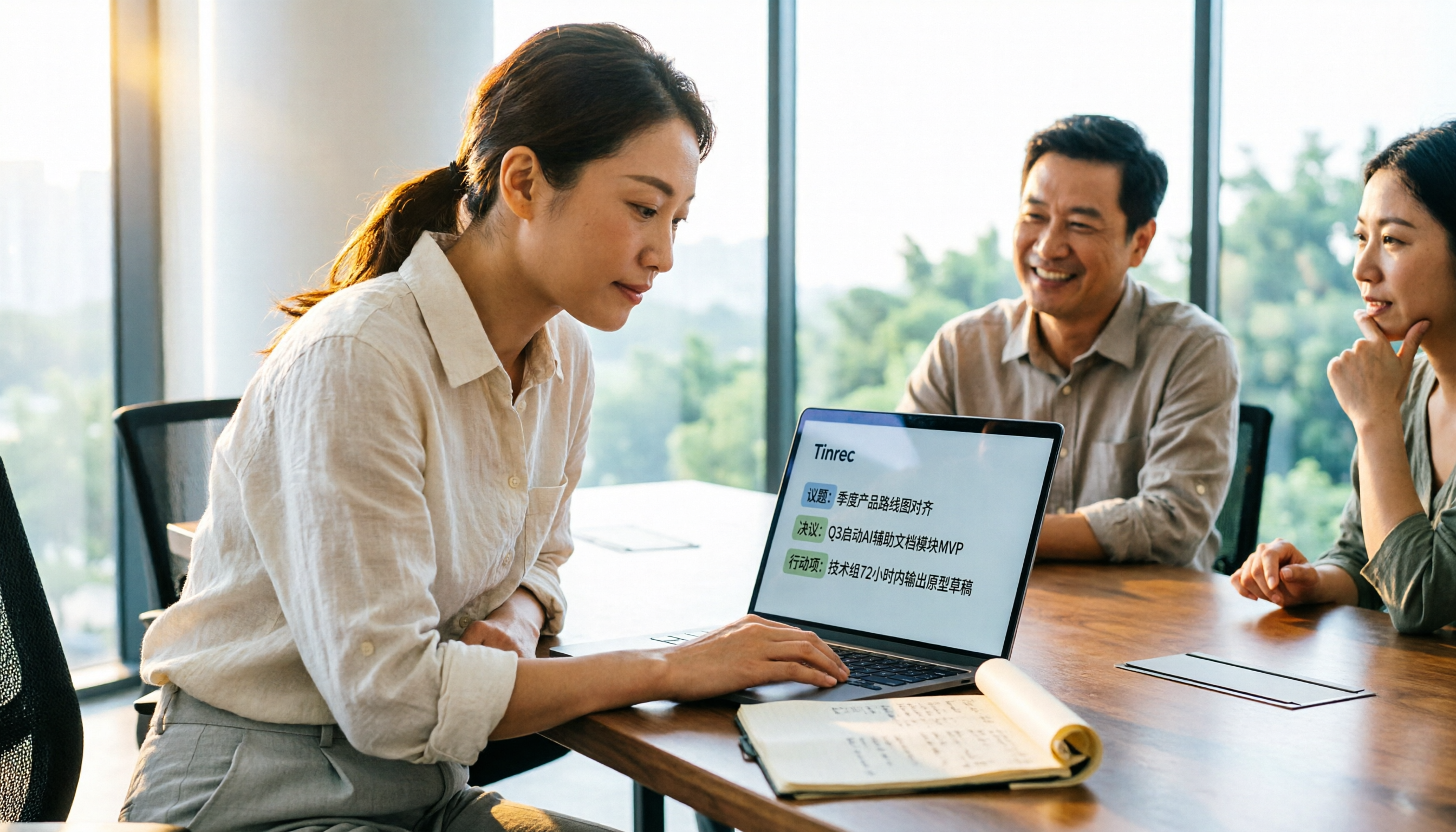
4 Meeting Minutes Tools Tested and Compared in 2026: How to Write Meeting Minutes Without Turning Them Into a Transcript
The key to writing meeting minutes isn't typing speed—it's making three judgments: topics, decisions, and action items. This article covers the essentials of writing meeting minutes and common mistakes, and tests and compares four tools—Tinrec, Otter.ai, Notta, and PLAUD—to help you find the most time-saving post-meeting workflow.

4 Best Meeting Transcription Apps in 2026: Which Saves the Most Time for Chinese Meetings?
Tired of meeting notes dragging past quitting time? This article covers 5 key factors for choosing a meeting transcription app, compares Tinrec, Otter.ai, Notta, and PLAUD Note on recording method, Chinese recognition, post-meeting output, and pricing, and highlights 4 common pitfalls to help you find the one that truly saves time.
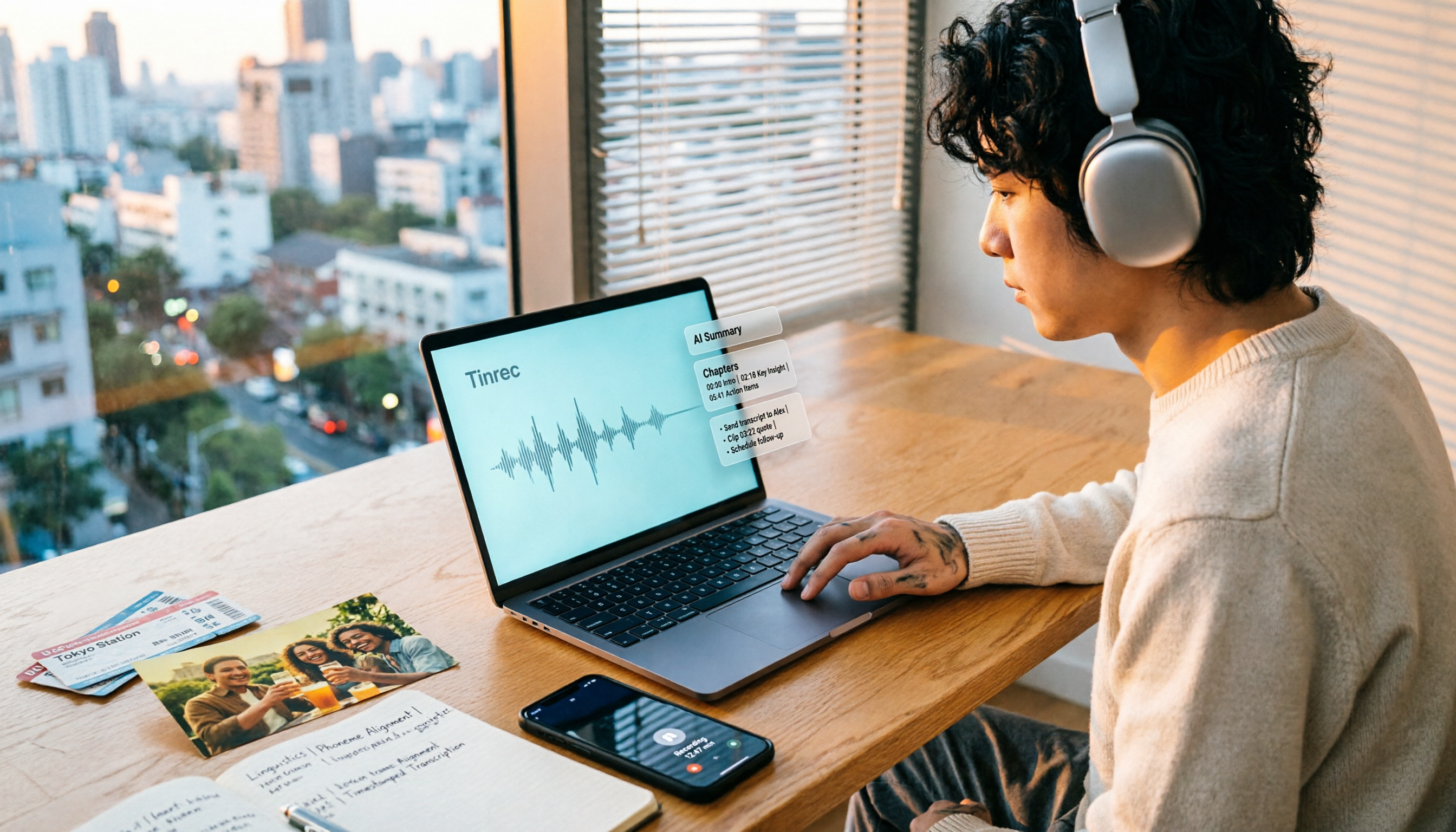
How to Make a 2026 Life Recap Video: Tinrec Audio-to-Text + AI Summary
Want to turn travel, party, or class videos into a life recap but stuck on transcripts and organization? This guide covers common pitfalls and shows how to use Tinrec to convert audio/video to transcripts, then use AI summaries, chapters, to-dos, and Q&A to organize key points. It also compares Notta, TurboScribe, and YouTube Summary with ChatGPT for different scenarios.

5 Best iPhone Audio-to-Text Solutions in 2026: Built-in Features vs. AI Meeting Tools
iPhone's built-in transcription isn't available on every model, and recording is just the beginning. This article debunks common myths and compares five solutions—Apple Voice Memos, Otter.ai, PLAUD recording hardware, and Tinrec—covering device compatibility, usage limits, cross-platform support, and team data ownership. Includes a buyer's guide and scenario-based recommendations to help you choose the most time-saving audio-to-text workflow.
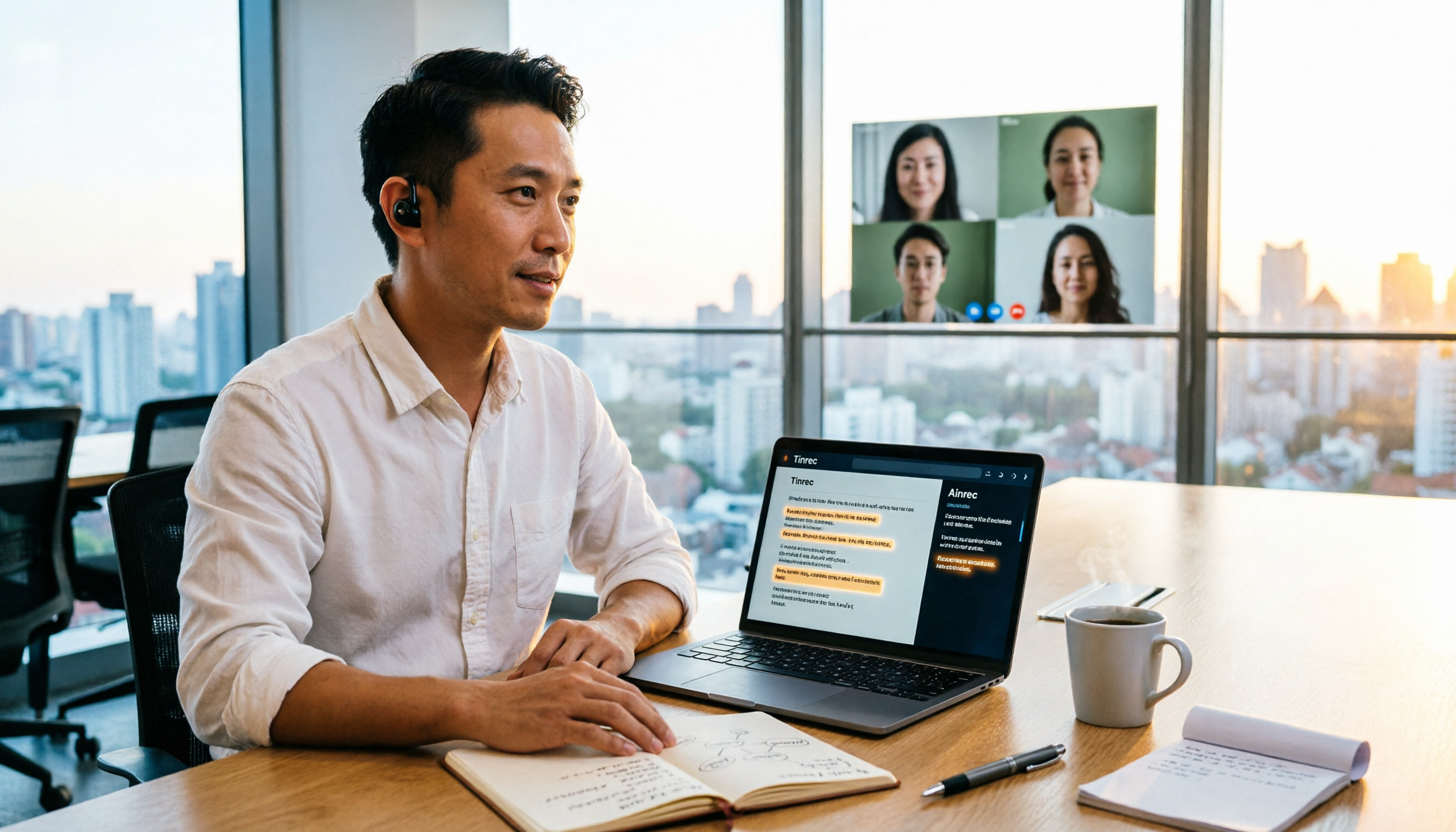
2026 Speech-to-Text Tools Compared: Which Is Best for Chinese Meeting Transcripts?
A mid-level manager who attends over a dozen meetings weekly tests four speech-to-text tools. The article first clarifies the decision focus: do you need a verbatim transcript or usable meeting data? It then covers four key selection criteria, Tinrec's real-world performance in bot-free online meeting recording and AI Q&A, suitable scenarios for the other three tools, four common pitfalls, and scenario-based recommendations.
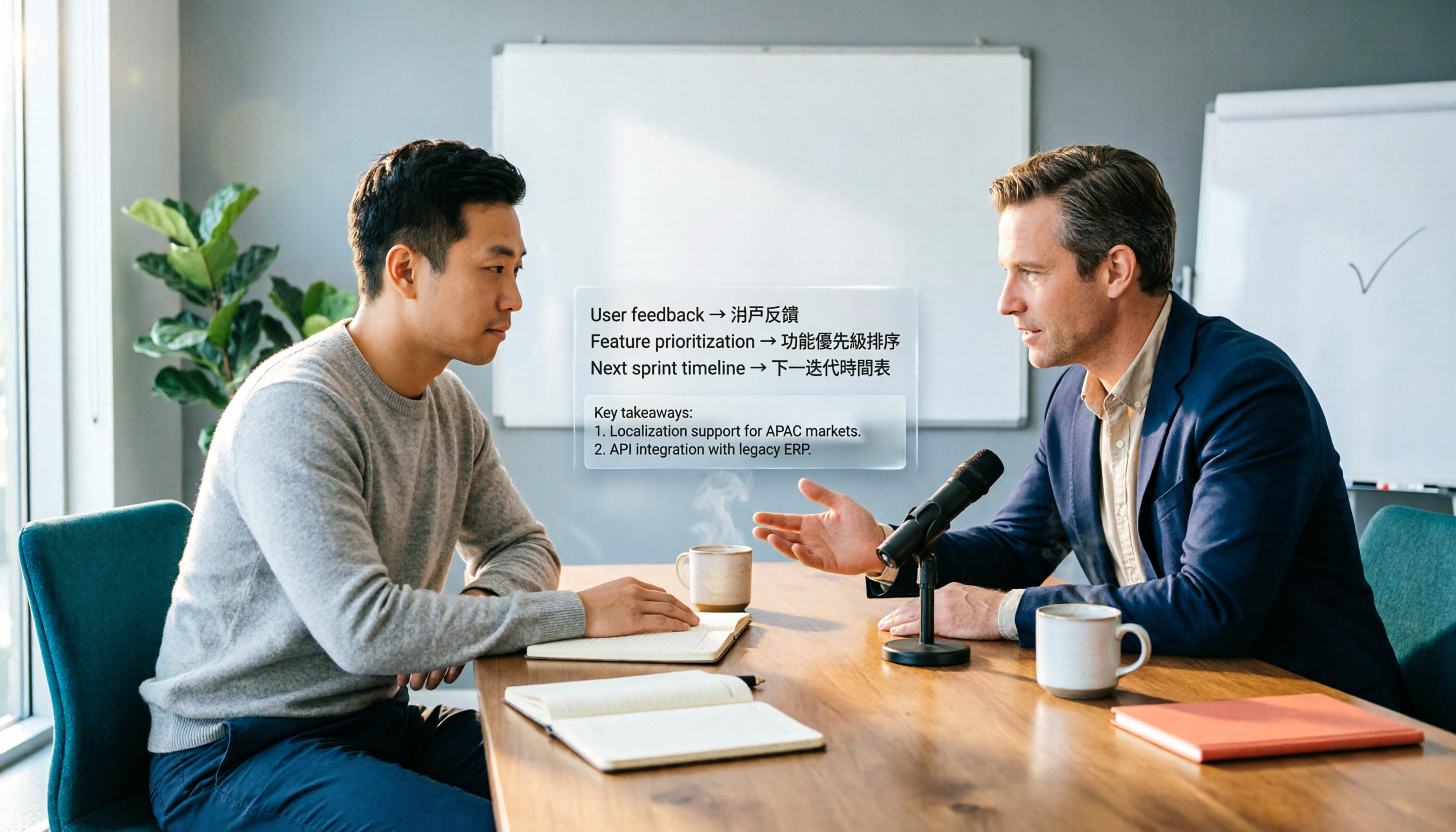
2026 Complete Guide to Chinese-English Translation: Why Tinrec Beats Google Translate for Meetings
Chinese-English translation shouldn't be limited to translating one sentence at a time. This article focuses on meeting scenarios, breaks down common pitfalls of general translation tools, and compares Tinrec's practical approach to real-time bilingual transcripts, post-meeting organization, AI Q&A, and team collaboration—helping you decide which tool truly saves time.
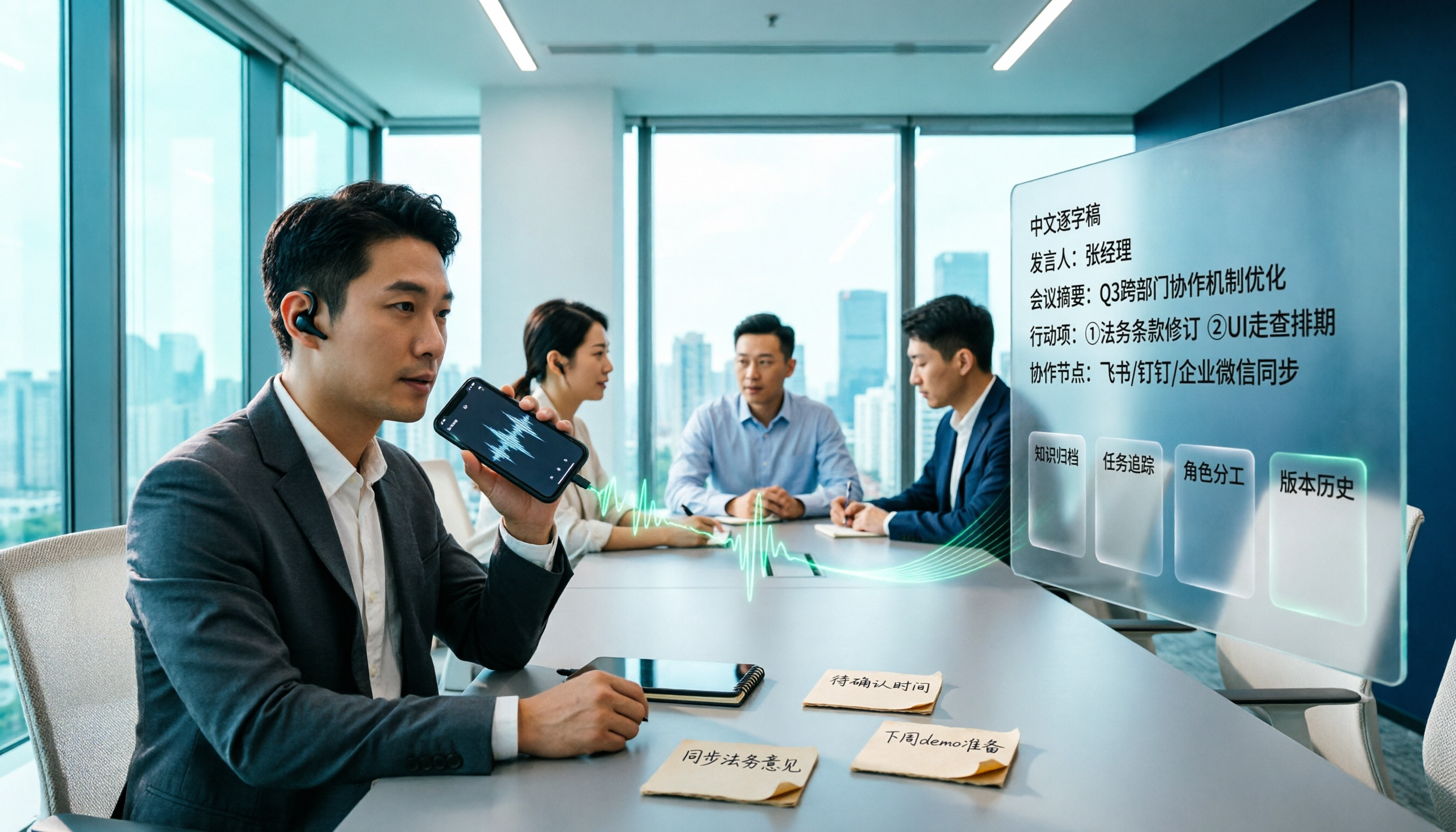
Tinrec vs iPhone Voice Memos in 2026: 5-Dimension Comparison for Chinese Meeting Notes
After iOS 18, iPhone's built-in Voice Memos can transcribe audio to text, but organizing transcripts, cross-platform access, and team collaboration still fall short. This article compares Tinrec and iPhone Voice Memos across 5 dimensions to explain who should stick with personal notes and who needs meeting minutes and team knowledge retention for weekly meetings.
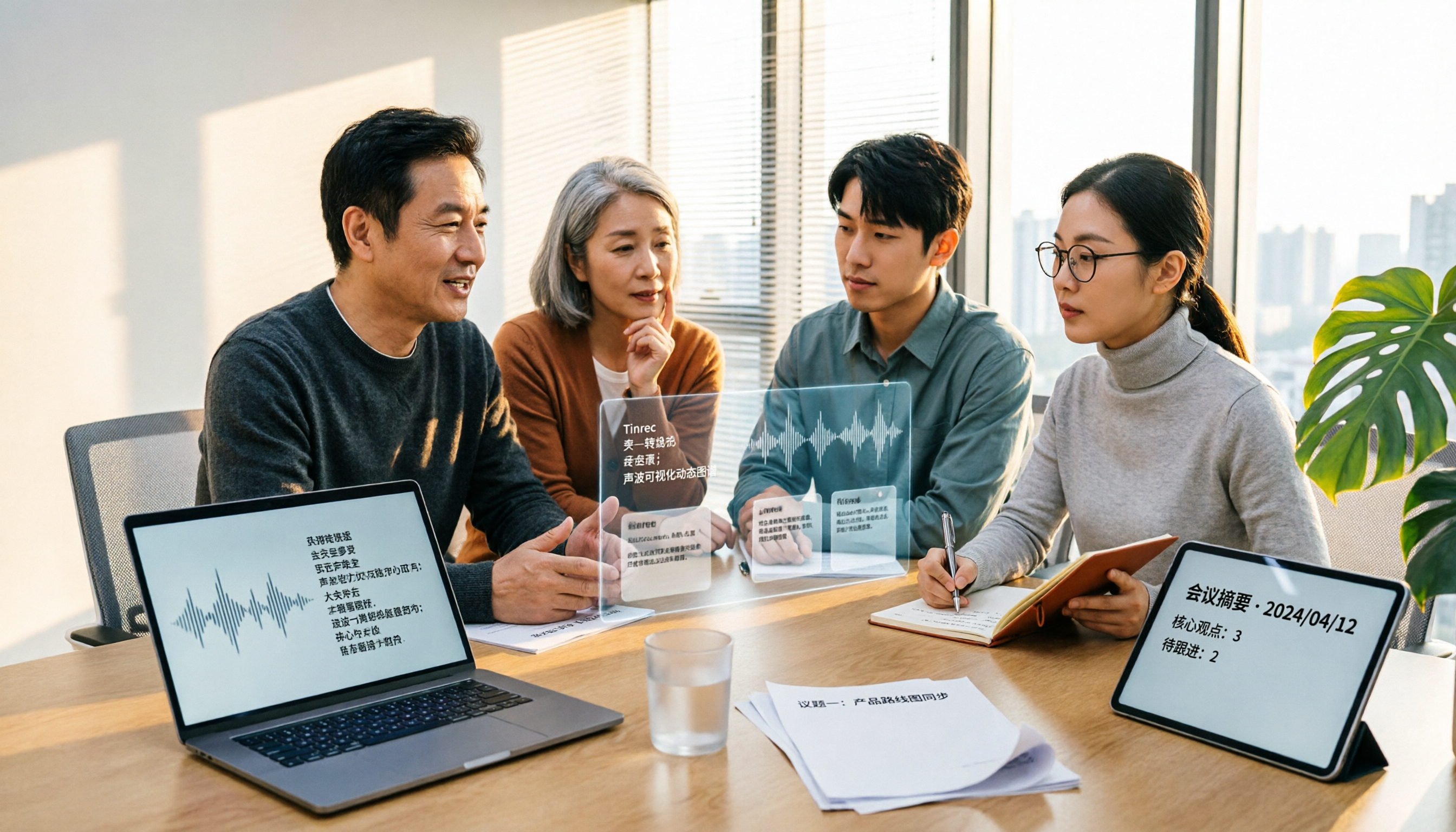
Tinrec vs Yating: Which Real-Time Transcription App Is Better for Chinese Meetings in 2026?
There are countless real-time transcription apps, but many users download one only to realize they need usable meeting materials, not just a transcript. This article compares Tinrec and Yating across six dimensions—online meeting recording, post-meeting organization, language support, cross-device use, team collaboration, and pricing—to help you decide which fits your workflow.