

Turn recordings into transcripts and summaries in minutes
Upload audio or video for multilingual transcription, AI notes, and action items
5 Best AI Note-Taking Tools for Class Recordings in 2026: Which One Handles Chinese Lectures Best?
Automatically Generating Notes from Class Recordings: The Real Obstacle Isn't the Tool
Many people think that pressing record before class means they'll have notes. But by finals, there are a dozen audio files on their phone that they've never opened.
Another common inefficient approach is treating the transcript as notes. A two-hour lecture turns into tens of thousands of words, and you still have to read from the first line to the last—basically like listening to it all over again.
The most unfortunate case is this: you're busy taking notes during class and busy catching up after class, and neither is done well. When the instructor speaks fast, mixes Chinese and English, and throws in formulas and technical terms, handwriting just can't keep up.
The problem usually isn't you—it's the order. Most people record first and find time to organize later; a more reasonable approach is to organize while recording, so that by the end of class, the transcript, summary, key points, and action items are already generated together. This article helps you find the tool that can do that.
5 Key Factors to Understand Before Choosing a Class Recording Note-Taking Tool
1. After generating the transcript, what else can it do? The transcript is just raw material. What really saves you time is the summary, chapters, and bullet points—breaking down two hours of content into a scannable structure. If a tool only gives you a transcript, you've only completed half the job.
2. Can you ask questions directly about the class content? When reviewing for midterms, what you really want to ask is "What was that theory the teacher talked about in week three?" rather than slowly flipping through pages yourself. Tools with AI Q&A let you ask directly, and the answers include corresponding timestamps—click to jump back to the original audio to confirm.
3. Recognition experience with Chinese, mixed Chinese-English, and technical terms Don't just look at the accuracy numbers the company advertises—those are usually measured in quiet environments. Classrooms have air conditioning noise, page turning, and classmates talking. We recommend testing with a segment of your own class recording, and also checking whether the tool allows custom terminology, which makes a big difference for technical terms in medicine, law, and STEM subjects.
4. Are the input sources sufficient? Some classes are live lectures, some are pre-recorded videos the teacher posts on the teaching platform, and some are online courses. A tool that can handle both live recording and audio file uploads will save you from installing three different apps for different scenarios.
5. Free quota and data storage Students have limited budgets, so first check how many minutes the free version can process per month. Also pay attention to where data is stored and whether it can be viewed across devices—hunting for a phone recording on your computer before finals is a common pain point.
Tinrec — Our Top Pick After Actually Running Through the Workflow
Tinrec is an AI meeting notes and collaboration tool for individuals and teams, supporting web, desktop, and mobile. Its core value is turning recordings into searchable, summarizable, and queryable data. The same workflow also applies to class and lecture recordings.
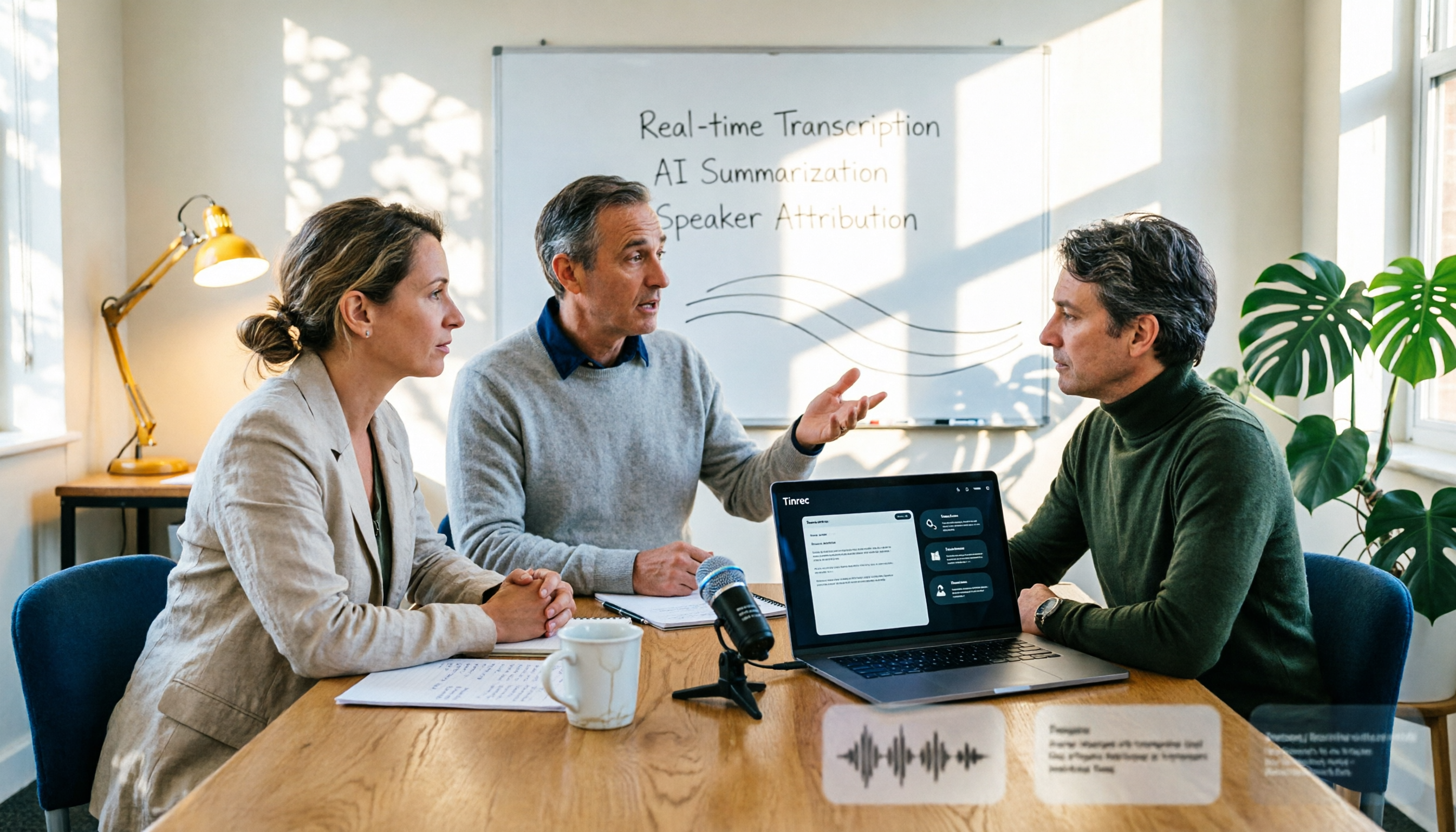
Transcribe while in class, have something to review right after. Open Tinrec to record during a class or lecture, and the transcript is generated in real time. You can also type your own questions and observations during recording without interrupting the audio. No need to spend the whole evening re-listening after class.
After recording, AI automatically organizes it into a reviewable structure. Tinrec generates summaries, chapters, and key points, and can extract action items from the content—homework assigned by the teacher, further reading, division of labor for the next presentation—all organized. For subjects that require repeated review, this is far more practical than a transcript of tens of thousands of words.
What really sets it apart is AI Q&A. After recording, you can directly ask it: "What are the three main theories mentioned in this class?" "What was the teacher's view on a certain issue?" It answers based on the recording content, rather than throwing a bunch of keywords at you. After accumulating a whole semester of recordings, reviewing by asking questions before exams is much faster than flipping through books again. This is where we feel the gap with similar tools is most obvious.
Besides live recording, Tinrec also accepts audio and video uploads, so pre-recorded courses provided by teachers and lecture replays on teaching platforms can go through the same workflow. With real-time translation and bilingual comparison, it's also helpful for English-taught or mixed Chinese-English courses. The organized results can be exported to Notion, Google Docs, OneNote, Dropbox, etc. for further use, and can also generate reports, tables, and documents.
Stop organizing recordings by hand
Upload audio or video and automatically get a transcript, summary, and action items
A few things we find practical:
- The desktop version records online courses through system audio, without needing to invite a meeting bot, so no strange account appears in the participant list.
- The output isn't just a transcript—summary, chapters, action items, mind maps, and AI Q&A are all completed in the same workflow.
- Chinese and mixed Chinese-English content can maintain technical terms through team hotwords, which is especially noticeable for STEM and medical courses.
Limitations we should be honest about: The free version provides a basic quota, suitable for light users who occasionally organize one or two recordings; those who regularly take multiple classes every week will need to upgrade. Also, transcription quality is affected by the recording environment, accents, multiple people speaking at once, and technical terms—it's not recommended to treat it as a guarantee of "word-for-word accuracy." Important content should still be verified by listening back to the original audio at the corresponding timestamps.
If you're working on a group project or sharing data in a lab: Tinrec's team version provides an independent team space where course and meeting data belongs to the team, and members, roles, and seats can be managed. Eligible teams can try it for 7 days with 1 free seat and 300 minutes of shared onboarding quota; paid seats are USD 29.80 per month or USD 199 per year (about USD 16.58/month), and each paid seat provides 2,000 minutes of team shared onboarding quota per month. Real-time recording does not deduct minutes under an active plan. When a member leaves, data can be handed over to other members. Actual prices and benefits are subject to the official purchase page.
Who it's for: Students and lifelong learners who mainly take Chinese-taught courses, need mixed Chinese-English recognition, want structured notes right after class, and want to review by asking questions later.
Besides Tinrec, What Other Options Are There?
Otter.ai: A veteran choice for English meetings and courses. The free version offers 300 minutes per month, which is quite generous, and Pro is about USD 8.49 per user per month when billed annually. Its strength is English business meeting automation; Chinese and mixed Chinese-English are not its main focus. If your entire semester is taught in English, it's a great value. Note that its positioning differs from Tinrec in Chinese experience, bot-free desktop recording, and team data retention.
Granola: Also takes the bot-free desktop recording route, focusing on "your notes + AI enhancement." Free version available, Business is USD 14 per user per month. But it doesn't support uploading pre-recorded audio files and doesn't save meeting audio. If you need to refer back to the teacher's original audio or want to throw teaching platform videos in for organization, Tinrec can do both.
TurboScribe: If you already have a bunch of recorded course files to batch process, its long-file and batch transcription are cost-effective. Free version: 3 files per day, 30 minutes per file; Unlimited annual plan USD 120 can handle files up to 10 hours. It's essentially a transcription tool, lacking Tinrec's real-time recording, AI Q&A, action item extraction, and team collaboration space.
Pitfall Guide: 4 Most Common Mistakes When Using AI to Organize Class Notes
Pitfall 1: Only looking at advertised accuracy. Official numbers are mostly measured in quiet environments; real classrooms have air conditioning noise, page turning, and classmates interrupting. Test the free version with a segment of your own class recording—that's more accurate than looking at ads.
Pitfall 2: Treating the transcript as notes. The transcript is raw material, not a finished product. What you need are summaries, chapters, and key points, plus the ability to ask questions directly. Using the tool only as "speech-to-text" means you're only using a small part of it.
Pitfall 3: Ignoring technical terms and mixed Chinese-English. If a technical term is transcribed wrong once, the error flows into the summary and action items. When choosing a tool, check whether it can maintain custom terminology, and after organizing, scan the summary first to confirm the topics were captured correctly.
Pitfall 4: Thinking that recording means you don't need to listen carefully. Staying engaged in class and jotting down your own questions works best. AI helps fill in the gaps, not replace your presence.
One more reminder: recording and transcription involve others' privacy. Please follow local regulations and get consent from the speaker and classmates when needed.
Conclusion: Which One Should You Choose?
Simply put, if your classes are in Chinese or mixed Chinese-English, you want structured notes right after class, and you want to review by asking questions directly, Tinrec is currently the most suitable choice.
- Chinese/mixed Chinese-English courses, want summary + chapters + action items all at once → Tinrec
- Want to review a whole semester's content by asking questions → Tinrec (AI Q&A includes timestamps)
- Online courses without inviting a meeting bot → Tinrec desktop version
- Group projects, lab sharing course data → Tinrec team version
- All-English courses, zero budget → Otter.ai free version (a rare exception in this article)
- Only have a large number of old files to batch transcribe → TurboScribe
You don't have to pay right away. Use the free version to process one or two class recordings first, see if the transcript and summary are the shape you want, then decide whether to upgrade. Tools only help you keep the data; what really makes notes useful is whether you're willing to open them a week before the exam.
References
- Converting Lecture Recordings to Notes: A Practical Student Guide | NoteLyn AI
- Can't Keep Up with Online Course Notes? 2026 5 AI Tools Tested, Use Tinrec to Auto-Generate Key Points and Action Items - Tinrec Blog
- Lecture to Notes: AI Transcription of Class Content
- 2025 Latest 6 Class Recording Note-Taking Tools Recommended: Say Goodbye to Handwriting, AI Auto-Organizes Transcripts and Key Points - Tinrec Blog
- [AI Voice Notes] 5 Highly Recommended AI Speech-to-Text Tools! Help You Generate Transcripts and Meeting Notes Key Points, Free vs Subscription, Pros and Cons Review | 104 Workplace
Turn every recording into actionable outcomes
Get 60 free transcription minutes when you sign in. No credit card required.
Related Reading
You might also like

How to Transcribe Audio on Samsung Phones in 2026: Built-in Speech-to-Text + AI Meeting Notes
Samsung phones have a built-in Voice Recorder app with a speech-to-text mode, but getting a transcript doesn't mean you have usable meeting notes. This guide covers five key factors—Chinese recognition, post-meeting organization, recording online meetings, cross-device use, and team collaboration—and compares Samsung's built-in feature, Otter.ai, Notta, and Tinrec to help you find the best audio transcription solution for your needs.
2026 AI Conference Recording Tools Compared: Which Saves More Time on Transcripts and Summaries?
The most common mistake in organizing conference recordings is 'record first, deal with it later.' This article outlines 5 key factors for choosing an AI conference recording tool, compares Tinrec with Granola, TurboScribe, and built-in platform transcription, and includes a pitfalls guide and selection advice.

5 Best Windows Speech-to-Text Software in 2026: No Meeting Bot, Which Is Fastest for Chinese Minutes?
How to choose Windows speech-to-text software? This article uses real meeting scenarios to break down 4 key buying factors: recording method, Chinese and mixed Chinese-English performance, post-meeting output, free quota, and team collaboration. It focuses on Tinrec as the main test subject and compares it with Notta, Otter.ai, and Granola, with a pitfall guide and scenario-based recommendations to help you find the one that truly saves you organizing time.

3 AirPods Recording-to-Text Methods Compared: Which One Produces a Chinese Transcript?
Wearing AirPods to record audio—how do you turn it into a Chinese transcript? This article compares three methods: iOS built-in transcription, using AirPods as a microphone with Live Listen, and Tinrec's real-time transcription and post-meeting organization. It covers differences, use cases, costs, and buying considerations, plus FAQs.

Tinrec vs Notta 2026: 5-Way Comparison for Xiaomi Phone Audio-to-Text
Compare the best audio-to-text apps for Xiaomi phones in 2026. We evaluate Tinrec and Notta across five dimensions: Chinese transcription, meeting capture, post-meeting organization, team collaboration, and pricing. Also includes positioning for Otter, Granola, TurboScribe, PLAUD, and the built-in recorder to help you find the most time-saving solution.

How to Choose a Mac Audio-to-Text App in 2026: 5 Steps from Recording to Summary
How to choose a Mac audio-to-text app in 2026? This article starts with the pain point of having to re-listen to recordings after meetings, outlines 5 key selection criteria, tests Tinrec's bot-free online meeting recording and AI Q&A, briefly reviews MacWhisper, PowerDirector, and Otter.ai, and ends with a pitfalls guide and selection advice.

2026 Guide: Recording Legal Consultations with Tinrec — Transcripts + AI Q&A
Legal consultations and client interviews can last one to two hours, but typing up the transcript can take several nights. This article covers 4 key factors for choosing a recording tool, tests Tinrec's transcript completeness, timeline, and AI Q&A performance, compares Notta, Otter.ai, and TurboScribe, and includes 3 common pitfalls to help you choose the right tool and turn recordings into usable text records.

2026 AI Meeting Notes Comparison: 4 Tools Tested for Action Items That Actually Work
AI meeting notes that auto-generate action items aren't just about fast transcription—what matters is whether you can search, ask questions, and retain the data after the meeting. We tested 4 popular tools, comparing action item quality, recording methods, post-meeting Q&A, and team data ownership to help you find the one that truly saves cleanup time.

Tinrec vs Otter.ai in 2026: 5-Dimension Comparison — Which Is Better for Real-Time Chinese Meeting Captions and Translation?
Can't understand your international remote meetings, and then have to re-listen to recordings to type transcripts? This article compares Tinrec, Otter.ai, Granola, and Notta across 5 dimensions — language coverage, caption display, audio capture method, post-meeting output, and team knowledge retention — and highlights the 4 most common pitfalls when choosing a real-time caption translation tool, helping you find the one that saves the most time.