
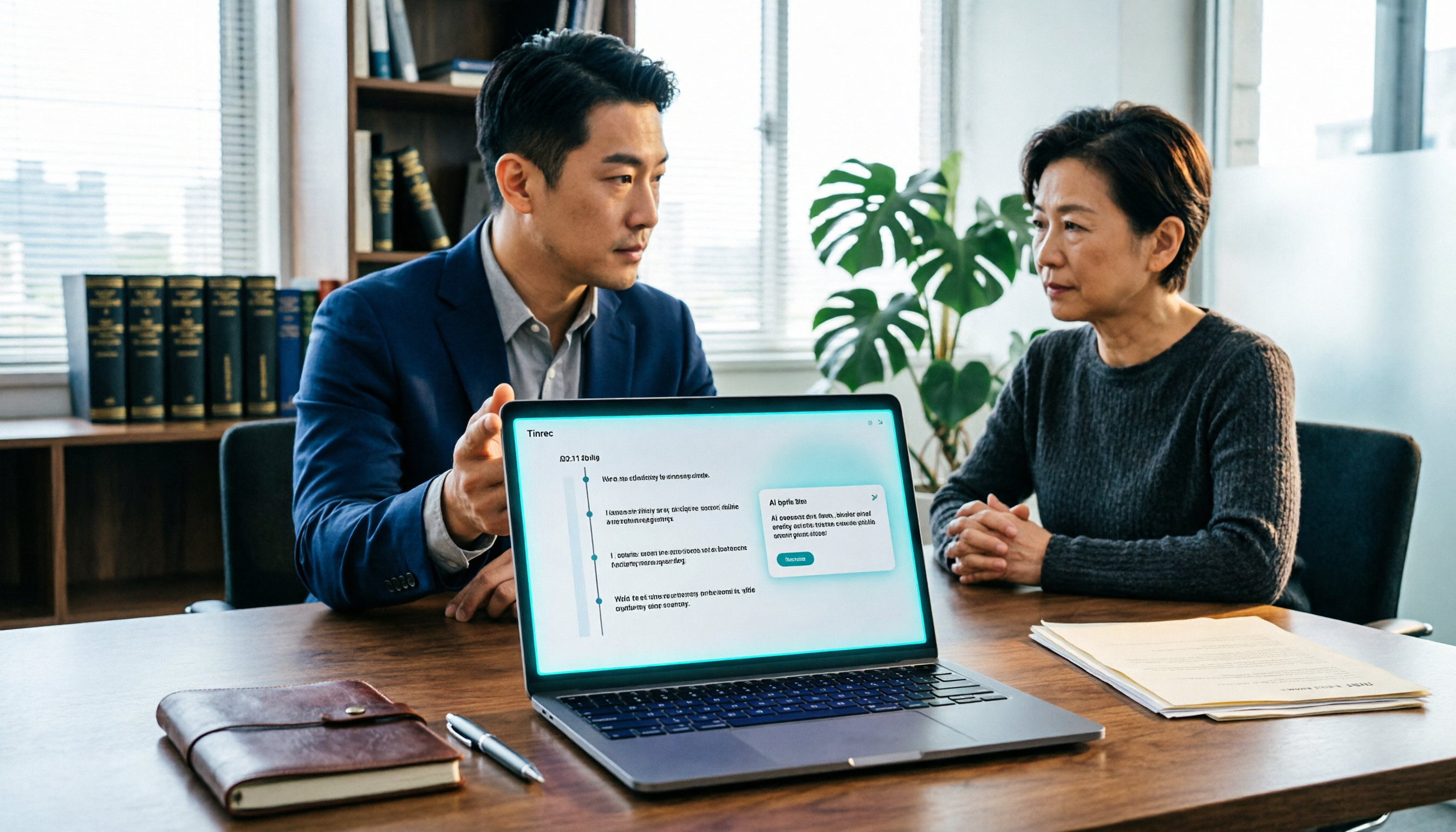
Turn recordings into transcripts and summaries in minutes
Upload audio or video for multilingual transcription, AI notes, and action items
Legal consultations last two hours, but the transcript takes all night? What you're missing isn't a recorder—it's a workflow
Anyone who's been through a legal consultation has probably seen this: the lawyer asks for details, you try hard to recall and explain, and there's no free hand to take notes. By the time you get home and want to organize things, you find the recording sitting on your phone, with no idea how to turn it into a presentable record.
If you're a lawyer, legal professional, insurance or real estate agent, it's even more obvious. You meet several clients a day, record every session, but actually writing transcripts, summaries, or follow-up documents is an endurance race.
The reason this is so troublesome is that in legal settings, text is often more reliable than memory. In practice, if a recording is to be used as evidence, it's usually not enough to just "hand over an audio file"—a common approach is to burn the recording to a disc and attach a transcript (often called a "translation" in litigation), with every minute and second marked to show who said what and when, presenting the complete conversation rather than just excerpting a few sentences you think are important. If you only pick fragments, the other party or the court may find it hard to verify, and it could even affect the extent to which the evidence is accepted.
In other words, what you need isn't "an app that can record," but a complete workflow from recording, to text conversion, to time-stamping, to extracting key points, to output. With the right tool, this process can go from staying up several hours to being almost done by the end of the meeting.
Before choosing a recording tool, understand these 4 key points
Not all audio-to-text tools are suitable for legal consultations, interviews, and other scenarios where "not a single word can be missed." Before you start, look at these four things.
1. Is the transcript complete, and does it have a timeline? Legal conversations are most averse to "picking only the key points." In practice, a common requirement is to record each person's speech minute by minute. So whether a tool can output a transcript with time stamps that covers the entire recording is far more important than whether the interface is pretty. This is also where tools like Tinrec are relatively practical: the complete transcript is preserved, making later cross-referencing and citation convenient.
2. Is Chinese and terminology recognition stable enough? Legal consultations often mix in professional terms, names, places, and even Chinese-English code-switching. A tool's language support and recognition stability directly determine how much time you'll spend editing afterward. Tinrec covers Chinese, Traditional Chinese, and multilingual scenarios, and supports team hotword management, which is especially helpful for teams with many fixed terms.
3. After recording, can you directly "ask" for key points? If you just need a transcript, many tools can do that. But what really saves time is being able to directly ask the AI after recording: "What was the repayment deadline the client mentioned?" "Which things did the other party admit?" This kind of semantic Q&A is much faster than searching keywords yourself with Ctrl+F.
4. Are files retained, and can they be used across devices? Recording on your phone and organizing on your computer is almost the norm. If the tool isn't cross-platform, you'll be forced to transfer files back and forth. Also, whether the recording itself is retained and can be centrally managed is especially critical for teams—when you need to play back and verify the transcript, having the original audio makes a big difference.
Tinrec — our main choice after testing
Tinrec is an AI meeting notes and collaboration tool for individuals and teams, supporting iOS, Android, and web. For legal consultations, interviews, and meeting notes—scenarios that require "complete records plus follow-up organization"—its design fits perfectly.
Transcripts appear while recording, preserving the conversation completely Whether it's an in-person consultation, phone call, or online meeting, Tinrec can convert content into a transcript and preserve complete speech. This is especially important in legal contexts—because "complete" is often more critical than "concise," avoiding later accusations of taking things out of context.
Record online meetings without a bot If you need to record online meetings like Zoom, Google Meet, Microsoft Teams, or Webex, Tinrec's desktop version directly captures your computer's system audio, without inviting an extra meeting bot to join. For more sensitive conversations, having one less "participant" coming and going also reduces psychological burden.
Stop organizing recordings by hand
Upload audio or video and automatically get a transcript, summary, and action items
AI summaries, chapters, and to-dos turn long conversations into key points A consultation can last one or two hours, and extracting key points afterward is painful. Tinrec automatically generates summaries, chapters, and to-dos, letting you first grasp the structure of the entire conversation, then go back to verify transcript details.
AI Q&A: ask directly after recording, no manual scrolling This is where it stands out from ordinary transcription tools. After recording, you can directly ask Tinrec: "In this consultation, how many times did the client mention the contract date?" It answers based on semantics, rather than dumping a bunch of keyword search results on you. Currently, most competitors at the same price point don't have this feature.
Limitations and reminders The free version has a basic quota, suitable for light use; if you have steady needs every week, consider a paid plan (for detailed plans and pricing, refer to the official purchase page). Also note: no matter how accurate AI transcription is, it may miss details due to recording quality, noise, accents, or multiple people talking over each other. For important content, it's recommended to verify with recording playback; it cannot completely replace manual confirmation. When recording and transcribing, please comply with local laws and obtain consent when necessary.
Who it's for If you frequently need to organize legal consultations, client interviews, or meeting notes, and want a complete transcript right after recording plus the ability to directly use AI to extract key points—Tinrec is currently the smoothest path. If you work in a team, Tinrec's team version also centralizes meeting data in a team space, managing members, seats, usage, and audit logs, keeping data with the team rather than following individuals.
Besides Tinrec, what other options are there?
Notta A multi-platform transcription tool that also supports meeting notes, file import, and translation, with significant overlap with Tinrec. Official annual Pro is about USD 8.17/month, Business about USD 16.67/seat/month (refer to official page). It's suitable for those who simply need multilingual transcription, but lacks Tinrec's complete post-meeting workflow with bot-free desktop recording and team space.
Otter.ai A mature choice for English meetings. Basic is free with 300 minutes per month, Pro annual is about USD 8.49/user/month (refer to official page). It's strong in English business scenarios, but Chinese content isn't its main focus—if you mainly record Chinese legal consultations, Tinrec will be more suitable.
TurboScribe Leans toward cost-effective file transcription. Unlimited annual is about USD 120, paid version supports up to 10 hours per file and multiple file uploads at once (refer to official page). Suitable for those who need to process large amounts of long recordings at once. But it follows a "file transcription" logic, lacking Tinrec's real-time meeting recording, AI Q&A, and to-do organization.
Pitfall guide: 3 most common mistakes when organizing legal consultation recordings
Pitfall 1: Thinking "having a transcript is enough"—completeness is actually key Many people only type up the paragraphs they consider important. But in practice, the common requirement is minute-by-minute, complete recording; excerpting only fragments may make it hard for the other party or court to verify context. When using tools, remember to choose "complete output," not "key point excerpt."
Pitfall 2: Only using keyword search, wasting AI capabilities If your tool already has AI but you only use it for "audio to text," you're only using one-third of its value. For example, Tinrec's AI Q&A lets you directly ask "What was the conclusion of this meeting?"—much faster than Ctrl+F in the transcript.
Pitfall 3: Ignoring recording file preservation and cross-platform Recording on your phone today, organizing on your computer tomorrow—if the tool isn't cross-platform, file management gets messy. Team work needs even more attention: recordings and transcripts are best stored centrally, avoiding data disappearing when personnel change. Tinrec's team version provides team space and member seat management, making data belong to the team.
Summary: How to choose for legal consultation recording?
In one sentence: what you need isn't a recorder, but a workflow of "recording → transcript → key points → preservation." By this standard, Tinrec is currently the most time-saving choice.
Scenario-based recommendations:
- Need complete transcript + timeline, and ability to verify original text → Tinrec (preserves complete recording and transcript)
- Want to directly ask AI for key points after recording → Tinrec (AI Q&A is its differentiator)
- Record on phone, organize on computer, share with team → Tinrec (iOS + Android + web, plus team space)
- Large amounts of existing long recordings for batch transcription → TurboScribe (file processing is its strength)
- Pure English meetings → Otter.ai (mature English scenarios)
It's recommended to start with Tinrec's free version, run a consultation or interview recording you have on hand, see how complete the transcript is and how smooth the AI Q&A is, then decide whether to upgrade. The best way to know if a tool works is to test a segment yourself.
References
- Why do recordings submitted in litigation need a transcript?
- Why must complete content be provided when submitting recording evidence in litigation?
- [Litigation "Translation" Document] - Collaborative Pure Transcription
- Audio Transcription Sample :: Speed Typing - Transcription · Transcript · Formatting · Key-in
- Question about court recording transcripts in practice? Why are they accepted by judges? Is it enough to translate each sentence for effective evidence? Thank you
Turn every recording into actionable outcomes
Get 60 free transcription minutes when you sign in. No credit card required.
Related Reading
You might also like

How to Transcribe Audio on Samsung Phones in 2026: Built-in Speech-to-Text + AI Meeting Notes
Samsung phones have a built-in Voice Recorder app with a speech-to-text mode, but getting a transcript doesn't mean you have usable meeting notes. This guide covers five key factors—Chinese recognition, post-meeting organization, recording online meetings, cross-device use, and team collaboration—and compares Samsung's built-in feature, Otter.ai, Notta, and Tinrec to help you find the best audio transcription solution for your needs.
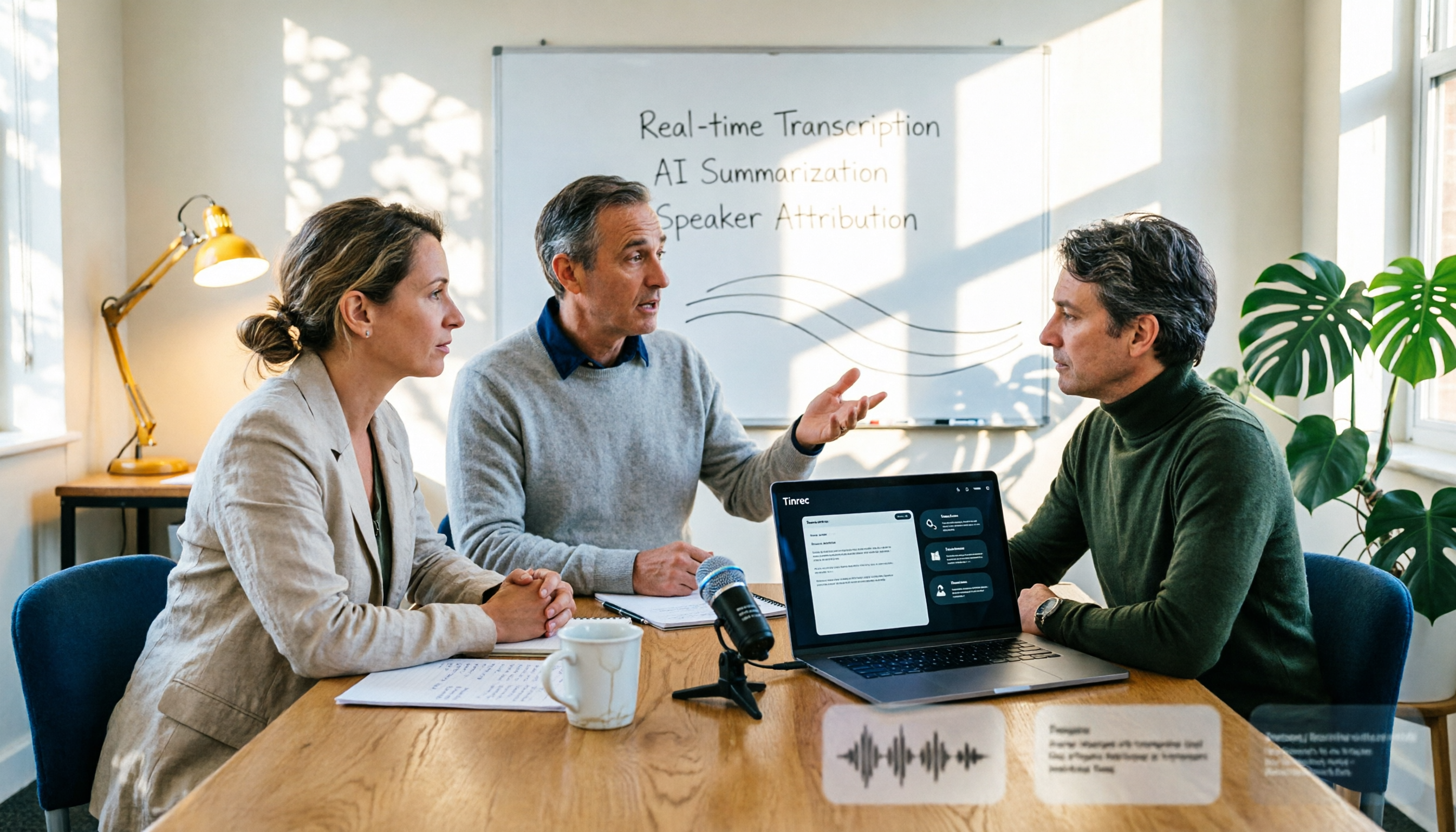
2026 AI Conference Recording Tools Compared: Which Saves More Time on Transcripts and Summaries?
The most common mistake in organizing conference recordings is 'record first, deal with it later.' This article outlines 5 key factors for choosing an AI conference recording tool, compares Tinrec with Granola, TurboScribe, and built-in platform transcription, and includes a pitfalls guide and selection advice.

5 Best Windows Speech-to-Text Software in 2026: No Meeting Bot, Which Is Fastest for Chinese Minutes?
How to choose Windows speech-to-text software? This article uses real meeting scenarios to break down 4 key buying factors: recording method, Chinese and mixed Chinese-English performance, post-meeting output, free quota, and team collaboration. It focuses on Tinrec as the main test subject and compares it with Notta, Otter.ai, and Granola, with a pitfall guide and scenario-based recommendations to help you find the one that truly saves you organizing time.

3 AirPods Recording-to-Text Methods Compared: Which One Produces a Chinese Transcript?
Wearing AirPods to record audio—how do you turn it into a Chinese transcript? This article compares three methods: iOS built-in transcription, using AirPods as a microphone with Live Listen, and Tinrec's real-time transcription and post-meeting organization. It covers differences, use cases, costs, and buying considerations, plus FAQs.
Tinrec vs Notta 2026: 5-Way Comparison for Xiaomi Phone Audio-to-Text
Compare the best audio-to-text apps for Xiaomi phones in 2026. We evaluate Tinrec and Notta across five dimensions: Chinese transcription, meeting capture, post-meeting organization, team collaboration, and pricing. Also includes positioning for Otter, Granola, TurboScribe, PLAUD, and the built-in recorder to help you find the most time-saving solution.

How to Choose a Mac Audio-to-Text App in 2026: 5 Steps from Recording to Summary
How to choose a Mac audio-to-text app in 2026? This article starts with the pain point of having to re-listen to recordings after meetings, outlines 5 key selection criteria, tests Tinrec's bot-free online meeting recording and AI Q&A, briefly reviews MacWhisper, PowerDirector, and Otter.ai, and ends with a pitfalls guide and selection advice.
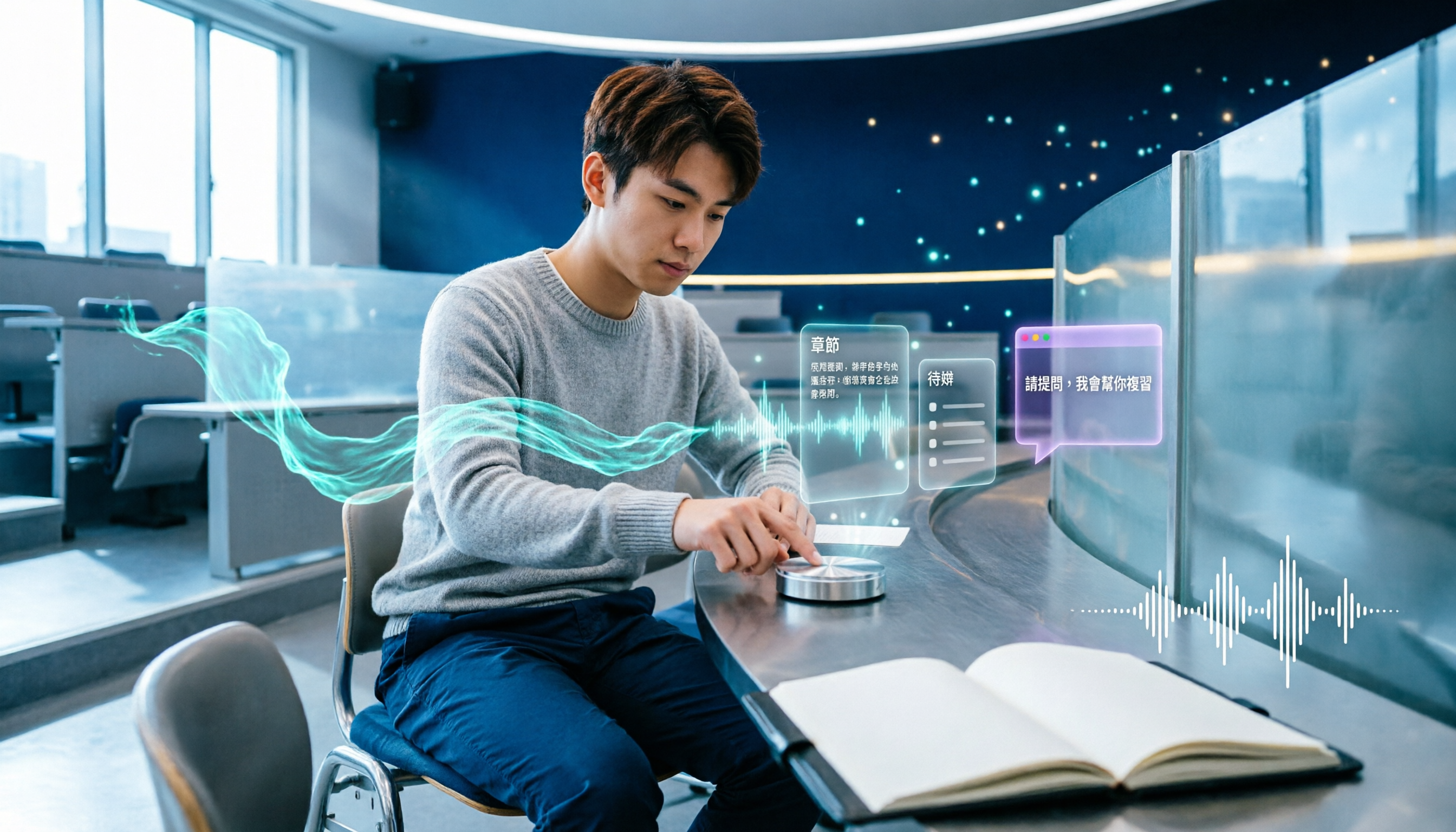
5 Best AI Note-Taking Tools for Class Recordings in 2026: Which One Handles Chinese Lectures Best?
Most people record lectures but never organize them—the problem is usually the order of operations: record first, deal with it later. This article covers common pitfalls, outlines 5 key factors for choosing a class recording note-taking tool, and compares Tinrec, Otter.ai, Granola, and TurboScribe to show which one actually delivers summaries, chapters, and action items right after class, plus AI Q&A for review.

2026 AI Meeting Notes Comparison: 4 Tools Tested for Action Items That Actually Work
AI meeting notes that auto-generate action items aren't just about fast transcription—what matters is whether you can search, ask questions, and retain the data after the meeting. We tested 4 popular tools, comparing action item quality, recording methods, post-meeting Q&A, and team data ownership to help you find the one that truly saves cleanup time.

Tinrec vs Otter.ai in 2026: 5-Dimension Comparison — Which Is Better for Real-Time Chinese Meeting Captions and Translation?
Can't understand your international remote meetings, and then have to re-listen to recordings to type transcripts? This article compares Tinrec, Otter.ai, Granola, and Notta across 5 dimensions — language coverage, caption display, audio capture method, post-meeting output, and team knowledge retention — and highlights the 4 most common pitfalls when choosing a real-time caption translation tool, helping you find the one that saves the most time.