

Turn recordings into transcripts and summaries in minutes
Upload audio or video for multilingual transcription, AI notes, and action items
How to Choose a Mac Audio-to-Text App in 2026: 5 Steps from Recording to Summary
There is no shortage of Mac audio-to-text app recommendation lists online, but the only question you should answer first is: do you want a transcript, or do you want material you can use immediately after the meeting? This choice will determine which tool you end up keeping. Below, we cover the pain points, selection criteria, and hands-on testing all at once.
Still Re-listening to Recordings After Meetings? What You Lack Isn't Recording, It's Organization
After a two-hour meeting, the real work begins: re-listening to the recording, typing while listening, and figuring out who is responsible for what. Many people give up after trying for a month.
Mac has a built-in "Dictation" feature that can convert speech to text in real time, but it is essentially an input tool. It cannot transcribe an already-recorded meeting file after the fact, nor does it distinguish speakers or generate summaries.
Online meetings are even more troublesome: built-in transcription in meeting software is usually tied to a single platform, and cross-platform, cross-device data ends up scattered everywhere. The purpose of this article is to help you choose a solution on Mac that truly saves time after meetings.
Before Choosing a Mac Audio-to-Text App, Understand These 5 Key Points
1. How it "hears" your meeting. Does it invite a meeting bot to join as a participant, or directly capture your computer's system audio? The latter does not require an extra account on the list and is less intrusive for meetings with external clients.
2. Performance with Chinese and mixed Chinese-English. Meetings in Taiwan are rarely pure Chinese or pure English; most are sentences like "this feature will deploy next week." You need to test with this kind of real-world material, not standard reading in a quiet studio.
3. What it gives you after transcription. A transcript is just raw material. Whether it can automatically generate summaries, chapters, and action items is the key to saving time.
4. Cross-device and data retention. Today you meet on Mac, tomorrow you record on your phone, and the day after you need to find a decision from three months ago on the web. If the tool is not cross-platform and does not retain recordings, you will go crazy looking for data.
5. Free quota and team pricing. First use the free quota for one or two real meetings before deciding whether to pay. If you want to use it for the whole team, check clearly whether it is "one account per person" or "team space priced per seat."
Tinrec: Our Main Choice After Hands-On Testing
Tinrec is an AI meeting notes and collaboration tool for individuals and teams, supporting iOS, Android, and web, with a desktop version on Mac for online meetings. It does more than convert audio to text; it organizes meetings into searchable, summarizable, queryable, and exportable data.
No bot invitation for online meetings. The desktop version directly captures your computer's system audio, so content played on Mac from Zoom, Google Meet, Microsoft Teams, and Webex can be transcribed live while the meeting is happening, without an extra bot account on the participant list. For those who frequently meet with external clients, this is more practical than anything.
After the meeting, it's not just a transcript. After the meeting ends, AI automatically generates summaries, chapters, key points, and action items. If you need to hand off, you can export directly as a document or bring it into existing workflows like Notion, Google Docs, and OneNote. It also has Agent post-processing that can generate reports, tables, and meeting minutes drafts from the meeting content.
You can also ask questions after recording. This is where it differs most from most transcription tools: you can directly ask questions about the meeting data, such as "In last week's meeting, what was the final budget cap?" It will find the answer based on semantics, rather than giving you a list of keyword search results. The more historical meetings accumulate, the more valuable this feature becomes.
Stop organizing recordings by hand
Upload audio or video and automatically get a transcript, summary, and action items
In our testing, we ran a mixed Chinese-English online meeting recording (Teams meeting, about 10 minutes, with keyboard and air conditioning noise in the background). This condition is common in real offices and best reveals the difference. The point is not how many words are wrong in the transcript, but whether the summary captures the main discussion, whether action items list owners, and whether a colleague can understand the transcript when you paste it to them. On these three points, Tinrec's output can go directly to the next work stage without manual rewriting.
Pros: First, bot-free system audio capture handles both online meetings and offline recordings. Second, the summary, action items, and AI Q&A after transcription are complete, saving a lot of re-listening time. Third, cross-device use, with real-time translation and bilingual viewing, so mixed Chinese-English meetings do not require switching tools.
Limitations: The free version has a basic quota, and heavy users need to pay. The team version is priced per seat (monthly USD 29.80 per paid seat, annual USD 199 per paid seat). Actual prices and benefits are subject to the official purchase page.
Who it's for: People who have online or offline meetings every week, need Chinese and mixed Chinese-English transcripts, and want to use AI to find key points directly after recording. If an entire department needs to share meeting data, the team version provides an independent team space, member and seat management, usage analytics, and audit logs. Meeting data belongs to the team, can be handed over when members change, and will not disappear when an individual leaves.
Besides Tinrec, What Other Options Are There on Mac?
MacWhisper: A local transcription tool built specifically for macOS. It can run over a hundred languages using free local models, suitable for those who do not want to upload audio files to the cloud. Its strength is "file-to-text," but it lacks post-meeting AI Q&A and cannot directly capture system audio during online meetings and generate action items. If you need post-meeting organization workflow, it does not help much.
PowerDirector: AI speech-to-text included with video editing software. Its main use is automatic subtitling, with adjustable font, size, and color, and it can export SRT subtitle files. It solves the "video subtitle" problem, not the "meeting notes" problem. Summaries, action items, and a searchable historical meeting library after transcription are not within its scope.
Otter.ai: A mature choice for English business meetings, with a free plan of 300 minutes per month and desktop capabilities. Its English meeting experience is indeed strong, but if you mainly record Chinese or mixed Chinese-English meetings and need to turn data into a team-queryable asset, Tinrec is a better fit in this regard.
Pitfalls Guide: 4 Most Common Mistakes When Choosing a Mac Audio-to-Text Tool
Pitfall 1: Treating Mac's built-in "Dictation" as a transcription solution. Dictation is a real-time input tool that types for you while you speak. It cannot upload existing recording files for post-transcription, nor does it have speaker separation and summaries. It is suitable for drafting, not for handling meeting notes.
Pitfall 2: Only looking at advertised accuracy. Official numbers usually come from quiet environments. Real meetings have air conditioning noise, keyboard sounds, and multiple people talking over each other, so performance will definitely be lower. Instead of looking at ads, use your own most difficult recording to test the free quota.
Pitfall 3: Only comparing transcription minutes. Cheap minutes do not mean good value. If the tool cannot generate summaries, cannot do Q&A, and cannot export to your existing workflow, the money you save will be paid back in time spent re-listening to recordings.
Pitfall 4: Ignoring data ownership. A personal account is easy to use, but when a team needs to share, is the data tied to the individual or the team space? Will meeting records still exist after a member leaves? These problems are too late to discover when you need them. The team version stores meeting data in an independent space and uses roles and seats to distinguish "who can manage" and "who can use," which is a more sustainable approach.
Conclusion: Which One Should You Choose for Your Situation?
- Need online meeting recording (no bot) + Chinese/mixed Chinese-English transcript → Tinrec
- Want to use AI to ask key points, generate summaries and action items directly after recording → Tinrec
- Cross-device use (Mac + phone + web), need to retain recordings and a searchable historical meeting library → Tinrec
- Entire team needs to share meeting data, manage members and usage → Tinrec team version
- Zero budget, meetings almost entirely in English → Otter.ai (few exceptions)
The easiest approach is to first use Tinrec's free quota for one or two of your own most difficult meetings. Whether the quota is enough and whether the summary is accurate—testing once with your own recording is faster than reading ten recommendation articles.
References
- Best Speech-to-Text Software for Mac [Free/No Download] Wondershare Filmora
- Tested 4 Best Online Speech-to-Text Tools, Free Instant Audio-to-Transcript
- MacBook Audio-to-Text/Speech-to-Transcript: 2026 7 Tool Recommendations and Practical Tutorial - Tinrec Blog
- Automatic Subtitle Software MacWhisper Tutorial | Whisper AI Audio-to-Text
- [Audio-to-Text] 5 Useful Speech-to-Transcript AI Tool Recommendations - AppleAlmond - iPhone/iOS/Tech Media
Turn every recording into actionable outcomes
Get 60 free transcription minutes when you sign in. No credit card required.
Related Reading
You might also like

How to Transcribe Audio on Samsung Phones in 2026: Built-in Speech-to-Text + AI Meeting Notes
Samsung phones have a built-in Voice Recorder app with a speech-to-text mode, but getting a transcript doesn't mean you have usable meeting notes. This guide covers five key factors—Chinese recognition, post-meeting organization, recording online meetings, cross-device use, and team collaboration—and compares Samsung's built-in feature, Otter.ai, Notta, and Tinrec to help you find the best audio transcription solution for your needs.
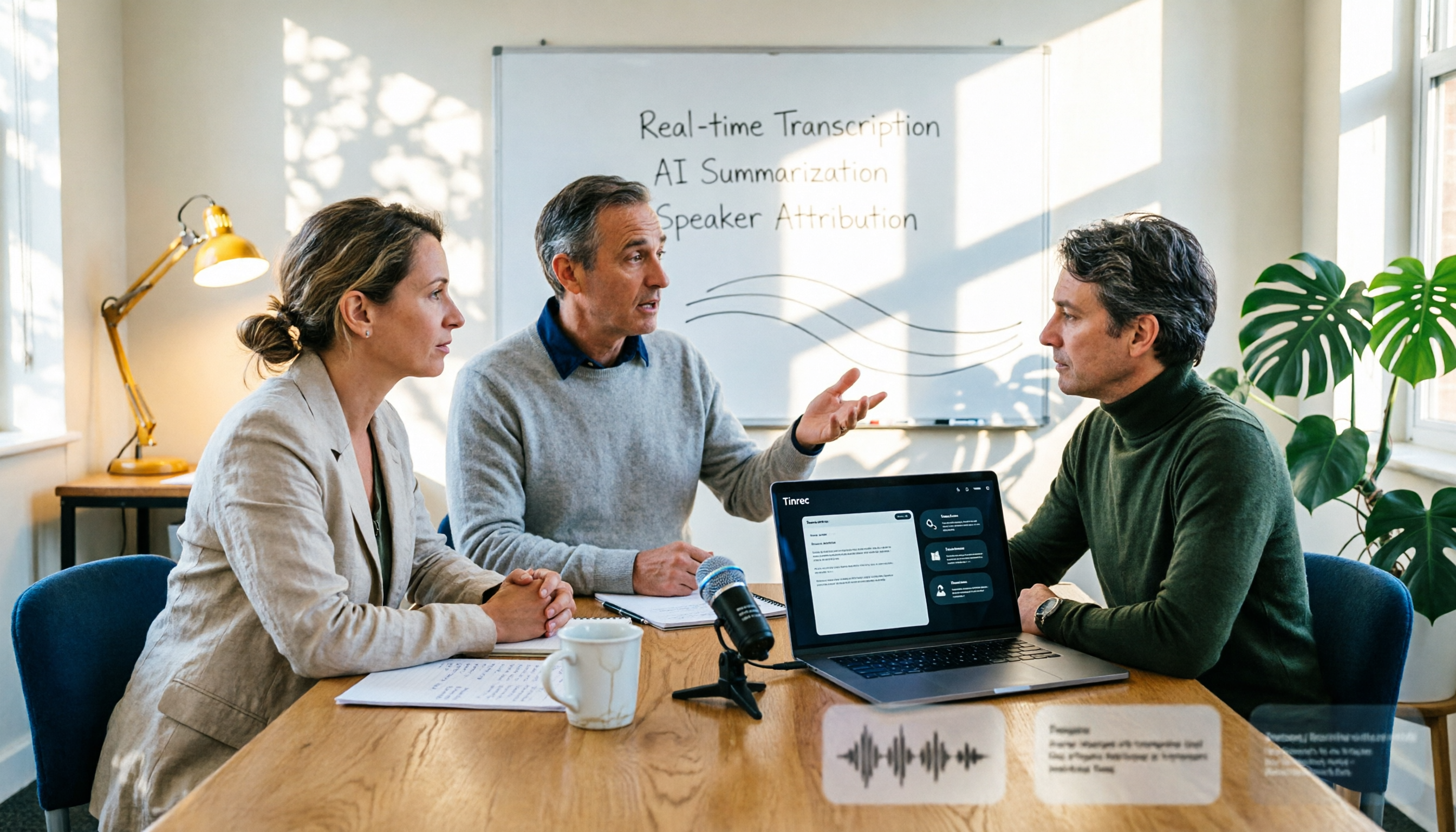
2026 AI Conference Recording Tools Compared: Which Saves More Time on Transcripts and Summaries?
The most common mistake in organizing conference recordings is 'record first, deal with it later.' This article outlines 5 key factors for choosing an AI conference recording tool, compares Tinrec with Granola, TurboScribe, and built-in platform transcription, and includes a pitfalls guide and selection advice.

5 Best Windows Speech-to-Text Software in 2026: No Meeting Bot, Which Is Fastest for Chinese Minutes?
How to choose Windows speech-to-text software? This article uses real meeting scenarios to break down 4 key buying factors: recording method, Chinese and mixed Chinese-English performance, post-meeting output, free quota, and team collaboration. It focuses on Tinrec as the main test subject and compares it with Notta, Otter.ai, and Granola, with a pitfall guide and scenario-based recommendations to help you find the one that truly saves you organizing time.

3 AirPods Recording-to-Text Methods Compared: Which One Produces a Chinese Transcript?
Wearing AirPods to record audio—how do you turn it into a Chinese transcript? This article compares three methods: iOS built-in transcription, using AirPods as a microphone with Live Listen, and Tinrec's real-time transcription and post-meeting organization. It covers differences, use cases, costs, and buying considerations, plus FAQs.
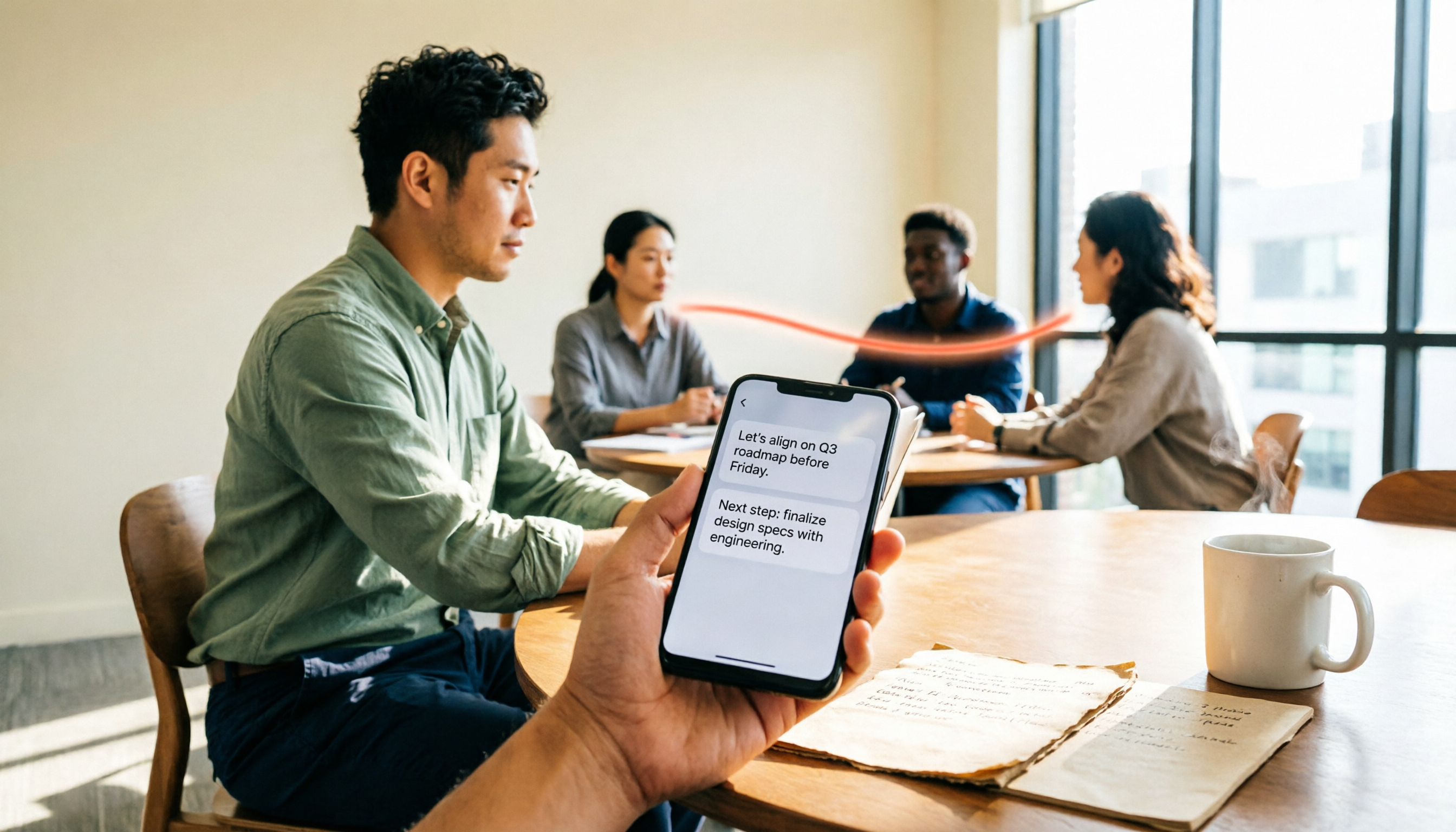
Tinrec vs Notta 2026: 5-Way Comparison for Xiaomi Phone Audio-to-Text
Compare the best audio-to-text apps for Xiaomi phones in 2026. We evaluate Tinrec and Notta across five dimensions: Chinese transcription, meeting capture, post-meeting organization, team collaboration, and pricing. Also includes positioning for Otter, Granola, TurboScribe, PLAUD, and the built-in recorder to help you find the most time-saving solution.

2026 Guide: Recording Legal Consultations with Tinrec — Transcripts + AI Q&A
Legal consultations and client interviews can last one to two hours, but typing up the transcript can take several nights. This article covers 4 key factors for choosing a recording tool, tests Tinrec's transcript completeness, timeline, and AI Q&A performance, compares Notta, Otter.ai, and TurboScribe, and includes 3 common pitfalls to help you choose the right tool and turn recordings into usable text records.
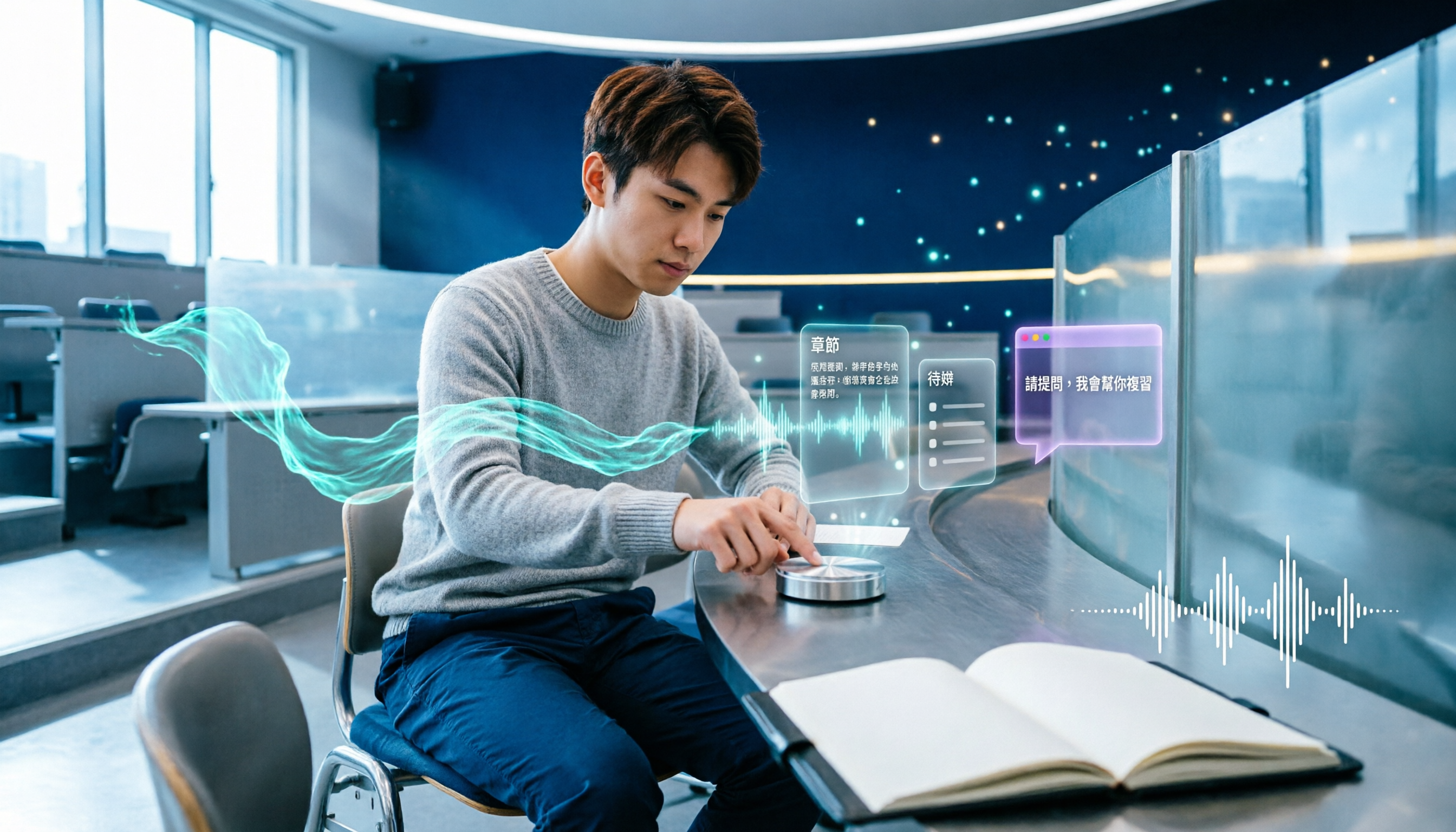
5 Best AI Note-Taking Tools for Class Recordings in 2026: Which One Handles Chinese Lectures Best?
Most people record lectures but never organize them—the problem is usually the order of operations: record first, deal with it later. This article covers common pitfalls, outlines 5 key factors for choosing a class recording note-taking tool, and compares Tinrec, Otter.ai, Granola, and TurboScribe to show which one actually delivers summaries, chapters, and action items right after class, plus AI Q&A for review.

2026 AI Meeting Notes Comparison: 4 Tools Tested for Action Items That Actually Work
AI meeting notes that auto-generate action items aren't just about fast transcription—what matters is whether you can search, ask questions, and retain the data after the meeting. We tested 4 popular tools, comparing action item quality, recording methods, post-meeting Q&A, and team data ownership to help you find the one that truly saves cleanup time.

Tinrec vs Otter.ai in 2026: 5-Dimension Comparison — Which Is Better for Real-Time Chinese Meeting Captions and Translation?
Can't understand your international remote meetings, and then have to re-listen to recordings to type transcripts? This article compares Tinrec, Otter.ai, Granola, and Notta across 5 dimensions — language coverage, caption display, audio capture method, post-meeting output, and team knowledge retention — and highlights the 4 most common pitfalls when choosing a real-time caption translation tool, helping you find the one that saves the most time.