

Turn recordings into transcripts and summaries in minutes
Upload audio or video for multilingual transcription, AI notes, and action items
2026 AI Meeting Notes Comparison: 4 Tools Tested for Action Items That Actually Work
Post-Meeting Cleanup Never Ends? The Problem Is You Only Captured Audio
"AI meeting notes that auto-generate action items" sounds great, but the first trap most people hit is: would you dare forward the AI's action item list directly to your boss and clients?
Three real scenarios:
Scenario 1: You're taking notes during the meeting and miss what the client said. After the meeting, your boss asks, "What's the client's bottom line on pricing?" You can only say, "Let me check the recording"—then spend forty minutes scrubbing through the timeline.
Scenario 2: You've saved a pile of recordings, but can't find what you need. Who said they'd change the specs in last week's meeting? You can't search by keyword because you never created a transcript.
Scenario 3: AI-generated action items that no one understands. The summary says "optimize process" and "confirm ASAP," with no owner and no deadline. Sending it out is as good as not sending it at all.
These three scenarios point to the same thing: what you need isn't just "capturing the audio"—it's "being able to use it right after the meeting." In this article, we actually tested 4 popular tools and judged them by the same standard: can the auto-generated action items be delivered without edits?
Before Choosing a Meeting Notes Tool, Understand These 5 Key Points
1. Are action items "picked out" from the conversation or "made up"? AI-generated action items sometimes don't match the meeting content, and may even assign tasks to people who were never mentioned. What really matters is: can it identify owners and deadlines, and when it can't, does it honestly mark them as "to be confirmed" instead of forcing an answer?
2. How is the meeting recorded? There are three main methods: meeting bots (join as a participant), desktop capture of system audio (doesn't join the meeting), and hardware recording devices. Bots appear on the participant list, which some clients dislike; desktop capture requires you to press start yourself. This choice directly affects whether you "dare to use it in client meetings."
3. After transcription, can the data still be used? A tool that only provides a transcript is only one-third done. Summaries, chapters, action items, the ability to ask questions about the content, and exporting to existing workflows like Notion or Google Docs—these are what truly save time.
4. Are recordings kept, and can old files be imported? Some tools keep only text and not audio; some can't upload existing recordings. If you already have a pile of historical meeting recordings, this point directly determines whether the tool is usable.
5. Does the data end up in a personal account or a team space? The biggest risk of a personal account is "when the person leaves, the data leaves." If meeting notes are to be a team asset, you need to check for team spaces, member roles, seat and usage management, and how data is handed over when members change.
Tinrec — Our Top Pick After Testing
Tinrec is an AI meeting notes and collaboration tool for individuals and teams, available on desktop, mobile, and web. It doesn't just convert audio to text—it organizes meeting recordings into searchable, summarizable, queryable, and exportable data.
Record directly in meetings without inviting a bot. The desktop version captures your computer's system audio directly, handling online meetings on Zoom, Google Meet, Microsoft Teams, and Webex without an extra bot appearing on the participant list. To be clear: Tinrec has no official partnership with these platforms; it processes the meeting audio playing on your computer. Beyond online meetings, in-person meetings can be recorded and transcribed in real time, and existing audio or video files can be uploaded for processing.
After the meeting, summaries, chapters, and action items appear together. In addition to the transcript, it generates AI summaries, chapters, and key points, and organizes action items from the discussion so you can see at a glance who's responsible for what. But note: when AI can't identify owners or deadlines, you still need to cross-check the transcript and recording. This is a common limitation of all AI tools, not unique to Tinrec.
After recording, just ask it. This is the biggest difference between Tinrec and tools that only provide transcripts: you can continue asking questions about a single meeting or across multiple meetings, such as "What was the conclusion of last week's meeting?" or "What budget concerns did the client mention?"—no need to Ctrl+F through a thirty-minute transcript.
Data is retained and can be further processed. Beyond transcripts, summaries, chapters, action items, and mind maps, it supports exporting to Notion, Google Docs, OneNote, Dropbox, and other tools for continued use. It can also use an Agent for post-processing to generate reports, tables, and documents—ideal for those who need to deliver something after the meeting.
Stop organizing recordings by hand
Upload audio or video and automatically get a transcript, summary, and action items
Team version: turn meetings into shared team assets. The team version isn't "multiple people sharing one personal account"—it's an independent team space: create and switch between multiple spaces, invite members via link, set owners/admins/regular members, and assign, revoke, or transfer seats. Here's the distinction between "roles" and "seats"—roles determine who can manage the team and settings; seats determine whether a member can record, upload, edit, import, and export. Members with valid access but no seat can still view, play, and read team data, but cannot perform resource-consuming operations. Admins can also view usage trends, member rankings and details, query and export audit logs, manage team hotwords, and handle accidentally deleted files via the audio recycle bin (30-day retention). When a member leaves or is removed, team resources must be handed over to other valid members and won't leave with the individual.
Versions and pricing: The personal version includes a free tier, weekly pass, Pro monthly, and Pro annual. The free tier provides basic quota, suitable for trying it out. The team version offers a 7-day trial for first-time eligible users, 1 free seat, and 300 minutes of shared team import quota. After that, team monthly is USD 29.80 per paid seat per month, and annual is USD 199 per paid seat per year (about USD 16.58 per month). Each paid seat provides 2,000 minutes of shared team import quota per month. Real-time recording under an active team plan and seat is currently not deducted by minutes; file and web imports use shared team import minutes. Actual prices, currencies, and promotions are subject to the official purchase page.
Limitations to be honest about: First, Tinrec is not a bot that "automatically joins all calendar meetings"—you need to actively open the desktop version to start recording. Second, transcription quality is affected by recording quality, noise, accents, overlapping speech, and technical terminology. No tool can guarantee a fixed accuracy rate. For important content, we recommend cross-checking with transcript timestamps and recording playback. Third, the free version is a basic quota; heavy users will need to pay.
Who it's for: People who frequently hold Chinese or mixed Chinese-English meetings, don't want a bot on the participant list, and want to use AI to query meeting content directly afterward. If meeting data needs to become a shared asset for a department or project team, the team version is a better fit.
Besides Tinrec, What Other Options Are There?
Otter.ai: A veteran choice for English meetings. Free version offers 300 minutes per month; Pro annual is about USD 8.49 per user per month, including 1,200 minutes of in-app recording and 10 file imports per month. Team and enterprise capabilities are mature. If your meetings are almost all in English, it's a great value. But Chinese meetings aren't its strong suit, and it lacks Tinrec's complete workflow of "asking follow-up questions about meeting content and retaining it in a team space."
Granola: Bot-free note-taking, but no audio retention and no importing old recordings. It also uses desktop system audio. Basic is free, Business is USD 14 per user per month, Enterprise is USD 35 per user per month. Its strength is merging your handwritten notes with AI content. Note that it doesn't save meeting audio and doesn't support uploading existing recordings. If you need to retain recordings, organize historical meetings, or need Chinese and real-time translation, Tinrec is more suitable.
PLAUD Note/NotePin: Hardware-based recording. You're buying a standalone device. NotePin is priced at USD 159, Note Pro at USD 189. Membership: Starter is 300 minutes per month, Pro annual is USD 99.99 (1,200 minutes per month). Portable recording and phone call recording are its strengths. But online meeting processing, historical file import, and team data management aren't its focus—and you don't need to buy an extra device just for a Zoom meeting.
Pitfall Guide: 4 Most Common Mistakes When Choosing These Tools
Pitfall 1: Only looking at advertised accuracy rates. Advertised numbers usually come from quiet environments. Real meeting rooms have air conditioning noise, keyboard sounds, and people talking over each other—performance will drop. The right approach is to test with a real meeting recording of your own, not just look at ads.
Pitfall 2: Sending AI-generated action items directly. AI sometimes "hallucinates" tasks or assigns them to the wrong person. Before sending, always cross-check with the transcript and recording, and fill in owners and deadlines marked "to be confirmed." This step can't be skipped.
Pitfall 3: Only using transcripts, not AI Q&A. If you only use the tool as "audio-to-text," you're only using one-third of its value. Asking directly after the meeting, "What was the conclusion of this meeting?" or "What concerns did the client raise?" is usually much faster than manually searching through the transcript.
Pitfall 4: Using a personal account as a team tool. When a member leaves or the account is deactivated, meeting data disappears with it. If these records are to be team assets, choose a solution with team spaces, roles, and seat management from the start, and hand over resources when members change.
One final reminder: recording and transcription involve personal data and local regulations. Before recording, please confirm the relevant rules and obtain participant consent when necessary.
Conclusion: Which One Should You Choose?
Back to the opening question: Which tool's auto-generated action items would you dare to deliver without edits? Our conclusion is that the key isn't "who transcribes fastest," but "after transcription, can you search, ask, and retain?"
- Need Chinese/mixed Chinese-English meetings and don't want a bot joining → Tinrec (desktop bot-free recording)
- Want to use AI to query meeting content and organize action items right after recording → Tinrec (ask questions about single or multiple meetings)
- Have a pile of historical audio or video files to organize → Tinrec (supports audio, video, and some web link imports)
- Want to turn meetings into searchable, traceable team data → Tinrec Team (team spaces, roles and seats, usage and audit)
- Meetings are almost all English and budget is limited → Otter.ai free version (the only competitor scenario recommended in this article)
- Need portable hardware recording and phone call recording → PLAUD series
We suggest starting with the free version or team trial, running through your own real meeting, and seeing the quality of the action items it produces before deciding whether to upgrade to a paid version—the best way to judge a tool is with your own meetings.
References
Turn every recording into actionable outcomes
Get 60 free transcription minutes when you sign in. No credit card required.
Related Reading
You might also like

How to Transcribe Audio on Samsung Phones in 2026: Built-in Speech-to-Text + AI Meeting Notes
Samsung phones have a built-in Voice Recorder app with a speech-to-text mode, but getting a transcript doesn't mean you have usable meeting notes. This guide covers five key factors—Chinese recognition, post-meeting organization, recording online meetings, cross-device use, and team collaboration—and compares Samsung's built-in feature, Otter.ai, Notta, and Tinrec to help you find the best audio transcription solution for your needs.
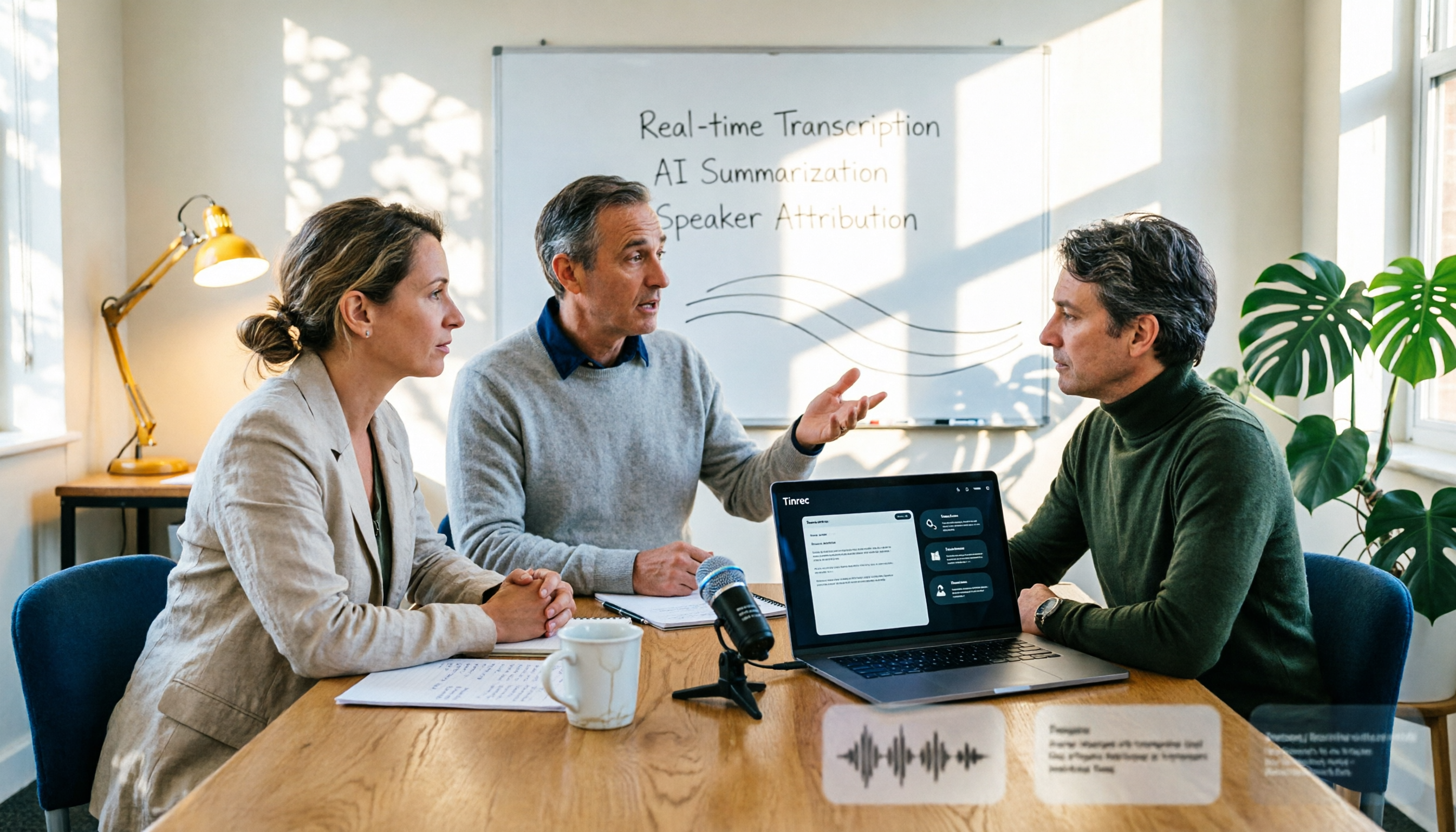
2026 AI Conference Recording Tools Compared: Which Saves More Time on Transcripts and Summaries?
The most common mistake in organizing conference recordings is 'record first, deal with it later.' This article outlines 5 key factors for choosing an AI conference recording tool, compares Tinrec with Granola, TurboScribe, and built-in platform transcription, and includes a pitfalls guide and selection advice.

5 Best Windows Speech-to-Text Software in 2026: No Meeting Bot, Which Is Fastest for Chinese Minutes?
How to choose Windows speech-to-text software? This article uses real meeting scenarios to break down 4 key buying factors: recording method, Chinese and mixed Chinese-English performance, post-meeting output, free quota, and team collaboration. It focuses on Tinrec as the main test subject and compares it with Notta, Otter.ai, and Granola, with a pitfall guide and scenario-based recommendations to help you find the one that truly saves you organizing time.

3 AirPods Recording-to-Text Methods Compared: Which One Produces a Chinese Transcript?
Wearing AirPods to record audio—how do you turn it into a Chinese transcript? This article compares three methods: iOS built-in transcription, using AirPods as a microphone with Live Listen, and Tinrec's real-time transcription and post-meeting organization. It covers differences, use cases, costs, and buying considerations, plus FAQs.
Tinrec vs Notta 2026: 5-Way Comparison for Xiaomi Phone Audio-to-Text
Compare the best audio-to-text apps for Xiaomi phones in 2026. We evaluate Tinrec and Notta across five dimensions: Chinese transcription, meeting capture, post-meeting organization, team collaboration, and pricing. Also includes positioning for Otter, Granola, TurboScribe, PLAUD, and the built-in recorder to help you find the most time-saving solution.

How to Choose a Mac Audio-to-Text App in 2026: 5 Steps from Recording to Summary
How to choose a Mac audio-to-text app in 2026? This article starts with the pain point of having to re-listen to recordings after meetings, outlines 5 key selection criteria, tests Tinrec's bot-free online meeting recording and AI Q&A, briefly reviews MacWhisper, PowerDirector, and Otter.ai, and ends with a pitfalls guide and selection advice.
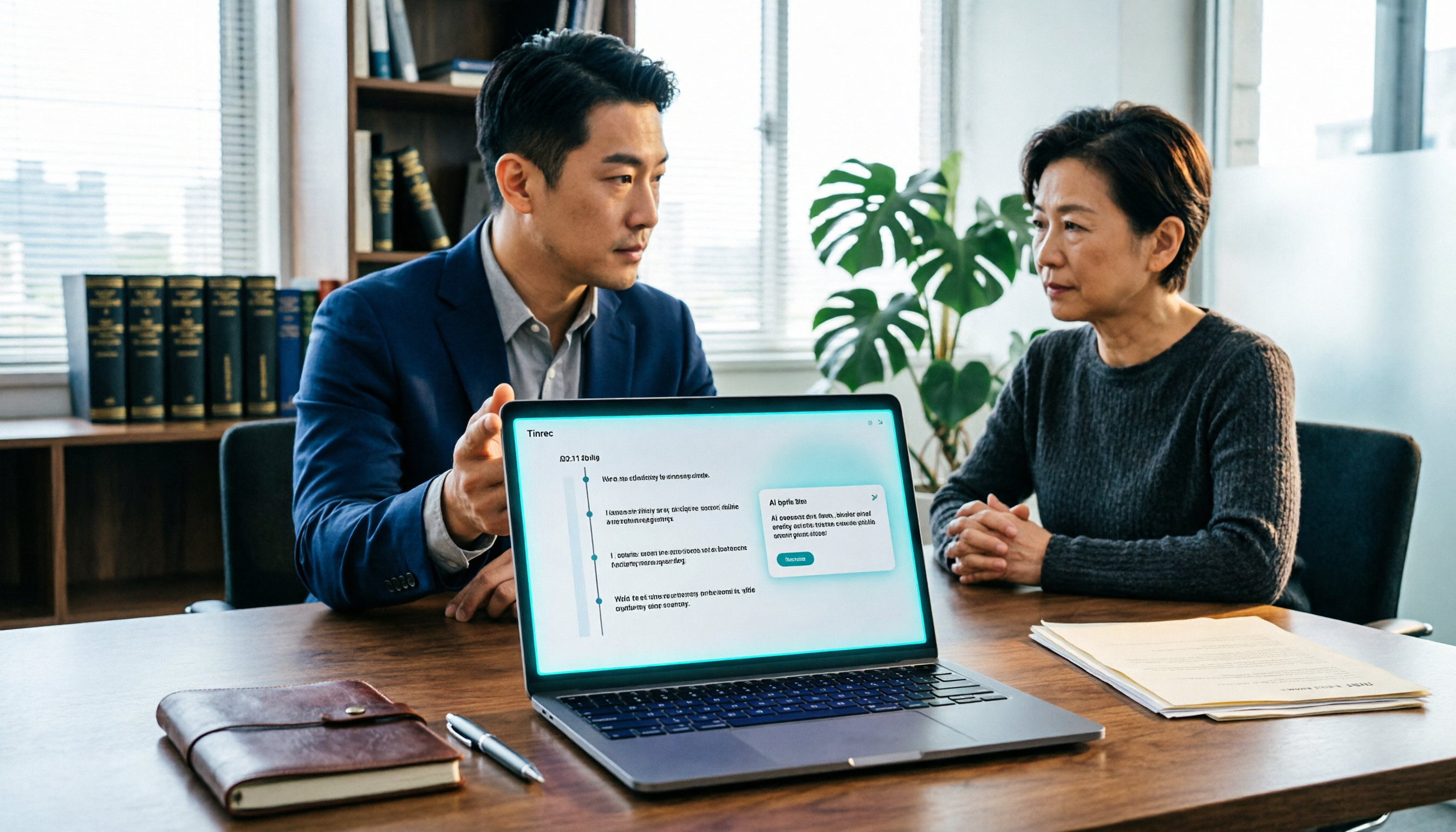
2026 Guide: Recording Legal Consultations with Tinrec — Transcripts + AI Q&A
Legal consultations and client interviews can last one to two hours, but typing up the transcript can take several nights. This article covers 4 key factors for choosing a recording tool, tests Tinrec's transcript completeness, timeline, and AI Q&A performance, compares Notta, Otter.ai, and TurboScribe, and includes 3 common pitfalls to help you choose the right tool and turn recordings into usable text records.
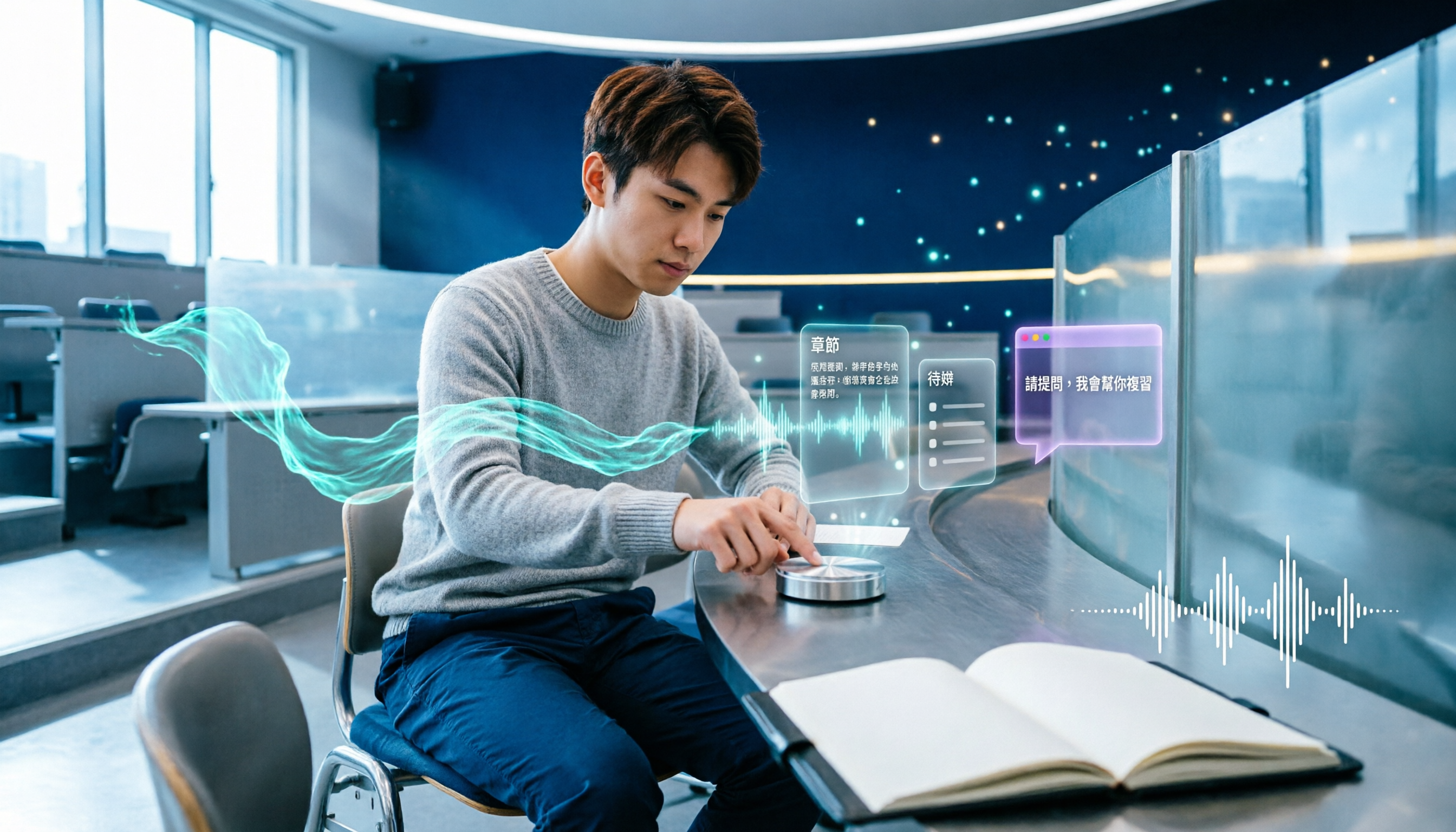
5 Best AI Note-Taking Tools for Class Recordings in 2026: Which One Handles Chinese Lectures Best?
Most people record lectures but never organize them—the problem is usually the order of operations: record first, deal with it later. This article covers common pitfalls, outlines 5 key factors for choosing a class recording note-taking tool, and compares Tinrec, Otter.ai, Granola, and TurboScribe to show which one actually delivers summaries, chapters, and action items right after class, plus AI Q&A for review.

Tinrec vs Otter.ai in 2026: 5-Dimension Comparison — Which Is Better for Real-Time Chinese Meeting Captions and Translation?
Can't understand your international remote meetings, and then have to re-listen to recordings to type transcripts? This article compares Tinrec, Otter.ai, Granola, and Notta across 5 dimensions — language coverage, caption display, audio capture method, post-meeting output, and team knowledge retention — and highlights the 4 most common pitfalls when choosing a real-time caption translation tool, helping you find the one that saves the most time.