
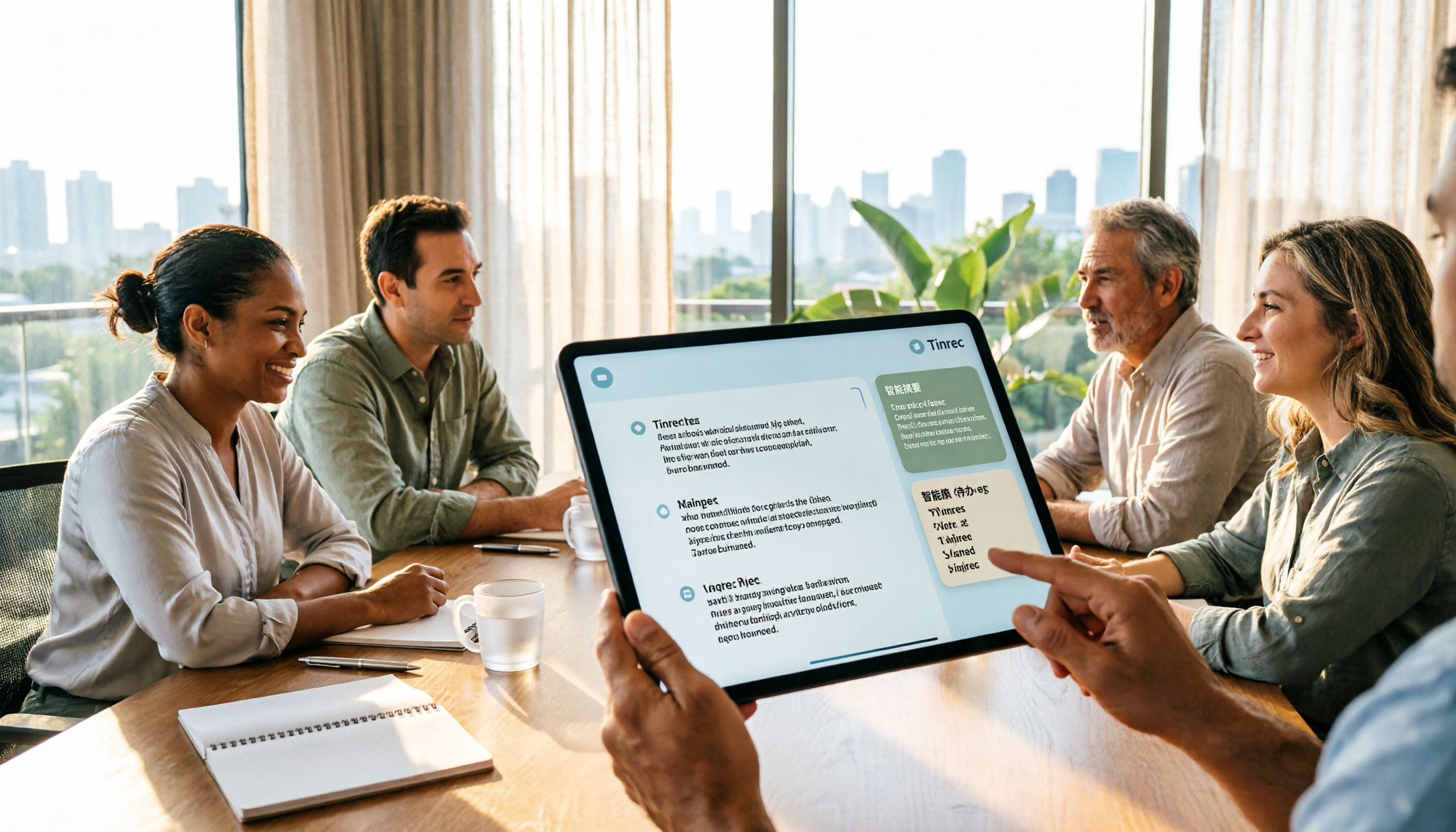
Turn recordings into transcripts and summaries in minutes
Upload audio or video for multilingual transcription, AI notes, and action items
2026 AI Meeting Notes Showdown: Tinrec vs Plaud Note — Which Fits You Best Across 5 Key Dimensions?
The biggest trap people fall into is buying an AI voice recorder and assuming meeting notes will take care of themselves. The reality is that hardware only handles the "recording" part. After that, transcript cleanup, key point extraction, and action item follow-up all still require manual effort. Another common misconception is treating a "verbatim transcript" as "meeting notes" — a transcript is just raw material, not a finished product you can submit directly. And for long, rambling meetings, nobody wants to read through the whole thing.
When you search for AI Agent meeting notes, what you really need to answer are three questions: Does the audio capture method fit your meeting scenario? After the meeting, will someone help you organize and follow up? And ultimately, who holds the data?
This article picks the two most commonly debated approaches for a head-to-head comparison: Tinrec (Miao Ting Lu Yin) representing the software camp, and Plaud Note representing the hardware camp. Below, we break it down across 5 dimensions, and at the end, we'll tell you exactly which type of person should choose which.
Tinrec vs Plaud Note | Quick Overview
- Tinrec (Miao Ting Lu Yin): An AI meeting notes and collaboration tool for individuals and teams. Beyond transcription, it organizes meeting recordings into searchable, summarizable, queryable, and exportable data, and accumulates them as meeting assets in team spaces.
- Plaud Note / NotePin: AI recording hardware. What users buy is the hardware experience of a standalone device, portable recording, phone call recording, and long battery life.
| Item | Tinrec | Plaud Note |
|---|---|---|
| Form | Software (web/desktop/mobile) | Physical recording device + App |
| Primary input | Live recording, online meeting system audio, audio and video files | Mainly device recording |
| Post-meeting processing | Summary, chapters, action items, AI Q&A, real-time translation, multi-format export, Agent post-processing | Summary, templates, Q&A |
| Team capabilities | Team spaces, roles, seats, usage analytics, audit logs, audio recycle bin | Team membership and device management |
Plaud's current US website pricing shows: NotePin USD 159, Note Pro USD 189; membership plans include Starter (300 minutes/month), Pro (USD 99.99/year, 1,200 minutes/month), Unlimited (USD 239.99/year). Prices, currencies, and benefits are subject to change; please refer to the official purchase page before ordering.
Below is a dimension-by-dimension comparison.
Dimension 1 | Audio Capture Method and Online Meeting Coverage
Plaud Note's strength is that it can record even when you're not at your computer — place the device on the table or attach it next to your phone. Portable recording, phone call recording, and long battery life are the tangible value of the hardware camp. But when the meeting takes place on Zoom, Google Meet, Microsoft Teams, or Webex, you need to place the device next to the speaker to capture audio via the speaker. Environmental noise, echo, and distance will affect the subsequent transcription quality.
Tinrec takes a different path: the desktop version directly captures computer system audio. Users don't need to invite any meeting bot to join the meeting, nor do they need to purchase additional hardware. The same workflow covers online meetings, offline live recording, and uploading audio/video files afterward to organize historical meetings.
→ This dimension: For purely online meetings, Tinrec clearly wins.
Dimension 2 | Chinese, Cantonese, and Multilingual Meeting Handling
Mixed Chinese-English is the norm in Hong Kong meetings; a single conversation may contain three languages. Plaud's transcription and summarization are mainly done within its own App, and the results depend heavily on device audio capture. When multiple people speak simultaneously in a meeting room, or when speakers sit far away, organizing becomes quite laborious.
Tinrec covers Chinese, Traditional Chinese, and multilingual meeting scenarios. During recording, you can view the original text, translation, or bilingual content in real time. The team version also allows maintaining "team hotwords," adding company-specific terminology, product names, and abbreviations to the dictionary to reduce the chance of professional terms being misheard. Note: No tool should promise a fixed accuracy rate. Recording quality, background noise, accents, overlapping speakers, and specialized terminology all affect actual results.
Stop organizing recordings by hand
Upload audio or video and automatically get a transcript, summary, and action items
→ This dimension: For multilingual and mixed Chinese-English meetings, Tinrec wins.
Dimension 3 | After the Transcript: Summaries, Action Items, and AI Q&A
Plaud offers summary, template, and Q&A features, which are sufficient for users who want to quickly see key points after recording.
Tinrec clearly focuses on the post-meeting workflow: automatically generating summaries, chapters, key points, and action items. You can continue AI Q&A around a single meeting or even multiple meetings. Through Agent post-processing, it can generate reports, tables, and documents, directly becoming deliverables you can hand over.
→ This dimension: If you want "a deliverable immediately after the meeting," Tinrec wins.
Dimension 4 | Recording Retention, Export, and Existing Workflows
Tinrec retains meeting audio files and supports multi-format export to Notion, Google Docs, OneNote, Dropbox, and other tools for further processing. The team version also has an audio recycle bin, where accidentally deleted audio files can be restored before permanent cleanup begins (current retention period is 30 days).
Plaud takes the device-plus-App route, with organization flow primarily within its own App.
→ This dimension: To bring meeting content into existing document workflows, Tinrec is more convenient.
Dimension 5 | Team Collaboration, Seats, and Data Governance
Tinrec's team version is not "a few people sharing a personal account" but an independent team space: you can create and switch between multiple teams, invite members via join links, set owners/admins/regular members, and assign, revoke, or transfer seats. Teams need to distinguish between "roles" and "seats" — roles determine who can manage the team, while seats determine whether members can record, upload, edit, and export. Valid members without seats can still view, play, and read team data. Team resources belong to the team; when members leave or lose their seats, handover is required. There are also usage analytics, audit logs, and a recycle bin.
Current team product terms: First eligible trial is 7 days, 1 free seat, 300 minutes of team shared import quota; monthly payment USD 29.80 per paid seat per month, annual payment USD 199 per paid seat per year (equivalent to about USD 16.58/month); each paid seat provides 2,000 minutes of team shared import quota per month; under a valid plan and valid seat, live recording currently does not deduct minutes. Prices and benefits are subject to the official purchase page.
Plaud mainly focuses on team membership and device management.
→ This dimension: For accumulating team meeting assets and managing usage, Tinrec wins.
What Are the Unique Advantages of Each?
Tinrec's Unique Advantages
- Bot-free online meeting recording: The desktop version captures system audio without adding another bot to the meeting. This does not imply official partnerships with Zoom, Teams, or other platforms.
- Complete post-meeting workflow: Summaries, chapters, action items, AI Q&A, real-time translation, multi-format export, and Agent post-processing to generate reports and documents.
- Chinese-friendly and team terminology support: Chinese, Traditional Chinese, multilingual meetings, plus team hotwords for maintaining professional vocabulary.
- Team governance capabilities: Team spaces, roles, seats, usage analytics, audit logs, recycle bin, and resource handover.
Plaud's Unique Advantages
- Standalone hardware form: Portable, phone call recording, long battery life — can record without opening a computer.
- Pick up and use: For users who don't want to change their meeting habits, the device itself is the most intuitive recording entry point.
Conclusion: Which One Should You Choose?
- If most of your meetings are on Zoom, Meet, Teams, or Webex, and you don't want to buy extra hardware → Tinrec (desktop version bot-free recording)
- If you want more than a transcript — summaries, action items, and meeting data you can continue to query → Tinrec
- If you want to generate reports, tables, and documents directly after recording → Tinrec (Agent post-processing)
- If you need real-time translation for multilingual meetings and bilingual transcripts → Tinrec
- If your team needs to manage members, seats, usage, and activity logs → Tinrec Team Version
- If you're often on the go, need face-to-face conversations or phone call recording, and prefer a standalone device → Plaud Note is sufficient
In one sentence: For most users who primarily hold online meetings and value post-meeting organization and team accumulation, Tinrec is the more complete choice. To see actual results, try the free version with a recording of your own meeting, then verify key points by comparing the transcript timestamps against the original text. One final note: Before recording and transcribing, remember to check local regulations and obtain consent from participants when necessary.
References
- AI Meeting Notes - Smart Meeting Notes and Summaries | MaiAgent
- AI Meeting Notes Generator
- How to Use AI Agent for Meeting Notes? Turn Transcripts into Professional Records Instantly, Double Efficiency Without Pitfalls | Smart Solutions AI Observatory
- AI Meeting Notes - Google Play App
- Top AI Meeting Notes Tools of 2026, Must-Have Time-Saving Tools for Meetings!
Turn every recording into actionable outcomes
Get 60 free transcription minutes when you sign in. No credit card required.
Related Reading
You might also like

Tinrec vs Word Transcription: Which Is Better for Chinese Meetings in 2026?
Recording meetings and turning them into minutes isn't about the tool—it's about the workflow. This article compares Tinrec and Word's built-in transcription on a single workflow, covering Chinese recognition, online meeting recording, post-meeting organization, team collaboration, and Word export, with a copy-paste prompt template for meeting minutes.

4 AI Meeting Notes Tools Compared for 2026: From Transcripts to Team Knowledge
What is an AI Agent meeting notes tool, and how is it different from simple audio-to-text transcription? This side-by-side comparison of four common approaches in 2026 covers how meeting audio is captured, Chinese and mixed Chinese-English performance, post-meeting summaries and AI Q&A, team data ownership, and pricing—so you can see how to choose at a glance. It also outlines the four most common pitfalls.

How to Export Audio to Excel in 2026: AI Transcription + Auto-Generated To-Dos
Tired of spending hours transcribing meeting recordings into Excel? This guide breaks down the 4 key factors for choosing an audio-to-Excel tool, tests Tinrec's live transcription, AI Q&A, and multi-format export, and compares Otter.ai, Notta, and PLAUD to help you pick the right tool before your next meeting.
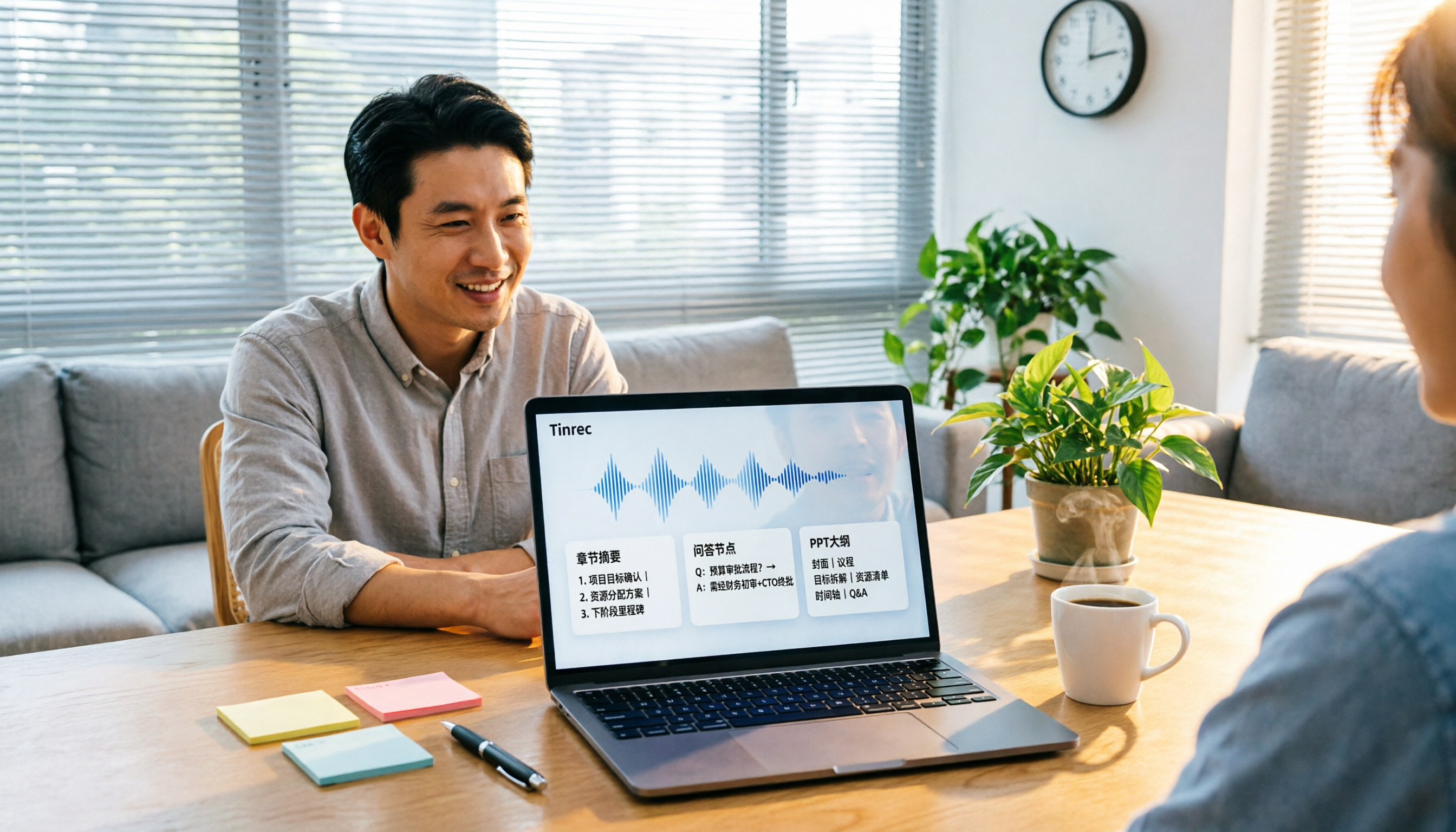
2026 Comparison of 4 Audio-to-Report Tools: From Transcript to PPT Outline, Which Saves the Most Time?
Turning meeting recordings into reports and PPTs often gets stuck not at transcription, but at post-transcription organization. This article breaks down the differences among 4 audio-to-report tools, covering summary sections, AI Q&A, export formats, and team seats, and explains how to connect meeting content into a PPT outline.
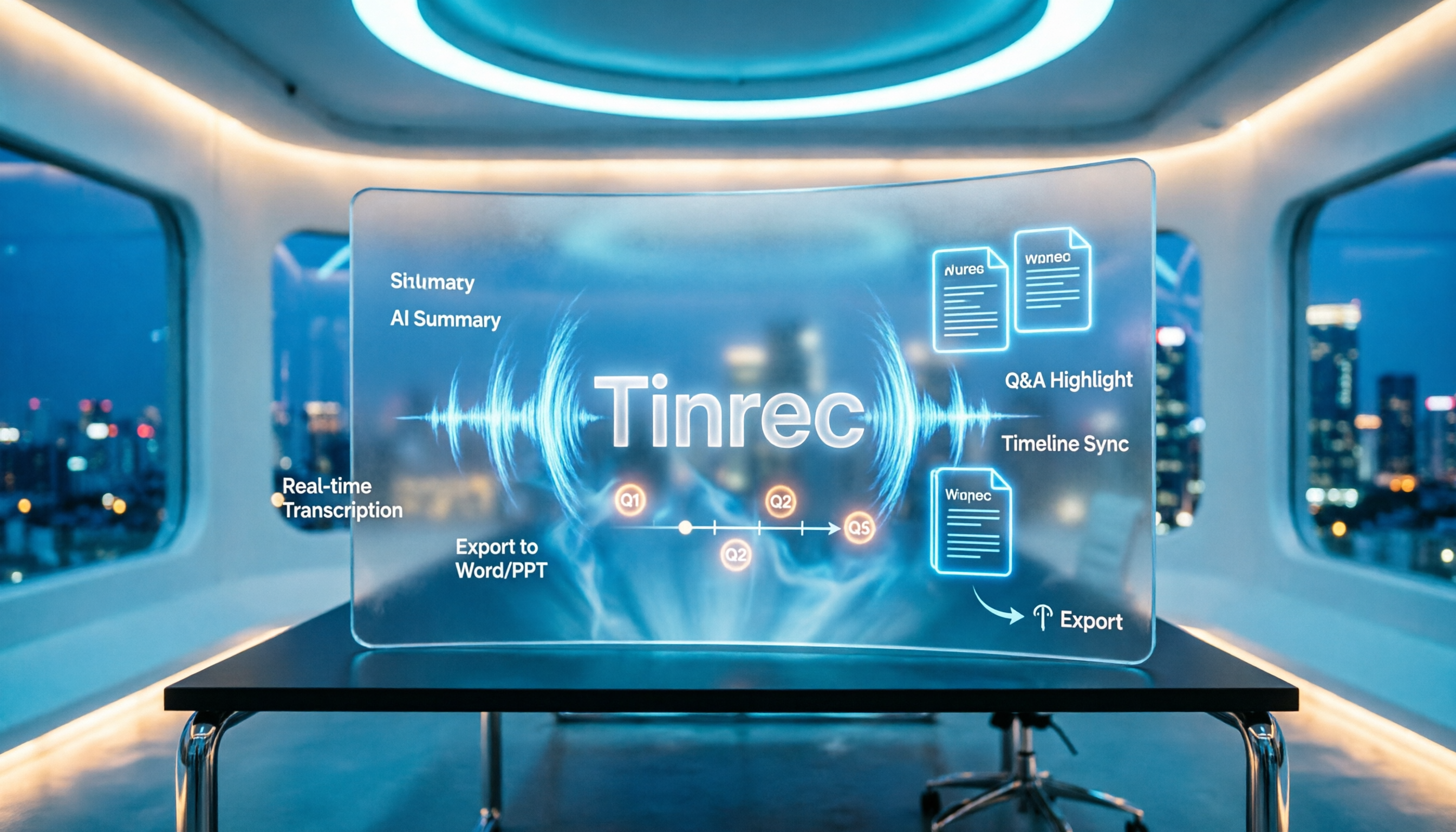
2026 AI Meeting Minutes Tools Compared: How to Use Word Templates Most Efficiently
Taking manual Word meeting minutes after a meeting is a common pain point for many office workers. This article compares four AI meeting transcription tools—Tinrec, Notta, Granola, and Otter.ai—covering transcript organization, mixed Chinese-English recognition, AI Q&A, and export to Word templates. It also summarizes 5 key selection criteria and 4 common pitfalls to help you find a truly time-saving approach.

2026 AI Meeting Notes Tools Compared: Which Handles Chinese Transcripts and Action Items Best?
Tired of replaying recordings and typing transcripts after meetings? We tested 4 AI meeting note tools, comparing recording methods, Chinese and mixed-language recognition, summary and action item generation, team sharing, and seat management. We also highlight 3 common pitfalls to help you find a tool that turns meetings into usable documents.

4 AI Agent Meeting Tools Tested in 2026: Which One Actually Gets the Post-Meeting Work Done?
Still spending time organizing after meetings? This article uses the same mixed Chinese-English meeting recording to compare 4 AI Agent meeting tools on bot-free recording, Chinese transcription, post-meeting output, and team data management. It also covers key buying factors, common pitfalls, and scenario-based recommendations to help you decide which tool best fits your workflow.

Which AI Meeting Minutes Tool Is Best? 2026 Hands-On Test of 4 Tools: Tinrec Beats Word Copilot for Chinese Meetings
Meeting minutes aren't just about format—they need to flow smoothly from recording to final output. This article breaks down the fields a standard meeting minutes should have, compares Word's built-in Copilot and Tinrec in terms of source materials, Chinese meetings, post-meeting output, and team knowledge retention, and highlights key considerations when choosing an AI meeting minutes tool, along with Tinrec's personal and team plan pricing.
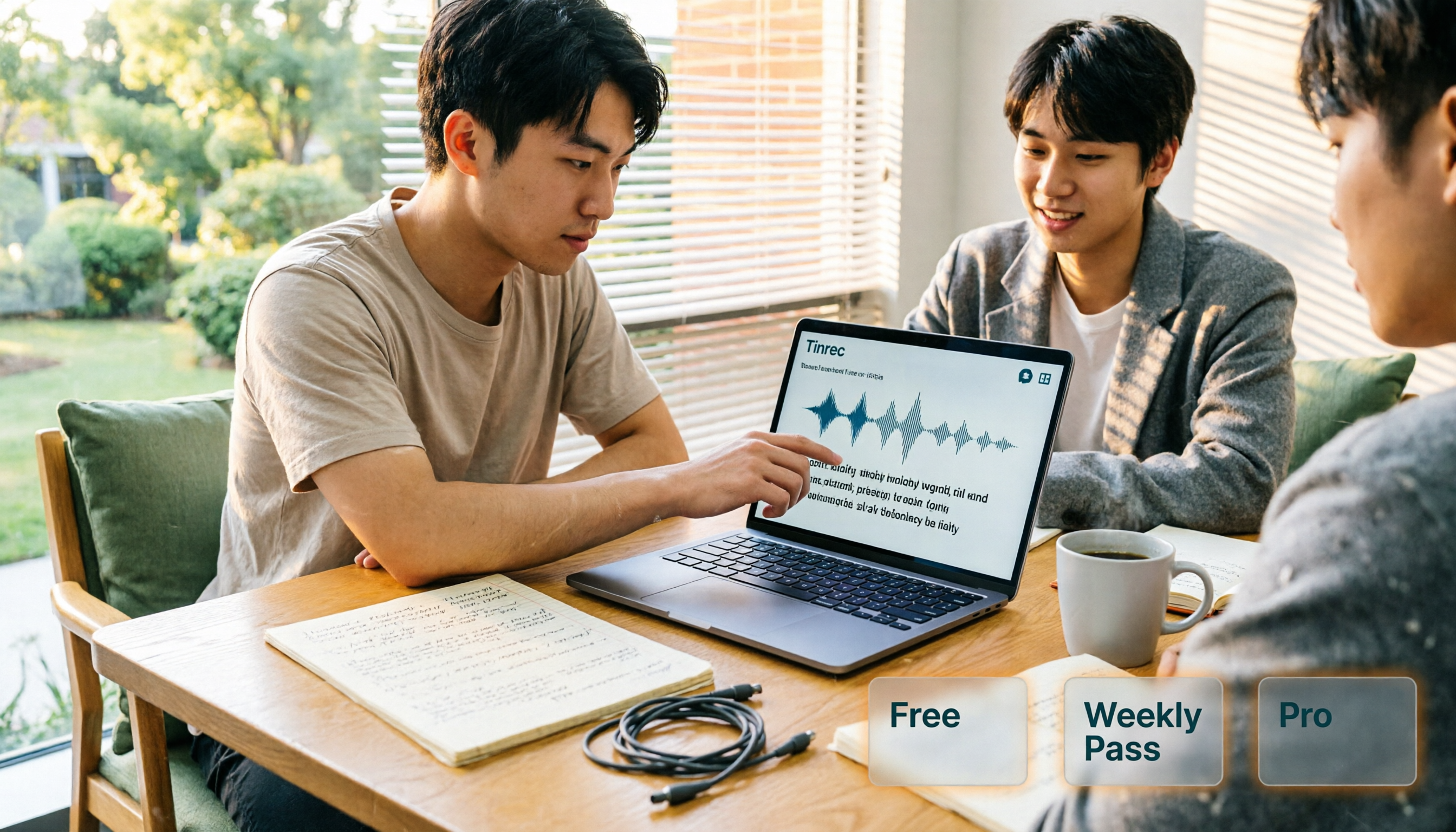
AI Personal Assistant Free Plans in 2026: 3 Options Compared
A 2026 guide to free AI personal assistant plans. Based on a college senior's real experience, learn how an AI personal assistant can help you organize class recordings, group discussions, and interview transcripts. We break down Tinrec's free version, weekly pass, and Pro plan, plus 5 key things to consider before buying.