

Turn recordings into transcripts and summaries in minutes
Upload audio or video for multilingual transcription, AI notes, and action items
How to Extract YouTube Transcripts and AI Summaries in 2026: A 3-Step Tutorial
Why does understanding a video always take an entire afternoon?
You find a 40-minute industry interview on YouTube, but only 5 minutes are truly useful—the problem is you don't know which minute that is, so you have to watch from start to finish.
Or maybe you're preparing a presentation and want to turn a foreign language tutorial video into notes. You end up playing, pausing, and typing simultaneously. Two hours later, you've only transcribed half a page.
Another scenario: a colleague drops a video link in the group chat and asks everyone to "watch it first," but no one actually has time to watch it all.
The common thread in these situations is—what you really need isn't to save the video, but to turn its content into usable text. Choosing the right parsing method can cut the above tasks from two hours down to just over ten minutes.
Before choosing a YouTube online parser, understand these 4 key points
1. After parsing, does it give you a video file or text? Many tools advertise "online parsing" but actually only return an mp4 download link. If you need the content, the video file itself doesn't help—you still have to watch it from the beginning. The truly time-saving approach is to get a transcript directly after parsing.
2. Can this text be searched and queried? Getting the transcript is just the first step. Whether you can search for keywords within it, or directly ask "What does this video say about the budget?" determines how much time you'll spend digging through it later.
3. Cross-device and format compatibility. Being able to open it on your phone, on your computer, and finally export it in your preferred format—that's what prevents last-mile issues. Some tools simply won't let you save files on certain browsers or mobile systems, so check this first.
4. Post-parsing organization capabilities. Summaries, chapters, key points, to-dos, export to Notion or Google Docs—these "post-processing" features are what truly turn a video into data. Tools that only give you a pile of scattered text are essentially throwing the organization work right back at you.
Tinrec—our top recommendation for parsing and organizing after testing
Tinrec is an AI meeting notes and collaboration tool for individuals and teams, available on iOS, Android, and web. Besides recording and meeting transcription, it also supports importing some public video content via web links, turning videos into searchable, queryable text data.
What you get is not just text, but workable data. After importing a video link, Tinrec generates a transcript and automatically organizes summaries, chapters, and key points. For videos where you "just want the conclusion," this step saves the entire rewatch time; any follow-up actions mentioned in the content can also be organized into to-dos.
After parsing, you can ask it directly. This is the biggest difference between Tinrec and most parsing tools. You can continue asking questions about the content, such as "What are the different explanations about pricing in the video?" It will answer based on the semantic content, rather than just throwing a keyword search result at you. This ability to continuously query around single or multiple data sources is not common among similar tools currently.
Cross-language and export. Tinrec supports Chinese, Traditional Chinese, and multilingual content organization. During recording or parsing, you can view the original text, translation, or bilingual content. The organized results can be exported to Notion, Google Docs, OneNote, Dropbox, and other tools, directly connecting to your existing workflow.
Stop organizing recordings by hand
Upload audio or video and automatically get a transcript, summary, and action items
Team support is also available. If an entire team needs to share the same batch of videos and meeting data, Tinrec's team version provides an independent team space where data belongs to the team, with member, role, and seat management, usage analytics, and audit logs. Note that roles determine who can manage the team, while seats determine whether members can record, upload, and edit; members without seats can still view, play, and read team data. The team version is priced per seat, currently at USD 29.80 per paid seat per month, or USD 199 per paid seat per year. Actual prices and benefits are subject to the official purchase page. For the need to have "video and meeting notes follow the team, not an individual," this is crucial.
Testing and limitations. We selected a public interview video link of about 30 minutes for import testing, and both the transcript and summary were generated smoothly. Keep in mind that recognition and organization results can be affected by the original video's audio quality, background noise, accents, and overlapping speakers. It's not recommended to treat it as a 100% accurate black box. Two other practical limitations: web link import currently works for some public video content, not any video; the free version provides a basic quota, so if you're a heavy user processing large amounts daily, you'll need a paid plan. Tinrec's core positioning is meeting notes and content organization, not a pure video download tool—keep that in mind.
Who is it for? If you want to "turn video content into searchable, queryable, exportable data," and you switch between phone and computer, or even need an entire team to share the same content, Tinrec is currently the closest choice for this need.
Besides Tinrec, what other YouTube online parsing options are there?
Cobalt.tools Free, ad-free, can download YouTube videos and music, supports up to 8K video, formats include h264 (mp4), av1 (webm), vp9 (webm), also supports Xiaohongshu, Bilibili, X, and other platforms, works on iOS and Android. The downside is slower conversion speed, especially for 4K. It gives you a video file, not transcripts, summaries, or AI Q&A, and no team data retention—if you want the file itself, it's great; if you want the content, you still have to watch it yourself.
Monica YouTube Summary with GPT A web app that uses GPT to generate summaries for YouTube videos, even without subtitles, and can obtain multilingual transcripts and choose the transcript language. It solves the "quickly grasp key points" problem, but doesn't retain recordings, has no team space, and can't turn results into a continuously queryable database; Tinrec is more complete in transcript retention, export to Notion/Google Docs, and team collaboration.
iiilab Paste a video link, click parse, and it returns a high-definition video address and thumbnail for direct download. Note that it doesn't support IE, and Safari and WeChat built-in browsers don't support file downloads; iOS users need a third-party app to save to their photo album. Similarly, it only handles the "download" part; post-parsing organization is still up to you, whereas Tinrec gives you transcripts and summaries right at the parsing stage.
Pitfall guide: 3 most common traps in YouTube online parsing
Pitfall 1: Focusing only on video quality, forgetting you need the content. "Supports 8K" sounds impressive, but if what you really need is a citable summary, 8K won't help at all. Ask yourself first: do I want the file or the content?
Pitfall 2: Ignoring copyright and licensing. Downloading, reproducing, or redistributing others' video content may involve copyright issues; if it involves recordings of meetings, interviews, or client conversations, also pay attention to local regulations and obtain participant consent when needed. The tool itself is neutral; how you use it is key.
Pitfall 3: Parsing and then letting it sit. Many people painstakingly turn videos into text, and then that transcript is never opened again. In that case, it's better to choose a tool with summaries, chapters, to-dos, and AI Q&A from the start, so it helps you extract key points directly instead of postponing the organization work.
Conclusion: Which one should you choose?
- Want to turn video content into transcripts, summaries, queryable data → Tinrec (directly produces usable documents after parsing, plus AI Q&A)
- Need to switch between phone and computer, and export to Notion, Google Docs → Tinrec (iOS + Android + web, multi-format export)
- Team needs to share the same batch of videos and meeting data, manage members and usage → Tinrec Team Version (team space, roles and seats, audit logs)
- Just want to save video files for offline viewing → Cobalt.tools (most format and resolution options)
- Just want to quickly see the key points of an English video, no transcript needed → Monica YouTube Summary with GPT
We suggest starting with Tinrec's free version, using the basic quota to import one or two videos you really need to organize, and go through the process of "import → transcript → summary → Q&A → export." If it feels smooth, then consider upgrading or introducing the team version—no need to pay from the start.
References
Turn every recording into actionable outcomes
Get 60 free transcription minutes when you sign in. No credit card required.
Related Reading
You might also like

The Complete Guide to Short Video Learning Notes in 2026: From Transcription to AI Summarization
How do you take learning notes from short videos? This article starts with common pitfalls and explains how to use Tinrec to turn short videos, online courses, and interview recordings into transcripts, AI summaries, and queryable notes. It also covers 6 key points for choosing a tool, the differences between the Personal and Team plans, and answers to frequently asked questions.
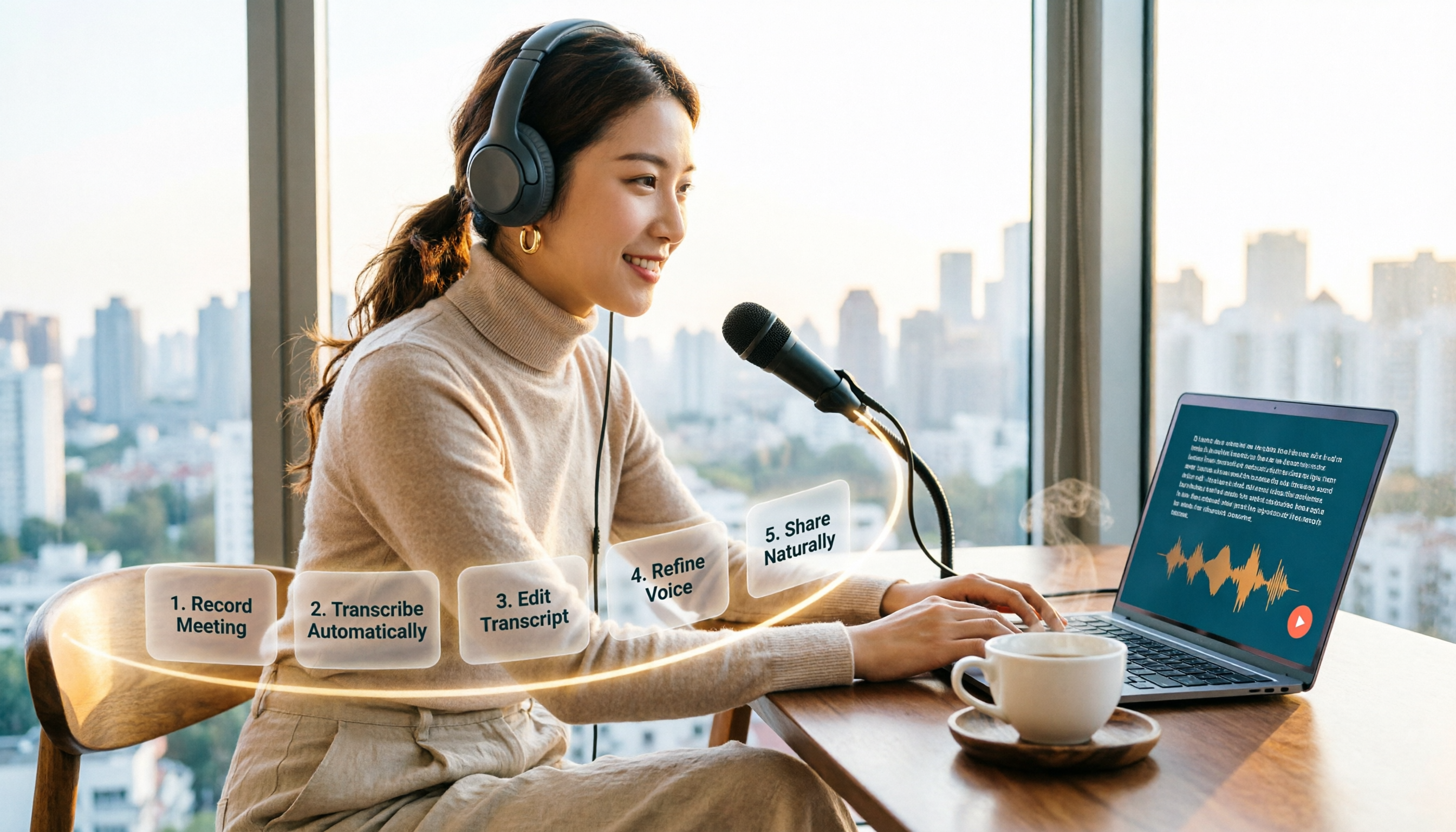
How to Choose an Online Text-to-Speech Tool in 2026: A Complete 5-Step Guide
Looking for an online text-to-speech tool but confused by free plans, credits, and commercial licenses? This guide walks you through 5 steps to choose the right one, compares TTSMaker, MyEdit, Vidnoz, and Toolbang, and explains practical workflows for downloads, accents, APIs, and converting meeting recordings to transcripts before generating speech.

4 YouTube Video Transcription Tools Tested: Which One Lets You Ask Questions Right After Transcribing?
We tested four popular YouTube video transcription tools—Tinrec, WayinVideo, TurboScribe, and Otter.ai—comparing transcripts, AI summaries, Q&A, and export formats to help you find the best solution for organizing Chinese content and building team knowledge.

Best Video Link to Text Extractors in 2026: 4 Tools Tested, This One Makes Chinese Transcripts Easiest
Which video link to text extractor should you choose? This article approaches the topic from a practical workplace perspective, first helping you distinguish between two completely different needs: 'speech transcription' and 'on-screen OCR.' It then uses 4 key purchasing criteria to evaluate tools, compares Tinrec, Text Grab, Zeemo, and Notta, and summarizes the 3 most common pitfalls and scenario-based recommendations.

2026 Comparison of 4 Video Meeting Notes Tools: Which Web App Saves the Most Time?
After a video meeting, do you spend another hour organizing notes? This article focuses on desktop (web and desktop apps) and compares the meeting note workflows of Tinrec, Notta, Otter.ai, and Granola. It explains differences in bot-free recording, transcript-to-notes conversion, AI Q&A, and team data retention, and provides key decision points, common pitfalls, and scenario-based recommendations for choosing a tool.
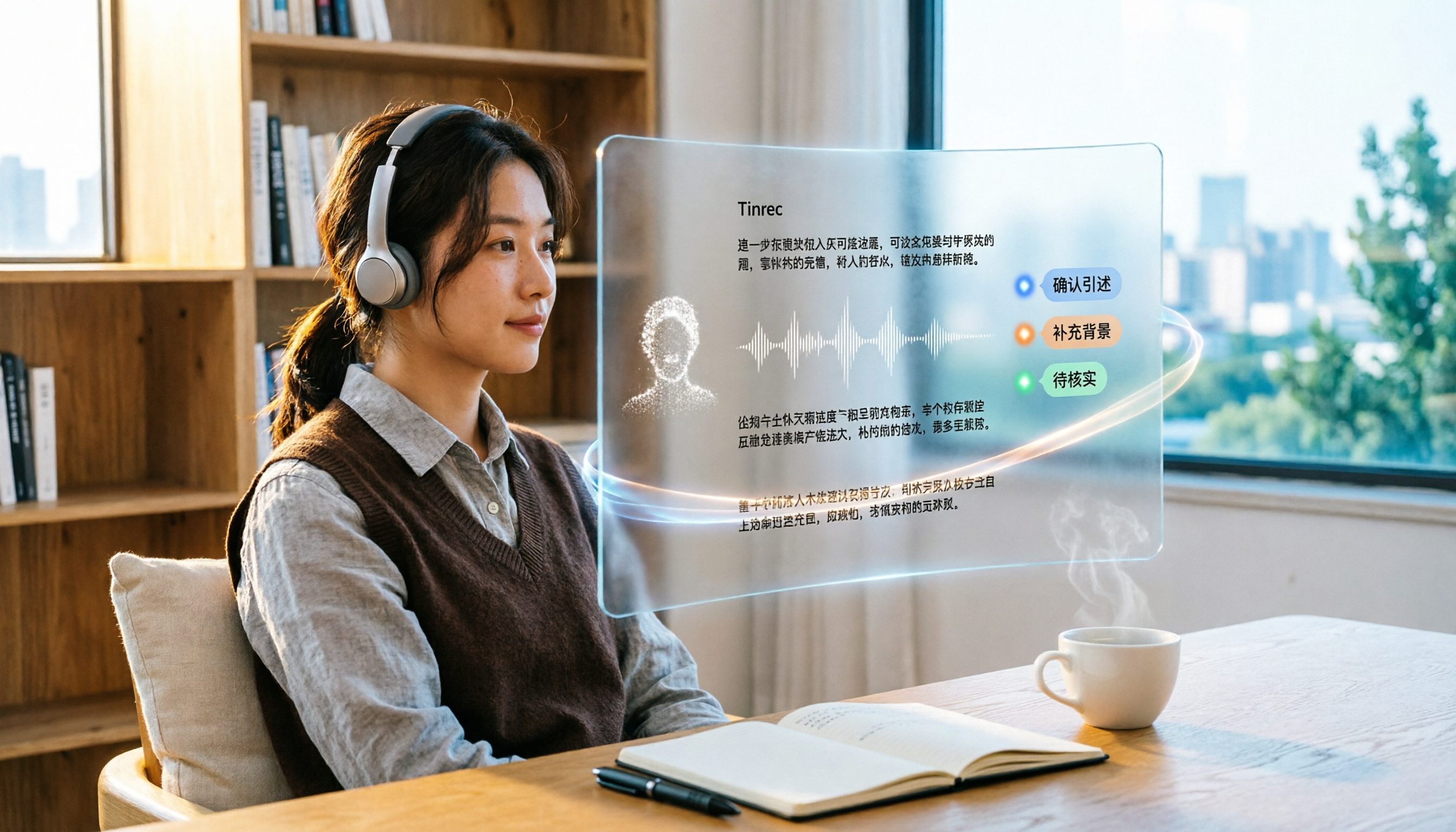
6 Best Video & Audio to Text Tools in 2026: Which Free Version Is Enough?
A hands-on comparison of 6 video and audio transcription tools, including Tinrec, Notta, Otter.ai, TurboScribe, VEED.IO, and Video Transcriber AI. We cover free tiers, supported formats, Chinese language performance, and team collaboration, plus scenario-based recommendations and FAQs.
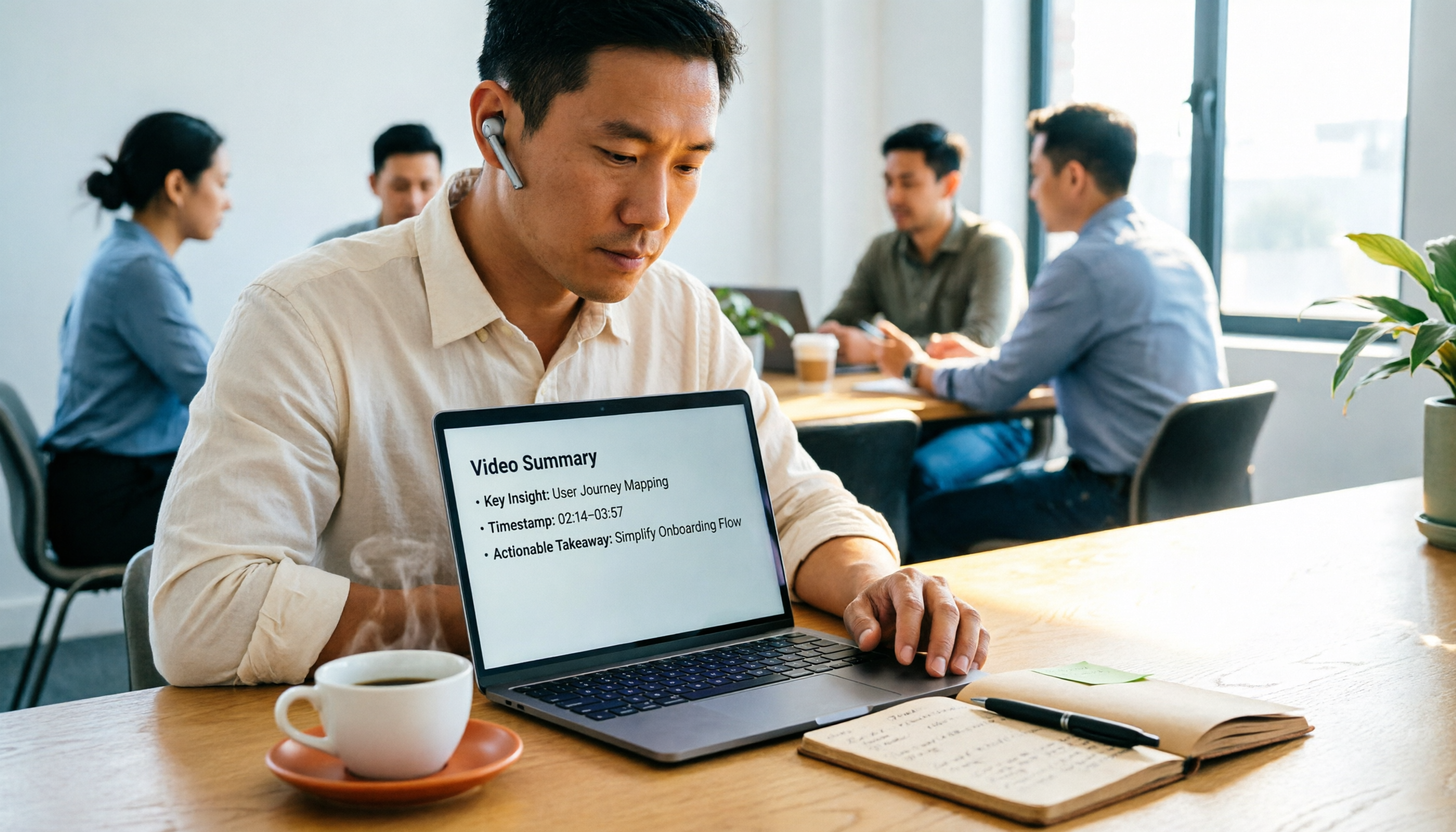
4 Video Summarization Tools Tested in 2026: Which One Actually Captures the Core Content?
Videos too long to finish, and even when you do, you can't grasp the key points? This article, from the perspective of a mid-level manager's hands-on testing, outlines 4 key criteria for choosing a video summarization tool and tests 4 tools: Tinrec, YouTube Summary with ChatGPT, WayinVideo, and Taption. It includes 3 common pitfalls to avoid and selection advice to help you determine which tool truly turns videos into usable data.
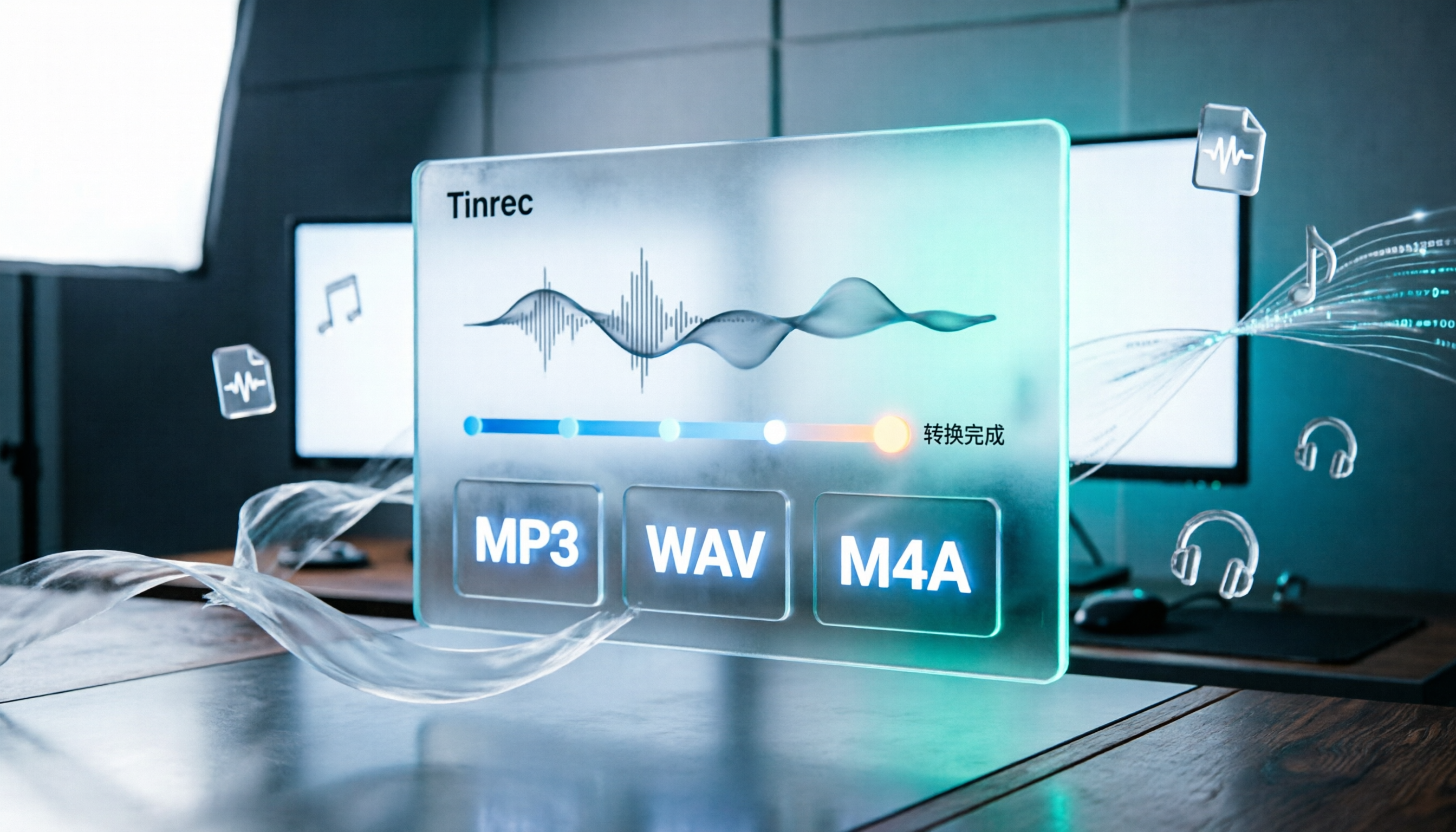
How to Convert Audio Formats in 2026: 5 Steps to Convert MP3, WAV, and M4A with an Online Converter
How to choose an online audio converter? This article first walks you through 5 steps to convert MP3, WAV, and M4A online, then compares Clideo and Online Audio Converter on format support, output settings, video-to-audio extraction, and privacy, and finally gives you recommendations you can follow directly.

5 Best Smart Video Content Analysis Tools in 2026: Tinrec vs Gemini vs WayinVideo
How to choose a smart video content analysis tool in 2026? This article starts with common misconceptions and compares the positioning of Tinrec, Gemini, WayinVideo, Notta, and Otter.ai. It also explains how Tinrec uses bot-free recording, AI summaries, Q&A, and team spaces to turn video and meeting content into searchable, queryable, and shareable data.