

Turn recordings into transcripts and summaries in minutes
Upload audio or video for multilingual transcription, AI notes, and action items
2026 Comparison of 4 Audio-to-Text Tools: Which Is Fastest for Chinese Meeting Transcripts?
The Problem: You Don't Need "Audio to Text"—You Need to Turn Meetings into Usable Data
Does this sound familiar? You frantically take notes during a meeting, only to miss the key discussion points. Afterward, you stare at an hour-long recording, unsure where to start organizing it.
Many people think audio-to-text is just about dropping a file into a tool and waiting for the transcript. But when you get a long, unsegmented block of text with no highlights and no indication of who said what, organizing it actually takes more time.
A common mistake is comparing only "free minutes" while ignoring whether the tool can automatically summarize, answer questions, or keep data within the team.
This article tests 4 audio-to-text tools, from Chinese recognition to AI Q&A and team collaboration, to help you find the option that truly saves time.
Before Choosing an Audio-to-Text Tool, Understand These 4 Key Points
1. Chinese Recognition and Segmentation
Chinese meetings often mix in English technical terms and may have multiple speakers talking at once. Whether a tool can correctly punctuate and label speakers is more important than its claimed accuracy. Some tools perform well in quiet environments but start dropping words during group discussions. Hands-on testing reveals the real differences.
2. Post-Meeting Organization Features
The transcript is just the starting point. What really saves time is automatic summaries, chapters, action items, and even the ability to ask AI directly, "What was the conclusion of this meeting?" Without these features, you're just trading transcription time for text-organization time—overall efficiency doesn't improve.
3. How Online Meetings Are Recorded
Many tools require adding a meeting bot to the call, but some companies don't allow external bots. Another approach is to capture system audio directly through a desktop app, without adding an extra participant. This point is often overlooked when choosing a tool, yet it directly affects whether you can record smoothly.
4. Free Tier and Team Collaboration
Whether the free version is enough depends on your usage frequency. If you have meetings every week, check if the free minutes are sufficient. Also, if meeting data needs to be shared with colleagues, whether the tool offers team spaces, seat management, and permission controls is an important consideration.
Tinrec – Our Top Pick After Testing
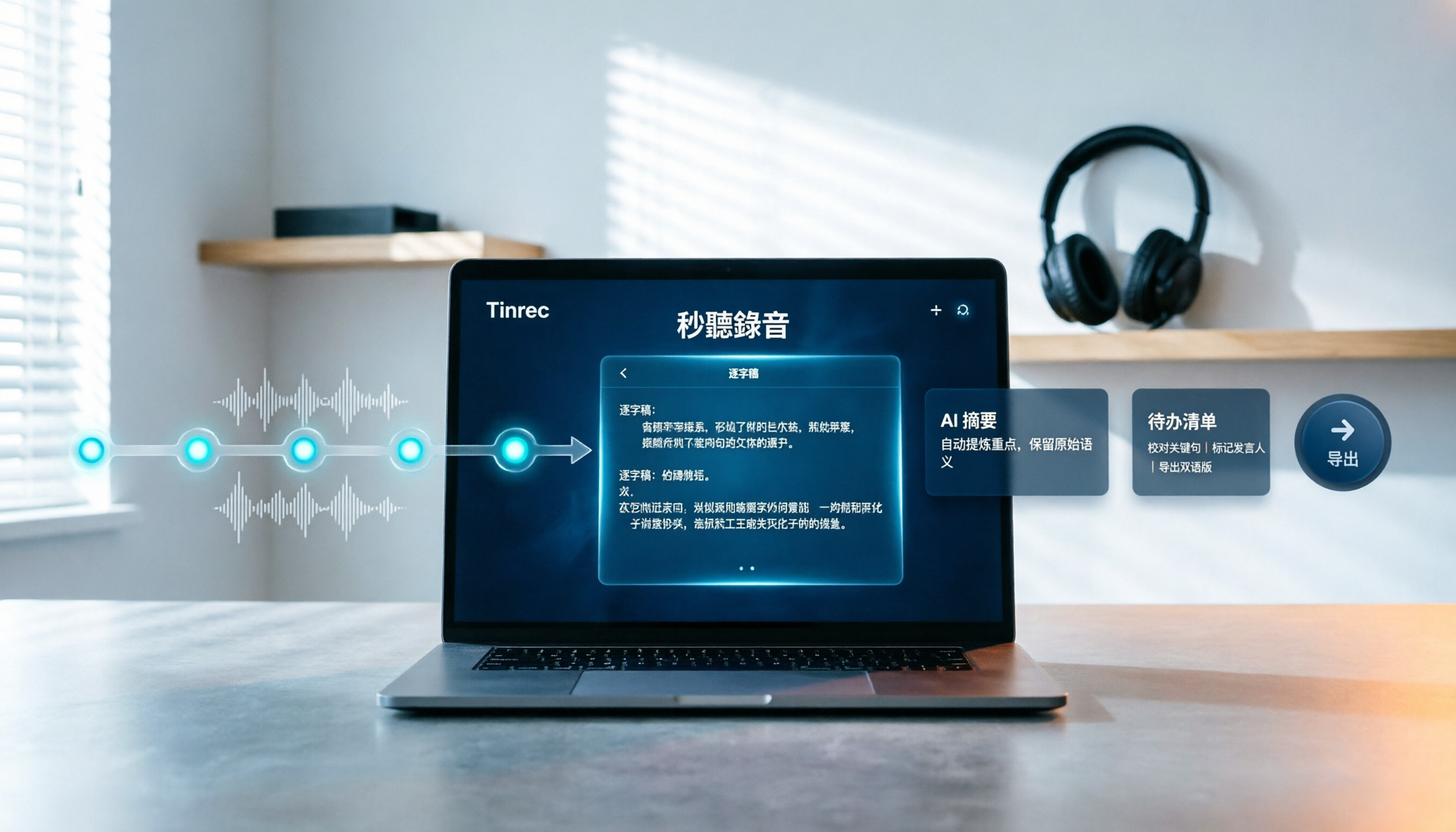
Tinrec is an AI meeting notes and collaboration tool for individuals and teams. It supports web, desktop, and mobile, and the desktop version can directly record online meetings.
Transcribe While Meeting, No Meeting Bot Needed
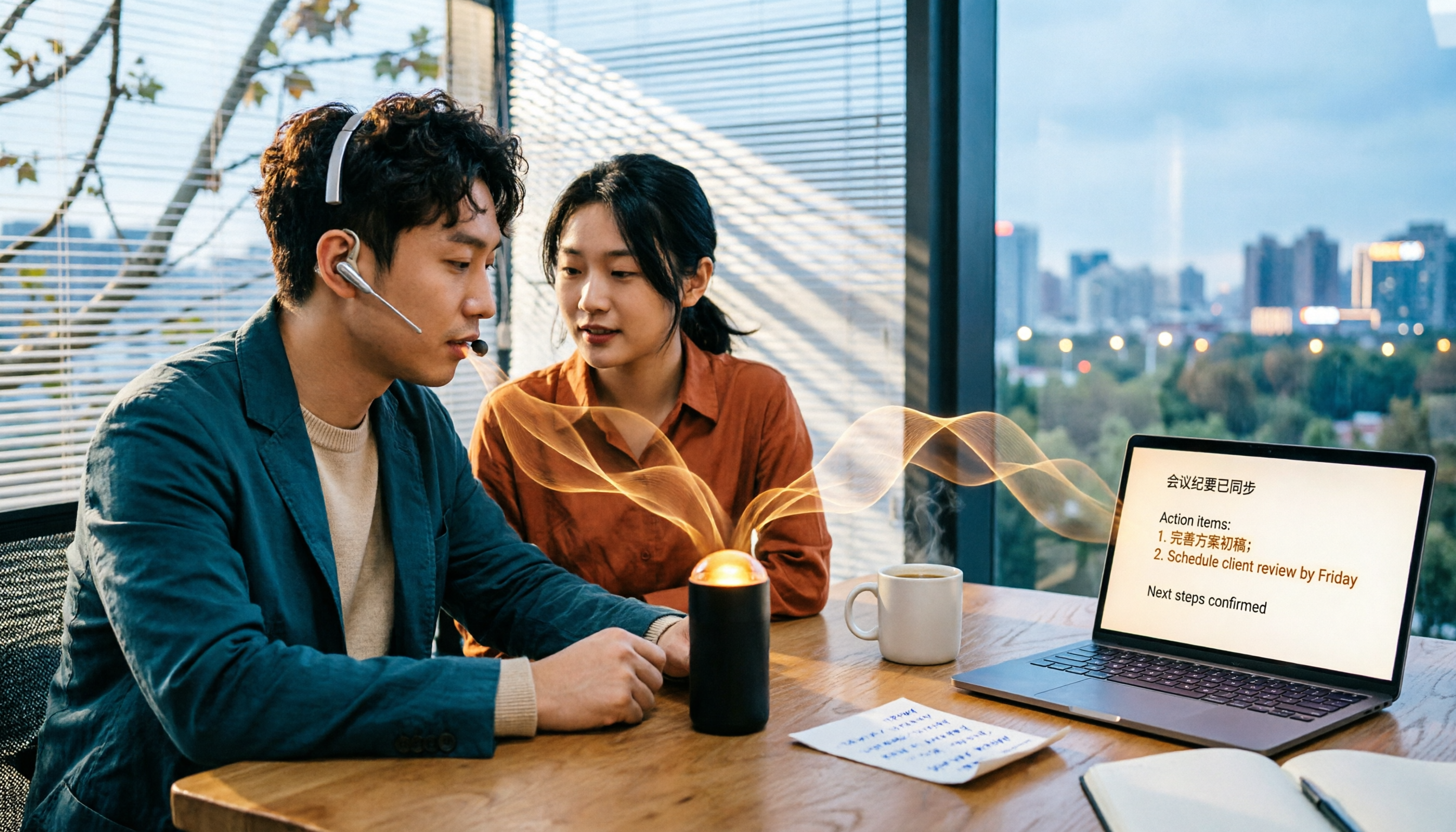
When you open Tinrec desktop during a meeting, it captures system audio and generates a live transcript. No need to invite a meeting bot to Zoom, Google Meet, Microsoft Teams, or Webex—participants won't see an extra account. This is very practical for teams that value meeting privacy.
In actual use, Tinrec's transcript automatically segments and can identify different speakers, making it quite smooth to read. Actual recognition performance is affected by recording quality, accents, and background noise. We recommend testing with your own recordings for the most accurate assessment.
AI Summaries, Action Items, and Q&A: Turn Meetings into Actionable Lists
After the meeting, Tinrec automatically generates summaries, chapters, and action items. Who is responsible for what and what the deadlines are—all clear at a glance.
Even better is the AI Q&A feature. You can ask Tinrec directly: "Who mentioned the budget in the last meeting?" It answers based on semantic understanding of the meeting content, not just keyword search results. Currently, few transcription tools at the same price point offer this feature.
Team Spaces and Data Retention
For team use, Tinrec's team version provides an independent team space where meeting data belongs to the team. Members can view historical meeting transcripts, summaries, and action items, and new colleagues can quickly get up to speed on project context. Admins can assign seats, view usage analytics and audit logs, and transfer resources when members leave.
Pros
- Record online meetings without a bot; desktop version captures system audio directly.
- After transcription, automatically generates summaries, chapters, action items, and mind maps, plus AI Q&A for follow-up details.
- Supports Chinese, Traditional Chinese, and multilingual meetings, with real-time translation and bilingual viewing.
- Team version retains meeting data in team spaces, with seat management, usage analytics, and audit logs.
Limitations and Notes
Tinrec's free version offers a basic quota, suitable for light use. If you have many meetings every week, consider a paid plan. The team version offers a 7-day trial for first-time eligible users, 1 free seat, and 300 minutes of shared team import quota. Paid seats provide 2,000 minutes of shared team import quota per month, at USD 29.80/seat monthly or USD 199/seat annually (about USD 16.58/month). Actual prices and benefits are subject to the official purchase page.
Stop organizing recordings by hand
Upload audio or video and automatically get a transcript, summary, and action items
Also, Tinrec does not recommend claiming a fixed accuracy rate, as actual performance depends on recording conditions. For important content, we suggest cross-checking with transcript timestamps and recording playback.
Who It's For
If you frequently need Chinese meeting transcripts, want to use AI to find key points after meetings, or need to retain meeting data as a team asset, Tinrec is a very suitable choice. If you only occasionally convert an MP3 to text, you can try the free version first.
Besides Tinrec, What Other Options Are There?
Otter.ai
Otter.ai is a mature choice for English meetings. The free version offers 300 minutes per month, and Pro annual is about USD 8.49/month with 1,200 minutes per month. Its English recognition and meeting integrations are strong, but the Chinese meeting summary and Q&A experience is relatively lacking. If you mainly record English content, Otter.ai is sufficient; but if you need Chinese transcripts, Chinese AI Q&A, and a team database, Tinrec is more suitable.
Notta
Notta supports multi-platform transcription, document import, and translation. The free version offers 120 minutes per month, up to 3 minutes per session; Pro annual is about USD 8.17/month with 1,800 minutes per month. Its features partially overlap with Tinrec, but Tinrec's bot-free desktop recording, team seat management, and AI Q&A are areas Notta emphasizes less. If you only need simple file transcription, Notta is worth considering; but if meeting data needs to be shared and queried within a team, Tinrec's team space is more complete.
MyEdit
MyEdit is an online speech-to-text tool that supports Traditional Chinese, English, Japanese, Korean, and 9 other languages, and can export .txt or .srt subtitle files. It's simple to use and suitable for occasionally converting audio files to transcripts. However, it lacks real-time recording transcription, AI Q&A, and action item extraction, and cannot organize meeting data into team spaces. If you just need to convert MP3 to text, MyEdit is worth a try; but if you want to get summaries and action lists right after a meeting, Tinrec can do more.
Pitfall Guide: The 4 Most Common Mistakes When Choosing an Audio-to-Text Tool
Pitfall 1: Only Looking at Free Minutes, Ignoring Export Limits
Some tools' free versions seem to offer many minutes, but exporting transcripts requires payment, or there's a limit on single recording length. Instead of comparing numbers, first confirm whether the free version can fully export the formats you need.
Pitfall 2: Thinking the Transcript Is the End Goal
Getting the transcript is just the first step. If the tool lacks summaries, action items, and AI Q&A, you still have to organize manually. With Tinrec, you can directly ask "What was the meeting's conclusion?" saving time searching through the transcript. When choosing a tool, treat it as a "post-meeting organization tool," not just an "audio-to-text tool."
Pitfall 3: Ignoring How Online Meetings Are Recorded
If your company doesn't allow meeting bots, choose a tool that can capture system audio from the desktop. Tinrec desktop doesn't need an extra bot; the user initiates recording, causing minimal disruption to participants.
Pitfall 4: Not Considering Team Collaboration and Data Ownership
If meeting data only exists in personal accounts, colleagues might take it with them when they leave. Team version tools can keep transcripts, summaries, and action items in team spaces, with role and seat-based permissions. Tinrec's team version provides member management, usage analytics, and audit logs in this regard.
Conclusion: Which One Should You Choose?
Simply put, choosing an audio-to-text tool depends on your use case:
- Need Chinese meeting transcripts and AI Q&A to find key points → Tinrec
- Need bot-free recording of Zoom, Meet, Teams online meetings → Tinrec desktop
- Need to retain meeting data in team spaces and manage members and seats → Tinrec team version
- Only occasionally transcribe English files, zero budget → Otter.ai
- Only need to convert MP3 to transcript, no post-meeting organization → MyEdit or Notta
Overall, Tinrec stands out in Chinese meetings, bot-free recording, AI Q&A, and team collaboration. If you frequently need meeting notes and transcript organization, start with the free version to experience live transcription and AI Q&A, then decide whether to upgrade.
Finally, some frequently asked questions from readers:
Q: Is Tinrec's free version enough? A: The free version offers a basic quota, suitable for light use. If you have meetings every week, we suggest evaluating a paid plan after trying. The team version has a 7-day trial, 1 free seat, and 300 minutes of shared import quota.
Q: What languages does Tinrec support? A: Tinrec covers Chinese, Traditional Chinese, and multilingual meeting scenarios, and supports real-time translation and team hotwords. Actual performance is affected by recording quality, accents, and background noise.
Q: Can team members without a seat see the data? A: Active members can view, play, and read team data even without a seat; only after obtaining a seat can they record, upload, edit, and export.
Q: Can Tinrec automatically join meetings? A: Tinrec desktop records online meetings by capturing system audio, without a meeting bot. Users need to actively open Tinrec to start recording; it is not currently a mode that automatically joins all calendar meetings.
Q: Will important meeting content be misrecognized? A: Tinrec can reduce manual note-taking and organization costs, but actual recognition is affected by recording quality, accents, overlapping speakers, and other factors. For important information, we suggest cross-checking with transcript timestamps and recording playback.
References
Turn every recording into actionable outcomes
Get 60 free transcription minutes when you sign in. No credit card required.
Related Reading
You might also like

Tinrec vs Notta 2026: 5-Dimension Comparison — Which Chinese AI Q&A Tool Wins?
How do you choose an AI-powered online Q&A tool? This article compares Tinrec, Notta, Otter.ai, and PLAUD across five dimensions: Q&A scope, Chinese and mixed Chinese-English recognition, meeting capture methods, post-meeting outputs, and team permissions. It also covers the most common pitfalls to avoid, helping you decide which tool truly fits your meeting and recording organization needs.

4 Best Audio-to-Text Tools in 2026: AI Q&A and Team Collaboration Compared
Turning recordings into text isn't just about uploading a file and waiting a few minutes. We tested four popular tools—Tinrec, Otter.ai, Notta, and TurboScribe—comparing accuracy, post-meeting organization, recording methods, and team collaboration. We also highlight the three biggest pitfalls to avoid when choosing a tool, so you can find the one that truly saves you time.
How to Choose Free Video Summarization Software in 2026: A 5-Step Hands-On Guide
How do you pick free video summarization software without getting burned? This guide walks you through 5 practical steps to test source formats, free quotas, Chinese language support, post-meeting workflows, and team needs. Using Tinrec as an example, it demonstrates the full process from video import and transcription to AI summaries, action items, and export, with FAQs and honest drawbacks.
5 Best Audio to Text Tools in 2026: Which Free Version Is Enough?
Recorded a bunch of audio but no one wants to organize it? This article tests five audio-to-text tools: Tinrec, Otter.ai, Notta, TurboScribe, and PLAUD Note. It covers five key buying factors: accuracy, mixed Chinese-English recognition, online meeting recording, post-meeting organization, and free quotas, plus a guide to avoid pitfalls and scenario-based recommendations.

Best Training Video Summarization Tools in 2026: We Tested 2, No Hardware Needed, Chinese Support Makes the Difference
Summarizing training videos doesn't have to mean typing transcripts by hand. This article compares Tinrec and PLAUD Note across video file import, Chinese and technical term handling, summary and action item generation, team collaboration, and cost, helping you decide which tool is better for turning training videos into searchable, shareable team resources.

4 Best Audio-to-Text Tools in 2026: Which Saves the Most Time for Chinese Meetings and Transcripts?
Two-hour meeting, two hours to organize the transcript? We tested 4 audio-to-text tools, covering Chinese recognition, post-meeting organization, and team collaboration, to help you understand the key factors for choosing one. Tinrec (Miao Ting Lu Yin) became our top choice with bot-free recording, AI Q&A, and team knowledge retention. We also compare Notta, TurboScribe, and Otter.ai for their suitable scenarios.

Free Transcription Plans in 2026: 4 Options Compared
How to choose a free transcription plan in 2026? This guide compares the free tiers and limitations of Tinrec, Yating Transcription, Otter.ai, and Notta. It evaluates Chinese and mixed Chinese-English recognition, online meeting recording methods, post-meeting summaries and action items, and team data ownership to help you find the best fit for your meetings, interviews, and classes.

2026 iPhone Audio-to-Text Tools Compared: Is Built-in Transcription Enough, or Does Tinrec Save More Time?
The iPhone's built-in Voice Memos app offers transcription, but it requires an iPhone 12 or later and iOS 18.4 for Chinese support, and it only provides a transcript. This article addresses common misconceptions and compares three approaches: iPhone built-in, Tinrec, Otter.ai, and Notta. It explains device and version limitations, language support, and post-meeting organization differences to help you find the most time-efficient way to transcribe iPhone recordings.

4 Free Short Video Summarizer Tools Tested and Compared in 2026: Which Free Version Is Good Enough?
Can't stop watching videos but can't extract the key points? This article tests 4 free short video summarizer tools, comparing free quotas, supported sources, Chinese language performance, and post-transcription processing capabilities. It also covers 4 key factors before buying, 4 common pitfalls, and scenario-based recommendations to help you find the best video summarization solution for your needs.