

Turn recordings into transcripts and summaries in minutes
Upload audio or video for multilingual transcription, AI notes, and action items
4 Free Short Video Summarizer Tools Tested and Compared in 2026: Which Free Version Is Good Enough?
30 Videos Sitting on Your Phone—What You Need Isn't More Time, It's a Solution
It's 10:30 PM on a Wednesday night. You've finally put the kids to bed and open your phone to clear out that "Watch Later" list that's been sitting there for three days. Inside are 12 short videos, 3 YouTube interview highlights, and a recording of an online meeting you missed this afternoon.
The next morning, your boss sends you a 20-minute competitor review video and asks for three key points by noon.
It's not that you're not trying hard enough—it's that the speed of watching videos can't keep up with the speed of content accumulation. Most people need to digest videos, not text, every day, which is why video summarization tools have gone from a nice-to-have to a basic necessity.
If you've encountered a similar situation, this article is for you.
Before Choosing a Short Video Summarizer, Understand These 4 Key Points
1. How the free quota is calculated matters more than the word "free"
Just because something says "free" doesn't mean the limitations are the same. Some limit the length of a single file, some limit the number of minutes per month, and some limit how many files you can upload per day. First, calculate roughly how much content you'll need to watch in a week, then decide which type of limitation is least painful for you.
2. Are the supported sources broad enough?
If you only watch YouTube, most tools can handle it. But if you also process your own recordings, TikTok, Instagram Reels, or public videos on Xiaohongshu, you need to confirm whether the tool supports these sources. Tools locked to a single platform are useless when you encounter other formats.
3. After summarizing, can you still use it?
Just giving you a summary has limited value. What really saves time is: having a transcript to verify, timestamps to jump back to the original clip, the ability to ask questions about the content, and the ability to export to Notion or Google Docs for further processing. This is also the key to judging whether a tool can be used long-term.
4. Chinese and videos "without subtitles" are the real dividing line
Many tools actually rely on grabbing YouTube subtitles to work, and they give up when they encounter videos without subtitles. If your content is mainly in Chinese, or you often deal with interviews, lectures, and other materials without existing subtitles, pay special attention to this. Actual performance is still affected by audio quality, accent, and background noise—don't just look at promotional numbers.
Tinrec—Our Top Recommendation After Testing
Tinrec is an AI meeting notes and collaboration tool for individuals and teams, supporting iOS, Android, web, and desktop versions. Its strength isn't just turning videos into summaries, but connecting summaries, transcripts, to-dos, and follow-up questions into a single workflow.
Handles both short videos and long videos
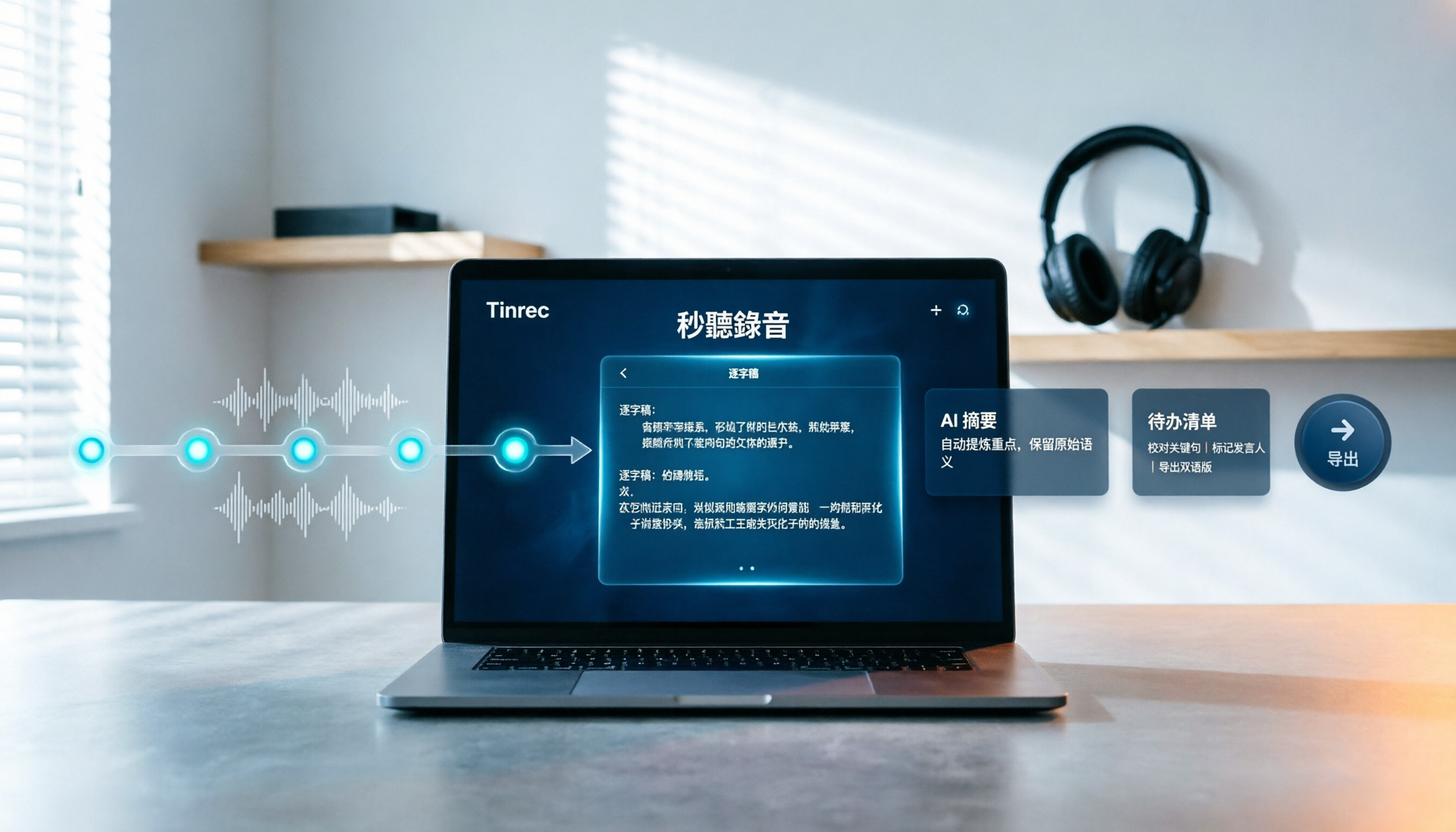
You can upload already-downloaded MP4 or MP3 files, or import some public video links, and let Tinrec convert the content into a transcript. Whether you scroll past a good short video and want to save the key points, or face a 90-minute lecture and only want to see the conclusion, it works. After conversion, the system automatically generates summaries and chapters, breaking long videos into segments of key points so you don't have to drag the timeline yourself.
The summary is just the starting point—being able to ask follow-up questions is key
Tinrec extracts key points and to-dos from the content and can also generate mind maps. Even better is the AI Q&A: you can directly ask it "How many pricing strategies does this video mention?" or "What is the speaker's view on AI tools?" It answers based on the content, rather than throwing a bunch of keyword search results at you. When you need to take the results with you, you can export to Notion, Google Docs, OneNote, Dropbox, and other tools, or use Agent post-processing to generate reports, tables, and documents.
If you also need to have meetings, it solves that too
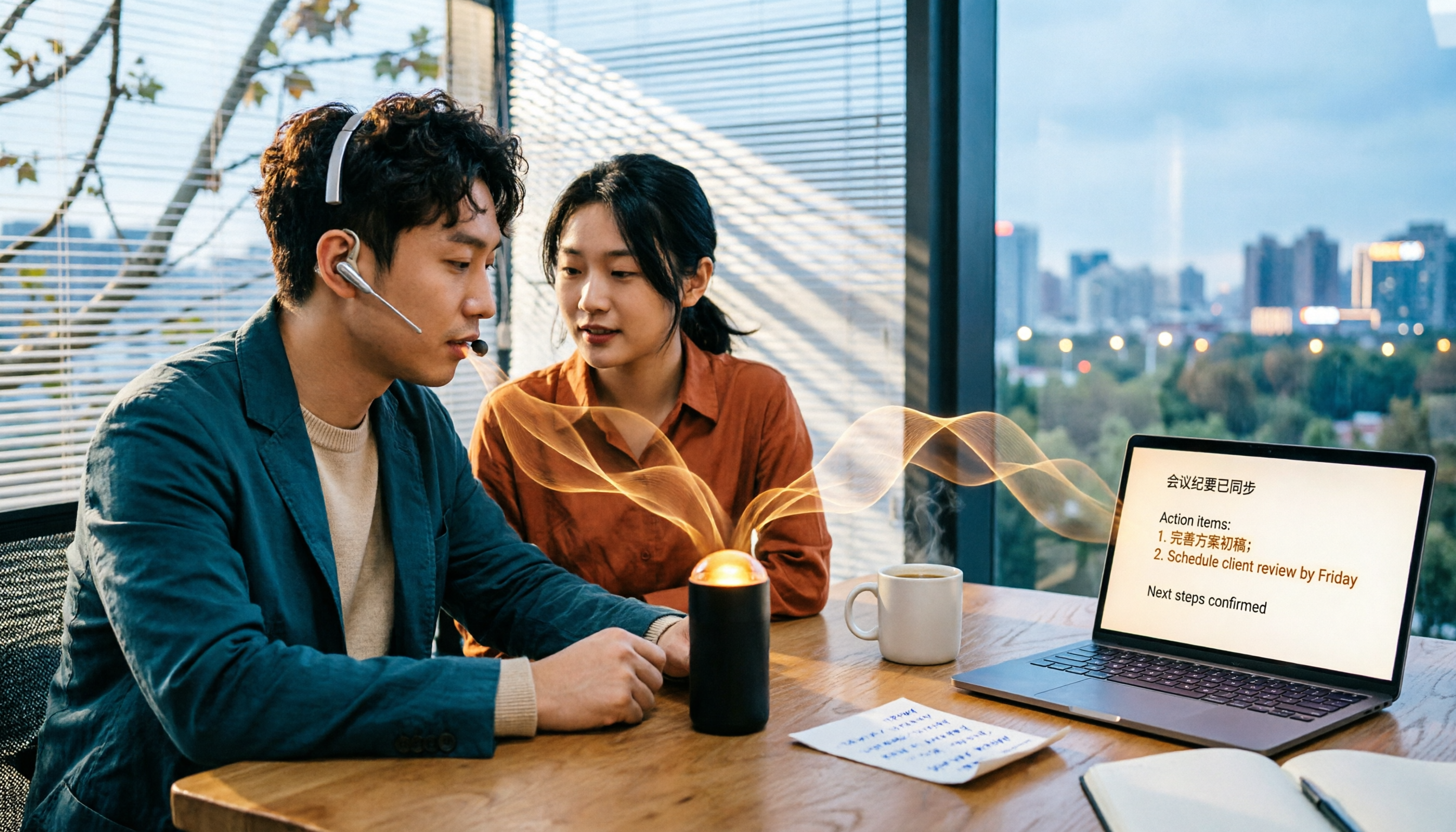
The desktop version directly captures your computer's system audio, so when handling online meetings on Zoom, Google Meet, Microsoft Teams, Webex, etc., you don't need to send a separate meeting bot to join. During the meeting, it records and transcribes simultaneously, and afterward you get the transcript, summary, and to-dos directly. For cross-language meetings, you can enable real-time translation and view in original, translated, or bilingual mode.
Three notable advantages
Stop organizing recordings by hand
Upload audio or video and automatically get a transcript, summary, and action items
- Multi-device sync: record on your phone, organize on your computer—no need to switch tools for the same task.
- Complete Chinese experience: Chinese meetings, mixed Chinese-English content, and multilingual transcription are all handled, and you can maintain professional terminology with team hotwords.
- Next steps after recording: summaries, Q&A, to-dos, export, document generation—it doesn't stop at just a transcript.
Limitations to be honest about
The free version provides a basic quota, allowing you to experience recording, importing, summarizing, and transcription. It's suitable for light use or testing the results first. Actual quotas are subject to the official page. Additionally, transcription accuracy is affected by recording quality, background noise, accent, and overlapping speakers. For important content, it's recommended to verify by listening back to the transcript timestamps.
Who it's for
If you don't just want to summarize a single video, but want videos, courses, interviews, and meeting recordings all organized, searched, and queried in one place, Tinrec currently has the most complete workflow. For team use, it also offers team spaces, member and seat management, usage analytics, audit logs, and an audio recycle bin. The team version is USD 29.80 per paid seat per month, or USD 199 per paid seat per year (about USD 16.58 per month). Each paid seat includes 2,000 minutes of team shared import quota per month. Prices and benefits are subject to the official purchase page.
Besides Tinrec, What Other Options Are There?
Monica: An online YouTube summarization tool powered by GPT, focused on quickly generating concise summaries after entering a link. It can even handle videos without subtitles, and the login barrier is low. Currently, it focuses on the single YouTube platform and has no team space or to-do management design. If you only occasionally need to summarize YouTube videos, it's worth considering; but if you also need to process your own recordings, online meetings, or share data with colleagues, you'll need to find another tool to supplement it.
WayinVideo: Focuses on free AI video summarization, with output that includes timestamps. It can convert Instagram Reels, TikTok, and other short videos into structured summaries, and also provides chapter highlights, mind maps, and exportable transcripts. It can also analyze content without subtitles. Its positioning leans toward summarizing and verifying a single video, and it doesn't handle real-time meeting recording. It's suitable for people who often need to quickly scan competitors' short videos; but if you want to consolidate content into team-shareable data, Tinrec's team space and permission governance are currently lacking in it.
VOMO: A tool mentioned in r/PKMS discussions. The usage is to paste a YouTube link, automatically extract audio and transcribe, then summarize with key points or action items, focusing on digesting long-form content. Its approach is simple: link in, key points out. Tinrec's difference is that besides link import, it can also directly record online meetings, provide real-time translation, and collect content into a searchable database.
Pitfall Guide: The 4 Most Common Mistakes When Choosing a Short Video Summarizer
Pitfall 1: Only looking at "free," not how free is calculated. Some free versions limit single-session length, some limit daily file count, some limit monthly minutes. Before registering, check clearly whether the limitation is on "time length" or "file count"—that determines whether you can actually finish a task with it.
Pitfall 2: Only getting a summary, but no way to verify. No matter how beautifully written the summary is, when you need to cite or make decisions, you still have to go back to the original clip. When choosing a tool, confirm whether it has a transcript and timestamps—that's far more important than the summary's writing quality.
Pitfall 3: Ignoring the "source" issue. Tools that can only paste links get stuck when you need to process your own recorded audio or videos shot on your phone. Think clearly about where your materials usually come from before choosing a tool, so you don't regret it after registering.
Pitfall 4: Treating these tools as only for converting text. If you only use it for "video to text," you're only using one-third of its capabilities. For example, Tinrec's AI Q&A lets you directly ask "What was the conclusion of this meeting?" after recording, which is much faster than flipping through a 30-minute transcript yourself.
One final reminder: regardless of which tool you use, recording and transcription involve others' privacy and local regulations. When necessary, obtain consent first.
Conclusion: Which One Should You Choose?
- Want to handle short videos, long videos, self-recorded files, and online meetings in one place → Tinrec (supports more sources, and after summarizing you can ask questions and export)
- Need Chinese content, mixed Chinese-English, or multilingual meetings → Tinrec (Chinese experience and real-time translation are the main differences)
- Want to use AI to ask key points and organize to-dos right after recording → Tinrec (has AI Q&A and to-do extraction)
- Need to use on phone, tablet, and computer → Tinrec (iOS, Android, web, and desktop versions available)
- Team needs to share meeting data, manage member seats and usage → Tinrec team version (has team space, usage analytics, and audit logs)
- Budget is $0, only occasionally summarize a YouTube video → Lightweight tools like Monica and VOMO are enough
If you're not sure which to choose, we suggest starting with Tinrec's free version and testing it with videos or recordings you'd actually watch. The free quota is enough to judge whether it fits your workflow. If it feels right, then consider upgrading.
References
- Use GPT to Summarize YouTube: Free Online Video Summary Tool
- Free AI Video Summary Tool—Accurate, Fast, with Timestamps
- 3 Short Video Summarizer Tools Tested and Compared in 2026: Which Free Version Is Good Enough? - Tinrec Blog
- One-Click Video to Text: 3 Video Summary AI Tools Recommended, Quickly Produce High-Quality Key Summaries - Tinrec Blog
- r/PKMS on Reddit: I Tried the Most Popular Free AIs to Summarize YouTube Videos
Turn every recording into actionable outcomes
Get 60 free transcription minutes when you sign in. No credit card required.
Related Reading
You might also like

Tinrec vs Notta 2026: 5-Dimension Comparison — Which Chinese AI Q&A Tool Wins?
How do you choose an AI-powered online Q&A tool? This article compares Tinrec, Notta, Otter.ai, and PLAUD across five dimensions: Q&A scope, Chinese and mixed Chinese-English recognition, meeting capture methods, post-meeting outputs, and team permissions. It also covers the most common pitfalls to avoid, helping you decide which tool truly fits your meeting and recording organization needs.

4 Best Audio-to-Text Tools in 2026: AI Q&A and Team Collaboration Compared
Turning recordings into text isn't just about uploading a file and waiting a few minutes. We tested four popular tools—Tinrec, Otter.ai, Notta, and TurboScribe—comparing accuracy, post-meeting organization, recording methods, and team collaboration. We also highlight the three biggest pitfalls to avoid when choosing a tool, so you can find the one that truly saves you time.
How to Choose Free Video Summarization Software in 2026: A 5-Step Hands-On Guide
How do you pick free video summarization software without getting burned? This guide walks you through 5 practical steps to test source formats, free quotas, Chinese language support, post-meeting workflows, and team needs. Using Tinrec as an example, it demonstrates the full process from video import and transcription to AI summaries, action items, and export, with FAQs and honest drawbacks.
5 Best Audio to Text Tools in 2026: Which Free Version Is Enough?
Recorded a bunch of audio but no one wants to organize it? This article tests five audio-to-text tools: Tinrec, Otter.ai, Notta, TurboScribe, and PLAUD Note. It covers five key buying factors: accuracy, mixed Chinese-English recognition, online meeting recording, post-meeting organization, and free quotas, plus a guide to avoid pitfalls and scenario-based recommendations.

Best Training Video Summarization Tools in 2026: We Tested 2, No Hardware Needed, Chinese Support Makes the Difference
Summarizing training videos doesn't have to mean typing transcripts by hand. This article compares Tinrec and PLAUD Note across video file import, Chinese and technical term handling, summary and action item generation, team collaboration, and cost, helping you decide which tool is better for turning training videos into searchable, shareable team resources.

4 Best Audio-to-Text Tools in 2026: Which Saves the Most Time for Chinese Meetings and Transcripts?
Two-hour meeting, two hours to organize the transcript? We tested 4 audio-to-text tools, covering Chinese recognition, post-meeting organization, and team collaboration, to help you understand the key factors for choosing one. Tinrec (Miao Ting Lu Yin) became our top choice with bot-free recording, AI Q&A, and team knowledge retention. We also compare Notta, TurboScribe, and Otter.ai for their suitable scenarios.

Free Transcription Plans in 2026: 4 Options Compared
How to choose a free transcription plan in 2026? This guide compares the free tiers and limitations of Tinrec, Yating Transcription, Otter.ai, and Notta. It evaluates Chinese and mixed Chinese-English recognition, online meeting recording methods, post-meeting summaries and action items, and team data ownership to help you find the best fit for your meetings, interviews, and classes.

2026 Comparison of 4 Audio-to-Text Tools: Which Is Fastest for Chinese Meeting Transcripts?
We tested 4 audio-to-text tools, comparing Chinese recognition, AI Q&A, team collaboration, and free tiers to help you find the best option for meeting notes and transcript organization.

2026 iPhone Audio-to-Text Tools Compared: Is Built-in Transcription Enough, or Does Tinrec Save More Time?
The iPhone's built-in Voice Memos app offers transcription, but it requires an iPhone 12 or later and iOS 18.4 for Chinese support, and it only provides a transcript. This article addresses common misconceptions and compares three approaches: iPhone built-in, Tinrec, Otter.ai, and Notta. It explains device and version limitations, language support, and post-meeting organization differences to help you find the most time-efficient way to transcribe iPhone recordings.