

Turn recordings into transcripts and summaries in minutes
Upload audio or video for multilingual transcription, AI notes, and action items
4 Best Audio-to-Text Tools in 2026: Which Saves the Most Time for Chinese Meetings and Transcripts?
Two-hour meeting, two hours to organize the transcript—what you need isn't a tool, it's a solution
The meeting ends, the recording sits on your phone, and you stare at it not knowing where to start. Manually typing a transcript means pausing, playing, and listening three times to catch one sentence—a two-hour meeting often takes twice as long to turn into text.
What's worse, if the meeting has mixed Chinese and English, technical terms, or multiple people speaking at once, manual organization is a nightmare. What you need is a tool that can automatically convert audio to text and organize key points.
This article tests 4 tools, covering Chinese recognition, post-meeting organization, and team collaboration, to help you find the most time-saving one.
Before Choosing an Audio-to-Text Tool, Understand These 4 Key Points
1. Recognition accuracy depends on real scenarios Official accuracy rates are usually measured in a quiet recording studio. Real meeting rooms have air conditioning noise, keyboard sounds, and people talking over each other, so performance will be lower. We recommend testing with your own recordings, not just looking at advertised numbers.
2. Post-transcription organization capabilities A transcript is just the basics. Whether it can automatically segment, generate summaries, and extract action items determines how much time you save.
3. Cross-platform and meeting sources Phone recordings, computer online meetings, uploading existing files—can the tool handle them all uniformly? If it only handles a single source, it will be cumbersome to use.
4. Team collaboration and data ownership Individual and team needs differ. Teams need member management, seat allocation, and a mechanism to ensure data isn't taken away when members leave.
Tinrec (Miao Ting Lu Yin)—Our Top Choice After Testing
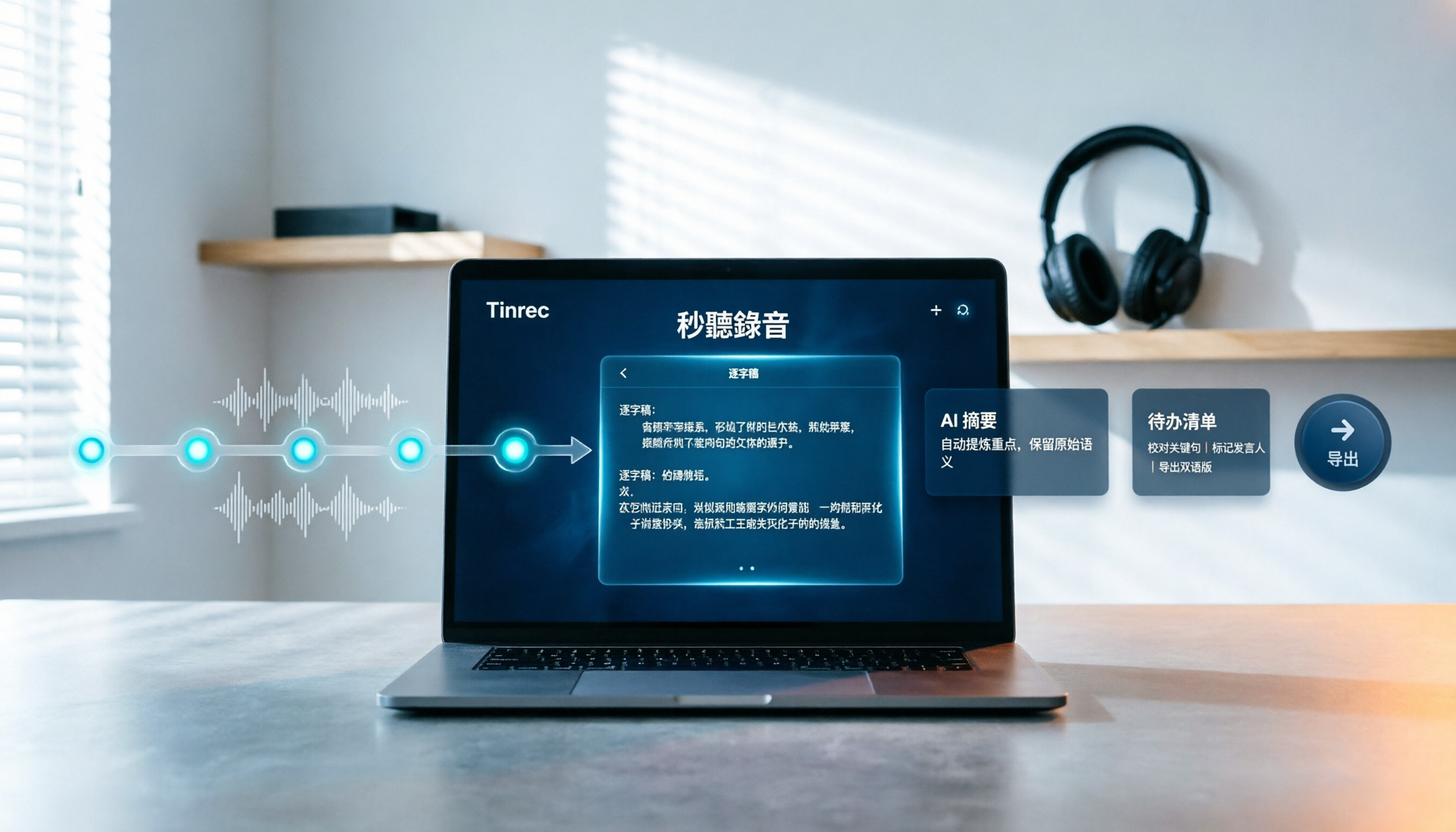
Tinrec (Miao Ting Lu Yin) is an AI meeting notes and collaboration tool for individuals and teams, supporting iOS, Android, and web. It not only converts sound to text but also helps you organize meeting recordings into searchable, summarizable, and queryable data.
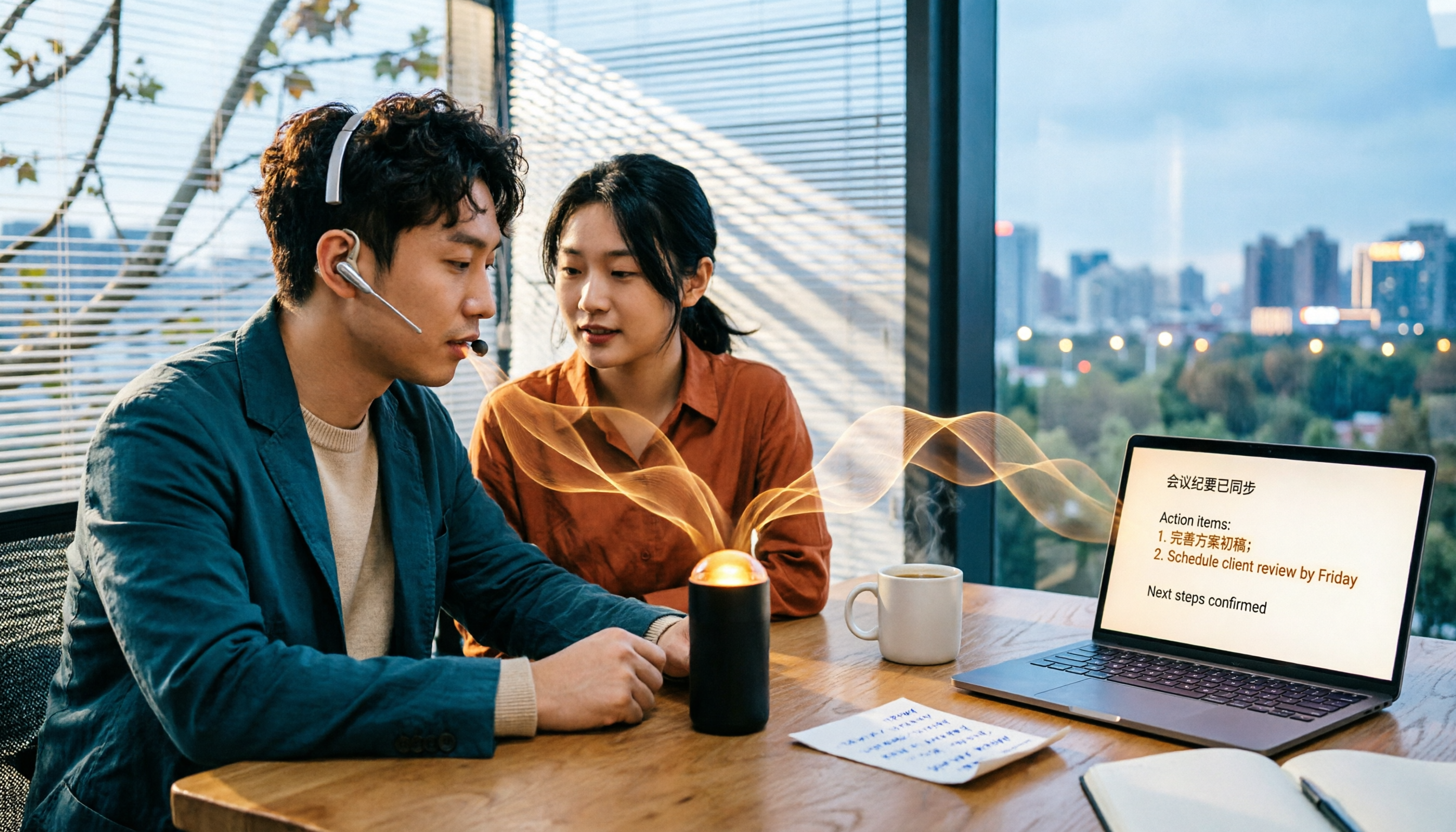
Bot-free recording for online meetings The desktop version directly captures computer system audio, handling online meetings on Zoom, Google Meet, Microsoft Teams, Webex, etc., without inviting a meeting bot. This is practical for teams that value privacy or don't want to disrupt the meeting flow.
Transcribe while recording, ask AI directly after the meeting Open Tinrec during the meeting, and it generates a live transcript. After the meeting, you can directly ask it: "Who mentioned the budget in the last meeting?" It will answer based on semantic understanding, not just throw keyword search results. Currently, few competitors at the same price offer this AI conversational query.
Complete post-transcription workflow Besides the transcript, Tinrec automatically generates summaries, chapters, action items, and mind maps, supporting export to Notion, Google Docs, OneNote, etc. When you need post-meeting reports or tables, the Agent post-processing feature can continue to process.
Team version turns meetings into team assets The team version provides an independent space, and meeting data belongs to the team. Admins can allocate seats, view usage analytics, and audit logs. Members without seats can still view, play, and read team data; only with a seat can they record, upload, and edit.
Limitations to note The free version offers basic quota, suitable for light use. Long-term or high-frequency use requires upgrading to a paid plan. Also, actual transcription results are affected by recording quality, noise, accents, and overlapping speech; for important content, we recommend replaying with transcript timestamps for verification.
Stop organizing recordings by hand
Upload audio or video and automatically get a transcript, summary, and action items
Who is it for If you frequently need Chinese meeting notes, don't want to use a meeting bot, want to ask AI directly for key points after meetings, or need a team to retain meeting data, Tinrec is a very suitable choice.
Besides Tinrec, What Other Options Are There?
Notta A multi-platform transcription tool covering meeting notes, document import, and translation. Free version offers 120 minutes per month, max 3 minutes per item. What Tinrec does but Notta is weaker at: bot-free desktop recording, team space, and AI Q&A post-processing. If you only need simple transcription, Notta is worth considering; but when you need post-meeting AI queries and team collaboration, Tinrec is more complete.
TurboScribe A cost-effective file transcription tool, focusing on long files, batch uploads, and subtitles. Free version offers 3 files per day, max 30 minutes per file. Tinrec's advantage is real-time meeting recording and post-meeting organization, while TurboScribe is suitable for bulk pre-recorded file transcription. If you need to convert a large number of recording files to text, TurboScribe has its value; but real-time meetings and team data retention are not its strengths.
Otter.ai The top choice for English meetings, free version offers 300 minutes per month, supporting real-time transcription and AI Chat. Tinrec can handle Chinese and mixed Chinese-English, and the desktop version records without a bot. If you mainly record English meetings, Otter.ai is a practical choice; but if you often handle Chinese meetings, Tinrec's language support and team retention are more aligned with your needs.
Pitfall Guide: 3 Most Common Mistakes When Choosing an Audio-to-Text Tool
Pitfall 1: Only looking at official accuracy numbers Many tools advertise "98% accuracy," but that's measured in a quiet environment. Real meetings have noise, accents, and people talking over each other, so accuracy drops. We recommend testing with your own recordings for free, not just looking at ads.
Pitfall 2: Ignoring post-meeting organization features If you only use the tool as "recording to text," you're only using one-third of its capabilities. Tools that can automatically summarize, extract action items, and support AI Q&A truly save organization time.
Pitfall 3: Teams buying individual versions Multiple people sharing one individual account leads to unclear permissions and data ownership. Teams should choose a plan with member, role, and seat management, so data stays with the team when members leave.
Conclusion: Which One Should You Choose?
Simply put, Tinrec is our top choice because it is the most complete for Chinese meetings, bot-free recording, post-meeting AI Q&A, and team collaboration.
- Need Chinese meeting notes + don't want to use a meeting bot → Tinrec
- Want to ask AI directly for key points after meetings → Tinrec
- Team needs to retain meeting data and manage seats → Tinrec Team Version
- Bulk pre-recorded file transcription, limited budget → TurboScribe
- Pure English meetings, used to Otter ecosystem → Otter.ai
We recommend starting with Tinrec's free version to try it out; the basic quota is enough to experience a few meetings. If it meets your needs, consider upgrading—no need to pay from the start.
FAQ
Q1: Are free audio-to-text tools sufficient? For light use, they are usually sufficient, but free versions often have minute or file limits. If you have meetings every week, a paid plan will be more reliable.
Q2: Which meeting platforms does Tinrec support? The desktop version can handle meeting audio played on a computer from platforms like Zoom, Google Meet, Microsoft Teams, Webex, etc.
Q3: How accurate is the transcription? It provides high-quality transcription for clear audio and common scenarios; actual results are affected by recording quality, noise, accents, and technical terms.
Q4: What's the difference between the team version and individual version? Individual version data belongs to the individual account; the team version provides an independent space, member roles, seat management, usage analytics, and audit logs, with data owned by the team.
References
Turn every recording into actionable outcomes
Get 60 free transcription minutes when you sign in. No credit card required.
Related Reading
You might also like

Tinrec vs Notta 2026: 5-Dimension Comparison — Which Chinese AI Q&A Tool Wins?
How do you choose an AI-powered online Q&A tool? This article compares Tinrec, Notta, Otter.ai, and PLAUD across five dimensions: Q&A scope, Chinese and mixed Chinese-English recognition, meeting capture methods, post-meeting outputs, and team permissions. It also covers the most common pitfalls to avoid, helping you decide which tool truly fits your meeting and recording organization needs.

4 Best Audio-to-Text Tools in 2026: AI Q&A and Team Collaboration Compared
Turning recordings into text isn't just about uploading a file and waiting a few minutes. We tested four popular tools—Tinrec, Otter.ai, Notta, and TurboScribe—comparing accuracy, post-meeting organization, recording methods, and team collaboration. We also highlight the three biggest pitfalls to avoid when choosing a tool, so you can find the one that truly saves you time.
How to Choose Free Video Summarization Software in 2026: A 5-Step Hands-On Guide
How do you pick free video summarization software without getting burned? This guide walks you through 5 practical steps to test source formats, free quotas, Chinese language support, post-meeting workflows, and team needs. Using Tinrec as an example, it demonstrates the full process from video import and transcription to AI summaries, action items, and export, with FAQs and honest drawbacks.
5 Best Audio to Text Tools in 2026: Which Free Version Is Enough?
Recorded a bunch of audio but no one wants to organize it? This article tests five audio-to-text tools: Tinrec, Otter.ai, Notta, TurboScribe, and PLAUD Note. It covers five key buying factors: accuracy, mixed Chinese-English recognition, online meeting recording, post-meeting organization, and free quotas, plus a guide to avoid pitfalls and scenario-based recommendations.

Best Training Video Summarization Tools in 2026: We Tested 2, No Hardware Needed, Chinese Support Makes the Difference
Summarizing training videos doesn't have to mean typing transcripts by hand. This article compares Tinrec and PLAUD Note across video file import, Chinese and technical term handling, summary and action item generation, team collaboration, and cost, helping you decide which tool is better for turning training videos into searchable, shareable team resources.

Free Transcription Plans in 2026: 4 Options Compared
How to choose a free transcription plan in 2026? This guide compares the free tiers and limitations of Tinrec, Yating Transcription, Otter.ai, and Notta. It evaluates Chinese and mixed Chinese-English recognition, online meeting recording methods, post-meeting summaries and action items, and team data ownership to help you find the best fit for your meetings, interviews, and classes.

2026 Comparison of 4 Audio-to-Text Tools: Which Is Fastest for Chinese Meeting Transcripts?
We tested 4 audio-to-text tools, comparing Chinese recognition, AI Q&A, team collaboration, and free tiers to help you find the best option for meeting notes and transcript organization.

2026 iPhone Audio-to-Text Tools Compared: Is Built-in Transcription Enough, or Does Tinrec Save More Time?
The iPhone's built-in Voice Memos app offers transcription, but it requires an iPhone 12 or later and iOS 18.4 for Chinese support, and it only provides a transcript. This article addresses common misconceptions and compares three approaches: iPhone built-in, Tinrec, Otter.ai, and Notta. It explains device and version limitations, language support, and post-meeting organization differences to help you find the most time-efficient way to transcribe iPhone recordings.

4 Free Short Video Summarizer Tools Tested and Compared in 2026: Which Free Version Is Good Enough?
Can't stop watching videos but can't extract the key points? This article tests 4 free short video summarizer tools, comparing free quotas, supported sources, Chinese language performance, and post-transcription processing capabilities. It also covers 4 key factors before buying, 4 common pitfalls, and scenario-based recommendations to help you find the best video summarization solution for your needs.