

Turn recordings into transcripts and summaries in minutes
Upload audio or video for multilingual transcription, AI notes, and action items
2026 iPhone Audio-to-Text Tools Compared: Is Built-in Transcription Enough, or Does Tinrec Save More Time?
iPhone Audio-to-Text: Most People Get It Wrong from the Start
Many people think that once they update their iPhone to iOS 18, the problem of "audio-to-text" is solved. In reality, there are three common misconceptions that are easy to fall into.
The first is confusing "dictation" with "audio-to-text." Dictation is indeed a built-in iPhone feature—just open the keyboard, tap the microphone icon in the bottom right, and your spoken words become text. But it handles what you're saying right now, not a meeting recording you made yesterday.
The second is thinking "all iPhones have transcription." Apple's Voice Memos transcription requires an iPhone 12 or later, and Chinese support only arrived with iOS 18.4. If you have an older phone, opening Voice Memos will only show an audio waveform, not a single word.
The third, and most often overlooked: a transcript is not the same as meeting notes. A two-hour meeting can produce a transcript of tens of thousands of words. You still have to read through it from start to finish to know what the conclusions were and who agreed to what.
Meetings, classes, interviews, quick notes—whenever a recording exceeds ten minutes, the real time sink isn't "converting to text," but "making sense of all that text." That's why choosing a tool based solely on whether it has transcription often leads to the wrong choice.
Before Choosing an iPhone Audio-to-Text Solution, Understand These 4 Key Points
1. Your device and OS version determine whether you have built-in options
An iPhone 12 or later with iOS 18.4 or higher is required for Voice Memos to display Chinese transcripts. Below that threshold, the built-in route is essentially unavailable, and you'll need to use dictation or third-party tools.
2. Language support matters more than a pretty interface
Apple's built-in transcription supports a fixed list of languages, including English, Spanish, Portuguese, Italian, French, German, Japanese, Korean, and more. Chinese requires a newer version. But real-world meetings often mix languages, even within a single sentence with product codes and names—this is the true test for transcription tools.
3. Does it only provide a transcript, or can it generate summaries and action items?
This is the most critical point. If a tool only gives you a transcript, you save typing time. If it also provides summaries, chapters, key points, and action items, you save organization time. The latter is often the bigger cost.
4. Can it work across devices and team members?
Record on your iPhone today, organize on your computer tomorrow; or share meeting data with your entire team. Solutions tied to a single device will eventually become a bottleneck.
In short, first confirm your device and version, then decide whether you want a transcript or meeting materials you can use directly.
Tinrec – The One I Found Most Effortless After Testing
Tinrec is an AI meeting notes and collaboration tool for individuals and teams. It supports iOS, Android, and has desktop and web versions. It doesn't just convert audio to text; it organizes meeting content into searchable, queryable, and further processable data.
During the meeting: No bot needed
If you're recording a Zoom, Google Meet, Microsoft Teams, or Webex meeting, Tinrec's desktop version captures your computer's system audio directly, without needing a meeting bot to join as a participant. This is especially noticeable in client meetings—you don't have to explain in advance that "a strange account will join." The transcript is generated in real-time during the meeting, and you can switch between original, translated, or bilingual views at any time.
After the meeting: Summary, chapters, and action items all at once
This is where I think it stands out from built-in features. After recording, Tinrec automatically generates a summary and chapters, breaking long meetings into readable sections and extracting action items from the discussion. You no longer have to fish for key points from tens of thousands of words. Additionally, it can generate reports, tables, and documents, or export to Notion, Google Docs, OneNote, Dropbox, and other tools for further use.
After recording: You can ask it directly
This is Tinrec's most unique capability—AI Q&A. You can ask questions directly to the meeting data: "Who mentioned the budget in the last meeting?" "What were the client's concerns about the delivery date?" It doesn't give keyword search results, but answers based on semantic understanding. Competing transcription tools at the same price point mostly stop at "converting to text," but this goes a step further.
Two things I look for during testing
First, whether mixed-language sentences get completely garbled. Second, whether names and product codes are mistranslated. The former can be checked with real-time translation and bilingual view; the latter can be improved by adding common terms to the team's hotwords to enhance recognition of specialized terms. Note that any tool's accuracy is affected by recording quality, ambient noise, accents, and overlapping speakers. For important content, it's recommended to cross-check with the transcript timestamps.
Stop organizing recordings by hand
Upload audio or video and automatically get a transcript, summary, and action items
Pricing
The personal plan includes a free version, weekly pass, Pro monthly, and Pro annual. Choose based on usage frequency; for occasional recordings, the free version is sufficient. The team plan is per paid seat: USD 29.80 per paid seat per month, or USD 199 per paid seat per year (about USD 16.58 per month). Each paid seat provides 2,000 minutes of team shared import quota per month. Actual prices and benefits are subject to the official purchase page.
Pros
- Record online meetings without a bot; desktop version captures system audio directly.
- Full workflow after transcription: summary, chapters, action items, mind map, AI Q&A, multi-format export.
- Team plan offers a separate team space; data belongs to the team. Members, roles, and seats are managed separately, with usage trends and member details, audit logs, and a 30-day recycle bin for accidentally deleted audio.
Limitations to note
The free version provides basic quota, suitable for trial; long-term high-frequency use requires payment. Document and web link imports consume team shared import quota; real-time recording under an active team plan currently does not deduct minutes. Also, the team plan is primarily team-level sharing; all active members can access team data, not file-level granular permissions. Consider this when evaluating.
Who it's for
If you have weekly meetings or interviews, mixed-language content, want to ask questions in Chinese directly after recording, or switch between phone and computer, Tinrec will save you considerable time compared to relying solely on iPhone built-in.
Besides Tinrec, What Other Options Are There on iPhone?
iPhone built-in Voice Memos transcription
The lowest barrier option: free, no app download, and recordings and transcripts stay on your device. But it requires iPhone 12 or later, and Chinese needs iOS 18.4 or higher. It only gives you a transcript—no summary, no action items, no cross-device or team features. You have to copy the text elsewhere to organize. Suitable for occasional short recordings. This is the most obvious gap with Tinrec—Tinrec handles what comes after the transcript.
Otter.ai
A veteran choice for English meetings. The free version offers a generous 300 minutes per month. Pro annual is about USD 8.49 per user per month, including 1,200 minutes of in-app recording and 10 file imports per month. If your meetings are almost entirely in English, it's indeed more cost-effective than Tinrec—this is one of the few scenarios where we recommend another brand. But Chinese and mixed-language meetings are not its strong suit; Tinrec's team space, Chinese hotwords, and post-meeting Agent output are areas it covers less.
Notta
A multi-platform transcription tool with significant overlap with Tinrec. Free version: 120 minutes per month, max 3 minutes per recording; Pro annual is about USD 8.17 per month, 1,800 minutes per month. It excels at file transcription and translation workflows, but lacks Tinrec's desktop combination of "bot-free system audio capture + AI Q&A + post-meeting report and table generation." If you have a bunch of existing audio files, Notta is worth comparing; if the focus is weekly online meetings, Tinrec's workflow is more complete.
Pitfall Guide: 4 Most Common Mistakes When Choosing an iPhone Audio-to-Text Solution
Pitfall 1: Thinking upgrading to iOS 18 gives you Chinese transcription. You also need iPhone 12 or later, and Chinese requires iOS 18.4 or higher. If you updated the OS but didn't change the phone, you still won't see built-in transcription.
Pitfall 2: Mistaking "dictation" for audio-to-text. Dictation is real-time input; you must press the microphone while in a text field. It can't process a meeting recording from yesterday. Also, in noisy environments or fast speech, recognition quality drops noticeably.
Pitfall 3: Only comparing "whether it has transcription." A transcript is just raw material. What really determines how much time you save is what comes after: summaries, action items, and the ability to ask questions directly. If you only use a transcription tool as "audio-to-text," you're using only a third of its capabilities.
Pitfall 4: Ignoring recording compliance. Recording and transcription involve personal data and local regulations. Before a meeting, check relevant rules and obtain consent if necessary. This isn't something a tool can solve, but it's often forgotten.
Conclusion: Which One Should You Choose?
In one sentence: If you only occasionally need a transcript, iPhone built-in is sufficient; if you want usable meeting materials right after a meeting, Tinrec is currently the smoothest choice.
- Only one or two short recordings, device is iPhone 12 or later → Use built-in Voice Memos transcription, free and easy.
- Weekly meetings, need summaries, chapters, and action items → Tinrec.
- Want to ask questions in Chinese directly after recording → Tinrec (AI Q&A is its biggest difference from same-priced tools).
- Record on phone, organize on computer, or team needs to share meeting data → Tinrec (iOS, Android, desktop, and web versions; team plan has role and seat management).
- Meetings almost entirely in English, limited budget → Otter.ai free version with 300 minutes per month is plenty—this is the only scenario where we recommend another brand.
We suggest starting with Tinrec's free version for one or two meetings to see if the transcript and summary quality meet your needs. If it works, consider upgrading. For team use, the team plan offers a 7-day trial with 1 free seat and 300 minutes of team shared import quota—you can use this to verify if the workflow suits you.
References
- View Voice Memos transcripts on iPhone - Apple Support (Taiwan)
- iPhone voice-to-text setup tips: 5 ways to achieve audio-to-text - Mr. Mad
- No third-party app needed! iPhone Voice Memos and Notes app audio-to-text guide | Venus's Fantasy World
- iPhone Voice Memos to text tutorial: built-in transcription without third-party apps - Mr. Mad
- iPhone Notes and Voice Memos also have transcription! Instantly convert class, meeting, and speech content to text: simple 4-step guide | BusinessNext
Turn every recording into actionable outcomes
Get 60 free transcription minutes when you sign in. No credit card required.
Related Reading
You might also like

Tinrec vs Notta 2026: 5-Dimension Comparison — Which Chinese AI Q&A Tool Wins?
How do you choose an AI-powered online Q&A tool? This article compares Tinrec, Notta, Otter.ai, and PLAUD across five dimensions: Q&A scope, Chinese and mixed Chinese-English recognition, meeting capture methods, post-meeting outputs, and team permissions. It also covers the most common pitfalls to avoid, helping you decide which tool truly fits your meeting and recording organization needs.

4 Best Audio-to-Text Tools in 2026: AI Q&A and Team Collaboration Compared
Turning recordings into text isn't just about uploading a file and waiting a few minutes. We tested four popular tools—Tinrec, Otter.ai, Notta, and TurboScribe—comparing accuracy, post-meeting organization, recording methods, and team collaboration. We also highlight the three biggest pitfalls to avoid when choosing a tool, so you can find the one that truly saves you time.
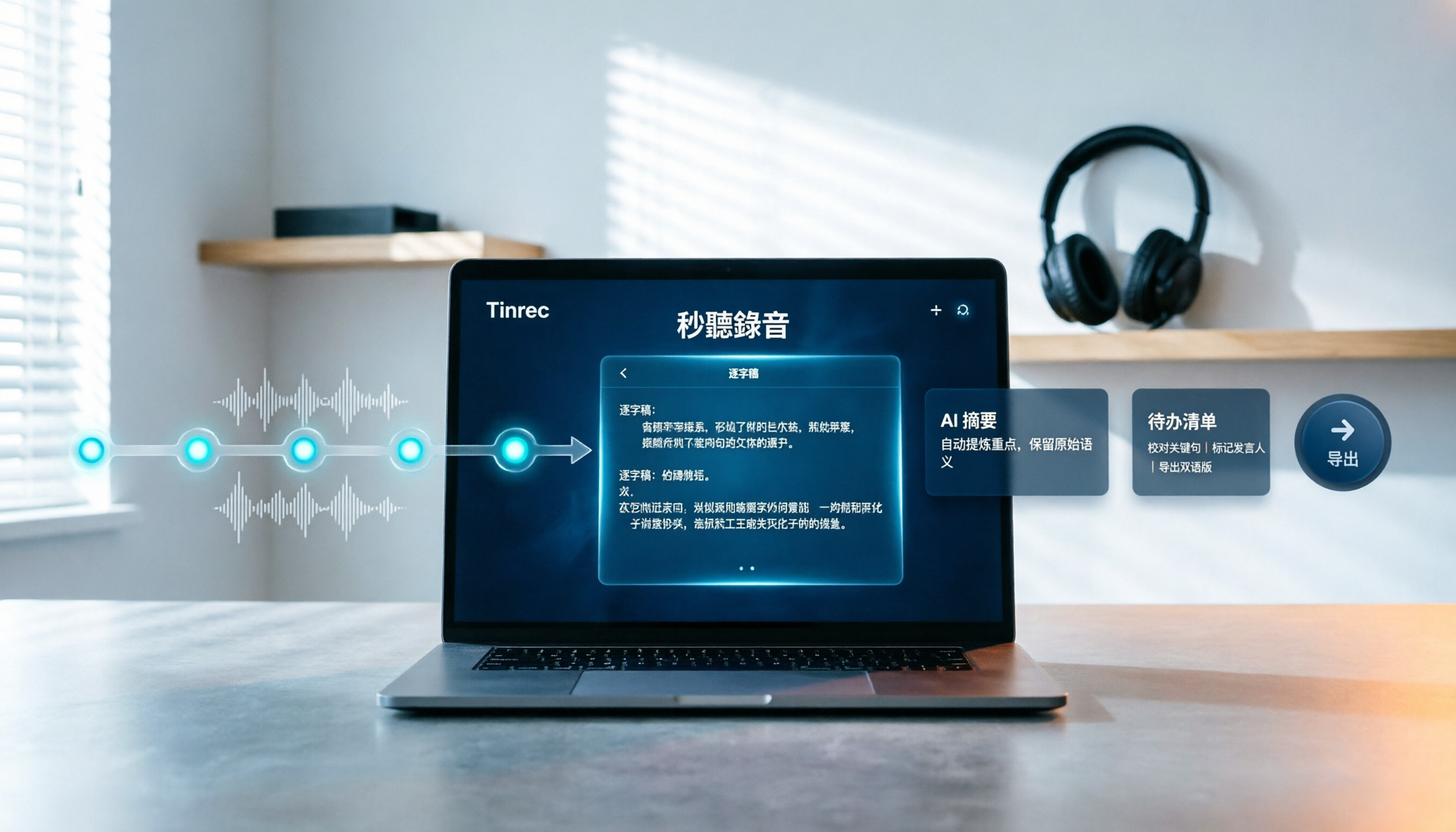
How to Choose Free Video Summarization Software in 2026: A 5-Step Hands-On Guide
How do you pick free video summarization software without getting burned? This guide walks you through 5 practical steps to test source formats, free quotas, Chinese language support, post-meeting workflows, and team needs. Using Tinrec as an example, it demonstrates the full process from video import and transcription to AI summaries, action items, and export, with FAQs and honest drawbacks.
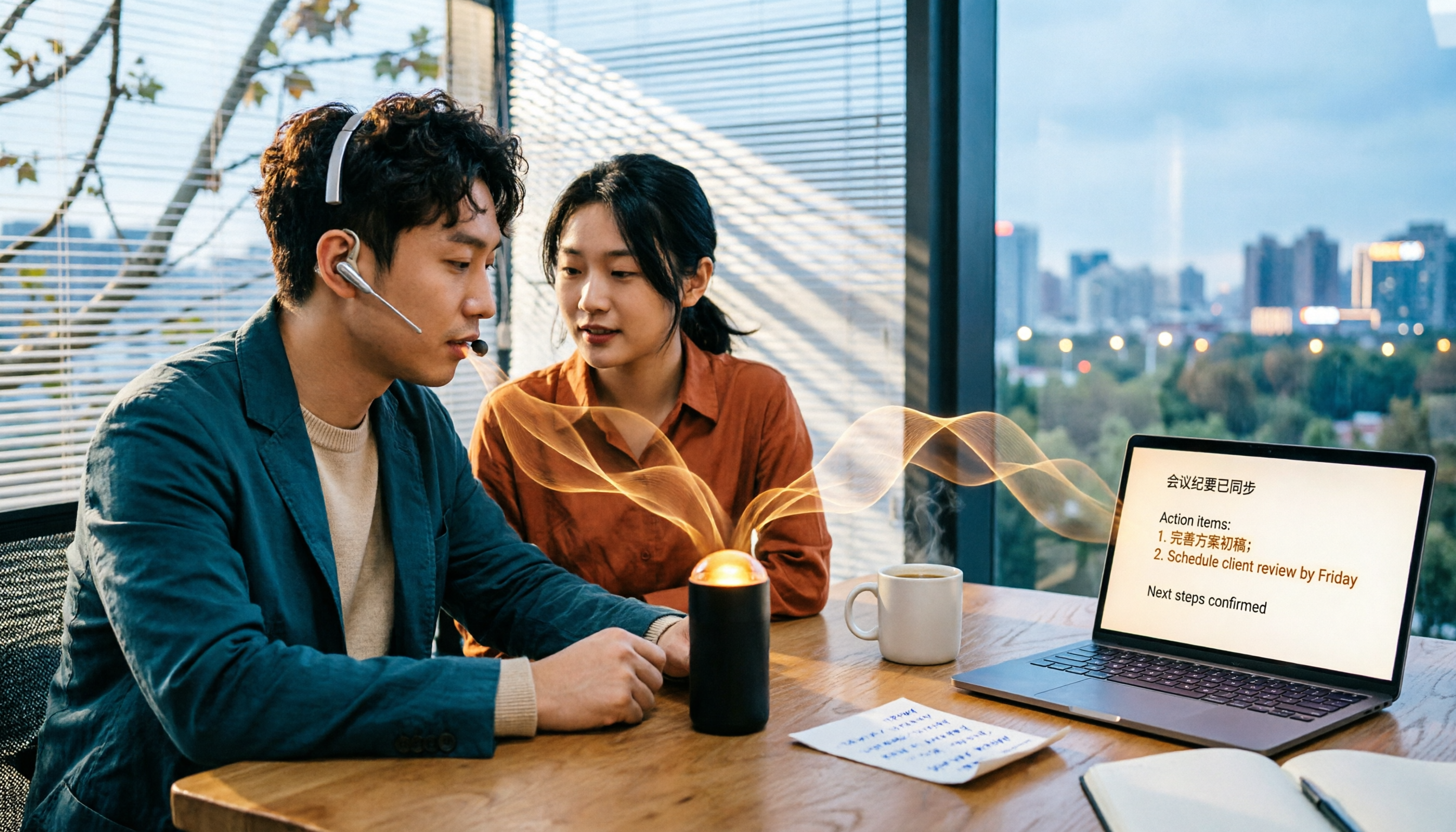
5 Best Audio to Text Tools in 2026: Which Free Version Is Enough?
Recorded a bunch of audio but no one wants to organize it? This article tests five audio-to-text tools: Tinrec, Otter.ai, Notta, TurboScribe, and PLAUD Note. It covers five key buying factors: accuracy, mixed Chinese-English recognition, online meeting recording, post-meeting organization, and free quotas, plus a guide to avoid pitfalls and scenario-based recommendations.

Best Training Video Summarization Tools in 2026: We Tested 2, No Hardware Needed, Chinese Support Makes the Difference
Summarizing training videos doesn't have to mean typing transcripts by hand. This article compares Tinrec and PLAUD Note across video file import, Chinese and technical term handling, summary and action item generation, team collaboration, and cost, helping you decide which tool is better for turning training videos into searchable, shareable team resources.

4 Best Audio-to-Text Tools in 2026: Which Saves the Most Time for Chinese Meetings and Transcripts?
Two-hour meeting, two hours to organize the transcript? We tested 4 audio-to-text tools, covering Chinese recognition, post-meeting organization, and team collaboration, to help you understand the key factors for choosing one. Tinrec (Miao Ting Lu Yin) became our top choice with bot-free recording, AI Q&A, and team knowledge retention. We also compare Notta, TurboScribe, and Otter.ai for their suitable scenarios.

Free Transcription Plans in 2026: 4 Options Compared
How to choose a free transcription plan in 2026? This guide compares the free tiers and limitations of Tinrec, Yating Transcription, Otter.ai, and Notta. It evaluates Chinese and mixed Chinese-English recognition, online meeting recording methods, post-meeting summaries and action items, and team data ownership to help you find the best fit for your meetings, interviews, and classes.

2026 Comparison of 4 Audio-to-Text Tools: Which Is Fastest for Chinese Meeting Transcripts?
We tested 4 audio-to-text tools, comparing Chinese recognition, AI Q&A, team collaboration, and free tiers to help you find the best option for meeting notes and transcript organization.

4 Free Short Video Summarizer Tools Tested and Compared in 2026: Which Free Version Is Good Enough?
Can't stop watching videos but can't extract the key points? This article tests 4 free short video summarizer tools, comparing free quotas, supported sources, Chinese language performance, and post-transcription processing capabilities. It also covers 4 key factors before buying, 4 common pitfalls, and scenario-based recommendations to help you find the best video summarization solution for your needs.