

Turn recordings into transcripts and summaries in minutes
Upload audio or video for multilingual transcription, AI notes, and action items
Free Transcription Plans in 2026: 4 Options Compared
Two-hour meeting, three hours of typing transcripts—you don't need a tool, you need a solution
Last week I had a 90-minute meeting with a client, mixed Chinese and English, three people talking over each other. Afterward, I had to transcribe the recording. I've been doing this for ten years, and it still annoys me.
More often, it's like this: you finish an interview, the file sits on your phone, and you can't be bothered to listen to it again.
Or you're a grad student, your advisor talks for ages, and you only jot down three lines.
And there's a very local problem: half the meeting is in Chinese, half in English, with a few Taiwanese phrases thrown in. If you feed that recording to an English-only transcription tool, you won't dare use the output.
The good news is that in 2026, there are many more free transcription options than a few years ago. In this article, I've compiled four tools that I've personally tested and cross-checked with official sources, including the most-searched Yating Transcription.
Before choosing a transcription tool, understand these 5 key points
1. How to evaluate free tiers Don't just look at "minutes per month"; check the per-session limit and whether you can import existing files. For example, Notta's free plan offers 120 minutes per month, but each session is capped at 3 minutes—a normal meeting would exceed that.
2. How well does it handle Chinese and mixed Chinese-English? It's hard for Taiwanese teams to hold meetings entirely in Chinese. Whether a tool can handle mixed Chinese-English is far more important than how many languages it claims to support. This is also one of Tinrec's main focuses.
3. How is the meeting recorded? Some tools rely on a "meeting bot" joining as a participant. Tinrec's desktop version captures your computer's system audio directly, so no bot account appears in the meeting.
4. What comes after the transcript? With only a transcript, you still have to read through it yourself. Tools with summaries, chapters, action items, and AI Q&A save you a second pass.
5. Who owns team data? If it's for team use, data should live in a team space, not in an individual's account. When someone leaves, meeting records shouldn't disappear with them.
Tinrec—my top pick after hands-on testing
Tinrec is an AI meeting notes and collaboration tool for individuals and teams, available on iOS, Android, and web, with a desktop version that also handles online meetings.
My testing habit is to take the same 30-minute mixed Chinese-English meeting recording and try each tool. What surprised me most about Tinrec is that it doesn't just produce a transcript—it automatically generates summaries, chapters, and action items.
When you open Tinrec during a meeting, it transcribes as it records. By the end, the AI has already compiled "who's responsible for what and when it's due" into a to-do list. For our 8-person team, that's like skipping a follow-up meeting.
Online meetings are even more impressive. It works with Zoom, Google Meet, Microsoft Teams, and Webex, and you don't need to invite a bot. Open the desktop app, and it captures system audio—no strange account appears in the meeting room.
After recording, I can keep asking it questions. For example, "Who mentioned the budget last week?" It doesn't dump a bunch of keyword search results on me; it answers directly. This AI Q&A feature is one of the rarest I've seen among tools at this price point.
The free version lets you experience recording, importing, summaries, and transcription with a basic quota. If you just want to confirm "is this thing accurate?" try it on two or three meetings.
Pros:
- Directly provides summaries, chapters, and action items after transcription—no need to organize again.
- Desktop version records online meetings without a bot, across Zoom, Meet, Teams, and Webex.
- Covers Chinese, mixed Chinese-English, and multiple languages, with real-time translation and bilingual view, plus team hotwords for maintaining terminology.
- Export to Notion, Google Docs, OneNote, Dropbox, and other tools for further processing.
Stop organizing recordings by hand
Upload audio or video and automatically get a transcript, summary, and action items
Limitations:
- The free version has a basic quota; heavy users need to pay. Actual quotas and plans are subject to the official website.
- Accuracy is not a fixed number. Recording quality, noise, accents, and people talking over each other all affect results. I still double-check important content against the recording.
Who it's for: People who frequently hold Chinese or mixed Chinese-English meetings, want key points and action items right after recording, and need a shared database for their team.
Besides Tinrec, what other free options are there?
Yating Transcription Developed by Taiwan AI Labs, it's one of the tools with the highest support for Taiwanese accents. It understands Mandarin, Taiwanese, English, and "Chinglish," and can automatically segment by different speakers' voiceprints—great for long interviews and class notes. The official website has a free trial entry; actual quotas are subject to official announcements. Note that in public information, its focus is more on "turning voice into text"; Tinrec pushes transcripts further into summaries, Q&A, action items, and team spaces. Their positioning is different. If you mainly record long interviews in Taiwanese or Taiwanese accents, Yating is worth trying first.
Otter.ai A veteran choice for English meetings, with a free plan of 300 minutes per month—quite generous. But its home turf is English business meetings; Chinese and mixed Chinese-English are not its strengths. If your content is almost entirely English, Otter's free plan is indeed cost-effective. But if you need Chinese meeting notes, bot-free recording, and turning meeting data into team assets, Tinrec will be much more convenient.
Notta It overlaps significantly with Tinrec, offering multi-platform transcription, meeting notes, and translation. The free plan gives 120 minutes per month, but each session is capped at 3 minutes—essentially only for short clips. If you often have meetings lasting an hour or more, this limit will frustrate you. Tinrec's free plan, on the other hand, lets you experience the full recording, importing, summary, and transcription workflow with a basic quota.
Pitfall guide: 4 most common mistakes when choosing a transcription tool
Pitfall 1: Only looking at "minutes per month." The per-session limit is the real killer. Some tools give 120 minutes free but only 3 minutes at a time—you can't even finish a meeting.
Pitfall 2: Believing "98% accuracy." Such numbers are usually measured in a quiet studio. Real meeting rooms have air conditioning, keyboard clicks, and people talking over each other—accuracy will drop. Testing with your own recording is more reliable than ads.
Pitfall 3: Treating it only as audio-to-text. If you only use the transcription feature, you're using half the tool. Summaries, action items, and AI Q&A are what turn meetings into "actionable data."
Pitfall 4: Sharing a personal account for the team. It may seem cost-saving short-term, but long-term it's a disaster: unclear data ownership, and records scatter when someone leaves. Meeting data should go into a team space, with roles and seats to manage who can view and edit.
One more reminder: before recording, check local regulations and obtain consent from participants when necessary.
Conclusion: Which one should you choose?
- Mainly Chinese or mixed Chinese-English meetings → Tinrec
- Don't want to invite a bot to online meetings → Tinrec (desktop version captures system audio)
- Want to ask AI for key points right after recording → Tinrec (AI Q&A, summaries, chapters, action items)
- Need to export transcripts to Notion or Google Docs for further use → Tinrec
- Need cross-platform iOS, Android, web, or team sharing of meeting data → Tinrec Team Plan (first-time eligible users get a 7-day trial, 1 free seat, and 300 minutes of shared team import quota; paid seats provide 2,000 minutes of shared team import quota per month; actual pricing subject to the purchase page)
- Specifically recording long interviews in Taiwanese or Taiwanese accents → Yating Transcription
- Content almost entirely in English, budget is $0 → Otter.ai free plan
My advice: start with a free plan. Take your most challenging recording and throw it in—see if you dare use the output directly. That's faster than reading ten reviews.
References
Turn every recording into actionable outcomes
Get 60 free transcription minutes when you sign in. No credit card required.
Related Reading
You might also like

Tinrec vs Notta 2026: 5-Dimension Comparison — Which Chinese AI Q&A Tool Wins?
How do you choose an AI-powered online Q&A tool? This article compares Tinrec, Notta, Otter.ai, and PLAUD across five dimensions: Q&A scope, Chinese and mixed Chinese-English recognition, meeting capture methods, post-meeting outputs, and team permissions. It also covers the most common pitfalls to avoid, helping you decide which tool truly fits your meeting and recording organization needs.

4 Best Audio-to-Text Tools in 2026: AI Q&A and Team Collaboration Compared
Turning recordings into text isn't just about uploading a file and waiting a few minutes. We tested four popular tools—Tinrec, Otter.ai, Notta, and TurboScribe—comparing accuracy, post-meeting organization, recording methods, and team collaboration. We also highlight the three biggest pitfalls to avoid when choosing a tool, so you can find the one that truly saves you time.
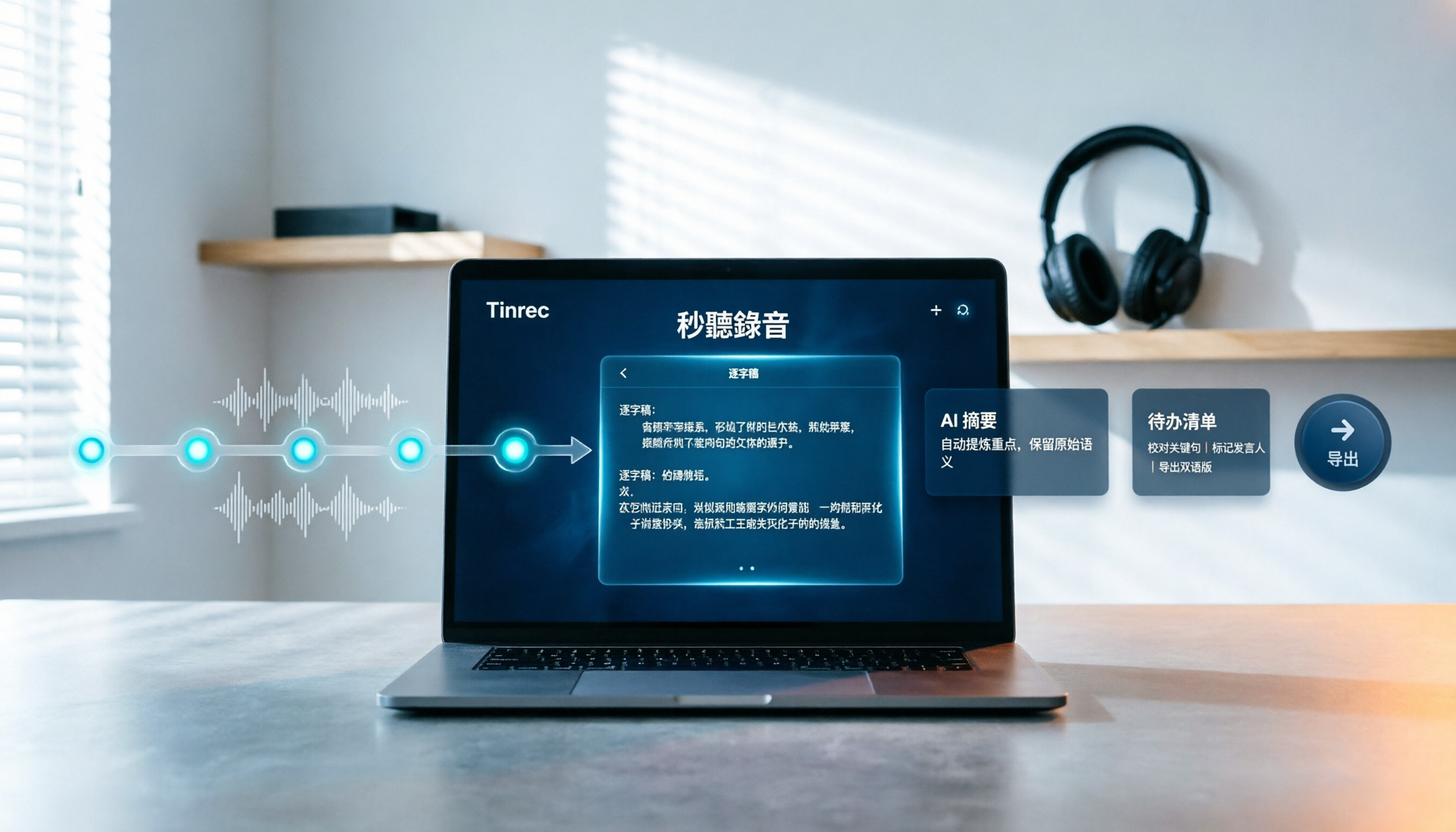
How to Choose Free Video Summarization Software in 2026: A 5-Step Hands-On Guide
How do you pick free video summarization software without getting burned? This guide walks you through 5 practical steps to test source formats, free quotas, Chinese language support, post-meeting workflows, and team needs. Using Tinrec as an example, it demonstrates the full process from video import and transcription to AI summaries, action items, and export, with FAQs and honest drawbacks.
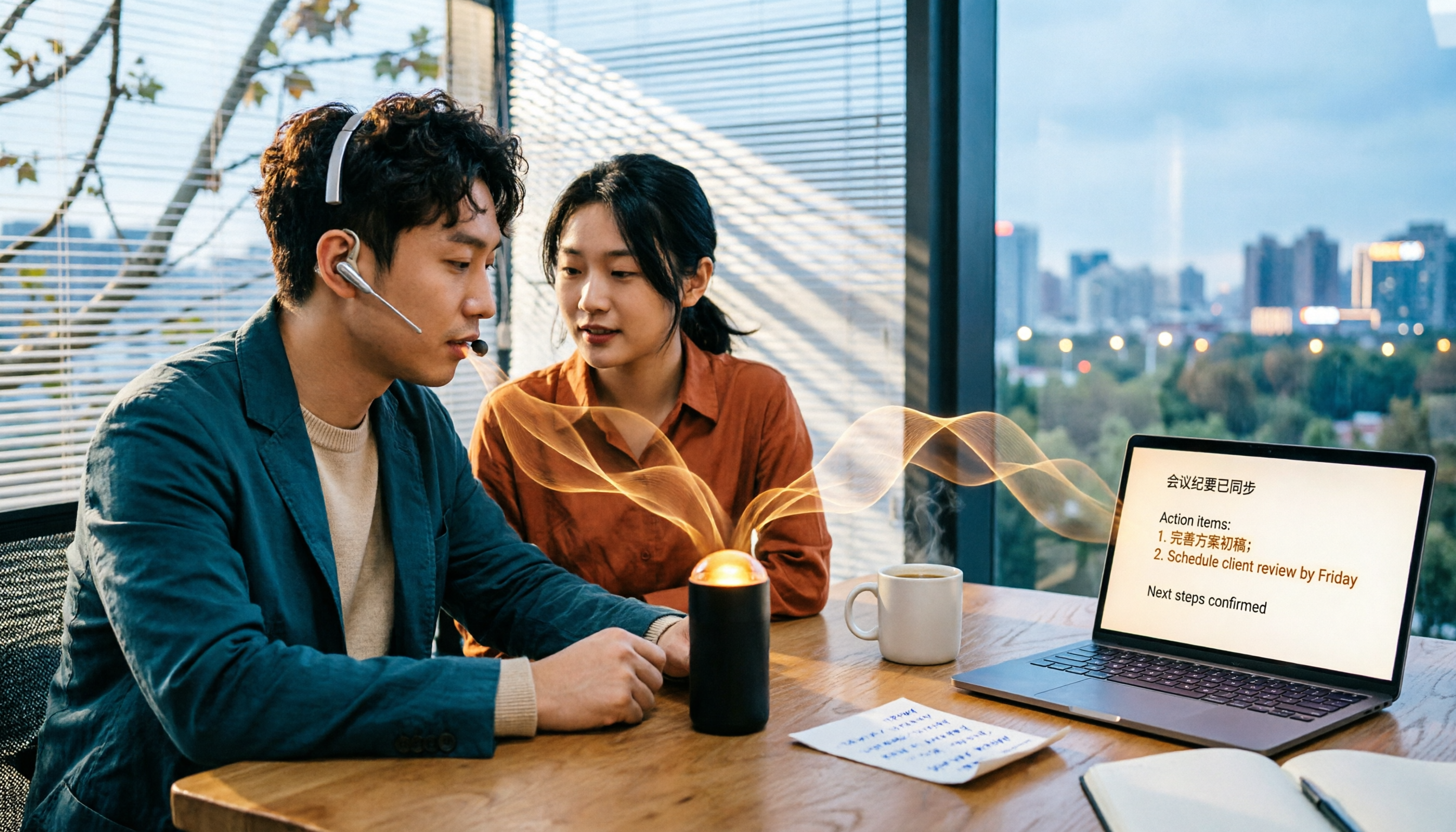
5 Best Audio to Text Tools in 2026: Which Free Version Is Enough?
Recorded a bunch of audio but no one wants to organize it? This article tests five audio-to-text tools: Tinrec, Otter.ai, Notta, TurboScribe, and PLAUD Note. It covers five key buying factors: accuracy, mixed Chinese-English recognition, online meeting recording, post-meeting organization, and free quotas, plus a guide to avoid pitfalls and scenario-based recommendations.

Best Training Video Summarization Tools in 2026: We Tested 2, No Hardware Needed, Chinese Support Makes the Difference
Summarizing training videos doesn't have to mean typing transcripts by hand. This article compares Tinrec and PLAUD Note across video file import, Chinese and technical term handling, summary and action item generation, team collaboration, and cost, helping you decide which tool is better for turning training videos into searchable, shareable team resources.

4 Best Audio-to-Text Tools in 2026: Which Saves the Most Time for Chinese Meetings and Transcripts?
Two-hour meeting, two hours to organize the transcript? We tested 4 audio-to-text tools, covering Chinese recognition, post-meeting organization, and team collaboration, to help you understand the key factors for choosing one. Tinrec (Miao Ting Lu Yin) became our top choice with bot-free recording, AI Q&A, and team knowledge retention. We also compare Notta, TurboScribe, and Otter.ai for their suitable scenarios.

2026 Comparison of 4 Audio-to-Text Tools: Which Is Fastest for Chinese Meeting Transcripts?
We tested 4 audio-to-text tools, comparing Chinese recognition, AI Q&A, team collaboration, and free tiers to help you find the best option for meeting notes and transcript organization.

2026 iPhone Audio-to-Text Tools Compared: Is Built-in Transcription Enough, or Does Tinrec Save More Time?
The iPhone's built-in Voice Memos app offers transcription, but it requires an iPhone 12 or later and iOS 18.4 for Chinese support, and it only provides a transcript. This article addresses common misconceptions and compares three approaches: iPhone built-in, Tinrec, Otter.ai, and Notta. It explains device and version limitations, language support, and post-meeting organization differences to help you find the most time-efficient way to transcribe iPhone recordings.

4 Free Short Video Summarizer Tools Tested and Compared in 2026: Which Free Version Is Good Enough?
Can't stop watching videos but can't extract the key points? This article tests 4 free short video summarizer tools, comparing free quotas, supported sources, Chinese language performance, and post-transcription processing capabilities. It also covers 4 key factors before buying, 4 common pitfalls, and scenario-based recommendations to help you find the best video summarization solution for your needs.