
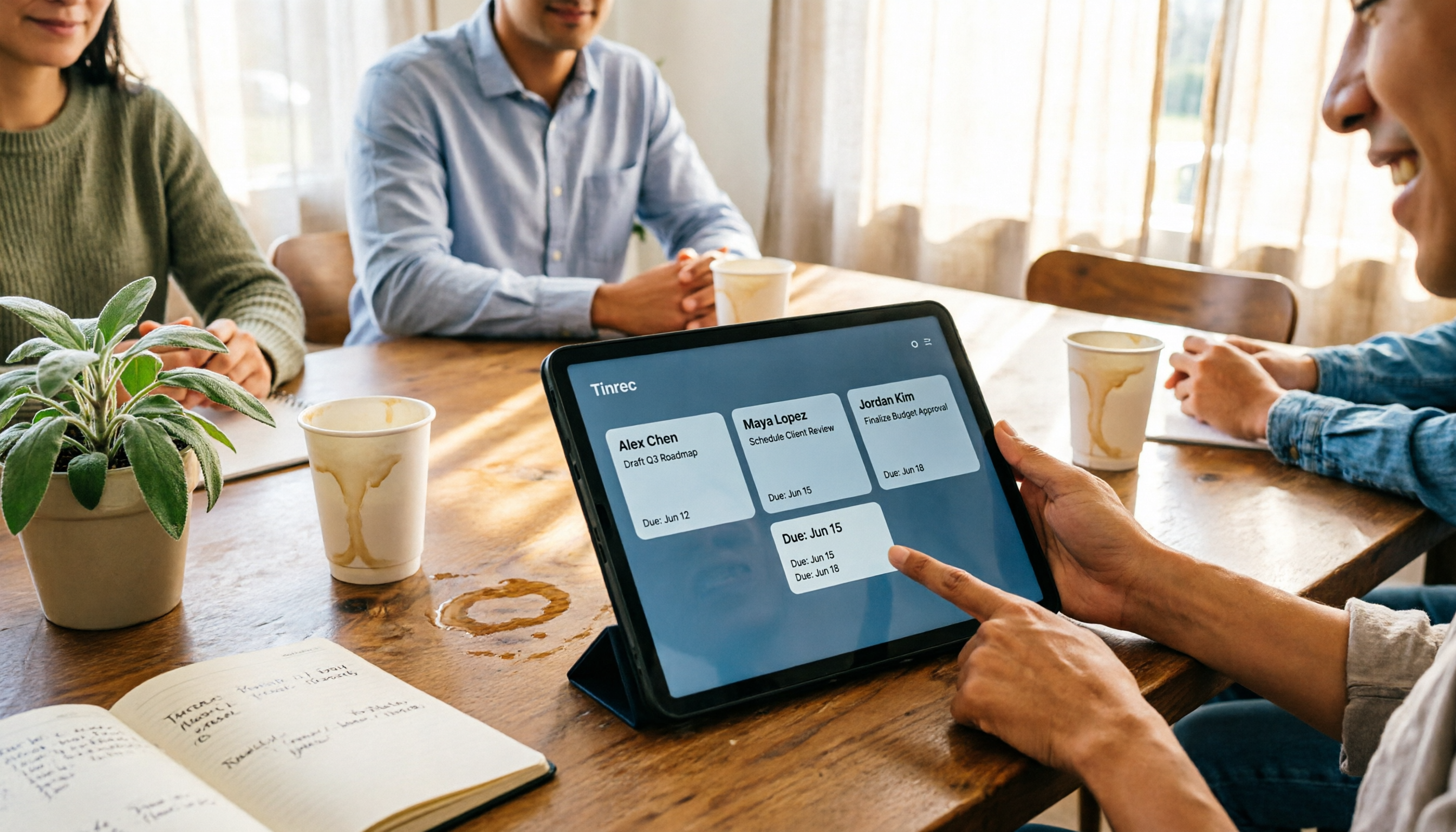
Turn recordings into transcripts and summaries in minutes
Upload audio or video for multilingual transcription, AI notes, and action items
First, ask yourself: Do you need "meeting notes" or a "meeting table"?
After a meeting, you usually have two things: a recording and a page of notes full of arrows and no verbs.
But what you actually need to deliver is neither the recording nor the notes—it's a table: who is responsible, what they need to do, and when it's due.
Many people think they're missing a transcript. Honestly, a transcript is just raw material. The real bottleneck is that no one translates the "discussion" into "fields"—which items are decisions, which are just chitchat, and which task should be assigned to whom.
That's why "AI meeting table generators" are being searched for separately. Most tools give you a summary, but you still have to open a spreadsheet and retype everything. So before choosing a tool, confirm one thing: can it turn meeting content directly into a table you can paste into your existing workflow?
Before Choosing an AI Meeting Table Generator, Understand These 4 Key Points
1. Is the table "generated" or "filled in"?
Some tools give you a nice template, but you still have to fill in the fields yourself. What really saves time is AI that directly extracts owners, tasks, and deadlines from the conversation.
When evaluating, first check whether its action items are derived from the transcript or require manual input. This was the first criterion we used to eliminate tools.
2. Can it handle how you actually meet?
Online meetings, in-person interviews, and old recordings you already have require completely different handling. For online meetings, think one step further: does the tool send a bot to join as a participant, or does it capture your computer's system audio directly?
The former is convenient, but some companies don't like an unfamiliar account in the meeting. The latter requires you to press start yourself, offering more flexibility. Whether it can handle all three input types is where the difference lies.
3. After transcription, can you keep asking questions?
After the table is generated, new questions often come up: "Who mentioned the budget last time?" "When was this decision finalized?"
If the tool supports asking questions directly about the meeting content, you don't have to go back through a 40-minute transcript searching for keywords. More tools have this capability now, but how smoothly it works varies a lot.
4. For team use, who owns the data and who can edit?
Is meeting data stored in individual accounts or a team space? Can new members see past meetings? Can members without a seat only view, or can they upload and edit?
These questions should be asked before purchasing. It's too late when someone leaves and you discover the data disappeared with their account.
Tinrec — After Testing, the Closest Thing to a "Table Generator"
Tinrec is an AI meeting notes and collaboration tool for individuals and teams, available on iOS, Android, desktop, and web. Its positioning isn't just audio-to-text—it's about turning meetings into searchable, summarizable, queryable, and exportable data.
Bot-free recording for online meetings, with real-time transcription
Tinrec's desktop app captures your computer's system audio directly, handling meeting audio from Zoom, Google Meet, Microsoft Teams, Webex, and other platforms playing on your computer—no need to invite a separate meeting bot.
During the meeting, the transcript appears as people speak, so you don't have to listen to the whole thing again afterward. Note that recording requires you to press start yourself; it's not the type that automatically joins all calendar meetings.
Action item extraction and Agent post-processing turn discussions into tables
After the meeting, Tinrec automatically generates a summary, chapters, and key points, and organizes action items from the discussion.
Even better is Agent post-processing—it can produce reports, tables, and documents based on meeting content, saving you the time of manually pulling together a spreadsheet afterward. The organized results support multiple export formats and can be brought into Notion, Google Docs, OneNote, Dropbox, and other tools for further processing.
AI Q&A: ask follow-up questions about meeting data
After recording, you can ask it directly: "What items were confirmed in this meeting?" "Who is responsible for setting up the test environment?"
It answers based on meeting content, not just a bunch of keyword search results. To trace the context of a decision, this is much faster than manually flipping through the transcript.
A few practical reminders
Stop organizing recordings by hand
Upload audio or video and automatically get a transcript, summary, and action items
Transcription quality is affected by recording quality, background noise, accents, and overlapping speakers—this is true for all similar tools. For important numbers, names, and amounts, it's recommended to verify against the transcript timestamps or recording playback.
Additionally, Tinrec covers Chinese, Traditional Chinese, and multilingual meeting scenarios, and supports real-time translation and bilingual viewing during recording, making mixed Chinese-English meetings relatively easy.
Limitations
The free version provides a basic quota, suitable for running through the full workflow once to try it out; heavy use requires payment.
Team plans are priced per paid seat: currently USD 29.80 per paid seat per month, or USD 199 per paid seat annually (about USD 16.58 per month). Each paid seat provides 2,000 minutes of team shared import quota per month; under an active team plan, real-time recording currently does not deduct minutes. Actual prices and benefits are subject to the official purchase page.
Who is it for?
If you have weekly meetings in Chinese or mixed Chinese-English, want to get an action item table right after the meeting, and don't want an extra bot account in the meeting, Tinrec is currently the closest fit.
For those who need team-shared meeting data, member management, and usage tracking, check out its team plan—members can view team data, but only those with a seat can record, upload, and edit.
Besides Tinrec, What Other Options Are There?
Granola: A bot-free AI meeting notes tool that uses desktop system audio plus your own notes to generate content. Basic is free, Business is USD 14 per user per month. Its strength is "your notes + AI enhancement." However, note that it doesn't support uploading existing audio files and doesn't save meeting audio files—if you want to organize old meetings and interview recordings together, you'll need another solution.
TurboScribe: A cost-effective file transcription route. Free version: 3 files per day, 30 minutes per file; Unlimited annual plan is USD 120, with files up to 10 hours or 5GB, and up to 50 files uploaded at once. If you have a large batch of pre-recorded audio to transcribe, its long-file and batch capabilities are indeed a good deal. However, its positioning is file transcription—it has no real-time meeting recording, no team space, and no post-meeting collaboration workflow.
Otter.ai: A veteran choice for English business meetings. Basic is free with 300 minutes per month; Pro annual plan is about USD 8.49 per user per month, including 1,200 minutes of in-app recording and 10 file imports per month. If your meetings are almost entirely in English, its maturity is high. But Chinese is not its strong suit, whereas Tinrec focuses on the Chinese experience and post-meeting table and report generation.
Pitfall Guide: The 4 Most Common Mistakes When Choosing These Tools
Pitfall 1: Thinking "having a summary" equals "having a table"
Summaries are for people to read; tables are for processes to use. Many tools can generate a three-paragraph summary, but the fields are still empty. If you want a list you can directly assign work from, look for one that breaks action items into owners and deadlines.
Pitfall 2: Only looking at transcript accuracy
Accuracy is important, of course, but it's just raw material. What really affects when you leave work is the post-meeting organization process. When choosing a tool, try thinking in reverse: how much time can it save me from "copy-pasting into a spreadsheet"?
Pitfall 3: Ignoring input sources
Today an online meeting, tomorrow a client visiting the office, the day after organizing an interview recording from three months ago—if your tool can only handle one of these, you'll end up juggling three services. Before choosing, list out your meeting types for a week.
Pitfall 4: Teams sharing a single personal account
This is the most common and troublesome pitfall. Shared accounts have no permission concept, and when someone leaves, the data is cut off. The real difference between team and personal versions isn't price—it's data ownership, member roles, and seat management—who can view, who can upload, and who is using the quota all need to be distinguishable.
Conclusion: Which One Should You Choose?
Overall, in this comparison, Tinrec is the most complete option that can handle both real-time meetings and existing audio files, and directly produce action item tables after the meeting.
Here's a scenario breakdown for reference:
- Chinese or mixed Chinese-English meetings, need action item tables afterward → Tinrec
- Need to handle both online meetings and offline interviews, and also organize old recordings → Tinrec
- Need managers to view team usage, manage members and data ownership → Tinrec team plan
- Meetings are almost all in English, want to rely on free quota first → Otter.ai
- Only have a batch of old audio files to transcribe → TurboScribe
- Only take meeting notes on Mac, don't need to keep audio → Granola
If you're still not sure which type you are, the simplest way is to run a real meeting through Tinrec's free version first and see if the table it produces can be pasted directly into your existing workflow. If it works, then consider paying—there's no need to buy from the start.
References
- Meeting Ink - AI Meeting Notes Assistant: Automatic Transcription and Meeting Summary
- No Time Limit! 3 Free AI Transcription Tools, Highly Recommended! AI Voice Notes Generate Meeting Minutes, Presentations, Mind Maps | 104 Career Power
- The Most Recommended AI Meeting Notes Tool of 2026, a Must-Have for Time-Saving Meetings!
- I Spent Four Hours Building an AI Meeting Notes Tool, Cost Less Than Ten Taiwan Dollars | WenHao Yu
- Free AI Meeting Notes Generator - Owners and Deadlines
Turn every recording into actionable outcomes
Get 60 free transcription minutes when you sign in. No credit card required.
Related Reading
You might also like

Best Sales Meeting Follow-Up Tools in 2026: Tested 3 Options, This One Excels for Chinese Meetings
After a sales meeting, the real challenge is follow-up. This article compares Tinrec, Otter.ai, Notta, and Granola on Chinese meeting transcription, post-meeting to-do organization, AI Q&A, and team data retention. It also covers 4 key purchasing factors and common pitfalls to help sales and customer success teams choose the right follow-up tool.
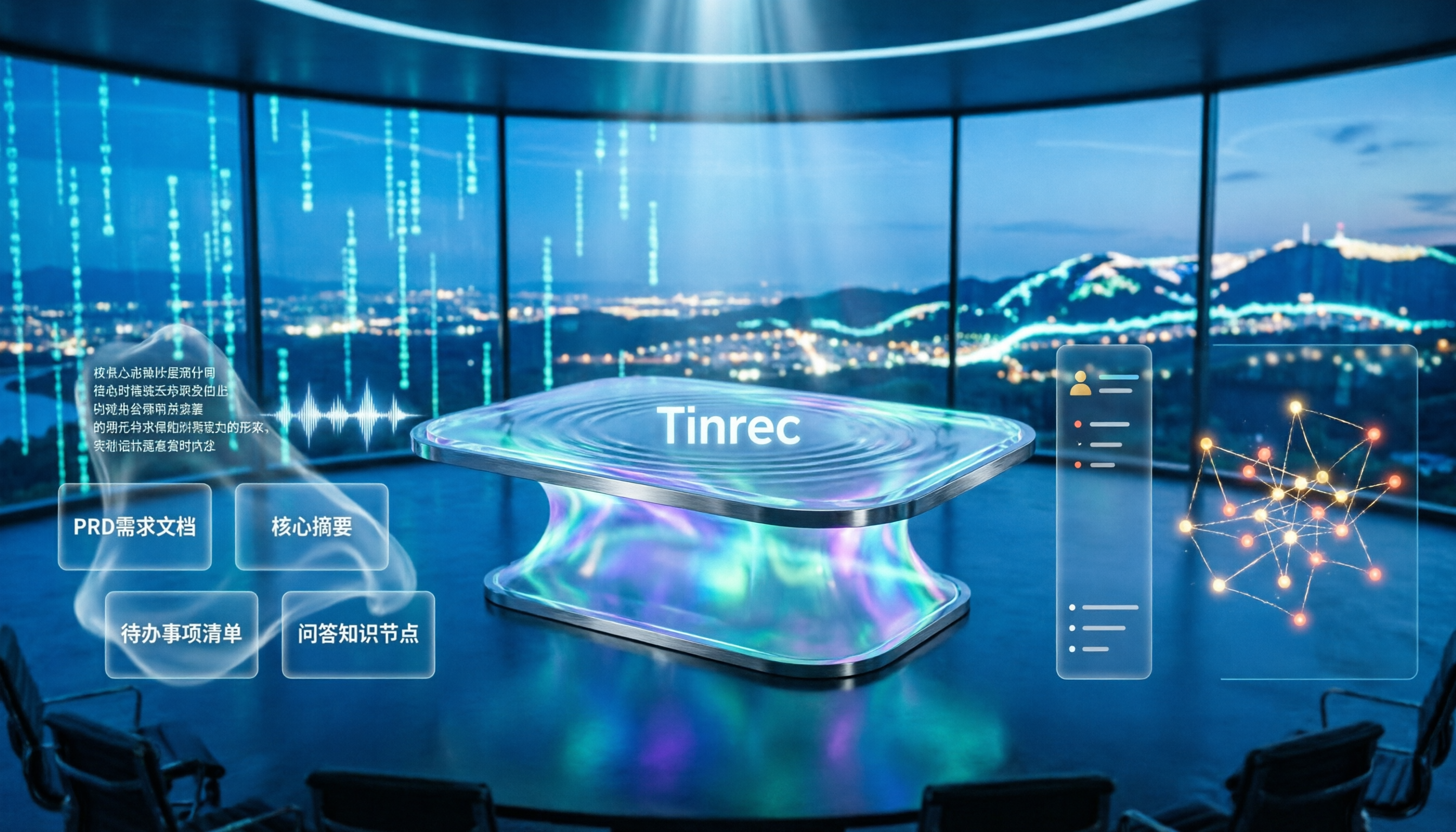
4 Meeting-to-PRD Tools Tested and Compared in 2026: Which Handles Chinese Meetings and Team Knowledge Best?
Generating a PRD from meeting notes isn't as simple as feeding a transcript to AI. This article starts with common pitfalls, breaks down the full workflow from meeting recording to PRD, and uses Tinrec to demonstrate real-time transcription, bot-free online meeting recording, AI summaries and action items, AI Q&A, multi-format export, and team spaces. It also covers 5 key buying considerations, team plan seats and pricing, practical use cases, and FAQs.

3 User Interview to PRD Tools Tested for 2026: Which One Lets AI Write Your Requirements Doc?
Turning user interview recordings into PRDs is time-consuming. We tested 3 tools, analyzing Chinese transcription, AI organization, and team collaboration. Using Tinrec as an example, we show how AI Q&A extracts requirements from interview recordings to quickly produce a PRD draft.
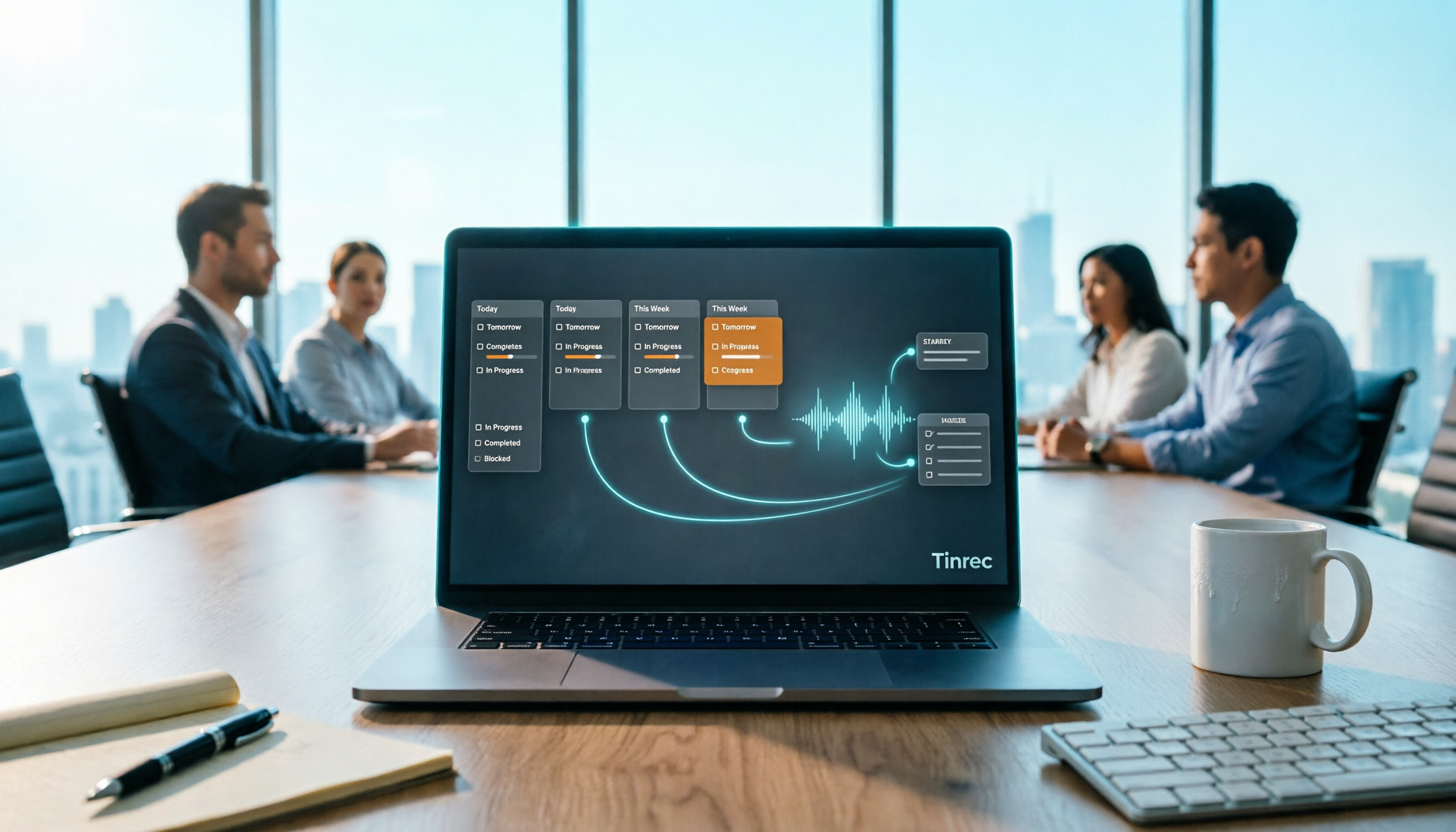
Project Meeting Task List Template 2026: 5 Essential Fields + Tinrec Automated Tracking
After a project meeting, tasks often go untracked. This article provides a ready-to-use project meeting task list template with 5 essential fields, explains how to adjust it for kickoff, weekly, and retrospective meetings, and shares how to use Tinrec to semi-automate recording, summarization, and action item extraction, so post-meeting follow-up no longer relies on memory.

Best Meeting Task Assignment Tools in 2026: 5 Tested, Tinrec Excels for Chinese Meetings
After a meeting, manually filling out a task assignment sheet often leads to missed items and poor tracking. This article examines 5 practical dimensions for choosing a meeting task assignment tool in 2026, and explains how Tinrec uses real-time transcription, to-do extraction, AI Q&A, and team spaces to shape the task list by the end of the meeting, while honestly listing free and team plan options.

2026 Comparison of 3 Meeting Minutes Templates: How Much Time Can Tinrec's Auto-Generation Save?
How do you choose a meeting minutes template? This article provides 3 ready-to-copy meeting minutes templates (standard business, project action tracking, formal board meeting) and compares the actual differences between manual form filling and Tinrec's automatic generation of transcripts, summaries, and action items, explaining why more teams are switching to AI meeting note tools.

How to Turn Meeting Notes into a PRD in 2026: A Complete 5-Step Guide
Meeting over, but your PRD is still blank? This guide breaks down the 5 key points and 5 practical steps for turning meeting notes into a product requirements document, and compares Tinrec, Otter.ai, Notta, and Granola on transcription, summarization, action item extraction, and team collaboration to help you choose the right workflow for writing PRDs.

Excel vs Tinrec in 2026: 5-Dimension Comparison — Which Saves More Time on Auto-Generating Meeting Action Items?
After a meeting, relying on memory to type action items into Excel often leads to missed tasks and wrong deadlines. This article compares manual Excel and Tinrec (秒聽錄音) across 5 key dimensions for organizing meeting action items, explains how to automatically extract action items, export them as tables, and bring them into Excel for tracking, and briefly reviews alternatives like Otter.ai and Notta.

Best Meeting Minutes Table Generator? 2026 Hands-On Test of 4 Tools—This One Saves the Most Time for Chinese Meetings
Downloading a template and filling in a table during the meeting is often the least efficient way to take meeting minutes. This article tests four tools—Tinrec, Notta, Granola, and Otter.ai—breaking down how to choose a meeting minutes table generator based on Chinese recognition, automatic summary and to-do generation, AI Q&A, and export workflows, plus four common pitfalls to avoid.