

Turn recordings into transcripts and summaries in minutes
Upload audio or video for multilingual transcription, AI notes, and action items
Best Meeting Minutes Table Generator? 2026 Hands-On Test of 4 Tools—This One Saves the Most Time for Chinese Meetings
"Meeting minutes table generator" sounds like a small thing, but most people do it this way: first search online for an Excel template to download, then during the meeting listen and fill in the fields; only afterward do they realize decisions were missed, the person responsible wasn't recorded, and they have to go back to the recording and listen to the two-hour meeting again.
The problem isn't that you're not diligent enough—it's that the process is backward. Templates only provide the format (meeting topic and time, chair, attendance and sign-in, agenda and key points, task assignments and owners, next action plan), but the content still has to be manually picked out from the conversation. The truly time-saving approach is the reverse: first let the tool turn the meeting into a transcript and key points, then let it put the content into a structured table. This is also the focus of this hands-on comparison.
Let's be clear: it's not about "which template looks pretty," but "who can help you finish filling in the table"
Scenarios you've definitely encountered:
- After a two-hour meeting, your boss gives you until the end of the day. You only have a few pages of scribbled notes and a 90-minute recording.
- You're listening and typing during the meeting, but halfway through filling the table, you miss the most important decision and the person responsible.
- You downloaded five templates, but the fields don't match your team's workflow, so you end up copying and pasting.
The common thread in these three situations is: the table is never difficult because of formatting, but because "no one has time to organize during the meeting." So when looking at tools, the first question isn't whether the template looks good, but whether it can prepare usable content the moment the meeting ends.
Before choosing a meeting minutes generator, understand these 4 key points
1. Does it automatically generate content for "table fields"?
A minutes document that can track progress usually includes: discussion highlights, decisions, owners, and deadlines. If a tool only gives you a long transcript, you still have to manually break it down. Focus on whether it can automatically generate summaries, sections, and to-dos after transcription—with these three steps, the table is almost filled in effortlessly.
2. Chinese and mixed Chinese-English recognition performance
Meetings in Taiwan and Hong Kong workplaces are rarely "pure Chinese." A tool that's strong in English meetings doesn't mean it's good for Chinese meetings. When testing, use your own recordings, not just official marketing copy.
3. Can you "ask follow-up questions" after the meeting?
When decisions are written too briefly, the most time-consuming part is going back through the transcript to find the original words. If the tool supports AI Q&A around meeting content, you can directly ask "What was the conclusion about the budget in this meeting?"—much faster than Ctrl+F.
4. Cross-platform and export
Recording on mobile and organizing on computer is the norm. Whether you can export results to Google Docs, Notion, or OneNote for continued use determines whether your minutes become a file no one opens again.
These four points actually correspond to the same question: does the tool help you "record" or help you "get things done." The gap between the tools tested below mainly lies here.
Tinrec—the top choice after hands-on testing
Tinrec is an AI meeting notes and collaboration tool for individuals and teams, available on mobile, desktop, and web. Its focus is not just converting voice to text, but organizing meetings into data you can continue to use.
In actual use, the workflow is like this:
During the meeting—no bot invitation needed
The desktop version directly captures the computer's system audio, so it can record online meetings on Zoom, Google Meet, Microsoft Teams, and Webex without putting a meeting bot into the room as a participant. At the same time, the transcript appears as the meeting goes on, and mixed Chinese-English segments are handled together; for cross-language meetings, real-time translation can be enabled, viewing in original, translated, or bilingual mode.
After the meeting—summaries, sections, and to-dos appear automatically
After recording, AI generates a summary, section highlights, and to-dos. Who is responsible for what and when it's due are directly extracted from the discussion. This step saves the most time because it's exactly the two columns that are hardest to fill manually in a "meeting minutes table."
Generating tables and subsequent delivery
Through Agent post-processing, meeting content can be further organized into reports, tables, or documents; results can also be exported to Google Docs, Notion, OneNote, Dropbox, and other tools for continued editing. In other words, "transcript → summary → table" is the same workflow, without switching between three software programs.
You can still ask follow-up questions after recording
This is where it differs most from tools at the same price. You can directly ask questions about the meeting content, such as "Who mentioned the budget in last week's meeting?" or "What was the conclusion of this proposal?" It doesn't give keyword search results, but answers based on semantics.
Stop organizing recordings by hand
Upload audio or video and automatically get a transcript, summary, and action items
Our hands-on test ran a complete real workflow: using the desktop version to capture a mixed Chinese-English online meeting recording (with background noise from air conditioning and keyboard sounds), sequentially producing a transcript, summary, and to-dos, then using Agent post-processing to output a table. The entire process required no additional hardware purchase and no advance meeting room setup. Note that actual recognition performance is affected by recording quality, accents, overlapping speakers, and technical terminology. The official recommendation is not to summarize with a single accuracy number; for important content, it's advisable to cross-check with transcript timestamps and recording playback.
Three notable advantages
- Chinese and Traditional Chinese experience: supports Chinese, Traditional Chinese, and multilingual meetings. Mixed Chinese-English content and real-time translation are its strong suits, which is very practical for daily meetings in Taiwan and Hong Kong.
- No bot, and recordings are kept: the desktop version captures system audio to record online meetings, and the recording file is retained for post-meeting playback and verification.
- Complete post-meeting workflow: summary, sections, to-dos, AI Q&A, multi-format export, and Agent-generated tables and reports—all connected end to end.
Limitations to be clear about
The free version has a quota; heavy users need to pay. The team version is currently USD 29.80 per paid seat per month, or USD 199 per paid seat per year (about USD 16.58 per month). Each paid seat provides 2,000 minutes of team shared import quota per month; the first eligible team trial is 7 days, 1 free seat, and 300 minutes of team shared import quota. Also, the team version currently focuses on team-level sharing, not file-level permissions—roles determine who can manage the team, and seats determine who can record, upload, and edit. Please refer to the official purchase page for prices and benefits.
Who it's for
If you frequently hold Chinese or mixed Chinese-English meetings, want to use AI to find decisions and owners directly after the meeting, and don't want to buy additional recording hardware, Tinrec is currently the most convenient choice. For teams that need to share meeting data and centrally manage seats and usage, the team version is recommended.
Besides Tinrec, what other options are there?
Notta: The competitor with the most overlap with Tinrec. It offers multi-platform transcription, meeting notes, document import, translation, and team plans, and its Chinese performance is also good. The free version has 120 minutes per month, up to 3 minutes per session; Pro annual billing is about USD 8.17 per month (1,800 minutes per month). The difference is in the post-meeting part: if you want bot-free desktop recording, plus directly generating tables from minutes and using AI Q&A for follow-ups, Tinrec's post-processing workflow is more complete.
Granola: Also a bot-free AI meeting notes tool. Basic is free, Business is USD 14 per user per month. It focuses on enhancing your notes with AI as you write, and you can see live transcripts. But note two things: it doesn't support uploading pre-recorded meeting audio files, and it doesn't save meeting audio files. For organizing historical recordings or post-meeting playback verification, Tinrec is more suitable.
Otter.ai: A veteran favorite for English meetings. Basic is free with 300 minutes per month; Pro annual billing is about USD 8.49 per user per month. If 90% of your meetings are in English, it's indeed cost-effective. However, Chinese, Traditional Chinese, and mixed Chinese-English transcript experiences are not its strong suit, and it lacks Tinrec's smooth "ask AI directly to find answers after recording" feel—if your meetings are mainly in Chinese, Tinrec will save you a lot of time.
Pitfall guide: the 4 most common mistakes in generating meeting minutes tables
Pitfall 1: Thinking downloading a template solves the problem.
There are many Excel and Word templates online, with similar fields, but templates only give you the format; you still have to fill in content during the meeting, resulting in missed decisions and owners. The correct approach is to let the tool first generate a transcript and to-dos, then you place them into the fields.
Pitfall 2: Writing minutes as a transcript.
The most common beginner mistake is recording every word everyone says. Decisions and follow-up actions must be written separately, and actions must have an owner and deadline—without these two columns, the table is just a running log and can't track any results.
Pitfall 3: Deciding based only on English performance.
Many tools are strong in English but poor in Chinese. Test with your own meeting recordings, preferably including mixed Chinese-English and multi-speaker segments—that's the real environment.
Pitfall 4: Using it only as "audio to text."
If you only use such tools as a transcription machine, you're using only one-third of their capabilities. With Tinrec's AI Q&A and Agent post-processing, you can directly ask "What was the conclusion of this meeting?" and output a table directly—much faster than manually going through a 30-minute transcript.
Conclusion: Which one should you choose?
In one sentence: if your meetings are mainly in Chinese or mixed Chinese-English, and you want a minutes table that can track owners and deadlines, Tinrec is the most time-saving choice in this hands-on test.
- Chinese or mixed Chinese-English meetings, need automatic minutes table generation → Tinrec
- Want to use AI to find key points and ask about decisions after recording → Tinrec
- Record on mobile, organize on computer, and export to Google Docs/Notion → Tinrec
- Team needs to share meeting data and manage seats and usage → Tinrec team version
- 90% of meetings are in English, budget priority → Otter.ai
It's recommended to start with the free version and run a complete workflow with your most troublesome meeting recording—from transcript to table—to see if it can save you those two hours. If it feels smooth, then consider upgrading; no need to pay from the start.
References
- 【Meeting Minutes Writing 2026】Format Tutorial|Free Template + Template Download - ProjectManager
- How to use meeting minutes template Word table? A must-read office document template guide for corporate clerks
- Meeting Minutes Format Template [Directly Copyable] 4 Key Points + Writing Examples, Fill and Submit
- Meeting Minutes Excel Template Free Download|Meeting Minutes Excel Table Template – Pikbest
- Professional Meeting Minutes Template Excel Free Download and Google Sheets Online Editing - Slidesdocs
Turn every recording into actionable outcomes
Get 60 free transcription minutes when you sign in. No credit card required.
Related Reading
You might also like

Best Sales Meeting Follow-Up Tools in 2026: Tested 3 Options, This One Excels for Chinese Meetings
After a sales meeting, the real challenge is follow-up. This article compares Tinrec, Otter.ai, Notta, and Granola on Chinese meeting transcription, post-meeting to-do organization, AI Q&A, and team data retention. It also covers 4 key purchasing factors and common pitfalls to help sales and customer success teams choose the right follow-up tool.
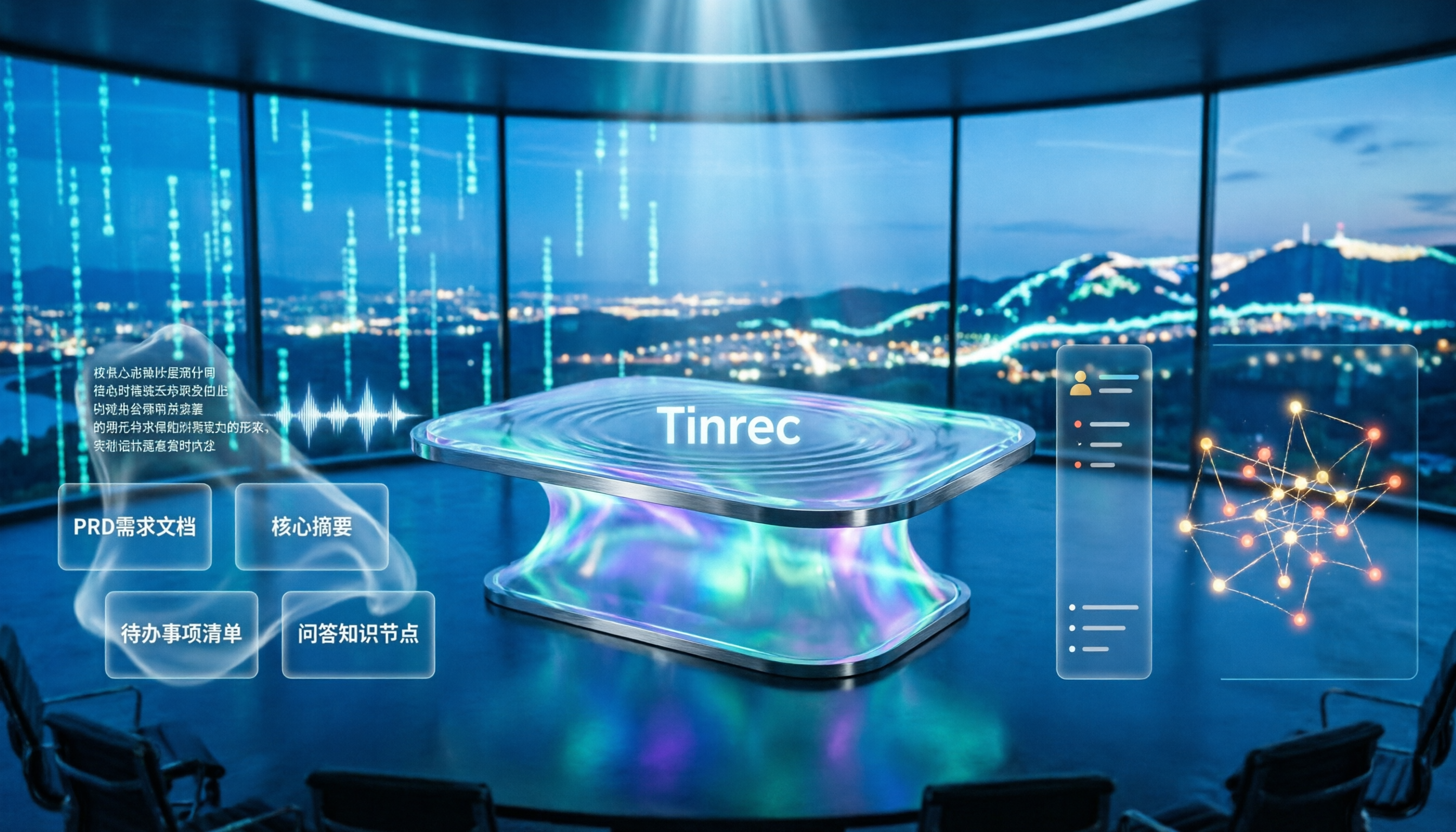
4 Meeting-to-PRD Tools Tested and Compared in 2026: Which Handles Chinese Meetings and Team Knowledge Best?
Generating a PRD from meeting notes isn't as simple as feeding a transcript to AI. This article starts with common pitfalls, breaks down the full workflow from meeting recording to PRD, and uses Tinrec to demonstrate real-time transcription, bot-free online meeting recording, AI summaries and action items, AI Q&A, multi-format export, and team spaces. It also covers 5 key buying considerations, team plan seats and pricing, practical use cases, and FAQs.

3 User Interview to PRD Tools Tested for 2026: Which One Lets AI Write Your Requirements Doc?
Turning user interview recordings into PRDs is time-consuming. We tested 3 tools, analyzing Chinese transcription, AI organization, and team collaboration. Using Tinrec as an example, we show how AI Q&A extracts requirements from interview recordings to quickly produce a PRD draft.
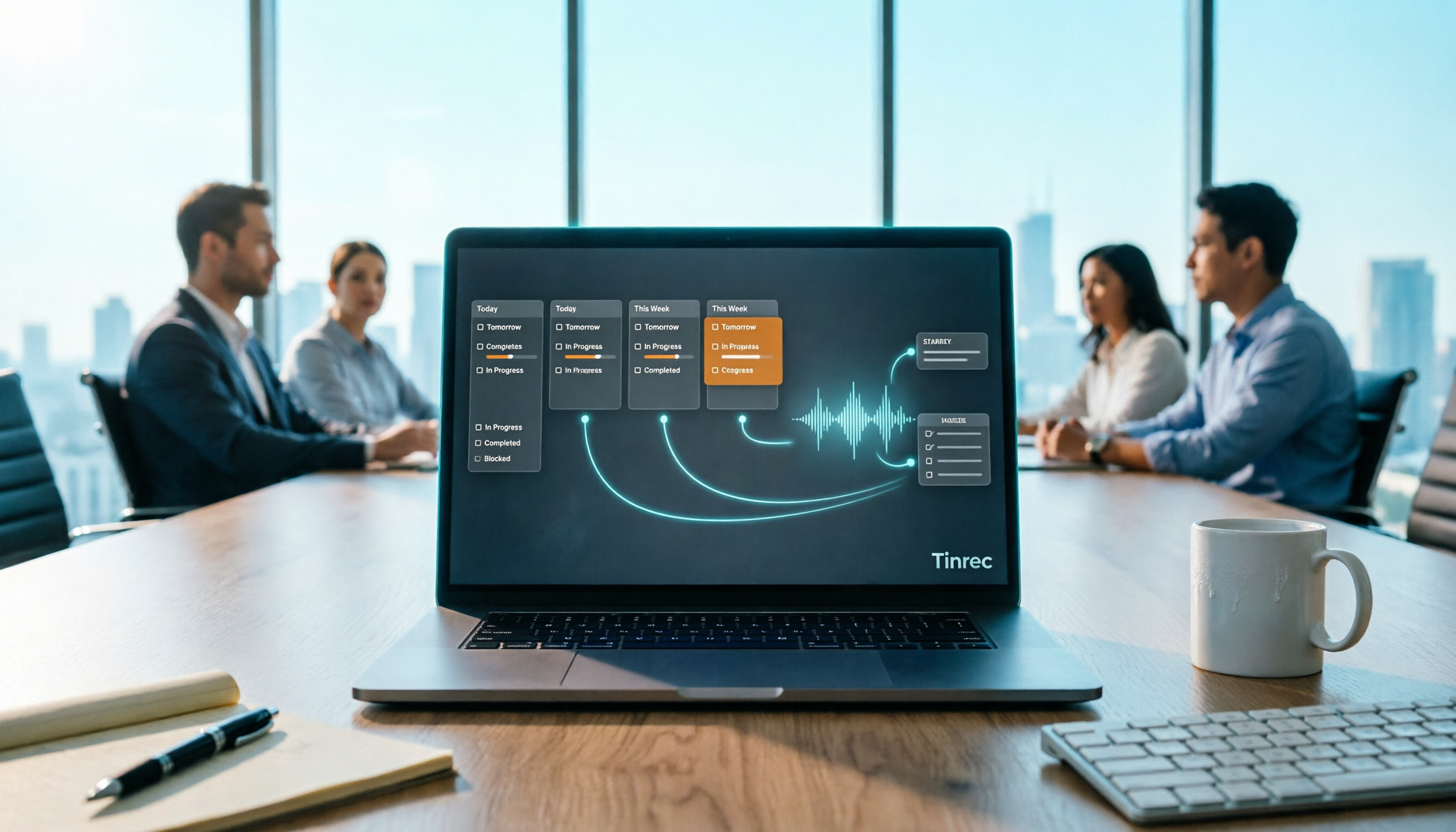
Project Meeting Task List Template 2026: 5 Essential Fields + Tinrec Automated Tracking
After a project meeting, tasks often go untracked. This article provides a ready-to-use project meeting task list template with 5 essential fields, explains how to adjust it for kickoff, weekly, and retrospective meetings, and shares how to use Tinrec to semi-automate recording, summarization, and action item extraction, so post-meeting follow-up no longer relies on memory.

Best Meeting Task Assignment Tools in 2026: 5 Tested, Tinrec Excels for Chinese Meetings
After a meeting, manually filling out a task assignment sheet often leads to missed items and poor tracking. This article examines 5 practical dimensions for choosing a meeting task assignment tool in 2026, and explains how Tinrec uses real-time transcription, to-do extraction, AI Q&A, and team spaces to shape the task list by the end of the meeting, while honestly listing free and team plan options.

2026 Comparison of 3 Meeting Minutes Templates: How Much Time Can Tinrec's Auto-Generation Save?
How do you choose a meeting minutes template? This article provides 3 ready-to-copy meeting minutes templates (standard business, project action tracking, formal board meeting) and compares the actual differences between manual form filling and Tinrec's automatic generation of transcripts, summaries, and action items, explaining why more teams are switching to AI meeting note tools.

How to Turn Meeting Notes into a PRD in 2026: A Complete 5-Step Guide
Meeting over, but your PRD is still blank? This guide breaks down the 5 key points and 5 practical steps for turning meeting notes into a product requirements document, and compares Tinrec, Otter.ai, Notta, and Granola on transcription, summarization, action item extraction, and team collaboration to help you choose the right workflow for writing PRDs.

Excel vs Tinrec in 2026: 5-Dimension Comparison — Which Saves More Time on Auto-Generating Meeting Action Items?
After a meeting, relying on memory to type action items into Excel often leads to missed tasks and wrong deadlines. This article compares manual Excel and Tinrec (秒聽錄音) across 5 key dimensions for organizing meeting action items, explains how to automatically extract action items, export them as tables, and bring them into Excel for tracking, and briefly reviews alternatives like Otter.ai and Notta.
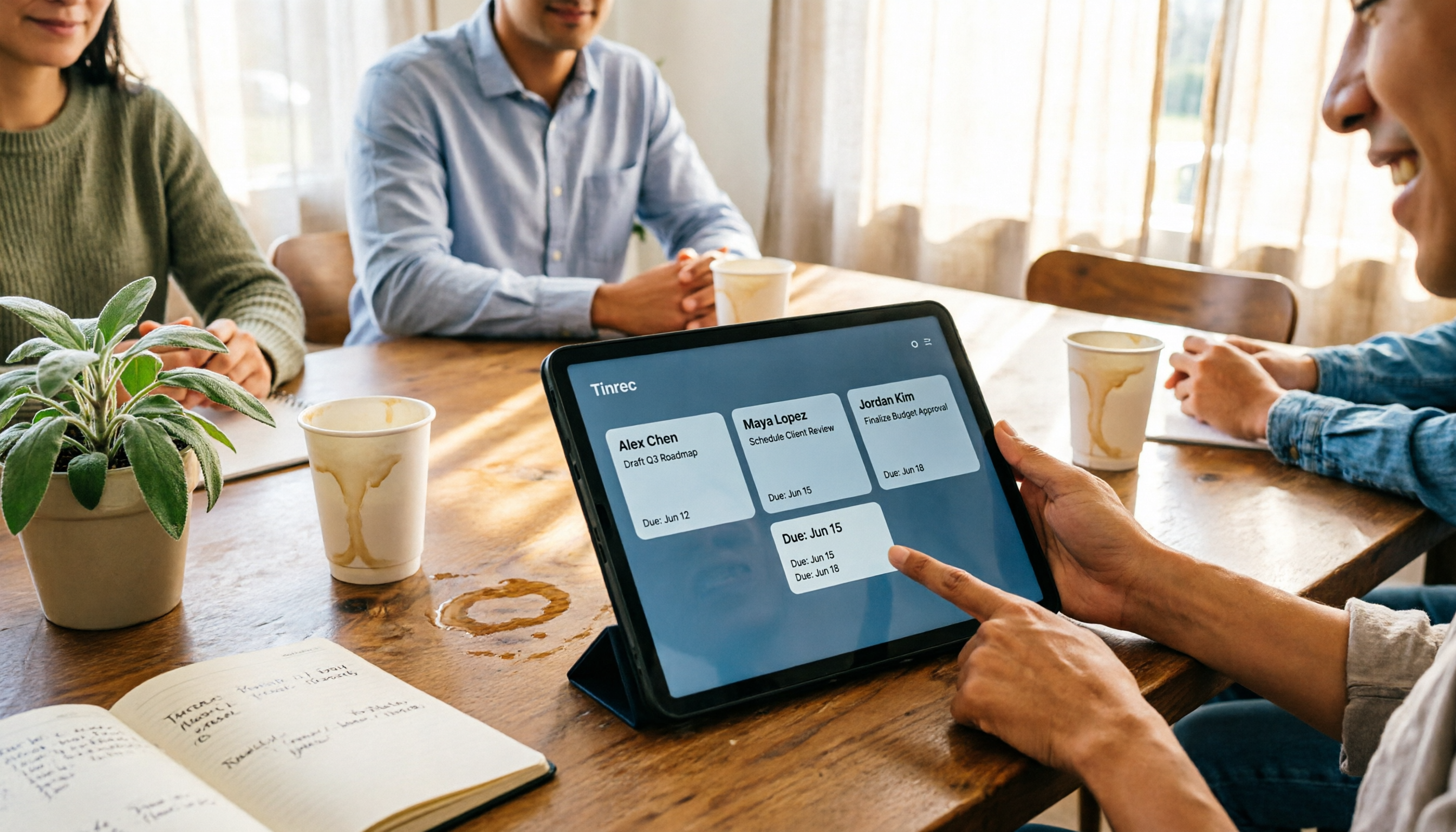
2026 AI Meeting Table Generator: Automatically Extract Owners and Export Action Items in One Click
The real pain point of meeting notes isn't the transcript—it's that after the meeting, no one knows who should do what. This guide covers 4 key factors for choosing an AI meeting table generator and compares Tinrec, Granola, TurboScribe, and Otter.ai to see which one truly turns discussions into tables with owner, task, and deadline.