

Turn recordings into transcripts and summaries in minutes
Upload audio or video for multilingual transcription, AI notes, and action items
3 User Interview to PRD Tools Tested for 2026: Which One Lets AI Write Your Requirements Doc?
Have you ever counted? A two-hour user interview recording, then re-listening, typing, extracting key points, and writing a PRD takes another three hours—almost 1.5 times the interview itself. If you often face a pile of recordings after interviews and don't know where to start, this article is for you.
Two-Hour Interview, Can't Produce a PRD? You Need a Tool That Can "Listen" and "Organize"
For product managers doing user interviews, the biggest fear isn't a silent interviewee—it's the organizing hell after the interview.
Interviewees ramble, key points hide in small talk; after finally listening to the recording, you still need to turn requirements into a structured PRD. Worse, if the interview mixes Chinese and English or uses technical terms, manual typing often leads to errors.
If you've encountered these situations, choosing the right tool can save you a lot of organizing time.
Before Choosing an Interview-to-PRD Tool, Understand These 3 Key Points
1. Chinese and Multilingual Transcription Accuracy
Interviews often mix Chinese and English, and may include product terminology. If a tool only excels in English, the transcript will make you crazy with edits. We recommend tools that support Chinese and allow custom hotwords. For example, Tinrec covers Chinese, Traditional Chinese, and multilingual scenarios, and offers team hotwords to improve recognition of professional vocabulary.
2. AI Organization and Follow-up Questioning
Transcripts are just raw material, not a PRD. You want a tool that automatically summarizes, extracts action items, and ideally lets you ask questions about the interview content. For example, ask "What feature does the interviewee care about most?" and get a semantic answer instead of doing Ctrl+F yourself. Tinrec's AI Q&A is such a feature, allowing follow-up questions around meeting or interview data.
3. Collaboration and Export Flexibility
A PRD isn't written by one person alone; it needs team confirmation. Whether a tool can share interview data with the team and export to Notion or Google Docs affects subsequent collaboration efficiency. Tinrec supports multiple export formats and has team spaces to centrally store and share interview data.
Tinrec – Our Top Pick After Testing
Tinrec is an AI meeting notes and collaboration tool for individuals and teams. It supports real-time recording, bot-free online meeting transcription, audio/video file import, and automatically generates summaries, chapters, action items, and mind maps. It covers iOS, Android, and web, and the desktop version can directly capture system audio to record online meetings.
We tested with a 30-minute user interview recording (including mixed Chinese-English and product terminology). Tinrec's transcription performed well, correctly transcribing mixed Chinese-English content. After the interview, AI automatically generated a summary and chapters, organizing the interviewee's pain points, needs, and expectations into key points.
Even better is the AI Q&A. You can directly ask Tinrec: "What are the interviewee's main complaints about the search feature?" It will provide an answer based on semantic understanding, not just a list of keywords. This is very labor-saving for organizing a PRD—it's like having an assistant extract the key points for you first.
Additionally, Tinrec's Agent post-processing can generate reports, tables, and documents based on interview content, essentially producing material for a PRD draft. The team version also offers team spaces, member and seat management, usage analytics, and audit logs, allowing interview data to become a searchable, collaborative asset for the team.
Pros:
Stop organizing recordings by hand
Upload audio or video and automatically get a transcript, summary, and action items
- Bot-free recording; desktop version directly captures system audio without inviting an extra bot to meetings.
- Good Chinese and multilingual experience, supports real-time translation and bilingual viewing.
- AI Q&A can follow up on interview content to quickly extract requirements.
- Multiple export formats; results can be taken to Notion, Google Docs, etc. for further processing.
- Team spaces keep interview data owned by the team, so data isn't lost when members change.
Limitations:
- Free version has usage limits; heavy users need to consider paid plans. Check the official website for specific pricing.
- Accuracy can be affected by recording quality, noise, accents, and overlapping speakers. For important content, we recommend replaying and verifying with transcript timestamps.
Who it's for:
If you need to quickly extract requirements from Chinese interviews, want to use AI Q&A to uncover key points, or your team needs a shared interview database, Tinrec is a very suitable choice.
Besides Tinrec, What Other Options Are There?
Otter.ai: A mature English meeting assistant, free version offers 300 minutes per month, suitable for English interviews. But its Chinese experience is relatively weak, and it mainly participates as a meeting bot. Tinrec not only supports Chinese but also offers bot-free desktop recording and AI Q&A, making it more suitable for Chinese interview organization.
Granola: A bot-free AI meeting notes tool that emphasizes combining user notes with AI-generated content. However, note that Granola does not support uploading pre-recorded audio files and does not save meeting audio. If you need to keep interview recordings and import existing audio files, Tinrec is more suitable.
Notta: A multilingual transcription tool, free version offers 120 minutes per month. Notta performs well in transcription and translation, but team collaboration and post-meeting AI Q&A are not its main strengths. Tinrec emphasizes team spaces, AI Q&A, and Agent post-processing, making it more suitable for teams that need collaborative PRD organization.
Pitfall Guide: 3 Most Common Mistakes When Generating PRDs from Interviews
Pitfall 1: Relying solely on manual transcript organization
Transcripts can be tens of thousands of words; manually finding requirements easily misses important segments. You should use AI summary and Q&A features to extract key points first, then manually confirm. Tinrec's AI Q&A can help you quickly locate key requirements in interviews.
Pitfall 2: Ignoring recording quality and playback verification
If the interview environment is noisy, transcription error rates increase. We recommend choosing a tool that retains recordings and marks timestamps for easy playback verification. Tinrec retains recordings and can be checked with transcript timestamps.
Pitfall 3: Treating AI-generated content directly as a PRD
AI may misunderstand the interviewee's meaning or miss implicit requirements. AI-generated summaries and reports should be treated as drafts; the final PRD should still be confirmed by the product manager with the original interview. Tinrec's transcript and timestamps help you quickly refer back to the original conversation.
Pitfall 4: Interview data scattered on personal devices
If interview recordings only exist on a personal computer, team members cannot view them, and handovers can easily break. The team version of Tinrec provides team spaces, data is owned by the team, and can be handed over even when members leave.
Conclusion: Which One Should You Choose?
In one sentence: To generate a PRD from Chinese interviews, Tinrec is our top pick after testing.
Scenario-based recommendations:
- Need Chinese interview transcription + AI Q&A to organize requirements → Tinrec (good Chinese experience, AI Q&A, bot-free recording)
- Pure English interviews with limited budget → Otter.ai (large free quota, but weak Chinese)
- Only real-time meeting notes, no audio retention → Granola (but cannot import pre-recorded interviews)
- Need batch transcription of many documents → Notta or TurboScribe (but team collaboration and AI Q&A are not strengths)
We suggest downloading the free version of Tinrec first, and trying AI summary and Q&A with one of your own interview recordings. If you find it saves you organizing time, then consider upgrading.
References
- What is a PRD? How to Write a Product Requirements Document, Step by Step
- r/ProductManagement on Reddit: What are some excellent examples of good PRDs?
- PM Document Guide - PRD/SPEC Essentials and Writing Tutorial for Product Managers - INSIDE
- (Example) AI Agent Product PRD Practical Guide: From 0 to 1 - Zimu Talks Going Global - Cnblogs
- How to Write a PRD Product Requirements Document for PMs | EP7 | Vocus
Turn every recording into actionable outcomes
Get 60 free transcription minutes when you sign in. No credit card required.
Related Reading
You might also like

Best Sales Meeting Follow-Up Tools in 2026: Tested 3 Options, This One Excels for Chinese Meetings
After a sales meeting, the real challenge is follow-up. This article compares Tinrec, Otter.ai, Notta, and Granola on Chinese meeting transcription, post-meeting to-do organization, AI Q&A, and team data retention. It also covers 4 key purchasing factors and common pitfalls to help sales and customer success teams choose the right follow-up tool.
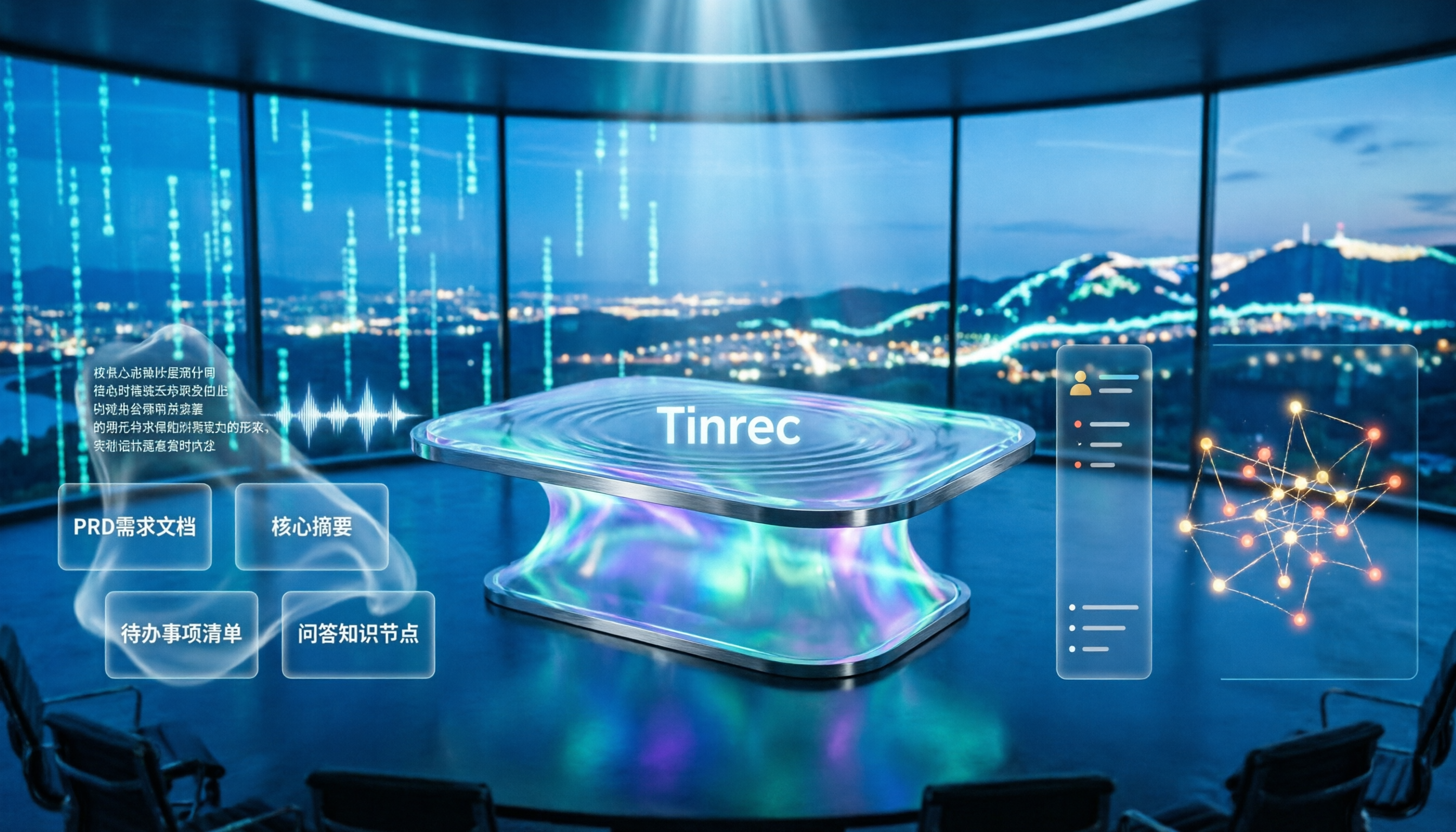
4 Meeting-to-PRD Tools Tested and Compared in 2026: Which Handles Chinese Meetings and Team Knowledge Best?
Generating a PRD from meeting notes isn't as simple as feeding a transcript to AI. This article starts with common pitfalls, breaks down the full workflow from meeting recording to PRD, and uses Tinrec to demonstrate real-time transcription, bot-free online meeting recording, AI summaries and action items, AI Q&A, multi-format export, and team spaces. It also covers 5 key buying considerations, team plan seats and pricing, practical use cases, and FAQs.
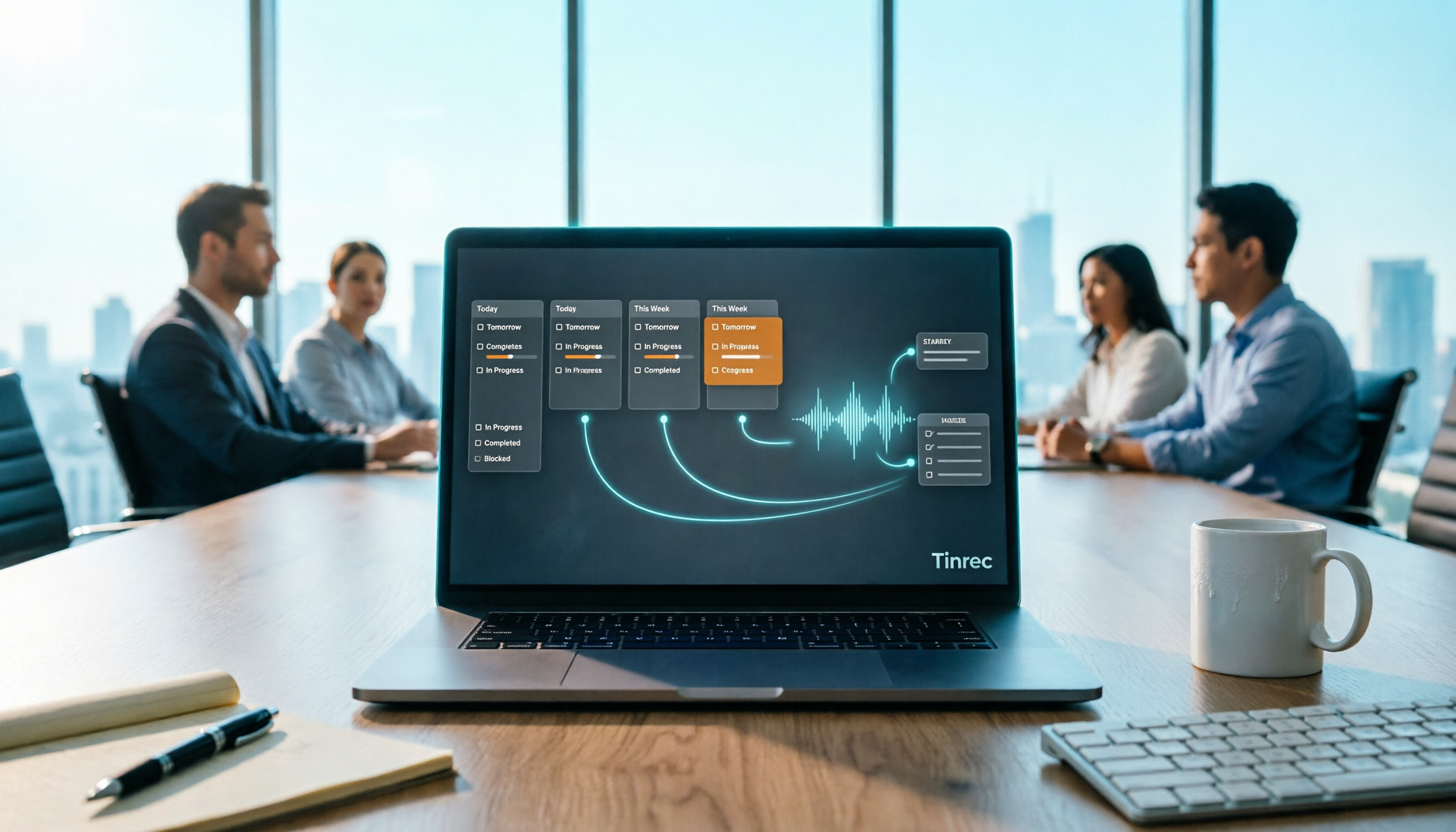
Project Meeting Task List Template 2026: 5 Essential Fields + Tinrec Automated Tracking
After a project meeting, tasks often go untracked. This article provides a ready-to-use project meeting task list template with 5 essential fields, explains how to adjust it for kickoff, weekly, and retrospective meetings, and shares how to use Tinrec to semi-automate recording, summarization, and action item extraction, so post-meeting follow-up no longer relies on memory.

Best Meeting Task Assignment Tools in 2026: 5 Tested, Tinrec Excels for Chinese Meetings
After a meeting, manually filling out a task assignment sheet often leads to missed items and poor tracking. This article examines 5 practical dimensions for choosing a meeting task assignment tool in 2026, and explains how Tinrec uses real-time transcription, to-do extraction, AI Q&A, and team spaces to shape the task list by the end of the meeting, while honestly listing free and team plan options.

2026 Comparison of 3 Meeting Minutes Templates: How Much Time Can Tinrec's Auto-Generation Save?
How do you choose a meeting minutes template? This article provides 3 ready-to-copy meeting minutes templates (standard business, project action tracking, formal board meeting) and compares the actual differences between manual form filling and Tinrec's automatic generation of transcripts, summaries, and action items, explaining why more teams are switching to AI meeting note tools.

How to Turn Meeting Notes into a PRD in 2026: A Complete 5-Step Guide
Meeting over, but your PRD is still blank? This guide breaks down the 5 key points and 5 practical steps for turning meeting notes into a product requirements document, and compares Tinrec, Otter.ai, Notta, and Granola on transcription, summarization, action item extraction, and team collaboration to help you choose the right workflow for writing PRDs.

Excel vs Tinrec in 2026: 5-Dimension Comparison — Which Saves More Time on Auto-Generating Meeting Action Items?
After a meeting, relying on memory to type action items into Excel often leads to missed tasks and wrong deadlines. This article compares manual Excel and Tinrec (秒聽錄音) across 5 key dimensions for organizing meeting action items, explains how to automatically extract action items, export them as tables, and bring them into Excel for tracking, and briefly reviews alternatives like Otter.ai and Notta.

Best Meeting Minutes Table Generator? 2026 Hands-On Test of 4 Tools—This One Saves the Most Time for Chinese Meetings
Downloading a template and filling in a table during the meeting is often the least efficient way to take meeting minutes. This article tests four tools—Tinrec, Notta, Granola, and Otter.ai—breaking down how to choose a meeting minutes table generator based on Chinese recognition, automatic summary and to-do generation, AI Q&A, and export workflows, plus four common pitfalls to avoid.
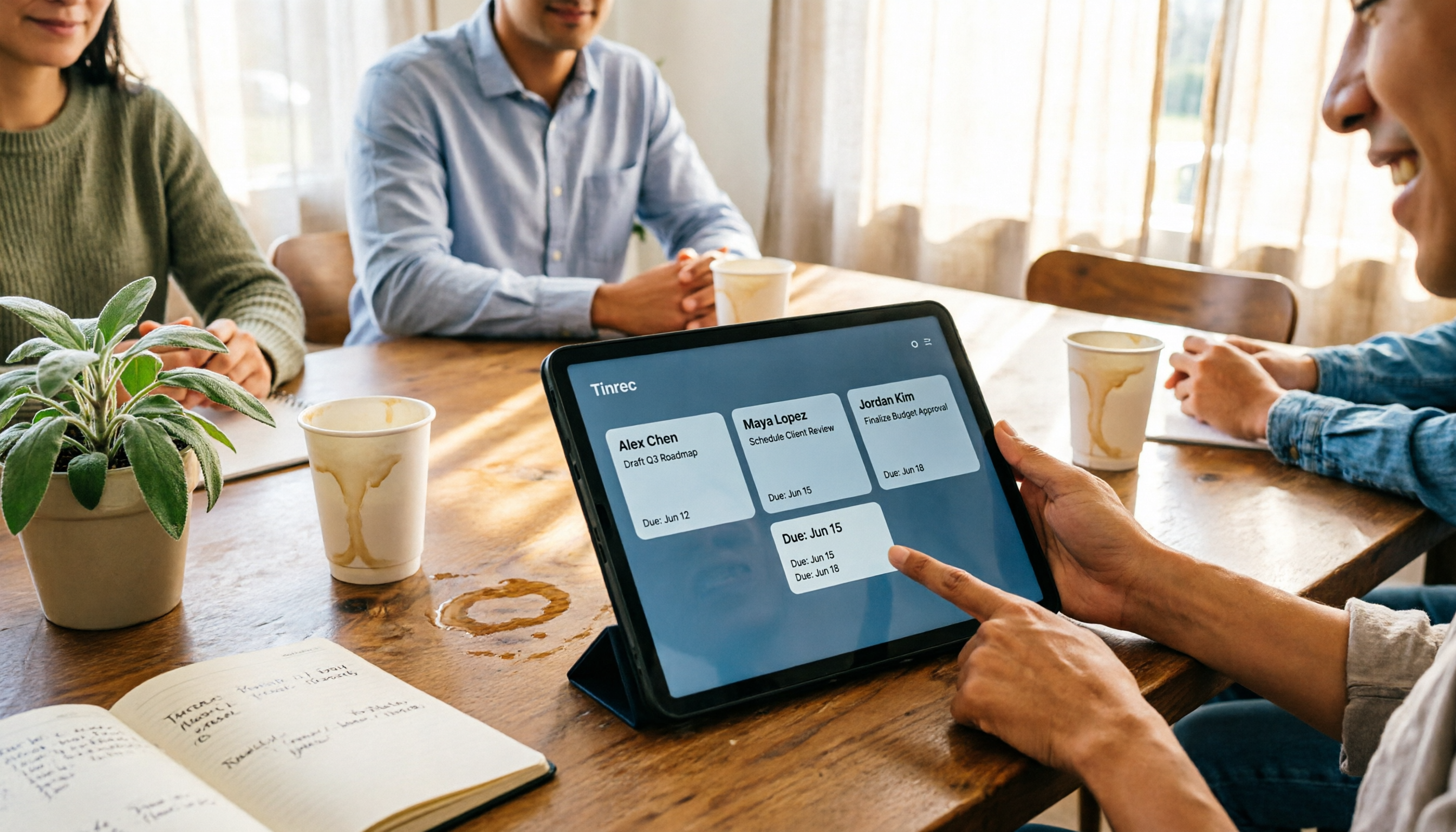
2026 AI Meeting Table Generator: Automatically Extract Owners and Export Action Items in One Click
The real pain point of meeting notes isn't the transcript—it's that after the meeting, no one knows who should do what. This guide covers 4 key factors for choosing an AI meeting table generator and compares Tinrec, Granola, TurboScribe, and Otter.ai to see which one truly turns discussions into tables with owner, task, and deadline.