

Turn recordings into transcripts and summaries in minutes
Upload audio or video for multilingual transcription, AI notes, and action items
Best Meeting Task Assignment Tools in 2026: 5 Tested, Tinrec Excels for Chinese Meetings
It's Friday evening, and the meeting just ended. You open that blank "meeting task assignment sheet" and start filling in the dozen or so to-dos from the two-hour discussion, one by one.
Then you realize: who's responsible for which item, what the priorities are, and whether last week's unresolved issue was actually settled—all of it has to be pieced together from memory.
This article isn't about making the table look prettier. It's about how to make the task assignment sheet take shape automatically the moment the meeting ends.
Why traditional meeting task assignment sheets are becoming less and less sufficient
Most teams do it this way: one person takes notes, then after the meeting organizes the discussion into a table and emails it to everyone for confirmation.
Problems usually arise in three places. First, the note-taker's attention is limited; when the discussion pace picks up, details get missed. Second, tasks assigned on the fly during the meeting are often only remembered by the person involved and never make it into the table. Third, once the table is sent out, it's a static file; weeks later, if you want to check who agreed to what, you have to dig through chat logs.
A more common alternative is to use AI meeting tools that handle transcription, summarization, and to-do extraction simultaneously during the meeting. Tinrec is one such tool, and its performance in Chinese meeting scenarios is worth discussing.
How does Tinrec differ from common meeting tools in core experience?
Here we break it down using 5 dimensions, which are also the points I focus on most during testing.
Are tasks "filled in" or "grown"?
Traditional tools require you to fill in tasks yourself. Tinrec extracts to-dos directly from the transcript; during the discussion, mentioned owners, deadlines, and actions are organized into a list. You don't have to re-listen to the recording to find clues.
How the meeting is recorded
Tinrec's desktop version directly captures system audio, so when handling online meetings on Zoom, Google Meet, Microsoft Teams, Webex, etc., it doesn't need a meeting bot to join as a participant. This is especially useful for external client meetings—you don't have to explain "who that extra person is."
Chinese and multilingual processing
Tinrec covers Chinese, Traditional Chinese, and multilingual meeting scenarios, supports mixed Chinese-English content organization, and allows you to view the original text, translation, or bilingual during recording. Teams can also maintain hotwords to improve recognition of product names and technical terms.
What you get after the meeting
In addition to the transcript, Tinrec produces AI summaries, chapters, key points, to-dos, and mind maps, and can further generate meeting minutes, reports, and tables. These outputs can be exported to Notion, Google Docs, OneNote, Dropbox, and other tools for further processing.
How team data is retained
Personal version data is managed under individual accounts. The team version is an independent collaboration space where meeting data belongs to the team; new members can view historical meetings after joining, and data doesn't disappear when members leave.
Overview of Tinrec's core features
Real-time recording to text: Open and record, text appears simultaneously. Suitable for offline meetings, interviews, ad-hoc discussions; the transcript is ready the moment the meeting ends.
No-bot online meeting recording: Desktop version captures system audio, works with Zoom, Meet, Teams, Webex, without inviting an extra account into the meeting.
AI summary and chapters: Long meetings are automatically broken into structured sections; when reviewing, you can just look at key chapters without listening from the beginning.
To-do extraction: Organizes action items from the discussion into a list, directly corresponding to the meeting task assignment sheet you would have manually filled out.
Stop organizing recordings by hand
Upload audio or video and automatically get a transcript, summary, and action items
AI conversational query: This is my most-used feature. After recording a one-hour meeting, just ask—"What was the conclusion of this meeting?" "What were the three concerns the client mentioned?"—it answers based on semantic understanding, no need to flip through dozens of pages of transcript.
Multi-format export and Agent post-processing: Bring results into existing workflows, or directly generate reports, tables, and document drafts.
Team space and governance: Includes members, roles, seat management, usage analytics, audit logs, audio recycle bin, and team hotwords.
Real-world use cases
Project weekly meeting: After each weekly meeting, the task assignment sheet forms automatically, with owners and items clear at a glance. Compared to manual post-meeting organization, it saves 20 to 30 minutes of administrative time each time.
Client interview: Requirements, objections, and commitments are all recorded. Meeting notes with client names are stored in the team space, so business handovers don't require asking again.
Cross-department coordination meeting: Many participants, overlapping speech; transcript plus summary can reconstruct the discussion context and help colleagues who missed it catch up.
Courses and lectures: Record a speech or course, then use AI Q&A to find key points—much faster than listening again.
Points to consider when choosing a meeting task assignment tool
Can it retain audio files: Some tools only keep text, making it impossible to verify tone or details later. Tinrec supports audio retention, and the team version has a 30-day recycle bin to recover accidentally deleted files.
Actual Chinese recognition performance: Actual results are affected by recording quality, noise, accents, overlapping speech, and technical terms. It's recommended to test with your own meeting recordings.
Export and integration: Whether results can be brought into your existing note-taking or document tools directly affects long-term adoption.
Team seat and permission design: Tinrec's team version separates "roles" and "seats." Roles determine who can manage the team and view audits; seats determine who can record, upload, edit, and export. Members without seats can still view, play, and read data.
Pricing and quotas: The free version provides basic quotas so you can experience recording, import, summary, and transcription first. The team version is USD 29.80 per paid seat per month, or USD 199 per paid seat per year (about USD 16.58 per month), with each paid seat providing 2,000 minutes of team shared import quota per month; eligible teams can try 7 days, 1 free seat, and 300 minutes of shared import quota for the first time. Actual prices and promotions are subject to the official purchase page.
FAQ
How is Tinrec different from regular recording software? Regular recording software only records. Tinrec converts recordings to text, organizes summaries, chapters, key points, and to-dos, and also supports AI Q&A, translation, export, and team collaboration.
Does Tinrec need a bot to join the meeting? No. Tinrec's desktop version directly captures device system audio, and the user actively starts recording. It is not a calendar-based automatic meeting bot.
Can team members without seats see the data? They can view, play, and read team data, but need a seat to record, upload, edit, import, and export.
If a member leaves, will meeting data be taken away? Team resources belong to the team. When a member exits or is removed, their responsible team resources must be handed over to other active members.
Can deleted recordings be recovered? After audio enters the team recycle bin, it can be recovered before permanent cleanup begins; the current retention period is 30 days.
Does Tinrec have official accuracy numbers? The official stance is not to promise a fixed accuracy rate, as results are affected by recording quality, noise, accents, and overlapping speech. For important content, it's recommended to cross-check with transcript timestamps and the recording.
What should be noted when using it? Recording and transcription involve others' privacy. Please comply with local regulations and obtain consent from participants when necessary.
Conclusion
If your pain point is "after the meeting, I still have to spend extra time making the task assignment sheet," Tinrec is worth adding to your test list.
It puts transcript, summary, to-dos, and team data in one place, so the task list already has a prototype when the meeting ends. Chinese meetings, mixed Chinese-English, and cross-platform online meetings are scenarios where it performs relatively smoothly.
We suggest starting with the free version and trying it with a real meeting recording. That's more direct than reading any review.
References
- Group Work Assignment Sheet
- 111.05.14 Seminar Work Assignment Sheet V1-1
- Key Techniques for Task Division - Lin Chia-Hsi | Project Notes | AI Automation
- 29 Time Management Templates and Examples to Boost Your Efficiency 2026 • Asana
- [How to Organize a Seminar?] 12. Event Day Flow Planning and Work Assignment - Seminar
Turn every recording into actionable outcomes
Get 60 free transcription minutes when you sign in. No credit card required.
Related Reading
You might also like

Best Sales Meeting Follow-Up Tools in 2026: Tested 3 Options, This One Excels for Chinese Meetings
After a sales meeting, the real challenge is follow-up. This article compares Tinrec, Otter.ai, Notta, and Granola on Chinese meeting transcription, post-meeting to-do organization, AI Q&A, and team data retention. It also covers 4 key purchasing factors and common pitfalls to help sales and customer success teams choose the right follow-up tool.
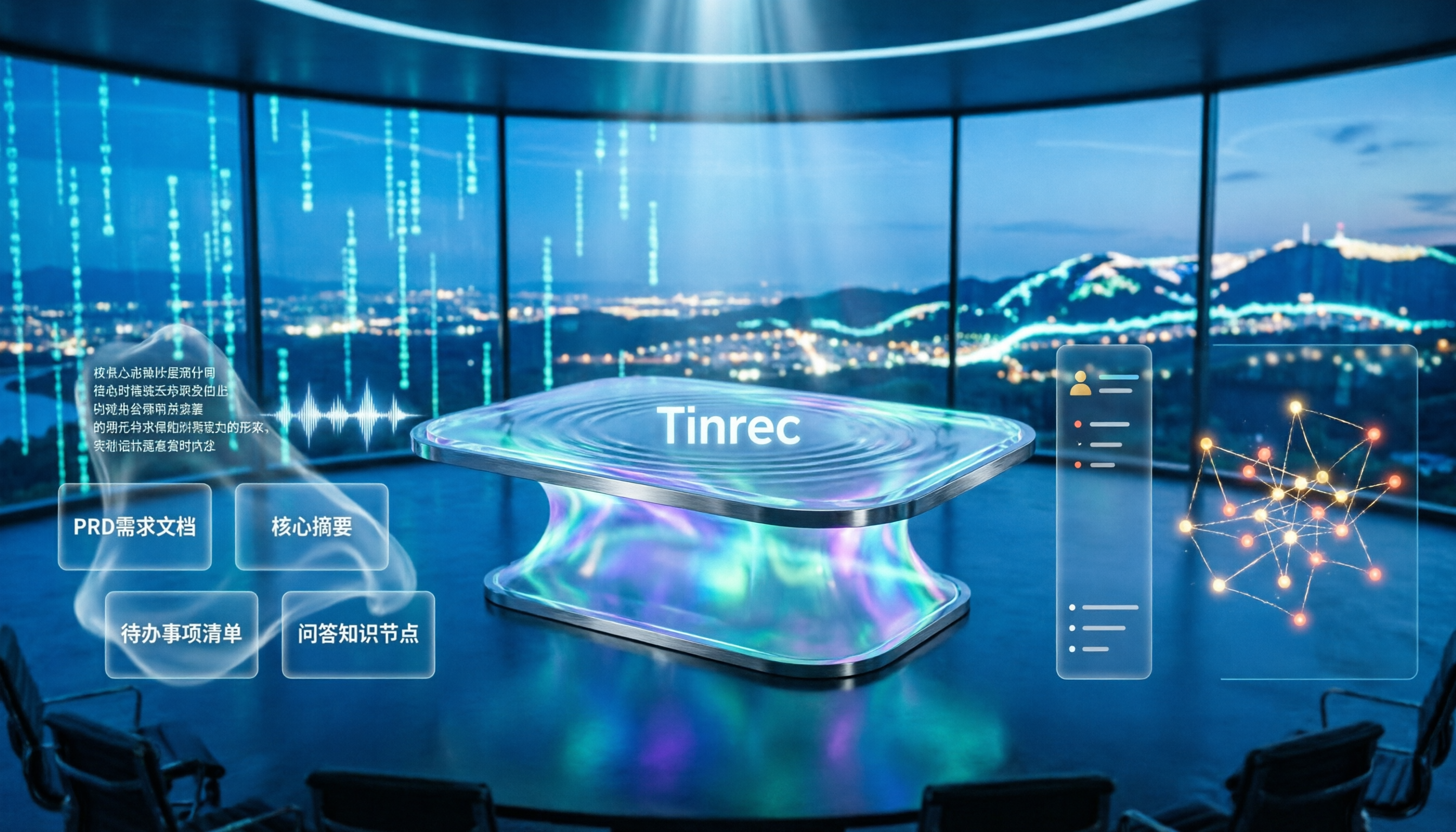
4 Meeting-to-PRD Tools Tested and Compared in 2026: Which Handles Chinese Meetings and Team Knowledge Best?
Generating a PRD from meeting notes isn't as simple as feeding a transcript to AI. This article starts with common pitfalls, breaks down the full workflow from meeting recording to PRD, and uses Tinrec to demonstrate real-time transcription, bot-free online meeting recording, AI summaries and action items, AI Q&A, multi-format export, and team spaces. It also covers 5 key buying considerations, team plan seats and pricing, practical use cases, and FAQs.

3 User Interview to PRD Tools Tested for 2026: Which One Lets AI Write Your Requirements Doc?
Turning user interview recordings into PRDs is time-consuming. We tested 3 tools, analyzing Chinese transcription, AI organization, and team collaboration. Using Tinrec as an example, we show how AI Q&A extracts requirements from interview recordings to quickly produce a PRD draft.
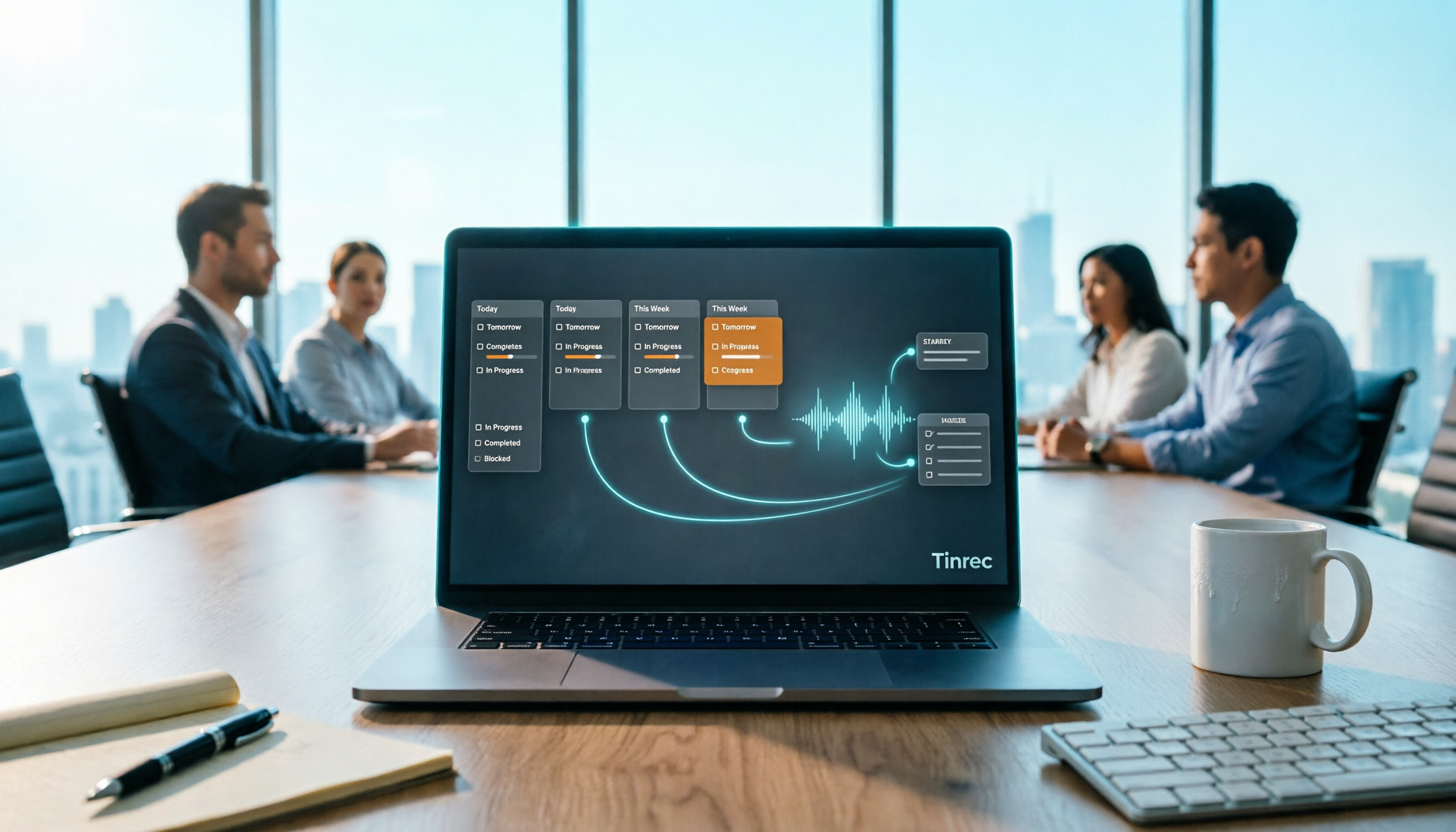
Project Meeting Task List Template 2026: 5 Essential Fields + Tinrec Automated Tracking
After a project meeting, tasks often go untracked. This article provides a ready-to-use project meeting task list template with 5 essential fields, explains how to adjust it for kickoff, weekly, and retrospective meetings, and shares how to use Tinrec to semi-automate recording, summarization, and action item extraction, so post-meeting follow-up no longer relies on memory.

2026 Comparison of 3 Meeting Minutes Templates: How Much Time Can Tinrec's Auto-Generation Save?
How do you choose a meeting minutes template? This article provides 3 ready-to-copy meeting minutes templates (standard business, project action tracking, formal board meeting) and compares the actual differences between manual form filling and Tinrec's automatic generation of transcripts, summaries, and action items, explaining why more teams are switching to AI meeting note tools.

How to Turn Meeting Notes into a PRD in 2026: A Complete 5-Step Guide
Meeting over, but your PRD is still blank? This guide breaks down the 5 key points and 5 practical steps for turning meeting notes into a product requirements document, and compares Tinrec, Otter.ai, Notta, and Granola on transcription, summarization, action item extraction, and team collaboration to help you choose the right workflow for writing PRDs.

Excel vs Tinrec in 2026: 5-Dimension Comparison — Which Saves More Time on Auto-Generating Meeting Action Items?
After a meeting, relying on memory to type action items into Excel often leads to missed tasks and wrong deadlines. This article compares manual Excel and Tinrec (秒聽錄音) across 5 key dimensions for organizing meeting action items, explains how to automatically extract action items, export them as tables, and bring them into Excel for tracking, and briefly reviews alternatives like Otter.ai and Notta.

Best Meeting Minutes Table Generator? 2026 Hands-On Test of 4 Tools—This One Saves the Most Time for Chinese Meetings
Downloading a template and filling in a table during the meeting is often the least efficient way to take meeting minutes. This article tests four tools—Tinrec, Notta, Granola, and Otter.ai—breaking down how to choose a meeting minutes table generator based on Chinese recognition, automatic summary and to-do generation, AI Q&A, and export workflows, plus four common pitfalls to avoid.
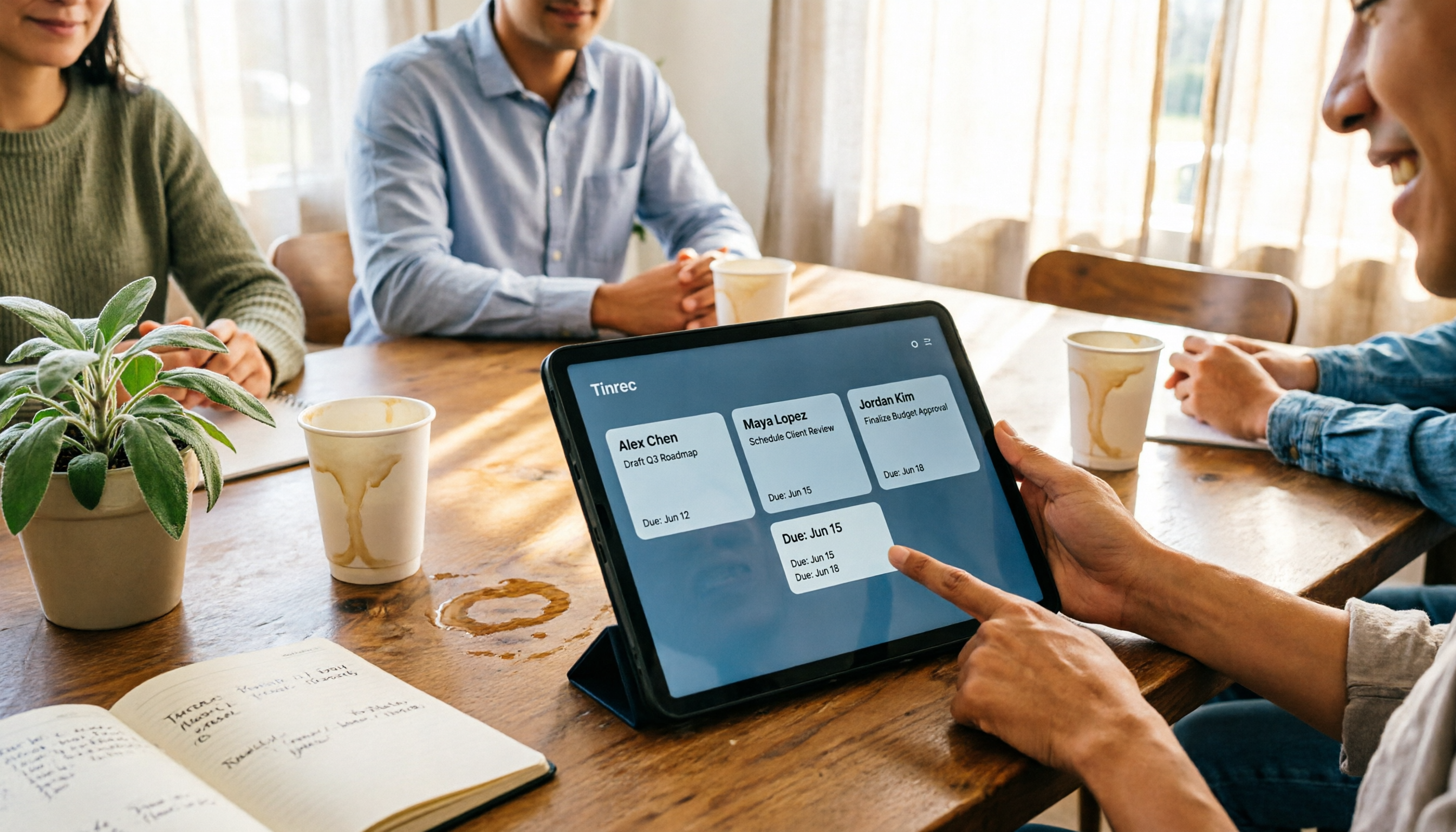
2026 AI Meeting Table Generator: Automatically Extract Owners and Export Action Items in One Click
The real pain point of meeting notes isn't the transcript—it's that after the meeting, no one knows who should do what. This guide covers 4 key factors for choosing an AI meeting table generator and compares Tinrec, Granola, TurboScribe, and Otter.ai to see which one truly turns discussions into tables with owner, task, and deadline.