
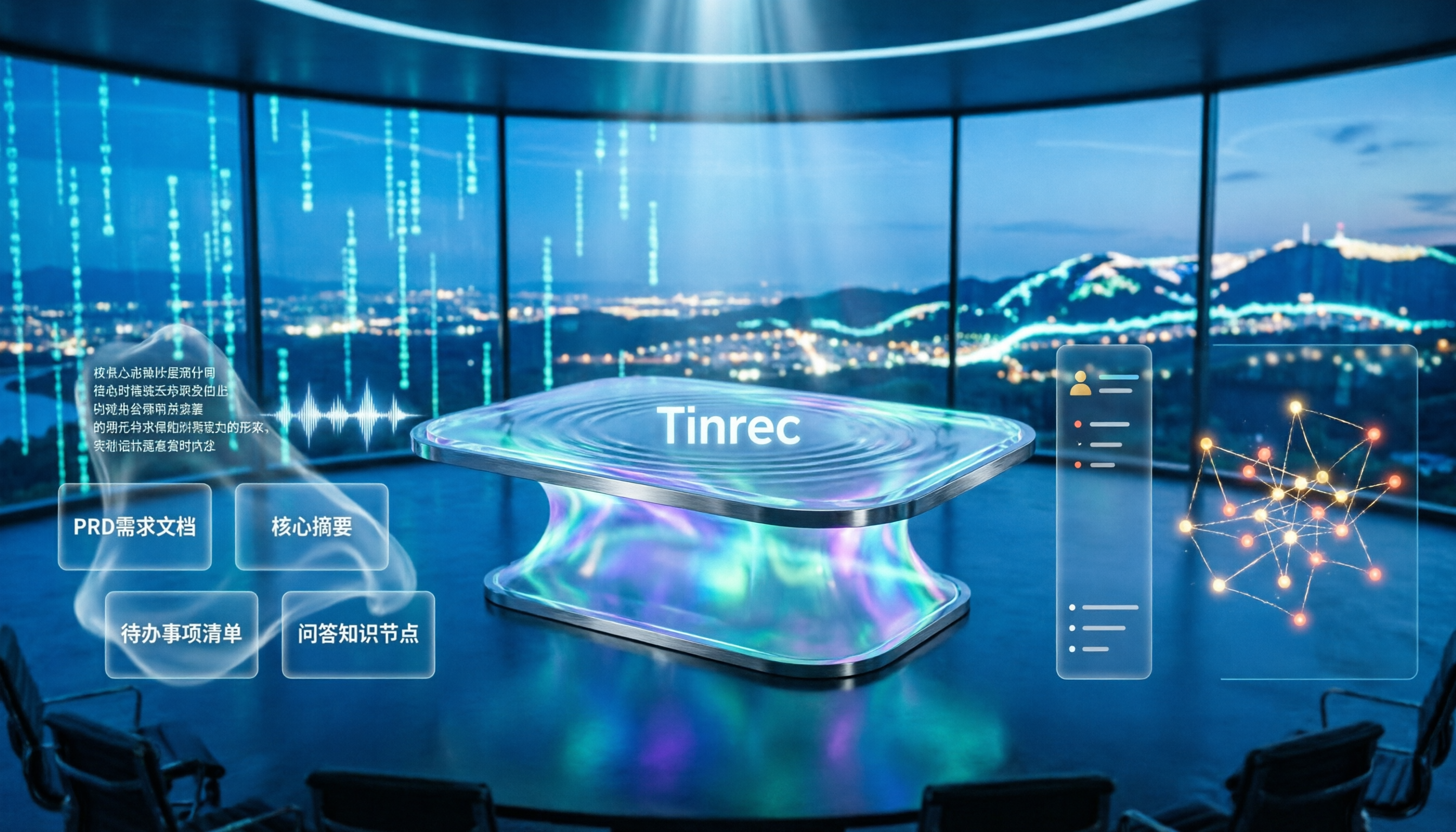
Turn recordings into transcripts and summaries in minutes
Upload audio or video for multilingual transcription, AI notes, and action items
4 Meeting-to-PRD Tools Tested and Compared in 2026: Which Handles Chinese Meetings and Team Knowledge Best?
Many people assume that pasting a meeting transcript into AI and hitting generate will produce a PRD ready for development.
Try it once and you'll see that's not the case. The output is often a running log, missing context and priorities, and engineers still have to ask follow-up questions.
Another pitfall is the opposite: to be safe, you cram every detail in, turning a PRD into thirty pages. No one reads it in meetings, and no one knows what changed during revisions.
The problem isn't AI—it's the process. What meeting-to-PRD really needs to solve is turning discussions into executable specifications, with materials that can be traced, searched, and reused by the team.
That's what this test aims to confirm: can a tool help you go from meeting to PRD with fewer back-and-forths?
Tinrec is an AI meeting notes and collaboration tool for individuals and teams. It doesn't just convert audio to text; it automatically generates summaries, chapters, and action items, supports AI Q&A around meeting content, and stores data in team spaces.
Below, we use it as the main example to walk through the entire process of turning meeting notes into a PRD.
What Can Meeting-to-PRD Do for You?
Scenario 1: After a requirements interview, materials are already organized Previously, after an interview, you'd have to re-listen to two hours of recording, catching key points as you go. With Tinrec, for example, the transcript is generated in real time during the interview, and by the end, AI has already outlined the summary, chapters, and key points—saving you the first round of transcription time.
Scenario 2: Extract scattered decisions into action items and spec entries In requirements meetings, phrases like "do this first" and "that can wait for the next version" often get mixed into casual conversation. Tinrec's action item extraction pulls out action items, and you can follow up with AI Q&A: "Who mentioned the budget cap in this meeting?" "What did the client say about the launch timeline?"
Scenario 3: Compare requirements across versions without digging through chat logs The worst thing for a PRD is not knowing what the previous version said. Tinrec's team space stores each meeting's transcript, summary, and documents in one place. New members can search past meetings directly to understand how requirements evolved, without asking one by one.
Scenario 4: Produce deliverables right after the meeting Tinrec's Agent post-processing can generate reports, tables, and documents based on meeting content, then export to Notion, Google Docs, OneNote, Dropbox, and other tools for further editing. For those who need to deliver something right after a meeting, this step makes a big difference.
What Are the Core Capabilities of Meeting-to-PRD?
Real-time transcription: text as you record It's not transcribed after recording. During the meeting, you can watch the text sync to confirm nothing important is missed—especially useful for interviews that need on-the-spot additions or follow-ups.
Bot-free online meeting recording The Tinrec desktop app directly captures your computer's system audio, handling Zoom, Google Meet, Microsoft Teams, Webex, and other online meetings without adding an extra meeting bot to the room. Note: this doesn't mean it automatically joins all meetings—you need to actively open Tinrec to start recording.
AI summary, chapters, and action item extraction AI summary isn't just condensing the transcript into a paragraph; it's structured organization: meeting topic, discussion conclusions, and action items listed separately. Long meetings are split into chapters for easy reference to specific discussions.
AI Q&A and cross-meeting search After transcription, you can ask Tinrec questions directly. It answers based on semantic understanding, not keyword matching. For teams with dozens of meetings accumulated, this is much faster than digging through transcripts.
Export, post-processing, and team knowledge retention Meeting results support multi-format export and can be used with Agent to generate reports, tables, and documents. Once in the team space, data belongs to the team and won't disappear if someone leaves.
Practical Use Cases
Product requirements meeting: from discussion to PRD draft The most common situation in requirements meetings is "everyone talks enthusiastically, but no one remembers the conclusions." Record the entire meeting with Tinrec; summaries and action items directly map to the PRD's background, scope, and action items. The PM just needs to add priorities and acceptance criteria.
User interviews: keep original quotes for easy citation When a PRD needs to cite user quotes, the transcript is the best material. Tinrec keeps the recording and transcript, so important sections can be replayed for verification, avoiding distortion in paraphrasing.
Stop organizing recordings by hand
Upload audio or video and automatically get a transcript, summary, and action items
Cross-department reviews: help those not present keep up Review meetings often have departments that can't attend. Share the summary and transcript produced by Tinrec so absentees can understand the decision context, reducing the cost of follow-up explanations.
Client communication: keep commitments on record The most error-prone thing after client interviews is "who agreed to what." Tinrec records statements and action items together, providing a basis for later alignment. Note: when recording, remember to comply with local regulations and obtain participant consent.
5 Things to Note When Choosing a Meeting-to-PRD Tool
Completeness of source materials If the meeting recording can't distinguish who is speaking, AI-generated content will be misattributed. Tinrec covers Chinese, Traditional Chinese, and multilingual meetings, and provides team hotwords for maintaining professional terminology. Actual results will still be affected by recording quality, accents, noise, and overlapping speakers.
Can recordings and transcripts be retained? Designs that only keep summaries and not original recordings make later verification troublesome. Tinrec retains recordings and transcripts, allowing playback and comparison by timestamp—important for documents like PRDs that require precise citations.
Is there structured processing after transcription? Transcripts are just raw material. Tinrec goes beyond transcription with summaries, chapters, action items, mind maps, AI Q&A, and Agent post-processing, truly reaching the "produce PRD" step.
Performance with Chinese and mixed Chinese-English Product meetings often mix Chinese and English. Tinrec supports organizing mixed Chinese-English content and offers real-time translation, with options to switch between original, translated, or bilingual views, making cross-language team alignment easier.
Team collaboration and governance Personal use and team use are two different things. Tinrec's team plan provides independent team spaces, allowing you to create and switch between multiple spaces, invite members via join links, and distinguish between owner, admin, and regular member. Note that "roles" and "seats" are different: roles determine who can manage the team, members, and audits; seats determine whether one can record, upload, edit, import/export. Valid members without a seat can still view, play, and read team data, but cannot perform resource-consuming operations.
Frequently Asked Questions
Can I just throw meeting notes into AI and get a complete PRD? No, at least you shouldn't expect that. AI can save you organizing time, but a PRD needs background, scope, priorities, and acceptance criteria—these require the PM's judgment. In practice, a more reliable approach is: use Tinrec to turn meetings into structured summaries, chapters, and action items, then write the PRD based on that.
Is Tinrec's free version enough? If you only occasionally organize a meeting or a recording, the free version is a good way to test the waters. For short-term intensive meetings or interviews, consider a weekly pass; if you use it regularly every week, the Pro monthly plan is smoother; if you need long-term recording retention, the annual plan has a lower monthly equivalent. Look at your usage frequency first, not just the price.
What's the difference between the team plan and the personal plan? Personal plan data is managed under the individual account. The team plan is an independent team space where meeting data belongs to the team, plus member and seat management, shared benefits, usage analytics, audit logs, audio recycle bin, and team hotwords. Deleted audio goes to the recycle bin first, currently retained for 30 days, and can be restored before then.
How is the team plan priced? Based on current information, the team monthly plan is USD 29.80 per paid seat per month, and the annual plan is USD 199 per paid seat per year, equivalent to about USD 16.58 per month. Each paid seat provides 2,000 minutes of team shared import quota per month; under a valid team plan and valid seat, real-time recording currently does not deduct minutes, while file and web imports use the team shared quota. Eligible teams get a 7-day trial, 1 free seat, and 300 minutes of shared import quota for the first time. Actual prices and promotions are subject to the official purchase page.
Can meeting content be exported to Notion or Google Docs? Yes, Tinrec supports multi-format export to Notion, Google Docs, OneNote, Dropbox, and other common tools, letting you integrate meeting results directly into your existing workflow.
Is accuracy guaranteed? We don't recommend making such a promise. Tinrec provides high-quality transcription under clear audio and common scenarios, but actual performance is affected by recording quality, noise, accents, overlapping speakers, and professional terminology. For important requirement details, it's advisable to cross-check with transcript timestamps and recordings.
Do I need consent before recording? Yes. Recording and transcription involve local regulations and participant rights. You should inform participants before the meeting and obtain consent when required.
Conclusion
The key to meeting-to-PRD isn't finding a magic tool that produces a PRD with one click, but connecting three stages: materials, structure, and collaboration. Record completely during the meeting, organize into usable summaries and action items afterward, and finally retain as team-searchable, trackable data.
Tinrec's value lies along this line—from real-time transcription and bot-free online meeting recording to summaries, action items, AI Q&A, and team spaces. If you have requirements meetings every week, start with the free version or a short-term plan to try one session, run through the process of turning a transcript into a PRD draft, then decide whether to upgrade.
References
- What is a PRD? How to Write a Product Requirements Document, Step by Step
- 🗂️ Project Management Automation Task Exercise: Using n8n to Turn Interview Notes + Meeting Notes → PRD | Josie's Digital Cross-Domain Daily
- Writing a Product Requirements Document (PRD)
- The Product Requirements Document Every Entry-Level PM Must Write — PRD Basics Manual | EP86 | Creative Imagination of Product Thinking
- In Product Development, PRD (Product Requirements Document) and Spec (Product Specification...
Turn every recording into actionable outcomes
Get 60 free transcription minutes when you sign in. No credit card required.
Related Reading
You might also like

Best Sales Meeting Follow-Up Tools in 2026: Tested 3 Options, This One Excels for Chinese Meetings
After a sales meeting, the real challenge is follow-up. This article compares Tinrec, Otter.ai, Notta, and Granola on Chinese meeting transcription, post-meeting to-do organization, AI Q&A, and team data retention. It also covers 4 key purchasing factors and common pitfalls to help sales and customer success teams choose the right follow-up tool.

3 User Interview to PRD Tools Tested for 2026: Which One Lets AI Write Your Requirements Doc?
Turning user interview recordings into PRDs is time-consuming. We tested 3 tools, analyzing Chinese transcription, AI organization, and team collaboration. Using Tinrec as an example, we show how AI Q&A extracts requirements from interview recordings to quickly produce a PRD draft.
Project Meeting Task List Template 2026: 5 Essential Fields + Tinrec Automated Tracking
After a project meeting, tasks often go untracked. This article provides a ready-to-use project meeting task list template with 5 essential fields, explains how to adjust it for kickoff, weekly, and retrospective meetings, and shares how to use Tinrec to semi-automate recording, summarization, and action item extraction, so post-meeting follow-up no longer relies on memory.

Best Meeting Task Assignment Tools in 2026: 5 Tested, Tinrec Excels for Chinese Meetings
After a meeting, manually filling out a task assignment sheet often leads to missed items and poor tracking. This article examines 5 practical dimensions for choosing a meeting task assignment tool in 2026, and explains how Tinrec uses real-time transcription, to-do extraction, AI Q&A, and team spaces to shape the task list by the end of the meeting, while honestly listing free and team plan options.

2026 Comparison of 3 Meeting Minutes Templates: How Much Time Can Tinrec's Auto-Generation Save?
How do you choose a meeting minutes template? This article provides 3 ready-to-copy meeting minutes templates (standard business, project action tracking, formal board meeting) and compares the actual differences between manual form filling and Tinrec's automatic generation of transcripts, summaries, and action items, explaining why more teams are switching to AI meeting note tools.

How to Turn Meeting Notes into a PRD in 2026: A Complete 5-Step Guide
Meeting over, but your PRD is still blank? This guide breaks down the 5 key points and 5 practical steps for turning meeting notes into a product requirements document, and compares Tinrec, Otter.ai, Notta, and Granola on transcription, summarization, action item extraction, and team collaboration to help you choose the right workflow for writing PRDs.

Excel vs Tinrec in 2026: 5-Dimension Comparison — Which Saves More Time on Auto-Generating Meeting Action Items?
After a meeting, relying on memory to type action items into Excel often leads to missed tasks and wrong deadlines. This article compares manual Excel and Tinrec (秒聽錄音) across 5 key dimensions for organizing meeting action items, explains how to automatically extract action items, export them as tables, and bring them into Excel for tracking, and briefly reviews alternatives like Otter.ai and Notta.

Best Meeting Minutes Table Generator? 2026 Hands-On Test of 4 Tools—This One Saves the Most Time for Chinese Meetings
Downloading a template and filling in a table during the meeting is often the least efficient way to take meeting minutes. This article tests four tools—Tinrec, Notta, Granola, and Otter.ai—breaking down how to choose a meeting minutes table generator based on Chinese recognition, automatic summary and to-do generation, AI Q&A, and export workflows, plus four common pitfalls to avoid.
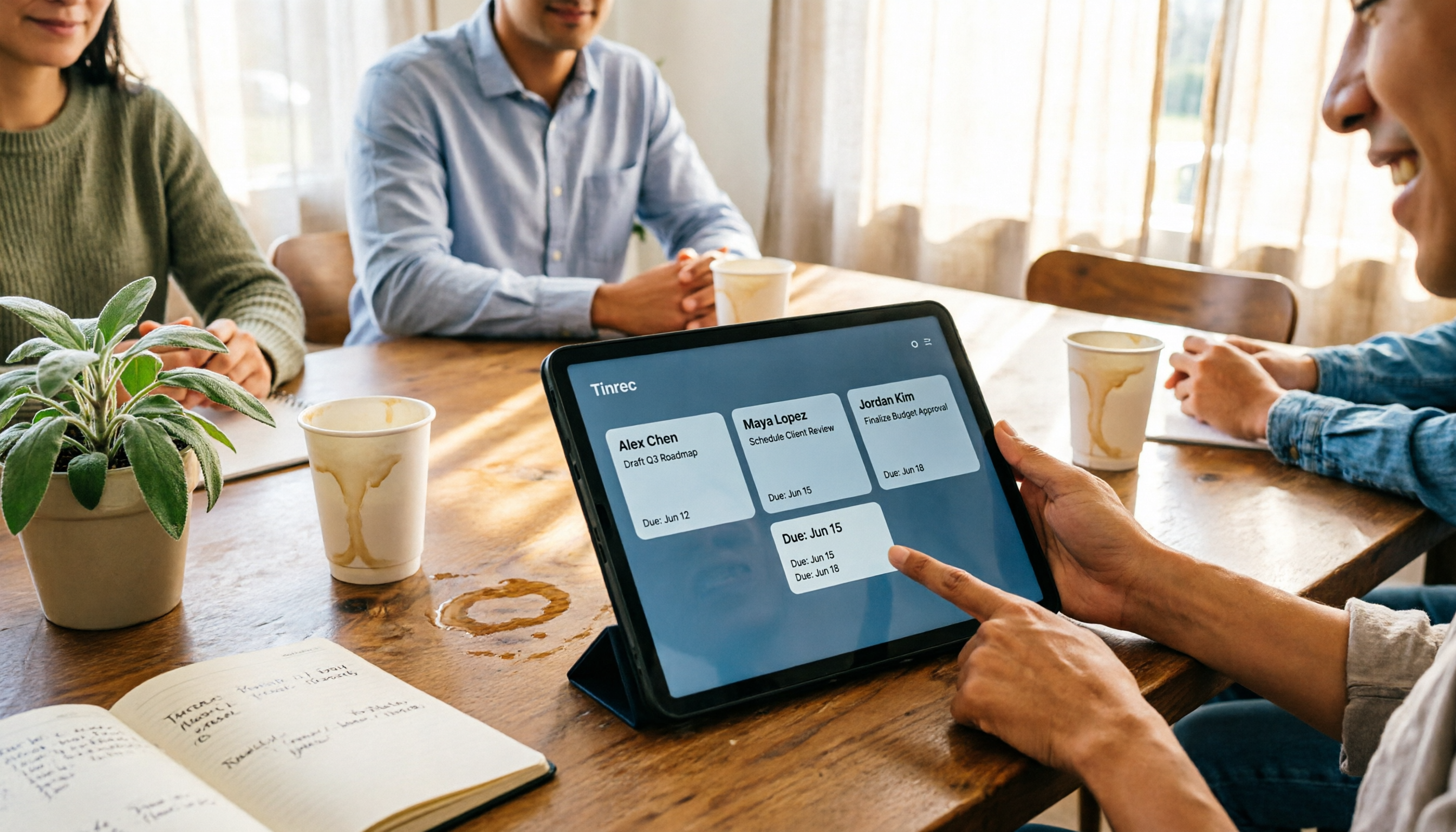
2026 AI Meeting Table Generator: Automatically Extract Owners and Export Action Items in One Click
The real pain point of meeting notes isn't the transcript—it's that after the meeting, no one knows who should do what. This guide covers 4 key factors for choosing an AI meeting table generator and compares Tinrec, Granola, TurboScribe, and Otter.ai to see which one truly turns discussions into tables with owner, task, and deadline.