
Turn recordings into transcripts and summaries in minutes
Upload audio or video for multilingual transcription, AI notes, and action items
Project Meeting Task List Template 2026: 5 Essential Fields + Tinrec Automated Tracking
Most people's project meeting task lists are pieced together from memory after the meeting. But what really needs to be recorded isn't "who said what in the meeting"—it's "who, by when, needs to deliver what." I used to do the same: after a meeting, I'd return to my desk and type up a to-do list from memory. Two days later, when I followed up, a colleague would say, "I thought that was your responsibility." No matter how many meetings you have, if tasks don't get done, it's as if the meeting never happened.
This article breaks down the "project meeting task list template" my team currently uses, covering field design, when to fill it out, and how I later used Tinrec to turn this list from purely manual to semi-automated.
Why does a project meeting task list often end up as a piece of scrap paper?
Project meeting task lists often fail not because people aren't serious, but because they're always handled as an afterthought following "meeting notes." The transcript is lengthy, but the task list only has three lines, with unclear owners and vague deadlines. By the next meeting, the same issue is discussed again, wasting time.
If you've experienced this, the problem is often not the meeting itself, but that no one structures it in the "10 minutes after the meeting." This is why I later turned to tools for assistance.
Project Meeting Task List Template: 5 Essential Fields
A task list that can truly be tracked doesn't need many fields, but it must answer three questions: who does it, what to do, and when to finish. Here's the version my team uses:
| Field | Content | Example |
|---|---|---|
| Task ID | Meeting date + daily serial number | 0312-01 |
| Task Name | Action starting with a verb, verifiable | Complete homepage layout |
| Owner | Only one contact, not "everyone" | John Doe |
| Collaborator | Person who needs to coordinate | Jane Designer |
| Due Date | Specific date, not "next week" | 2026/03/20 |
| Status | Not started / In progress / Pending confirmation / Completed | In progress |
| Source | Which meeting, at what time | 0312 Weekly Meeting 00:14:30 |
| Notes | Acceptance criteria or dependencies | Need API documentation first |
Some practical details:
- "Owner" should always be one person. Writing "everyone" means no one is responsible.
- "Due Date" must be a specific date. A vague time equals no deadline.
- Record the meeting time in the "Source" field so you can later cross-check the transcript for evidence.
- Write acceptance criteria in "Notes" to avoid discovering different understandings after delivery.
Three Types of Project Meetings: Adjust Task List Fields Accordingly
Different stages of project meetings have different focuses, and the task list should be adjusted:
Project Kick-off Meeting: Focus on scope, milestones, and role assignments. The task list should add "Deliverables" and "Dependencies" columns, and clearly state the project scope and out-of-scope items to avoid scope creep.
Weekly Progress Meeting: Focus on tracking and removing obstacles. Use two sections: "Unfinished from last week" and "New this week," update the status column each time, and mark stuck items with who needs to assist.
Project Retrospective Meeting: Focus on review and lessons learned. The task list can keep only "Improvement Items" and "Owner," and link conclusions back to the team knowledge base for future projects.
Semi-Automating Meeting Task Lists with Tinrec: My Actual Workflow
The biggest problem with manual filling is that during the meeting, you're facilitating and have no time to type. I changed my process to "record first, organize later," saving about half the time.
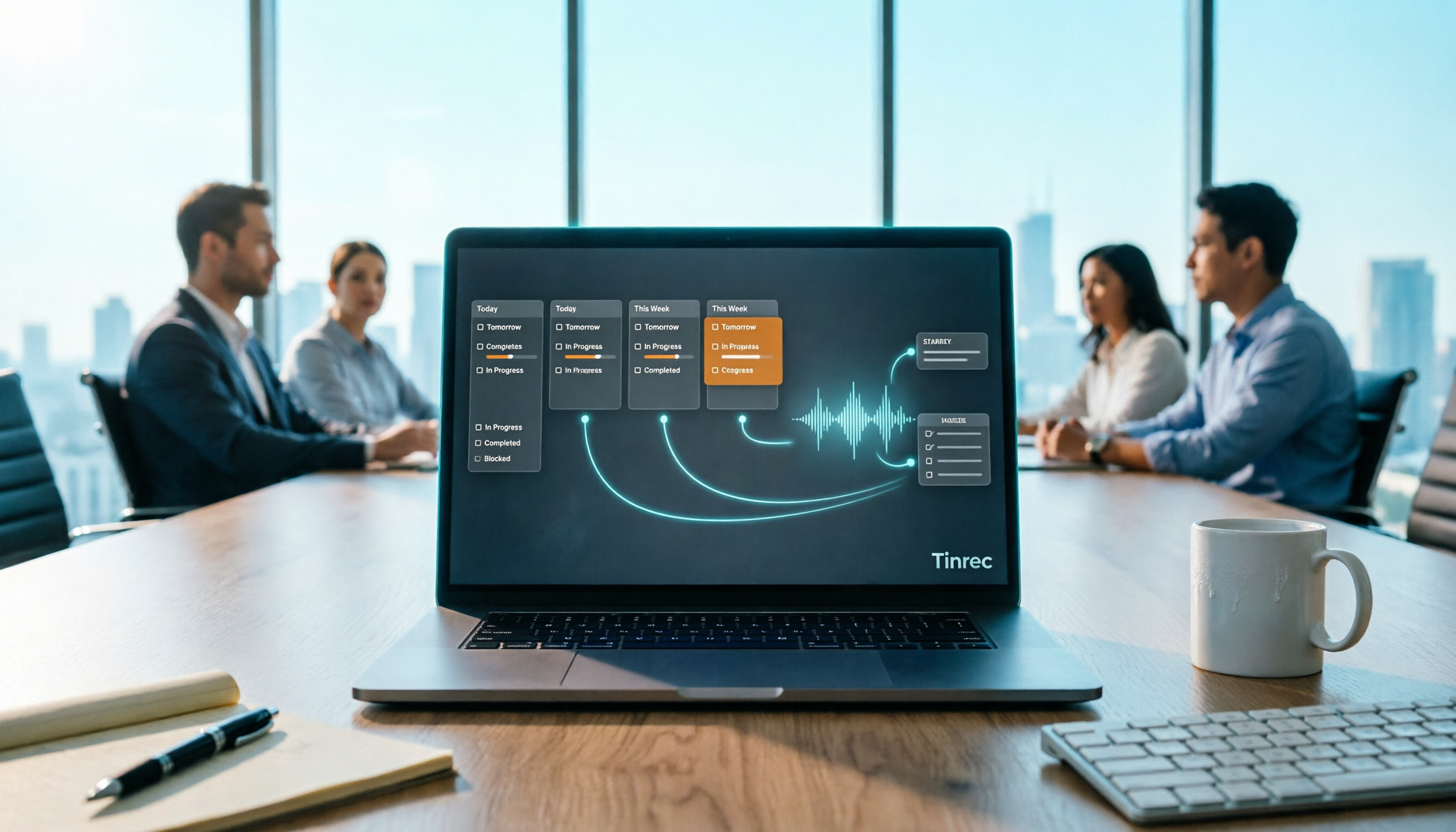
1. Before the meeting, open Tinrec desktop. It captures system audio directly, handling Zoom, Google Meet, Microsoft Teams, Webex, etc., without adding a bot to the meeting. For in-person meetings, use the mobile app to record.
Stop organizing recordings by hand
Upload audio or video and automatically get a transcript, summary, and action items
2. Text appears as the meeting goes on. The transcript is generated simultaneously, so I can glance to ensure key points aren't missed.
3. No need to re-listen after the meeting. Tinrec automatically generates summaries, chapters, and action items, condensing discussions into a usable action list. This step used to take the most time.
4. Ask it questions directly. This is my most-used feature—after recording a one-hour meeting, I don't search the transcript; I ask: "What are the action items from this meeting? Who is responsible for each?" It answers based on semantics, and I paste those items into the template above.
5. Export to existing workflows. Organized content can be exported to Notion, Google Docs, OneNote, Dropbox, etc., or generate reports, tables, and meeting minutes without moving data around.
For team use, Tinrec offers a team version: meeting data is centralized in a team space, not tied to individual accounts; members can view historical meetings, and admins manage who can record, upload, and edit via roles and seats. When members leave or seats change, team resources can be transferred to other active members, not lost with individuals. Usage analytics and audit logs let managers see team usage.
Real-World Use Cases
Weekly Department Meeting: 10 people report in turn; I used to listen and take notes. Now I record with Tinrec and check summaries and action items afterward, using the saved time to address real bottlenecks.
Client Requirements Meeting: Clients speak fast, and requirements are often hidden in small talk. The transcript is kept, and later I use AI Q&A to confirm "what was the launch time the client mentioned," which is more reliable than relying on memory.
Cross-Department Coordination Meeting: The most time-consuming part isn't the meeting but post-meeting follow-up. Organize action items into a task list with source timestamps; two weeks later, when asked "how was this decided," I can pull up the transcript for reference.
One-on-One Meeting: After talking with a subordinate, I spend 5 minutes organizing commitments into the task list. Before the next meeting, I review it so they don't have to remind me of what I promised.
What I Look for When Choosing a Meeting Notes Tool
To make the task list work, the tool is half the battle. Here's what I care about after learning the hard way:
- Can it handle your actual meeting style? For online meetings, ensure it works with Zoom, Meet, Teams; for frequent in-person meetings, mobile recording ease is more important.
- Chinese and multilingual performance: Chinese meetings often mix English terms; how naturally the tool handles this affects transcript usability. Actual results depend on recording quality, noise, accents, and jargon.
- Does it keep audio files? Some tools only keep text. Having the original audio makes a big difference when verifying tone or details.
- Can it directly produce action items? Tools that only give transcripts require you to read and organize. Those that automatically extract summaries and action items truly save time.
- Team collaboration and governance: For multiple users, data should be in a team space with seat and permission management, so everyone doesn't have different versions.
Tinrec addresses these points by being cross-platform (iOS, Android, Web, desktop), supporting Chinese and multiple languages, keeping recordings, automatically generating summaries and action items, and offering team spaces and member management. It's not omnipotent—batch transcription of large documents isn't its strength, and any AI transcription is affected by recording conditions; important decisions should still be verified against the original text and recording.
Conclusion: Template First, Then Tool
A good project meeting task list isn't about how pretty the table is, but whether "who, does what, by when" is clearly written. First, fix the fields with the template above, then let the tool handle the most time-consuming part—transcription, summarization, and action item extraction.
My advice: if you have few meetings per week, manual filling plus Tinrec's free version is enough; if you have a dozen meetings a week like me, the team version centralizes data and manages permissions via seats, saving considerable time long-term. Plan details and prices may change; actual benefits are subject to the official purchase page. To verify effectiveness, the most direct way is to record one of your real meetings and see if the action items can be pasted directly into your task list.
References
- How to create a meeting agenda? Free efficient meeting agenda examples! - ProjectManager
- What to prepare for a project kick-off meeting... - Product Roadmap Learning | 104 Learning
- Project Meeting Plan Template | Project Meeting | Plan Your Project | Project Timeline | Organism Enterprise Brand Consulting
- Asana Tips | What is a project kickoff meeting template?
- Meeting Agenda/Record Examples - Extracurricular Activities Guidance Section - Minghsin University of Science and Technology Admission Service Division
Turn every recording into actionable outcomes
Get 60 free transcription minutes when you sign in. No credit card required.
Related Reading
You might also like

Best Sales Meeting Follow-Up Tools in 2026: Tested 3 Options, This One Excels for Chinese Meetings
After a sales meeting, the real challenge is follow-up. This article compares Tinrec, Otter.ai, Notta, and Granola on Chinese meeting transcription, post-meeting to-do organization, AI Q&A, and team data retention. It also covers 4 key purchasing factors and common pitfalls to help sales and customer success teams choose the right follow-up tool.

4 Meeting-to-PRD Tools Tested and Compared in 2026: Which Handles Chinese Meetings and Team Knowledge Best?
Generating a PRD from meeting notes isn't as simple as feeding a transcript to AI. This article starts with common pitfalls, breaks down the full workflow from meeting recording to PRD, and uses Tinrec to demonstrate real-time transcription, bot-free online meeting recording, AI summaries and action items, AI Q&A, multi-format export, and team spaces. It also covers 5 key buying considerations, team plan seats and pricing, practical use cases, and FAQs.

3 User Interview to PRD Tools Tested for 2026: Which One Lets AI Write Your Requirements Doc?
Turning user interview recordings into PRDs is time-consuming. We tested 3 tools, analyzing Chinese transcription, AI organization, and team collaboration. Using Tinrec as an example, we show how AI Q&A extracts requirements from interview recordings to quickly produce a PRD draft.

Best Meeting Task Assignment Tools in 2026: 5 Tested, Tinrec Excels for Chinese Meetings
After a meeting, manually filling out a task assignment sheet often leads to missed items and poor tracking. This article examines 5 practical dimensions for choosing a meeting task assignment tool in 2026, and explains how Tinrec uses real-time transcription, to-do extraction, AI Q&A, and team spaces to shape the task list by the end of the meeting, while honestly listing free and team plan options.

2026 Comparison of 3 Meeting Minutes Templates: How Much Time Can Tinrec's Auto-Generation Save?
How do you choose a meeting minutes template? This article provides 3 ready-to-copy meeting minutes templates (standard business, project action tracking, formal board meeting) and compares the actual differences between manual form filling and Tinrec's automatic generation of transcripts, summaries, and action items, explaining why more teams are switching to AI meeting note tools.

How to Turn Meeting Notes into a PRD in 2026: A Complete 5-Step Guide
Meeting over, but your PRD is still blank? This guide breaks down the 5 key points and 5 practical steps for turning meeting notes into a product requirements document, and compares Tinrec, Otter.ai, Notta, and Granola on transcription, summarization, action item extraction, and team collaboration to help you choose the right workflow for writing PRDs.

Excel vs Tinrec in 2026: 5-Dimension Comparison — Which Saves More Time on Auto-Generating Meeting Action Items?
After a meeting, relying on memory to type action items into Excel often leads to missed tasks and wrong deadlines. This article compares manual Excel and Tinrec (秒聽錄音) across 5 key dimensions for organizing meeting action items, explains how to automatically extract action items, export them as tables, and bring them into Excel for tracking, and briefly reviews alternatives like Otter.ai and Notta.

Best Meeting Minutes Table Generator? 2026 Hands-On Test of 4 Tools—This One Saves the Most Time for Chinese Meetings
Downloading a template and filling in a table during the meeting is often the least efficient way to take meeting minutes. This article tests four tools—Tinrec, Notta, Granola, and Otter.ai—breaking down how to choose a meeting minutes table generator based on Chinese recognition, automatic summary and to-do generation, AI Q&A, and export workflows, plus four common pitfalls to avoid.
2026 AI Meeting Table Generator: Automatically Extract Owners and Export Action Items in One Click
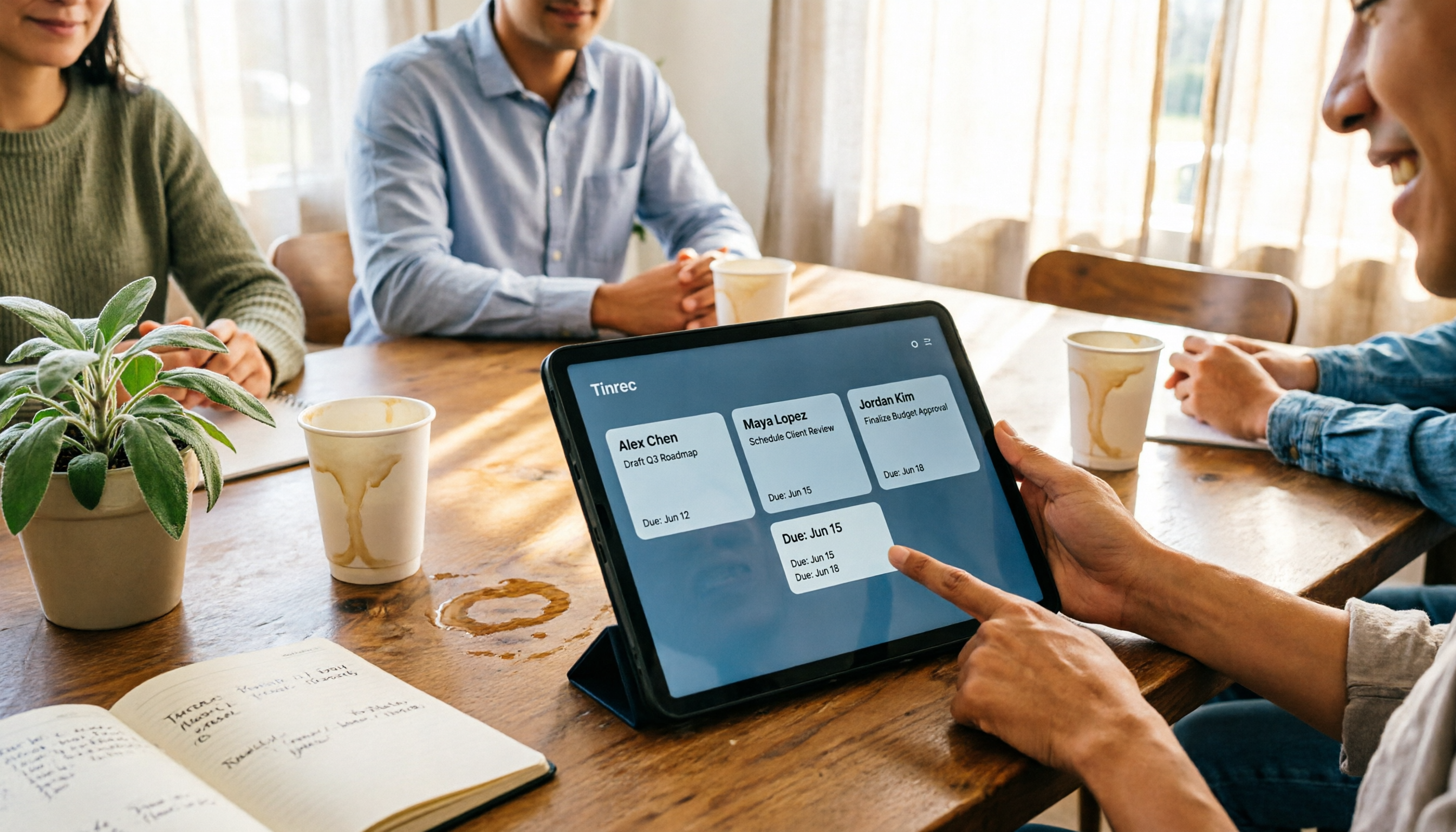
The real pain point of meeting notes isn't the transcript—it's that after the meeting, no one knows who should do what. This guide covers 4 key factors for choosing an AI meeting table generator and compares Tinrec, Granola, TurboScribe, and Otter.ai to see which one truly turns discussions into tables with owner, task, and deadline.