

Turn recordings into transcripts and summaries in minutes
Upload audio or video for multilingual transcription, AI notes, and action items
After the Sales Meeting, the Real Challenge Is 'How to Follow Up'
The meeting ends, the client says, 'Let us discuss it further,' and you feel the deal is within reach.
Three days later, you send a follow-up email, but it feels like it disappears into the ocean. The problem is usually not your pitch, but the gap after the meeting: Who remembers the three concerns the client raised? Who knows which document you promised to send?
For follow-up to work, you need to answer at least three things: What was the conclusion of the meeting, who will do what by when, and will you still find this content three months later?
So this article is not just comparing recording tools, but comparing 'which one can actually make post-meeting follow-up happen.'
Before Choosing a Follow-Up Tool, Understand These 4 Key Points
1. Transcription is just the start—can it directly generate to-dos and follow-up materials? Transcripts are long, and salespeople don't have time to reread them. What really saves time is whether summaries, chapters, and to-dos can be automatically generated and exported to tools you already use like Notion or Google Docs for further editing. With a tool that only provides transcripts, you still have to organize everything yourself after the meeting.
2. Recognition quality for Chinese and mixed Chinese-English Client meetings in Taiwan rarely use a single language throughout; quotes, specs, and product codes often mix Chinese and English. Also, internal product codes and industry jargon are best pre-built with team hotwords for more stable recognition.
3. Should you invite a bot to online meetings? Some clients mind having an unfamiliar account on the meeting list, especially for first-time meetings. Using a desktop version to directly capture computer system audio avoids adding an extra participant, giving a cleaner impression to the client.
4. Is meeting data a personal asset or a team asset? If client meeting records only exist in the salesperson's account, the context is lost when they leave. Team spaces, roles, and seat design determine whether the successor can directly read historical meetings instead of asking all over again.
Tinrec – Our Top Pick After Testing
Tinrec is an AI meeting notes and collaboration tool for individuals and teams, supporting iOS, Android, desktop, and web. Its core proposition is turning meetings into searchable, collaborative, and actionable team data.
Desktop version records online meetings without a bot The biggest fear in client meetings is an unfamiliar account on the participant list. Tinrec's desktop version directly captures computer system audio, handling Zoom, Google Meet, Microsoft Teams, Webex, etc., without inviting a meeting bot. Once recording starts, the transcript is generated in real-time, and it's nearly done by the end of the meeting.
Automatically generates summaries, chapters, and to-dos after the meeting As soon as the meeting ends, AI summaries and chapters are ready, with key discussion points listed in order; to-dos are extracted from the conversation, such as 'provide quote next week' or 'ask client to confirm specs.' Writing a follow-up email that used to require re-listening to a 40-minute recording can now be done by first reviewing the summary and to-dos, much faster.
AI Q&A and team spaces If you can't remember the client's budget limit, you can directly ask: 'What were the client's concerns about pricing in this meeting?' It answers based on semantics, not a list of keyword search results. Data can also be centralized in team spaces, so new colleagues can directly read historical client meetings without asking you for files.
In actual use, for Chinese-dominant client meetings, the transcript reads smoothly; for internal product codes or industry jargon, team hotwords can help. Note that effectiveness is affected by recording quality, background noise, accents, and multiple people talking over each other. Important numbers and commitments should be verified against the recording timestamps.
Pros
- Bot-free recording, no unfamiliar participant in client meetings; no extra hardware needed, works on phone, computer, and web.
- Complete post-meeting output: transcript, summary, chapters, to-dos, mind map, exportable to Notion, Google Docs, OneNote, Dropbox, and can use Agent for post-processing to generate reports, tables, and documents.
- Team version clarifies data ownership: team resources belong to the team, and when members leave, are removed, or lose seats, their responsible resources are handed over to other active members, so data doesn't disappear with the person.
Stop organizing recordings by hand
Upload audio or video and automatically get a transcript, summary, and action items
Limitations The free version offers basic quota for recording, importing, summarizing, and transcribing; heavy users need to upgrade. In the team version, file and web imports consume team shared minutes, not unlimited per seat; also, members without seats can only view, play, and read team data; uploading, editing, importing/exporting still require a seat.
Plans and Pricing Personal plans include free, weekly, Pro monthly, and Pro annual, suitable for different rhythms from occasional recording organization to weekly meeting data retention. Team version offers a 7-day trial for first-time eligible users, 1 free seat, and 300 minutes of team shared import quota; monthly is USD 29.80 per paid seat per month, annual is USD 199 per paid seat per year (about USD 16.58 per month), each paid seat includes 2,000 minutes of team shared import quota per month, and real-time recording within an active team plan is currently not deducted by minutes. Actual prices, currencies, and benefits are subject to the official purchase page.
Who it's for Sales and customer success teams that have regular client meetings weekly, need Chinese and mixed Chinese-English transcripts, and want client interaction records to stay with the team rather than personal accounts.
Besides Tinrec, What Other Options Are There?
Otter.ai A mature English business meeting assistant, free version 300 minutes per month, Pro annual about USD 8.49 per user per month. If 90% of your meetings are in English, it's still handy. However, Chinese and mixed Chinese-English meetings are not its main scenario, and team data retention and seat governance are not its focus—these are exactly what Tinrec's team version does.
Notta Covers multi-platform transcription, meeting notes, and translation, free version 120 minutes per month, max 3 minutes per session, Pro annual about USD 8.17 per month. It overlaps significantly with Tinrec and is affordable. The difference is that Tinrec's desktop version emphasizes bot-free recording of online meetings and connects summaries, to-dos, AI Q&A, Agent post-processing, and team spaces into one line, rather than stopping at transcription and translation.
Granola Also takes a bot-free approach, using desktop system audio with the user's own notes to generate meeting content, Business at USD 14 per user per month. Note that it does not retain meeting audio and does not support uploading pre-recorded files. If you need to replay recordings to verify client commitments or want to add past client meetings to the database, Granola's current design cannot do that, but Tinrec can.
Pitfall Guide: 4 Most Common Mistakes When Choosing a Follow-Up Tool
Pitfall 1: Equating 'follow-up' with sending an email. The follow-up email is just the result; it needs conclusions, to-dos, and owners beforehand. If the tool only gives you a transcript, you still have to re-listen, which saves no time.
Pitfall 2: Relying only on built-in transcription from the meeting platform. Built-in transcription is usually tied to a single platform, making it hard to search cross-platform, cross-month client conversations together. When a salesperson needs to review a client's communication history over six months, they can't find an entry point.
Pitfall 3: Meeting records only in personal accounts. Sales turnover is normal. If data stays in personal accounts, the successor can only rebuild relationships. Choose a tool with team spaces, roles, and seat mechanisms for a proper handover.
Pitfall 4: Ignoring recording consent and company policies. Before recording client meetings, confirm company policies and local regulations, and obtain consent when necessary. No matter how good the tool is, compliance risks remain if not handled.
Conclusion: Which One Should You Choose?
In short, for follow-up to be effective, the key is 'whether meeting content can become data that others can take over and use,' not just another transcript.
- Client meetings need bot-free recording, Chinese and mixed Chinese-English transcripts → Tinrec
- Want to ask AI directly after the meeting 'what the client cares about, what was promised' → Tinrec (AI Q&A is a relatively rare capability)
- Sales team needs to share client meeting records and enable handover → Tinrec team version (team spaces, seats, usage, and audit logs)
- Have a bunch of old recordings to add to the database → Tinrec (supports audio and video file import)
- Meetings are almost all in English and the team already uses the Otter ecosystem → Otter.ai, the rare exception recommendation in this article
If you're new to such tools, start with the free version and use two or three real client meetings to feel how much time post-meeting organization saves. If the rhythm feels right, consider upgrading.
Recording and transcription involve personal data and communication secrets. Before actual use, confirm compliance with company policies and local regulations, and obtain participant consent when needed.
References
- Sales Process: How to List Sales Process Stages - Tanaka System
- How to Brainstorm Themes and Agendas for Sales Meetings to Motivate the Team? - Tanaka System
- 15 Follow-up Email Templates Guaranteed to Get a Reply - Tanaka System
- Routine Meetings Reflect a Company's Management Quality | BusinessNext
- No Conclusions, Forgotten After the Meeting? 5 Key Elements to Produce Decisions and To-Dos in Every Meeting
Turn every recording into actionable outcomes
Get 60 free transcription minutes when you sign in. No credit card required.
Related Reading
You might also like
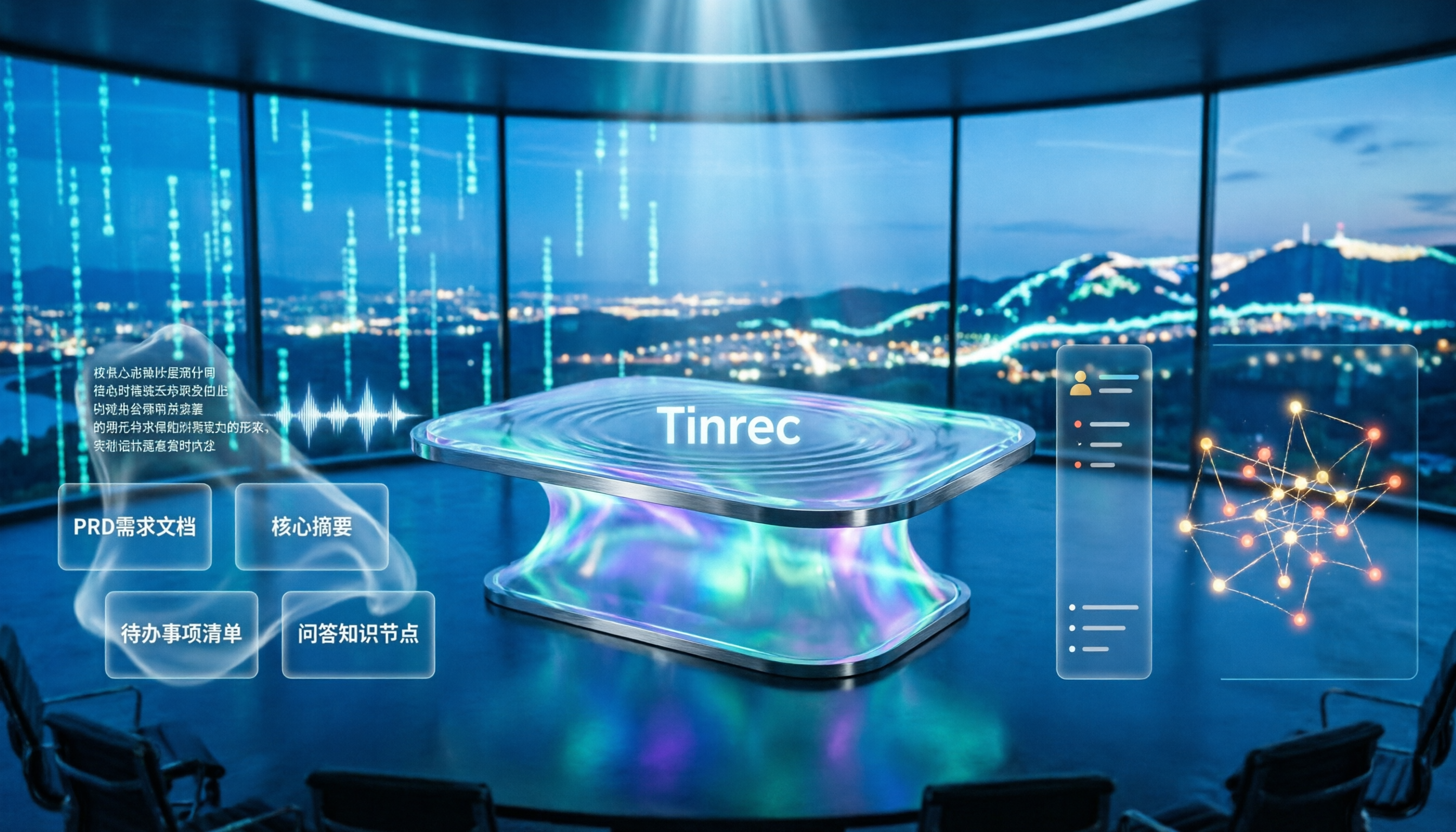
4 Meeting-to-PRD Tools Tested and Compared in 2026: Which Handles Chinese Meetings and Team Knowledge Best?
Generating a PRD from meeting notes isn't as simple as feeding a transcript to AI. This article starts with common pitfalls, breaks down the full workflow from meeting recording to PRD, and uses Tinrec to demonstrate real-time transcription, bot-free online meeting recording, AI summaries and action items, AI Q&A, multi-format export, and team spaces. It also covers 5 key buying considerations, team plan seats and pricing, practical use cases, and FAQs.

3 User Interview to PRD Tools Tested for 2026: Which One Lets AI Write Your Requirements Doc?
Turning user interview recordings into PRDs is time-consuming. We tested 3 tools, analyzing Chinese transcription, AI organization, and team collaboration. Using Tinrec as an example, we show how AI Q&A extracts requirements from interview recordings to quickly produce a PRD draft.
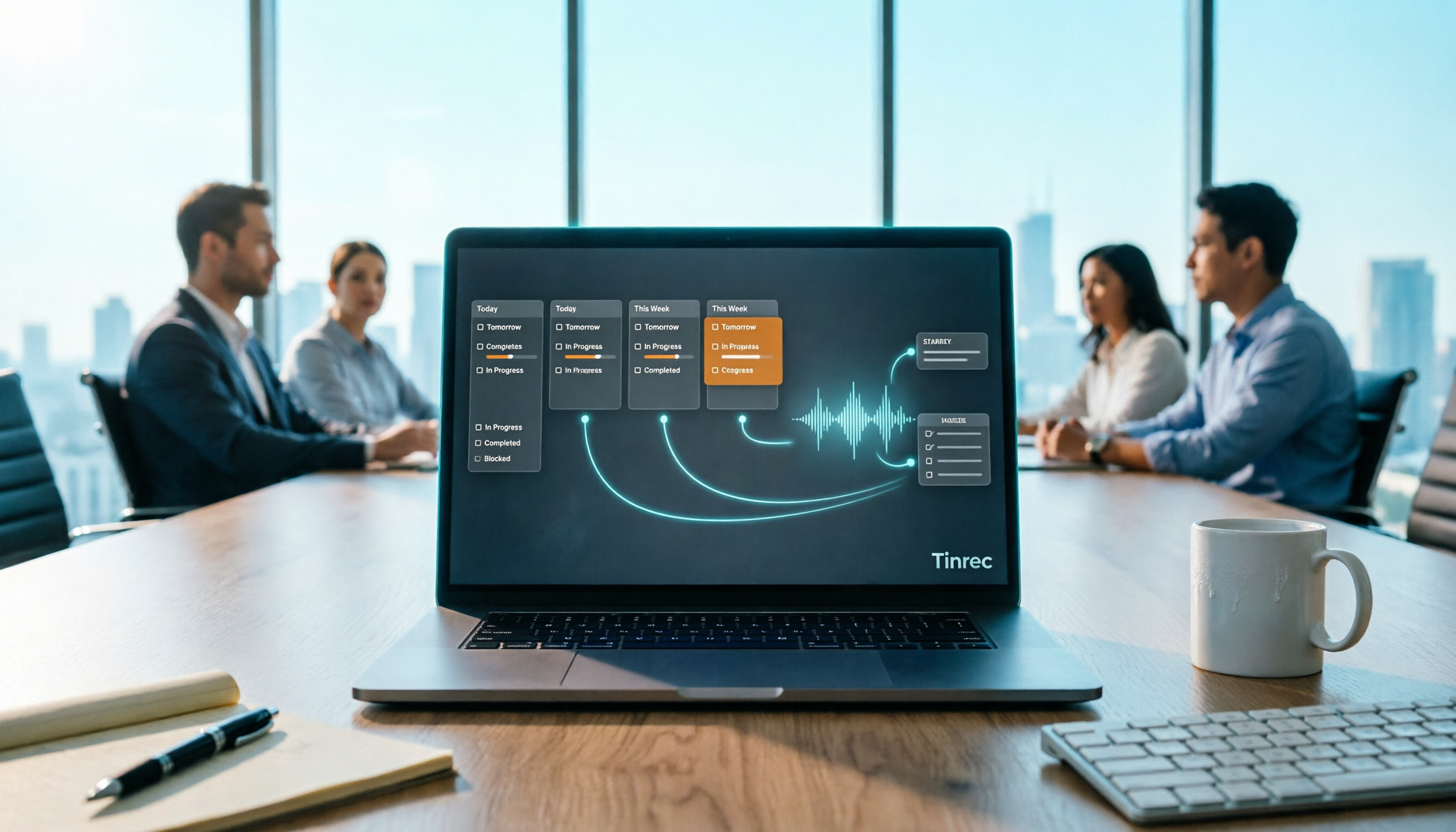
Project Meeting Task List Template 2026: 5 Essential Fields + Tinrec Automated Tracking
After a project meeting, tasks often go untracked. This article provides a ready-to-use project meeting task list template with 5 essential fields, explains how to adjust it for kickoff, weekly, and retrospective meetings, and shares how to use Tinrec to semi-automate recording, summarization, and action item extraction, so post-meeting follow-up no longer relies on memory.

Best Meeting Task Assignment Tools in 2026: 5 Tested, Tinrec Excels for Chinese Meetings
After a meeting, manually filling out a task assignment sheet often leads to missed items and poor tracking. This article examines 5 practical dimensions for choosing a meeting task assignment tool in 2026, and explains how Tinrec uses real-time transcription, to-do extraction, AI Q&A, and team spaces to shape the task list by the end of the meeting, while honestly listing free and team plan options.

2026 Comparison of 3 Meeting Minutes Templates: How Much Time Can Tinrec's Auto-Generation Save?
How do you choose a meeting minutes template? This article provides 3 ready-to-copy meeting minutes templates (standard business, project action tracking, formal board meeting) and compares the actual differences between manual form filling and Tinrec's automatic generation of transcripts, summaries, and action items, explaining why more teams are switching to AI meeting note tools.

How to Turn Meeting Notes into a PRD in 2026: A Complete 5-Step Guide
Meeting over, but your PRD is still blank? This guide breaks down the 5 key points and 5 practical steps for turning meeting notes into a product requirements document, and compares Tinrec, Otter.ai, Notta, and Granola on transcription, summarization, action item extraction, and team collaboration to help you choose the right workflow for writing PRDs.

Excel vs Tinrec in 2026: 5-Dimension Comparison — Which Saves More Time on Auto-Generating Meeting Action Items?
After a meeting, relying on memory to type action items into Excel often leads to missed tasks and wrong deadlines. This article compares manual Excel and Tinrec (秒聽錄音) across 5 key dimensions for organizing meeting action items, explains how to automatically extract action items, export them as tables, and bring them into Excel for tracking, and briefly reviews alternatives like Otter.ai and Notta.

Best Meeting Minutes Table Generator? 2026 Hands-On Test of 4 Tools—This One Saves the Most Time for Chinese Meetings
Downloading a template and filling in a table during the meeting is often the least efficient way to take meeting minutes. This article tests four tools—Tinrec, Notta, Granola, and Otter.ai—breaking down how to choose a meeting minutes table generator based on Chinese recognition, automatic summary and to-do generation, AI Q&A, and export workflows, plus four common pitfalls to avoid.
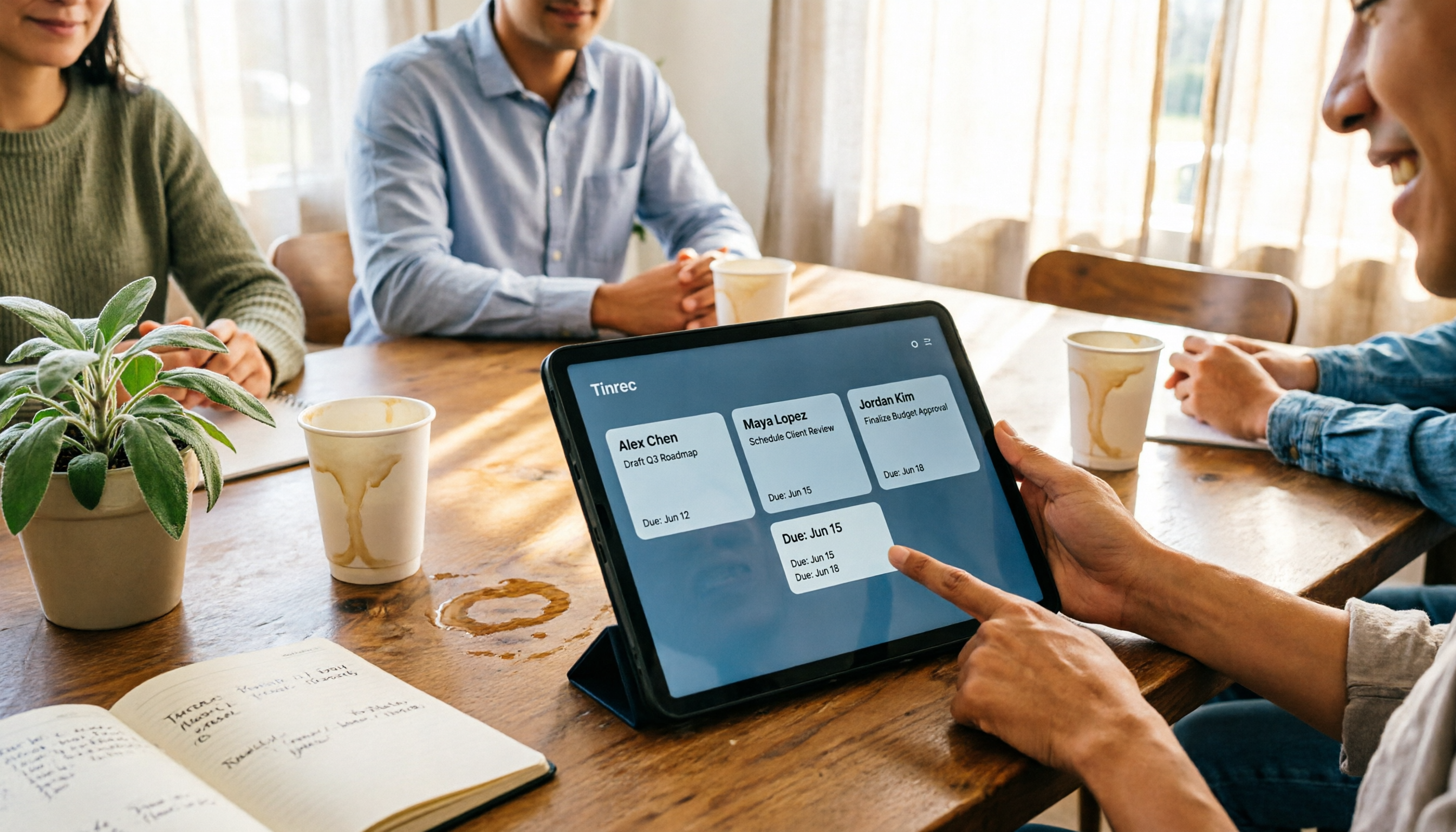
2026 AI Meeting Table Generator: Automatically Extract Owners and Export Action Items in One Click
The real pain point of meeting notes isn't the transcript—it's that after the meeting, no one knows who should do what. This guide covers 4 key factors for choosing an AI meeting table generator and compares Tinrec, Granola, TurboScribe, and Otter.ai to see which one truly turns discussions into tables with owner, task, and deadline.