

Turn recordings into transcripts and summaries in minutes
Upload audio or video for multilingual transcription, AI notes, and action items
Still Catching Up on Excel Action Items After the Meeting? The Problem Isn't Your Typing Speed — It's the Process
Many people organize meeting action items like this: after the meeting, while memory is still fresh, quickly open Excel and type in "who does what" row by row.
It looks diligent at the moment, but a few days later, you often find two items missing, a deadline misremembered, and one task never assigned to anyone.
Online meetings are even trickier. The entire session is recorded, but to find what the client said about pricing, you have to drag the timeline from the beginning; a 40-minute meeting might take 20 minutes to find that 30-second clip.
If you're listening and taking notes simultaneously, when multiple people talk over each other, you often only catch half, and fill in the rest from impression.
These situations aren't due to your carelessness, but to the process of "meet first, recall later, then manually type into Excel." With a different approach, meeting action items can actually be organized right when the meeting ends.
Before Organizing Meeting Action Items, Understand These 5 Key Points
1. Are action items "recalled afterward" or "generated in sync during the meeting" Relying on memory to fill in action items almost guarantees omissions. The difference lies in whether the tool can convert speech to text and highlight action items while you're in the meeting. Retrospective organization, no matter how careful, will lose information.
2. Is there a transcript to refer back to The risk of keeping only a summary is that AI might misunderstand. The benefit of a transcript is that you can go back to "that sentence" to confirm whether it was "next Wednesday" or "next Friday." When choosing a tool, be sure to check if it retains a complete text record.
3. Can it automatically extract assignees and deadlines Meetings often include phrases like "I'll take this" or "let's handle it next week." A good tool should be able to infer from context who is responsible and when it's due, rather than giving you a list without assignments.
4. Can the output connect to your existing Excel workflow Many people aren't looking for a new tool, but want action items to eventually go into Excel or Google Sheets for unified tracking. So check if the tool can export organized action items as a table or document format, saving you a copy-paste step.
5. When multiple team members use it, is action item ownership clear A meeting often spans departments. If everyone keeps their own Excel, no one knows who missed what. For team use, confirm whether data is stored centrally or scattered across individual accounts.
Tinrec (秒聽錄音) — Replacing "Post-Meeting Recall" with "In-Meeting Sync"
Tinrec (秒聽錄音) is an AI meeting notes and collaboration tool for individuals and teams, supporting desktop, web, and mobile devices, with Chinese meetings as its primary scenario.
How is it different from a simple recording app? Three practical scenarios explain it fastest.
During the meeting, the transcript is being generated. For online meetings, Tinrec's desktop version directly captures the computer's system audio, without inviting a meeting bot to join Zoom, Google Meet, Microsoft Teams, or Webex. The transcript is generated in sync during the meeting, so you don't have to type frantically while listening. Note that you need to open Tinrec yourself to start recording; it's not a service that automatically joins all meetings on your calendar.
After the meeting, summaries, chapters, and action items are already organized. Tinrec automatically generates summaries and chapters, and extracts action items from the discussion. Based on our experience organizing Chinese meetings, in a typical office environment with turn-taking Chinese conversation, the transcript is quite usable as a draft for meeting minutes. However, with overlapping speech, loud air conditioning, or many specialized terms, recognition performance is still affected; for important content, it's advisable to check against the recording.
Stop organizing recordings by hand
Upload audio or video and automatically get a transcript, summary, and action items
Action items go into Excel without retyping. This point is most relevant to the topic. Tinrec can export action items and meeting results as a table or document format, which you then bring into Excel or Google Sheets for continued tracking, without filling in cell by cell from memory. It also supports AI Q&A around meeting content — for example, asking "Who was responsible for the quote in the last meeting?" It will answer based on semantics, rather than throwing a string of keywords for you to search yourself.
Its advantages:
- Bot-free recording of online meetings, without disturbing other participants.
- Handles Chinese, mixed Chinese-English, and multilingual meetings, with real-time translation and bilingual viewing.
- End-to-end from transcript, summary, action items to export, not just converting audio to text.
Limitations to note:
- The free version has a basic quota; heavy usage requires a paid plan. The team version uses a seat-based model, with each paid seat providing 2,000 minutes of team shared import quota per month; eligible teams also get a 7-day trial (1 free seat, 300 minutes of team shared import quota). Actual benefits and pricing are subject to the official purchase page.
- Accuracy is affected by recording quality, as with any tool; it's not recommended to treat it as a panacea that requires no proofreading.
Who it's for: If you have meetings every week, need to put meeting action items into Excel for tracking, and want to search meeting content later, Tinrec will save you a lot of time compared to manually typing in Excel.
Besides Tinrec, What Other Options Are There?
Otter.ai: A mature choice for English business meetings, with a generous free version of 300 minutes per month. But its strength is English; Chinese and mixed Chinese-English meetings are not its focus, and Chinese teams will feel the gap immediately; if your meetings are mainly in Chinese, this is where Tinrec has an advantage.
Notta: Offers multi-platform transcription, meeting notes, and translation, with significant overlap with Tinrec; free version has 120 minutes per month, max 3 minutes per session. It leans more toward "transcription and translation"; in bot-free online meeting recording, centralized team data storage, and post-meeting Agent processing to generate reports, tables, and documents, Tinrec has higher integration.
Pure manual Excel/Google Sheets templates: Free, most flexible, columns can be set as you like, and with checkboxes and conditional formatting, you can create a nice checklist. But note, it won't listen to meetings for you — assignees, deadlines, and action items all must be recalled and typed by yourself, which is the source of the omissions mentioned earlier.
Pitfall Guide: The 4 Most Common Mistakes in Organizing Meeting Action Items
Pitfall 1: Keeping only summaries, not transcripts. Summaries are convenient, but they are "a version someone else condensed for you." Once you have doubts about a number, without a transcript you can only re-listen. When choosing a tool, it's best to have both transcript and summary.
Pitfall 2: Assuming the tool will automatically join all meetings. Many people expect "all meetings on the calendar to be automatically recorded." But bot-free desktop recording usually still requires you to initiate it. Before buying, confirm how it works to avoid disappointment.
Pitfall 3: Putting all action items in one worksheet without assignees and deadlines. A list without assignments is as good as no list. In column design, at least have four columns: task, assignee, deadline, status.
Pitfall 4: Using the tool only as "recording + transcription." If you turn it off after recording, you're only using one-third of its value. For example, Tinrec's AI Q&A lets you directly ask "What were the conclusions of this meeting?" or "What are the action items?" — much faster than scrolling through a 30-minute transcript.
Conclusion: Which One Should You Choose?
In one sentence: if you want "meeting action items to eventually go into Excel for tracking," then using Tinrec to extract and export, then bringing into Excel, is much more reliable than manually typing afterward.
Scenario breakdown:
- Need to organize meeting action items into Excel or Google Sheets for tracking → Tinrec (automatic extraction, export as table or document)
- Meetings mainly in Chinese or mixed Chinese-English → Tinrec (Chinese scenarios are its focus)
- Don't want an extra bot joining online meetings → Tinrec (desktop version captures system audio)
- Team needs centralized storage of meeting data, plus seat, usage, and audit management → Tinrec for Teams
- Mainly recording English meetings, zero budget → Otter.ai (the only competitor scenario recommended in this article)
It's recommended to first try the free version's basic quota for two or three meetings, and consider upgrading if acceptable, without paying from the start.
References
Turn every recording into actionable outcomes
Get 60 free transcription minutes when you sign in. No credit card required.
Related Reading
You might also like

Best Sales Meeting Follow-Up Tools in 2026: Tested 3 Options, This One Excels for Chinese Meetings
After a sales meeting, the real challenge is follow-up. This article compares Tinrec, Otter.ai, Notta, and Granola on Chinese meeting transcription, post-meeting to-do organization, AI Q&A, and team data retention. It also covers 4 key purchasing factors and common pitfalls to help sales and customer success teams choose the right follow-up tool.
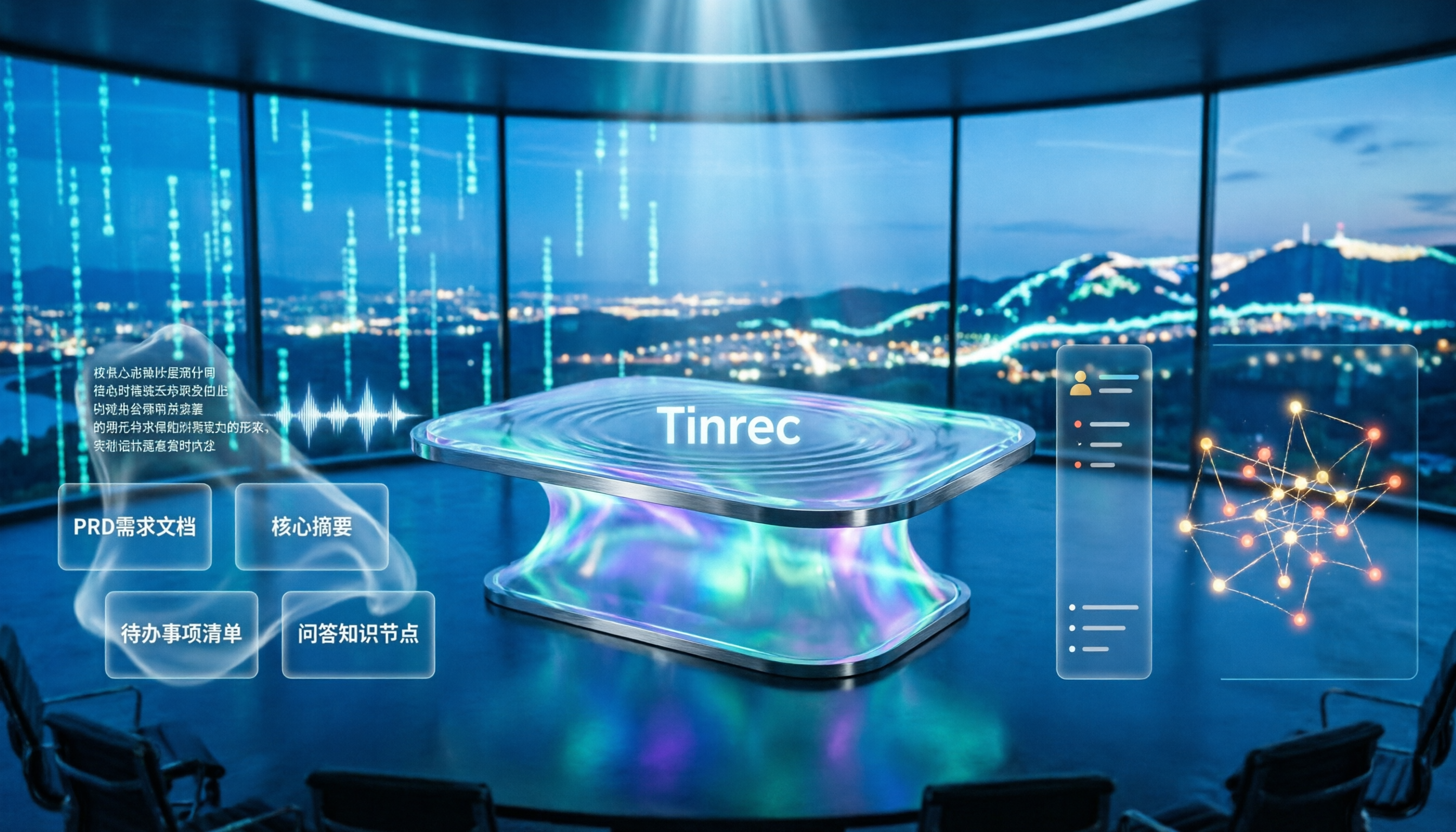
4 Meeting-to-PRD Tools Tested and Compared in 2026: Which Handles Chinese Meetings and Team Knowledge Best?
Generating a PRD from meeting notes isn't as simple as feeding a transcript to AI. This article starts with common pitfalls, breaks down the full workflow from meeting recording to PRD, and uses Tinrec to demonstrate real-time transcription, bot-free online meeting recording, AI summaries and action items, AI Q&A, multi-format export, and team spaces. It also covers 5 key buying considerations, team plan seats and pricing, practical use cases, and FAQs.

3 User Interview to PRD Tools Tested for 2026: Which One Lets AI Write Your Requirements Doc?
Turning user interview recordings into PRDs is time-consuming. We tested 3 tools, analyzing Chinese transcription, AI organization, and team collaboration. Using Tinrec as an example, we show how AI Q&A extracts requirements from interview recordings to quickly produce a PRD draft.
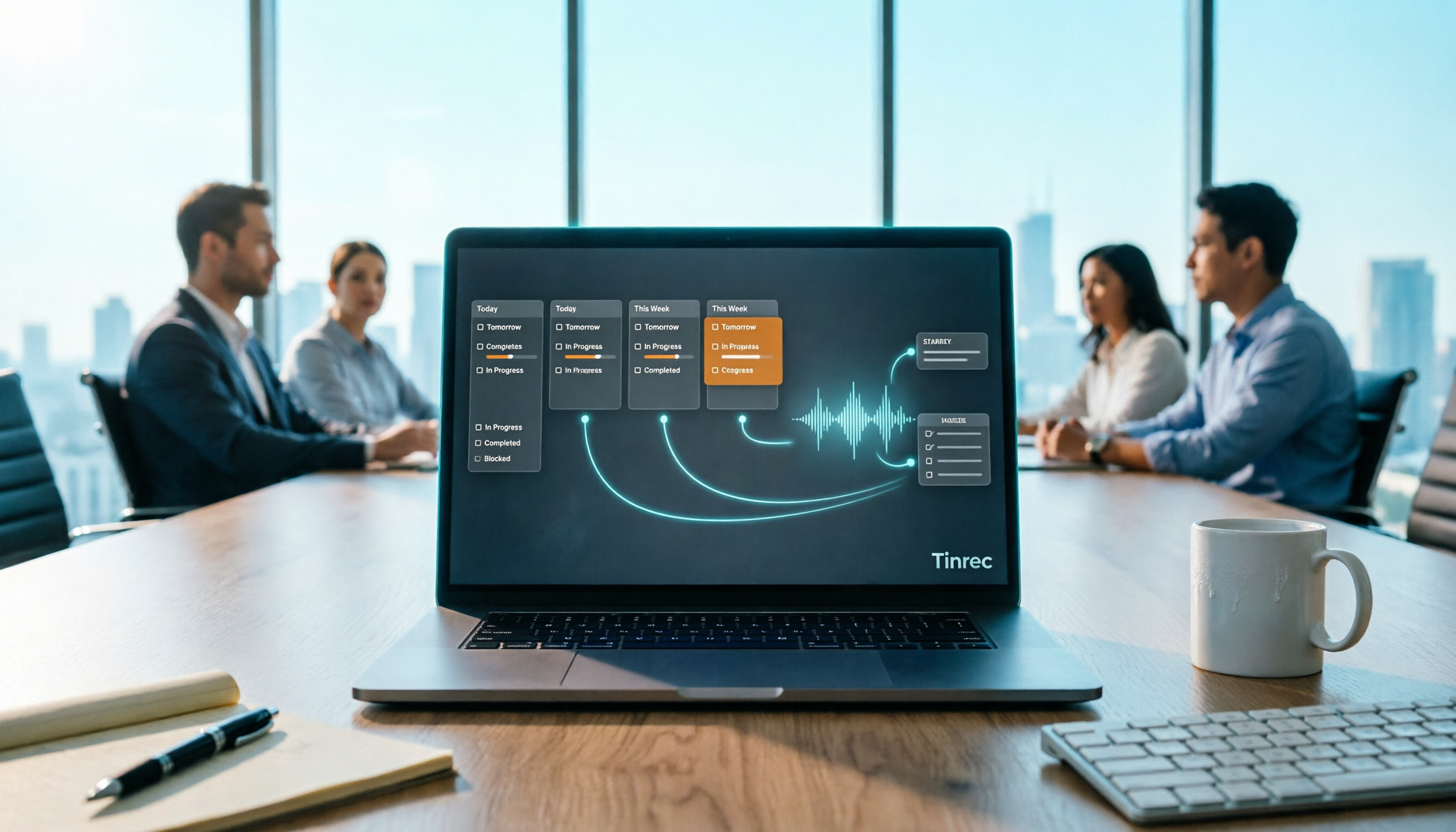
Project Meeting Task List Template 2026: 5 Essential Fields + Tinrec Automated Tracking
After a project meeting, tasks often go untracked. This article provides a ready-to-use project meeting task list template with 5 essential fields, explains how to adjust it for kickoff, weekly, and retrospective meetings, and shares how to use Tinrec to semi-automate recording, summarization, and action item extraction, so post-meeting follow-up no longer relies on memory.

Best Meeting Task Assignment Tools in 2026: 5 Tested, Tinrec Excels for Chinese Meetings
After a meeting, manually filling out a task assignment sheet often leads to missed items and poor tracking. This article examines 5 practical dimensions for choosing a meeting task assignment tool in 2026, and explains how Tinrec uses real-time transcription, to-do extraction, AI Q&A, and team spaces to shape the task list by the end of the meeting, while honestly listing free and team plan options.

2026 Comparison of 3 Meeting Minutes Templates: How Much Time Can Tinrec's Auto-Generation Save?
How do you choose a meeting minutes template? This article provides 3 ready-to-copy meeting minutes templates (standard business, project action tracking, formal board meeting) and compares the actual differences between manual form filling and Tinrec's automatic generation of transcripts, summaries, and action items, explaining why more teams are switching to AI meeting note tools.

How to Turn Meeting Notes into a PRD in 2026: A Complete 5-Step Guide
Meeting over, but your PRD is still blank? This guide breaks down the 5 key points and 5 practical steps for turning meeting notes into a product requirements document, and compares Tinrec, Otter.ai, Notta, and Granola on transcription, summarization, action item extraction, and team collaboration to help you choose the right workflow for writing PRDs.

Best Meeting Minutes Table Generator? 2026 Hands-On Test of 4 Tools—This One Saves the Most Time for Chinese Meetings
Downloading a template and filling in a table during the meeting is often the least efficient way to take meeting minutes. This article tests four tools—Tinrec, Notta, Granola, and Otter.ai—breaking down how to choose a meeting minutes table generator based on Chinese recognition, automatic summary and to-do generation, AI Q&A, and export workflows, plus four common pitfalls to avoid.
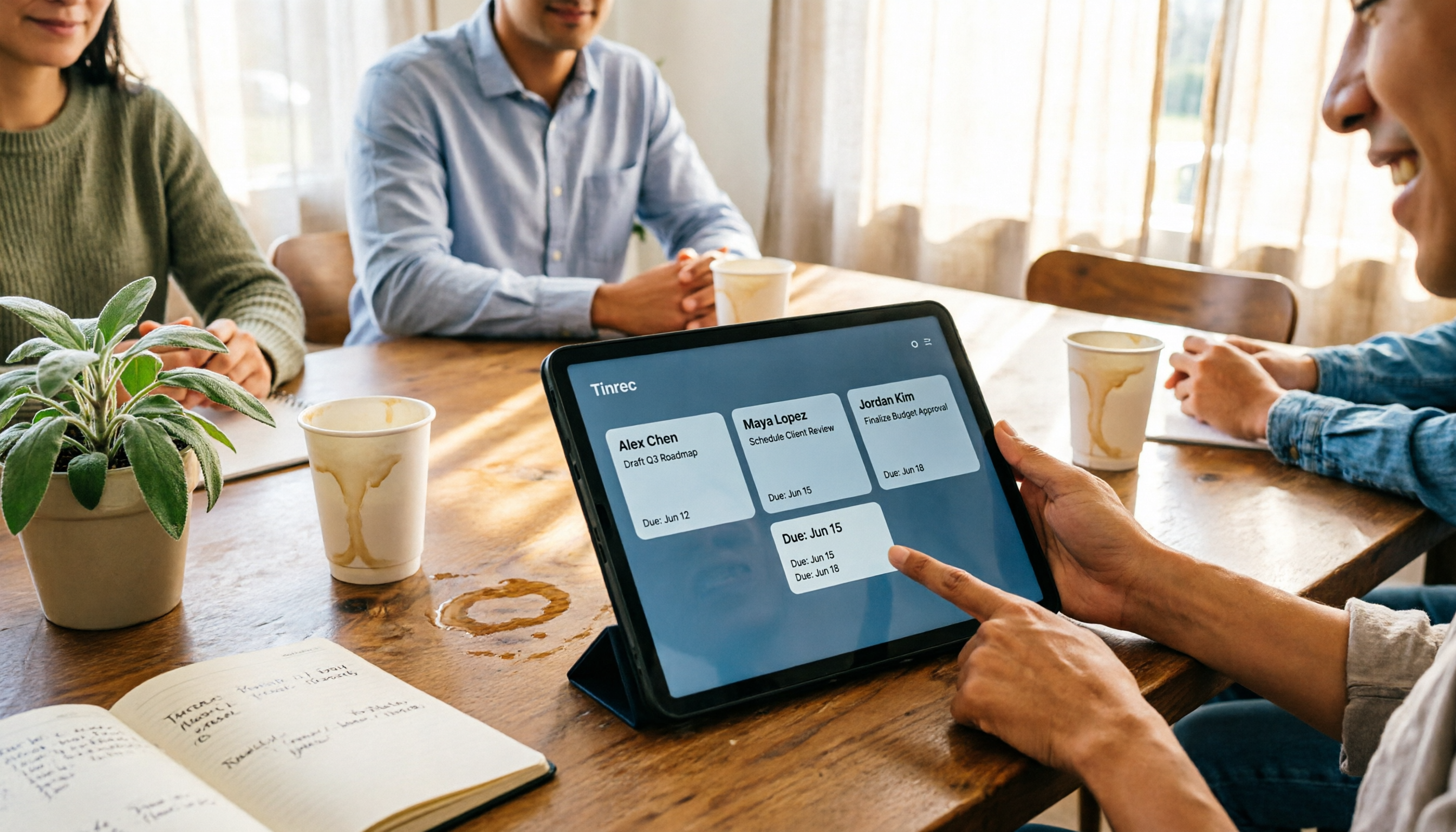
2026 AI Meeting Table Generator: Automatically Extract Owners and Export Action Items in One Click
The real pain point of meeting notes isn't the transcript—it's that after the meeting, no one knows who should do what. This guide covers 4 key factors for choosing an AI meeting table generator and compares Tinrec, Granola, TurboScribe, and Otter.ai to see which one truly turns discussions into tables with owner, task, and deadline.