

Turn recordings into transcripts and summaries in minutes
Upload audio or video for multilingual transcription, AI notes, and action items
How to Turn Meeting Notes into a PRD in 2026: A Complete 5-Step Guide
Two Hours After the Meeting, Your PRD Is Still Blank—The Problem Isn't That You're Not Trying Hard Enough
The meeting ends, your manager asks one question: "So what are we actually building this time?" You open your laptop and face a two-hour recording, a meeting summary with only three bullet points, and supplementary messages scattered across chat. Turning all of this into a PRD that engineers can understand often takes more time than the meeting itself.
The second problem is traceability. Three months later, someone asks, "Why did we decide to build this feature?" You only remember that "it seemed like we decided in some meeting," but you can't say who proposed it or what the decision was based on. When the PRD and meeting conclusions don't match, development goes off track, and you end up with endless revisions.
The third problem is alignment. If you don't communicate with each department before the meeting, the requirements meeting easily turns into everyone talking past each other. And if no one organizes the conclusions into a document afterward, the next meeting starts the argument all over again.
What all these problems have in common is this: what you're missing isn't more diligent note-taking, but a consistent process that goes from recording to document. Below, we break it down into 5 key points and 5 practical steps.
Before Turning Meeting Notes into a PRD, Understand These 5 Key Points
1. Requirements must be traceable to a person, time, and occasion. Every requirement in a PRD should ideally answer "who proposed this and in which meeting." If you can only write "decided after team discussion," there's no basis for acceptance or changes later. Whether you can quickly verify this depends on whether your transcript is complete and searchable.
2. Notes must be structured, not a running log. A useful meeting summary should at least be divided into five sections: current state, problems, requirements, decisions, and action items. If everything is mixed into one block of text, you'll have to break it apart again when writing the PRD—doing the work twice.
3. Decisions and action items should be written separately. A decision is "what we decided to do"; an action item is "who will complete what by when." Many people write both on the same line, and after the meeting no one knows which item to actually start on. If your tool can extract action items, this step can save a huge amount of manual work.
4. Version and change history cannot be skipped. Some teams update requirements by directly editing the PRD without noting the update date and what changed. Engineers finish development only to discover the requirements changed long ago. It's best to record the date and a description of differences with every change.
5. Terminology must be unified first. Terms like retry mechanism, preconditions, and system dependencies may not mean the same thing to every team member. The fix is simple: dedicate a page in the PRD to define key terms, or maintain a shared glossary in your tool.
5 Steps from Meeting Notes to PRD
Step 1: Get a complete, searchable transcript first. Without a transcript, everything else relies on memory. The quality of this step determines the ceiling of your entire PRD—the messier the input, the messier the output. If you can generate a transcript while the meeting is happening, you won't need to spend time re-listening afterward.
Step 2: Tag the transcript into four categories of information. As you read, mark "factual statements," "user requirements," "meeting decisions," and "action items." Once tagged, the raw material for your PRD is essentially complete—all that's left is formatting.
Step 3: Apply a fixed PRD skeleton. An actionable PRD typically includes product overview and purpose, target users and use cases, functional requirements, non-functional requirements, acceptance criteria, dependent systems, and timeline. With a fixed skeleton, you won't start from a blank page every time.
Step 4: Add boundary conditions and acceptance criteria. A requirement like "build an AI copy generation button according to the design mockup" forces engineers to guess: under what conditions does it appear? What input goes to the model? What's the output format? Every requirement must answer these three questions, or it will become a dispute in late-stage development.
Step 5: Mark versions and align privately before the formal requirements meeting. Experienced product managers talk one-on-one with relevant departments before the requirements meeting to avoid hearing objections for the first time in the meeting. When changes occur, update the version and date simultaneously so everyone has the same latest version.
Tinrec—Our Top Recommended Meeting Notes Tool After Testing
Tinrec is an AI meeting recording and collaboration tool for individuals and teams, available on iOS, Android, desktop, and web. Its positioning isn't "recording to text," but turning meetings into searchable, collaborative, actionable team data—which happens to address the two most labor-intensive steps in the 5-step process above.
Bot-free recording of online meetings—no need to re-listen afterward. Tinrec's desktop version directly captures computer system audio, handling Zoom, Google Meet, Microsoft Teams, Webex, and other online meetings without adding an extra meeting bot to the room. The transcript is generated in real time during the meeting, effectively completing Step 1—you don't need to rely on memory to recall "who said that part just now." Note that this isn't "automatically joining all calendar meetings," but rather the user actively initiating recording from the desktop version.
AI summaries, chapters, and action item extraction—handling the first half of Step 2 for you. After the meeting, Tinrec automatically generates summaries, chapters, and key points, and organizes action items from the discussion. What used to take an hour of manually tagging "which are requirements, which are decisions" now becomes verification and supplementation. For teams with regular weekly meetings and review meetings, what you save isn't just a few minutes—it's an entire afternoon.
Stop organizing recordings by hand
Upload audio or video and automatically get a transcript, summary, and action items
AI Q&A and Agent post-processing—the key step to turning notes into a PRD. After recording, you can directly ask Tinrec "What was the conclusion about this feature in the last meeting?" or "Who mentioned the budget cap?" It answers based on semantic understanding rather than throwing a list of keyword search results at you. Then you can use Agent post-processing to generate reports, tables, and documents, and export to Notion, Google Docs, OneNote, Dropbox, and other tools for further editing—meaning the raw material for Step 3 can go with you.
The team version turns individual meeting records into team assets. If your PRD requires cross-department collaboration, Tinrec's team version provides an independent team space: you can create multiple teams, invite members via link, set owner and admin roles, and assign or revoke seats. Transcripts, summaries, action items, and folders belong to the team, so new members can directly access historical meetings. Admins can view usage trends, member rankings, and details, query and export audit logs, and recover accidentally deleted recordings via the audio recycle bin. Team monthly billing is USD 29.80 per paid seat per month, annual billing is USD 199 per paid seat per year (approximately USD 16.58 per month). Each paid seat provides 2,000 minutes of team shared import quota per month; eligible teams can try 7 days free with 1 free seat and 300 minutes of shared import quota. Actual prices, currencies, and benefits are subject to the official purchase page.
Its advantages can be summarized in three points: First, the organization workflow for Chinese and multilingual meetings is complete—from transcript, real-time translation, summary, to action items, all in one place. Second, after the meeting you don't get a dead document, but data you can continue to query, generate from, and export. Third, team governance is granular enough—roles determine who can manage, seats determine who can record and upload. When a member leaves or loses their seat, team resources can be handed over to other active members rather than being taken away.
Limitations should also be made clear: First, the free version provides basic quota, suitable for trying it out. If you have many meetings every week or need to organize long audio files, you'll need a paid plan, and the quota rules for real-time recording and file import are different—file import and web link import consume team shared quota. Second, transcription quality is affected by recording quality, ambient noise, accents, and overlapping speakers. For important content, it's recommended to verify against transcript timestamps and recording playback; it should not be treated as a 100% error-free final draft. Third, the team version currently focuses on team-level sharing—all active members can read team data, but there's no file-level granular permission. Members without seats can view, play, and read, but cannot upload, edit, import, or export.
Who it's for: If your meetings are primarily in Chinese, you frequently need to record online meetings, you want structured material directly after the meeting to write your PRD, and your team needs a shared meeting database, Tinrec will fit your workflow better than a simple transcription tool.
Besides Tinrec, What Other Options Are There?
Otter.ai: A mature choice for English business meetings. Free version offers 300 minutes per month; Pro annual billing is approximately USD 8.49 per user per month. It has deep experience in English meeting automation and team management, and now also offers desktop capabilities—not just a meeting bot. If 90% of your meetings are in English, it's a very cost-effective option. But if you need real-time translation for Chinese meetings, bilingual transcripts, and team glossary management, Tinrec handles it more smoothly.
Notta: Comprehensive multi-platform transcription and translation capabilities. Free version offers 120 minutes per month, max 3 minutes per session; Pro annual billing is approximately USD 8.17 per month. Its biggest overlap with Tinrec is file import and translation, but Tinrec's differences are bot-free desktop recording, post-recording AI Q&A, and the ability to store meeting data in a team space for long-term accumulation. If your main need is converting already-recorded files into subtitles, Notta is worth including in your comparison.
Granola: Also uses bot-free desktop recording, focusing on "your handwritten notes plus AI enhancement." Business is USD 14 per user per month. However, it doesn't support uploading pre-recorded audio files and doesn't retain meeting audio files—a major limitation for PRD writing workflows that require playback verification afterward. Tinrec supports uploading existing audio files and retains recordings, making it much more convenient when you need to trace back to the source of a decision.
Pitfall Guide: The 4 Most Common Mistakes When Turning Meeting Notes into a PRD
Pitfall 1: Treating the transcript as the meeting summary. The transcript is raw material; the summary is the finished product. Garbage in, garbage out—if the meeting itself didn't make decisions, even the strongest AI can't produce a PRD with conclusions. Before entering the meeting, think clearly about what this meeting needs to decide.
Pitfall 2: Writing only features, not trigger conditions and output formats. Writing "build an export button" into the PRD forces engineers to guess. Adding when it appears, what the input is, and what the output looks like can save at least three rounds of back-and-forth confirmation.
Pitfall 3: Changing the PRD without keeping a change log. Requirement changes are normal, but without noting dates and what changed, there's no version control. Engineers finishing based on the old version only to discover the requirements changed is the most common project drain.
Pitfall 4: Assuming AI-generated content can go straight to development. Automation can save organization time, but it can't replace confirmation. Talk to people from other departments before the requirements meeting so objections surface beforehand; after the meeting, have attendees verify the AI-generated notes once. These two actions are more useful than writing ten extra pages of documentation.
Summary: Turning Meeting Notes into a PRD—Which Setup Should You Choose?
Once the process runs smoothly, the only key question left is "what tool will catch the transcript and post-meeting organization." Here's a direct breakdown:
- Meetings primarily in Chinese, need bot-free recording of online meetings → Tinrec (desktop captures system audio, no bot needed)
- Want to ask AI directly after recording "What was the conclusion of this meeting?" → Tinrec (AI Q&A and Agent post-processing)
- Need to turn meeting data into shared team assets, plus manage seats and usage → Tinrec team version
- Need to switch between phone, tablet, and computer → Tinrec (multi-platform coverage)
- 90% of meetings in English, budget priority → Otter.ai
We recommend starting with Tinrec's free version basic quota and trying it on a real weekly meeting or customer interview: after recording, see whether the summary and action items it produces can already serve as draft material for your PRD. If it works for you, consider upgrading to the personal or team version—you don't need to move all your meetings onto it from the start.
References
- What Is a PRD? How to Write a Product Requirements Document, Step by Step
- How to Write New Product Development Documents? What Are MRD and PRD? How Do They Differ?
- 🗂️ Project Management Automation Task Exercise: Using n8n to Turn Interview Notes + Meeting Notes into a PRD | Josie's Digital Cross-Domain Daily
- Writing a Product Requirements Document (PRD)
- The Product Requirements Document Every Entry-Level PM Must Write — PRD Basics Handbook | EP86 | Creative Imagination of Product Thinking
Turn every recording into actionable outcomes
Get 60 free transcription minutes when you sign in. No credit card required.
Related Reading
You might also like

Best Sales Meeting Follow-Up Tools in 2026: Tested 3 Options, This One Excels for Chinese Meetings
After a sales meeting, the real challenge is follow-up. This article compares Tinrec, Otter.ai, Notta, and Granola on Chinese meeting transcription, post-meeting to-do organization, AI Q&A, and team data retention. It also covers 4 key purchasing factors and common pitfalls to help sales and customer success teams choose the right follow-up tool.
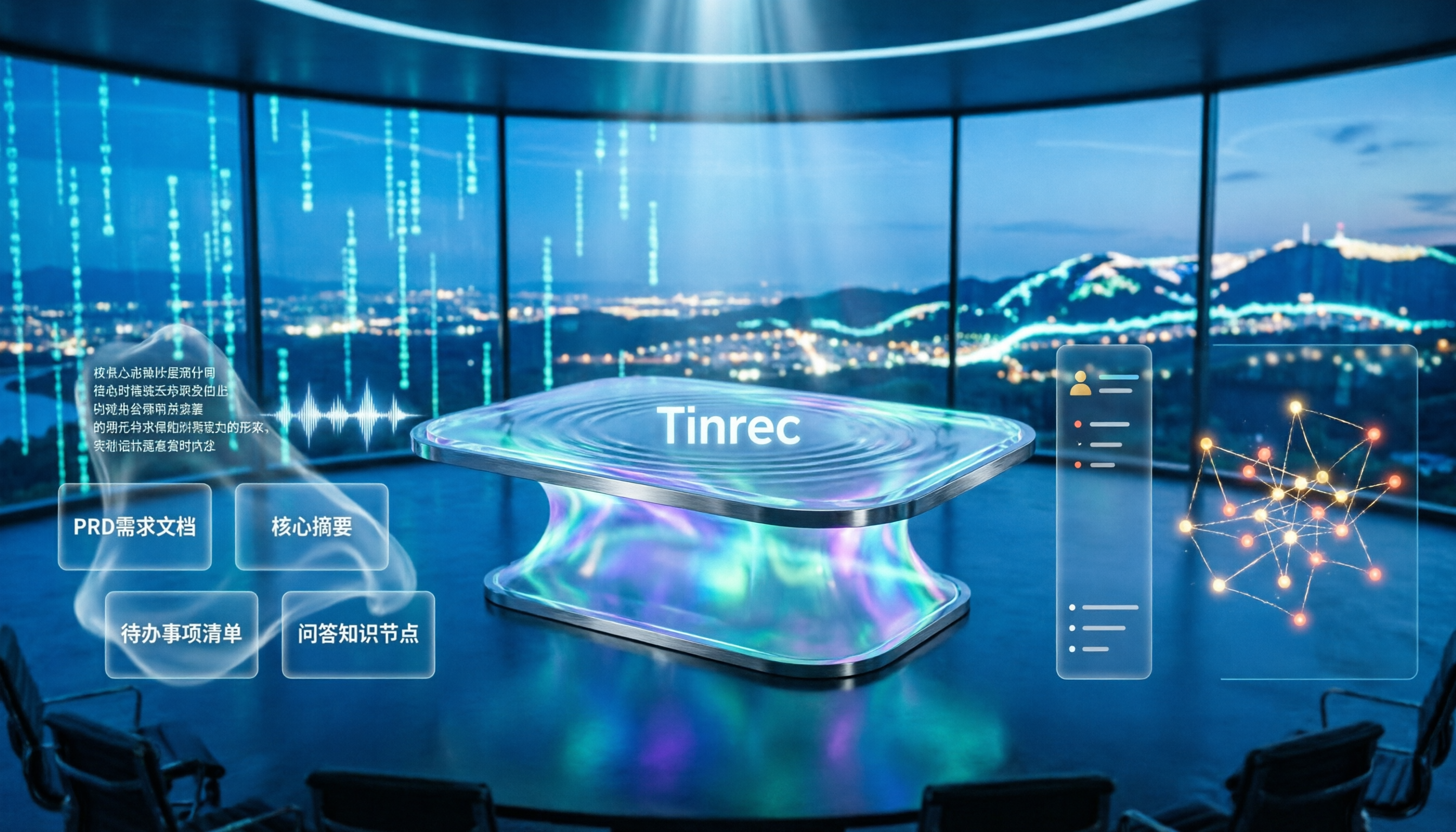
4 Meeting-to-PRD Tools Tested and Compared in 2026: Which Handles Chinese Meetings and Team Knowledge Best?
Generating a PRD from meeting notes isn't as simple as feeding a transcript to AI. This article starts with common pitfalls, breaks down the full workflow from meeting recording to PRD, and uses Tinrec to demonstrate real-time transcription, bot-free online meeting recording, AI summaries and action items, AI Q&A, multi-format export, and team spaces. It also covers 5 key buying considerations, team plan seats and pricing, practical use cases, and FAQs.

3 User Interview to PRD Tools Tested for 2026: Which One Lets AI Write Your Requirements Doc?
Turning user interview recordings into PRDs is time-consuming. We tested 3 tools, analyzing Chinese transcription, AI organization, and team collaboration. Using Tinrec as an example, we show how AI Q&A extracts requirements from interview recordings to quickly produce a PRD draft.
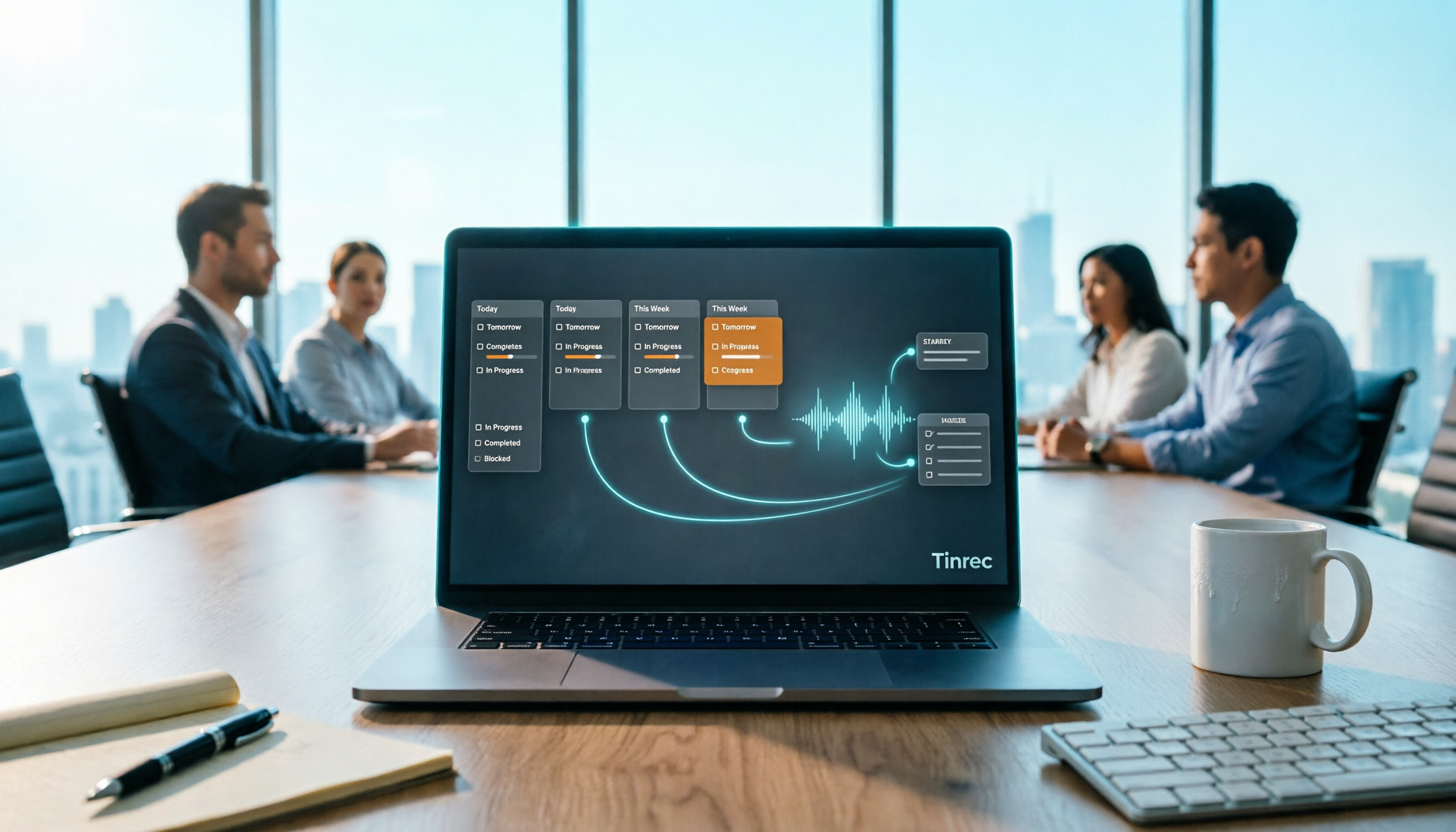
Project Meeting Task List Template 2026: 5 Essential Fields + Tinrec Automated Tracking
After a project meeting, tasks often go untracked. This article provides a ready-to-use project meeting task list template with 5 essential fields, explains how to adjust it for kickoff, weekly, and retrospective meetings, and shares how to use Tinrec to semi-automate recording, summarization, and action item extraction, so post-meeting follow-up no longer relies on memory.

Best Meeting Task Assignment Tools in 2026: 5 Tested, Tinrec Excels for Chinese Meetings
After a meeting, manually filling out a task assignment sheet often leads to missed items and poor tracking. This article examines 5 practical dimensions for choosing a meeting task assignment tool in 2026, and explains how Tinrec uses real-time transcription, to-do extraction, AI Q&A, and team spaces to shape the task list by the end of the meeting, while honestly listing free and team plan options.

2026 Comparison of 3 Meeting Minutes Templates: How Much Time Can Tinrec's Auto-Generation Save?
How do you choose a meeting minutes template? This article provides 3 ready-to-copy meeting minutes templates (standard business, project action tracking, formal board meeting) and compares the actual differences between manual form filling and Tinrec's automatic generation of transcripts, summaries, and action items, explaining why more teams are switching to AI meeting note tools.

Excel vs Tinrec in 2026: 5-Dimension Comparison — Which Saves More Time on Auto-Generating Meeting Action Items?
After a meeting, relying on memory to type action items into Excel often leads to missed tasks and wrong deadlines. This article compares manual Excel and Tinrec (秒聽錄音) across 5 key dimensions for organizing meeting action items, explains how to automatically extract action items, export them as tables, and bring them into Excel for tracking, and briefly reviews alternatives like Otter.ai and Notta.

Best Meeting Minutes Table Generator? 2026 Hands-On Test of 4 Tools—This One Saves the Most Time for Chinese Meetings
Downloading a template and filling in a table during the meeting is often the least efficient way to take meeting minutes. This article tests four tools—Tinrec, Notta, Granola, and Otter.ai—breaking down how to choose a meeting minutes table generator based on Chinese recognition, automatic summary and to-do generation, AI Q&A, and export workflows, plus four common pitfalls to avoid.
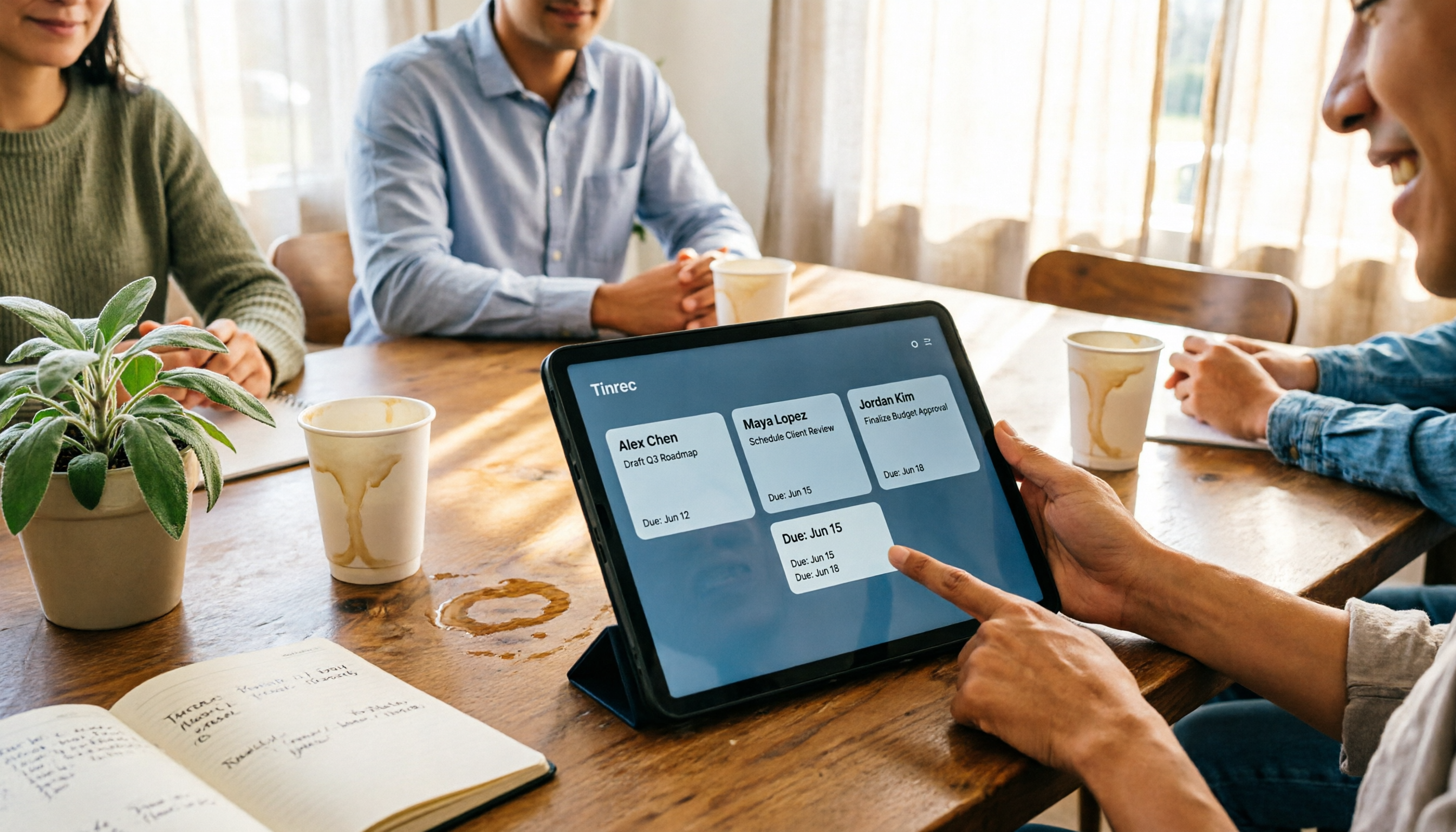
2026 AI Meeting Table Generator: Automatically Extract Owners and Export Action Items in One Click
The real pain point of meeting notes isn't the transcript—it's that after the meeting, no one knows who should do what. This guide covers 4 key factors for choosing an AI meeting table generator and compares Tinrec, Granola, TurboScribe, and Otter.ai to see which one truly turns discussions into tables with owner, task, and deadline.