

Turn recordings into transcripts and summaries in minutes
Upload audio or video for multilingual transcription, AI notes, and action items
Why Do You Need Cantonese Speech-to-Text?
Cantonese transcription has always been one of the hardest parts of speech recognition. Most tools focus on Mandarin and English, and when they encounter phrases like "m4 hai6" (not), "gaau2 dim6" (done), or "sik6 zo2 faan6 mei6" (eaten yet?), the whole segment goes off track. When it's time to submit meeting minutes, interview transcripts, or video subtitles, you often still have to put on headphones and replay sentence by sentence.
AI speech models have improved significantly in recent years, and Cantonese transcription is finally "usable." This article compiles 6 solutions that can actually handle Cantonese or Chinese meetings, and at the end explains the usage workflow and key selection points, so you can first understand the differences before deciding which one to spend time trying.
Tinrec — A Complete Workflow from Transcript to Team Data
One-sentence positioning: An AI meeting notes and collaboration tool for individuals and teams, not just converting sound to text.
Core highlights
- Record online meetings without a meeting bot. The desktop version directly captures computer system audio, so when handling Zoom, Google Meet, Microsoft Teams, or Webex, you don't need to invite an extra bot to join—no strange account suddenly appears in the meeting room.
- Chinese and multilingual meeting transcription. Supports mixed Chinese-English content organization, real-time translation, and viewing in original, translated, or bilingual mode; teams can also maintain hotwords to make product names, project codes, and other technical terms more consistently recognized.
- Automatically generates usable outputs after the meeting. Beyond the transcript, it also produces summaries, chapters, key points, action items, and mind maps. You can continue AI Q&A on the meeting content, then generate reports, tables, or documents, and export to Notion, Google Docs, OneNote, Dropbox, and other tools for further use.
- Team version turns meetings into assets. A separate team space makes meeting data owned by the team; when members leave, resources can be handed over, and admins can manage roles, seats, usage trends, and audit logs.
Free and paid plans: The free version lets you experience basic recording, import, summarization, and transcription; for short-term intensive use, choose a weekly pass; for weekly needs, choose a Pro monthly pass; for long-term data accumulation, choose a Pro annual pass. The team version is USD 29.80 per paid seat per month, or USD 199 per paid seat per year, with each paid seat providing 2,000 minutes of shared team import quota per month.
Who it's for: People whose meetings are mainly in Chinese, often mixed with English, and who need post-meeting organization, follow-up questions, export, and team sharing. If your recording is purely Cantonese, we recommend uploading a 5- to 10-minute file first to test the actual recognition results, and if it meets expectations, then use it extensively.
Subanana — A Subtitle and Transcript Tool Built Around a Cantonese Model
Subanana clearly focuses on Cantonese. Upload an audio or video file, or paste a public YouTube, Instagram, or Facebook link, select Cantonese and output style (spoken or written, traditional or simplified—4 combinations total), and AI will produce a speaker-separated, punctuated transcript within minutes. You can also record directly in the browser. Supports MP3, M4A, WAV, MP4, and can export SRT, VTT, TXT, DOCX, XLSX, Markdown. Free accounts can preview the first 15 minutes of transcription per file without a credit card, but exporting files is a paid feature. Suitable for people who frequently need to subtitle Cantonese videos or need speaker-separated transcripts.
Speechnotes Cantonese Version — A Free Online Real-Time Dictation Notepad
Speechnotes' Hong Kong Cantonese version is a free online voice dictation notepad. Open the webpage, press the microphone, and it instantly converts Cantonese to text—suitable for short meetings or impromptu notes. Its positioning leans toward real-time dictation, not a file transcription service: you need to organize punctuation yourself (change half-width to full-width), correct Cantonese characters spelled with o, and remove extra spaces between Chinese characters. Suitable for people with zero budget who just want to quickly turn live conversation into a text draft.
Google AI Studio (Gemini) — A Free and Cantonese-Friendly Flexible Approach
If your budget is zero and you don't want to be tied down by minutes, you can throw the audio file into Google AI Studio and process it with Gemini: directly ask it to output a transcript, then ask it to segment, add titles, organize key points, or summarize. It works on desktop and mobile, and no API setup is needed. Keep in mind that it's a general AI chat tool, without a dedicated transcript interface, speaker separation, or subtitle timeline. Long recordings must be split manually, and output quality depends heavily on the instructions you give.
Stop organizing recordings by hand
Upload audio or video and automatically get a transcript, summary, and action items
cSubtitle — No Registration, Upload and Get a Transcript
cSubtitle focuses on online speech-to-text and automatic subtitling. The official claim is that Chinese recognition accuracy can reach over 94%. The operation is simple: upload a video or audio file, and within as fast as 3 minutes you can download a subtitle file with timeline and a transcript, without registering an account. Its strengths are "fast" and "Chinese," suitable for people who occasionally need to turn a Chinese audio/video into subtitles or a text transcript; if you're dealing with long-term accumulated meeting data, you'll need a more complete meeting tool.
TurboScribe — A Cost-Effective Route for Long Files and Batch Transcription
TurboScribe takes a high cost-performance file transcription route, focusing on long files and batch uploads: the paid version supports single files up to 10 hours or 5 GB, and up to 50 files at once—ideal for clearing out historical recordings accumulated on your hard drive. The free version can process 3 files per day, with a 30-minute limit per file; the Unlimited plan is USD 120 per year. It leans toward file processing rather than real-time meetings, and post-transcription summaries, action items, and team collaboration are not its focus.
With So Many Options, How Should You Choose?
• Want an all-in-one workflow (transcription + AI Q&A + automatic summaries and action items + export) → Tinrec, the only option in this list with all these capabilities
• Meetings are mainly Chinese, mixed with English → Tinrec, supports multilingual transcription, real-time translation, and bilingual viewing, plus team hotwords to correct technical terms
• Need to switch between phone, computer, and web → Tinrec, multi-platform continuity
• Need to record Zoom, Meet, Teams without letting a bot join the meeting → Tinrec desktop version, directly captures system audio
• Team needs to share meeting notes and manage members, seats, and usage → Tinrec team version, with roles, seats, usage analytics, and audit logs
• Just want to quickly turn meeting content into a searchable database → Tinrec, historical meetings can be centrally stored and continuously queried
• Pure Cantonese videos need subtitles, speaker separation, and SRT timeline → Subanana
• Zero budget, only occasionally transcribe a Cantonese segment → Speechnotes Cantonese version or Google AI Studio
• Have a bunch of long recordings to batch convert → TurboScribe
How to Use Cantonese Speech-to-Text: 3 Steps
Step 1: Decide the output format first. The same Cantonese recording can produce very different results as a spoken transcript versus a written transcript. For example, Subanana offers 4 combinations of spoken/written × traditional/simplified, so "keoi5 dei6 ji4 gaa1 gaau2 dim6 zo2" would be written as "they have now handled it." For subtitles, usually keep spoken; for meeting minutes or reports, choose written.
Step 2: Import a file, or start recording directly. If you already have a recording, upload the file or paste a public link (common support for MP3, M4A, WAV, MP4); for meetings not yet recorded, you can use real-time recording. Tinrec desktop version can also record online meeting audio without joining a bot.
Step 3: Proofread and post-process. After transcription, be sure to check three things: whether punctuation is complete, whether Cantonese characters are mistakenly written as phonetic letters (e.g., spellings starting with a or o), and whether names and technical terms are correct. Doing this step well makes the transcript truly usable.
4 Things to Know Before Using Cantonese Speech-to-Text
1. First confirm the tool actually supports Cantonese. Many tools say "supports Chinese" on their homepage, but actually only recognize Mandarin. When choosing, see if it explicitly mentions Cantonese or offers spoken/written conversion; if unsure, throw in a 5-minute test file first—more reliable than reading spec sheets.
2. Recording quality determines success. Microphone distance, ambient noise, and multiple people speaking at once all directly affect results. During meeting recording, try to keep the microphone close to the main speaker. After the meeting, use AI Q&A in tools like Tinrec to follow up on details—more practical than striving for 100% accuracy on the first try.
3. Check export and minute limits clearly. "Free" usually has limits on export or single file length: some only preview the first 15 minutes, some free versions limit single files to 30 minutes. First confirm which plan your usage falls into, then decide whether to pay. If possible, run a segment of your own recording using the free quota first.
4. Get consent before recording. Recording and transcription involve personal data and local regulations. Before recording, inform participants and obtain consent. In enterprise settings, confirm data retention and permission policies.
Conclusion
In 2026, Cantonese speech-to-text is no longer a question of "can it be done" but "how deep do you need to go." If you just occasionally transcribe a Cantonese segment, the free Speechnotes Cantonese version or Google AI Studio is enough; if you need to handle pure Cantonese video subtitles, Subanana's four spoken/written output combinations are very practical; but when the scenario becomes weekly meetings and you need to organize content into summaries, action items, and share with the team, Tinrec's complete workflow and team space will save the most repetitive labor. We recommend starting with the recording you encounter most often, and using actual results to decide which one to keep.
References
- Speechnotes | Hong Kong Cantonese | Speech to Text Online Notepad
- Free Cantonese Speech-to-Text App 2026 | Subanana
- AI Speech-to-Text Fast Audio File Online Transcription, Transcript and Video Subtitling - Free Trial - cSubtitle
- 2026 Practical Cantonese Real-Time Translation Tool Recommendations, Making Cantonese Learning Easier
- Free + Cantonese OK: How to Use Google AI Studio to Turn Your Recording into ...
Turn every recording into actionable outcomes
Get 60 free transcription minutes when you sign in. No credit card required.
Related Reading
You might also like

4 Free Cantonese Speech-to-Text Tools Compared (2026): Which Free Tier Is Actually Enough for Post-Meeting Work?
How do you choose a free Cantonese speech-to-text tool? This article compares the free tiers, Cantonese handling, and post-meeting workflows of Tinrec, Subanana, UniScribe, and cSubtitle, highlighting 4 key buying factors and 4 common pitfalls to help you decide which free version is truly sufficient.

4 Cantonese Audio-to-Text Tools Tested in 2026: Which Free Version Is Good Enough?
Comparing Subanana, Google AI Studio, cSubtitle, and Tinrec across free quotas, Cantonese recognition, post-meeting organization, and team collaboration to help you decide if free Cantonese audio-to-text tools are actually usable.

How to Transcribe Cantonese Audio to Text in 2026: A Complete 5-Step Guide
A complete workflow for converting Cantonese audio recordings into text files. Using Tinrec as an example, this guide walks you through uploading or live recording, language settings, AI transcription, summaries, action items, and multi-format export, with notes on Cantonese accents, background noise, and free usage limits. Ideal for professionals and teams who need to organize meeting, interview, or lecture recordings.

Tinrec vs Otter.ai 2026: 5-Dimension Comparison for Free Cantonese Speech-to-Text
"Free" is the most expensive word in this search. This comparison puts Tinrec and Otter.ai side by side across 5 dimensions—Cantonese and mixed Chinese-English recognition, real limits of free plans, input sources, post-meeting organization, and team data ownership—to help you confirm which one truly matches your recording needs before you pay.

2026 Comparison of 4 Cantonese Speech-to-Text Tools: Which Saves the Most Time with Code-Switching and Meeting Minutes?
A 2026 hands-on comparison of the latest Cantonese speech-to-text tools. From colloquial Cantonese and mixed Chinese-English to post-meeting minutes, we cover 4 key points to consider before buying, 3 common pitfalls, and the actual differences and use cases among Tinrec, Subanana, cSubtitle, and SoundType AI.

2026 Cantonese Transcription App Comparison: Tinrec vs Otter.ai for Meetings
Tinrec and Otter.ai are both AI tools for meeting recordings, but one focuses on Chinese and team collaboration, while the other excels in English business meetings. This article compares them on Cantonese recognition, bot-free recording, post-meeting AI organization, export workflows, team governance, and pricing to help you decide which is better for Cantonese transcription.

5 Best Cantonese Speech-to-Text Tools in 2026: Which Handles Mixed Chinese-English Best?
Many people choose a Cantonese speech-to-text tool by checking how many languages it supports, only to find that mixed Chinese-English, accents, and post-meeting organization are the real pain points. This article breaks down the most common pitfalls when choosing a tool and uses Tinrec as an example to show how real-time transcription, AI summaries, action item extraction, AI Q&A, and team collaboration turn meeting recordings into searchable, actionable data.

2026 Cantonese Speech-to-Text Tools Compared: Which Is Easiest to Use and Most Accurate for Chinese?
How to choose a Cantonese speech-to-text tool? This article starts with the three most common misjudgments, organizes 4 key buying factors, hands-on testing observations, and a guide to avoiding pitfalls, and compares the differences and suitable users of tools such as Tinrec, Otter.ai, Notta, and PLAUD.
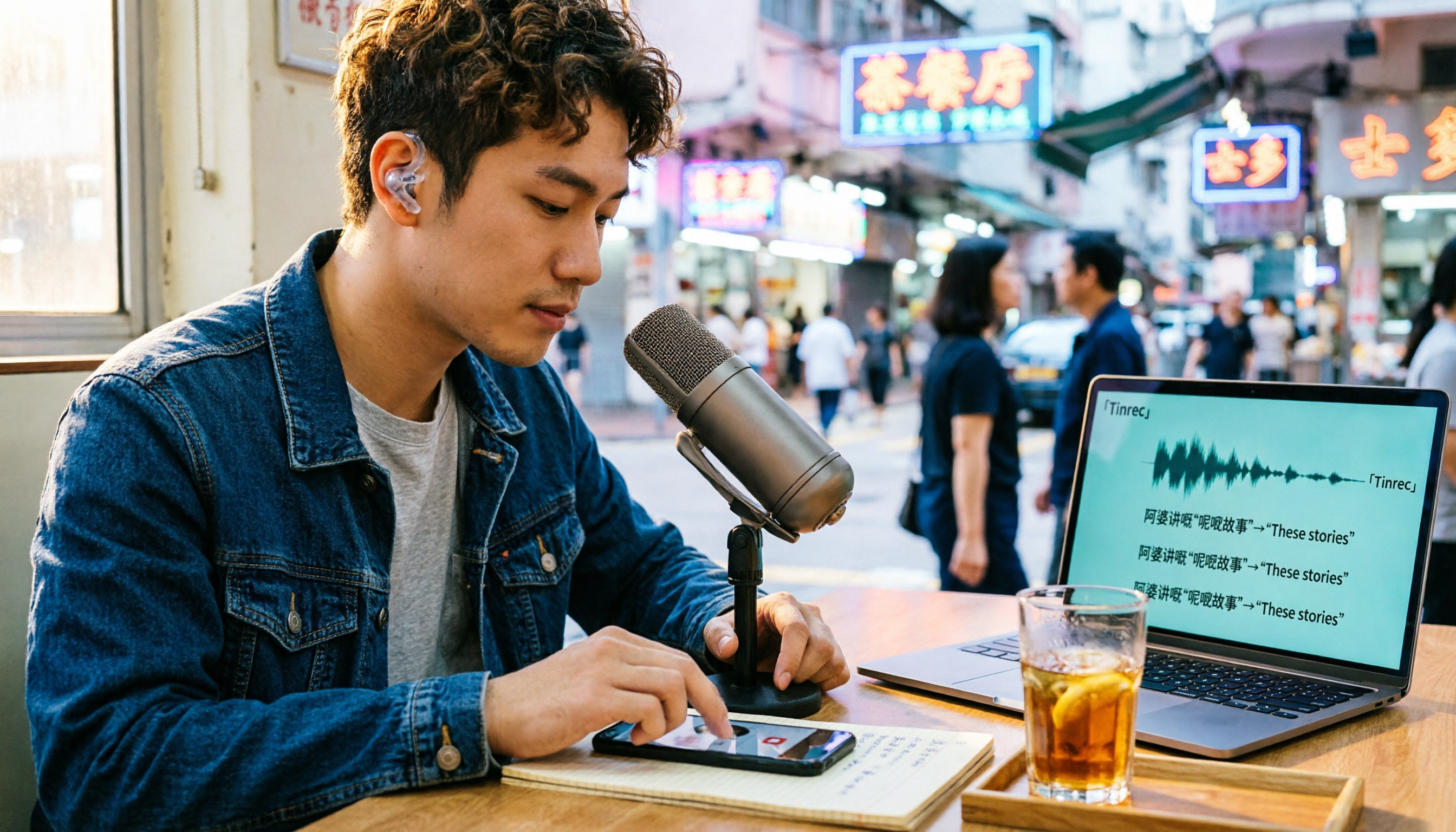
Best Cantonese Audio to Text Tools in 2026: 5-Step Hands-On Comparison
The biggest challenge with Cantonese audio transcription is finding a tool that understands Cantonese and handles mixed Cantonese-English speech. This article uses 5 key criteria to help you choose a tool, with hands-on comparisons of Tinrec, Otter.ai, Granola, and Notta, plus a pitfalls guide and selection advice to turn your Cantonese recordings into usable transcripts.