
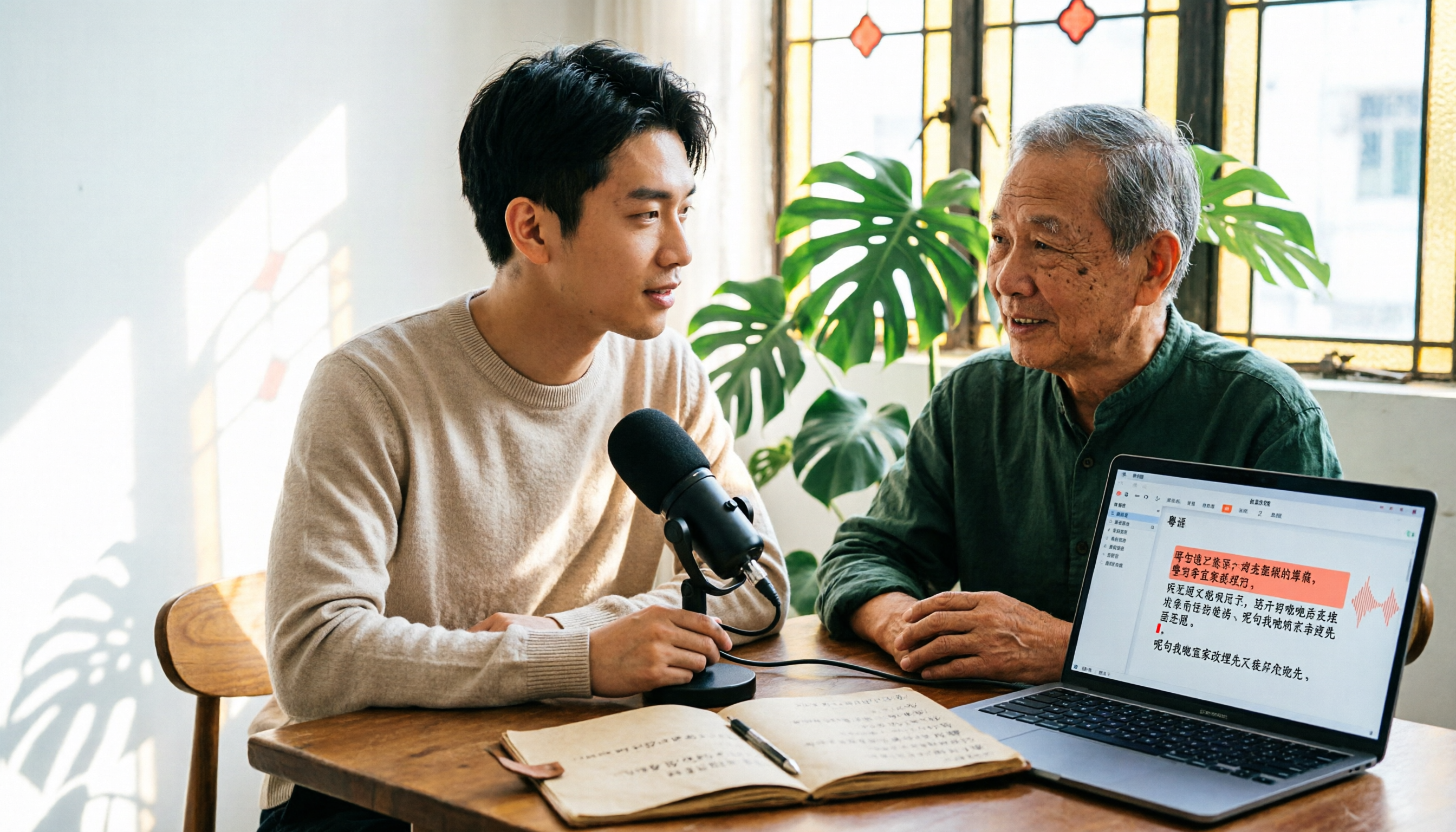
Turn recordings into transcripts and summaries in minutes
Upload audio or video for multilingual transcription, AI notes, and action items
Why Do You Need Cantonese Speech-to-Text?
Most people start looking for a Cantonese transcription tool like this: they throw a two-hour meeting recording into a tool that claims to be free, wait forever, and get a plain text file with no punctuation, no paragraphs, and all the Cantonese colloquial words turned into homophonic Mandarin characters. As a result, they spend more time editing the transcript than they would have spent re-listening to the recording.
The real problem is never "can it transcribe" but "can the output be edited." A usable Cantonese transcript should at least allow you to add punctuation, fix typos, split paragraphs, and align time codes—ideally, it can also be exported to Word or SRT and plugged directly into your existing workflow.
Below are 6 tools that can handle Cantonese recordings and produce editable output, ranging from AI meeting assistants to completely free entry-level options. At the end, a scenario table will help you decide which one to choose for different situations.
Option 1 | Tinrec — Turning Transcripts into Work-Ready Data
One-line positioning: An AI meeting notes and collaboration tool for individuals and teams—the real work begins after transcription.
Key highlights:
- Transcribe while recording; edit right after the meeting. Use real-time recording for in-person meetings and interviews. The transcript appears on screen as you speak, so you can mark key points on the spot without re-listening from the beginning afterward.
- Desktop version records online meetings without a bot. It captures system audio to handle Zoom, Google Meet, Microsoft Teams, Webex, and other meetings without pulling a bot into the meeting room. The participant list stays clean, and the transcript won't include strange participant names.
- The real value comes after transcription. It automatically generates summaries, chapters, key points, and action items, and supports AI Q&A about the meeting content. It can also handle Chinglish (mixed Chinese and English) content and provides real-time translation with original/translated/bilingual side-by-side views—especially useful for Cantonese meetings full of English terminology.
- Export to your existing workflow. Export to common file formats, or continue editing in Notion, Google Docs, OneNote, Dropbox, etc. You can also use an Agent for post-processing to generate reports, tables, and meeting minutes.
- Team version keeps data within the company. Meeting data belongs to the team. You can manage members, roles, and seats, view usage analytics and audit logs, and access an audio recycle bin. When a member leaves or loses a seat, resources can be transferred to other members instead of disappearing with the personal account.
Language and editing notes: Official materials list Cantonese as one of the supported languages and highlight Chinese and multilingual meeting scenarios. Actual performance is still affected by recording quality, accent, background noise, overlapping speakers, and technical terminology, so it's not recommended to judge it by a single fixed accuracy rate.
Plans and pricing: The personal version offers a free plan, weekly card, Pro monthly, and Pro annual, depending on usage frequency. The team version offers a 7-day free trial with 1 free seat and 300 minutes of shared team import quota for first-time eligible users. Monthly billing is USD 29.80 per paid seat per month; annual billing is USD 199 per paid seat per year (about USD 16.58 per month). Each paid seat includes 2,000 minutes of shared team import quota per month. Real-time recording under an active seat is currently not deducted by minutes. Actual prices are subject to the official purchase page.
Who it's for: Those who need Chinese/Cantonese meeting transcripts plus summaries, action items, and team sharing—especially departments or project teams whose meeting data is scattered across individual computers and chat rooms and want to centralize it.
Option 2 | cSubtitle — One-Stop Chinese Transcripts and Subtitle Files
One-line positioning: An online transcription service focused on Chinese, delivering "time-coded, correctable" files rather than a blob of plain text.
Its features include automatic punctuation, automatic paragraphing, and simultaneous output of text files, Word files, and subtitle files with timelines (.sub, .vtt). The Word file includes time codes for easy editing while listening; batch processing of multiple files is supported. Compared to a meeting-workflow tool like Tinrec, cSubtitle is more of a transcription station that turns files into deliverable products.
Language note: Official copy emphasizes training for Mandarin Chinese. If your material is heavily colloquial Cantonese, it's advisable to test a segment with your own recording first.
Plans and pricing: A free trial is available; paid plans and quotas are subject to the official website.
Who it's for: Content creators who mainly work in Mandarin Chinese and need subtitle files for publishing or Word transcripts for archiving.
Option 3 | Notta — Multi-Device Transcription and Translation, Complete Team Plans
One-line positioning: Covers multi-device transcription, meeting notes, file import, and translation, with features that heavily overlap with meeting-oriented tools.
Stop organizing recordings by hand
Upload audio or video and automatically get a transcript, summary, and action items
The free plan offers 120 minutes per month with a 3-minute limit per item, suitable for checking recognition quality first. Pro annual billing works out to about USD 8.17 per month with 1,800 minutes per month. Business annual billing is about USD 16.67 per seat per month, offering unlimited transcription, role permissions, and usage reports.
Who it's for: Individuals or small teams that need multilingual translation and cross-device use and already have a clear minute budget.
Option 4 | TurboScribe — Cost-Effective for Long Files and Batch Transcription
One-line positioning: A file transcription tool focused on long documents and batch uploads, with subtitles and translation as secondary capabilities.
The free plan allows 3 files per day with a 30-minute limit per file. Unlimited annual billing is USD 120 (about USD 10 per month). The paid version supports files up to 10 hours or 5 GB and allows uploading 50 files at once. Its strength is "high volume, long files," but note that it does not focus on real-time meetings and post-meeting collaboration.
Who it's for: Those with a pile of historical recordings (mp3, m4a) to clear at once, or who need to process long interviews and lecture recordings.
Option 5 | SoundType AI — Mobile Transcripts with AI Summaries
One-line positioning: A mobile app speech-to-text tool featuring transcripts, AI summaries, and speaker identification, supporting over 90 languages.
In Google Play user reviews, some mention a Cantonese conversion success rate of about 85–90%, while also noting that the trial quota is short and speaker identification and sentence segmentation could be improved. These are user feedback, not official guarantees; actual performance still requires testing with your own recordings.
Plans and pricing: Starts with a free trial; subscription plans and total hour rules for annual and monthly billing are subject to the official page.
Who it's for: Individual users who are used to recording casually on their phones and want to see transcripts and summaries on the spot.
Option 6 | Google Live Transcribe — A Completely Free Zero-Budget Option
One-line positioning: Android's built-in real-time speech transcription, supporting over 80 languages (including Traditional Chinese and Cantonese), completely free.
Limitations should also be clear: Android devices only, transcription records are kept for only 3 days, and existing audio files cannot be uploaded for transcription. It's suitable for "live note-taking," not for "post-event organizing and archiving."
Who it's for: Students or temporary note-taking needs with zero budget, using an Android phone, who only need to see text in real time on site.
With So Many Options, How Should You Choose?
| Your Scenario | Recommended Option | Reason |
|---|---|---|
| Need meetings, transcripts, summaries, and action items | Tinrec | Transcription, summaries, chapters, action items, and Q&A in one workflow |
| Meetings mixing Cantonese, Mandarin, and English | Tinrec | Supports multilingual recognition and real-time translation with bilingual view |
| Don't want a bot joining the meeting room | Tinrec | Desktop version captures system audio directly, no extra participants |
| Meeting data should be reusable by the whole team | Tinrec Team | Team space, roles and seats, usage and audit all in one place |
| Need to switch between phone and computer | Tinrec | Multi-device support; edit on computer after recording |
| Just need to turn recordings into subtitle files for publishing | cSubtitle | Directly outputs .sub/.vtt and Word with time codes |
| A bunch of long files to batch process | TurboScribe | Up to 10 hours per file, 50 files at once |
| Don't want to pay at all | Google Live Transcribe | Free and real-time, but cannot upload old files and records last only 3 days |
Simply put: if your needs include "organizing after the meeting, sharing, and looking back," Tinrec is the only option on this list that strings recording, transcription, summaries, Q&A, and team knowledge retention into a single workflow. If your need is just "turn a file into deliverable text," pure transcription tools like cSubtitle or TurboScribe are more direct.
4 Things to Know Before Using Cantonese Speech-to-Text
- Recording quality determines 80% of the result. With the same tool, a phone placed on the table recording from a distance versus a close-up microphone makes a huge difference in transcript readability. Get as close to the sound source as possible and reduce echo and background music.
- Decide upfront whether you want "colloquial words" or "written language." Whether to keep Cantonese particles like "ge, zo, di" depends on whether you're archiving, delivering to clients, or adding subtitles. Deciding the purpose before transcribing can save a lot of editing time. Tools like Tinrec that allow custom team hotwords can also reduce misheard proper nouns if you set up company terminology in advance.
- Overlapping speakers are a recognized challenge. If you need to distinguish who is speaking, confirm whether the tool supports speaker diarization. Even if it does, cross-talk is still easily mislabeled; for important meetings, it's recommended to verify by re-listening with time codes.
- Get consent before recording. Recording meetings and interviews involves personal data. Please inform participants and obtain consent in accordance with local regulations before putting files into any cloud tool.
Conclusion
The answer to "which is better" depends on whether you want "a file" or "a process." Pure transcription tools solve the problem of turning sound into text—prices are attractive and operation is intuitive. But if you want to avoid re-listening after a meeting, edit the transcript, look up key points, track action items, and share with team members, then you need a tool with a post-meeting workflow.
Among the 6 tools reviewed here, Tinrec covers the most dimensions for Chinese and Cantonese meetings, bot-free recording, summary Q&A, and team knowledge retention. cSubtitle suits subtitle needs, TurboScribe suits long-file batch processing, and Google Live Transcribe is a zero-budget on-site backup. It's recommended to first run a 10-minute real recording of your own and compare "how long editing takes"—this is closer to your real cost than any spec sheet.
References
- Online AI Speech, Video, and Audio File Auto-Transcription - Free Trial - cSubtitle
- 2026 Latest 4 Cantonese Speech-to-Text Tools: Solving Mixed Chinese-English and Meeting Notes Pain Points - Tinrec Blog
- 2026 Latest 5 Cantonese Speech Recognition Software: Solving Cantonese Meeting Notes and Mixed-Language Pain Points - Tinrec Blog
- SoundType AI Ultra-Accurate Transcripts, Speech-to-Text, AI Dictation - Google Play App
- 2026 Latest 5 Cantonese and Taiwanese Speech-to-Text Tools: Solving Multilingual Meeting Notes Pain Points - Tinrec Blog
Turn every recording into actionable outcomes
Get 60 free transcription minutes when you sign in. No credit card required.
Related Reading
You might also like

5 Best Cantonese Speech-to-Text Tools in 2026: Tinrec vs Subanana vs PLAUD
How to choose a Cantonese transcription tool in 2026? We compare Tinrec, Subanana, PLAUD, and Google AI Studio on Cantonese recognition, mixed Chinese-English, meeting recording methods, post-meeting organization, team collaboration, and pricing to help you find the best fit.

Best Cantonese Transcription Tools in 2026: Testing 4 Options, Tinrec Simplifies Post-Meeting Work
Using a Cantonese-English mixed meeting recording, we tested Tinrec, Otter.ai, Notta, and Plaud Note for transcription and post-meeting workflows. From mixed-language recognition, bot-free online meeting capture, AI Q&A, team collaboration to pricing limits, we help you decide which one fits best.

2026 Tested: 5 Cantonese Speech-to-Text Tools Compared — Which Handles Chinese-English Mixing Best?
Starting from the real workflow of organizing meeting and interview recordings, this compares 5 Cantonese speech-to-text tools in 2026. It first covers the common workflow pitfalls and 4 key buying factors, then takes a deep dive into Tinrec's three-stage workflow of recording, organizing, and follow-up questions, briefly reviews the suitable boundaries of Good Tape, iFLYTEK, Monica, and Otter.ai, and finally provides a pitfall-avoidance guide and an actionable starter checklist.

2026 Cantonese Audio to Text Guide: How to Choose Among Tinrec, Subanana, and 3 Other Apps
Cantonese audio transcription often struggles with mixed Chinese-English speech, the gap between spoken and written language, and the pile of cleanup work after transcription. This guide starts from real-world pain points, compares the positioning of Tinrec, Subanana, Plaud, iFlytek, and Google Docs voice typing, and outlines what to consider when buying—such as quotas, post-meeting workflows, and team data ownership.

2026 Cantonese Audio to Text Free Options: 4 Tools Compared
A roundup of 4 free options for Cantonese audio-to-text tools in 2026, compared across free quota, mixed Chinese-English recognition, post-meeting summaries, and cross-platform export, with practical pitfalls and scenario-based selection advice.

Best AI Office Tool Kits in 2026: We Tested 4, and This One Handles Chinese Meetings Best
Starting from the pain points of a mid-level manager juggling over a dozen meetings a week, we tested four AI office tool kits—Tinrec, Otter.ai, Notta, and Granola—comparing how they capture meetings, organize post-meeting notes, handle Chinese and mixed Chinese-English speech, manage team governance, and structure pricing. Here's how to pick the meeting notes tool that best fits teams in Taiwan.

Tinrec vs Good Tape 2026: 5-Dimension Comparison for Cantonese Speech-to-Text
Which Cantonese speech-to-text tool should you choose? This article compares Tinrec and Good Tape across 5 dimensions: Cantonese colloquial and mixed Chinese-English recognition, post-meeting organization, audio retention, multi-device use, and team collaboration. It also covers 6 options including Subanana, cSubtitle, Cantosub AI, and Speechnotes, with free quotas, paid plans, and selection advice.

2026 Comparison of 4 Cantonese Speech-to-Text Tools: Which Saves the Most Time for Mixed Chinese-English Meeting Notes?
The hardest part of Cantonese meetings isn't understanding the language—it's the mixed Chinese-English speech and the fact that no one can remember the decisions. This article starts with the key question of whether you need file transcription or live meeting transcription, and compares Tinrec, Notta, TurboScribe, and Granola based on real testing by a mid-level manager. It covers 4 key purchasing factors, 3 common pitfalls, and offers scenario-based tool recommendations.

2026 Cantonese Speech-to-Text Tools Buying Guide: 4 Hands-On Tests and Recommendations
Is Cantonese speech-to-text any good? First, figure out whether you need real-time meeting transcription or post-event file transcription. This article outlines 5 key buying criteria, hands-on tests Tinrec, Subanana, cSubtitle, and Otter.ai, and includes common pitfalls and scenario-based selection advice.