

Turn recordings into transcripts and summaries in minutes
Upload audio or video for multilingual transcription, AI notes, and action items
Friday afternoon, you open a one-hour Cantonese meeting recording—the real challenge is mixed Cantonese and English
Friday afternoon, you open a one-hour Cantonese meeting recording, ready to turn it into a transcript. Three minutes in, you notice: the speaker switches between Cantonese and English, with names and product terms mixed in, and your typing speed drops to zero.
Worse, the meeting had clear conclusions, owners, and deadlines, but you only remember "someone mentioned the budget." Traditional audio files force you to drag the timeline and re-listen; you can't just ask "who was supposed to follow up?"
If your situation is: meetings in Cantonese, but notes need to be in written Chinese, and the team needs to keep records—this article helps you choose a tool. I'll use the same Cantonese-English meeting recording to see which one truly saves effort in transcription, summarization, action items, and team collaboration.
Before choosing a Cantonese transcription tool, check these 5 key points
1. Recognition of Cantonese and mixed Cantonese-English Don't just look at "supports Chinese" in the specs. Ask: when a speaker inserts "report" into a Cantonese sentence, will the tool turn it into gibberish? Can it preserve names, product names, and company names? Rather than reading marketing claims, test with your own meeting recording—that's more accurate than any spec sheet.
2. How online meetings are recorded Some tools require a "meeting bot" to join the meeting; others use a desktop app to capture system audio directly. For internal meetings, an extra bot joining can be awkward. The ability to record Zoom, Google Meet, Microsoft Teams, and Webex audio without adding participants is a practical dividing line.
3. Can you organize directly after transcription Getting only a transcript means you're halfway done. What you really need is summaries, chapters, action items, and the ability to "ask the meeting content" directly. If the tool only gives you a big block of text, you'll still have to read it from the beginning.
4. Cross-platform and file import Recording on your phone today, organizing on your computer tomorrow—that's many people's routine. Whether the tool supports mobile, desktop, and web simultaneously, and can upload common formats like mp3, m4a, wav, determines whether you'll actually keep using it.
5. Team data must be retained If you're choosing a tool for your department, also consider team spaces, member roles, seats, usage, and audit logs. Meeting data shouldn't be scattered across individual accounts, and records shouldn't leave with departing members.
Tinrec—our top pick after testing
Tinrec is an AI meeting notes and collaboration tool for individuals and teams, available on web, desktop, and mobile. Its positioning isn't just "converting audio to text" but turning meetings into searchable, summarizable, queryable, and exportable data. For Cantonese-English meetings, this difference becomes especially clear during post-meeting organization.
In practice, for in-person meetings you can use "real-time recording to text" to get a transcript while recording; for online meetings, the desktop version captures computer system audio without needing a meeting bot to join Zoom, Google Meet, Microsoft Teams, or Webex. Existing audio files can also be uploaded—common formats like mp3, m4a, wav can be imported for transcription. This is practical for those who "recorded first and only thought about organizing later."
After transcription, Tinrec automatically generates summaries and chapters, and extracts action items from the discussion. You can ask questions directly about the meeting content, such as "Which feature is the client most unhappy with?" or "What was the budget conclusion?" It answers based on the entire content, not just keyword search results. This is where I think it stands out from pure transcription tools: meeting recordings are no longer just files, but data you can continue to query and process.
Our test conditions were simple: a roughly 5-minute Cantonese-English meeting recording, in a normal indoor environment with keyboard and some air conditioning noise, focusing on names, product names, language switching, and action item extraction. We didn't do lab-level word error rate statistics because numbers become distorted when recording conditions change; but from the perspective of "can it be used directly," Tinrec's post-meeting workflow is the most complete among the few we tested.
Here's how I see its advantages:
- No need to read the transcript from scratch after the meeting: Summaries, chapters, and action items highlight key points first; for long meetings, you can scan the summary first, then go back to the original paragraphs.
- AI Q&A really saves time: Finding a number in a two-hour interview used to require Ctrl+F and scrolling; now you can ask in natural language.
- Team version is suitable for retaining meetings: Team spaces, member roles, seats, usage analytics, and audit logs are all in one system; when members leave, team resources can be handed over and won't disappear with personal accounts.
Stop organizing recordings by hand
Upload audio or video and automatically get a transcript, summary, and action items
Limitations must be stated honestly: the free version has a basic quota, suitable for trying a recording first; check the official website for specific quotas. If you have a high volume of meetings every week, you'll need to evaluate paid plans. Also, AI transcription is not 100% accurate; with multiple people talking over each other, heavy accents, or many technical terms, important content should still be verified against the recording and transcript.
Who is it for? If you frequently handle Cantonese or mixed Cantonese-English meetings, want to ask key points directly after recording, and switch between phone and computer, Tinrec is currently the closest choice for this workflow. For teams that need to manage meeting data together, check the team version: currently team monthly is USD 29.80 per paid seat per month, annual is USD 199 per paid seat per year (about USD 16.58 per month); each paid seat provides 2,000 minutes of team shared import quota per month. The first eligible team trial is 7 days, 1 free seat, 300 minutes of team shared import quota. Real-time recording under an active team plan and active seat currently does not deduct minutes; file and web imports consume team shared quota. Prices and benefits are subject to the official purchase page.
Besides Tinrec, what other options are there?
Otter.ai: A mature choice for English meetings Otter.ai is a mature AI meeting assistant with deep experience in English business meetings, and its free plan of 300 minutes per month is generous. If you mainly record English meetings, it's still worth considering. But note that Chinese and mixed Cantonese-English are not its strong suit; Tinrec is closer to this need for post-meeting Chinese organization, AI Q&A, and team data retention.
Notta: Strong in transcription, translation, and file processing Notta covers multi-platform transcription, meeting notes, file import, and translation—handy for those who need subtitles and translation. Its public positioning leans more toward transcription and translation; Tinrec puts summaries, action items, AI Q&A, Agent post-processing, and team spaces in one workflow. If you want to "ask key points directly after recording and extract action items," Tinrec's post-meeting workflow is more complete.
Plaud Note: Hardware portable recording Plaud Note is AI recording hardware, suitable for portable recording, phone call recording, and long standby—that's its value. But you need to carry an extra device, and for online meetings it's not as direct as a desktop app capturing system audio. Tinrec requires no extra hardware, works on web, desktop, and mobile, and handles existing files and online meetings; if you value "completing everything in one tool before and after meetings," Tinrec is more convenient.
Pitfall guide: 3 most common mistakes when choosing a Cantonese transcription tool
Pitfall 1: Only looking at "supports Chinese" Supporting Chinese doesn't mean understanding mixed Cantonese-English. Many tools are strong in Mandarin but start making errors with Cantonese colloquialisms, English proper nouns, and Hong Kong names. The right approach is to test with your own real recording, ideally including names, product names, and language switching.
Pitfall 2: Thinking a transcript is enough A transcript is just raw material. If the tool lacks summaries, chapters, action items, and Q&A, you'll still spend time reading from the beginning. When choosing a tool, make "can it directly produce usable data after the meeting" a main criterion, not just transcription speed.
Pitfall 3: Ignoring team data ownership Personal versions work smoothly, but when used by a team, ask clearly: whose account holds the data, what happens when members leave, who has permission to import/export. Tinrec's team version separates roles and seats: roles govern governance, seats govern usage eligibility; members without seats can still view, play, and read team data but cannot upload, edit, or export. This design is more suitable for teams than "everyone shares one account."
Pitfall 4: Treating AI transcription as 100% accurate Even the best tools may miss words or mishear, especially with overlapping speakers, loud background noise, or heavy accents. For important decisions, numbers, and commitments, verify against the transcript timestamps and recording. Tools help reduce organization costs, not replace final confirmation.
Conclusion: Which one should you choose?
In one sentence: if your keyword is "Cantonese audio to text file" and you want to find key points and extract action items after the meeting, Tinrec is the most convenient choice among these.
Scenario-based recommendations:
- Need Cantonese + mixed Cantonese-English transcription, plus post-meeting summaries and action items → Tinrec. Its strength isn't just transcription but connecting the post-transcription workflow.
- Want to ask AI directly "what was the conclusion, who is responsible for what" after recording → Tinrec. AI Q&A and Agent post-processing are its biggest differences from pure transcription tools.
- Need to use on phone, desktop, and web → Tinrec. Cross-platform use is important for "record on phone today, organize on computer tomorrow."
- Team needs to jointly save meeting data, manage seats and usage → Tinrec team version. Roles, seats, team spaces, usage analytics, and audit logs are all in one system.
- Only record English meetings, zero budget → Otter.ai's free version is still worth considering; but if you need to handle Chinese or Cantonese content, Tinrec is more practical.
I suggest opening Tinrec's free version first, throwing in a Cantonese meeting recording of your own, and seeing if the mixed Cantonese-English output is acceptable to you before deciding whether to upgrade. That's faster than reading a bunch of spec sheets.
References
- 2026 Latest 4 Cantonese Audio-to-Text Tools Recommended: Solving Mixed Cantonese-English and Meeting Notes Pain Points - Tinrec Blog
- Top 5 Speech-to-Text Tools in Hong Kong: Accurate Cantonese Recognition, Double Meeting and Interview Efficiency!
- Tested 4 Best Online Speech-to-Text Tools: Free and Instant Audio to Transcript
- 2026 Latest 5 Cantonese Audio-to-Text AI Recommendations: Solving Mixed Cantonese-English and Typing Challenges - Tinrec Blog
- How to Choose Google Voice Input for Cantonese? 14 Audio-to-Text Tools Tested and Pitfall Guide - Tinrec Blog
Turn every recording into actionable outcomes
Get 60 free transcription minutes when you sign in. No credit card required.
Related Reading
You might also like

5 Best Cantonese Speech-to-Text Tools in 2026: Tinrec vs Subanana vs PLAUD
How to choose a Cantonese transcription tool in 2026? We compare Tinrec, Subanana, PLAUD, and Google AI Studio on Cantonese recognition, mixed Chinese-English, meeting recording methods, post-meeting organization, team collaboration, and pricing to help you find the best fit.

2026 Tested: 5 Cantonese Speech-to-Text Tools Compared — Which Handles Chinese-English Mixing Best?
Starting from the real workflow of organizing meeting and interview recordings, this compares 5 Cantonese speech-to-text tools in 2026. It first covers the common workflow pitfalls and 4 key buying factors, then takes a deep dive into Tinrec's three-stage workflow of recording, organizing, and follow-up questions, briefly reviews the suitable boundaries of Good Tape, iFLYTEK, Monica, and Otter.ai, and finally provides a pitfall-avoidance guide and an actionable starter checklist.

2026 Cantonese Audio to Text Guide: How to Choose Among Tinrec, Subanana, and 3 Other Apps
Cantonese audio transcription often struggles with mixed Chinese-English speech, the gap between spoken and written language, and the pile of cleanup work after transcription. This guide starts from real-world pain points, compares the positioning of Tinrec, Subanana, Plaud, iFlytek, and Google Docs voice typing, and outlines what to consider when buying—such as quotas, post-meeting workflows, and team data ownership.

2026 Cantonese Audio to Text Free Options: 4 Tools Compared
A roundup of 4 free options for Cantonese audio-to-text tools in 2026, compared across free quota, mixed Chinese-English recognition, post-meeting summaries, and cross-platform export, with practical pitfalls and scenario-based selection advice.

Best AI Office Tool Kits in 2026: We Tested 4, and This One Handles Chinese Meetings Best
Starting from the pain points of a mid-level manager juggling over a dozen meetings a week, we tested four AI office tool kits—Tinrec, Otter.ai, Notta, and Granola—comparing how they capture meetings, organize post-meeting notes, handle Chinese and mixed Chinese-English speech, manage team governance, and structure pricing. Here's how to pick the meeting notes tool that best fits teams in Taiwan.

Tinrec vs Good Tape 2026: 5-Dimension Comparison for Cantonese Speech-to-Text
Which Cantonese speech-to-text tool should you choose? This article compares Tinrec and Good Tape across 5 dimensions: Cantonese colloquial and mixed Chinese-English recognition, post-meeting organization, audio retention, multi-device use, and team collaboration. It also covers 6 options including Subanana, cSubtitle, Cantosub AI, and Speechnotes, with free quotas, paid plans, and selection advice.

2026 Comparison of 4 Cantonese Speech-to-Text Tools: Which Saves the Most Time for Mixed Chinese-English Meeting Notes?
The hardest part of Cantonese meetings isn't understanding the language—it's the mixed Chinese-English speech and the fact that no one can remember the decisions. This article starts with the key question of whether you need file transcription or live meeting transcription, and compares Tinrec, Notta, TurboScribe, and Granola based on real testing by a mid-level manager. It covers 4 key purchasing factors, 3 common pitfalls, and offers scenario-based tool recommendations.

2026 Cantonese Speech-to-Text Tools Buying Guide: 4 Hands-On Tests and Recommendations
Is Cantonese speech-to-text any good? First, figure out whether you need real-time meeting transcription or post-event file transcription. This article outlines 5 key buying criteria, hands-on tests Tinrec, Subanana, cSubtitle, and Otter.ai, and includes common pitfalls and scenario-based selection advice.
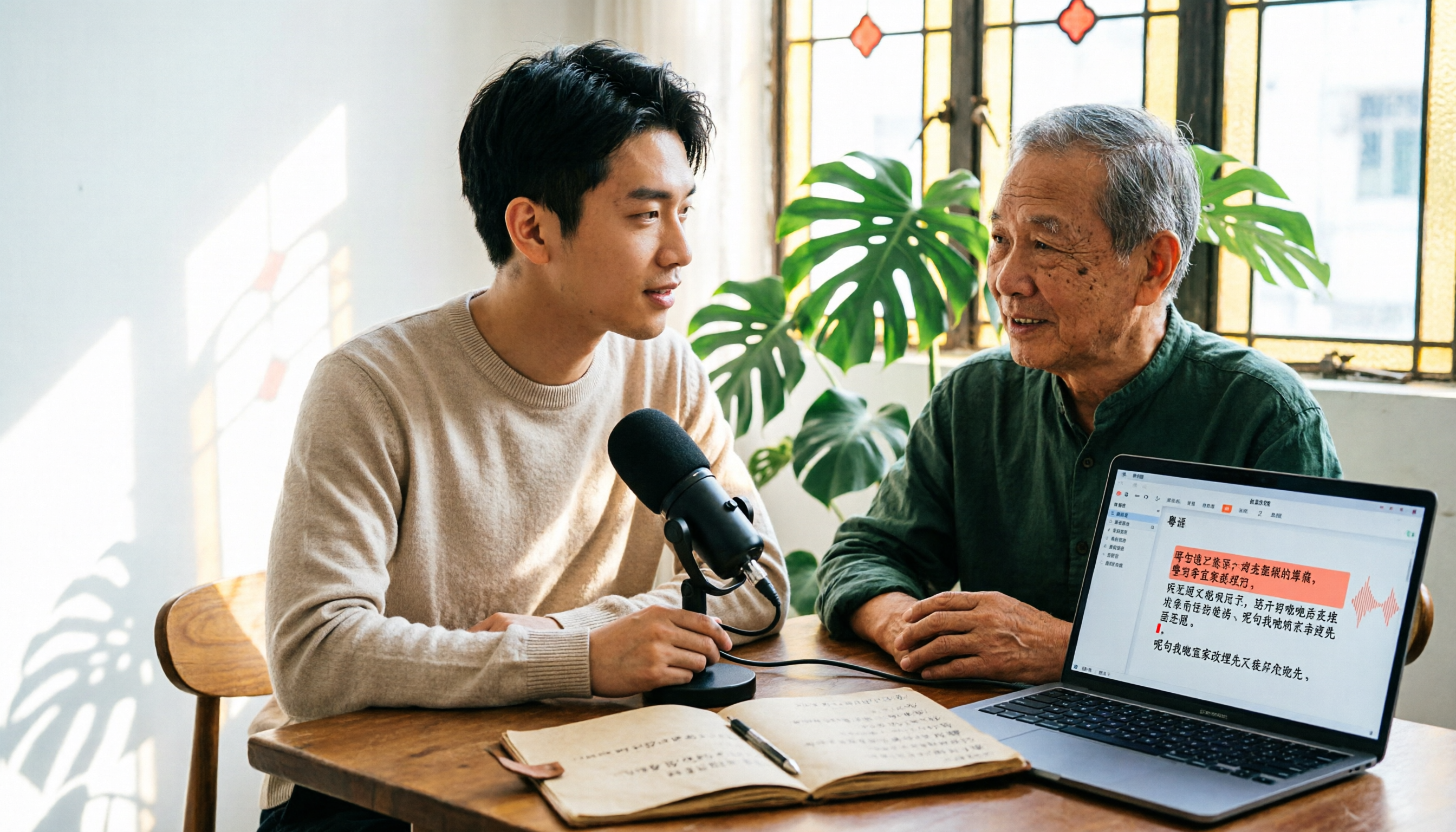
6 Cantonese Speech-to-Text Tools Tested for 2026: The Real Difference Is How Editable the Transcript Is
With Cantonese speech-to-text, most people get stuck not on whether it can transcribe, but on whether the resulting file can be edited. This article reviews 6 tools that handle Cantonese recordings—from AI meeting assistants to subtitle transcription to completely free options—comparing editing experience, export formats, free quotas, and pricing, with a scenario table to help you choose the right one for meetings, interviews, and video creation.