

Turn recordings into transcripts and summaries in minutes
Upload audio or video for multilingual transcription, AI notes, and action items
Cantonese Speech-to-Text: Most People Get Stuck on Something Other Than "Which Tool"
"Which Cantonese speech-to-text tool is better?"
I get asked this question many times a year. I usually ask back: Did you ever actually reopen that transcript you worked so hard to produce last time?
Many people pause. That's where the problem starts.
Most people get stuck not because they can't find a tool, but because they think of the whole thing as a single action: "turn sound into text." So they compare specs, language lists, and free quotas, go through a whole round, and still don't know which one to choose.
My experience is: what really determines success is the workflow, not the tool.
The workflow can be broken into three stages—think clearly about what you want before recording, let the tool capture good audio while recording, and turn it into something usable right after recording.
Below are the pitfalls I've actually hit when organizing interview and meeting recordings, and the adjustments I made afterward.
Before Buying, Understand These 4 Key Points
1. Accuracy Should Be Judged on "Chinese-English Mixing," Not Ad Copy
Meetings and interviews in Hong Kong are rarely pure Cantonese. A sentence with two English proper nouns mixed in is the norm.
So when evaluating a tool, don't use the official demo audio. Take a five-minute recording of your own—with Chinese-English mixing, background noise, and people interrupting—and test it. The difference will show immediately.
A tool's language list saying "supports Cantonese" and whether it can handle your Cantonese are two different things.
2. Input Source Determines Whether You Can Use It
Some tools only accept file uploads, some can record in real time, and some can process online meeting audio playing on your computer.
You need to ask yourself first: Where does most of my audio come from? In-person meetings, Zoom or Google Meet, casual phone recordings, or dozens of old audio files in a drawer?
If the source doesn't match, even the highest recognition rate is useless.
3. What Else Can the Tool Do After Transcription
A tool that only gives you a transcript is essentially handing the most time-consuming part back to you.
What I look at now is: Can it automatically generate summaries and chapters, can it extract action items, can I ask follow-up questions about the content, and can it export to the note-taking or document tools I already use?
This is the part that truly saves time.
4. Who Ultimately Holds the Data
For personal use, keeping data in your own account is fine.
But as soon as a team is involved—especially when colleagues may leave or transfer departments—you need to ask: Do meeting data belong to individuals or the team? After members leave, are those recordings and transcripts still there?
Almost no one asks this during procurement, yet it's the most likely place for problems half a year later.
Tinrec: The One I Kept After Testing
First, positioning. Tinrec is an AI meeting notes and collaboration tool for individuals and teams, covering web, desktop, and mobile. Its core is not "recording" but turning meetings into searchable, queryable, actionable data.
At first I just used it as a transcription tool. What made me keep it was that it connected the three stages of work I used to do manually.
The first stage is "recording." The desktop version directly captures system audio from your computer, so for online meetings like Zoom, Google Meet, Microsoft Teams, and Webex, you don't need to invite a meeting bot to join as a participant. This seems minor, but it makes a big difference for client meetings—you don't have to explain "who that Bot is" to the other side. For offline meetings or impromptu interviews, use real-time recording to get a transcript while recording.
The second stage is "organizing." When the meeting ends, summaries, chapters, key points, and action items come out together. My habit is to look at the chapters first to confirm how the meeting was divided into sections, then go back and read the action items—because that's usually the list I need to act on after the meeting. For cross-language meetings, it can translate in real time, and you can view in original, translated, or bilingual mode; teams can maintain hotwords so professional terminology recognition better matches your usage.
The third stage is "follow-up questions," which is where it clearly separates itself from most pure transcription tools. After recording, you can directly ask it: "What was the budget range the client mentioned earlier?" "What was decided in the last meeting, and has it been overturned this time?" What it gives is not keyword search results but answers based on content understanding. I used to flip back and forth through transcripts; now it's just one question.
Beyond that, there's Agent post-processing and multi-format export. Meeting notes can be turned directly into reports, tables, or documents and taken to Notion, Google Docs, OneNote, or Dropbox for continued use. This is crucial: a tool should not become another new data silo.
Honestly, it also has clear limitations.
Stop organizing recordings by hand
Upload audio or video and automatically get a transcript, summary, and action items
The free version has a basic quota, and heavy users need to pay; if you only have one or two meetings a week, start with the free quota and run your own recording once—that's the most accurate way to feel it out. It is not a bot mode that "automatically joins all meetings on your calendar"; you need to actively start recording. Also, transcription accuracy is affected by recording quality, accent, speaking speed, overlapping speakers, and professional terminology. For important content, I still check the transcript timestamps against the recording.
The team version is another level. It provides an independent team space where meeting data belongs to the team; you can invite members, set owners/admins/regular members, and assign or revoke seats. The admin side can view usage trends, member rankings, and operation audits, and there's also an audio recycle bin. One commonly misunderstood point: members can still view, play, and read team data even without a seat, but to actually record, upload, edit, and export, they need a seat. Pricing is per paid seat, and the monthly equivalent for annual payment is lower than monthly payment; actual prices, currencies, and benefits are subject to the official purchase page.
If what you need is "record Cantonese and be able to use it directly after recording," this is currently the one I'd try first.
Besides Tinrec, What Other Options Are There?
Good Tape: A pure transcription service made by a Danish team with a minimalist interface—drop in a file and get a transcript. Very suitable for people who only need text. But it basically ends at the transcript—no summaries, no action items, no AI Q&A for follow-up questions, and no team space. If you later want to ask "What was the conclusion of this meeting?" it can't help.
iFLYTEK: Strong recognition capabilities in Chinese languages, often mentioned in Hong Kong, and with hardware like voice recorders, it suits professional scenarios requiring high-precision Chinese recording. However, its focus is recognition itself; cross-platform meeting organization, post-meeting action items, and team seat governance are not its main strengths. And one more piece of hardware means one more thing to remember to bring.
Monica: An AI assistant integrated into the browser, supporting over a hundred languages (including Cantonese), with a friendly interface and a short trial period. It's convenient for short voice notes and class snippets. But it lacks bot-free online meeting recording and the ability to turn meetings into a team knowledge base and action item tracking—this is the most substantive difference from Tinrec.
Otter.ai: This is the only recommended exception in this article. Its English meeting experience is mature and its free quota is generous; if your recordings are mainly in English, it's a good deal. But it does not support Cantonese—confirm this first.
Pitfall Guide: The 4 Most Common Mistakes When Choosing a Cantonese Speech-to-Text Tool
Pitfall 1: Only checking whether the language list includes "Cantonese." A checkmark on the list doesn't mean it can correctly segment Chinese-English mixed sentences. The right approach is to test with a real recording of your own, with English proper nouns, noise, and interruptions. Five minutes is enough to judge.
Pitfall 2: Treating the transcript as the end goal. If you only use a transcription tool as "speech to text," you're using only one-third of its capability. What really saves time is the later part: summaries, chapters, action items, follow-up questions. My approach is to ask "What are the three conclusions of this meeting?" right after recording, then go back to the transcript to verify.
Pitfall 3: Ignoring data ownership and sharing with personal accounts. This is the most common pitfall for teams. Everyone puts files in someone's account, and when that person leaves, the data scatters. Choose a solution with team space, seat management, and data handover mechanisms so meeting assets stay with the team when members leave.
Pitfall 4: Ignoring input sources. You only check "supports file upload," but 90% of your meetings are online. Buying it and then finding out it doesn't work is the most expensive mistake.
Conclusion: Which One Should You Choose?
In one sentence: First figure out where your audio comes from and what you need to do after recording, then compare tools.
Recommendations by scenario:
- Need to handle a large number of Cantonese meetings with Chinese-English mixing, and produce minutes and action items directly after recording → Tinrec. Desktop version records online meetings without a bot, and post-meeting summaries, chapters, action items, and AI Q&A are all in place.
- After recording, want to ask "who said what, what was decided last time" → Tinrec. This is the most obvious dividing line between it and most pure transcription tools.
- Team needs to share meeting data and manage members and usage → Tinrec Team Version. Data belongs to the team and won't be taken away when members leave.
- Only need a clean transcript and don't want extra features → Good Tape.
- Recordings are mainly in English → Otter.ai.
My Quick Start
- Pick the recording that gives you the most trouble, five minutes is enough, preferably with Chinese-English mixing.
- Upload or record once in real time, and first check the sentence segmentation and proper nouns in the transcript.
- Open the summary and chapters, and compare with the original to confirm no key points were missed.
- Ask it "What are the three conclusions of this meeting?" to test the quality of follow-up questions.
- Extract the action items and paste them into the note-taking or to-do tool you already use.
- If using it for a team, first create a team space, invite members, assign seats, then start recording.
Tools will keep changing; methods won't.
Run your own recording once, and you'll quickly know which tool suits you—and you'll also find that what was holding you back wasn't the tool.
Test step by step, and you'll gradually master this method.
References
- 2026 Latest 4 Cantonese Speech-to-Text Tool Recommendations: Solving Chinese-English Mixing and Meeting Notes Pain Points - Tinrec Blog
- Hong Kong's Top 5 Speech-to-Text Tools: Accurate Cantonese Recognition, Doubling Meeting and Interview Efficiency!
- 2026 Latest 5 Cantonese Speech-to-Text AI Recommendations: Solving Chinese-English Mixing and Transcription Challenges - Tinrec Blog
- 2026 Latest 6 Cantonese Speech-to-Text AI Tool Recommendations: Solving Transcript Organization and Chinese-English Mixing Pain Points - Tinrec Blog
- 2026 Latest 6 Cantonese Speech-to-Text AI Recommendations: Accurate Recognition and Meeting Notes Efficiency Solutions - Tinrec Blog
Turn every recording into actionable outcomes
Get 60 free transcription minutes when you sign in. No credit card required.
Related Reading
You might also like

5 Best Cantonese Speech-to-Text Tools in 2026: Tinrec vs Subanana vs PLAUD
How to choose a Cantonese transcription tool in 2026? We compare Tinrec, Subanana, PLAUD, and Google AI Studio on Cantonese recognition, mixed Chinese-English, meeting recording methods, post-meeting organization, team collaboration, and pricing to help you find the best fit.

Best Cantonese Transcription Tools in 2026: Testing 4 Options, Tinrec Simplifies Post-Meeting Work
Using a Cantonese-English mixed meeting recording, we tested Tinrec, Otter.ai, Notta, and Plaud Note for transcription and post-meeting workflows. From mixed-language recognition, bot-free online meeting capture, AI Q&A, team collaboration to pricing limits, we help you decide which one fits best.

2026 Cantonese Audio to Text Guide: How to Choose Among Tinrec, Subanana, and 3 Other Apps
Cantonese audio transcription often struggles with mixed Chinese-English speech, the gap between spoken and written language, and the pile of cleanup work after transcription. This guide starts from real-world pain points, compares the positioning of Tinrec, Subanana, Plaud, iFlytek, and Google Docs voice typing, and outlines what to consider when buying—such as quotas, post-meeting workflows, and team data ownership.

2026 Cantonese Audio to Text Free Options: 4 Tools Compared
A roundup of 4 free options for Cantonese audio-to-text tools in 2026, compared across free quota, mixed Chinese-English recognition, post-meeting summaries, and cross-platform export, with practical pitfalls and scenario-based selection advice.

Best AI Office Tool Kits in 2026: We Tested 4, and This One Handles Chinese Meetings Best
Starting from the pain points of a mid-level manager juggling over a dozen meetings a week, we tested four AI office tool kits—Tinrec, Otter.ai, Notta, and Granola—comparing how they capture meetings, organize post-meeting notes, handle Chinese and mixed Chinese-English speech, manage team governance, and structure pricing. Here's how to pick the meeting notes tool that best fits teams in Taiwan.

Tinrec vs Good Tape 2026: 5-Dimension Comparison for Cantonese Speech-to-Text
Which Cantonese speech-to-text tool should you choose? This article compares Tinrec and Good Tape across 5 dimensions: Cantonese colloquial and mixed Chinese-English recognition, post-meeting organization, audio retention, multi-device use, and team collaboration. It also covers 6 options including Subanana, cSubtitle, Cantosub AI, and Speechnotes, with free quotas, paid plans, and selection advice.

2026 Comparison of 4 Cantonese Speech-to-Text Tools: Which Saves the Most Time for Mixed Chinese-English Meeting Notes?
The hardest part of Cantonese meetings isn't understanding the language—it's the mixed Chinese-English speech and the fact that no one can remember the decisions. This article starts with the key question of whether you need file transcription or live meeting transcription, and compares Tinrec, Notta, TurboScribe, and Granola based on real testing by a mid-level manager. It covers 4 key purchasing factors, 3 common pitfalls, and offers scenario-based tool recommendations.

2026 Cantonese Speech-to-Text Tools Buying Guide: 4 Hands-On Tests and Recommendations
Is Cantonese speech-to-text any good? First, figure out whether you need real-time meeting transcription or post-event file transcription. This article outlines 5 key buying criteria, hands-on tests Tinrec, Subanana, cSubtitle, and Otter.ai, and includes common pitfalls and scenario-based selection advice.
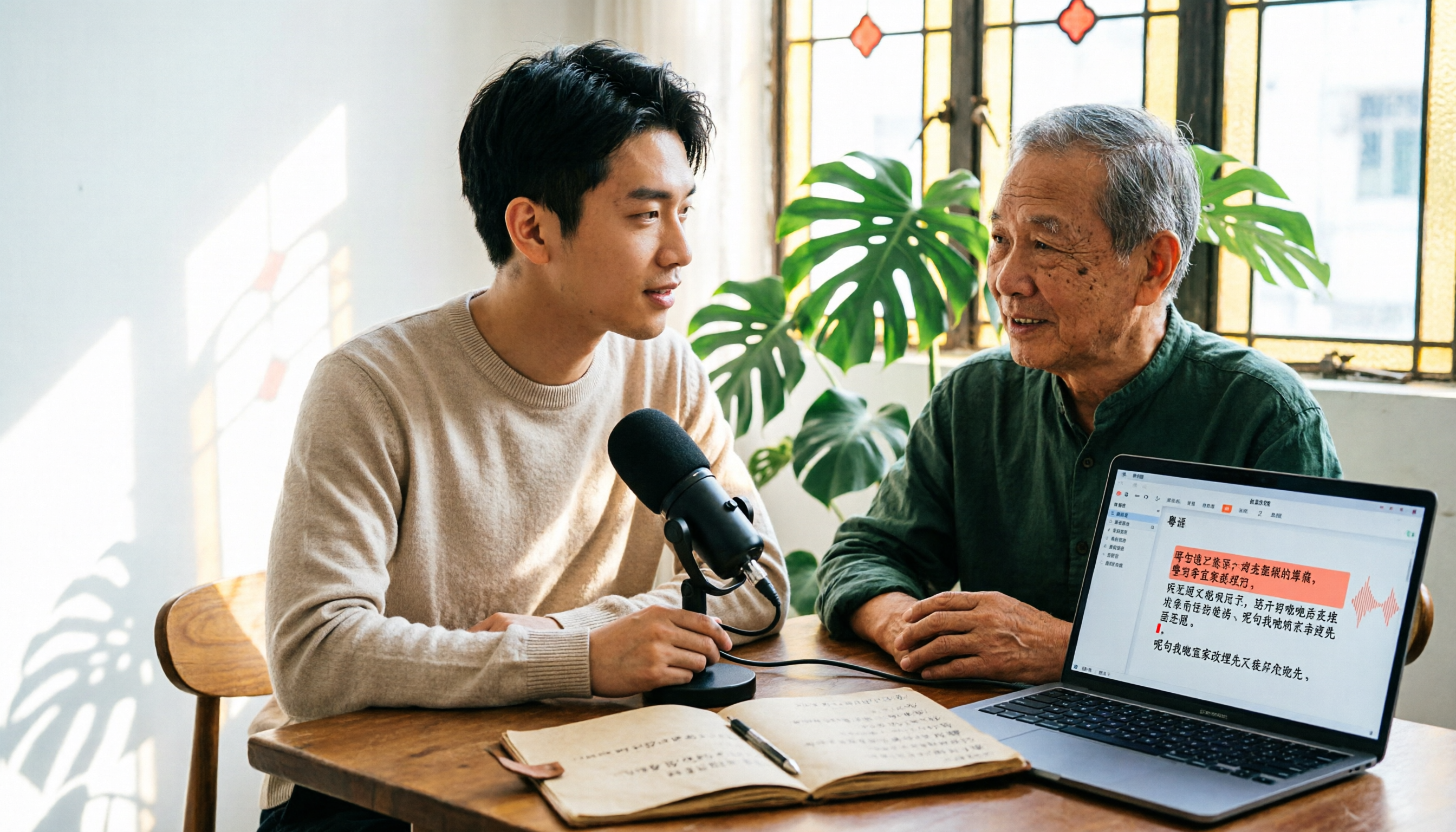
6 Cantonese Speech-to-Text Tools Tested for 2026: The Real Difference Is How Editable the Transcript Is
With Cantonese speech-to-text, most people get stuck not on whether it can transcribe, but on whether the resulting file can be edited. This article reviews 6 tools that handle Cantonese recordings—from AI meeting assistants to subtitle transcription to completely free options—comparing editing experience, export formats, free quotas, and pricing, with a scenario table to help you choose the right one for meetings, interviews, and video creation.