

Turn recordings into transcripts and summaries in minutes
Upload audio or video for multilingual transcription, AI notes, and action items
Most People Ask the Wrong Question About Cantonese Speech-to-Text
"Which Cantonese speech-to-text tool is the best?" After testing a round, my conclusion is: most people's first question is "Is the free version enough?" But that's actually the wrong question.
What really determines whether you'll use it a second time comes down to three judgment points.
First, does it understand mixed Chinese-English Cantonese colloquial speech? In Hong Kong meetings, sentences like "呢個 case 我哋 follow 一下" produce very different results when run through a pure Chinese model versus a Cantonese model.
Second, can the output be used directly? A verbatim transcript is only a semi-finished product. Whether it includes summaries, chapters, and action items determines how many more hours you'll spend organizing.
Third, is the audio file retained? To proofread a specific sentence or replay who said what, without the original recording you can only re-record.
This article covers 6 speech-to-text solutions that can handle Cantonese recordings, from the most comprehensive to purely free ones, and at the end tells you how to choose based on your scenario.
Tinrec | The Most Complete AI Meeting Notes and Post-Meeting Organization Solution
Tinrec is an AI meeting notes and collaboration tool for individuals and teams. It doesn't just convert sound to text; it organizes meeting recordings into searchable, summarizable, queryable, and exportable data.
Language settings can specify Cantonese. Before starting a recording or uploading a file, select Cantonese in the language options, and the system will process with the corresponding model. For mixed Chinese-English meeting content, it supports both Chinese transcription and multilingual meeting scenarios. Actual results will be affected by recording quality, accent, noise, and overlapping speakers—be prepared for that.
Desktop version requires no meeting bot. This is the biggest difference from other AI meeting assistants. By capturing computer system audio through the desktop version, when handling online meetings like Zoom, Google Meet, Microsoft Teams, and Webex, there's no need to pull an extra bot into the meeting room. This is thoughtful for those who care about a clean participant list.
Transcription is just the starting point. After the meeting, it automatically generates summaries, chapters, key points, and action items, and you can continue AI Q&A around the meeting. You can directly ask "What were the client's opinions on the budget?" and it will find passages from the recording to answer—this really saves time for long meetings or course review. It also supports real-time translation, viewing in original/translated/bilingual modes, multi-format export, and subsequent report and table generation.
Team version is an independent space, not a shared account. Meeting data belongs to the team; you can invite members, set owners/admins/regular members, and assign or revoke seats. Note that "roles" govern management and "seats" govern usage rights: members without seats can still view, play, and read team data, but cannot upload, edit, or export. The admin side can also view usage trends, member rankings, query and export audit logs, and handle accidental deletions via the audio recycle bin.
Plans and pricing: The personal free version provides a basic quota to experience recording, import, summaries, and transcription; there are also weekly cards, Pro monthly, and Pro annual plans, suitable for short-term sprints or long-term accumulation. Actual prices are subject to the official website. The team version offers a 7-day trial for first-time eligible users, 1 free seat, and 300 minutes of team shared import quota; monthly USD 29.80 per paid seat, annual USD 199 per paid seat (about USD 16.58/month), with each paid seat providing 2,000 minutes of team shared import quota per month. Under an active team plan and active seats, real-time recording currently does not deduct minutes; file and web imports consume team shared quota.
Who it's for: Those who need Chinese and Cantonese meeting notes, want to get minutes and action items directly after transcription, and want to accumulate meeting data as team assets.
Good Tape | A Minimalist Tool Focused Purely on Transcription
Good Tape takes a minimalist approach, positioned as "converting audio files to text," with a clean interface and low learning curve.
The difference from Tinrec is the entire post-meeting phase: Good Tape doesn't focus on summaries, action items, or team collaboration. What you get is a verbatim transcript, and you still have to do the organizing yourself.
If your need is very simple—just an interview, a recording, and you're done after converting to text—this pure transcription tool is actually less burdensome. Actual available quota and paid plans are subject to the official website.
Who it's for: Users who transcribe occasionally and don't need meeting minutes or team sharing.
Subanana | Cantonese Transcription Oriented Toward Video Subtitles
Subanana is positioned toward video subtitles, processing Cantonese content and outputting in subtitle format—closer to the "adding subtitles to videos" workflow rather than meeting notes.
If your output is YouTube videos or social media short videos, this type of tool is more convenient than pure transcript tools; but if you want meeting minutes and action item tracking, you'll need to find other tools to fill the gap. Plan details are subject to the official website.
Who it's for: Creators focused on video content who need Cantonese subtitles.
cSubtitle | A Chinese-Oriented Online Transcription Service
cSubtitle focuses on uploading audio or video files, and within minutes you can download text files and Word documents, including punctuation and paragraph breaks. The Word file also includes time codes for easy replay and correction; it also automatically generates .sub and .vtt standard subtitle files.
Stop organizing recordings by hand
Upload audio or video and automatically get a transcript, summary, and action items
Note that it emphasizes extensive training on Chinese (Mandarin); Cantonese is not its main scenario. For recordings that are purely Cantonese or have a high proportion of mixed Chinese-English, it's recommended to test a short segment first before deciding. There is a free trial mechanism; details are subject to the official website.
Who it's for: Those who mainly work with Mandarin content and need both transcripts and subtitle files.
Cantosub AI | Specializing in Cantonese and Dialect Branches
Cantosub AI's proposition is clear: optimized for users in Hong Kong and Guangdong, supporting multiple Cantonese branches such as Hong Kong Cantonese, Guangzhou dialect, Dongguan dialect, and Shunde dialect, with customizable personal dictionaries.
After uploading audio or video, it outputs Traditional Chinese text, suitable for meeting notes and interview transcription. If your recordings are almost entirely Cantonese and carry obvious local accents, this specially tuned model is usually more stable than general tools. Plans and quotas are subject to the official website.
Who it's for: Teams whose content is mainly pure Cantonese, with heavier accents or needing dialect support.
Speechnotes | Free Online Voice Notepad
Speechnotes offers an online voice input page for Hong Kong-style Cantonese, oriented toward real-time dictation input in a notepad format, with punctuation and Cantonese character correction features that can convert half-width punctuation to full-width and restore Cantonese characters spelled with "o" into single characters.
Its advantage is that it's completely free and ready to use; the limitation is that it's not oriented toward "uploading long recordings for batch transcription"—it's suitable for short phrase recording and real-time input.
Who it's for: Those with zero budget who only need real-time voice input for short paragraphs.
With So Many Options, How Should You Choose?
First ask yourself one question: Do you want a transcript, or meeting data you can use directly?
- Want summaries, chapters, and action items right after transcription, and the ability to continue querying the content → Tinrec (one of the few solutions with transcription + AI Q&A + automatic minutes)
- Meetings with mixed Chinese-English, need Chinese and multilingual switching, and real-time translation → Tinrec
- Don't want a bot in the online meeting room → Tinrec desktop version
- Need to continue using on phone, computer, and web → Tinrec (multi-device)
- Team needs to share meeting data, manage seats and usage, and keep operation logs → Tinrec team version
- Only need pure transcription, the simpler the interface the better → Good Tape
- Output is video, need subtitle files → Subanana or cSubtitle
- Recordings are almost all Cantonese, with heavier accents → Cantosub AI
- Zero budget, only short phrase real-time input → Speechnotes
Simply put, if your recording is "one-time," a pure transcription tool is enough; but if someone needs to review, follow up on action items, or hand over to colleagues after the meeting, choosing a solution that retains the data will save more time.
4 Things to Know Before Using Cantonese Speech-to-Text
1. Always manually select the correct language setting. Many tools default to Mandarin or English; if you don't switch to Cantonese, it will use the wrong model and guess, and the error rate will be so high you'll mistakenly think the tool is bad.
2. Always keep the original audio file. The transcript is an aid, not gospel. For important numbers, names, and commitments, it's recommended to replay and verify with time codes. Tools like Tinrec that retain audio and provide a recycle bin are more reassuring in this regard.
3. Build a hotword list for technical terms first. Product names, internal codes, and industry jargon will almost always be transcribed incorrectly the first time by AI. The team version can maintain team hotwords, which helps recognition experience over time.
4. Get consent before recording. Recording and transcription involve local regulations and personal data protection; informing participants and obtaining consent before the meeting starts is a basic step.
FAQ
Q1: Is a free tool enough for Cantonese speech-to-text?
Depends on usage. If you only occasionally convert a short recording to text, a free plan is indeed enough. But if the recording exceeds one hour and you need post-meeting organization, the free quota is usually insufficient, and pure free tools mostly don't provide summaries and action items.
Q2: Can old recording files (mp3, m4a) be transcribed?
Yes. Tinrec, for example, offers audio file transcription, supporting common audio formats for upload and then transcription and AI analysis; cSubtitle and Cantosub AI are also oriented toward processing after file upload.
Q3: Will mixed Chinese-English Cantonese come out a mess?
This is the most common pain point in Cantonese transcription. It's recommended to prioritize tools that support Chinese, multilingual, and mixed Chinese-English content organization, and before formal use, test with a 3-5 minute real recording—more accurate than reading spec sheets.
Q4: Can 100% accuracy be guaranteed?
It's not recommended to expect that. Transcription quality is affected by recording quality, ambient noise, accent, overlapping speakers, and technical terms. A more realistic expectation: it can greatly reduce manual typing time, and important content should be verified against the recording.
Q5: What's the difference between Tinrec team version and personal version?
Personal version data is managed by the individual account. The team version is an independent team space; meeting data belongs to the team, with added capabilities such as member invitations, role and seat management, shared benefits, usage analysis, audit logs, and audio recycle bin. When a member leaves, their team resources need to be handed over to other active members; data won't be taken away by the individual.
Q6: Can team members without seats see meeting data?
They can view, play, and read, but cannot upload, edit, or import/export. Currently, the team version focuses on team-level sharing, not a file-level or member-level granular permission system—make this clear with your team before adoption.
Conclusion
There is no "single best" tool for Cantonese speech-to-text, only the tool that "best fits your workflow." Pure transcription, pure subtitles, pure free real-time input—each has its applicable scenarios.
But if you want to continue using it after transcription—with summaries, action items, querying, exporting, and team review—Tinrec covers this entire workflow most completely, and the desktop version doesn't require a meeting bot to join, which makes a noticeable difference for actual meeting participants.
It's recommended to start with the free quota, run it on a real Cantonese meeting, and then decide whether to go further.
References
- Online AI voice, video, audio file automatic transcription - free trial - cSubtitle
- 2026 Latest 4 Cantonese Speech-to-Text Tools: Solving Mixed Chinese-English and Meeting Notes Pain Points - Tinrec Blog
- AI voice to text fast audio file online transcription, transcripts and video subtitles - free trial - cSubtitle
- Speechnotes | Hong Kong-style Cantonese | Speech to Text Online Notepad
- AI Cantonese Speech to Text Professional Cantonese Recognition
Turn every recording into actionable outcomes
Get 60 free transcription minutes when you sign in. No credit card required.
Related Reading
You might also like

5 Best Cantonese Speech-to-Text Tools in 2026: Tinrec vs Subanana vs PLAUD
How to choose a Cantonese transcription tool in 2026? We compare Tinrec, Subanana, PLAUD, and Google AI Studio on Cantonese recognition, mixed Chinese-English, meeting recording methods, post-meeting organization, team collaboration, and pricing to help you find the best fit.

Best Cantonese Transcription Tools in 2026: Testing 4 Options, Tinrec Simplifies Post-Meeting Work
Using a Cantonese-English mixed meeting recording, we tested Tinrec, Otter.ai, Notta, and Plaud Note for transcription and post-meeting workflows. From mixed-language recognition, bot-free online meeting capture, AI Q&A, team collaboration to pricing limits, we help you decide which one fits best.

2026 Tested: 5 Cantonese Speech-to-Text Tools Compared — Which Handles Chinese-English Mixing Best?
Starting from the real workflow of organizing meeting and interview recordings, this compares 5 Cantonese speech-to-text tools in 2026. It first covers the common workflow pitfalls and 4 key buying factors, then takes a deep dive into Tinrec's three-stage workflow of recording, organizing, and follow-up questions, briefly reviews the suitable boundaries of Good Tape, iFLYTEK, Monica, and Otter.ai, and finally provides a pitfall-avoidance guide and an actionable starter checklist.

2026 Cantonese Audio to Text Guide: How to Choose Among Tinrec, Subanana, and 3 Other Apps
Cantonese audio transcription often struggles with mixed Chinese-English speech, the gap between spoken and written language, and the pile of cleanup work after transcription. This guide starts from real-world pain points, compares the positioning of Tinrec, Subanana, Plaud, iFlytek, and Google Docs voice typing, and outlines what to consider when buying—such as quotas, post-meeting workflows, and team data ownership.

2026 Cantonese Audio to Text Free Options: 4 Tools Compared
A roundup of 4 free options for Cantonese audio-to-text tools in 2026, compared across free quota, mixed Chinese-English recognition, post-meeting summaries, and cross-platform export, with practical pitfalls and scenario-based selection advice.

Best AI Office Tool Kits in 2026: We Tested 4, and This One Handles Chinese Meetings Best
Starting from the pain points of a mid-level manager juggling over a dozen meetings a week, we tested four AI office tool kits—Tinrec, Otter.ai, Notta, and Granola—comparing how they capture meetings, organize post-meeting notes, handle Chinese and mixed Chinese-English speech, manage team governance, and structure pricing. Here's how to pick the meeting notes tool that best fits teams in Taiwan.

2026 Comparison of 4 Cantonese Speech-to-Text Tools: Which Saves the Most Time for Mixed Chinese-English Meeting Notes?
The hardest part of Cantonese meetings isn't understanding the language—it's the mixed Chinese-English speech and the fact that no one can remember the decisions. This article starts with the key question of whether you need file transcription or live meeting transcription, and compares Tinrec, Notta, TurboScribe, and Granola based on real testing by a mid-level manager. It covers 4 key purchasing factors, 3 common pitfalls, and offers scenario-based tool recommendations.

2026 Cantonese Speech-to-Text Tools Buying Guide: 4 Hands-On Tests and Recommendations
Is Cantonese speech-to-text any good? First, figure out whether you need real-time meeting transcription or post-event file transcription. This article outlines 5 key buying criteria, hands-on tests Tinrec, Subanana, cSubtitle, and Otter.ai, and includes common pitfalls and scenario-based selection advice.
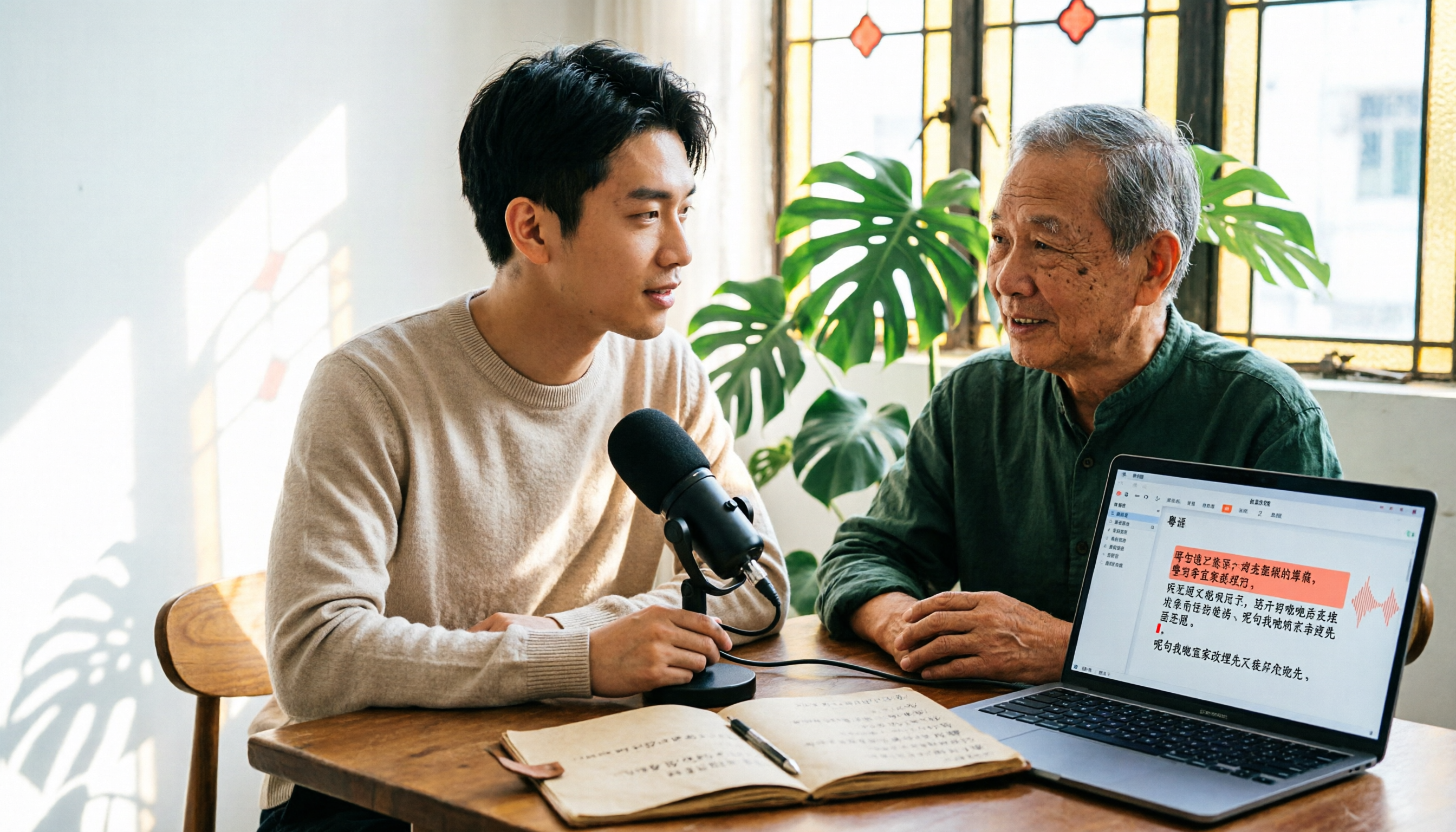
6 Cantonese Speech-to-Text Tools Tested for 2026: The Real Difference Is How Editable the Transcript Is
With Cantonese speech-to-text, most people get stuck not on whether it can transcribe, but on whether the resulting file can be edited. This article reviews 6 tools that handle Cantonese recordings—from AI meeting assistants to subtitle transcription to completely free options—comparing editing experience, export formats, free quotas, and pricing, with a scenario table to help you choose the right one for meetings, interviews, and video creation.